Stylized Creature Rigged Blue Beast Monster
 Salman Animator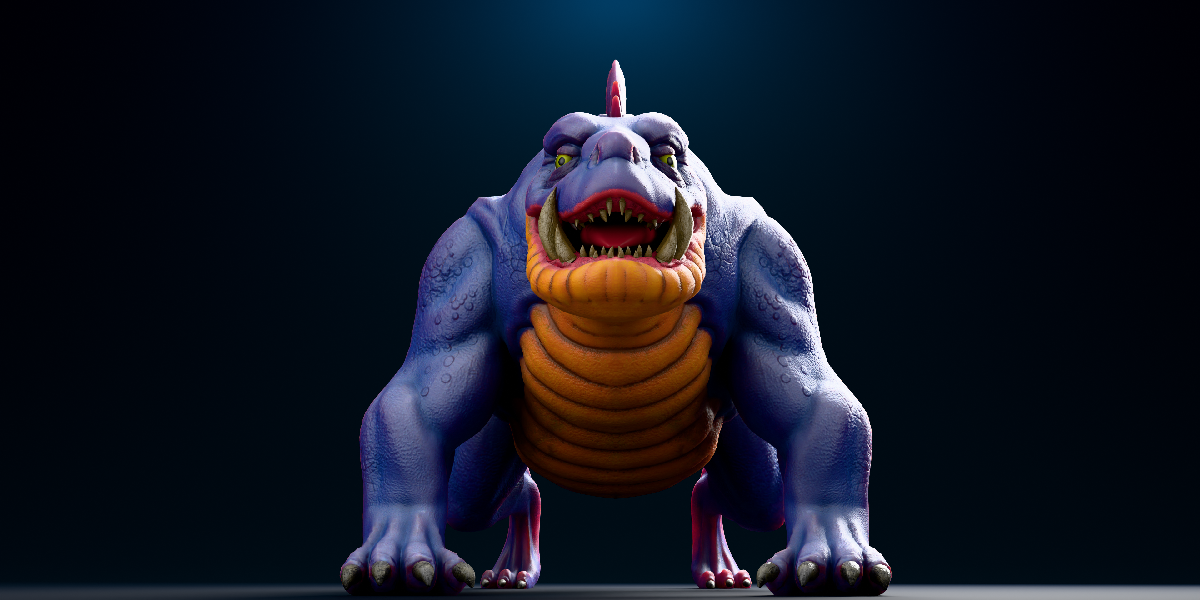
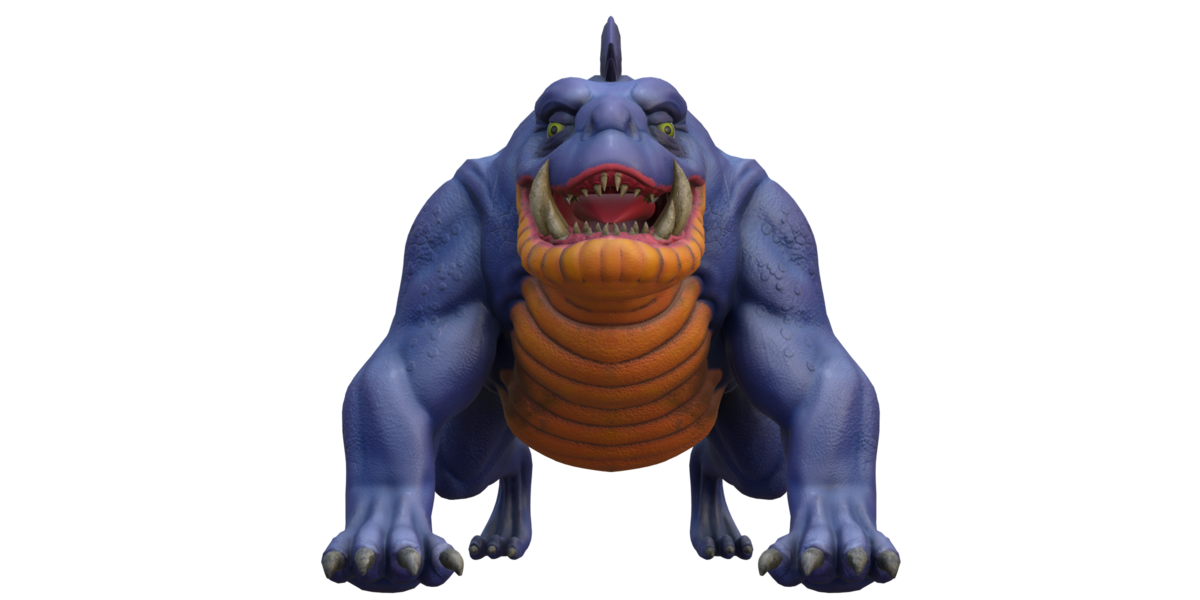
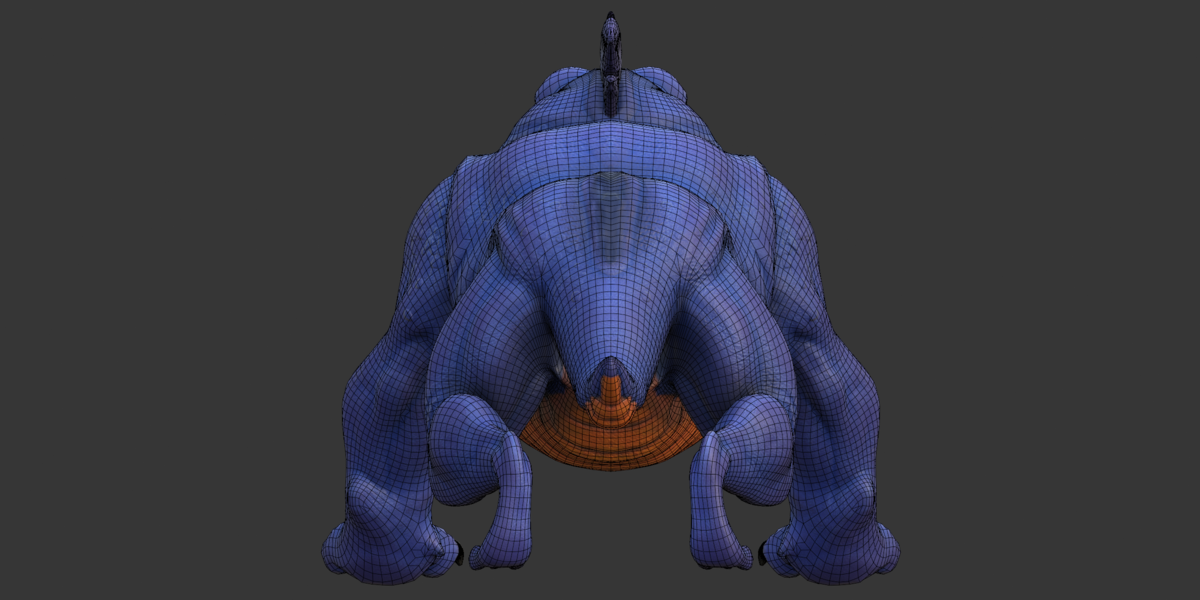
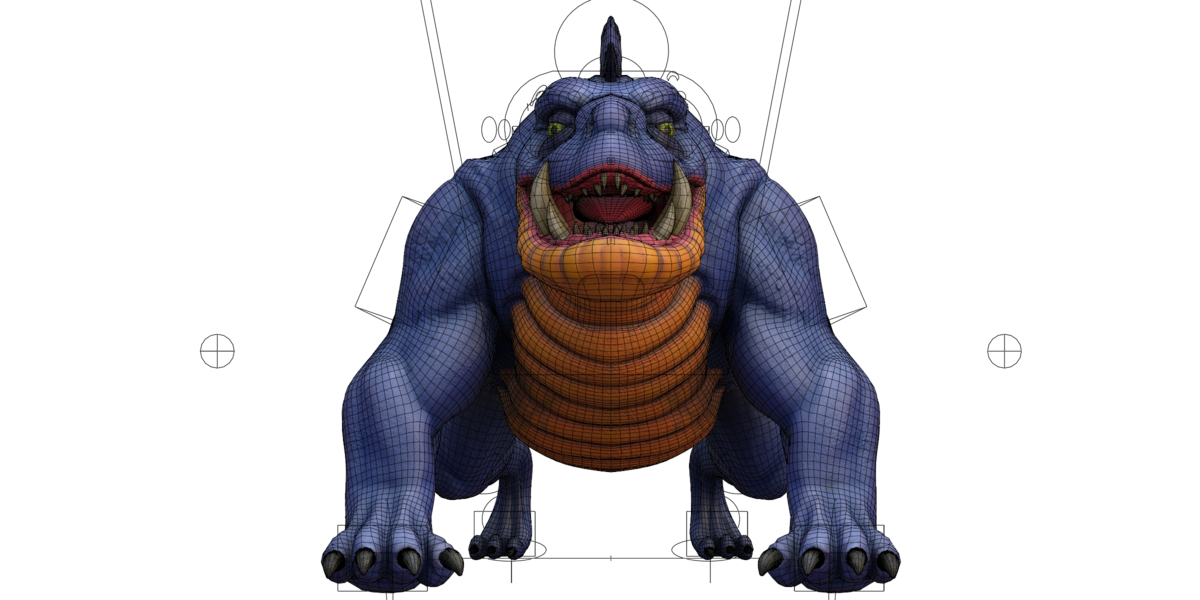
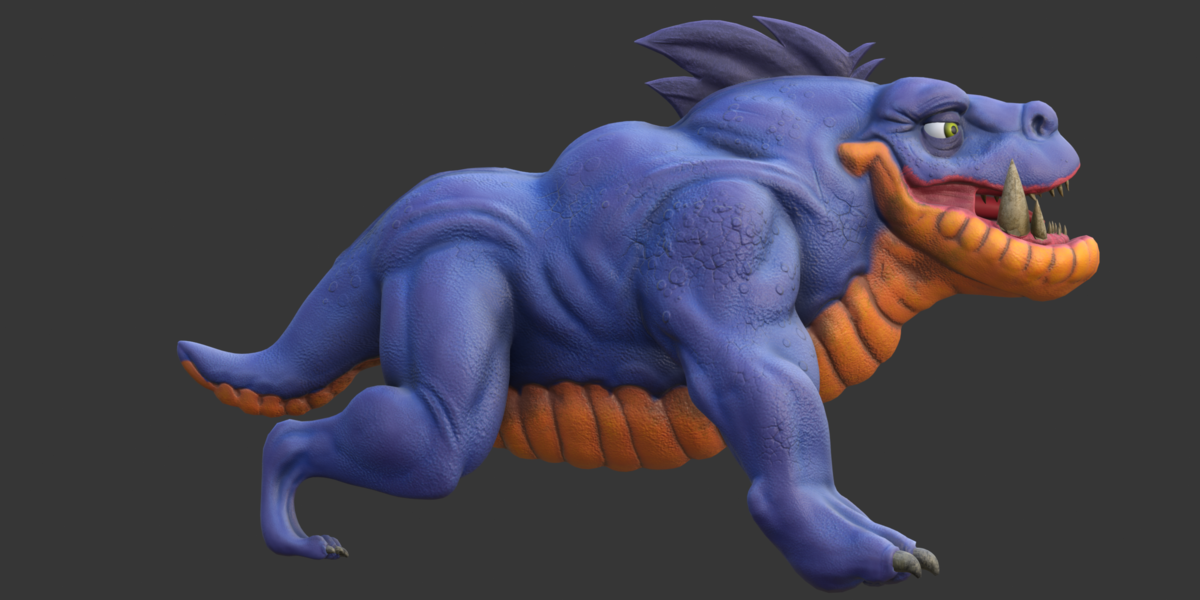
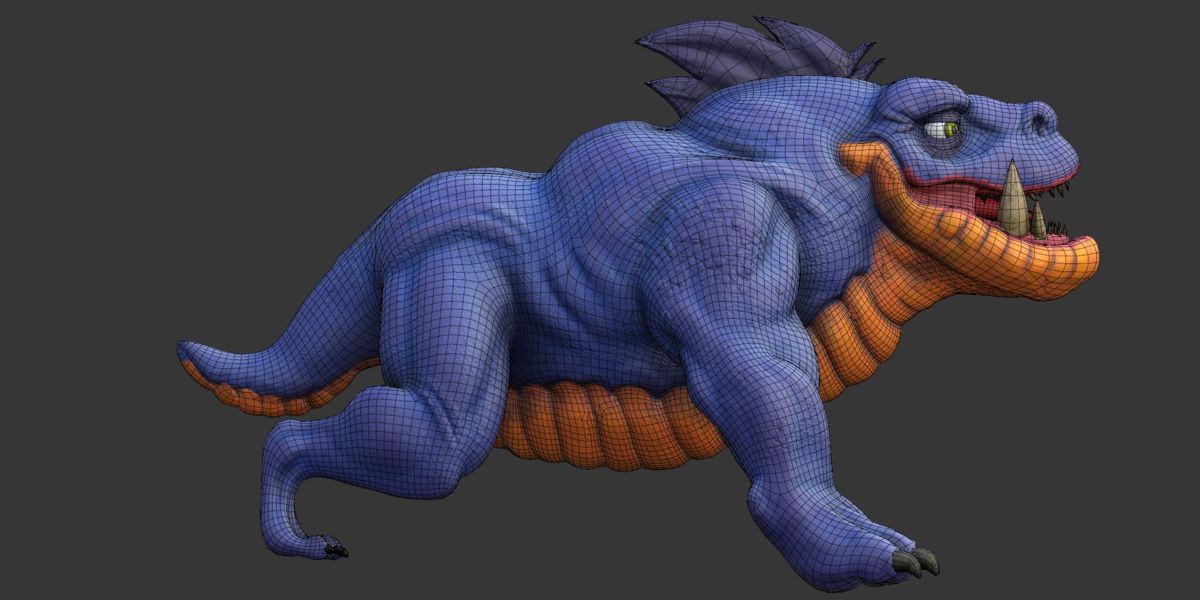
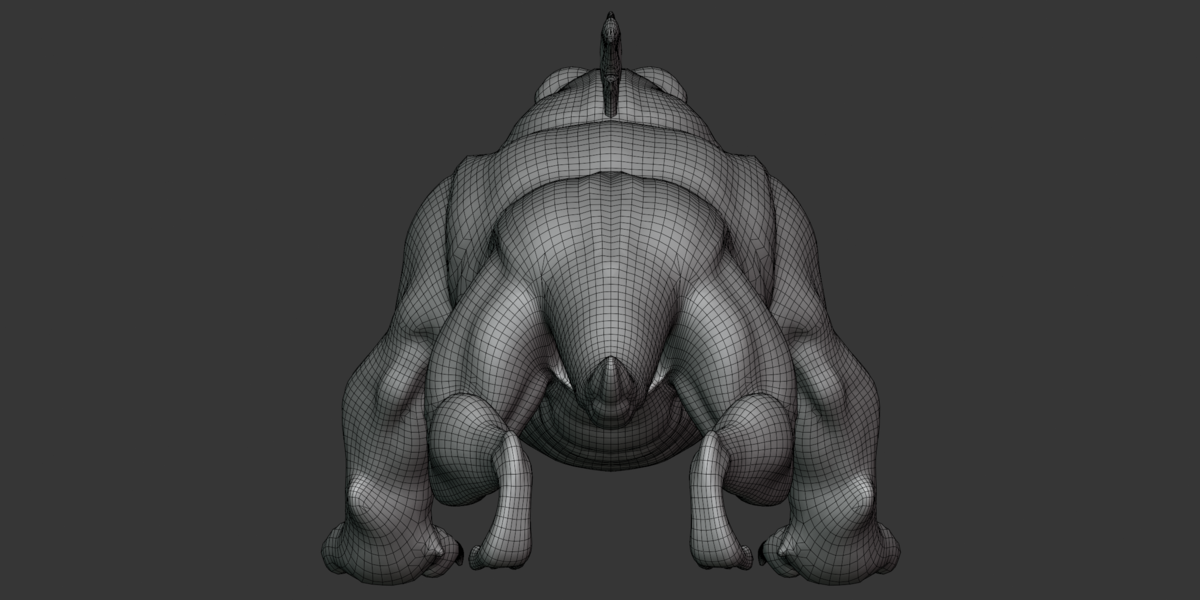
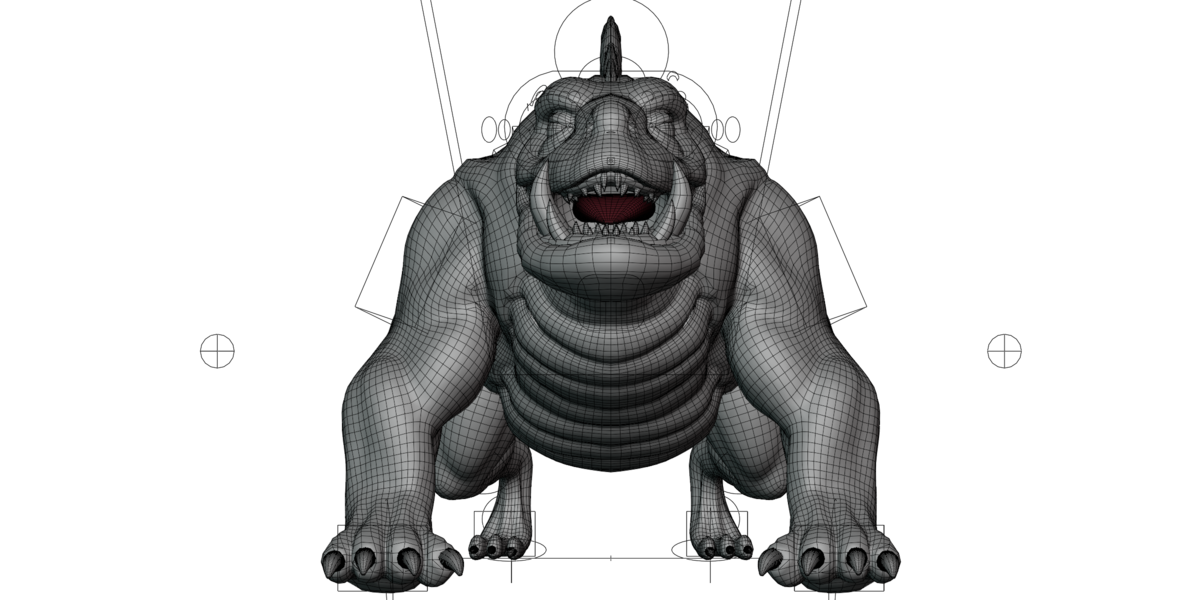
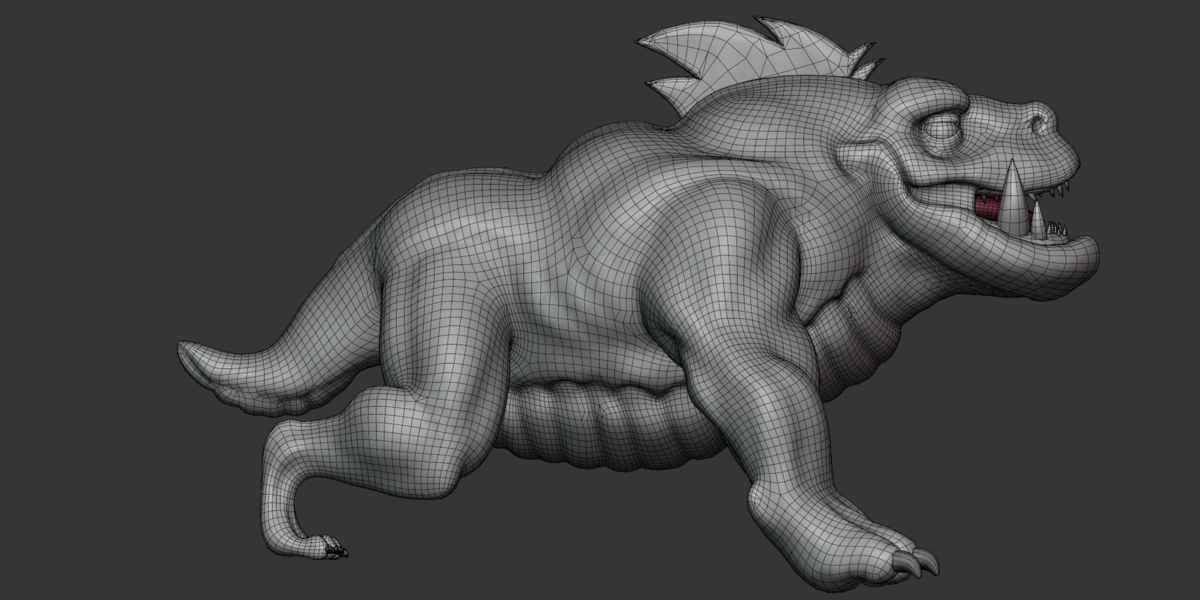
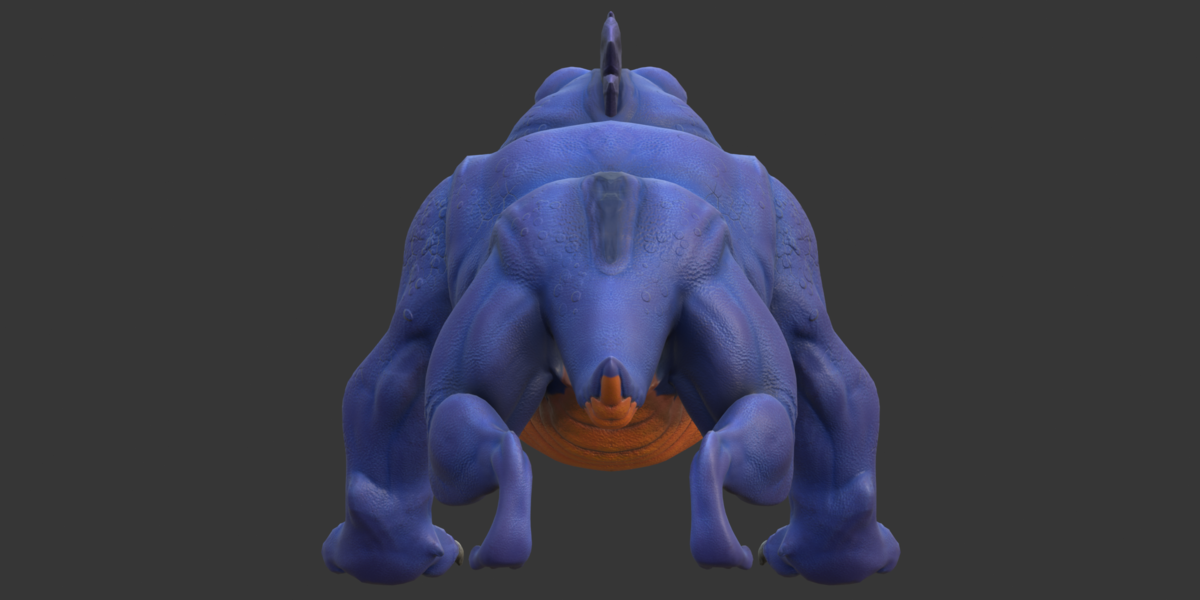
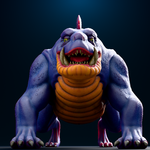
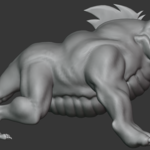
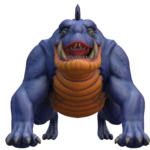
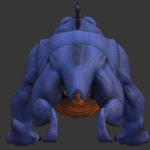
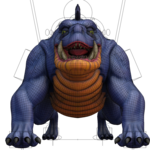
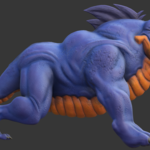
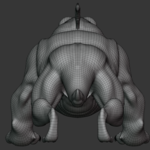
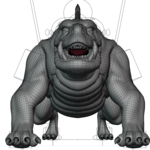
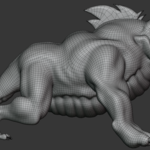
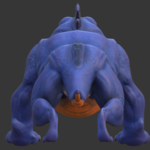
Stylized Creature 3D Model — Documentation
Key Features
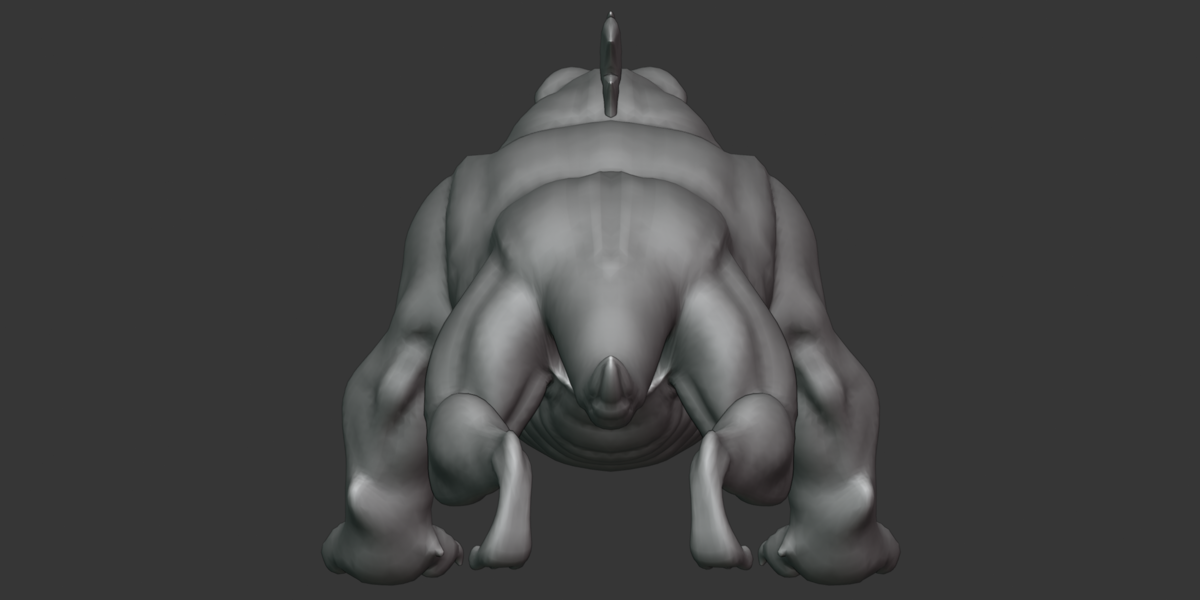
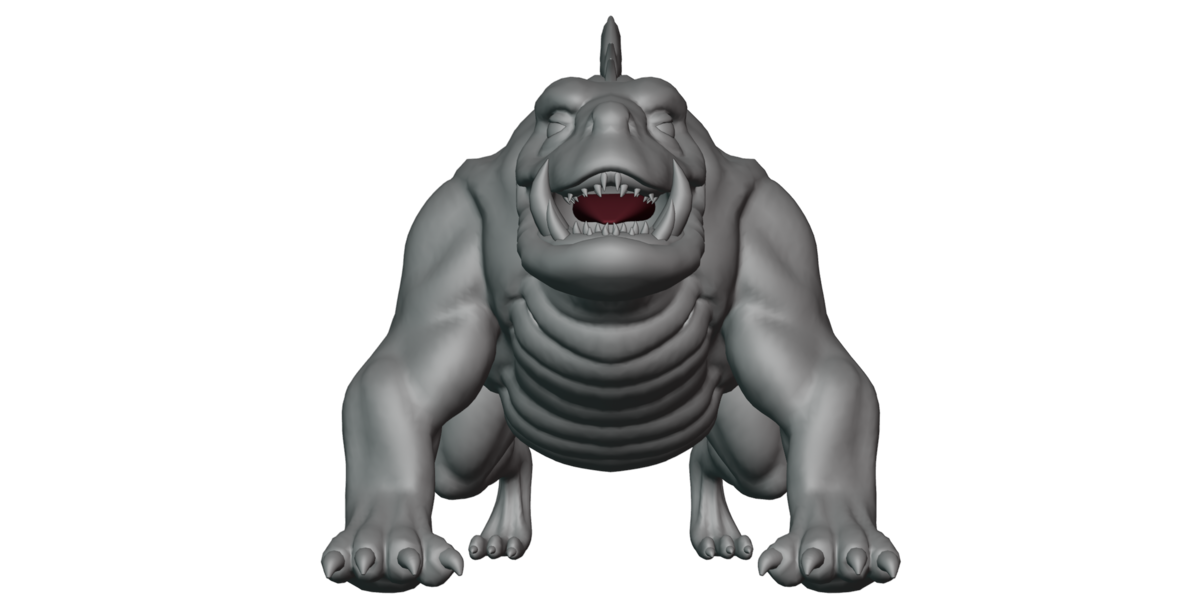
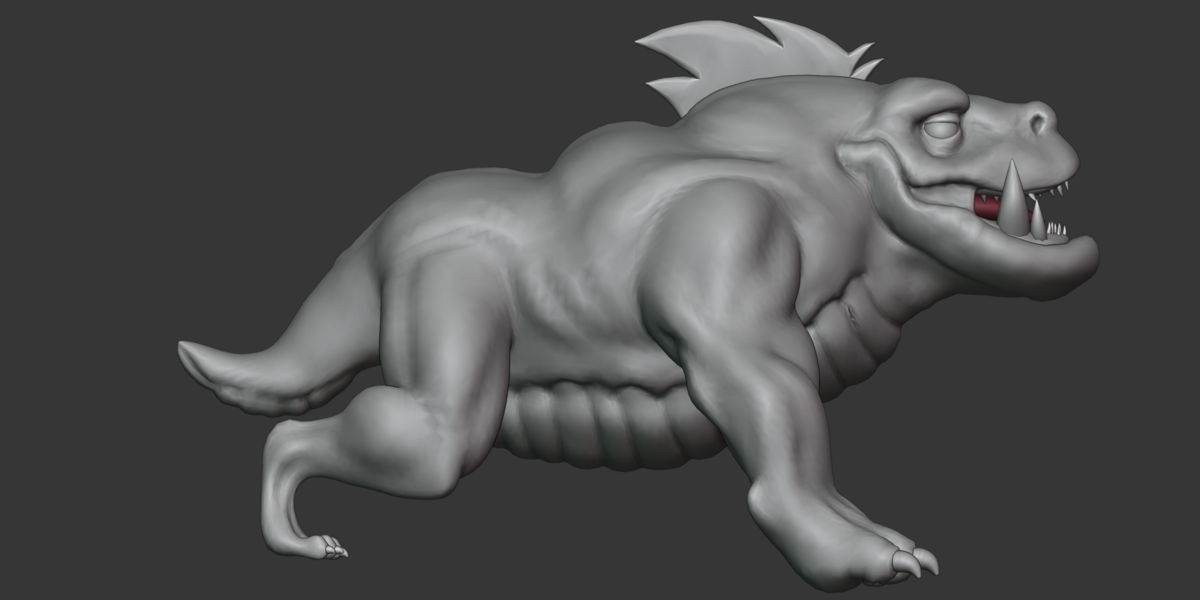
Stylized creature character with 5 renderable character meshes.
73,056 character triangles, verified from both GLB and OBJ data.
Full skinned rig with 624 joints.
FK/IK-style control naming with left, right, and center controls.
1 embedded animation:
rig_blink_top.5 shape keys / morph targets, including eyelid controls.
4 character-facing materials.
12 PBR texture maps, all at 2048 × 2048.
Native Blender, FBX, GLB, OBJ and MTL files included.
26 marketing/reference renders across two image sets.
GLB contains embedded Base Color and Normal textures.
Suitable for Blender editing, game-engine workflows, animation, rendering, and further customization.
Included Files
| File | Size | Description |
|---|---|---|
stylized creature.blend |
66.6 MB | Native Blender scene containing the character, rig, materials and scene data. |
stylized creature.fbx |
49.8 MB | Binary FBX export containing geometry, skin/deformer and animation-related data. |
stylized creature.glb |
47.7 MB | glTF 2.0 export with embedded geometry, textures, 624-joint skin, animation and morph targets. |
stylized creature.obj |
4.8 MB | Static Wavefront OBJ export containing the character geometry and UV data. |
stylized creature.mtl |
967 bytes | Material library for the OBJ file. |
textures.zip |
48.8 MB | 12 PNG texture maps at 2048 × 2048. |
The image folders contain 26 renders in total.
Formats
Blender .blend
The native Blender file is the main editable source.
It is the preferred format when you need to work with the complete rig, Blender-specific scene data, materials, modifiers, constraints, drivers, collections, and animation setup.
The exact internal save version of the .blend could not be independently confirmed from the available file data.
FBX .fbx
Binary FBX format.
FBX version 7400.
Contains geometry and skin/deformer data.
Animation and blend-shape related data are present according to file inspection, but the binary FBX was not fully structurally parsed.
GLB .glb
glTF 2.0 Binary.
784 nodes.
50 meshes / 55 primitives.
1 skin with 624 joints.
1 animation.
5 morph targets.
6 embedded PNG textures, all 2048 × 2048.
No glTF extensions are used.
The GLB is the most complete verified exported format for general runtime use.
OBJ + MTL
The OBJ contains:
5 named character objects.
37,081 vertex positions.
20,982 UV coordinates.
37,000 normals.
37,385 faces before triangulation.
73,056 triangles after triangulation.
OBJ is a static format and does not contain the character rig or animation.
Materials
The GLB contains 10 materials in total.
Four are character-facing materials:
| Material | Used On | Main Maps |
|---|---|---|
body |
Body mesh | Base Color + OpenGL Normal |
teeth and nails |
Teeth and nails/claws | Base Color + OpenGL Normal |
eye |
Eye mesh | Base Color + OpenGL Normal |
Material |
Mouth interior | Flat dark-red color |
The remaining six materials are rig control-display materials and are not part of the visible creature surface.
The body material has a roughness factor of approximately 0.509 and metallic factor 0.0.
The teeth/nails material has a roughness factor of approximately 0.455 and metallic factor 0.0.
The eye material has a roughness factor of approximately 0.391 and metallic factor 0.0.
Textures
The package contains 12 PNG texture maps, all at 2048 × 2048.
Body
Base Color
OpenGL Normal
Roughness
Metallic
Mixed AO
Teeth and Nails
Base Color
OpenGL Normal
Roughness
Metallic
Mixed AO
Eye
Base Color
OpenGL Normal
The GLB embeds the Base Color and Normal textures, while the additional Roughness, Metallic and AO maps remain available in textures.zip.
The supplied normal maps use the OpenGL convention.
Rig
The character contains a full skinned rig with:
624 joints
1 skin named
dozen_rigRoot hierarchy under
dozen_grpSeparate
cs_grphierarchy for rig control-shape widgetsFK/IK-style control naming
Dedicated facial, lip and eyelid joints
Bind-pose inverse matrices
The rig uses naming patterns such as:
c_root.xc_root_master.xc_thigh_fk.rc_thigh_b.rthigh_ik.rleg_ik.r
The exact rig-generation system or addon could not be confirmed from the supplied exported files.
Bones
The skin contains 624 joints.
The rig includes:
Root and center controls
Tail chain
FK leg controls
IK leg controls
FK/IK arm controls
Finger and hand controls
Lip controls
Eyelid controls
Other facial rig elements
Examples of facial joint names include:
lips_top_05_ref.rlips_bot_08_ref.reyelid_top_04_ref.leyelid_bot_06_ref.r
The supplied export does not use DEF-, ORG-, or MCH- bone prefixes.
Animation
The GLB contains 1 animation clip:
rig_blink_top
Verified data:
Time range: 0.0–0.4 seconds
1,872 channels
624 joints × 3 transform channels
Translation, rotation and scale channels are present.
The clip appears to be a short blink/eye-area animation based on its name and the eyelid-related data.
The exact Blender frame rate cannot be confirmed from the GLB because glTF stores animation timing in seconds rather than Blender's scene FPS setting.
Shape Keys / Blendshapes
The body mesh contains 5 morph targets:
Key 1LEFT UPER EYERIGHTUPER EYEKey 5Key 6
The original names are preserved exactly, including the spelling inconsistencies.
The default weights are:
[0, 0, 0, 1, 1]
The morph targets contain position and normal deformation data.
No other mesh in the GLB contains morph targets.
UV
The textured character primitives use:
TEXCOORD_0One UV channel
No
TEXCOORD_1No vertex color data
The OBJ independently contains 20,982 UV coordinates.
There is no separate second UV channel for baked lighting or AO.
Geometry
The five main character meshes are:
Body
Eye
Upper teeth
Lower teeth
Mouth interior
Character Geometry
73,056 triangles
| Object | Triangles |
|---|---|
| Body | 63,784 |
| Bottom teeth | 2,674 |
| Top teeth | 3,600 |
| Eye | 600 |
| Mouth interior | 2,398 |
The complete GLB scene contains 75,321 triangles, because it also includes the rig control-shape meshes.
Dimensions and Scale
The character bounding box in the GLB is approximately:
Width: 2.1538 units
Height: 2.1449 units
Depth: 3.4287 units
These values are calculated from the character meshes only and exclude the rig control widgets.
The GLB does not contain an explicit unit setting, so these values should be treated as raw scene units rather than guaranteed real-world meters.
Object Structure
The GLB contains 784 nodes.
There are two main root structures:
dozen_grp
Contains the main character hierarchy, rig and character meshes.
cs_grp
Contains the rig control-shape widgets and related organizational nodes.
The GLB contains:
5 character mesh objects
45 rig control-shape mesh objects
50 mesh-referencing nodes overall
The additional 45 meshes are rig controls and are not part of the main renderable creature geometry.
Modifiers
Skinning data is confirmed through the presence of JOINTS_0 and WEIGHTS_0 attributes connected to the 624-joint skin.
This confirms an armature-based deformation setup at export time.
Other Blender modifier types cannot be reliably identified from the GLB, OBJ or FBX exports.
For the complete modifier stack, open the native .blend file in Blender.
Constraints
The exact Blender constraint setup is not directly preserved in the supplied GLB or OBJ files.
The FK/IK naming strongly suggests corresponding control relationships inside the Blender rig, but the exact constraint graph was not independently verified.
For complete constraint editing, use the native Blender file.
Drivers
Blender drivers cannot be confirmed from the exported GLB, OBJ or FBX files.
If driver-based relationships are required, inspect the native .blend file directly.
Scene Setup
The GLB contains the character hierarchy and rig data but does not preserve all Blender-specific scene settings.
Blender-specific information such as:
Collections
Full modifier stack
Constraints
Drivers
Render settings
Frame rate
World settings
should be checked directly in the .blend file.
Cameras and Lights
The GLB contains:
0 cameras
No exported lights
The GLB does not use the KHR_lights_punctual extension.
The marketing renders are therefore not evidence of a camera or lighting setup being included in the delivered 3D scene.
Import Workflow
Blender
For the complete editable setup:
Open
stylized creature.blend.Check the rig and character hierarchy.
Verify textures.
Open the Action Editor.
Test
rig_blink_top.Test the shape keys before making edits.
If working only with exported data, the GLB provides the most complete single-file option.
FBX
Import
stylized creature.fbx.Check the skeleton and skin.
Verify animation and blend-shape data.
Check material assignments.
Relink textures from
textures.zipif required.
Because the FBX was not fully structurally parsed, verify the imported rig and animation in your target application.
OBJ
Import the OBJ together with its MTL file.
OBJ provides:
Static geometry
UVs
Materials
It does not provide:
Rig
Skinning
Animation
Shape keys
GLB
Import stylized creature.glb using a glTF 2.0-compatible importer.
The GLB contains:
Character geometry
624-joint skin
One animation
Five morph targets
Embedded Base Color and Normal textures
The additional Roughness, Metallic and AO maps must be assigned separately from textures.zip.
Software / Version
The supplied export information indicates:
OBJ/MTL exporter comment: Blender 4.5.5 LTS
GLB generator: Khronos glTF Blender I/O v4.5.49
The .blend file contains a header fragment suggesting a newer Blender file format, but its exact internal save version could not be independently confirmed.
Therefore, the confirmed statement is:
The OBJ and GLB exports were produced using Blender 4.5.x tooling. The exact save version of the native .blend file should be verified by opening it in Blender.
Engine Workflow
Unreal Engine
Use GLB or FBX depending on the required pipeline.
After import:
Check the skeletal mesh.
Verify the 624-joint skeleton.
Hide or remove the 45 rig control meshes if they are not needed.
Assign the additional PBR maps manually.
Test the animation and deformation.
Unity
Use GLB with a compatible glTF importer or use the FBX workflow.
Assign the additional Roughness, Metallic and AO textures from textures.zip where required by the selected material/shader.
Godot
GLB is the preferred format for the supplied asset because it provides native glTF geometry, skinning, animation and morph-target data.
Web / Runtime
GLB is suitable for glTF-based workflows such as web 3D applications.
The embedded textures make the GLB convenient for initial import, while the additional PBR maps remain available separately.
Customization
The asset can be customized through the Blender source.
Possible edits include:
Recoloring the body
Replacing textures
Editing teeth and nails
Adjusting the eyes
Editing shape keys
Creating additional animations
Modifying the rig
Creating new materials
Adjusting geometry
Major rig, constraint, driver or modifier changes should be performed in the native .blend file.
Animation Workflow
The supplied GLB contains the short rig_blink_top animation.
For custom animation:
Open the Blender file.
Select the rig.
Open the Action Editor.
Review the supplied action.
Create a new action for custom movement.
Animate using the available FK/IK controls.
Export the finished character to the required format.
The exact Blender FPS should be checked in the native scene before producing frame-specific animation exports.
Rig Workflow
For character posing:
Select the appropriate
c_*controls.Use the FK or IK controls as required.
Adjust the body and limb controls.
Use the facial controls for expressions.
Test the deformation.
Save custom poses or actions separately.
The supplied rig contains dedicated facial and eyelid-related joints in addition to the shape keys.
Texture Workflow
The GLB embeds Base Color and Normal textures.
For the complete PBR texture set:
Extract
textures.zip.Locate the required material maps.
Assign Roughness, Metallic and AO maps manually.
Confirm the normal-map convention.
Check the final material under the target renderer.
The normal maps are OpenGL (+Y) format.
If the target application expects DirectX (-Y) normals, the green channel may need to be inverted.
Material Workflow
The four character materials are:
bodyteeth and nailseyeMaterial
The six cs_* materials are for rig control shapes and are not intended as character surface materials.
When rebuilding materials in an engine, use the supplied Base Color and Normal maps first, then add the additional PBR maps from textures.zip.
Troubleshooting
The importer shows 50 meshes instead of 5.
This is expected. The GLB contains 5 character meshes plus 45 rig control-shape meshes.
Roughness, Metallic or AO maps are missing.
These maps are supplied separately inside textures.zip and are not embedded in the GLB.
The animation is very short.
The only verified animation is rig_blink_top, with a duration of 0.4 seconds.
The rig looks different after FBX import.
FBX importer behavior can vary between applications. Verify the skeleton, controls, animation and deformation after import.
OBJ has no rig.
This is expected. OBJ is a static geometry format and does not support the supplied skin, animation or shape-key setup.
Textures do not load.
Extract textures.zip and make sure the application can access the PNG files using the expected filenames and paths.
Known Limitations
Only one animation clip is embedded in the GLB.
The animation is only 0.4 seconds long.
The exact Blender FPS cannot be confirmed from the GLB.
Roughness, Metallic and AO maps are not embedded in the GLB.
The exact Blender modifier stack cannot be verified from the exports.
Blender constraints and drivers cannot be fully verified from the exports.
Blender Collection structure cannot be recovered from the exported files.
The exact native
.blendsave version should be verified directly in Blender.FBX was not fully structurally parsed, so its imported result should be tested in the target application.
Compatibility Notes
GLB is glTF 2.0.
The GLB uses no glTF extensions.
FBX is binary format 7400.
OBJ/MTL provides the broadest static geometry compatibility.
GLB is recommended when you need the supplied rig, animation, morph targets and embedded textures together.
Blender is recommended when you need full source-level customization.
Quick Start
For Blender users
Open
stylized creature.blend.Verify textures.
Select the rig.
Test the controls.
Preview
rig_blink_top.Test the five shape keys.
Save a working copy before editing.
For engine users
Import
stylized creature.glb.Check the 624-joint skeleton.
Hide unnecessary rig control meshes.
Test the animation.
Assign additional PBR maps from
textures.zip.Check deformation and materials before production use.
Recommended Workflow
For maximum editability, start with the native .blend file.
For a convenient exported asset containing the main geometry, rig, animation, morph targets and embedded Base Color/Normal textures, use the GLB.
Use FBX when it better matches your existing engine or DCC pipeline.
Use OBJ when you only need the static character geometry.
Always test the imported asset before using it in a final production scene.
Important Notes
The main character geometry contains 73,056 triangles.
The rig contains 624 joints.
The GLB contains 5 character meshes plus 45 rig control meshes.
There are 12 supplied texture maps, all at 2048 × 2048.
There is 1 verified animation clip.
There are 5 verified morph targets.
The supplied technical figures are based on the provided file inspection rather than estimated specifications.
Where Blender-only information could not be verified, it has been clearly identified instead of being presented as confirmed data.
Have questions about this product?
Login to message
| Published | 5 days ago |
| Blender Version | 2.6x - 5.2 |
| Render Engine Used | Cycles, Eevee, Freestyle |
| Misc Data | Rigged, Textured |
| License | Royalty Free |
