Stylized Enchanted Forest Generator
 NicoHartl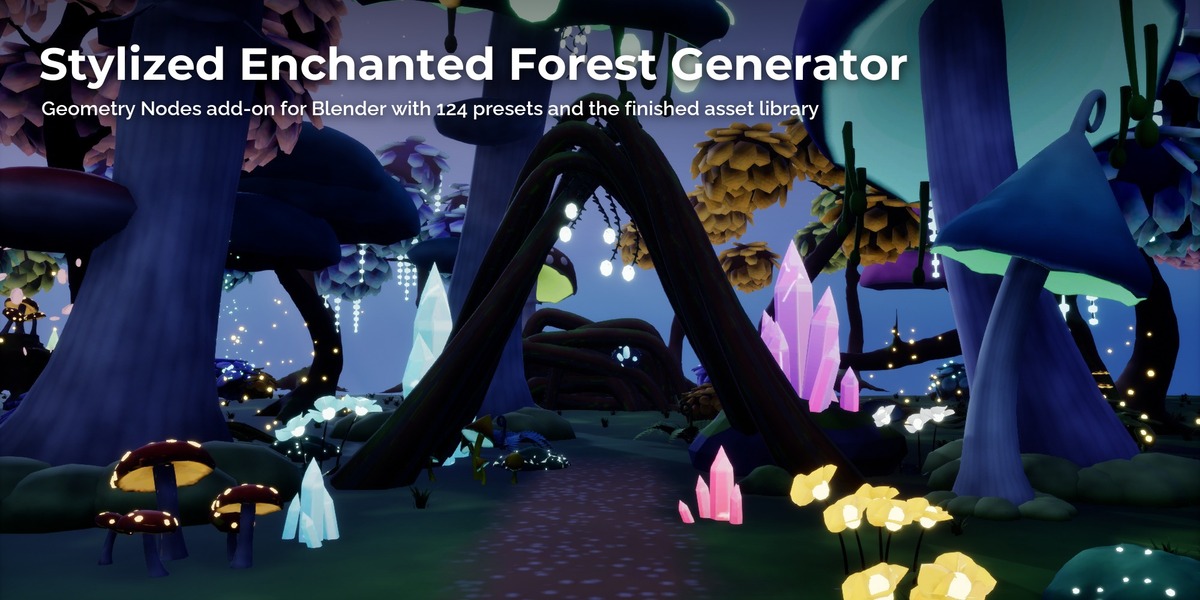
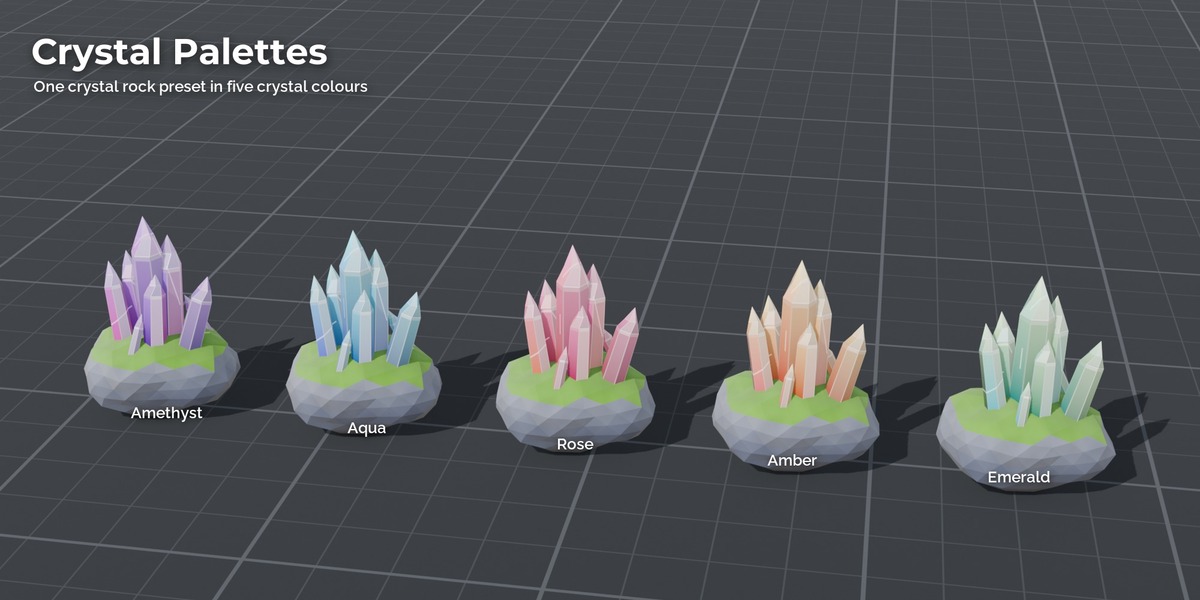
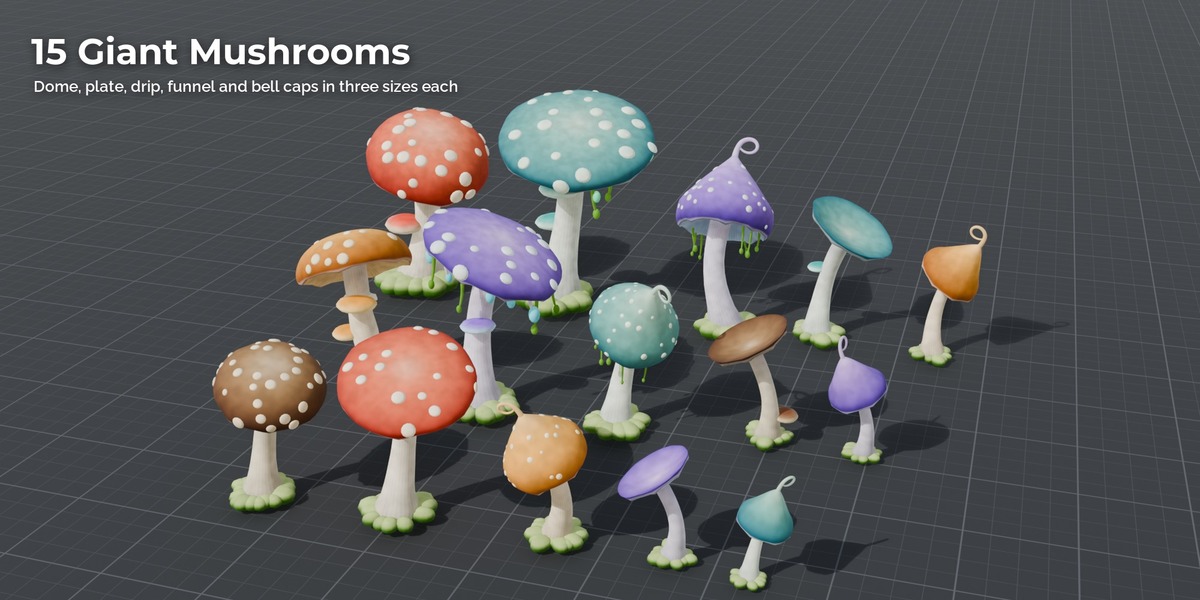
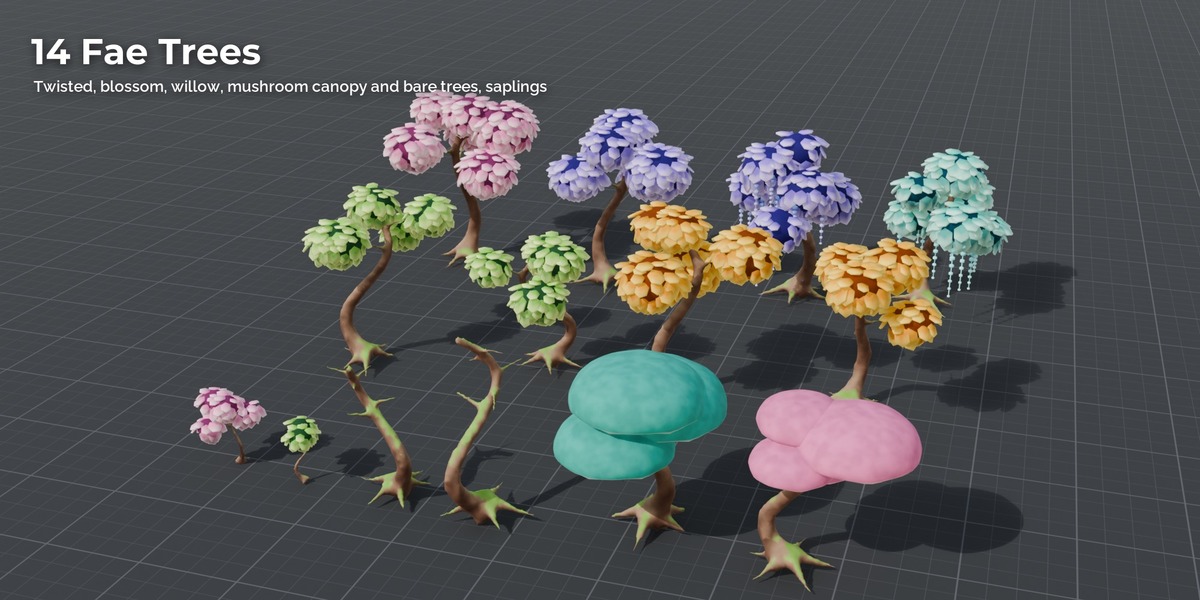
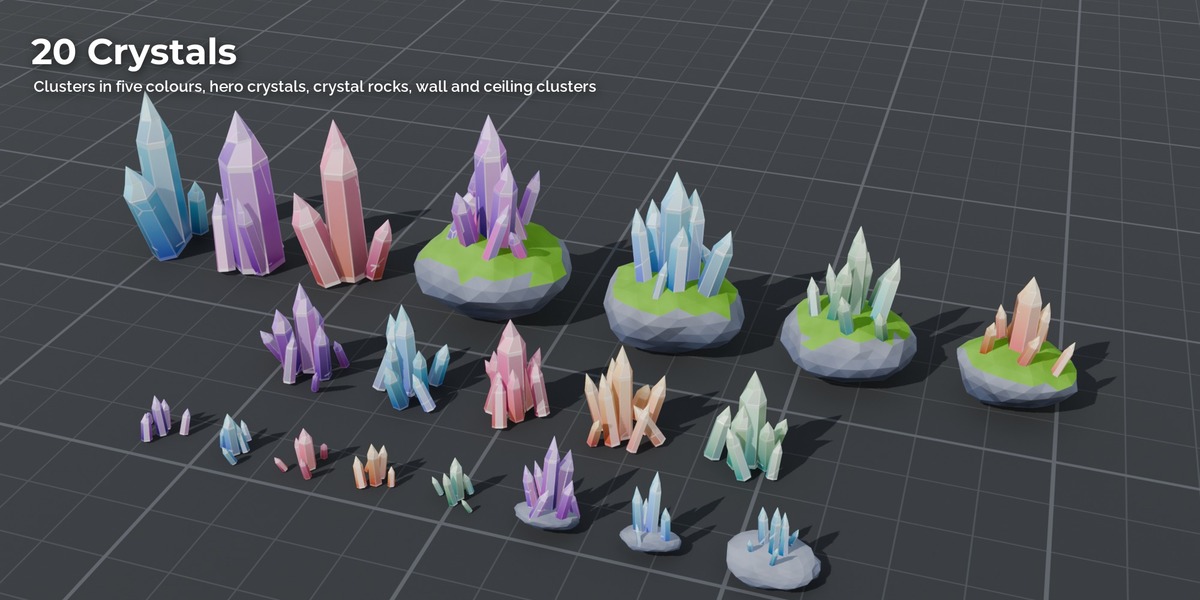
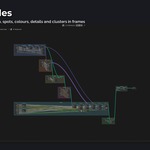
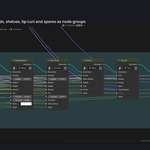
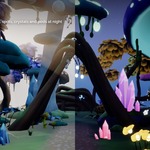
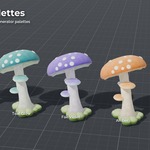
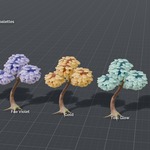
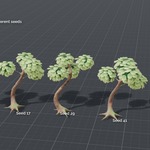
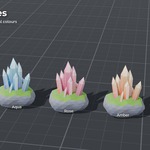
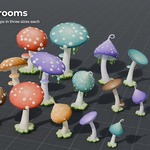
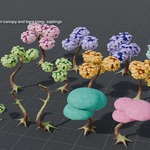
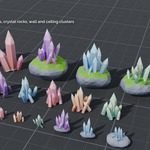
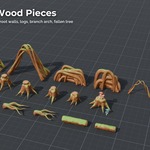
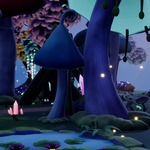
Stylized Enchanted Forest Generator for Blender
Geometry Nodes add-on that builds the assets of the Stylized Enchanted Forest Pack. Requires Blender 5.2 or newer.
Install
- Edit > Preferences > Get Extensions, open the menu at the top right and choose Install from Disk.
- Pick
StylizedEnchantedForestGenerator_v1.0.zip. The add-on is enabled right away. - Open the 3D View sidebar (N) and the Enchanted Forest tab.
Use
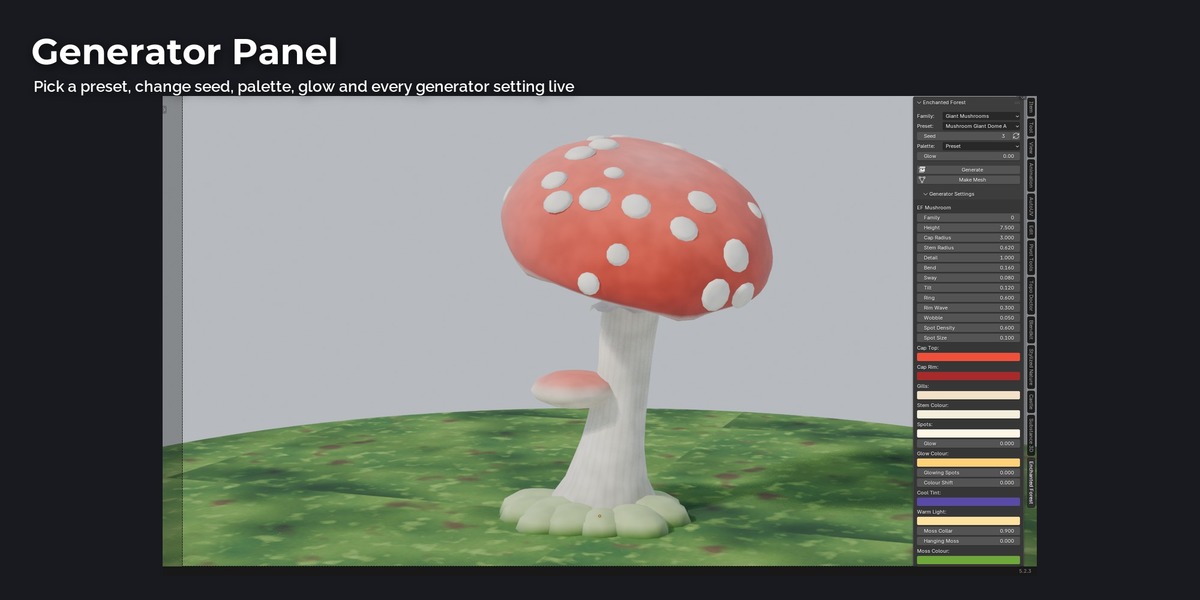
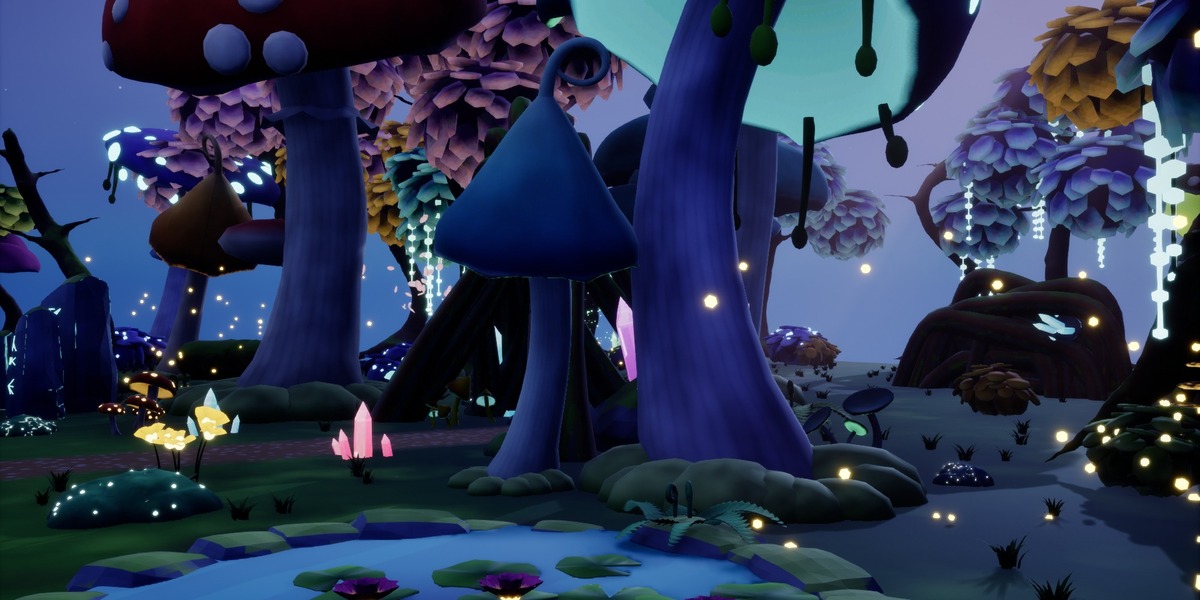
- Choose a Family (Trees, Bushes, Giant Mushrooms, Mushroom Clusters, Crystals, Roots, Ground Cover, Water and Story, Shelf Fungi, Wood, FX) and a Preset. The 124 presets are the assets of the pack.
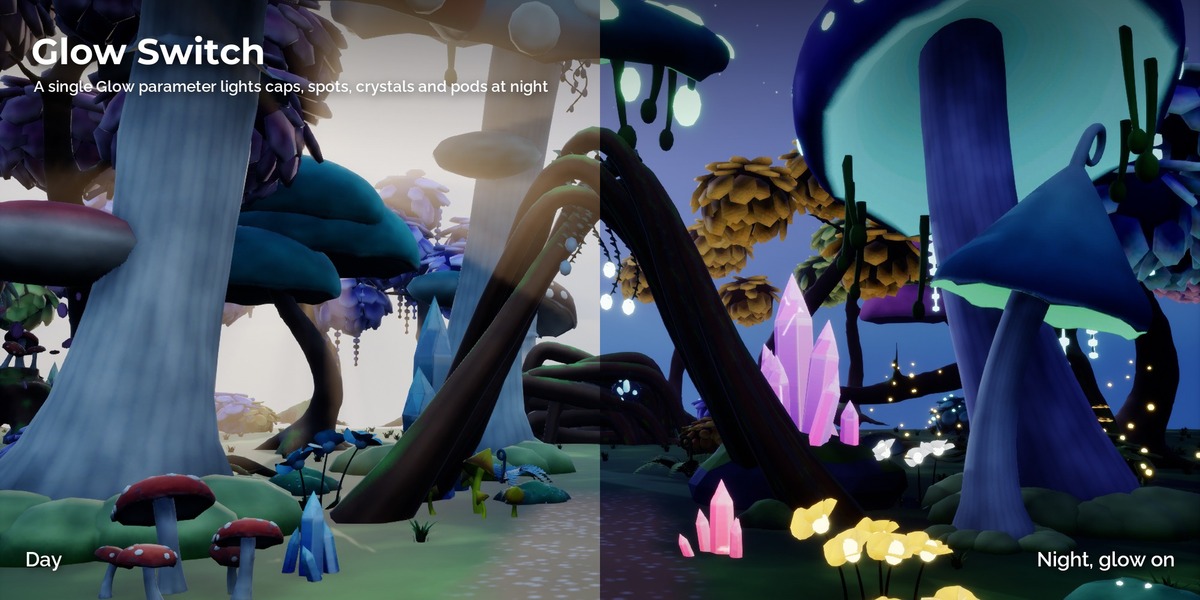
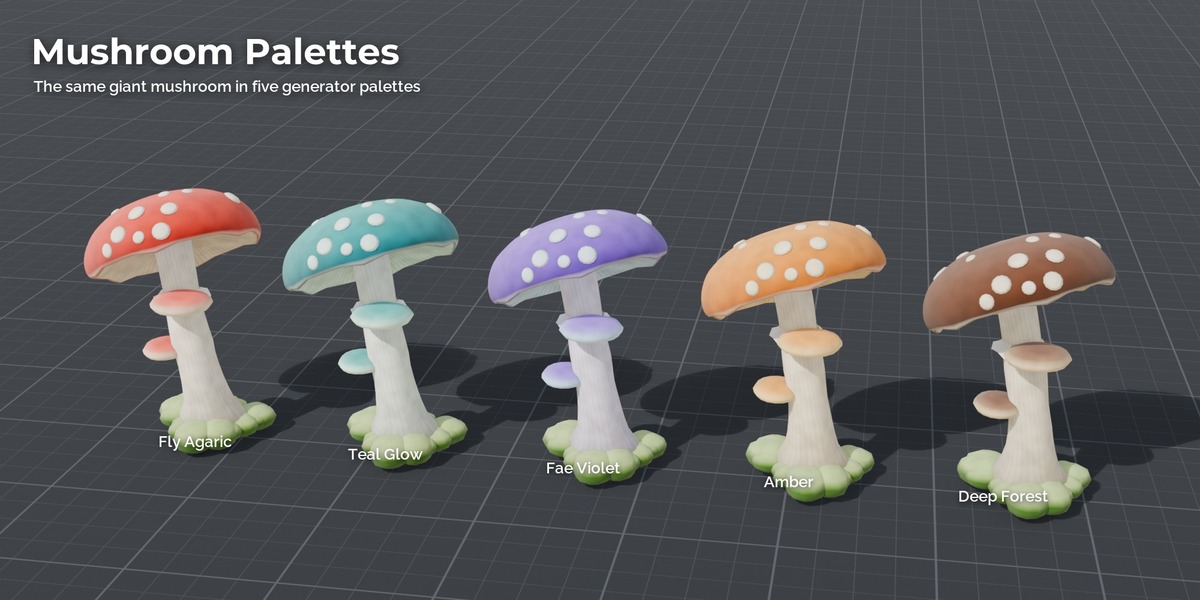
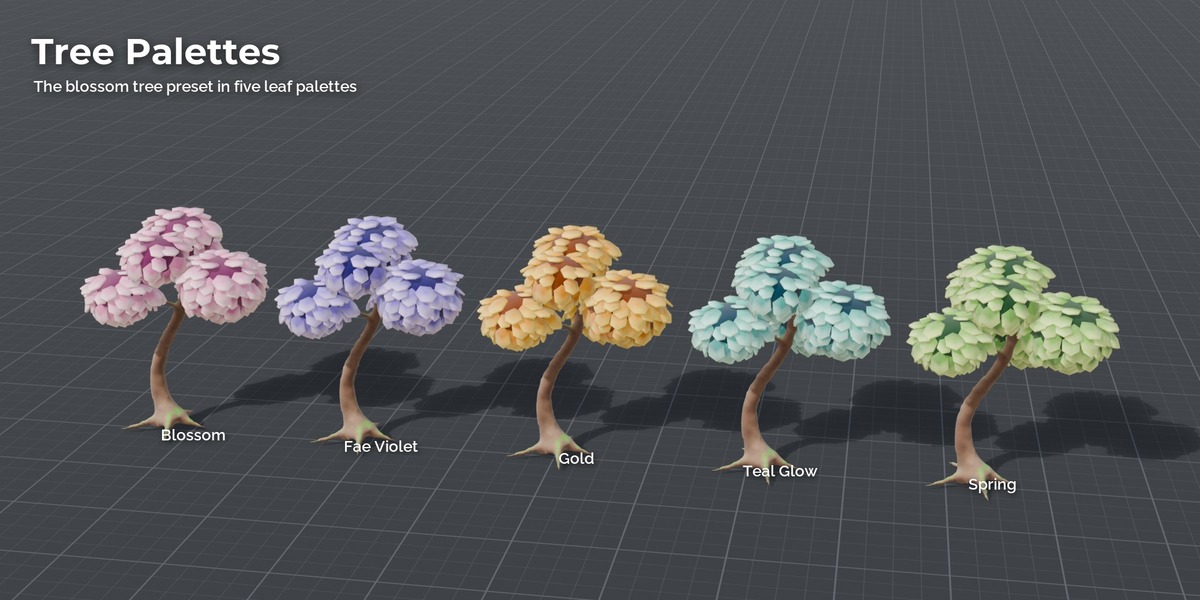
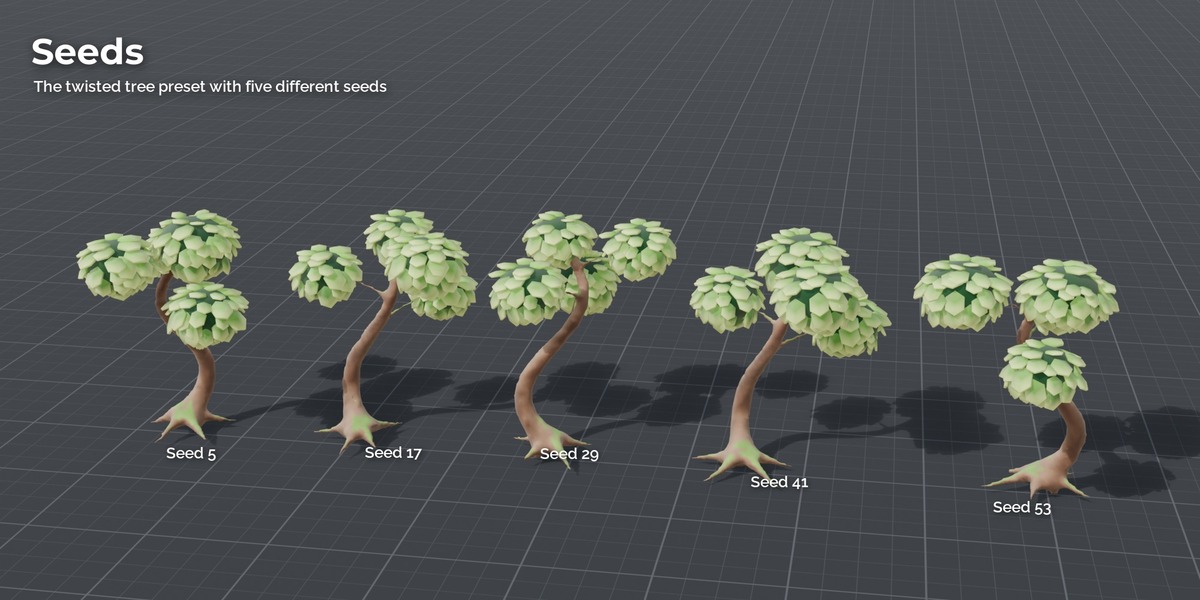
- Change Seed, Palette and Glow (0 = day, 1 = full night glow) if you like.
- Press Generate. The object appears at the 3D cursor in the collection Enchanted Forest.
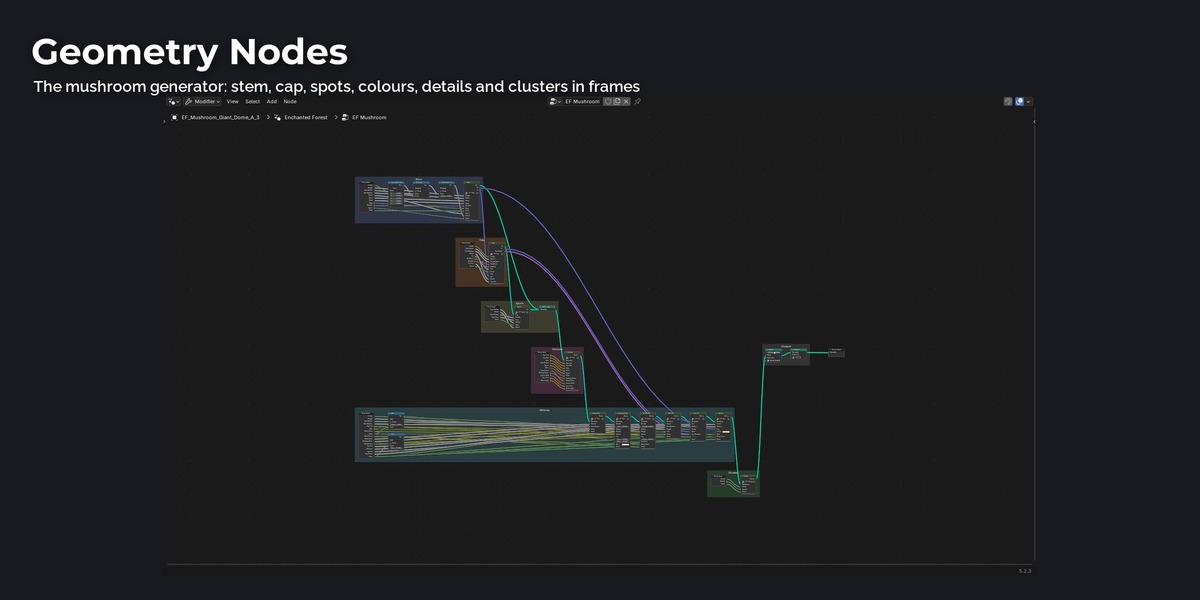
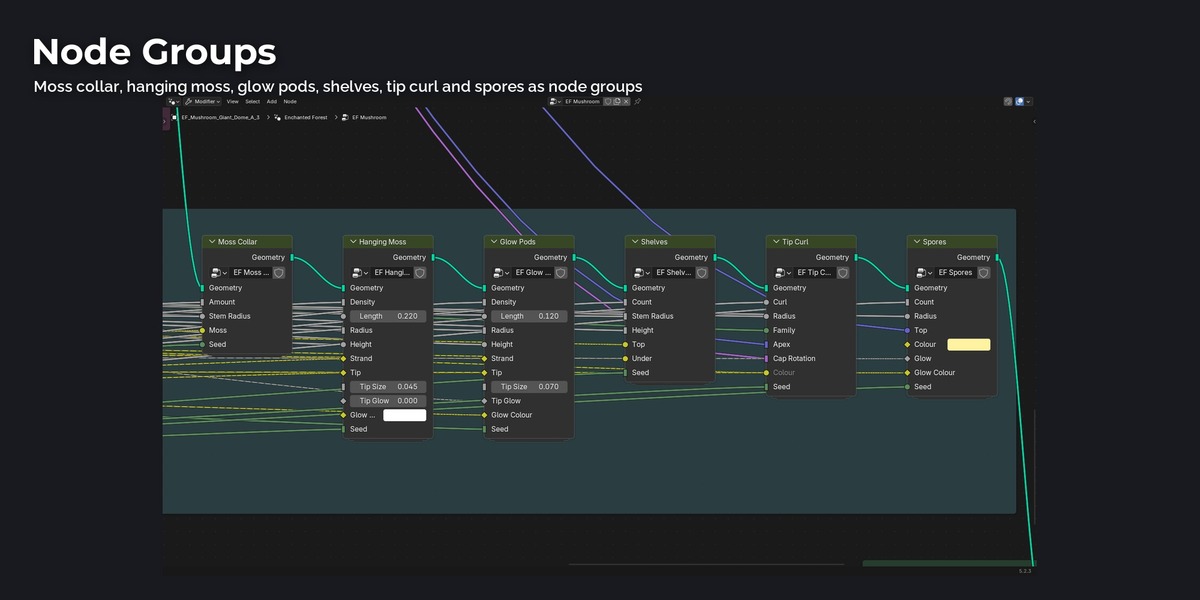
The result stays a live Geometry Nodes object. With the object selected, Generator Settings in the same tab lists every setting of its generator (height, cap radius, spot density, moss, number of branches, crystal count and so on). The same settings are in the modifier panel.
Make Mesh applies the generator on the selected objects, so they can be exported or edited by hand.
Generators
| Generator | Families |
|---|---|
| EF Mushroom | giant mushrooms, small mushrooms and clusters |
| EF Fae Tree | twisted, blossom, willow, mushroom canopy and bare trees, saplings, fallen tree |
| EF Plants | ferns, flowers, moss mounds, grass tufts, bushes, vine curtains, glow pod strings, lily pads, shelf fungi |
| EF Crystal | crystal clusters, hero crystals, crystal rocks, wall and ceiling clusters |
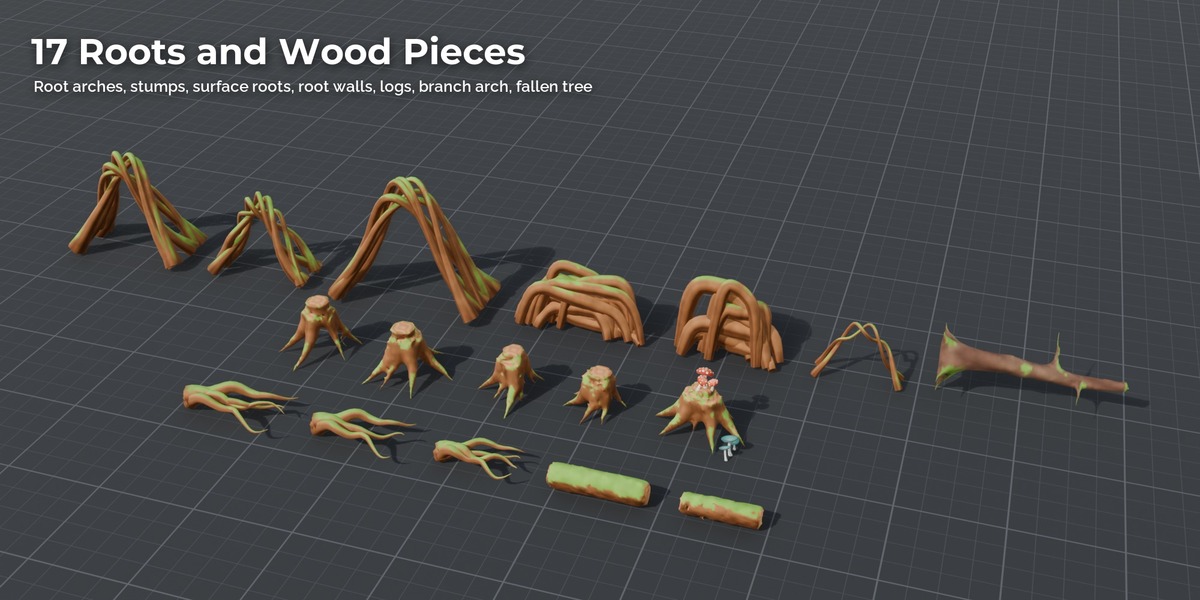
| EF Roots | root arches, stumps, surface roots, root walls, logs, branch arch |
| EF Stones | rune stones, fairy stone ring, pond rim stones |
| EF Fireflies | fireflies, spore clouds, floating petals |
Notes
- Colours are stored per vertex by the generator, the materials read them, so the look is the same in Eevee and Cycles. Glow uses an emission mask.
- Ground pieces are placed with their lowest point 2 cm below the cursor, hanging pieces (vines, pod strings) hang from the cursor.
- Units are metres, Z up.
Blender asset library
Made with Blender 5.2. Eevee and Cycles.
Setup
- Unzip the folder anywhere and keep
EnchantedForest_Assets.blend,blender_assets.cats.txtandtexturestogether. - Add the folder as an asset library: Edit > Preferences > File Paths > Asset Libraries > +.
- Open the Asset Browser and pick the library. Assets are sorted into catalogs per group (Trees, Giant Mushrooms, Crystals and so on). Drag them into your scene.
EnchantedForest_Demo.blend contains the demo glade (sun, sky, camera) built from the same assets.
The folder Generator holds the Stylized Enchanted Forest Generator add-on: it builds every asset of the pack with
Geometry Nodes, with seed, palette and all generator settings adjustable. Installation in README_Generator.md.
Day and night
Each material MI_EF_<Asset> has a value node Glow (0 = day, 1 = night). Change it in the Shader Editor, or
select the assets and set the value on all of them with Copy to Selected.
Notes
- Units are metres, Z up, pivot at the base centre.
- The look is baked into textures, so the assets look the same in Eevee, Cycles and every game engine.
Have questions about this product?
Login to message
| Blender Extension Compatible | Yes |
| Published | about 10 hours ago |
| Blender Version | 5.2 |
| Extension Type | Add-on |
| Render Engine Used | Cycles, Eevee |
| Misc Data | Uvs-Unwrapped, Textured |
| License | GPL |
Discover more products like this
forest Crystal mushroom #nature fantasy geometry nodes procedural game assets asset library stylized low poly Generator