 DanilGOE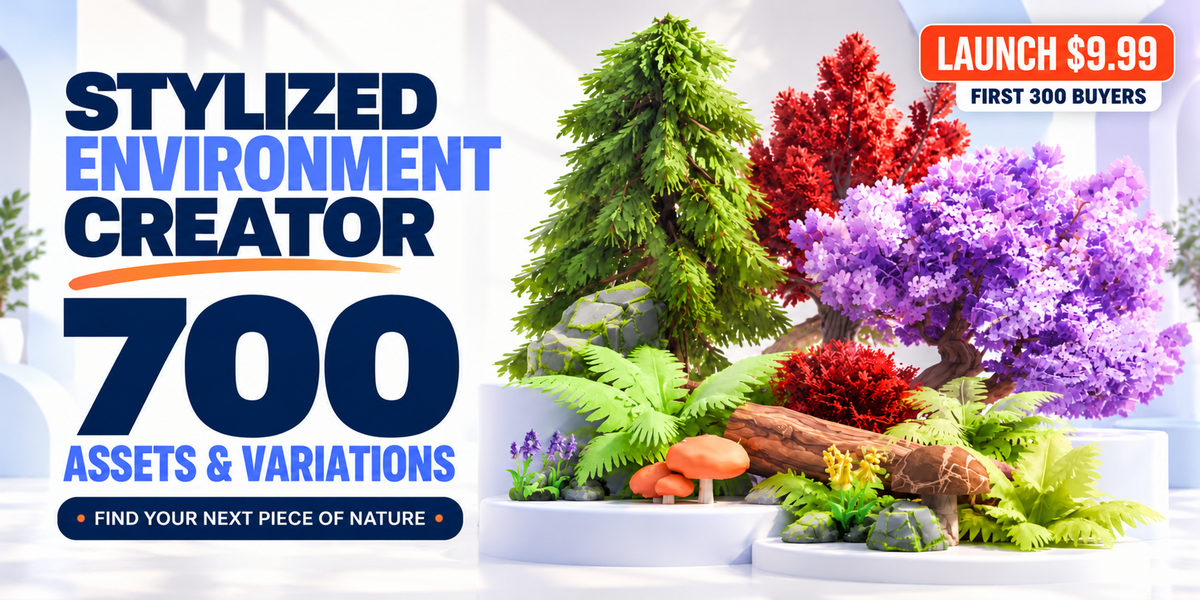
Documentation & Quick Start
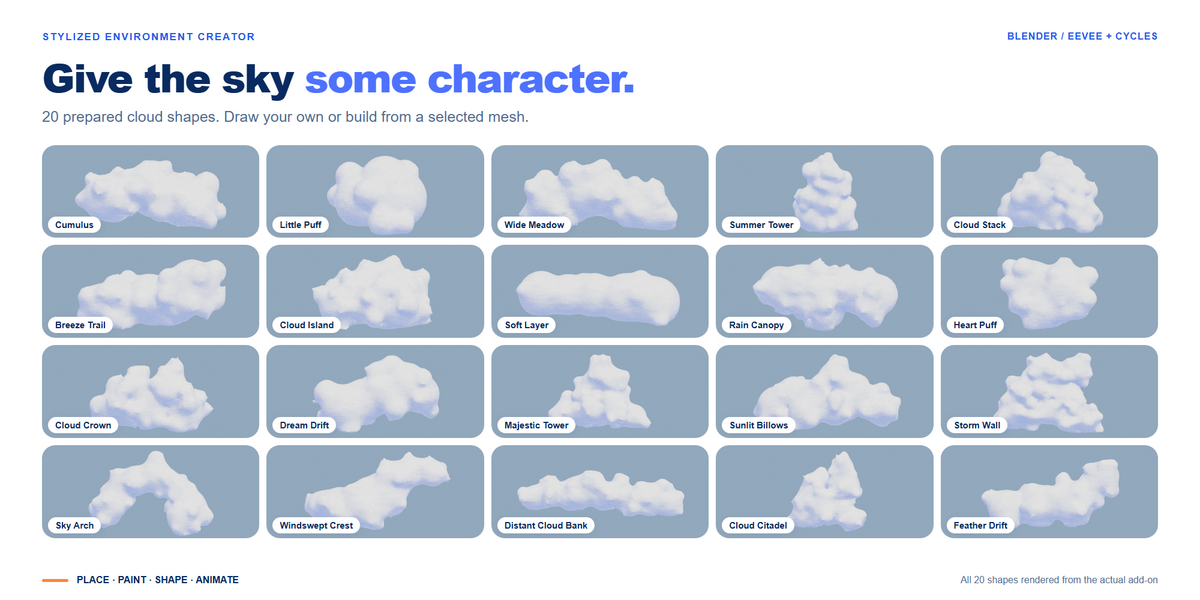
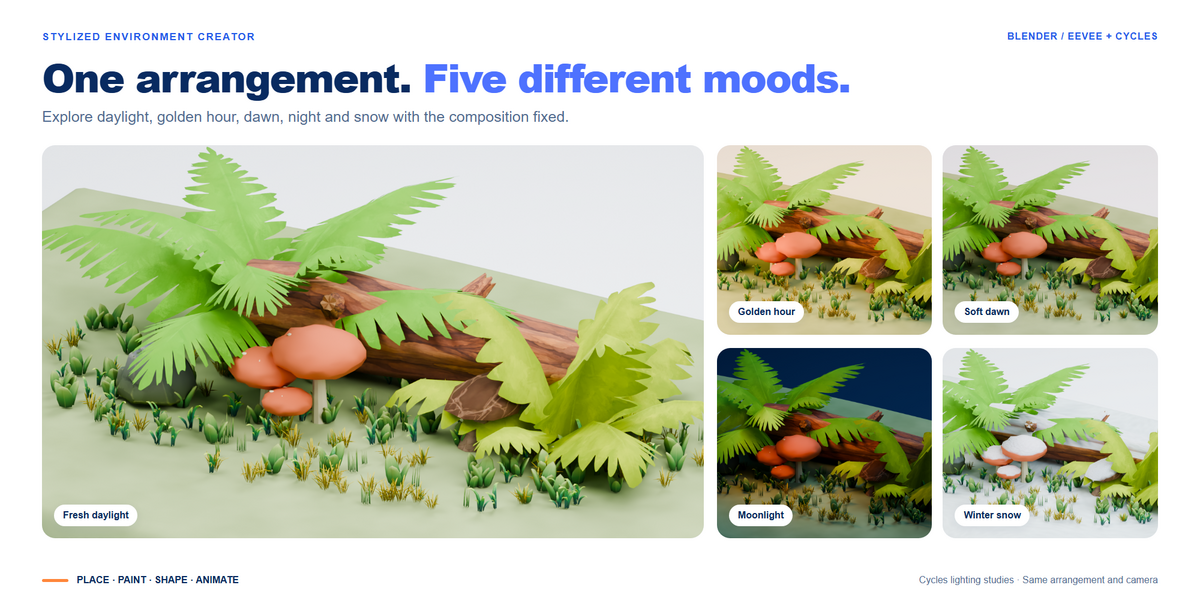
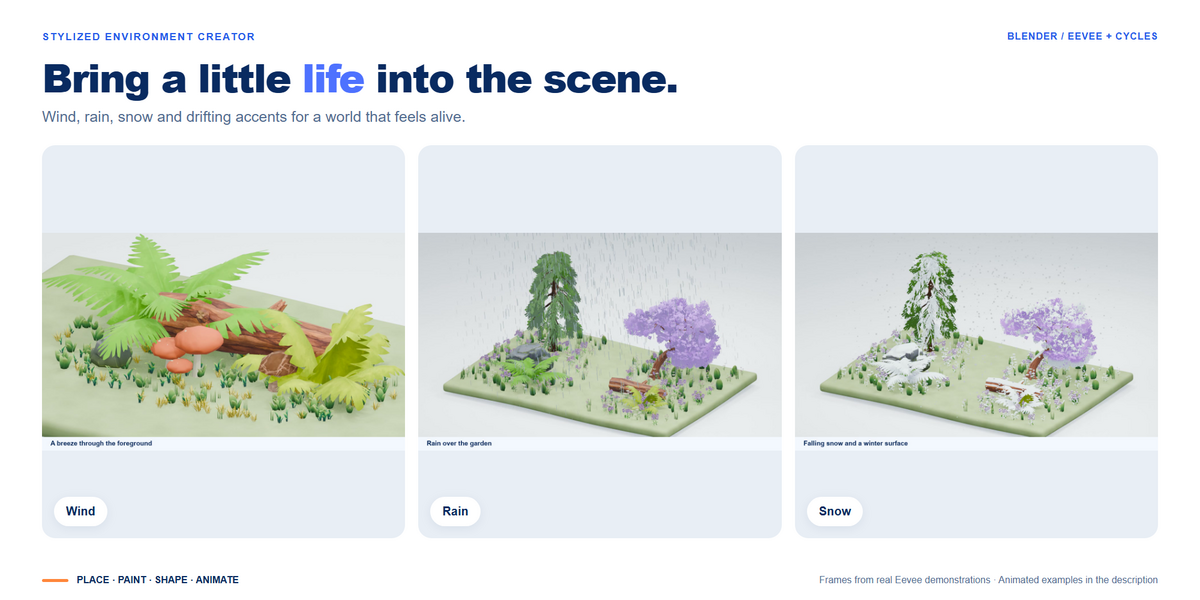
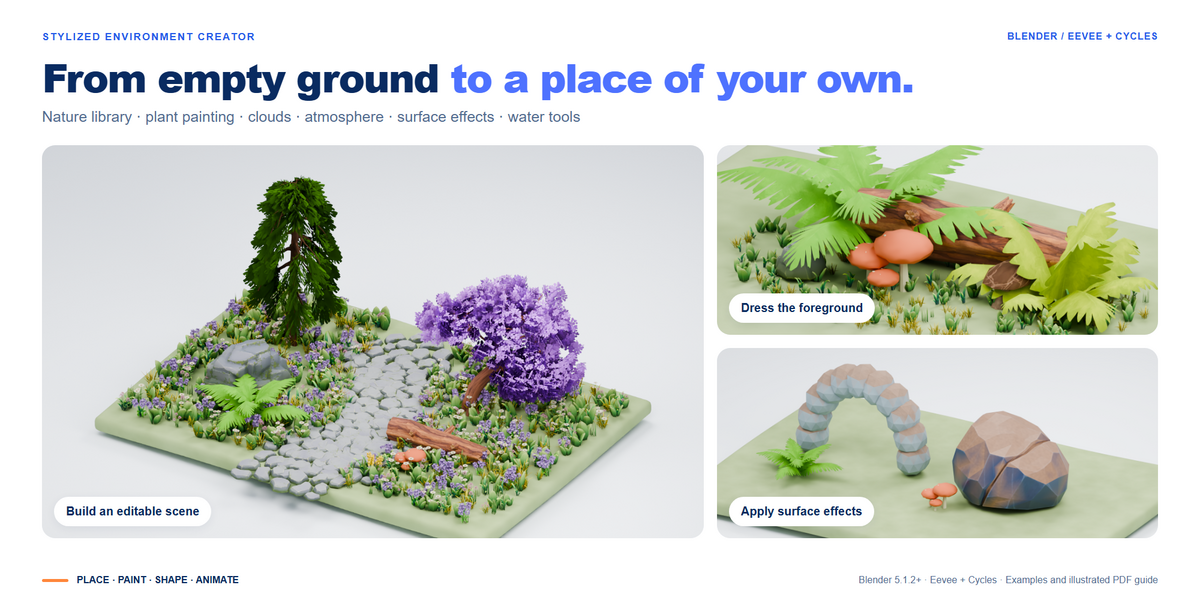
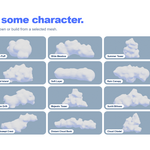
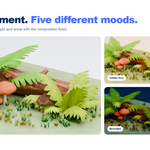
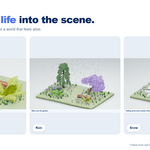
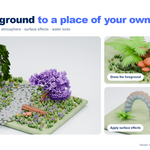
The download includes a 23-page illustrated PDF guide: Stylized_Environment_Creator_User_Guide_1.0.pdf. It covers installation, the asset library, plant painting, clouds, lighting, weather, surface effects, water tools and animation. A copy is also included in the add-on's docs folder.
Requirements
Blender 5.1.2 or newer. Tested on Windows with Blender 5.1.2 and 5.2.0 LTS. Both Eevee and Cycles are supported. Other operating systems and Blender versions have not been verified by this release. No additional paid add-ons or online runtime services are required.
Installation
- Download the complete Stylized_Environment_Creator_1.0.zip. Keep the ZIP intact.
- In Blender, open Edit > Preferences > Add-ons. Open the menu, choose Install from Disk and select the ZIP.
- Enable Stylized Environment Creator.
- Move the pointer over the 3D Viewport, press N and open the Environment tab.
Your first scene
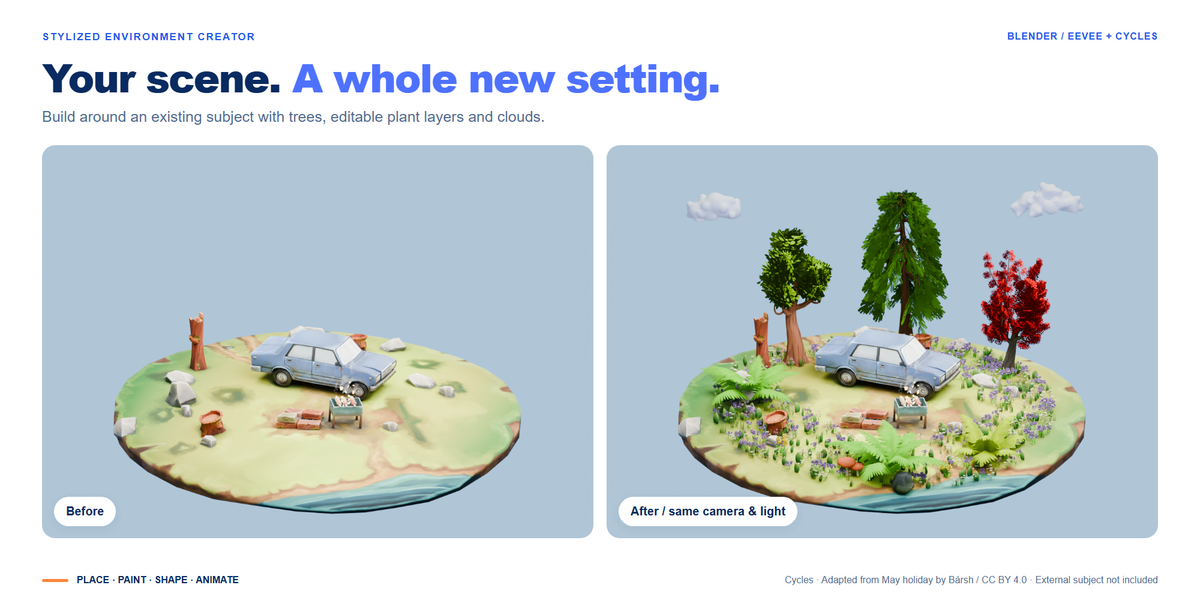
- Save your project, then choose Use Current Scene. Alternatively, choose Create Example Scene to explore a generated starting scene.
- Switch to Rendered view to see the environment lighting. In Material Preview, enable Scene World and Scene Lights.
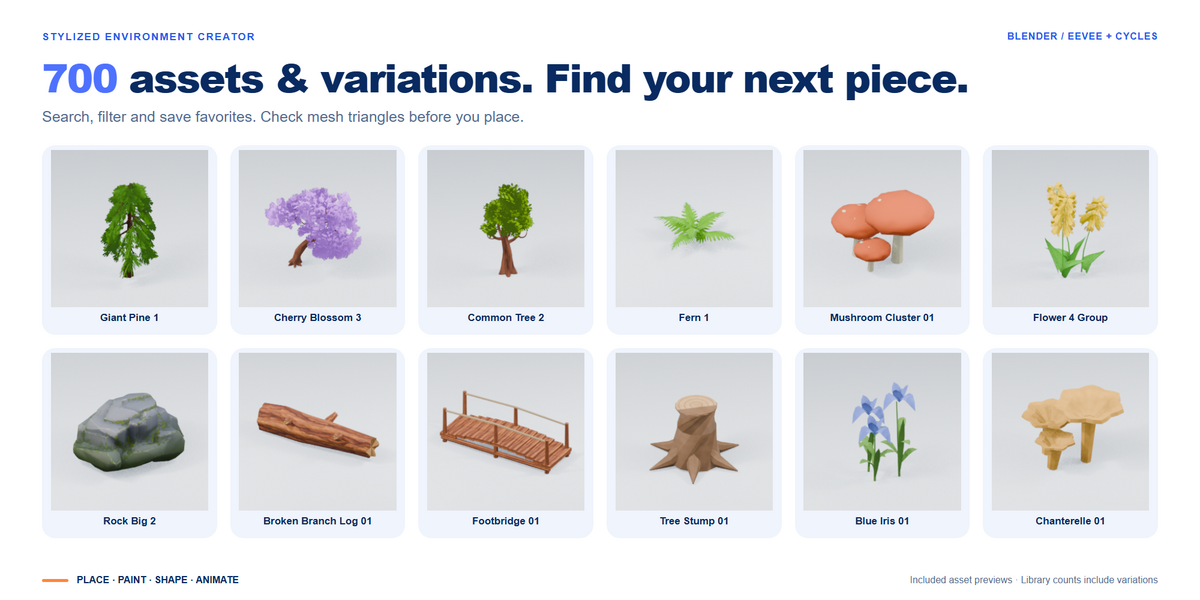
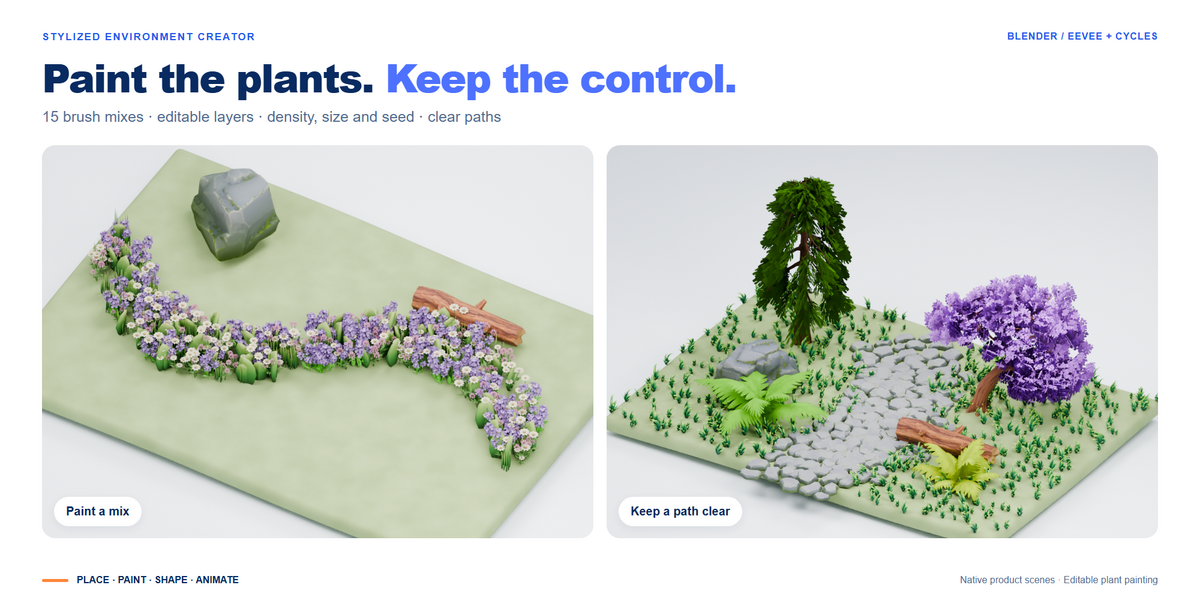
- Select a ground mesh. In Nature, use Assets to place individual models or Paint to choose a plant brush.
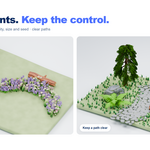
- For painting, check the Ground field, set brush size and density, then click Paint Plants. Drag to paint, hold Shift to erase and press Enter to finish.
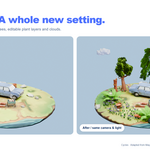
- Refine your plant layers, then explore sky, clouds, wind and weather. The PDF explains each tool in more detail.
Blender Asset Browser
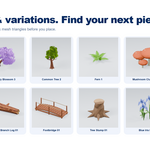
In the add-on preferences, click Add to Asset Browser. Select the registered library in Blender's Asset Browser. For the integrated wind and weather workflow, place assets through the Environment tools.
Need help?
Contact DanilGOE through the product's Superhive support channel.
Include your Blender version, operating system, the steps that led to the issue and a screenshot or error message
 Included
Includes 12 months of
- Support from DanilGOE
- Product updates
Extend this product’s Support Period +12 months: 25% of product price
Have questions before purchasing?
Login to message
Includes an Asset Library
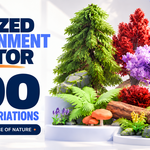
700 drag-and-drop assets for Blender’s Asset Browser.
Browse included assets| Sales | 10+ |
| Dev Fund Contributor | |
| Published | about 12 hours ago |
| Blender Version | 3.6 - 5.2 |
| Extension Type | N/A |
| Render Engine Used | Blender-Internal, Cycles, Eevee, Octane, Vray |
| License | GPL |
Discover more products like this
vegetation Water landscape #nature snow river procedural stylized weather sky clouds environment