Stylized Foliage and Nature Pack
 Cratial 3D
in Nature
Cratial 3D
in Nature
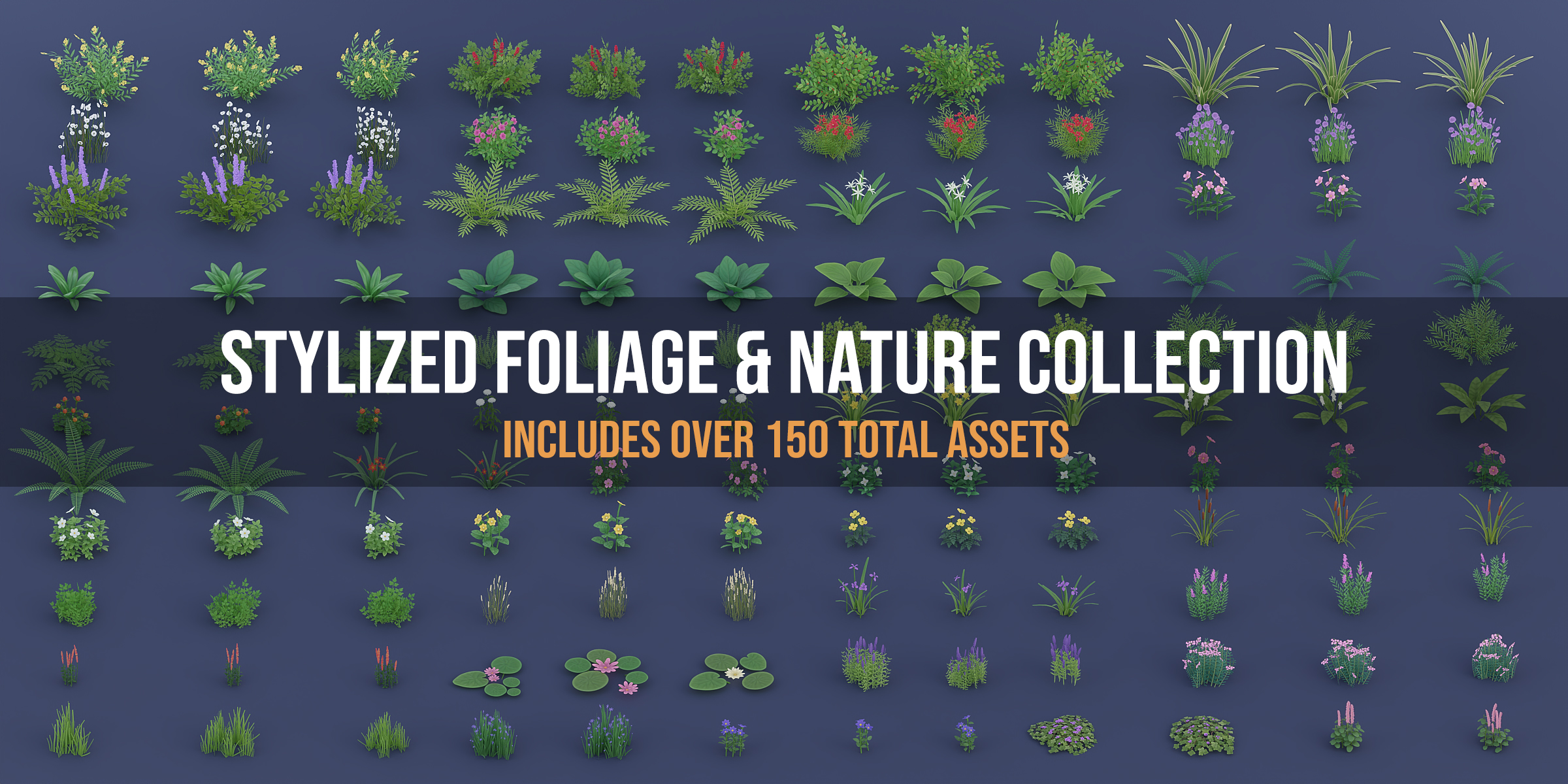

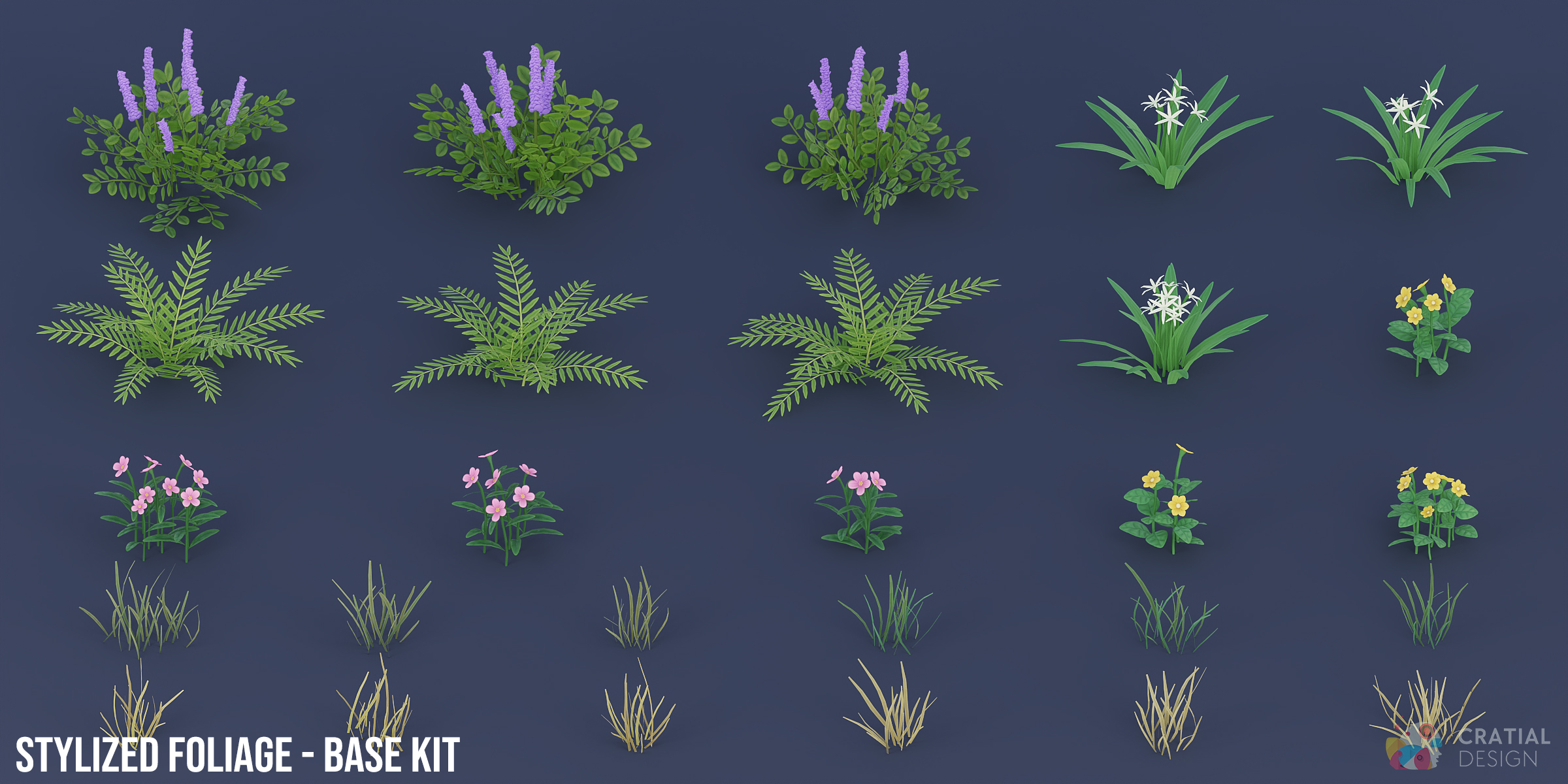
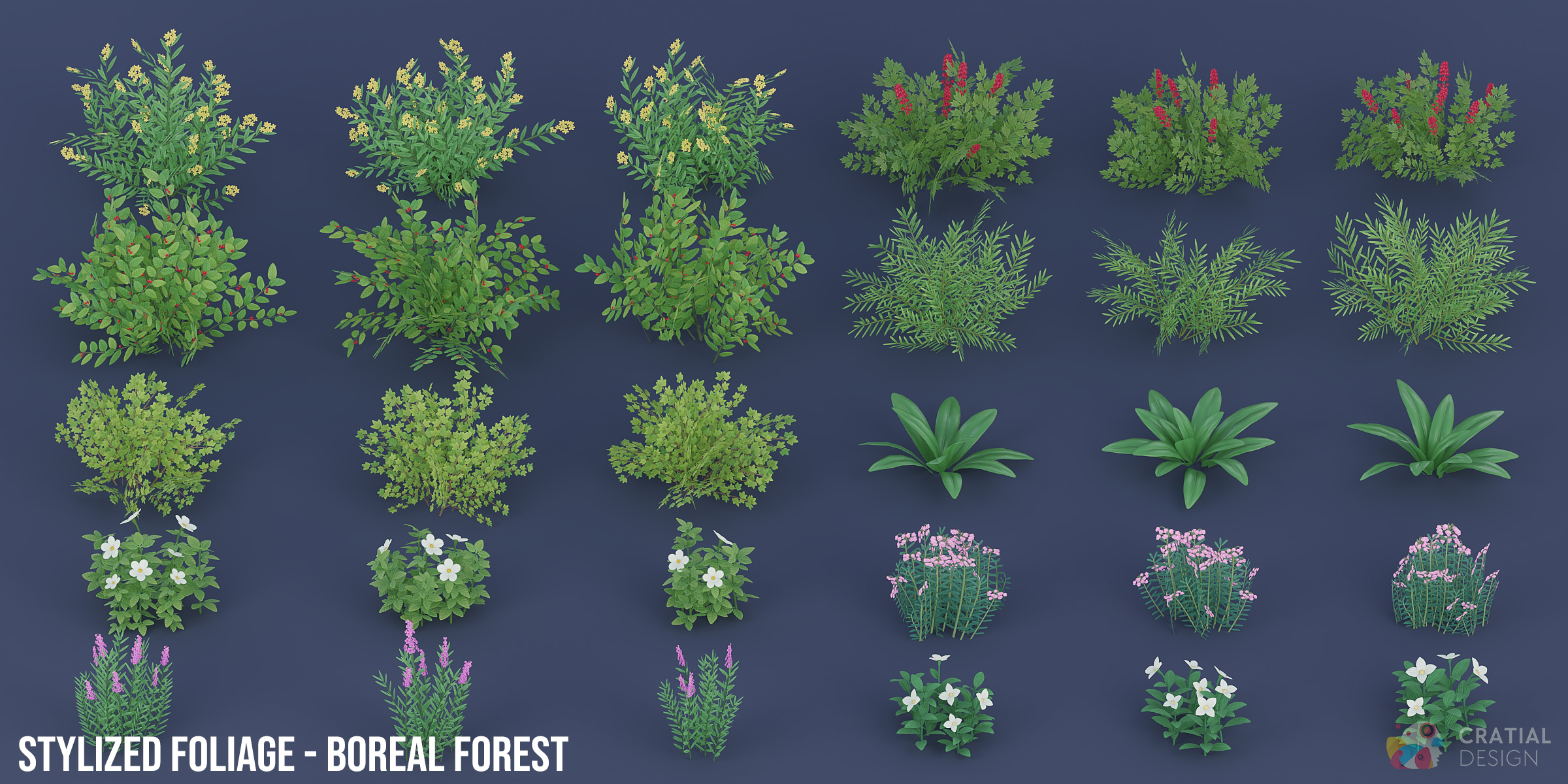
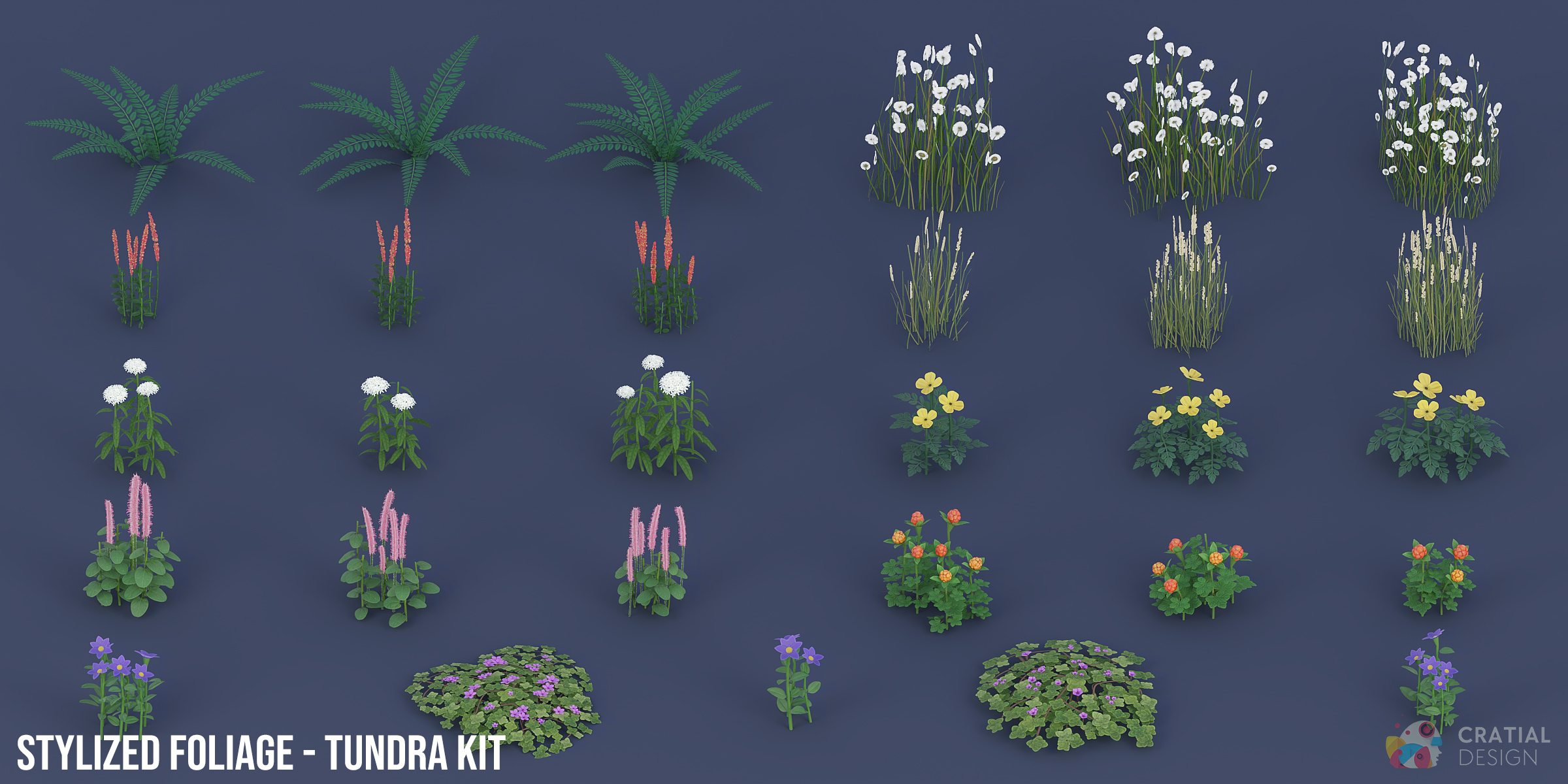
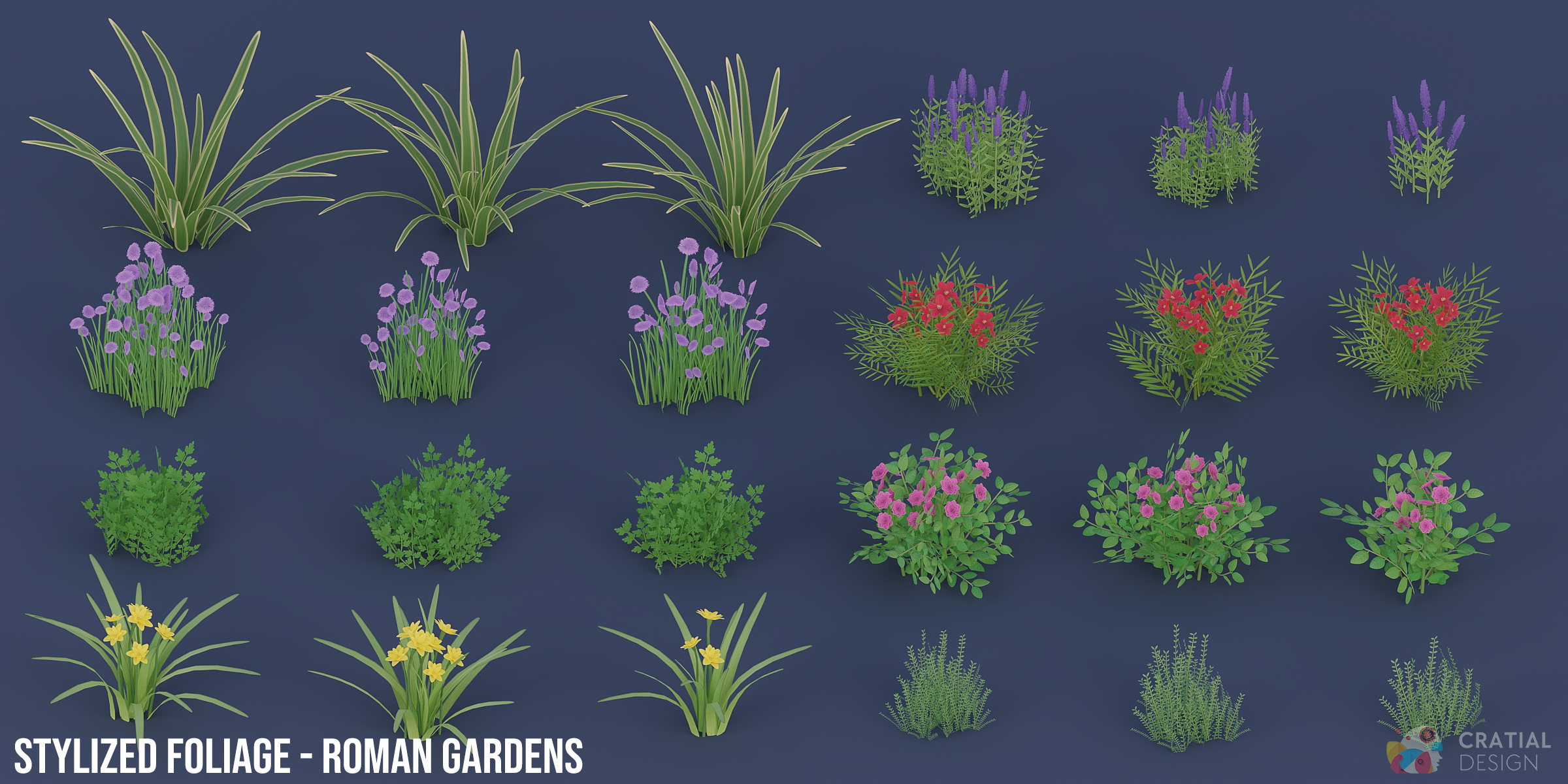
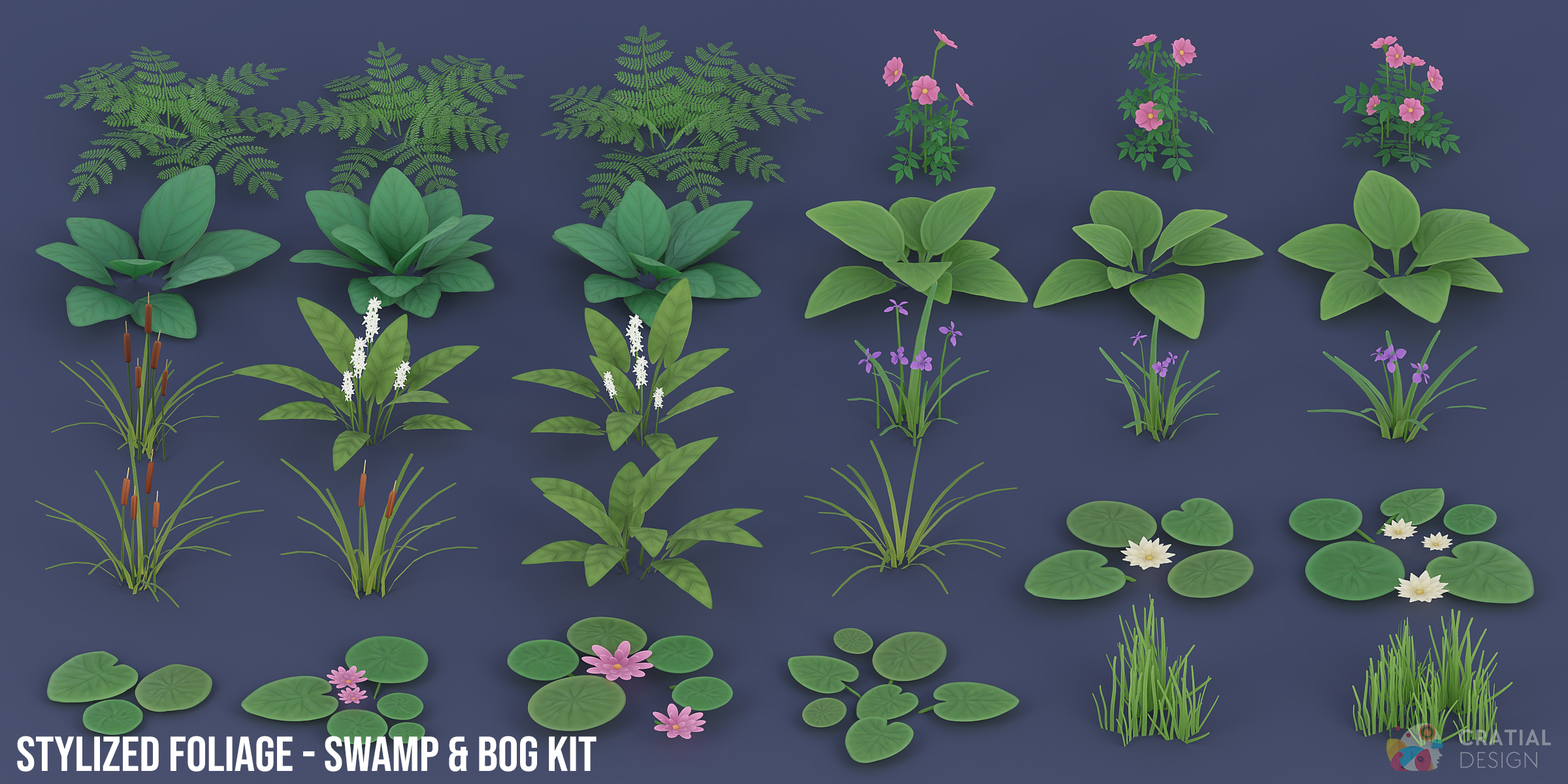
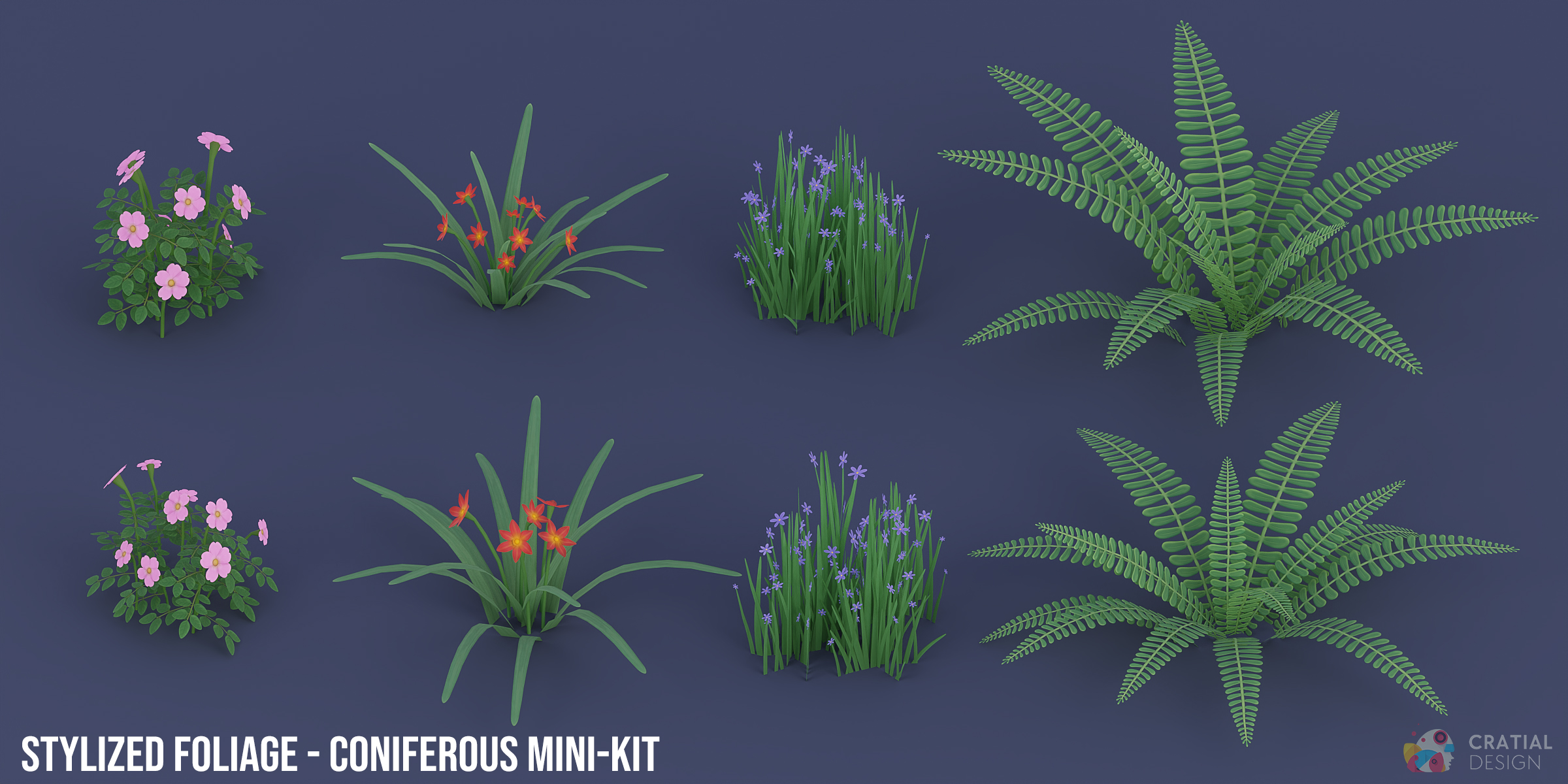
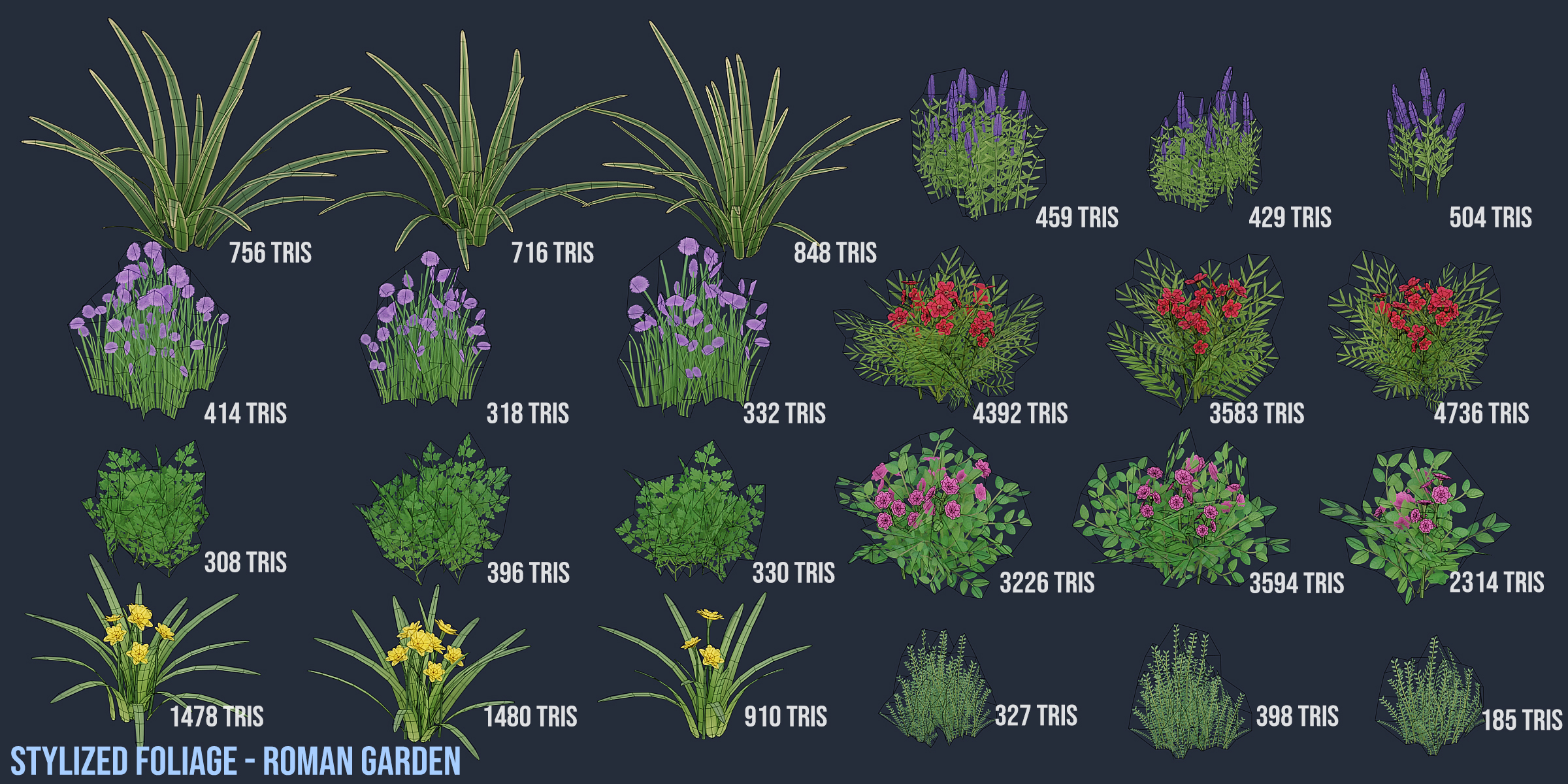
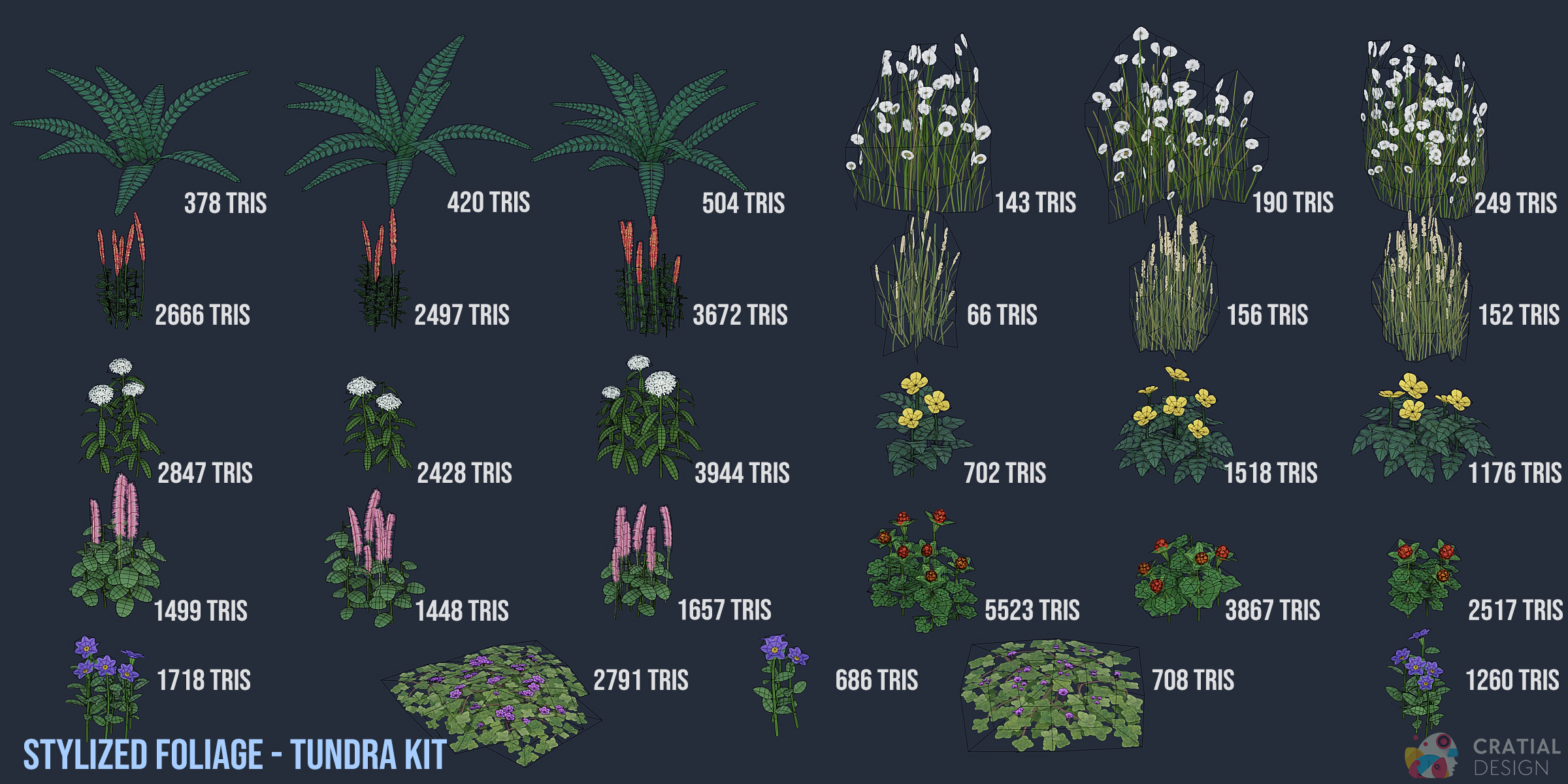
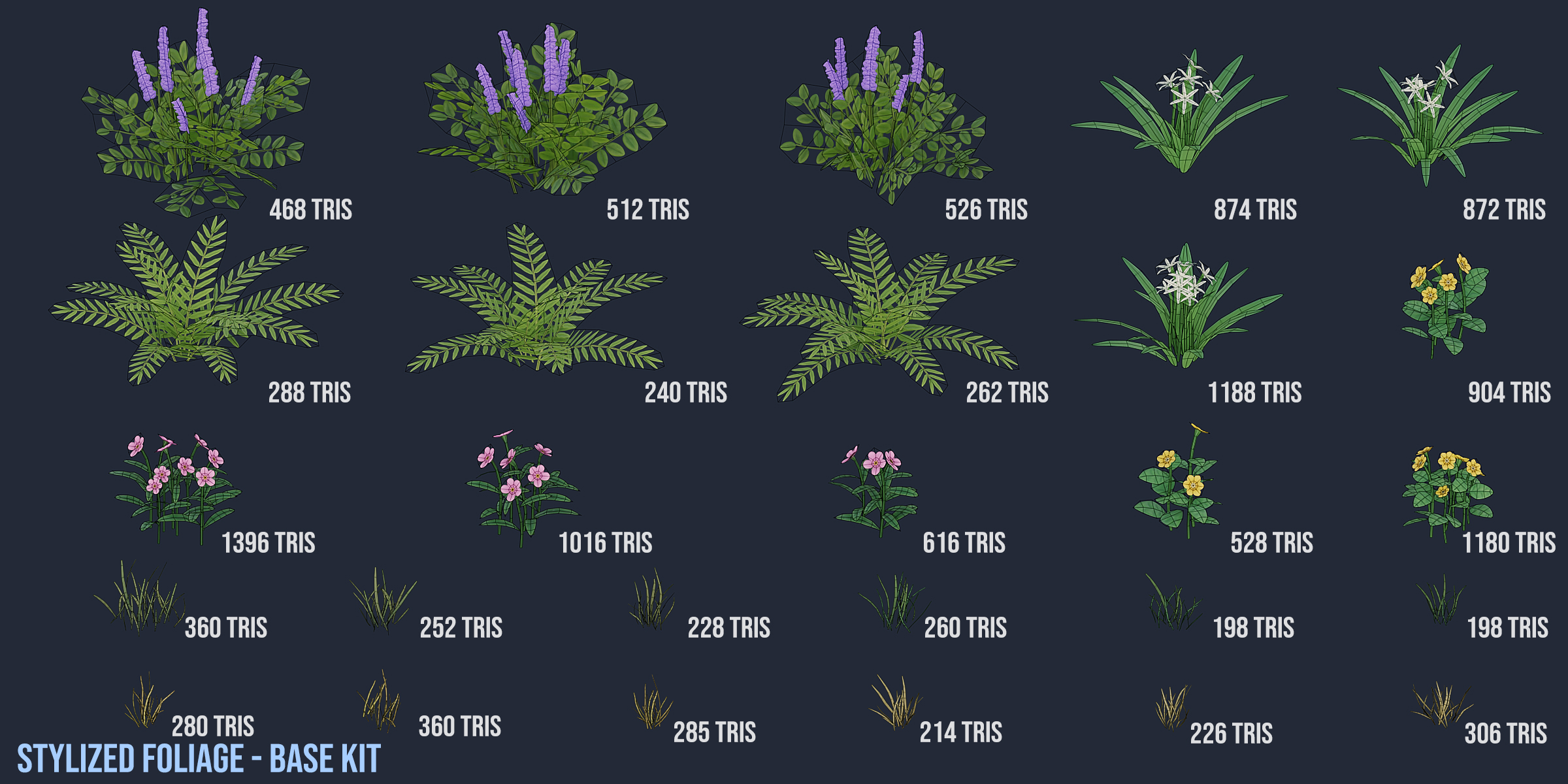
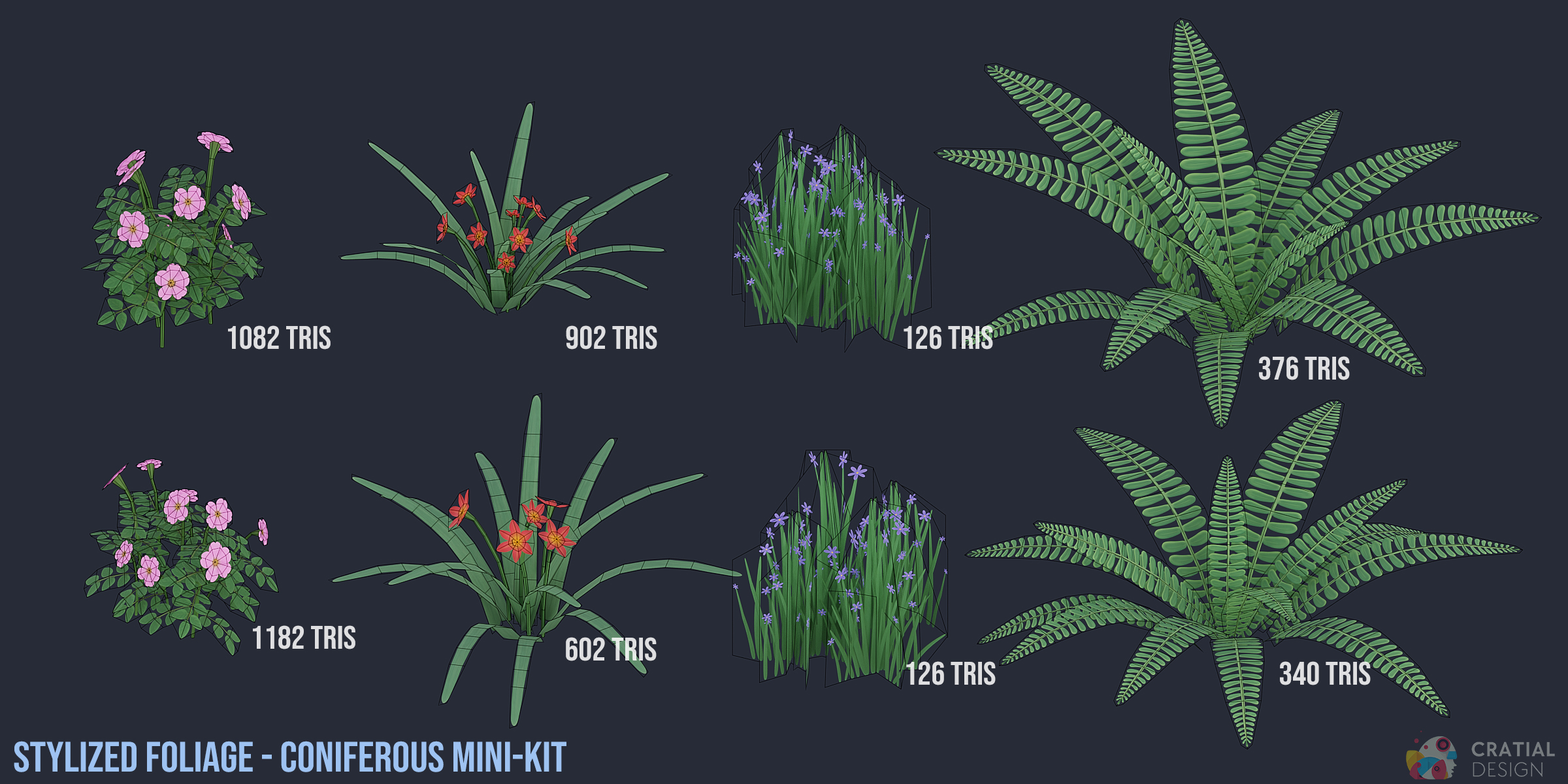


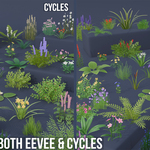
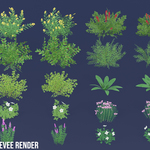
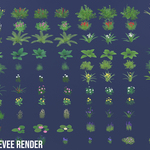
Direct Downloads
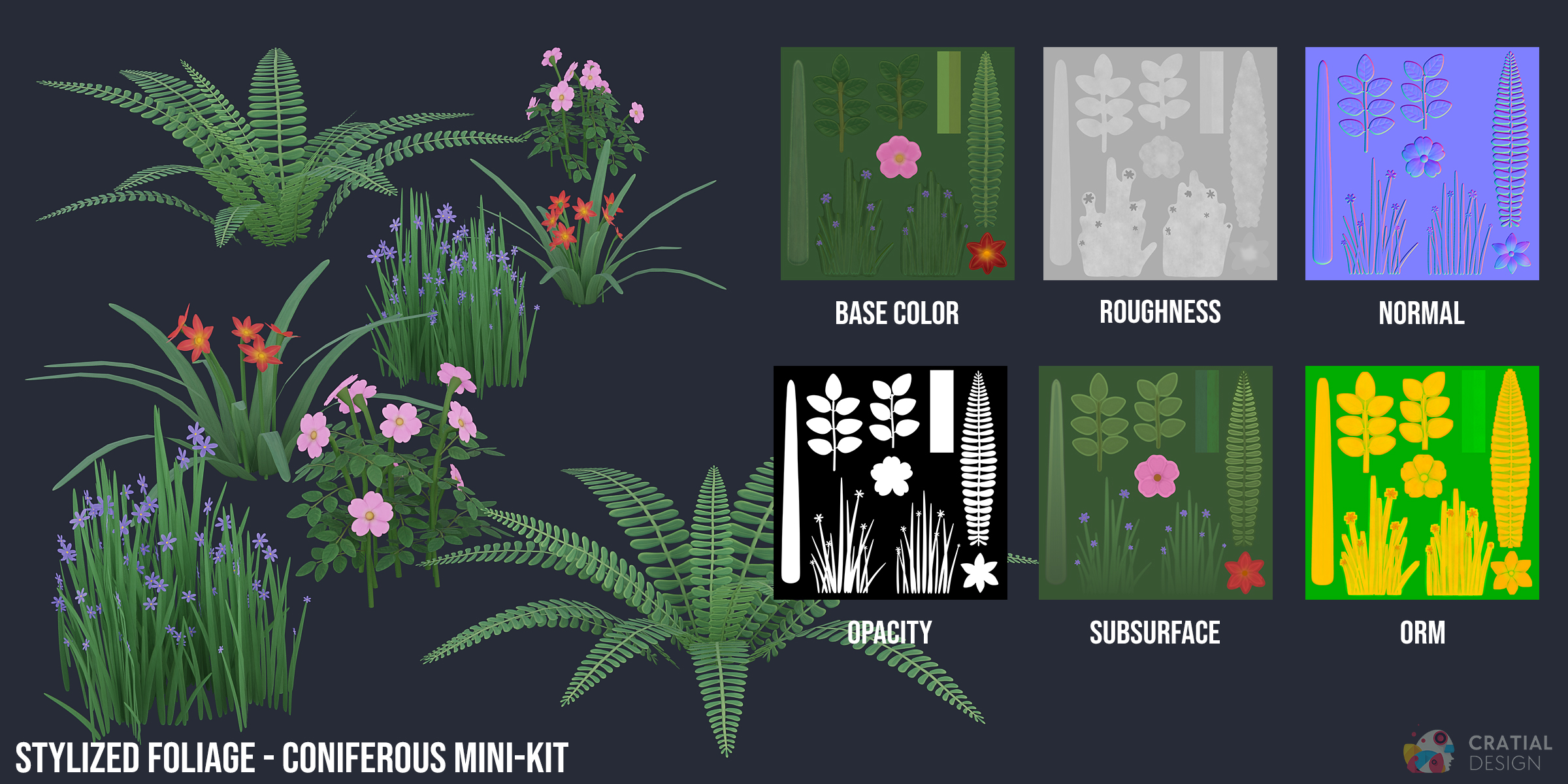
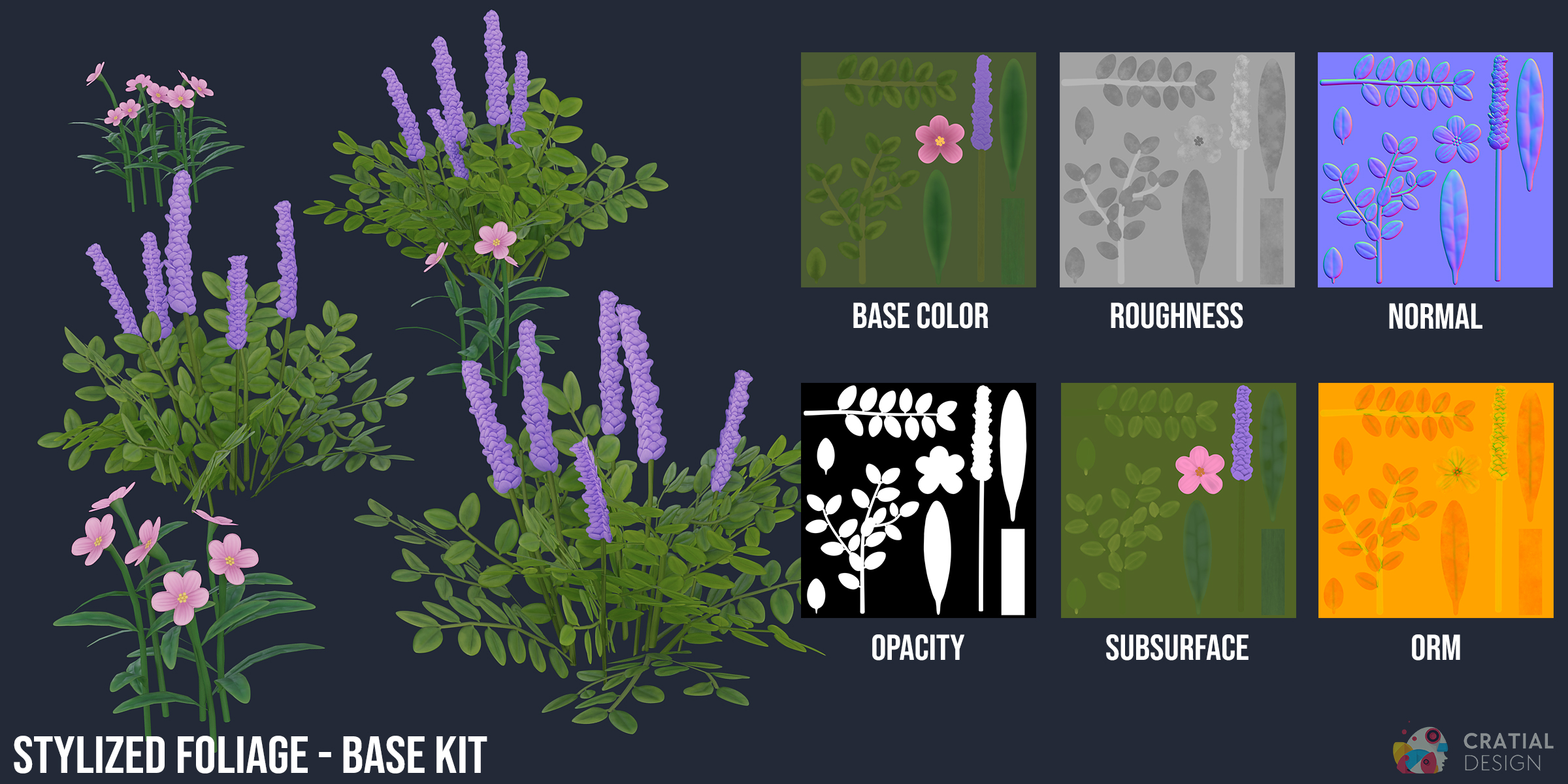
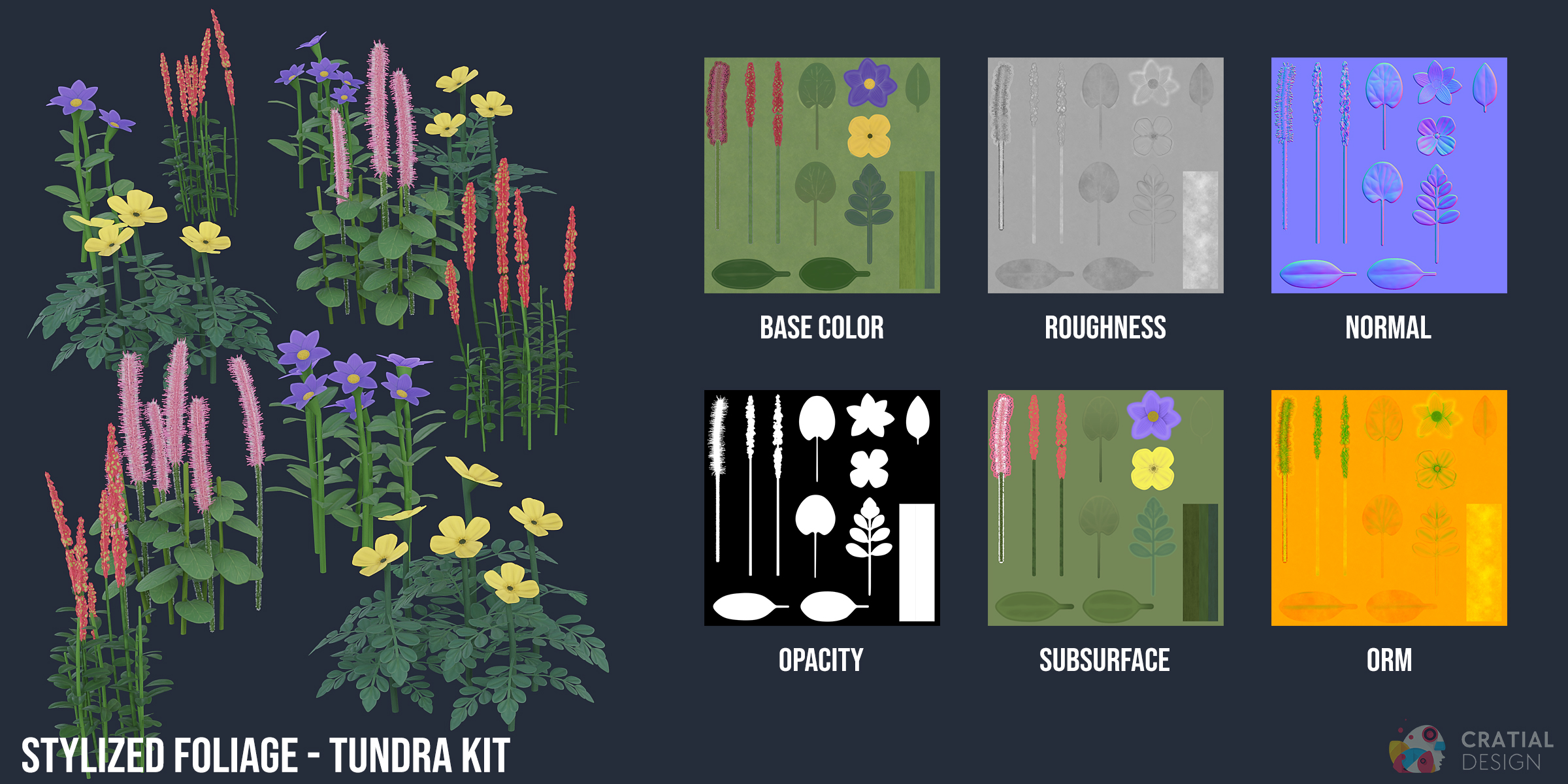
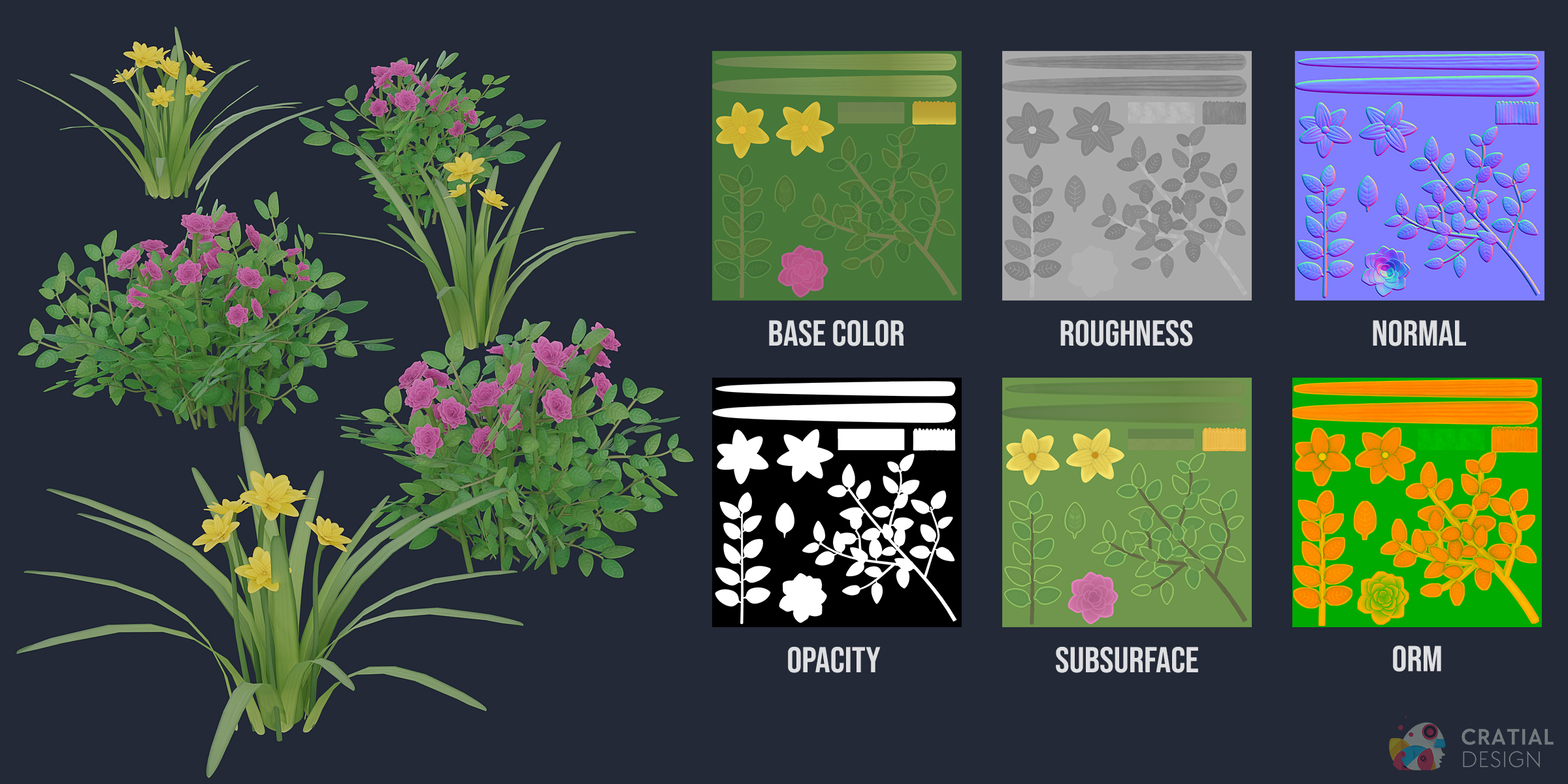
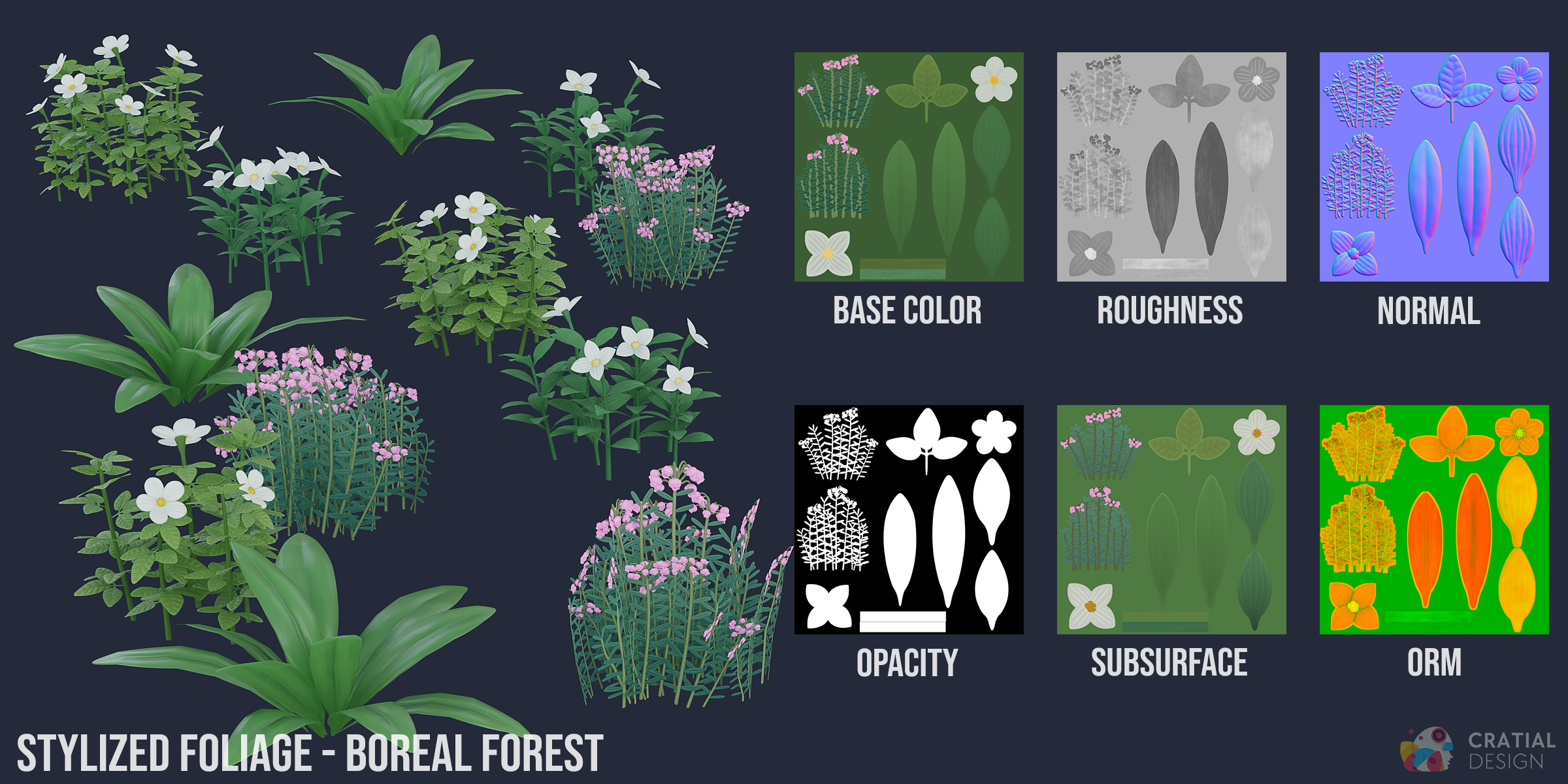
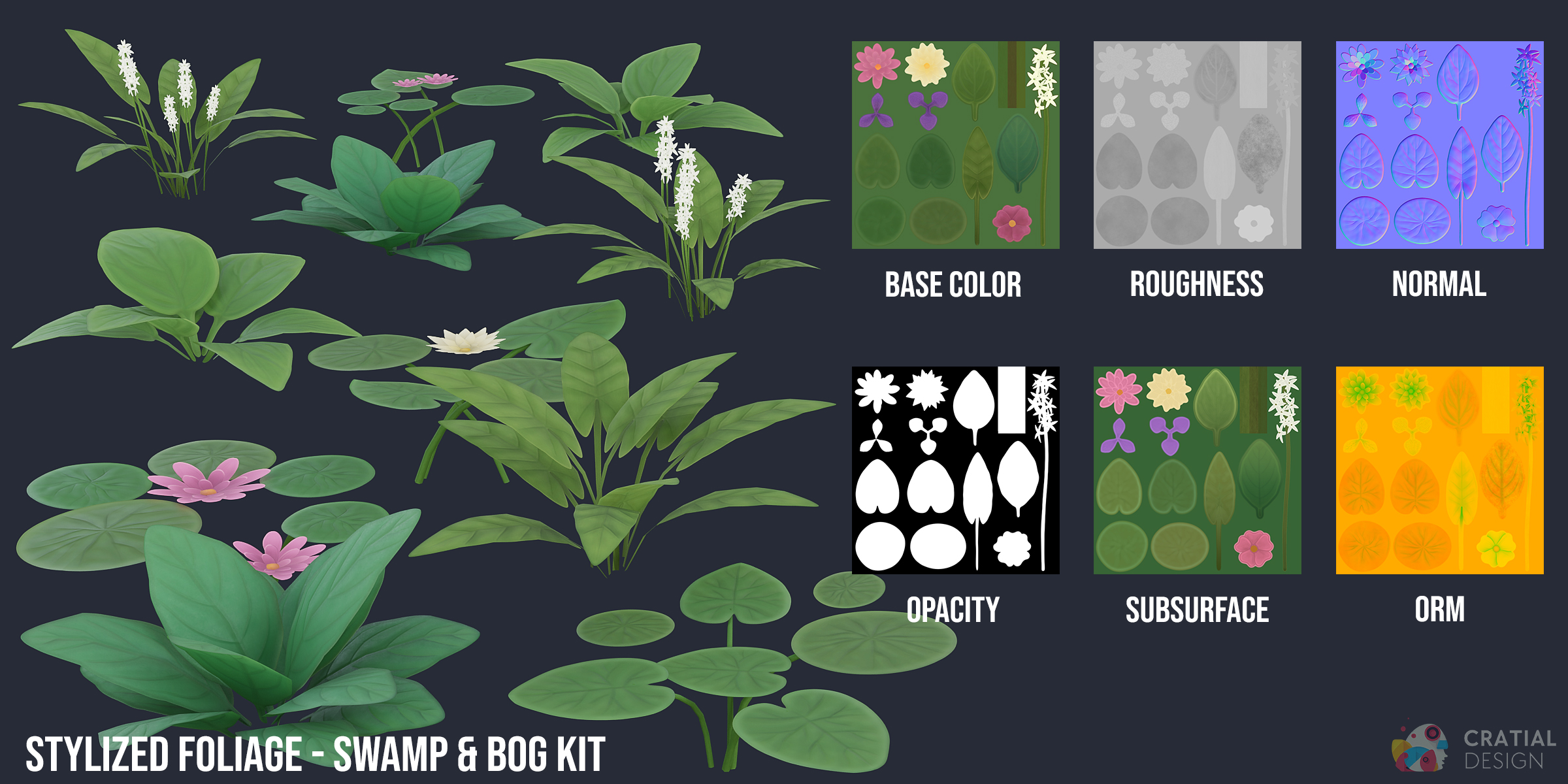
The product includes .blend, .fbx, .obj, and TGA texture maps. The Blender files contain packed 2K textures. Separate texture folders provide 1K, 2K, and 4K TGA sets. FBX and OBJ are also included but do not contain the Blender Geometry Nodes wind setup.
Connect the Superhive Remote Asset Library
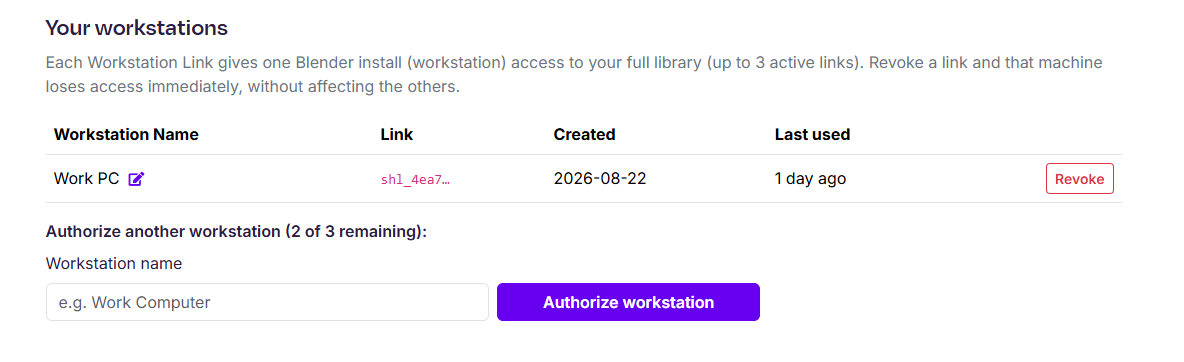
- In your Superhive account, open the Assets area and create a Workstation URL for your computer.
- In Blender 5.2 or later, open Preferences and add a new Remote Asset Library.
- Paste the Workstation URL and create the connection. If Blender prompts you, enable Allow Internet Access.
- Open Blender's Asset Browser to browse your entitled Superhive assets. Remote entries download on demand and are cached locally.
This account-linked remote workflow is separate from downloading the product files.
Enable and Set Up Wind Animation
Supported foliage uses the Simple Grass Wind Geometry Nodes modifier. Use the following steps when you want movement in the viewport or render:
- Select a supported foliage object and click on the Modifier tab. Here you'll see the Simple Grass Wind Geometry Nodes modifier.
- Enable the modifier for the viewport and render with the monitor and camera toggles.
- Raise Wind Power above 0 to add movement.
- Adjust Wind Speed to change how quickly the foliage moves.
- Optionally assign the same Wind Control object to multiple supported plants when they should follow a consistent procedural pattern.
Wind is disabled by default, so you can leave the modifier off while arranging a scene and enable it when you are ready to preview or render movement. Wind Power and Wind Speed remain per-object controls even when several plants share one Wind Control object.
Compatibility and Transfer Limits
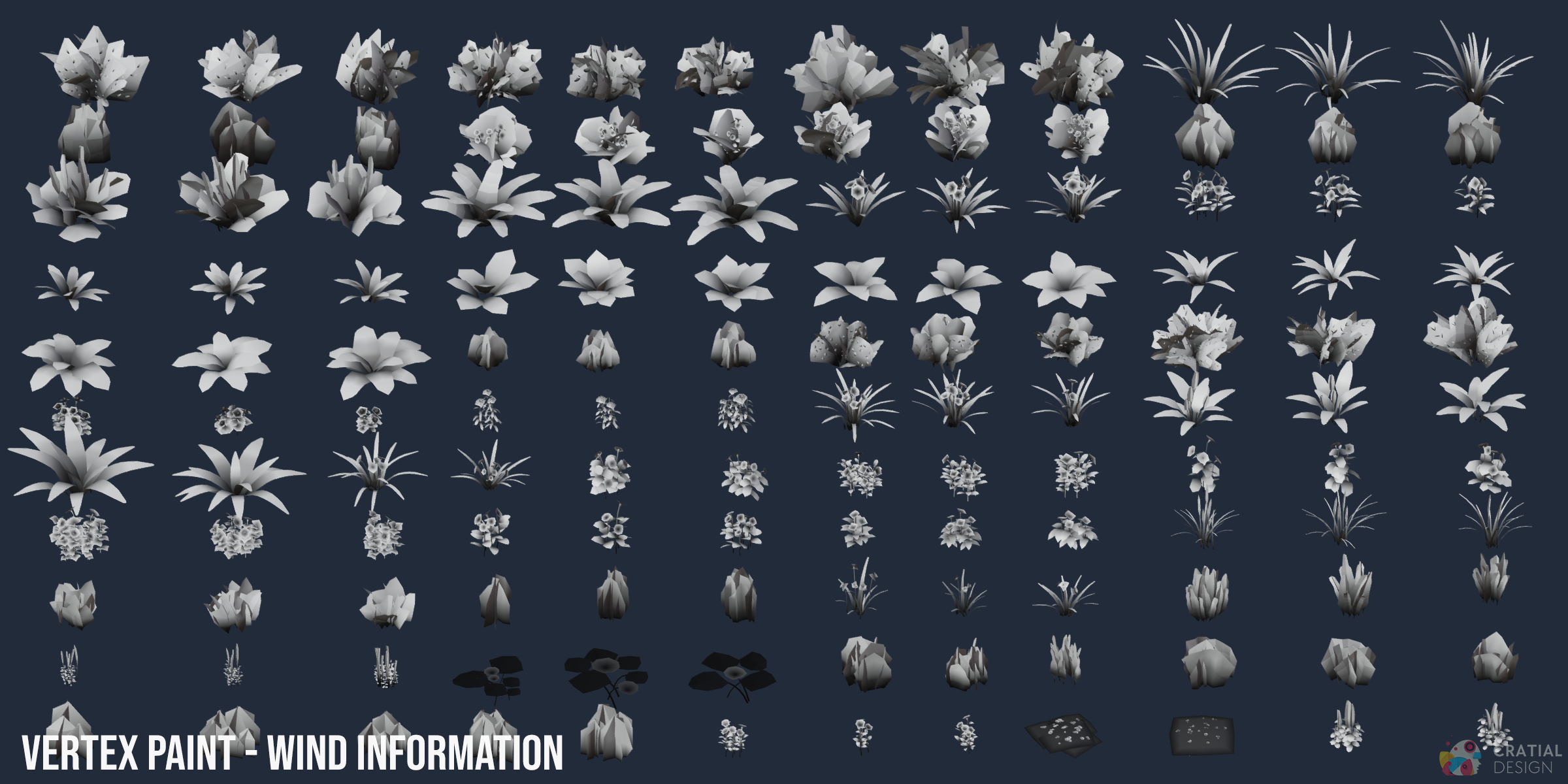
The supplied Blender materials support Cycles and EEVEE. FBX and OBJ contain static model versions, but they do not carry the Geometry Nodes wind setup. Recreate animation in the target application or engine when animated exchange is required. Where supported, the supplied vertex-paint information can be used as a movement mask.
Have questions about this product?
Login to message
Includes an Asset Library with select variants
159 drag-and-drop assets for Blender’s Asset Browser.
Browse included assets| Sales | 100+ |
| Dev Fund Contributor | |
| Published | over 3 years ago |
| Blender Version | 3.0 - 5.2 |
| Render Engine Used | Cycles, Eevee |
| Misc Data | Uvs-Unwrapped, Normal-Mapped, Textured |
| License | Royalty Free |
Discover more products like this
undergrowth mediterranean foliage animated foliage foliage asset pack stylized nature pack arctic tundra swamp-foliage foliage foliage assets stylized-foliage boreal forest foliage pack