Stylized Furniture Library- Asset Browser -300 3d Model Low Poly Furnishing
 Camaleon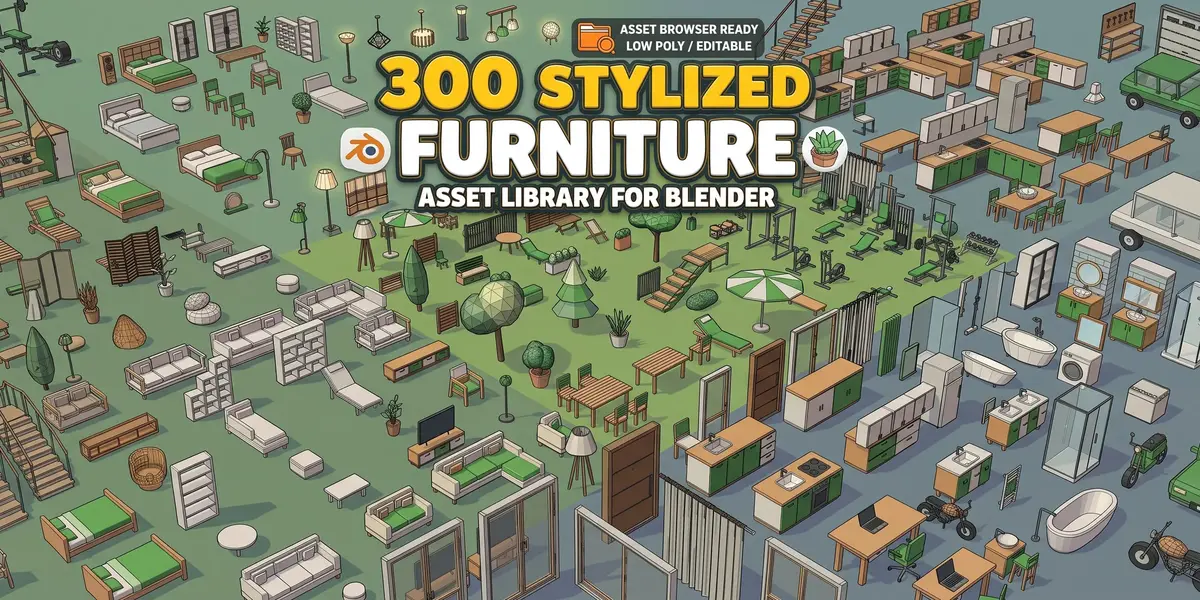
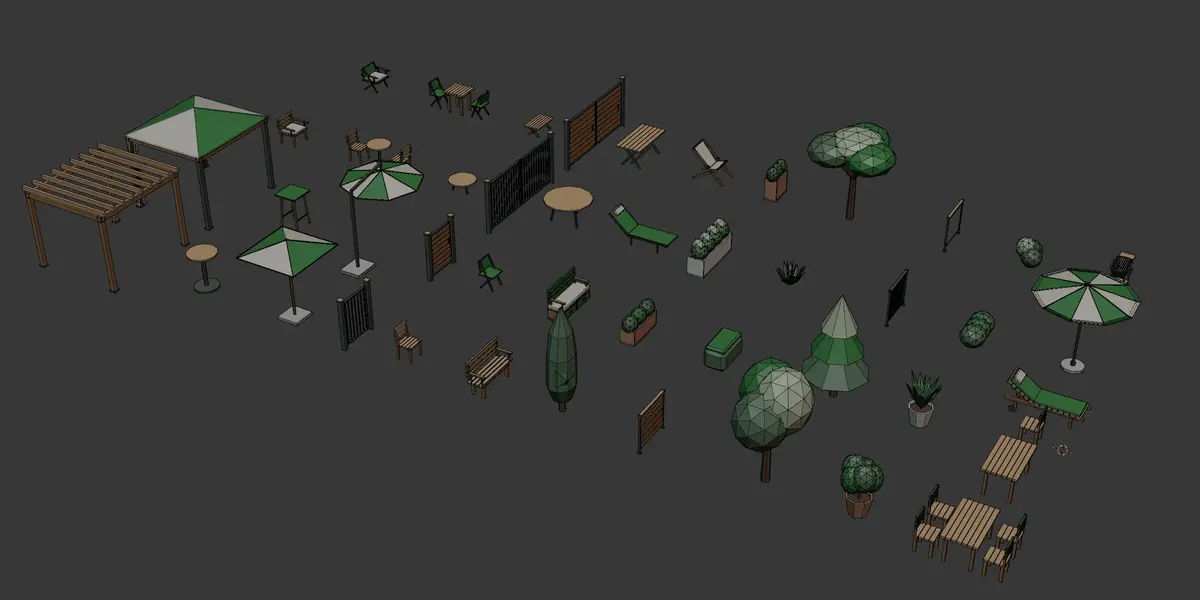
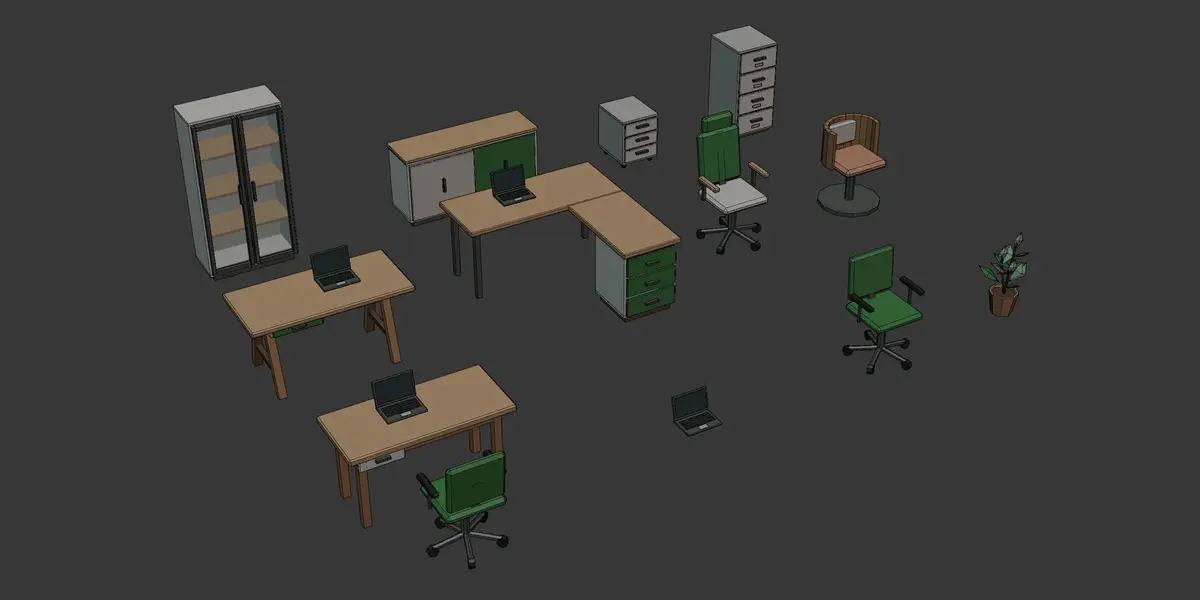
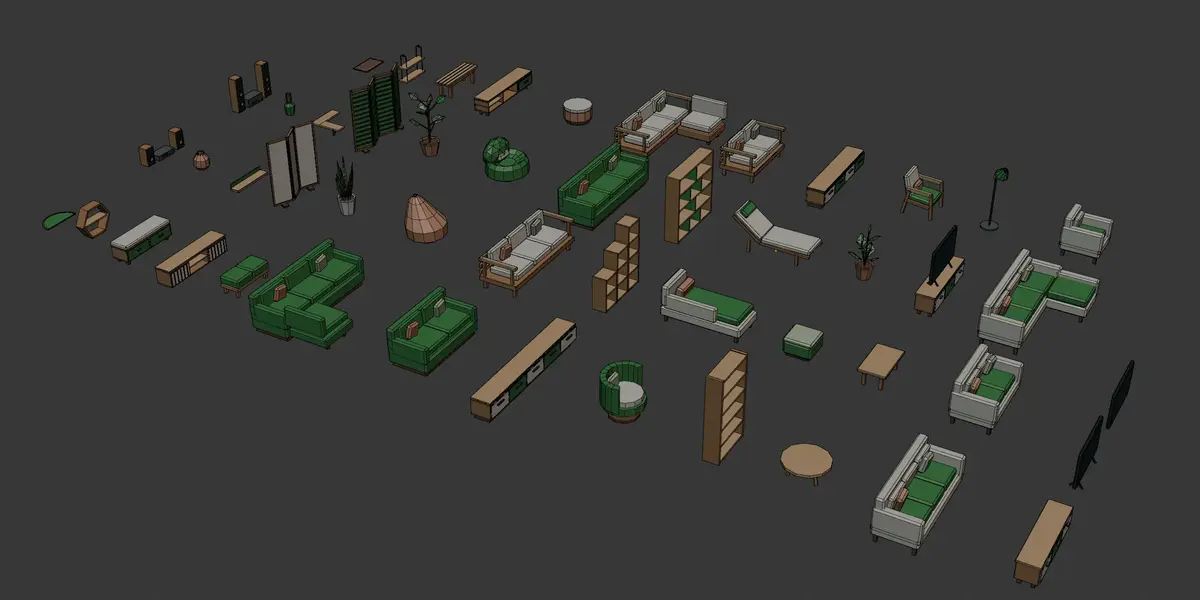
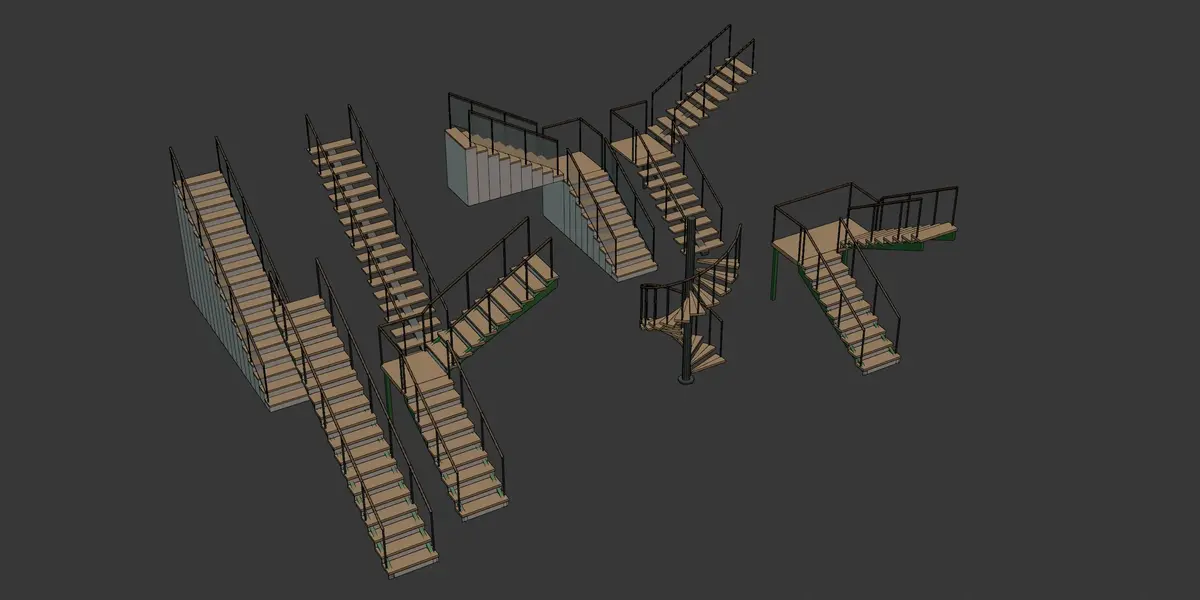
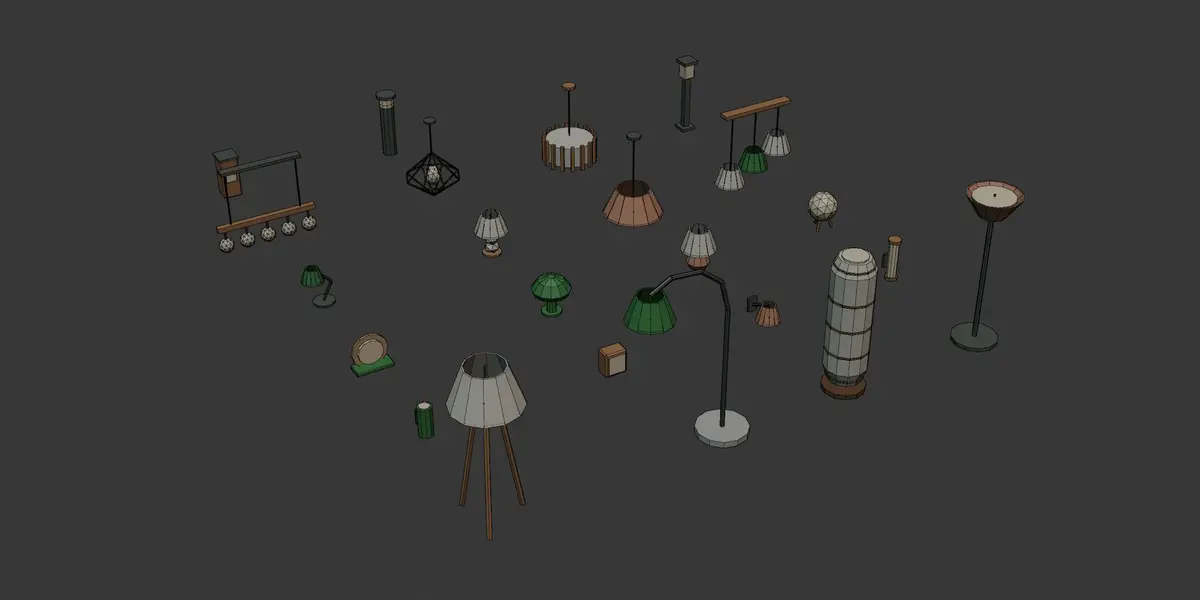
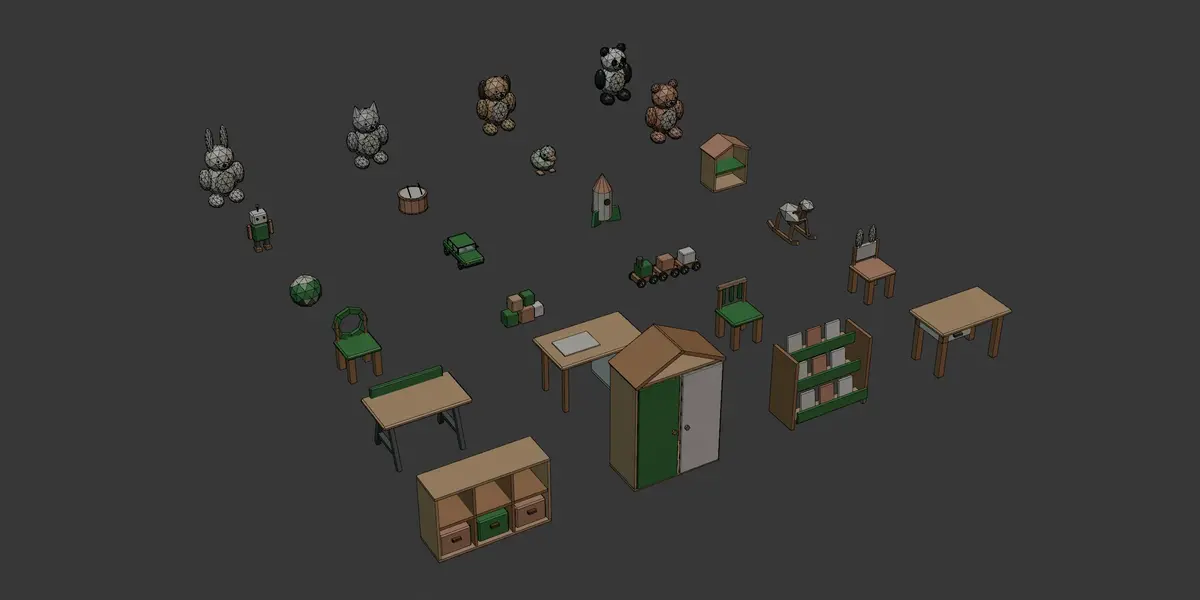
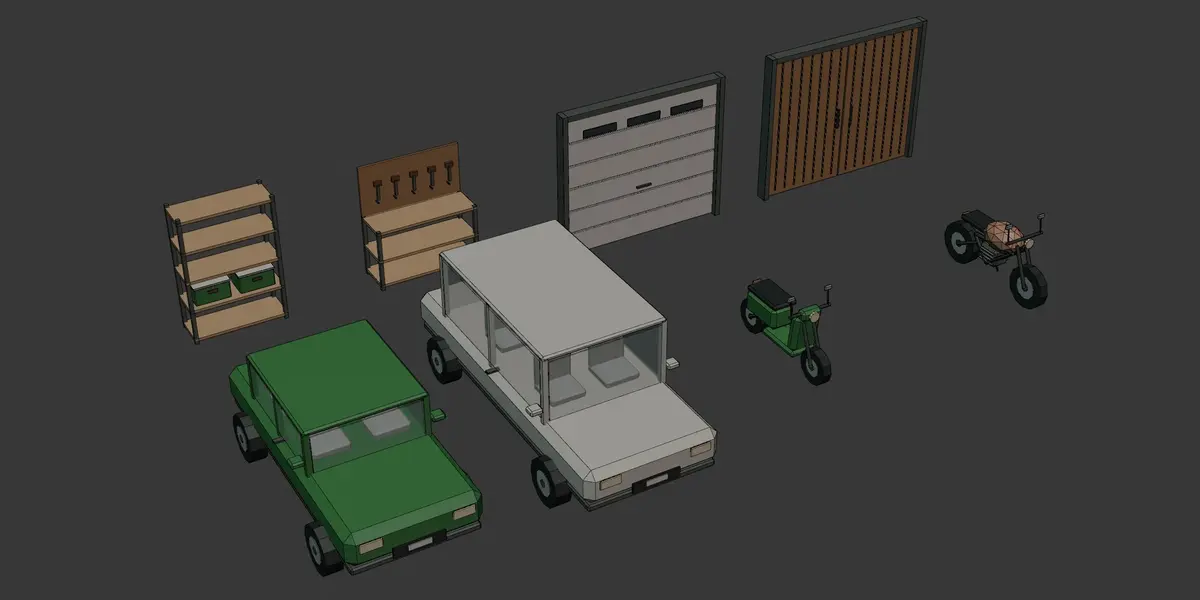
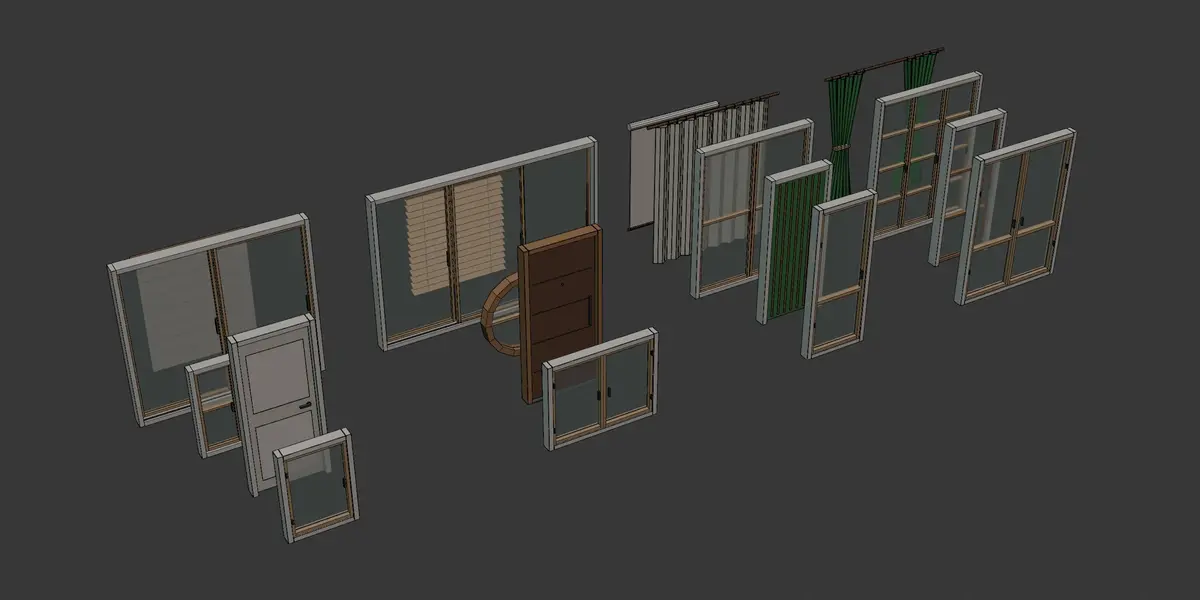
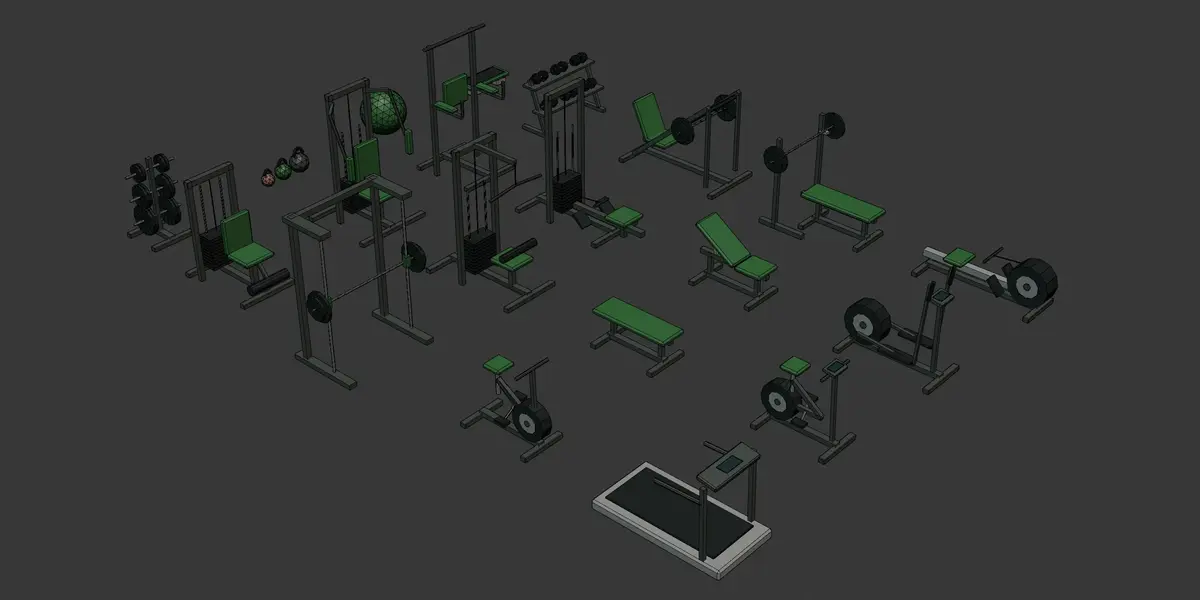
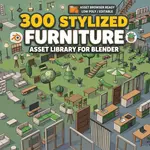
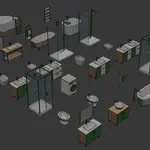
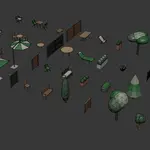
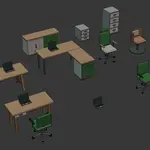
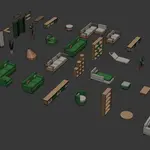
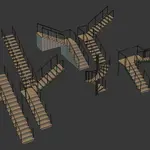
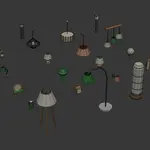
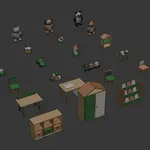
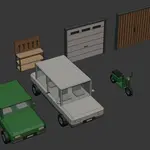
📖 How to Install your Stylized library (In under 60 seconds!)
- Download and extract the
.zipfile containing the library. - Place the
.blend and .txtfiles in your dedicated custom Assets folder. - In Blender, go to Edit > Preferences > File Paths.
- Under "Asset Libraries", click the + button, name your library, and select the folder where you placed the file.
- Open the Asset Browser editor, select your new library from the dropdown, and start dragging assets into your 3D view!
- enjoy!
💬 Have questions, requests, or need support?
Feel free to send a message here on Superhive. Your feedback and ratings help me bring more awesome asset packs to the community! If you make anything cool with these, I’d love to see it!
Have questions about this product?
Login to message
Includes an Asset Library
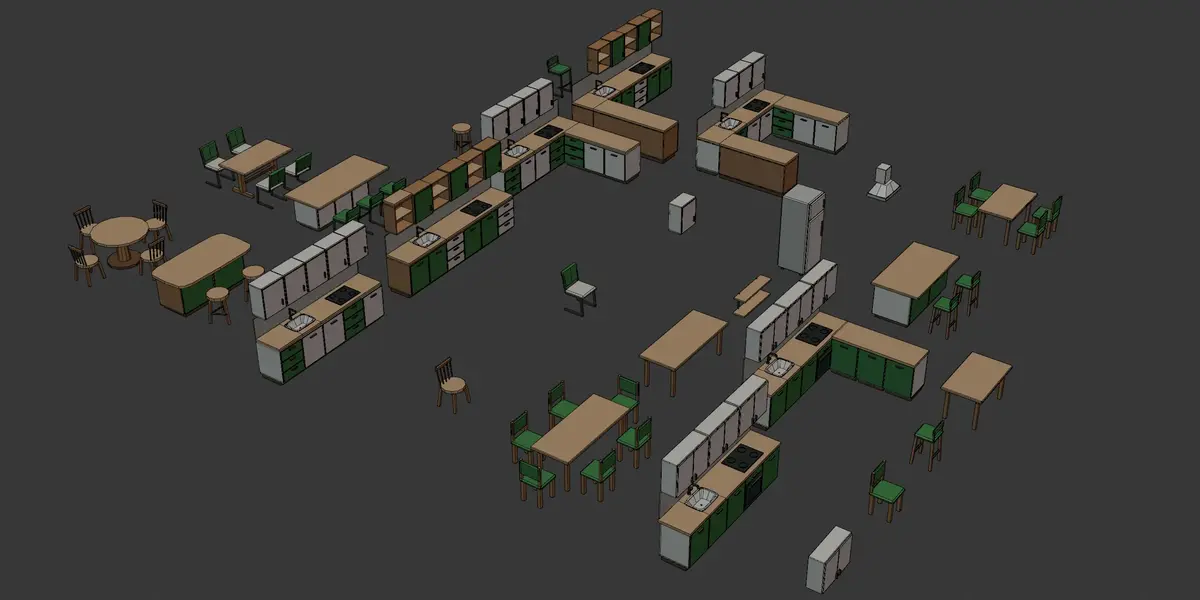
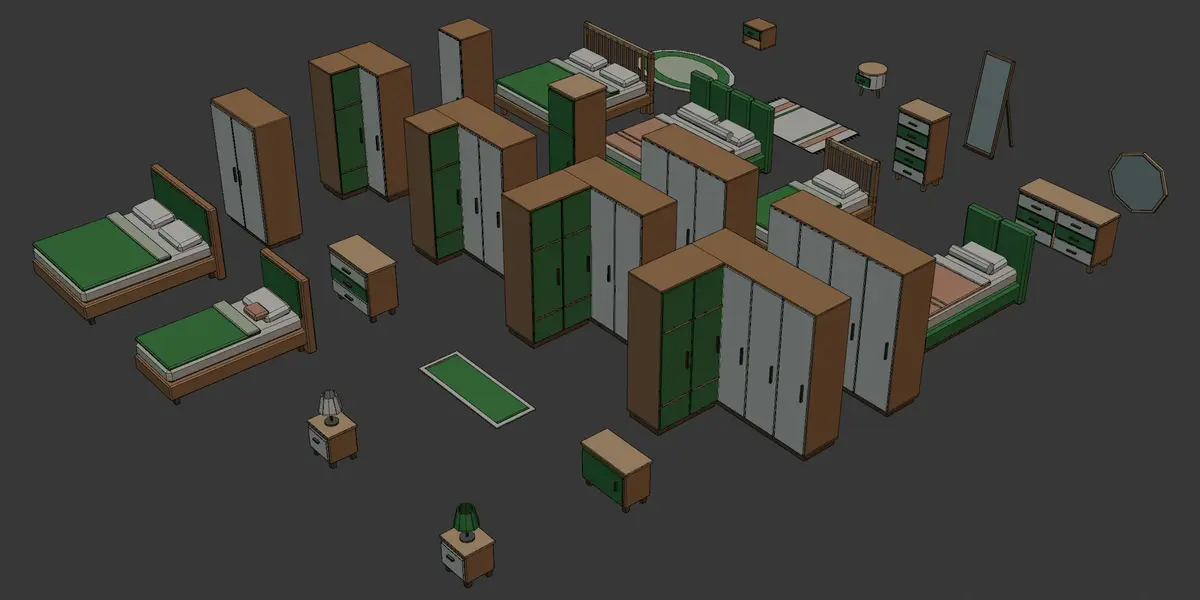
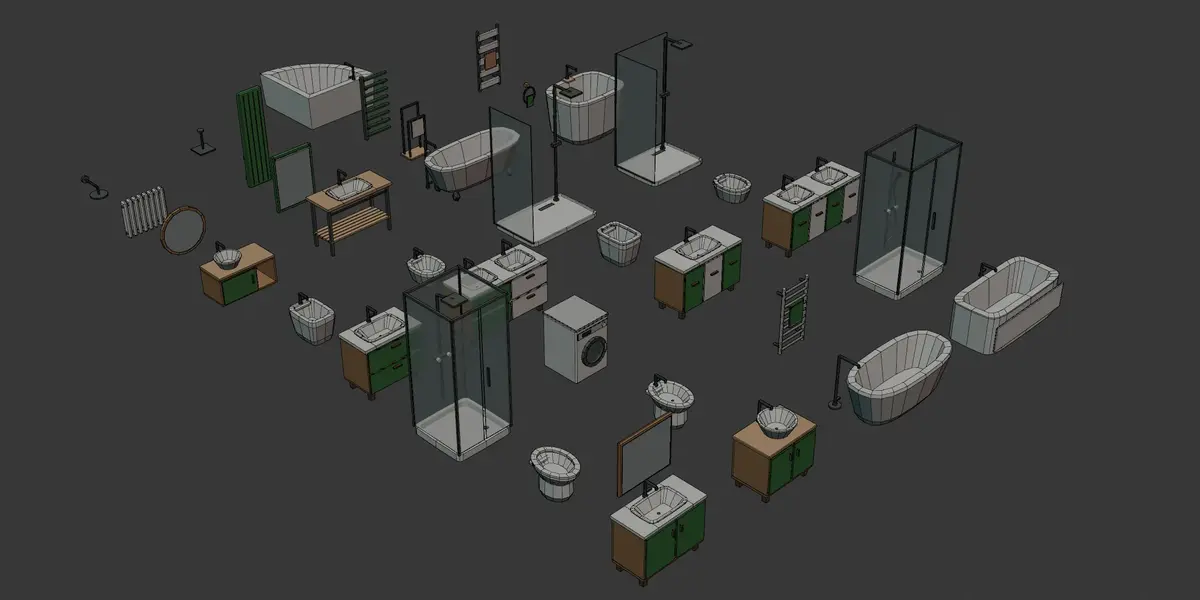
300 drag-and-drop assets for Blender’s Asset Browser.
Browse included assets| Published | 1 day ago |
| Blender Version | 4.2 - 5.2 |
| Render Engine Used | Cycles, Eevee |
| License | Editorial |
Discover more products like this
asset library Office IKEA windows asset-browser lowpoly furniture stylized Interior 3d model outdoor Furnishing