 GreenJin


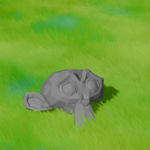
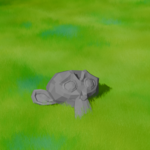
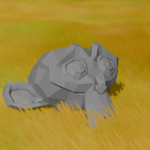
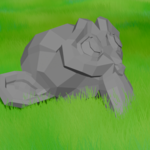
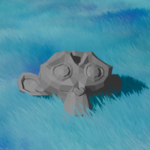
Vertex-Paint Stylized grass for Blender EEVEE. Paint where grass grows, and it will automatically blends into your existing material.
Requirements
(Blender 4.2 or newer) (Tested on 4.5 and 5.1, 5.2)
EEVEE Rener Engine
Installation
Edit > Preferences > Add-ons -> top right dropdown -> Install from Disk...
Select the downloaded Grasspainter.zip
If you can't see the addon, uncheck "Enabled Only"
Panel Reference
Density / Viewport Density — total amount, and the fraction shown in the viewport (renders always use 100%).
Reference Camera — camera used by Align Rotation & Distance LOD (empty = active camera).
Distance LOD — density fades with camera distance (Start / End / Min).
Card Width & Height / Scale / Variation / Seed — blade dimensions and randomness.
Trim Cards — cuts card geometry to your silhouettes; faster dense close-ups.
Align Rotation — all cards face the camera (billboard style) with slight jitter.
Patch Scale — noise-driven regions of uniformly tall/short grass, or plain random.
Ink Outline — pre-baked outlines (zero render cost): thickness, opacity, color.
Base / Clump Shade — painted-style shadow masses and darker blade bases.
Cloud Shadows — large soft shadows drifting along the wind direction.
Geometry Blades — real ribbon meshes instead of alpha cards.
Have questions about this product?
Login to message
| Published | about 2 months ago |
| Blender Version | 4.5 - 5.2 |
| Extension Type | N/A |
| Render Engine Used | Eevee |
| License | GPL |
