 NicoHartl
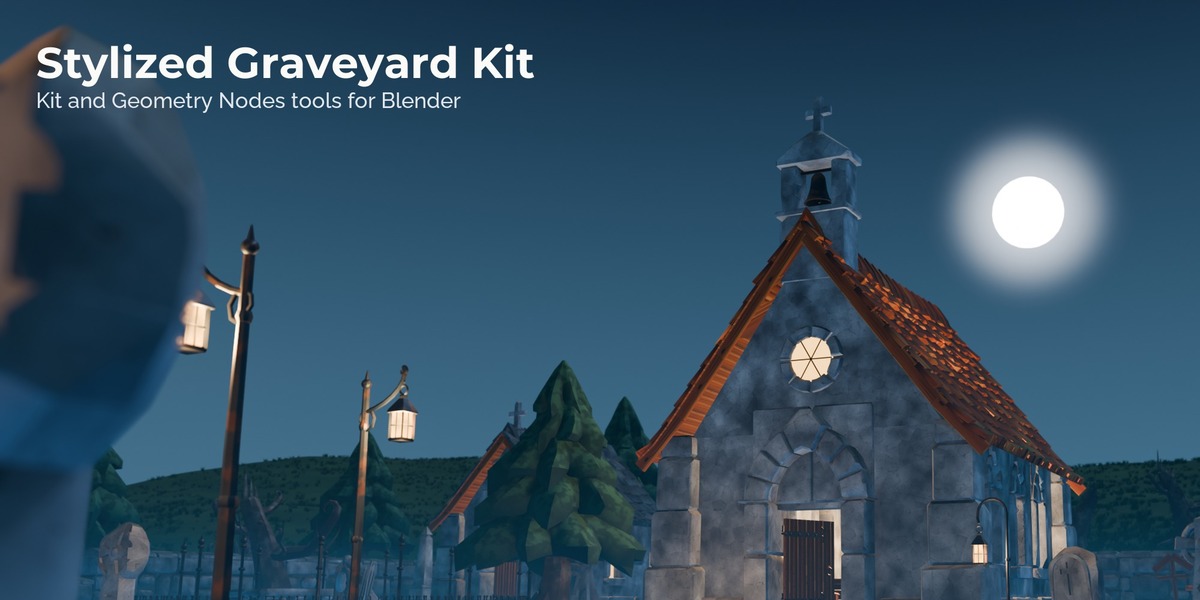
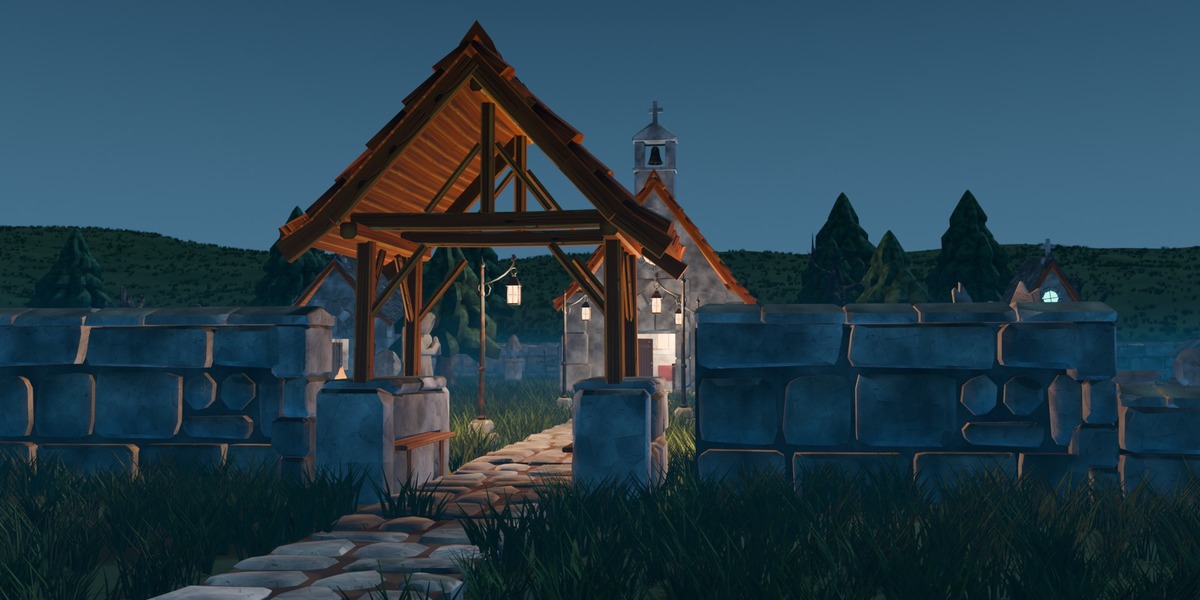
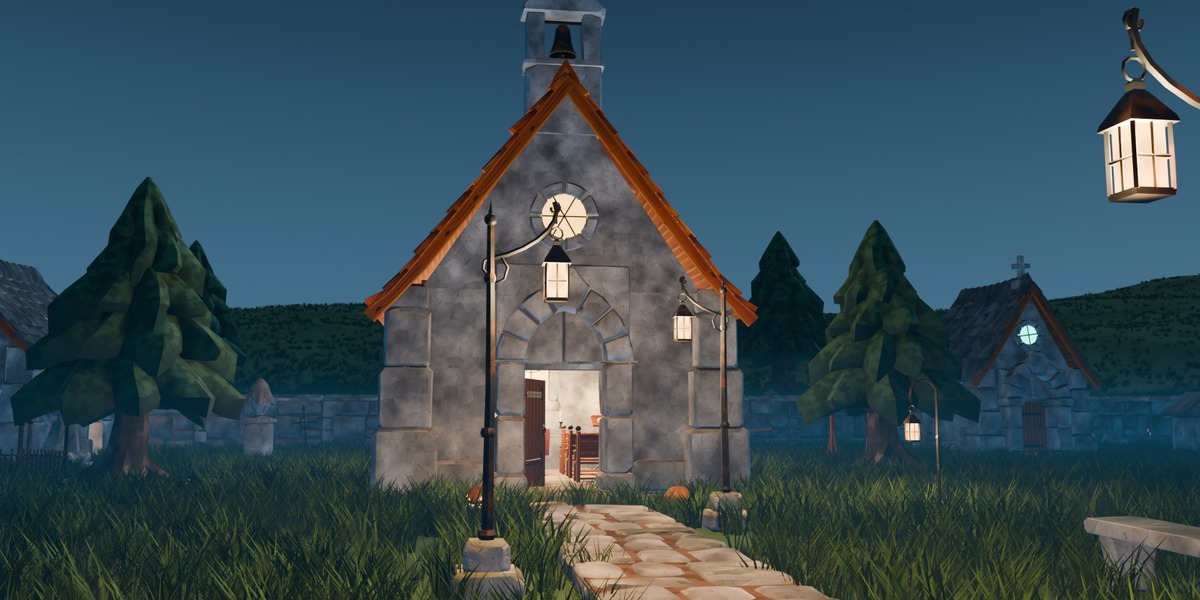
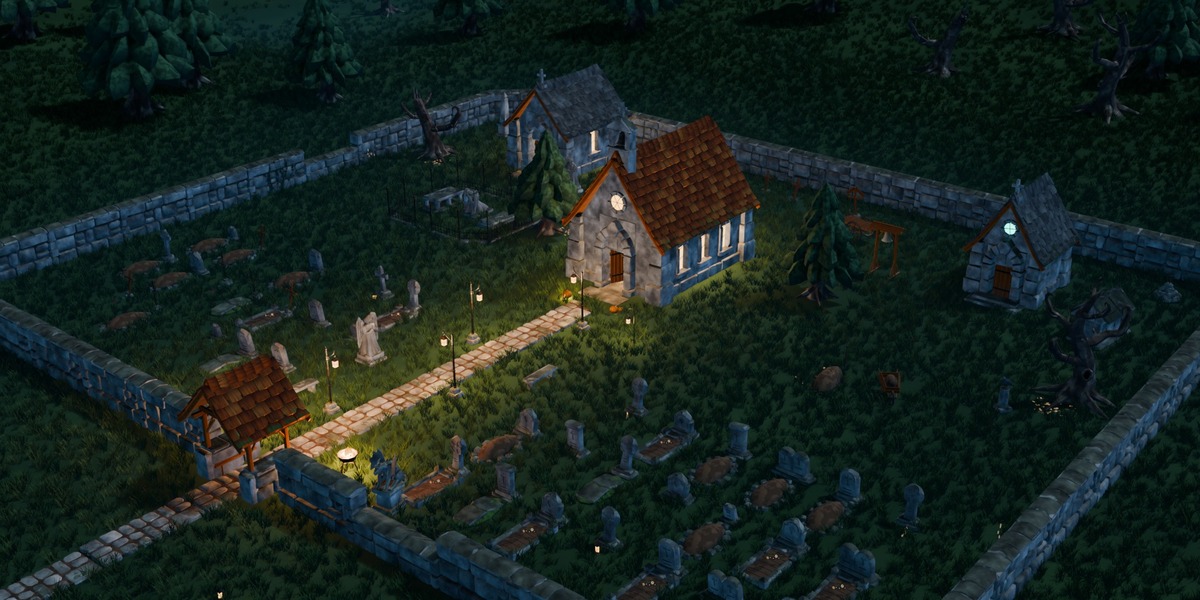
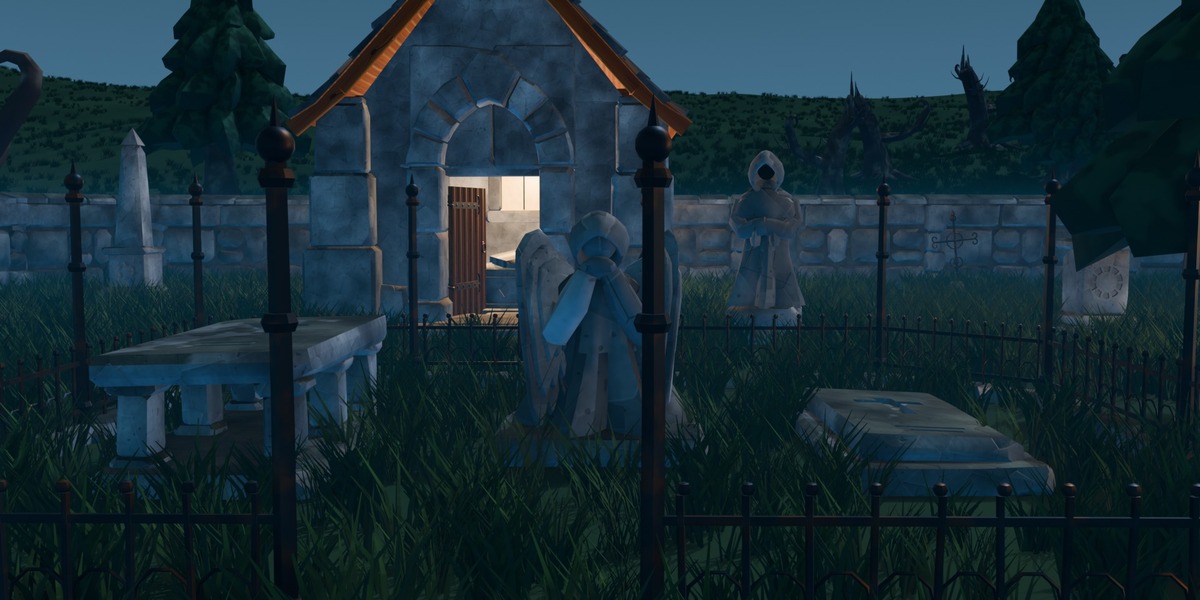
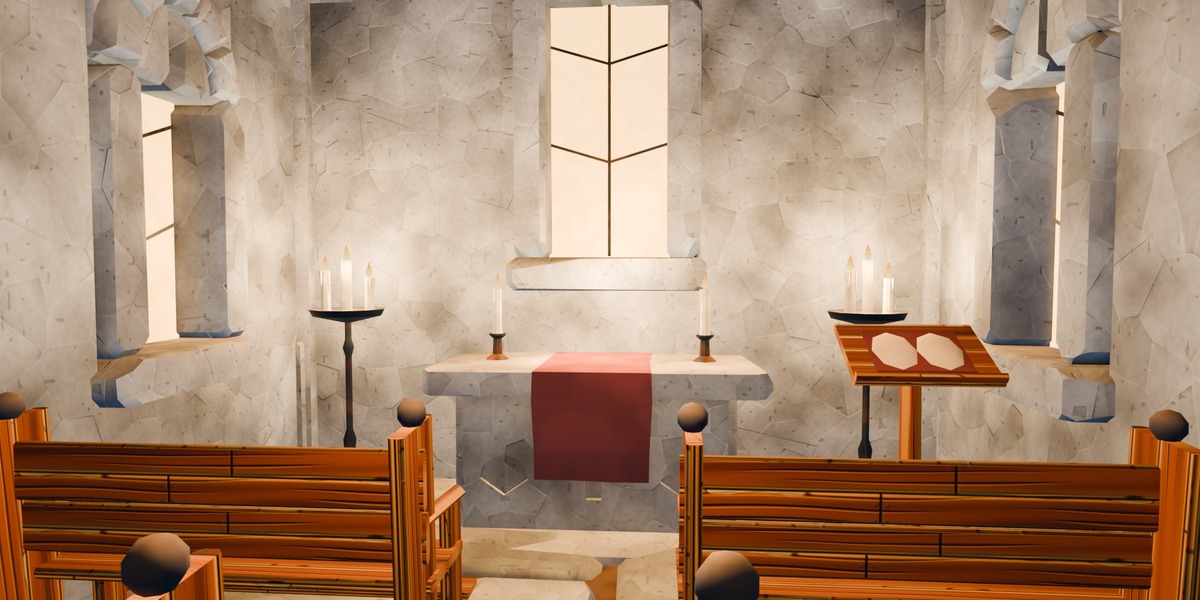
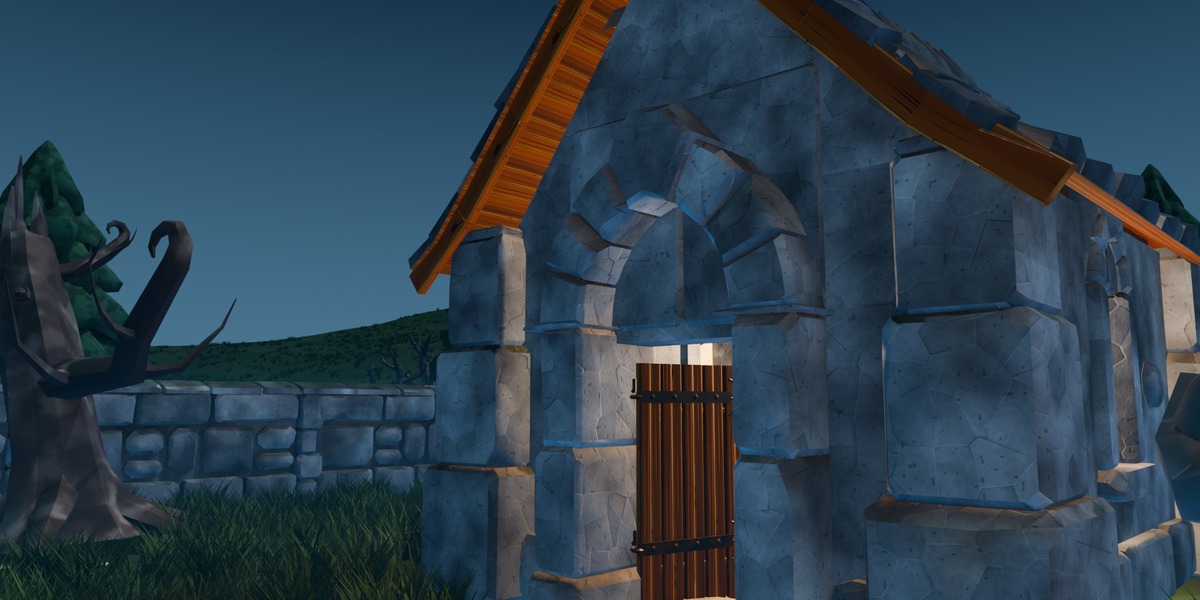
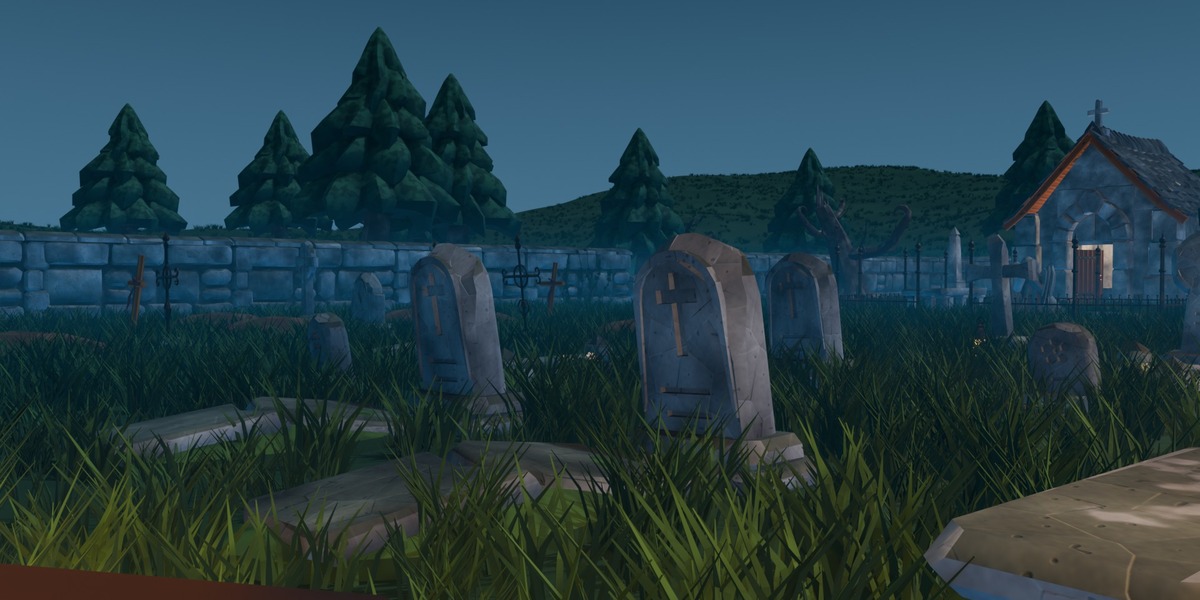
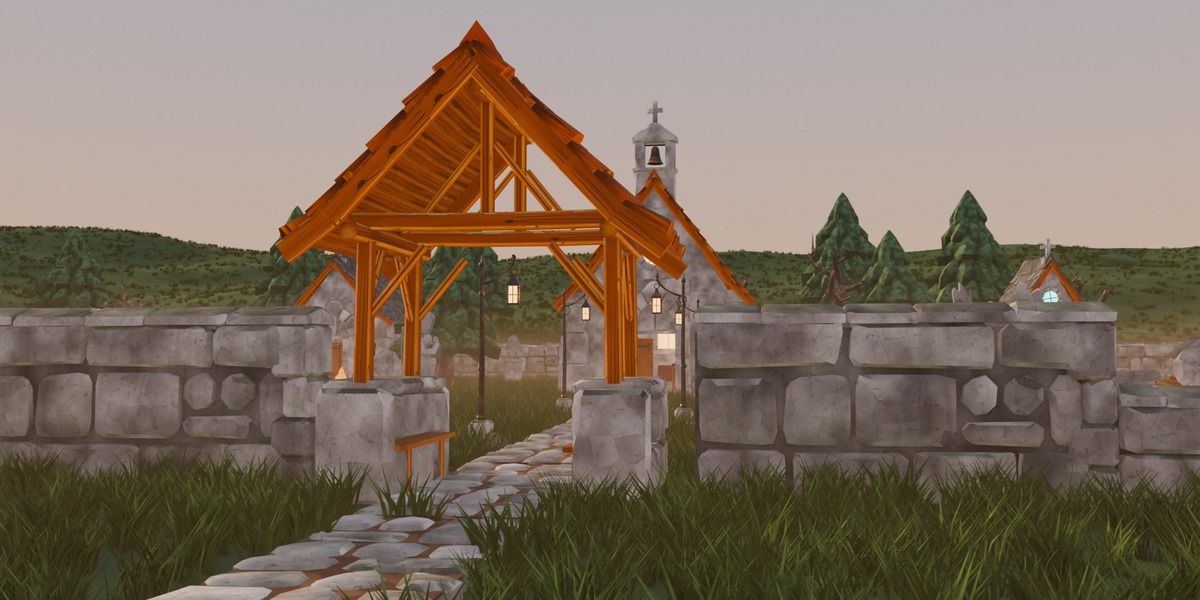
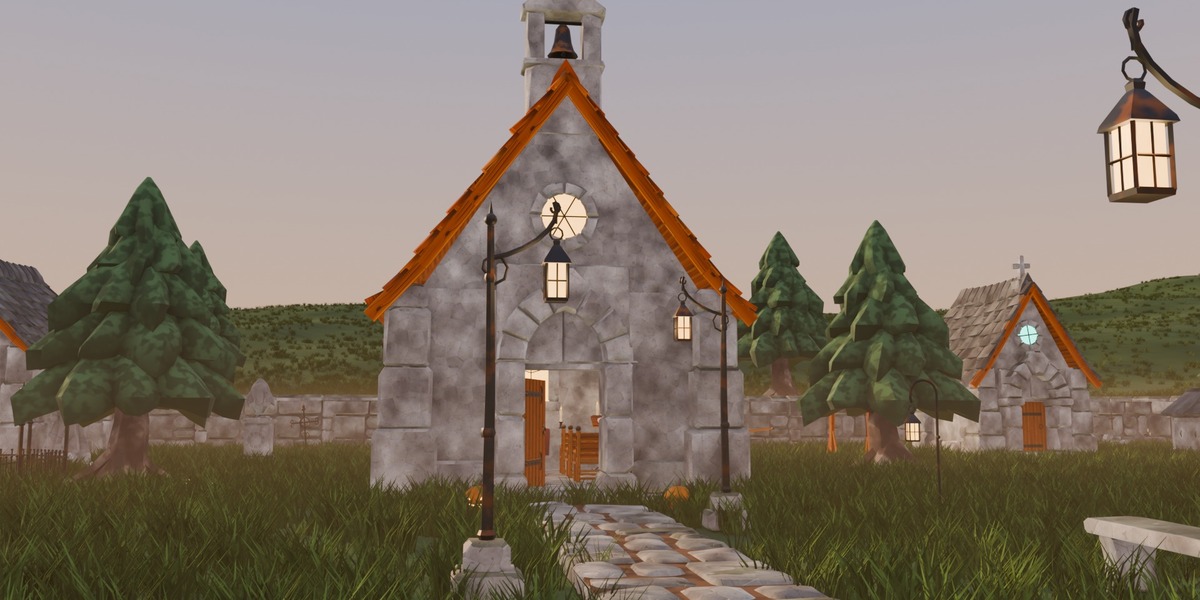
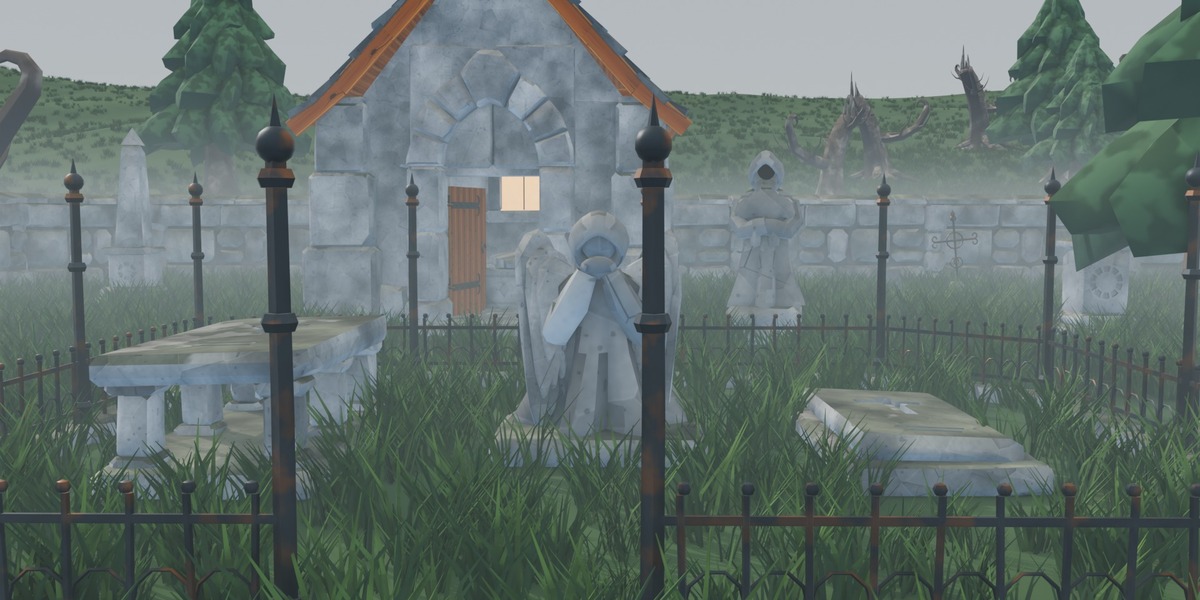
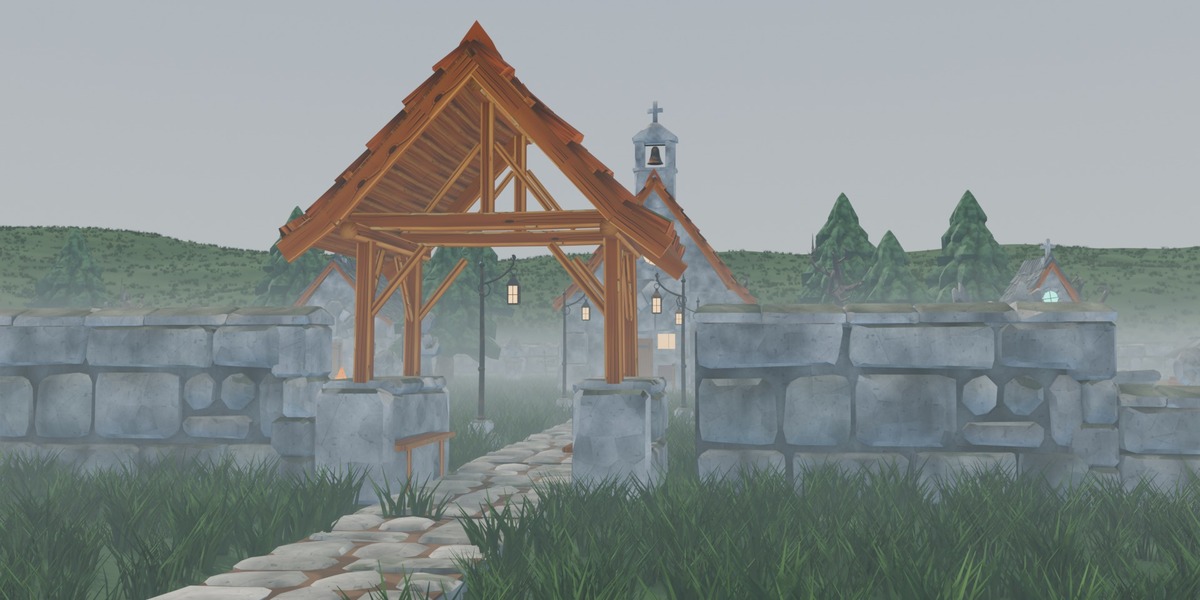
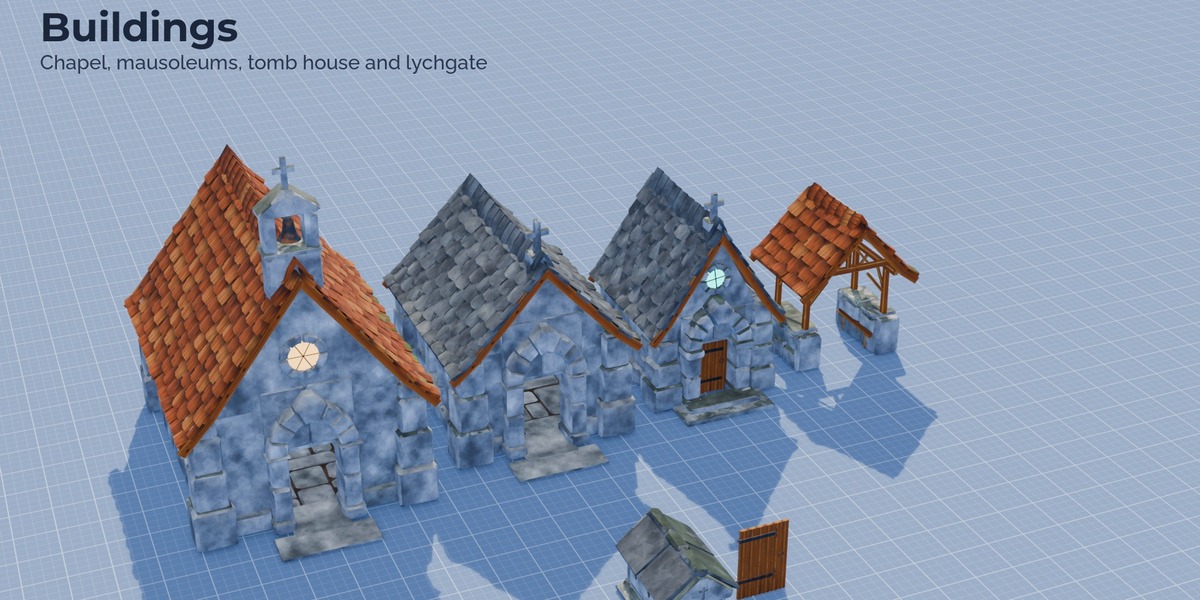
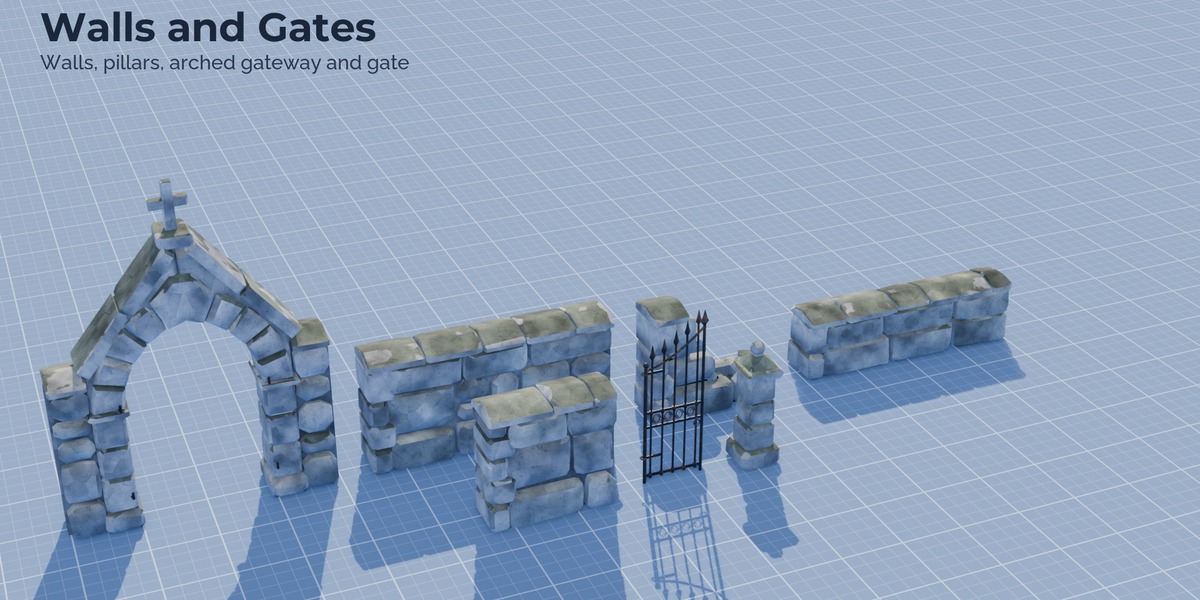
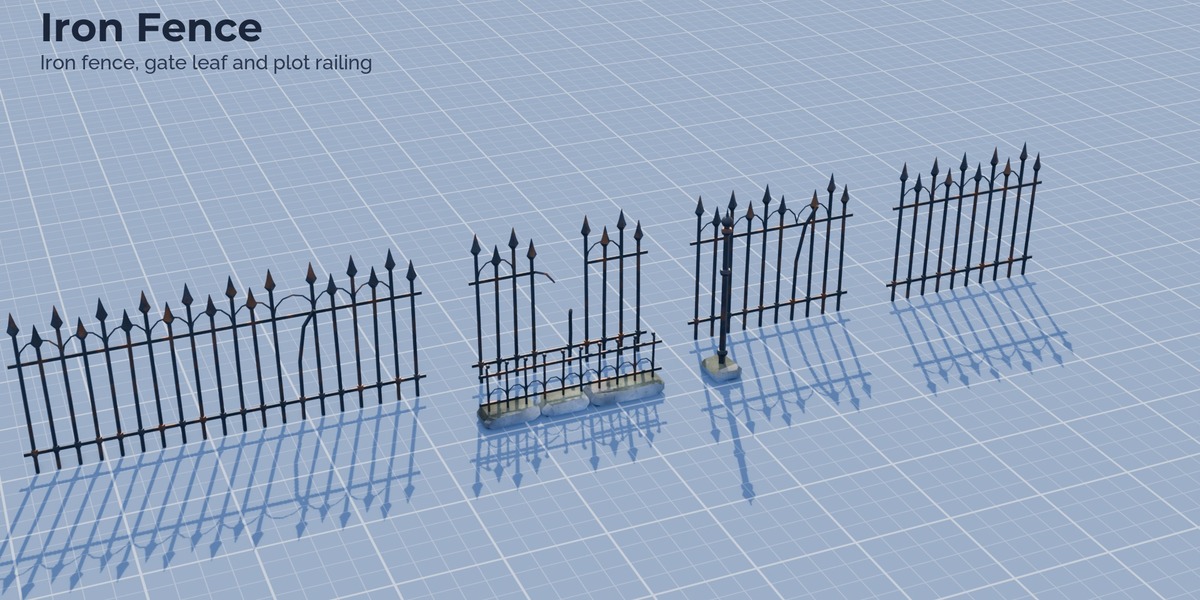
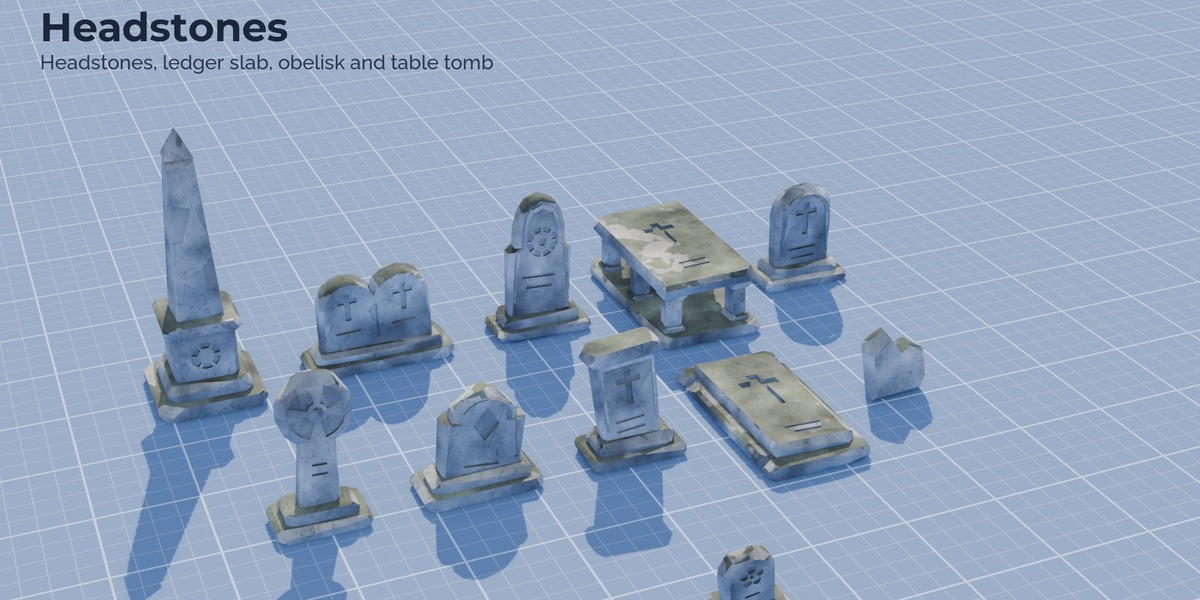
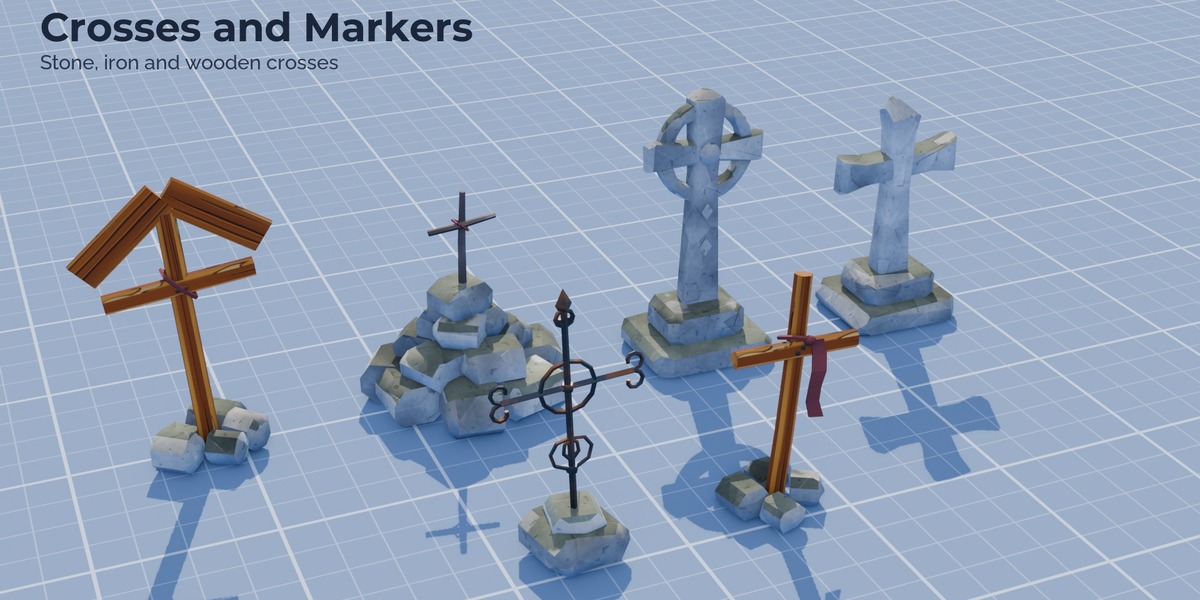
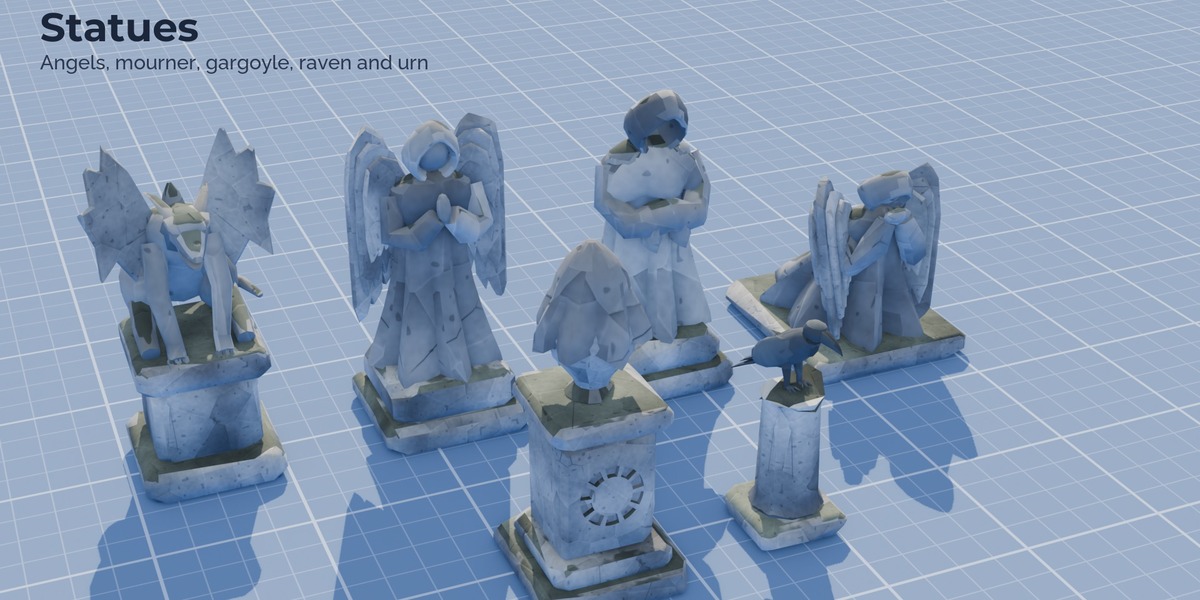
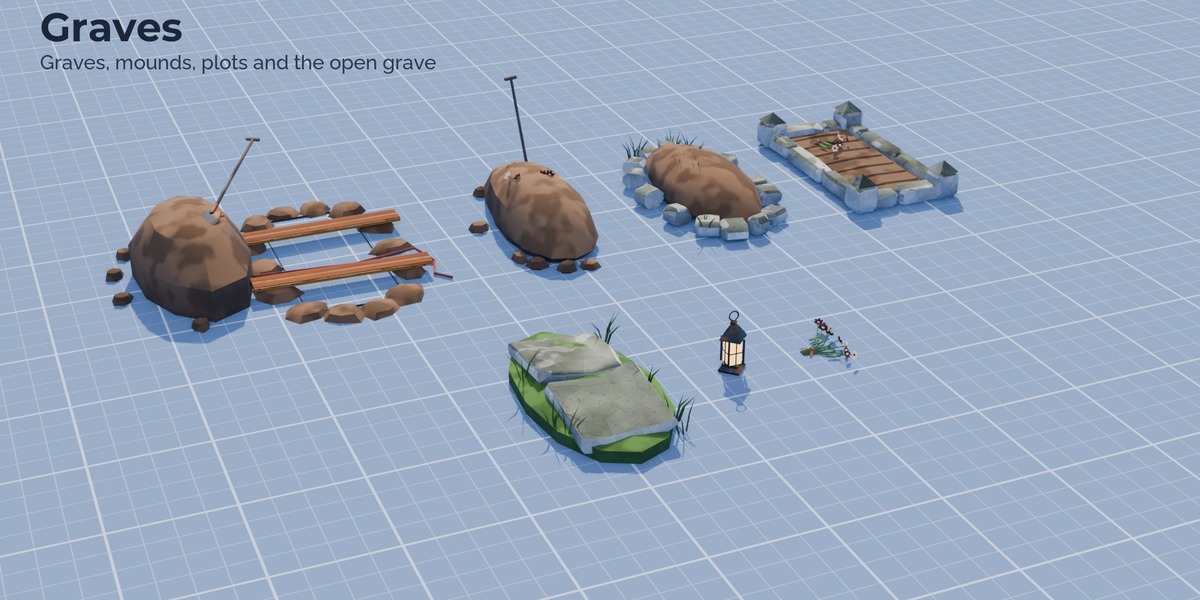
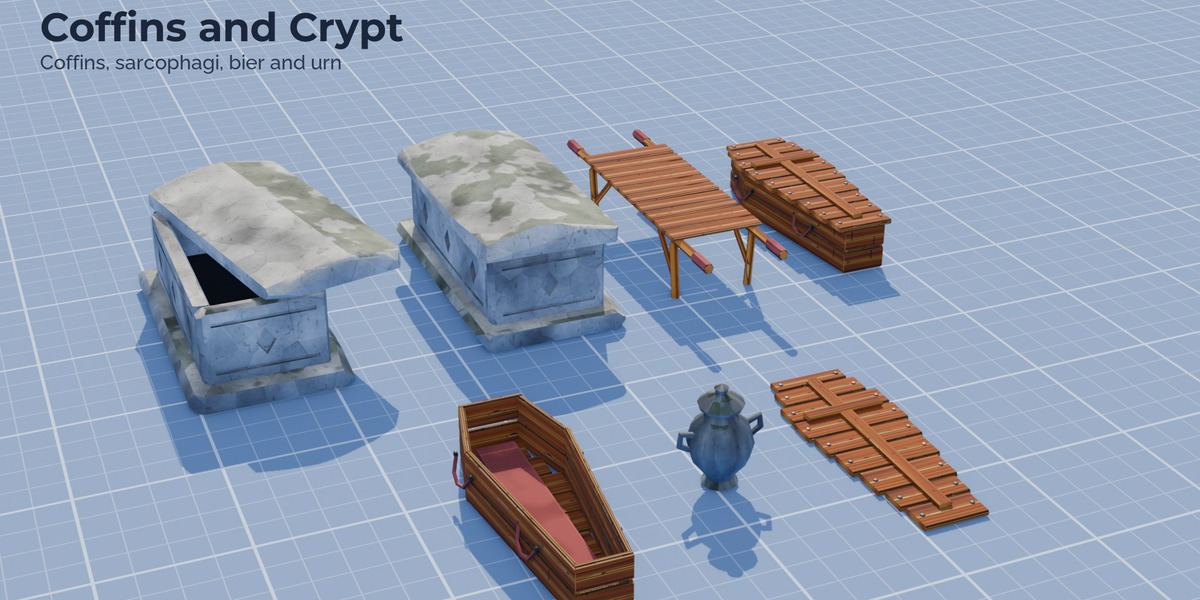
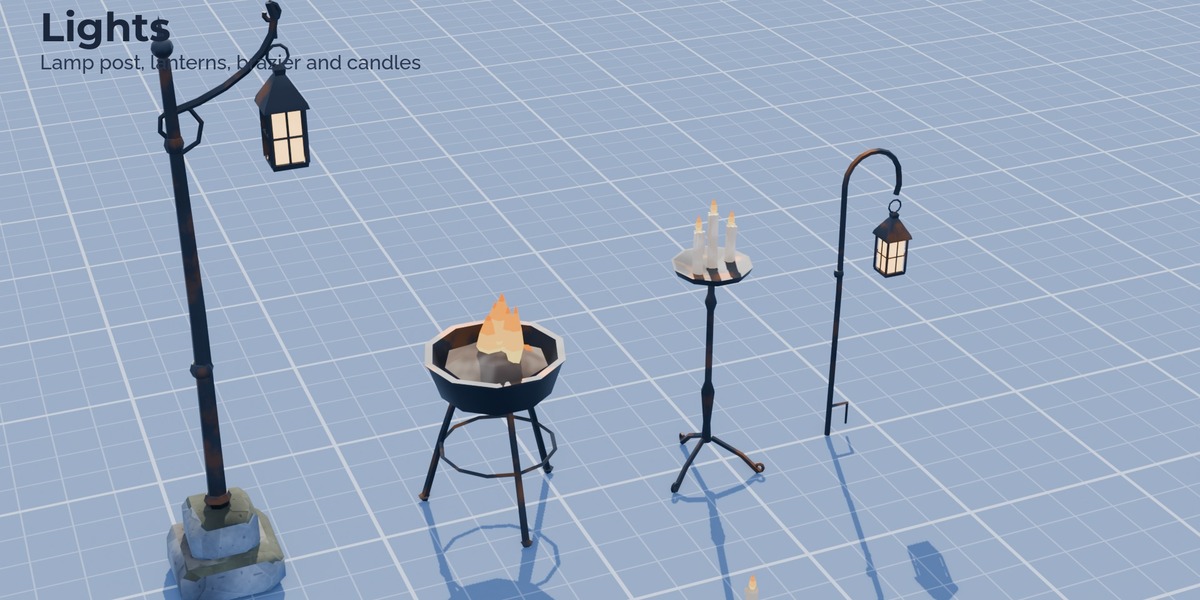
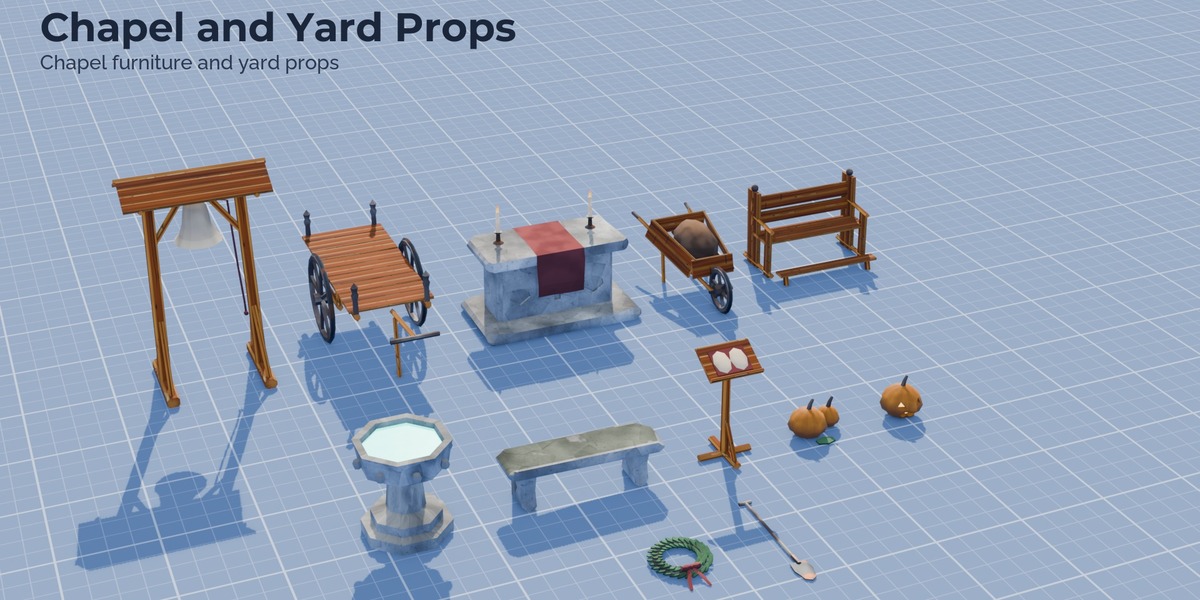
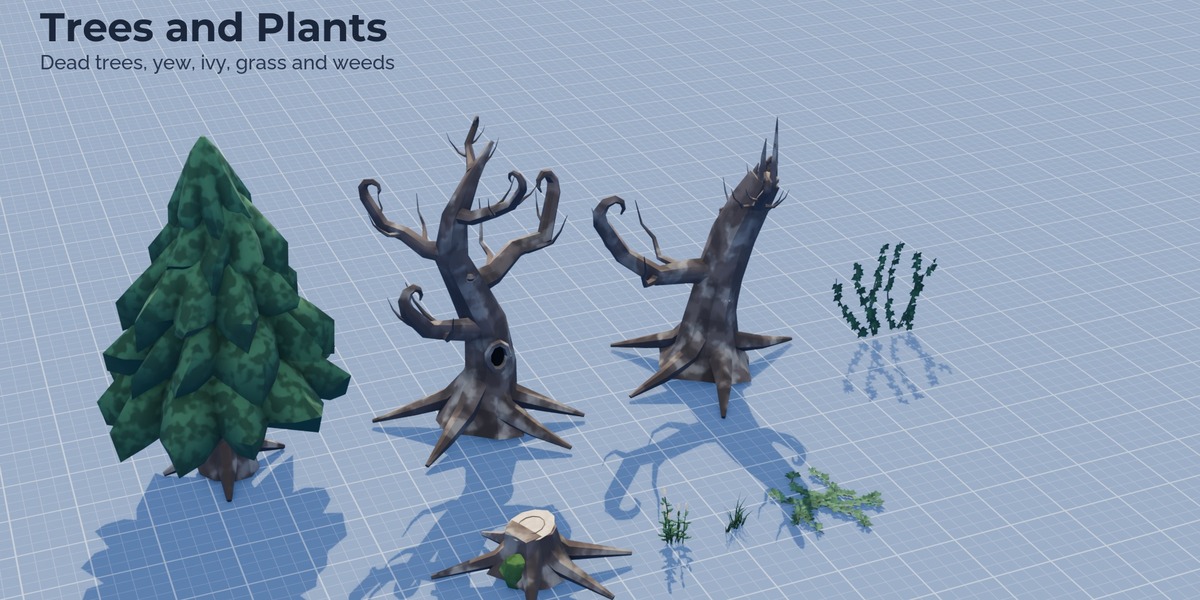
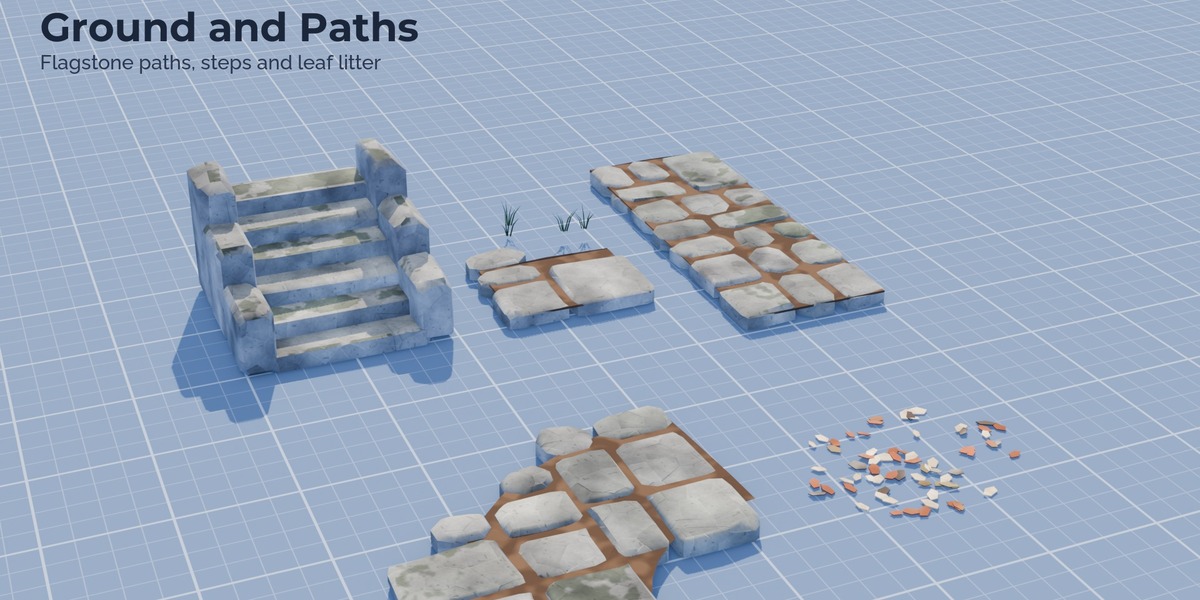

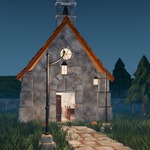
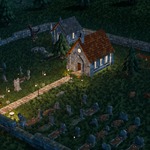
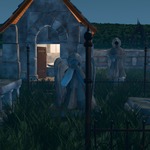
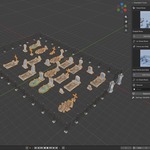
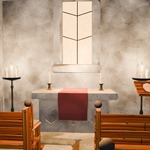
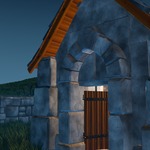
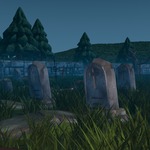
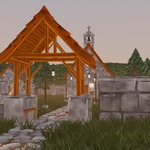
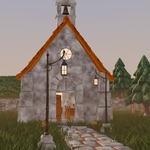
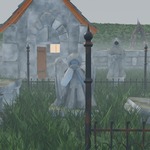
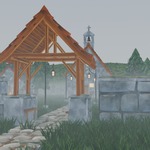
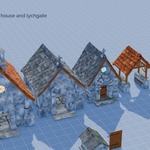
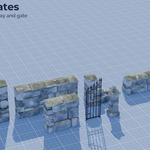
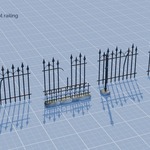
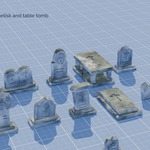

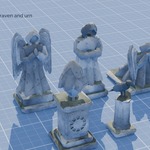
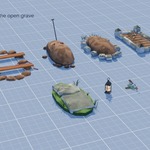
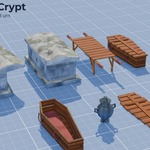
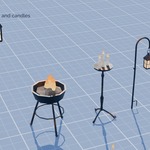
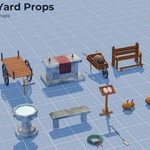
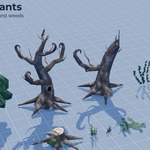
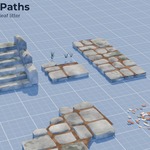
The Stylized Graveyard Kit holds 87 hand painted pieces for churchyards and graveyards: an enterable chapel and mausoleum, a small mausoleum, a tomb house, a lychgate, stone walls and an arched gateway, iron fences and gates, headstones, crosses, graves, statues, coffins, lamps, chapel furniture, dead trees, a yew, ivy and paths. All pieces are marked as assets in 13 catalogs.
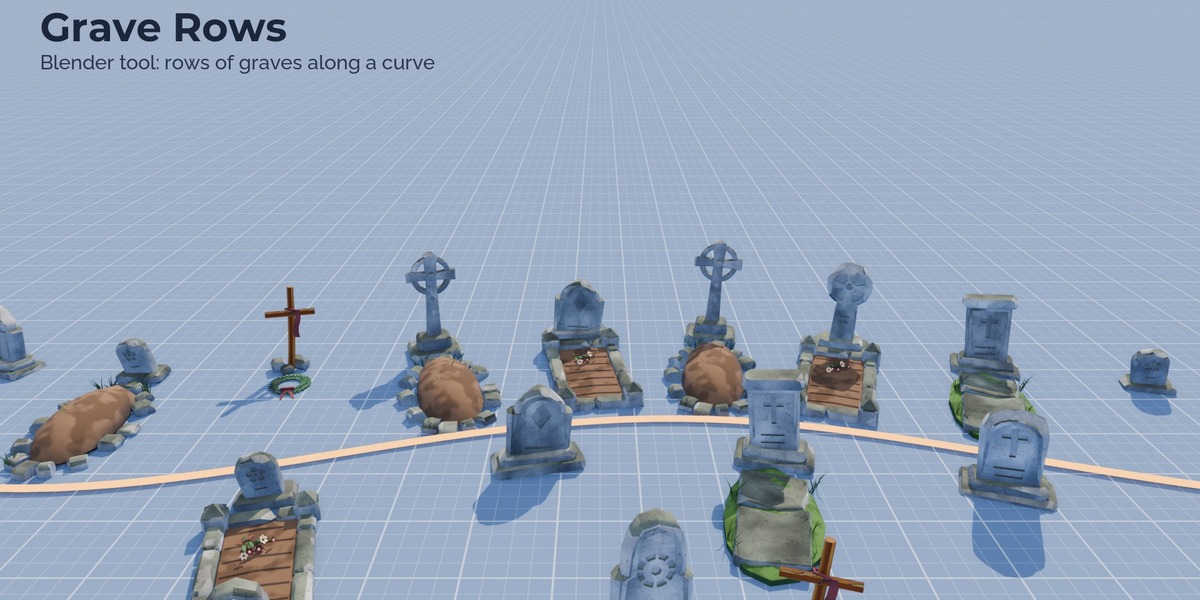
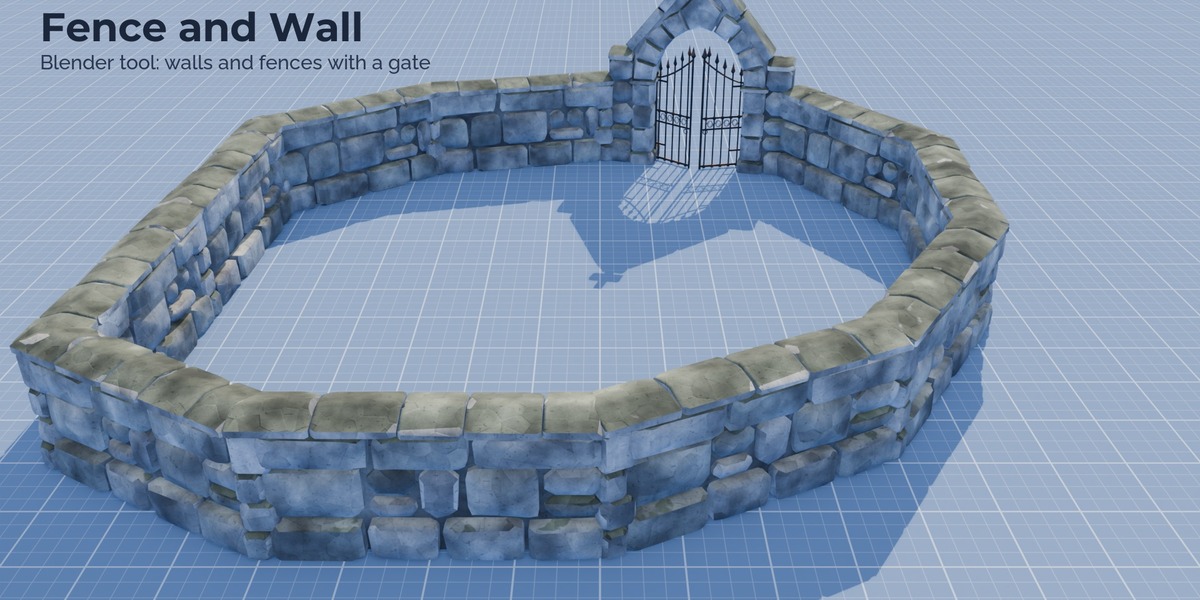
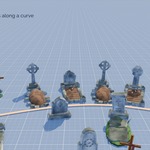
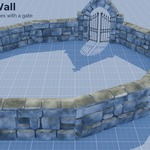
Two Geometry Nodes tools place the pieces. Grave Rows lays out graves along a curve or inside any flat shape you draw: markers from headstones, crosses, a mix or old broken ones, plots in front of the markers, lean, sink, gaps, flowers, wreaths and lanterns, and weathering. Rows on bends keep their spacing. Fence and Wall runs an iron fence, a stone wall, a low wall or a plot railing along a curve with whole pieces per segment, posts at the joints, closed corners, broken and missing segments and a gate with two leaves or an arched gateway. Both tools follow a ground object, and Realize turns the result into plain meshes for export.
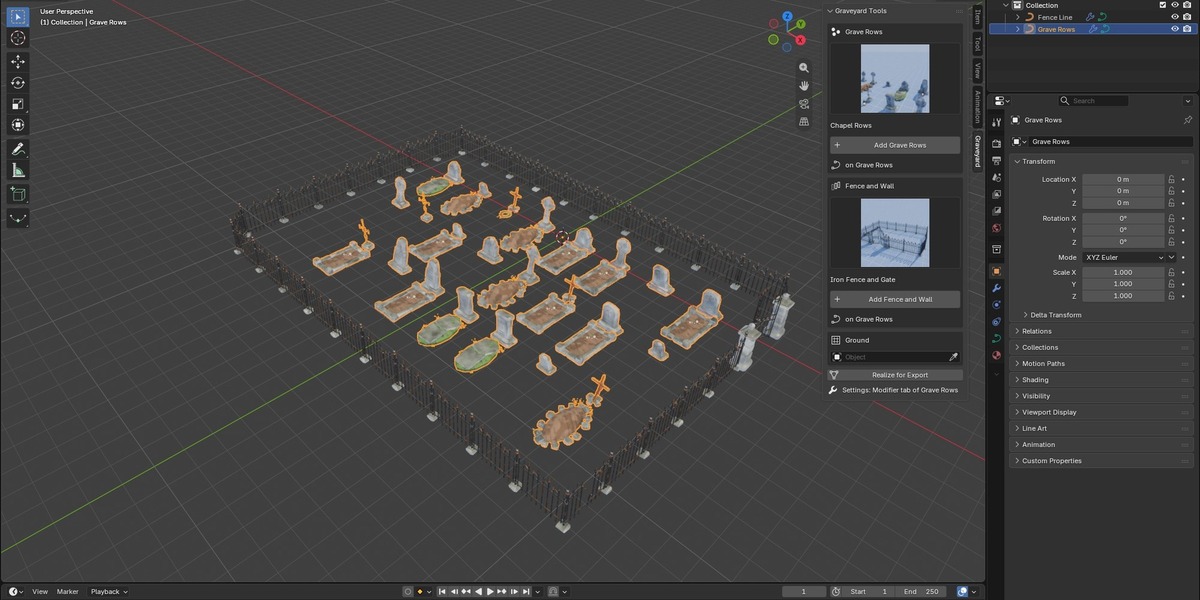
The panel in the sidebar shows every look as a picture; one click adds the tool to the selected curve or flat mesh. All settings stay in the modifier, and the node trees are grouped into labelled frames.
The download also holds the demo churchyard with grass, ground mist and three light moods (night, dusk, mist).
The tools place kit pieces; they do not build whole scenes. LODs and collision meshes are part of the engine versions of the kit (Unreal, Unity, Godot), sold separately.
Every texture is generated procedurally by our own Python scripts in Blender. No texture libraries, scans or image generators were used.
Features
- 87 hand painted pieces in 13 asset catalogs, textures packed
- Enterable chapel and large mausoleum, door leaf separate
- Grave Rows: curve or flat shape, 4 marker sets, 4 plot types, lean, sink, gaps, grave goods, weathering, seed
- Fence and Wall: iron fence, stone wall, low wall, plot railing, posts, closed corners, broken segments, gate
- Ground object for both tools; fences step down slopes
- Picture presets in the sidebar, Realize for export
- Demo churchyard with night, dusk and mist lighting
Requirements
Blender 5.3 or newer. Install the extension zip with Edit > Preferences > Get Extensions > Install from Disk. The panel is in the 3D Viewport sidebar (N) under Graveyard.
License note
The Python code of the extension is licensed under the GNU GPL 3.0 or later. The 3D assets, textures and materials are royalty free for use in your own projects, commercial included. You may modify them, but you may not resell or redistribute the assets themselves.
How it was made
Designed with Claude, modelled procedurally in Blender, reviewed and finished by a 3D artist.