Stylized Graveyard Kit With Grave Row and Fence Nodes
 NicoHartl
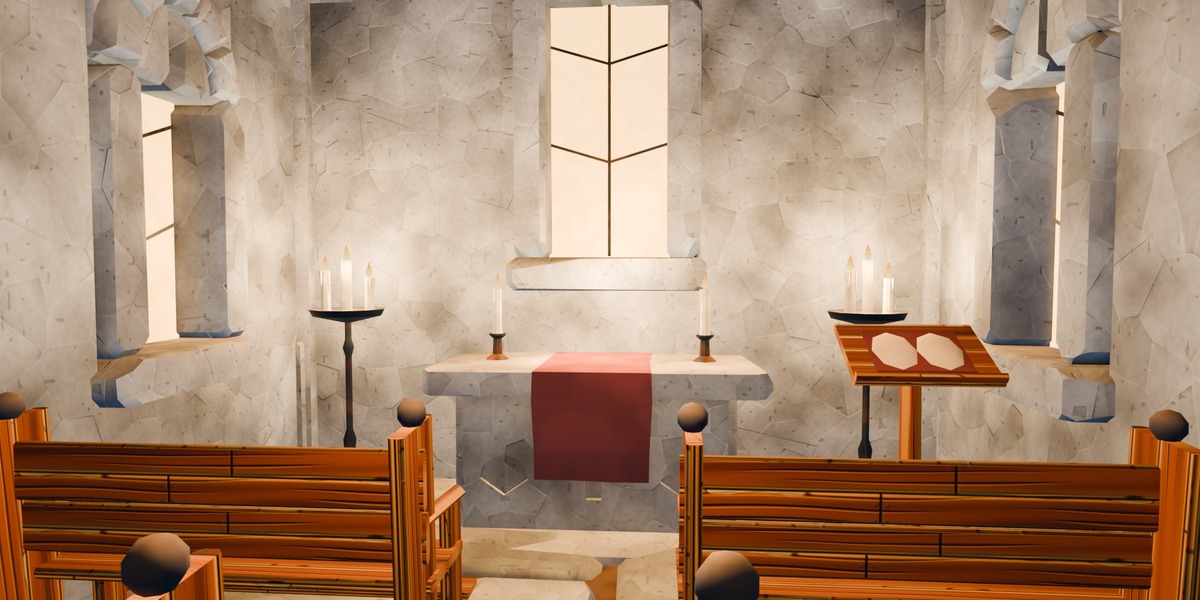
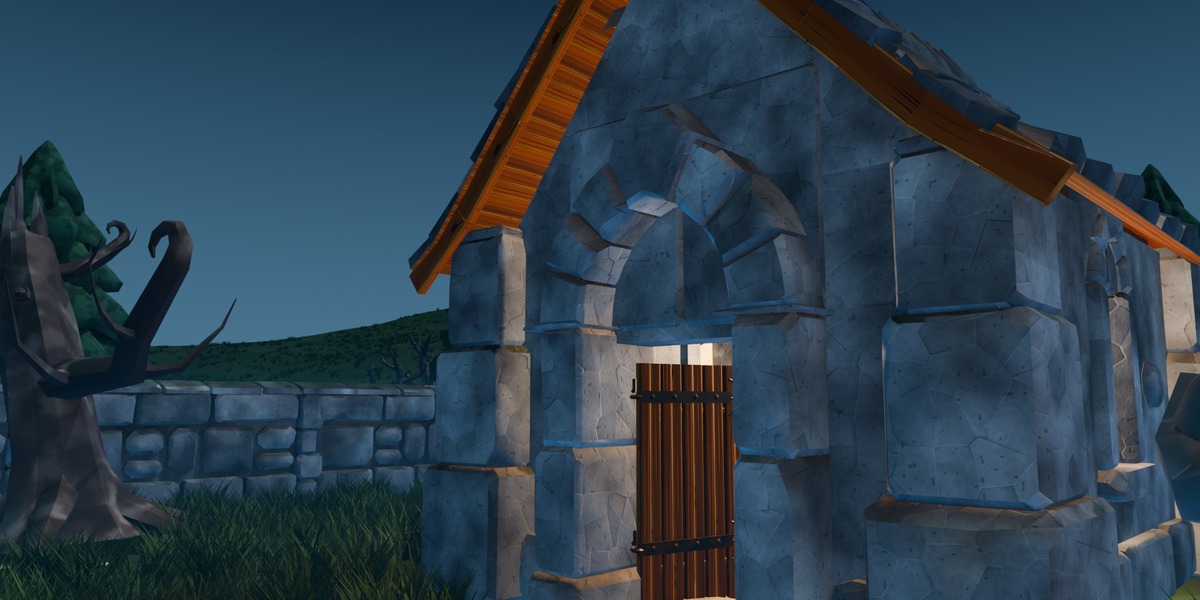
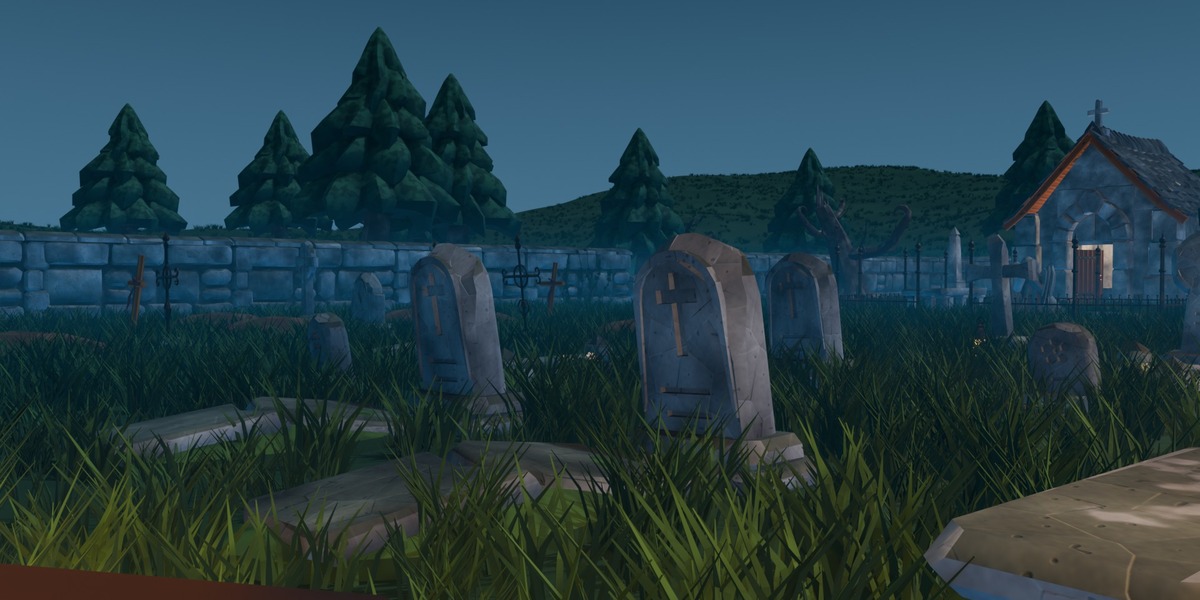
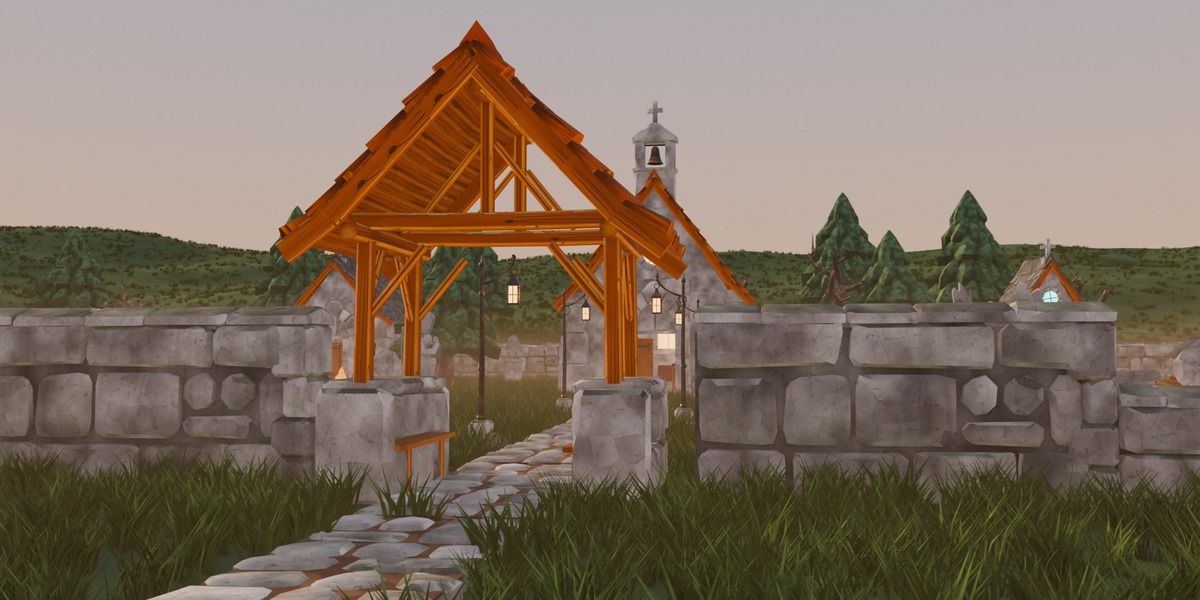

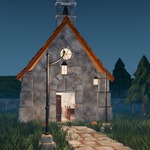
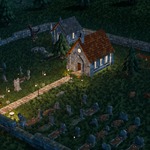
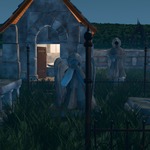
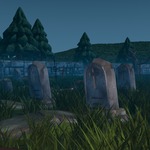
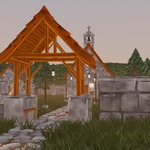
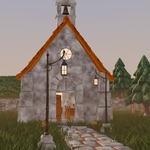
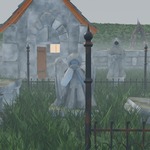
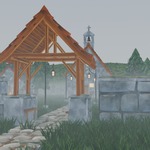
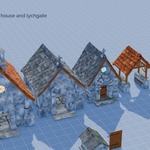
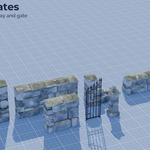
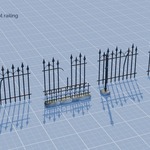
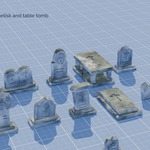
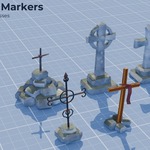
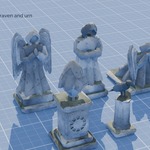
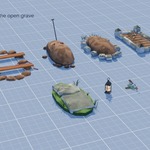
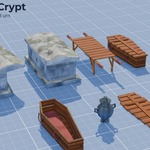
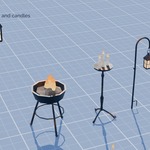
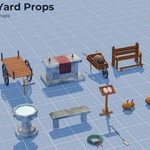
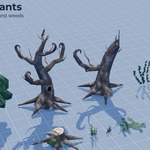
Stylized Graveyard Kit: Blender
Blender 5.3 or newer (made and tested with 5.3).
Files
-
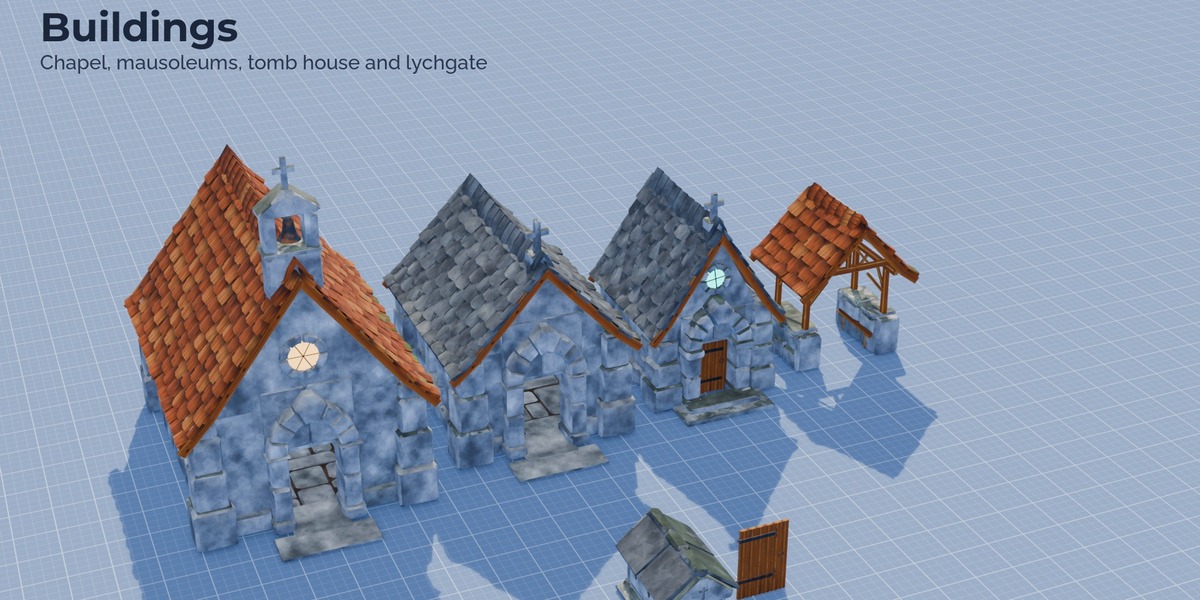
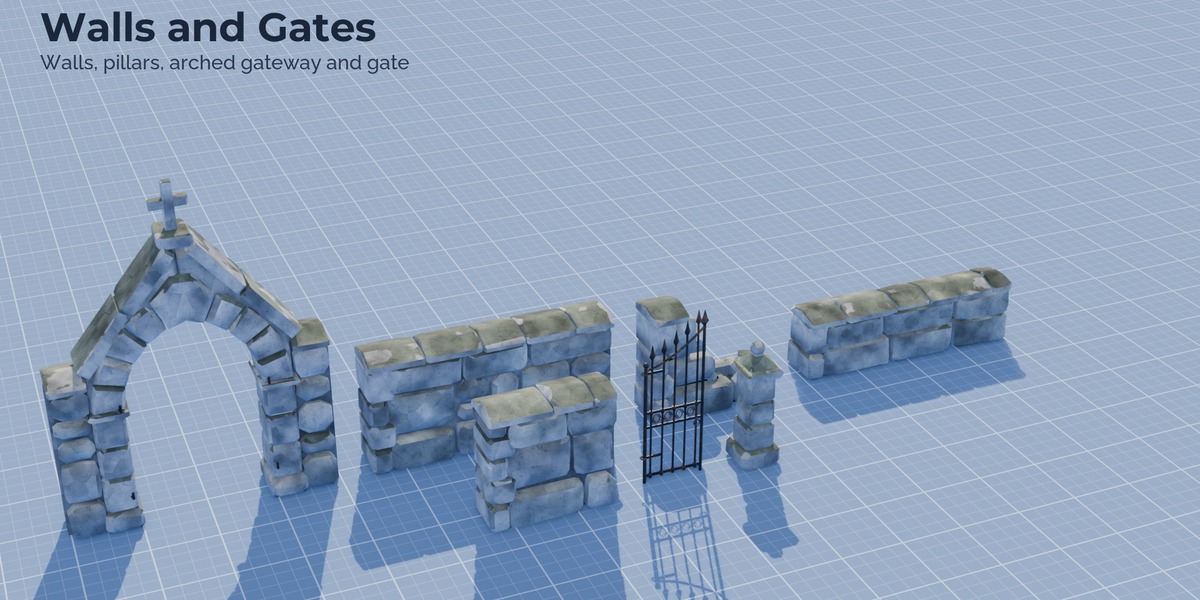
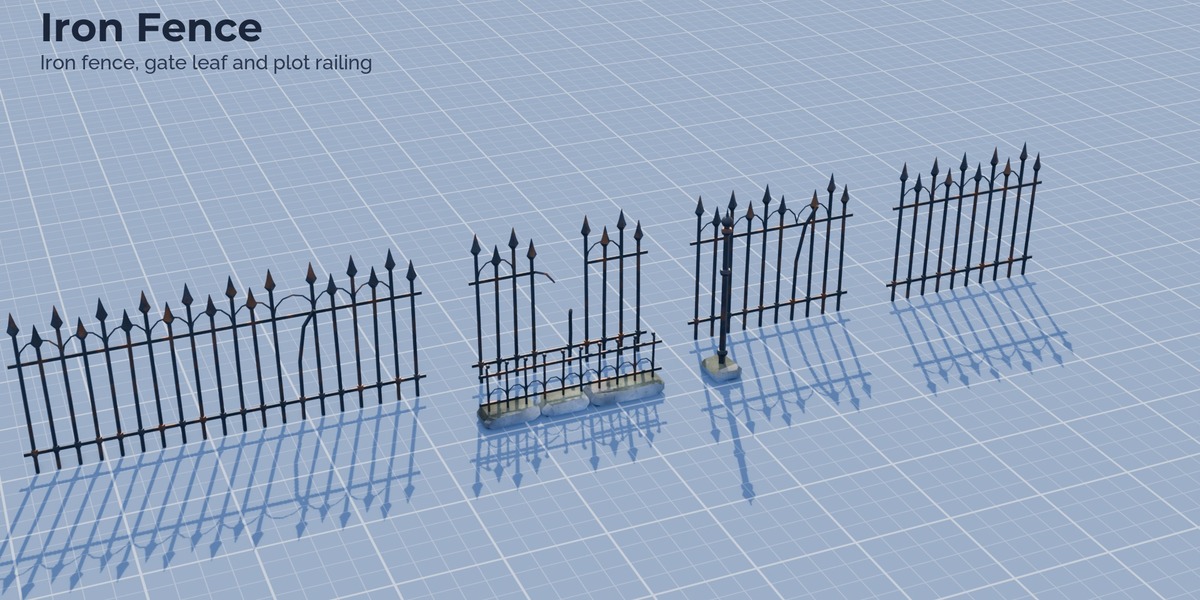
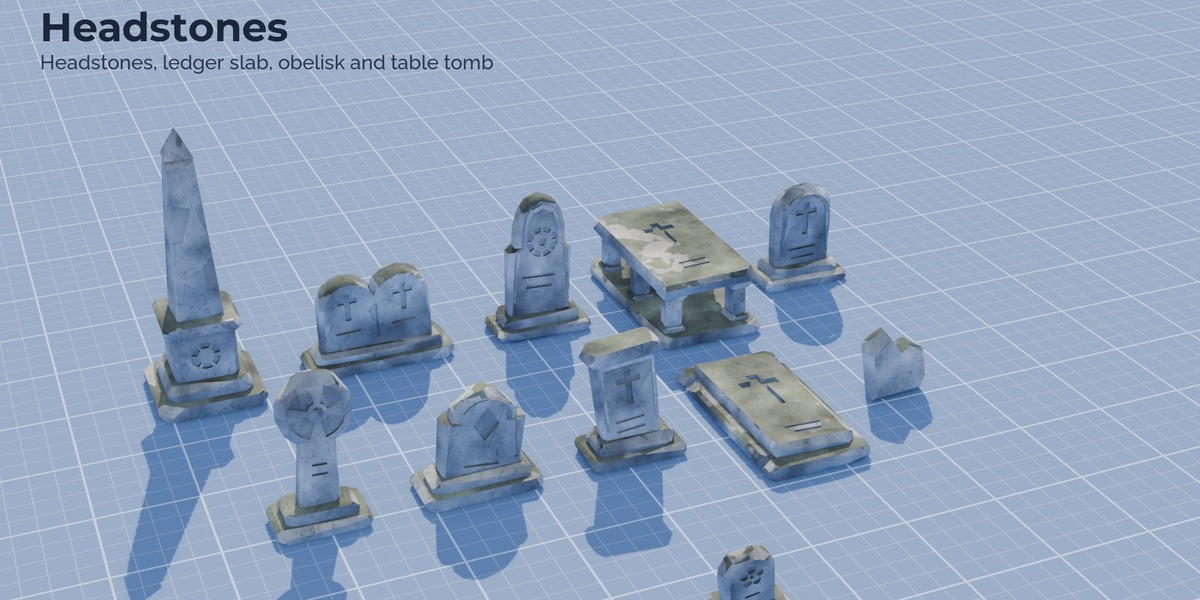
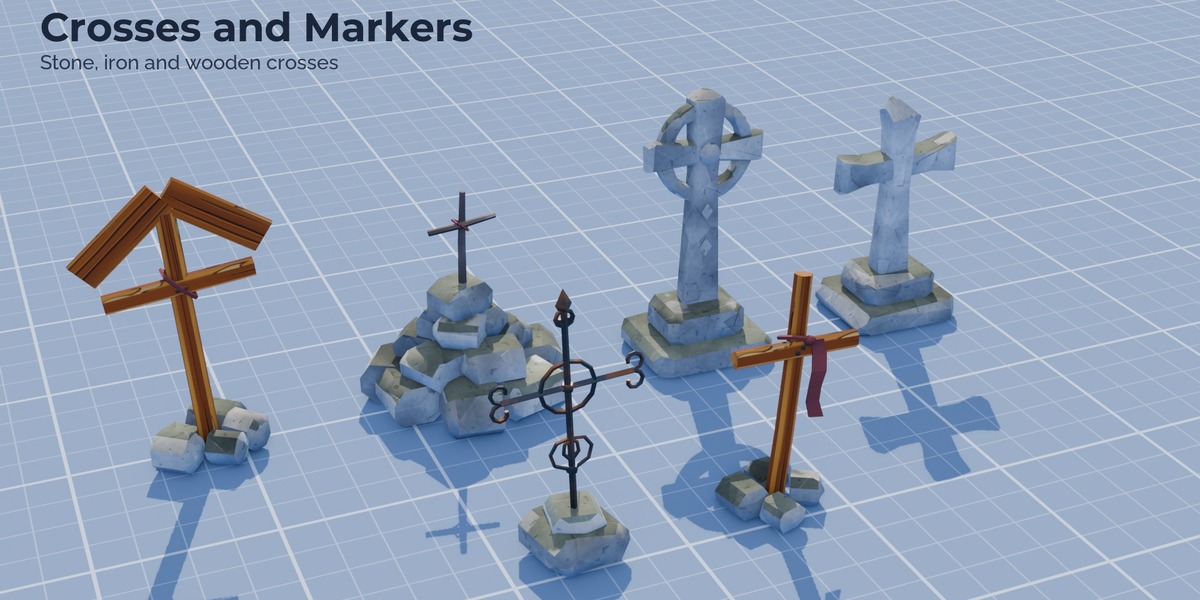
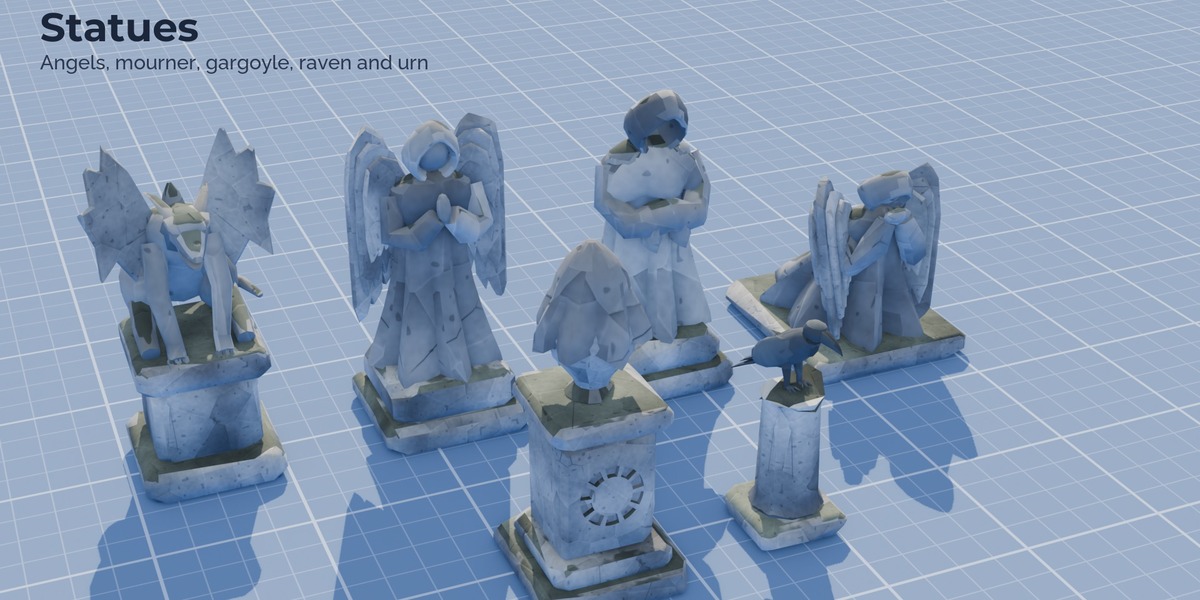
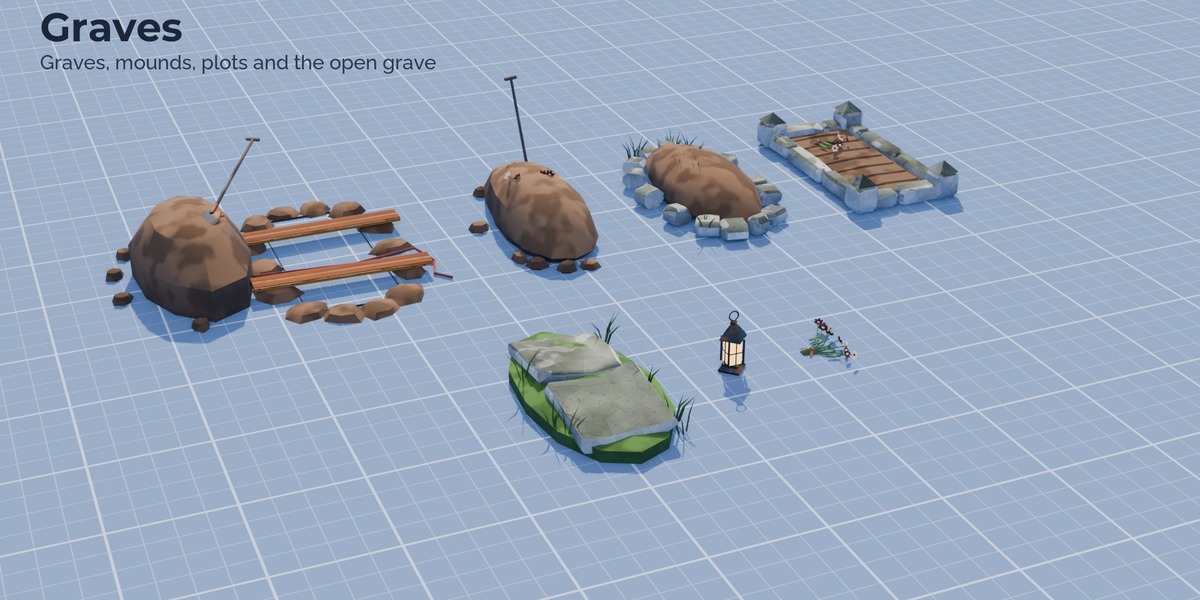
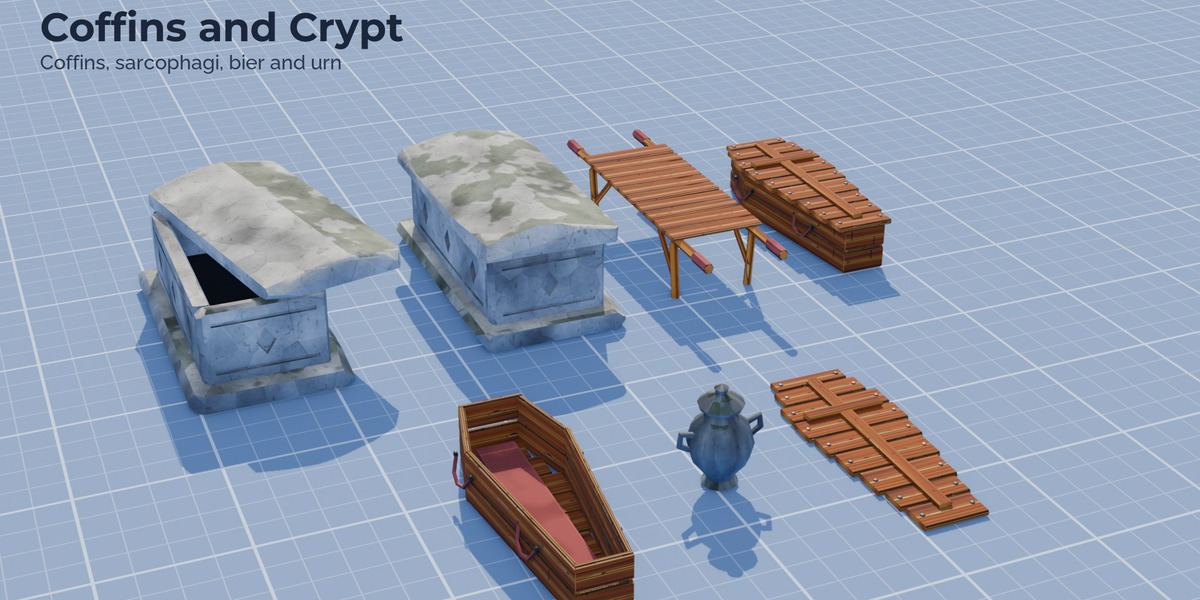
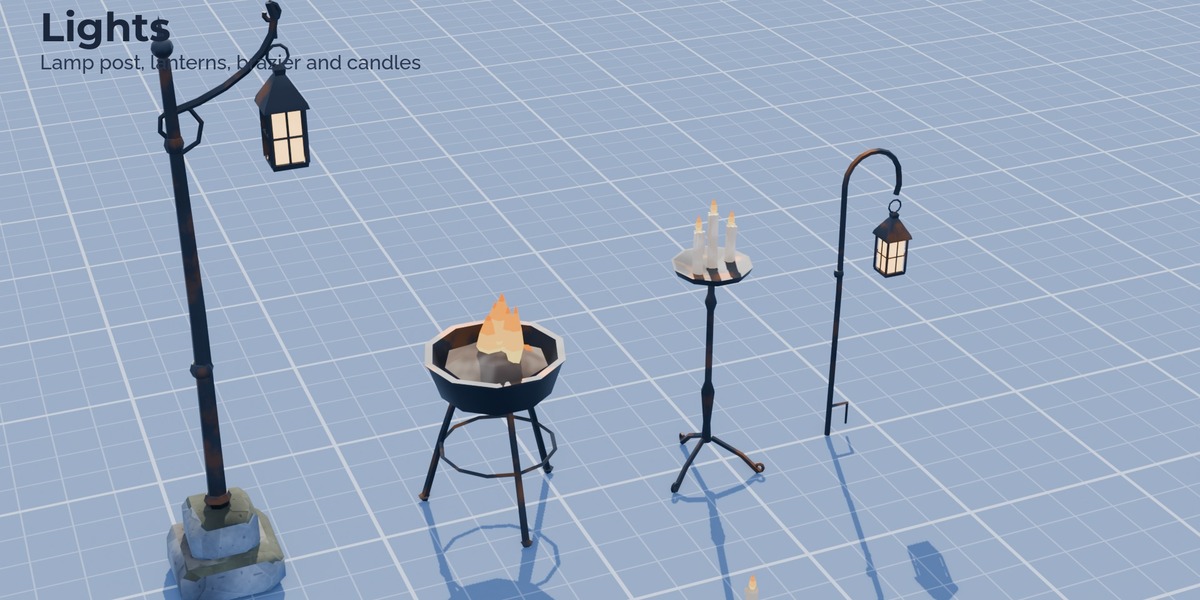
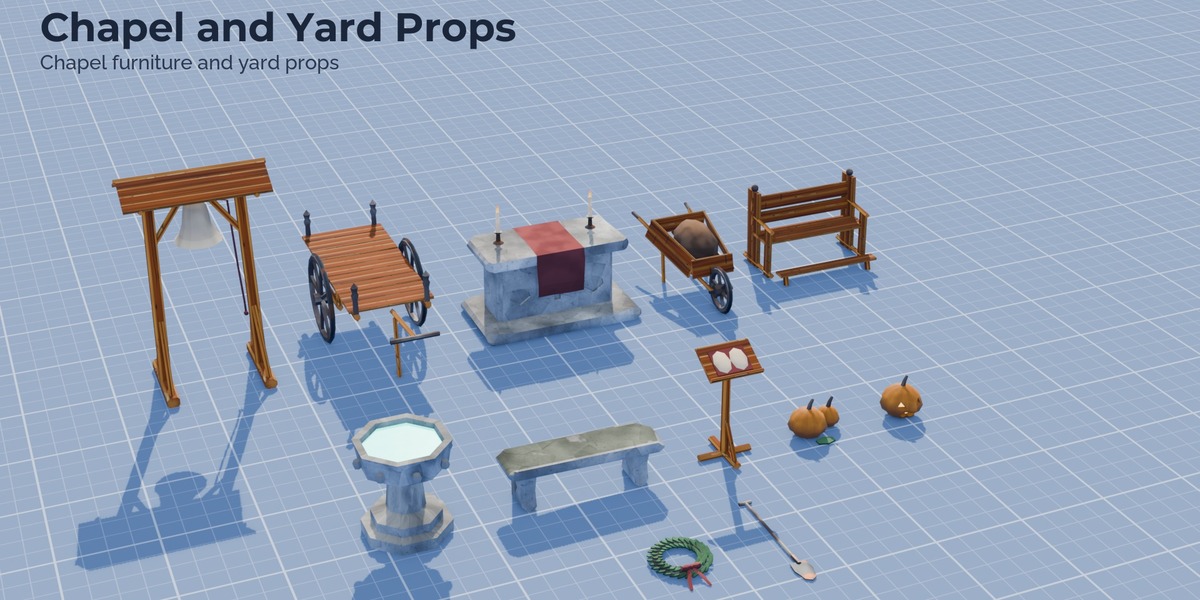
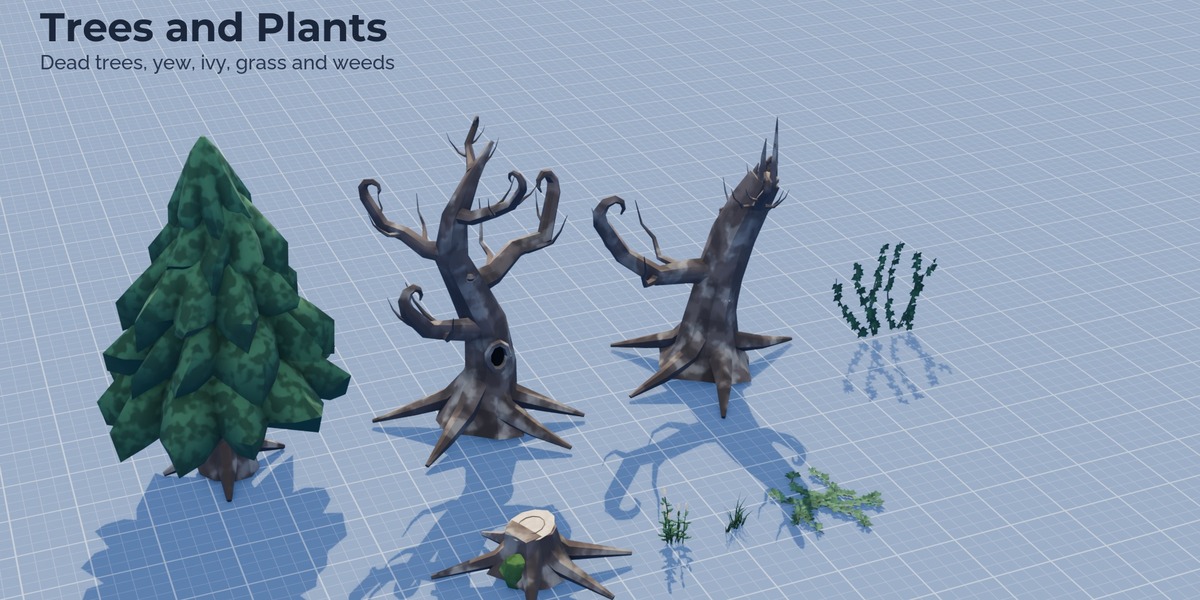
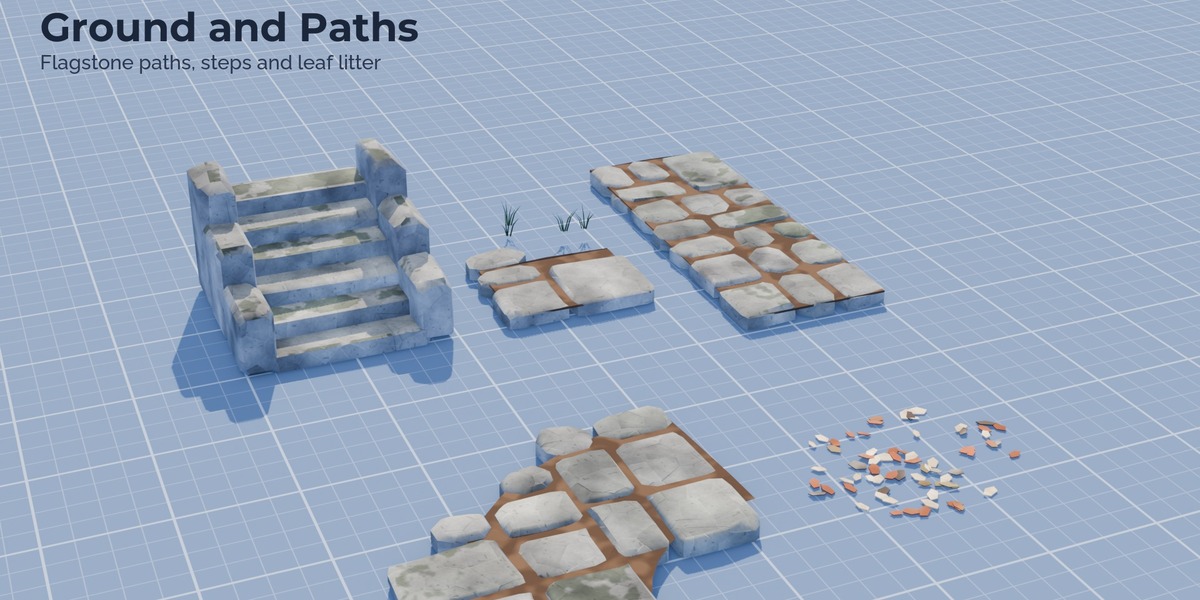
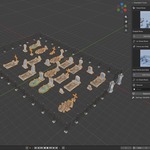
StylizedGraveyard_Kit.blend: all 87 pieces (LOD0) marked as assets in 13 catalogs (Graveyard Kit / Buildings, Headstones, Statues ...), textures packed. Add the folder as an asset library (Edit > Preferences > File Paths > Asset Libraries) and drag pieces from the Asset Browser. -
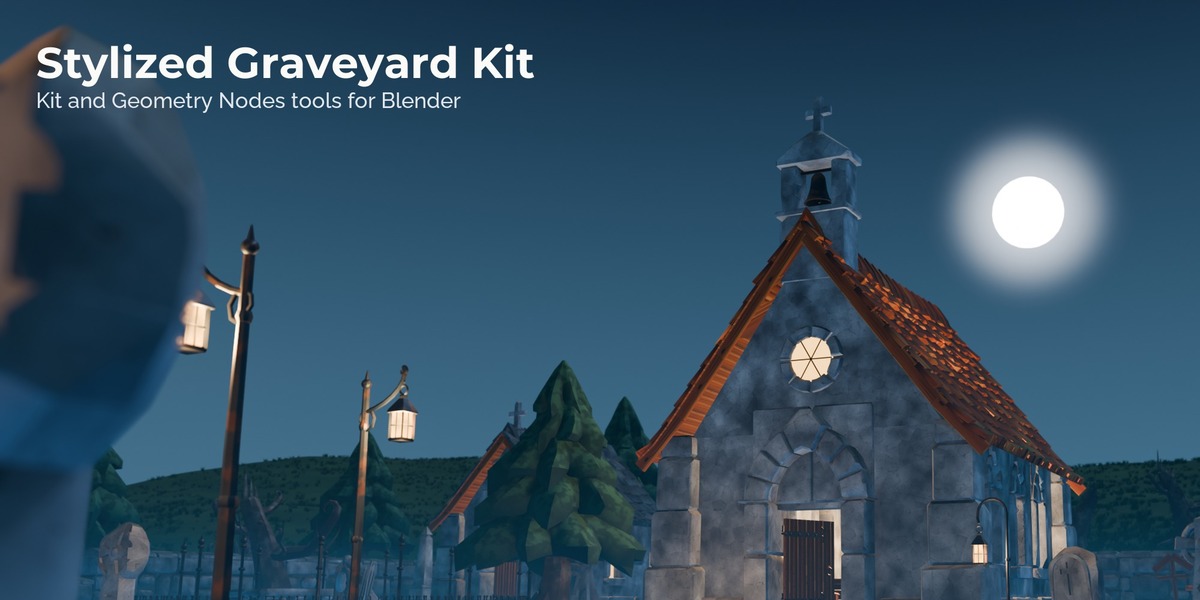
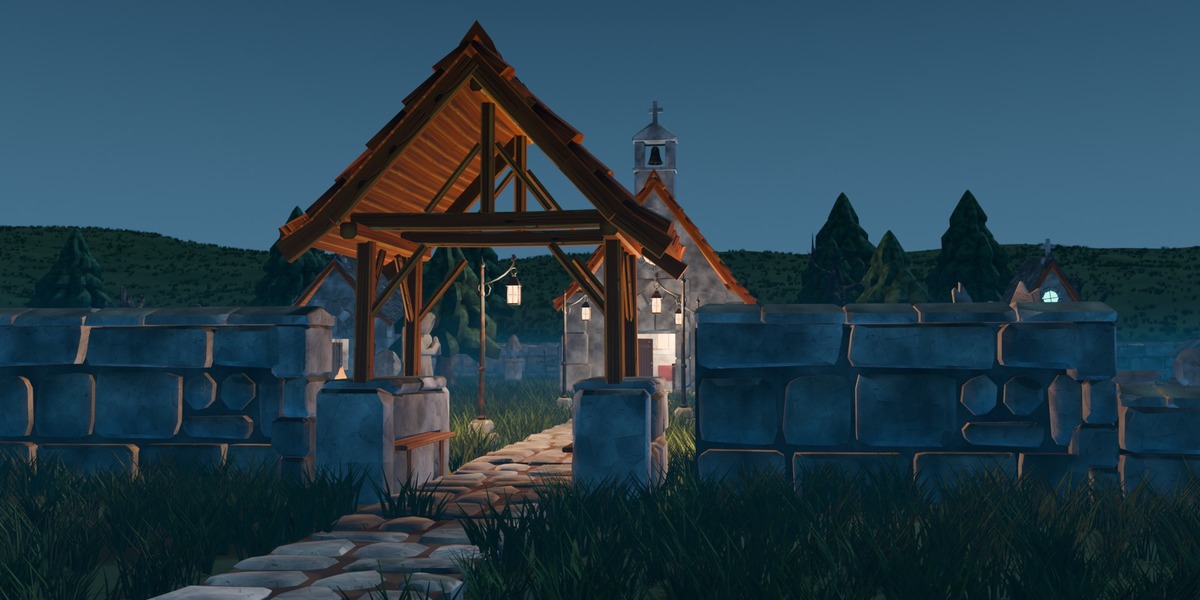
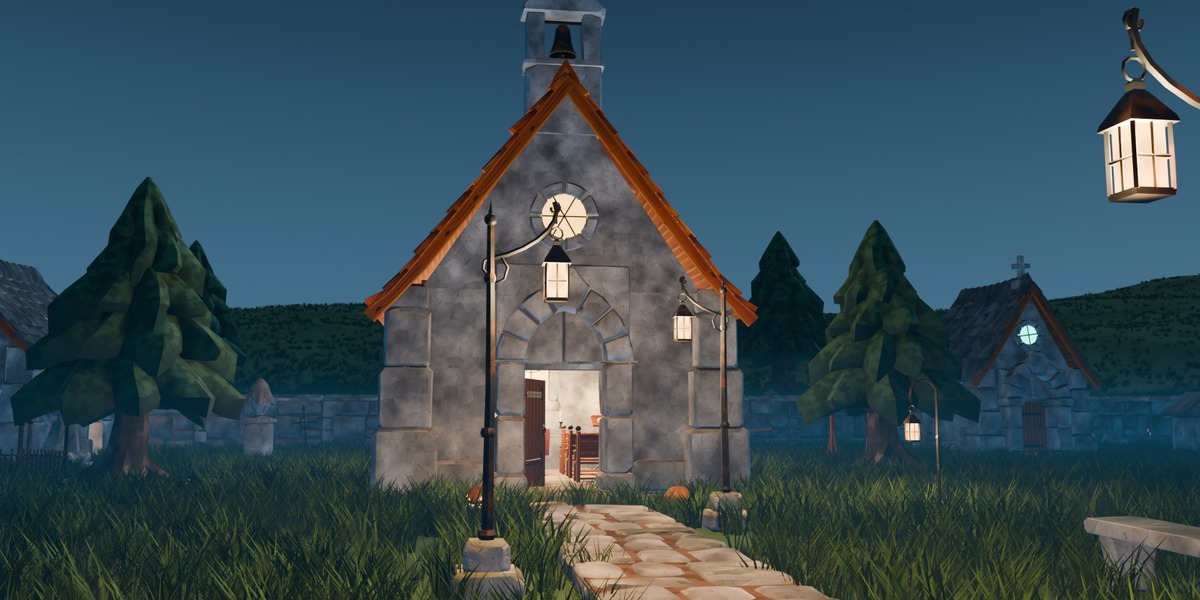
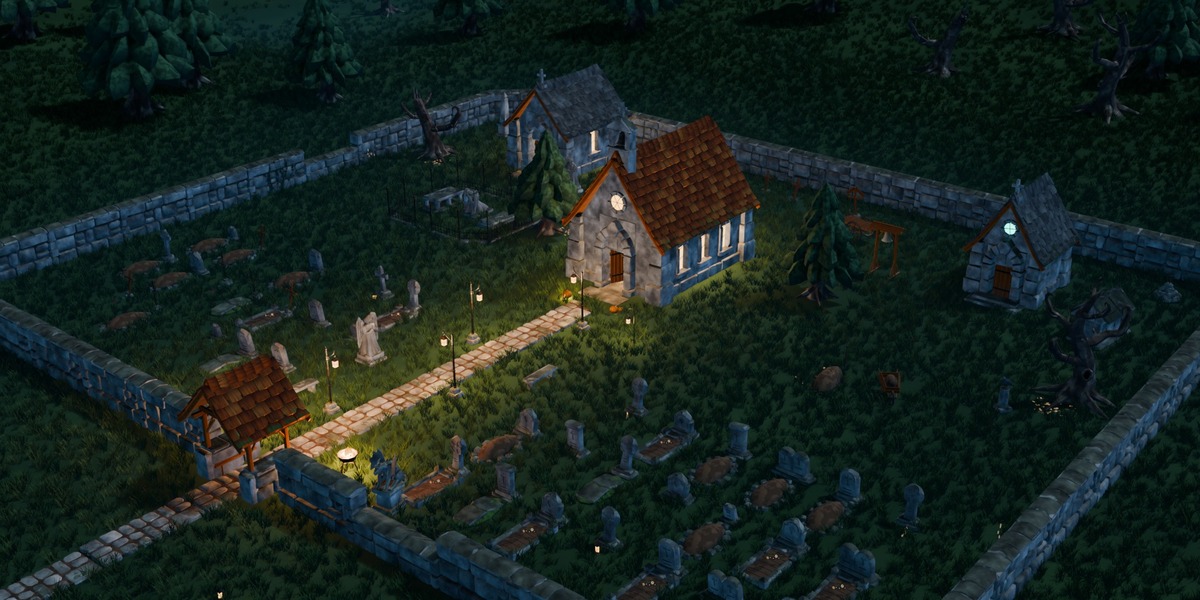
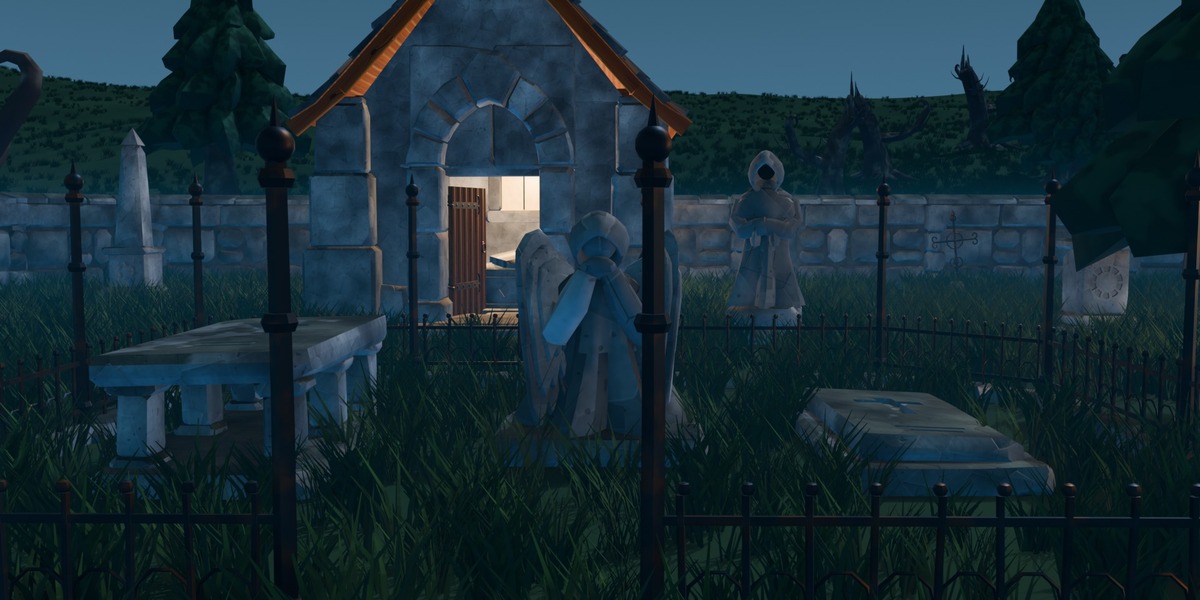
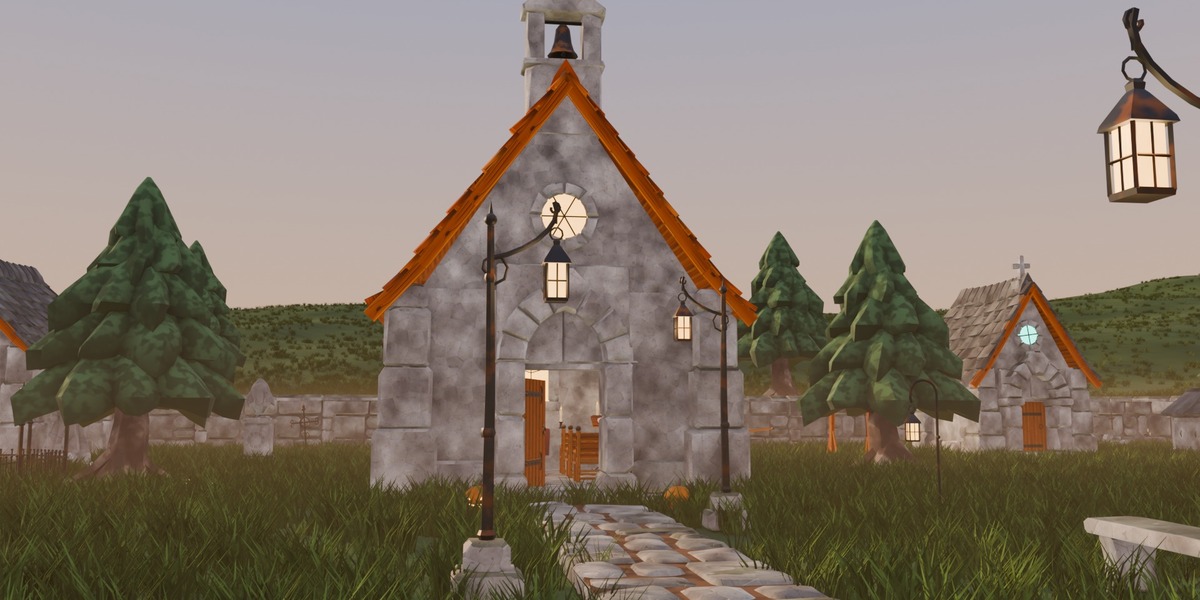
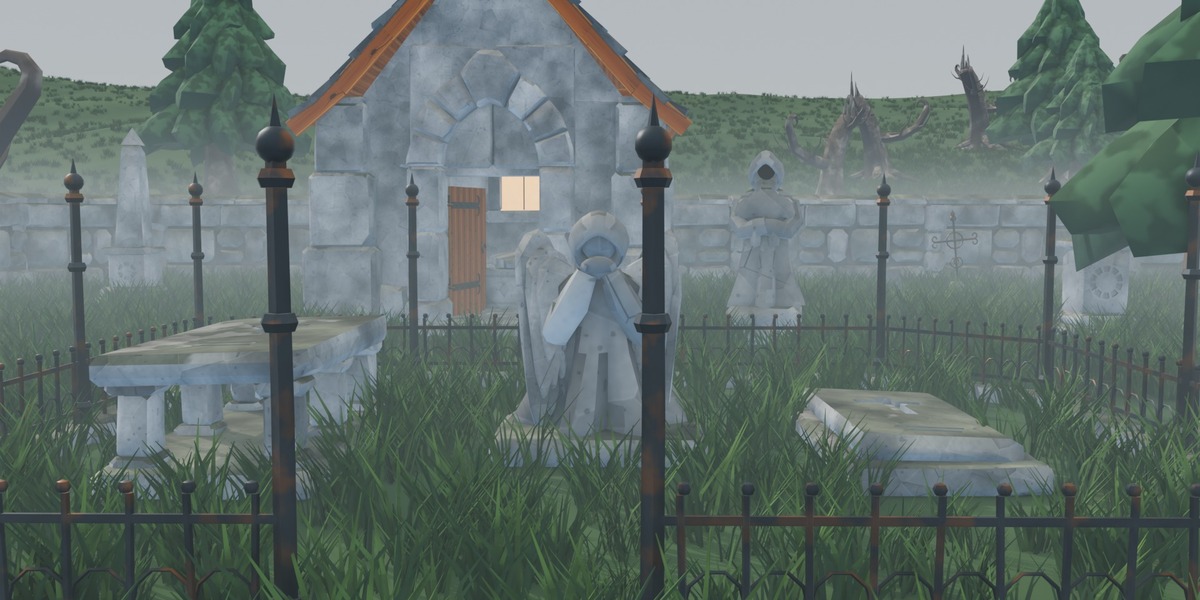
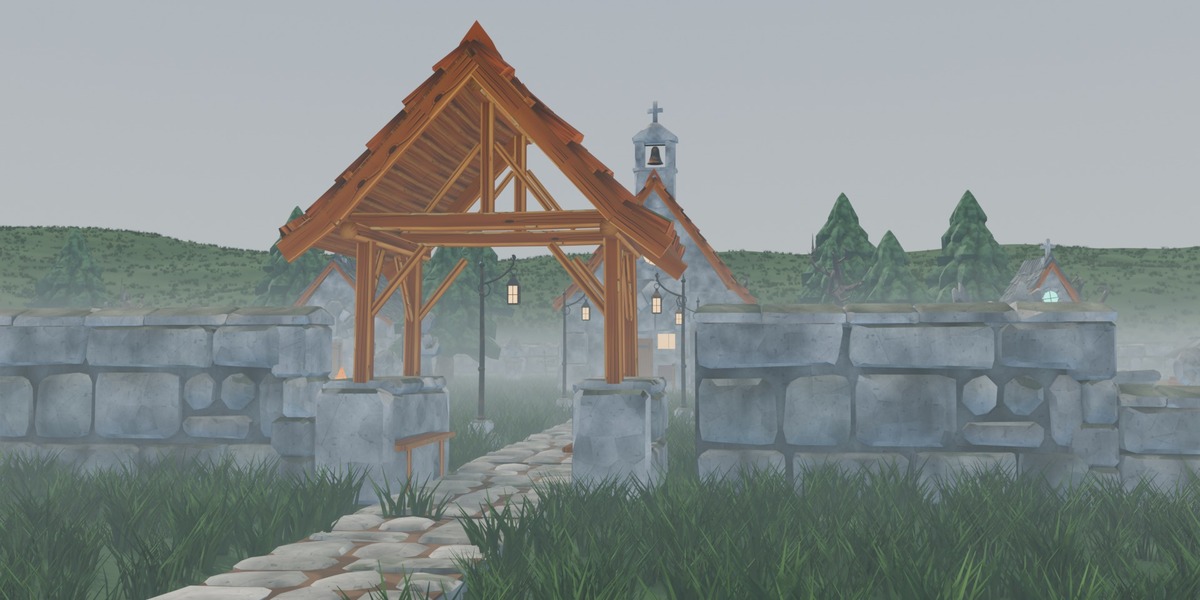
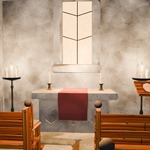
StylizedGraveyard_Scene.blend: the demo churchyard with grass, mist and three light moods (night, dusk, mist) on six cameras, built with the kit and the two tools below. Render with EEVEE. -
stylized_graveyard_tools-1.0.0.zip: the Stylized Graveyard Tools extension (Edit > Preferences > Get Extensions > Install from Disk).
Stylized Graveyard Tools
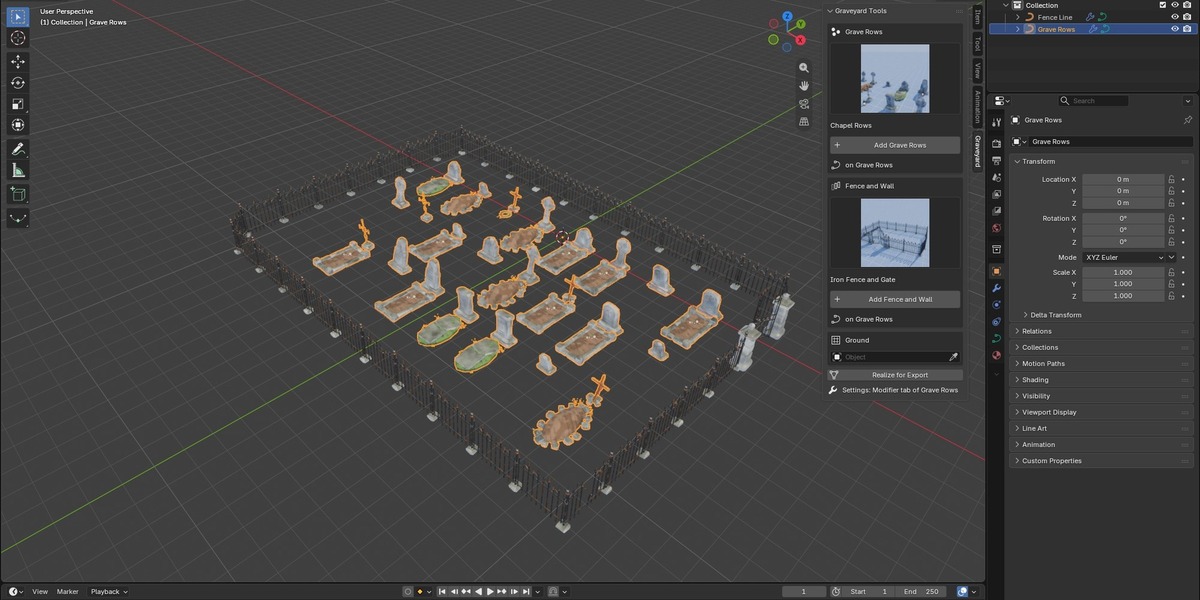
Sidebar (N) > Graveyard. Pick a look from the pictures and press Add. All settings stay in the Geometry Nodes modifier (Modifier tab). The node trees are grouped into labelled frames.
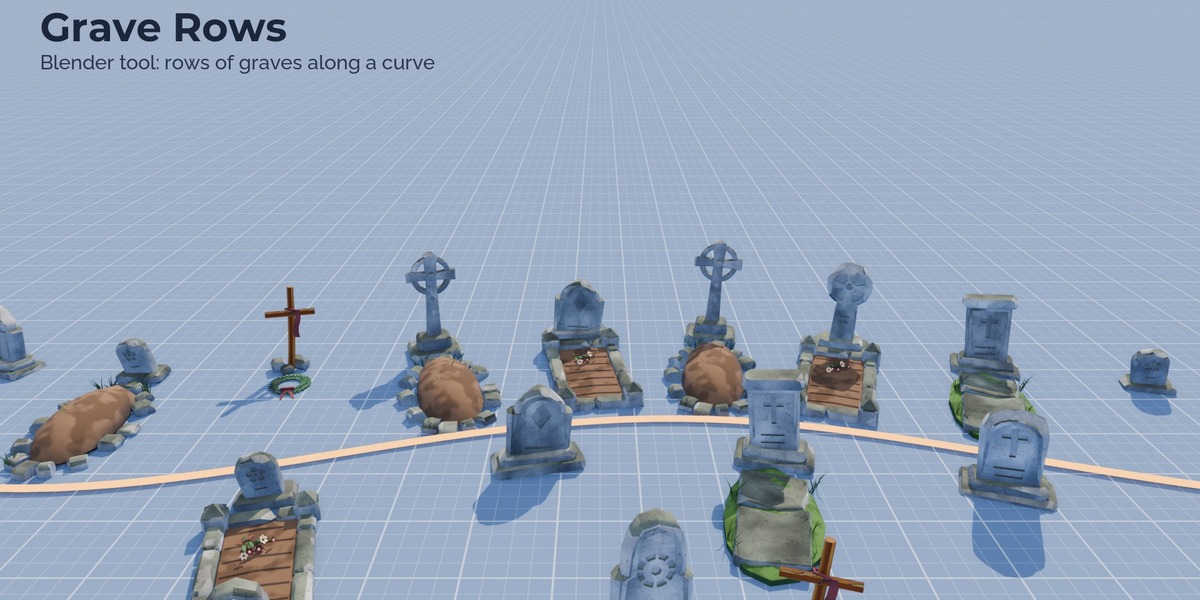
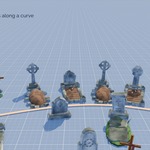
- Grave Rows: rows of graves along a curve or inside a flat mesh (draw any shape). Markers (headstones, crosses, mixed, old and broken), plots in front of the marker (mound, kerb, sunken, mixed), lean, sink, gaps, grave goods, weathering, seed. Rows on bends keep their spacing.
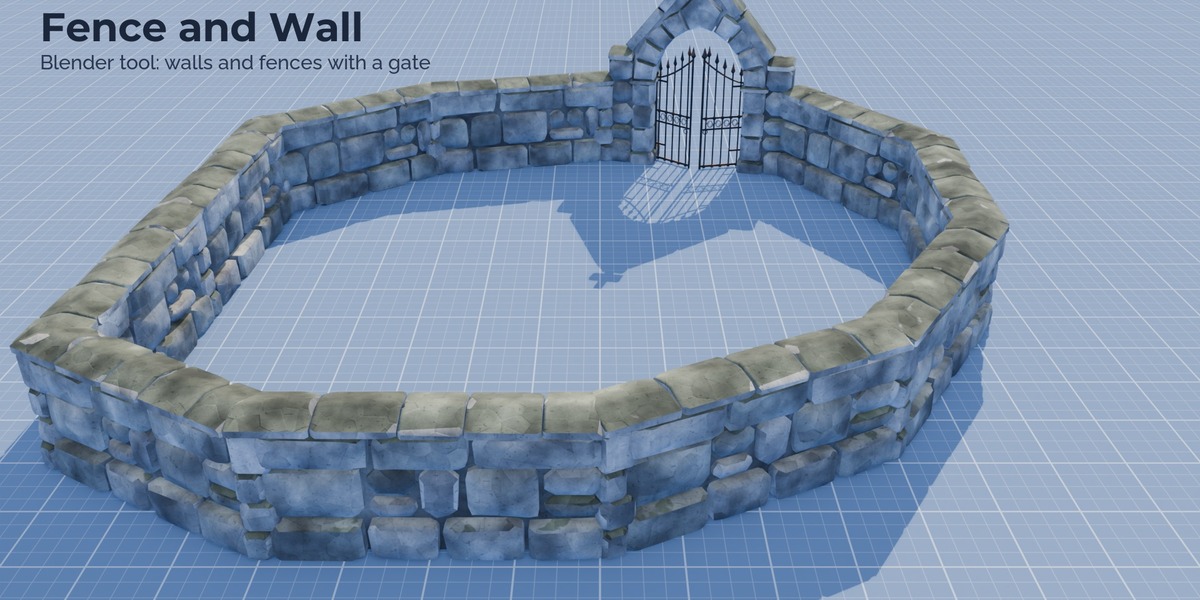
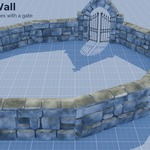
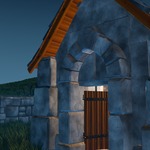
- Fence and Wall: iron fence, stone wall, low wall or plot railing along a curve. Whole pieces per segment (no gaps), posts at every joint, closed wall corners, broken and missing segments, a gate at any position (pillars with two leaves, or the arched gateway on stone walls) with an open angle.
- Ground: pick a terrain object and both tools drop their pieces onto it; fences step down the slope.
- Realize for Export turns the selected tool objects into plain meshes for export or baking.
Notes
- LODs and collision meshes are part of the engine versions; the Blender files hold LOD0 only.
- The tools place kit pieces; they do not build whole scenes.
Have questions about this product?
Login to message
| Published | 3 days ago |
| Blender Version | 5.3 |
| Render Engine Used | Cycles, Eevee |
| Misc Data | Uvs-Unwrapped, Normal-Mapped, Textured |
| License | Royalty Free |
Discover more products like this
asset library stylized Add-on halloween hand painted modular fantasy medieval geometry nodes graveyard chapel cemetery