QUICK START DOCUMENTATION
Stylized Hair Asset Library
Install the library, drag a hairstyle into your scene, fit it to the character, and assign your own material.
STEP 01
Download and Extract
- Download the files supplied with your purchased variant.
- Extract the ZIP archive to a permanent folder on your computer.
- Do not run the library directly from the ZIP archive.
STEP 02
Add the Blender Asset Library
- Open Blender and go to Edit → Preferences → File Paths.
- Find Asset Libraries and click the + button.
- Select the extracted product folder containing the `.blend` library.
- Open an Asset Browser editor and choose the new library from its library menu.
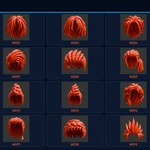
- Drag the required hairstyle directly into your scene.
If you use Superhive's Blender asset repository, the purchased assets may also appear through that connected repository after they are published and attached to your product.
STEP 03
Fit the Hairstyle
- Position the hairstyle over your character's head.
- Use Move, Rotate, and Scale in Object Mode for the initial fit.
- Apply scale with Ctrl+A → Scale when required by your workflow.
- For closer fitting, edit the mesh with proportional editing, sculpt tools, or a temporary Lattice modifier.
- Inspect the result from the front, side, and back before finalizing it.
The included gray display head is only a fitting and presentation reference. It may be hidden or deleted from your working scene.
STEP 04
Assign a Material
- Select the hairstyle and open Material Properties.
- Create a new material or assign one from your project.
- Adjust color, roughness, specular response, or toon shading to match your art direction.
The meshes are geometry-focused and do not depend on supplied textures. Use flat colors, procedural shaders, toon materials, or your own production material.
FBX WORKFLOW
Using the Individual FBX Files
- Use the FBX import command in your target application.
- Import with the application's default transform settings first.
- Adjust orientation, scale, and position for the target character.
- Assign the destination project's material after import.
The FBX files contain static hair geometry. Blender Asset Browser metadata is not transferred through FBX.
Package Contents
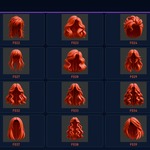
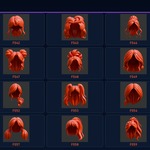
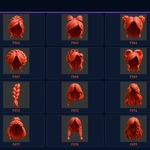
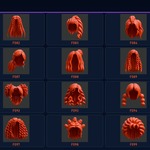
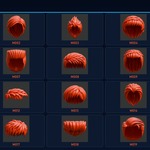
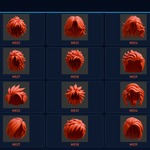
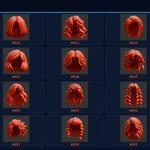
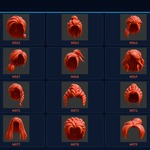
| Male Collection | 100 hair assets, male reference head, Blender library, 100 FBX files |
| Female Collection | 100 hair assets, female reference head, Blender library, 100 FBX files |
| Complete Bundle | Both complete collections with 200 hair assets and 200 FBX files |
Compatibility: Created and tested in Blender 5.2 LTS. Older Blender versions are not officially guaranteed. Hairstyles are static triangulated meshes without rigs, animation, UV layouts, texture maps, or included hair materials.
Artifacts and support: Some hairstyles may show minor shading or geometry artifacts from certain viewing angles or after fitting/deformation, particularly on very different head shapes. If you encounter an issue, feel free to contact me through the product support channel.
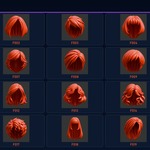
Please include the asset ID (for example, F042 or M017), your Blender version, and a screenshot so I can help quickly
NEED HELP?
Contact DanilGOE Through Superhive
Feel free to contact me through the product support channel. Include the asset ID, Blender version, purchased variant, and a screenshot when reporting an issue.
 DanilGOE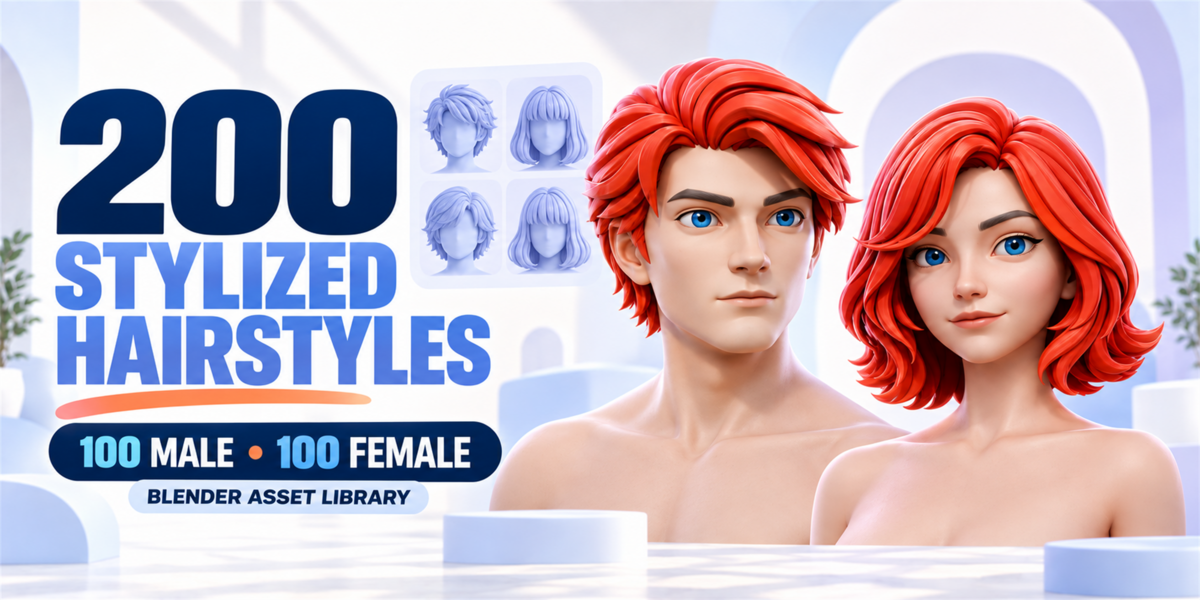


 Included