Stylized Nature Builder
 AS Formworks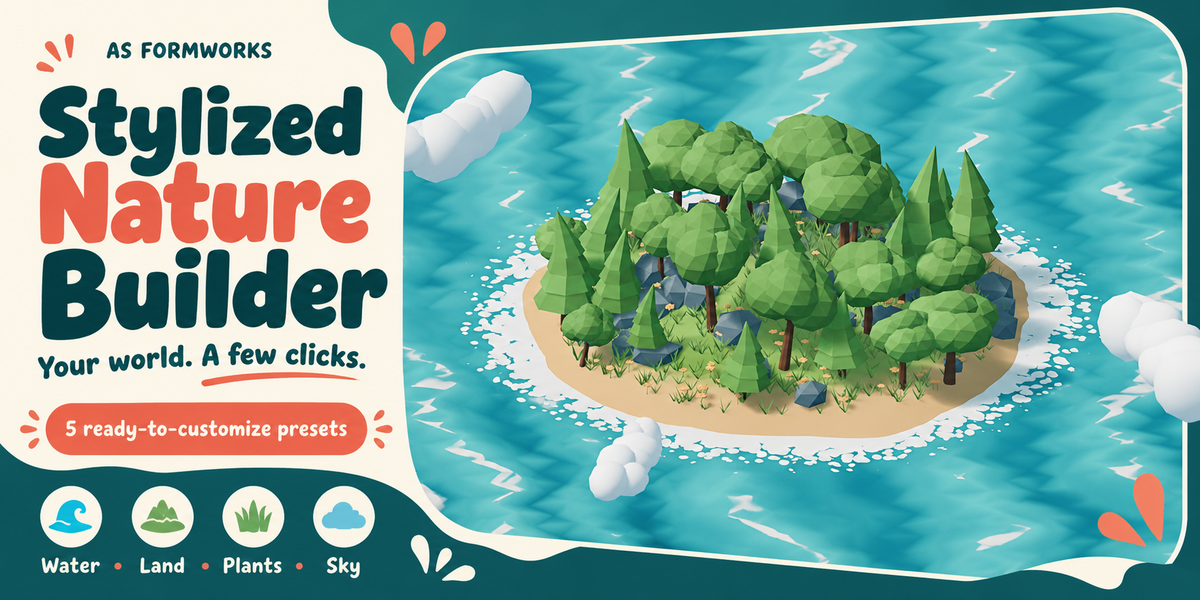
Do I need Geometry Nodes knowledge?
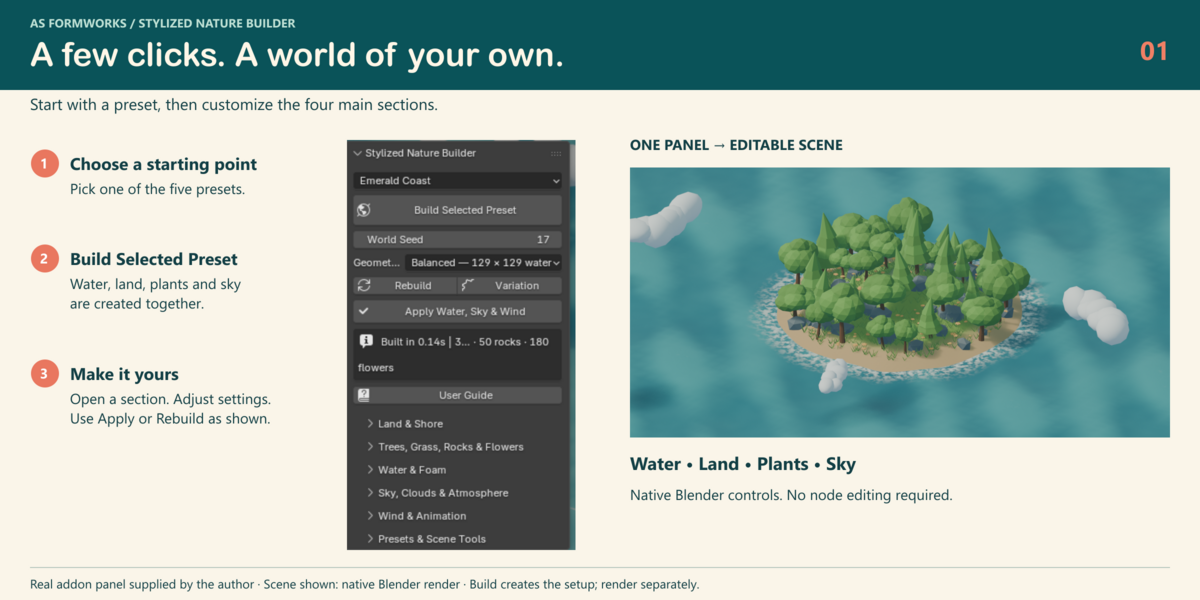
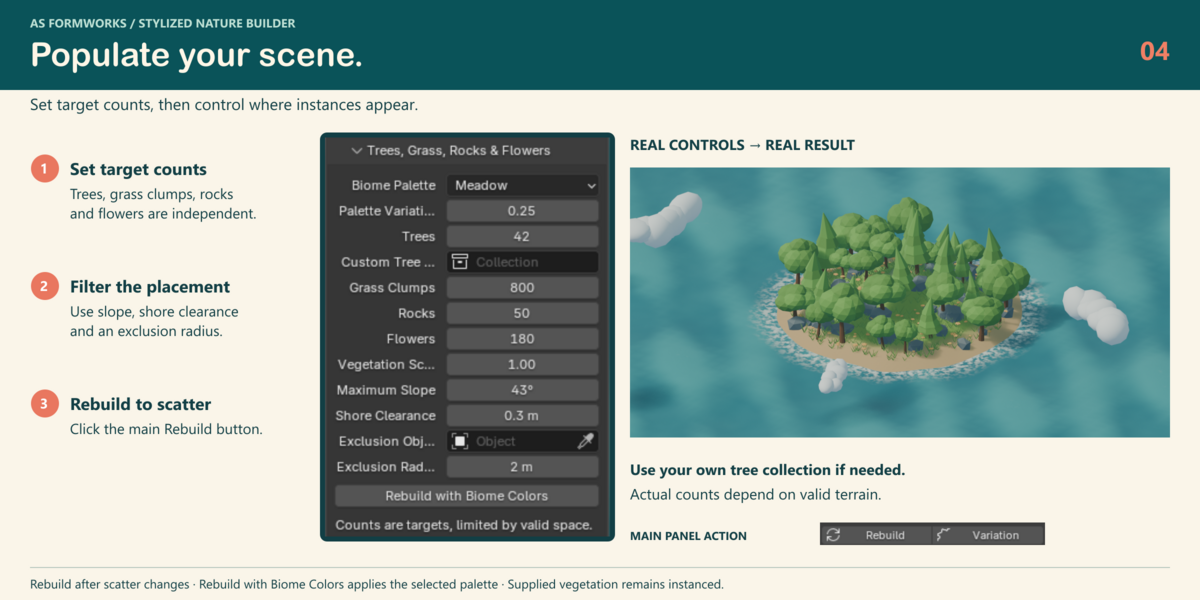
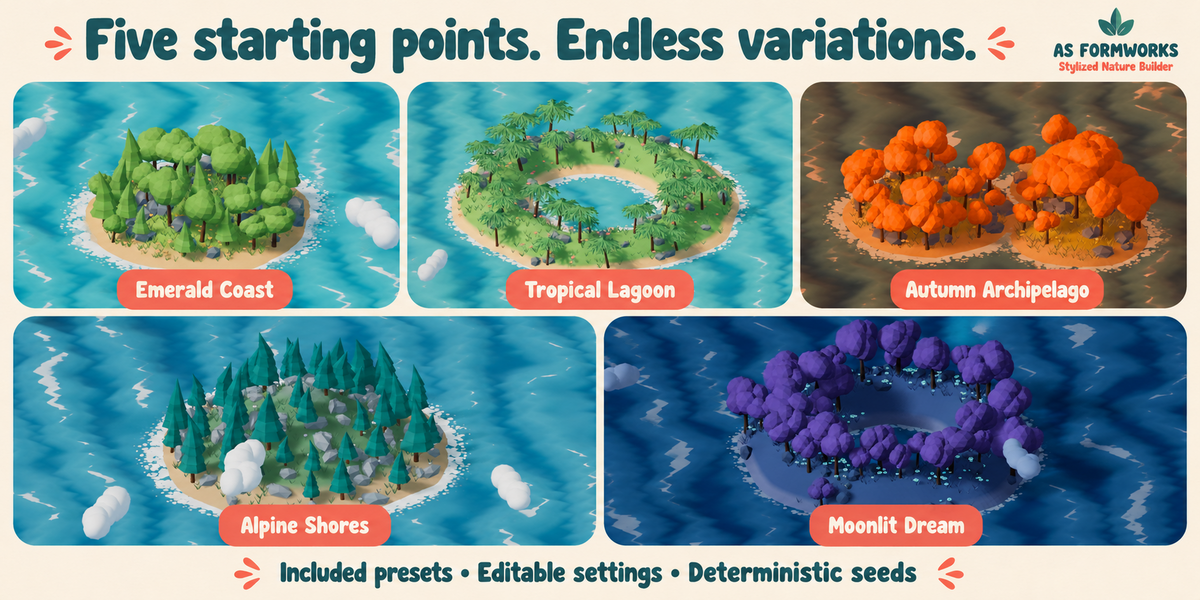
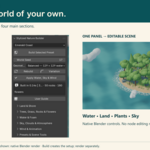
No. Choose a preset and click Build Selected Preset, then customize the English sidebar. Native node groups remain editable for advanced users.
When should I use Apply or Rebuild?
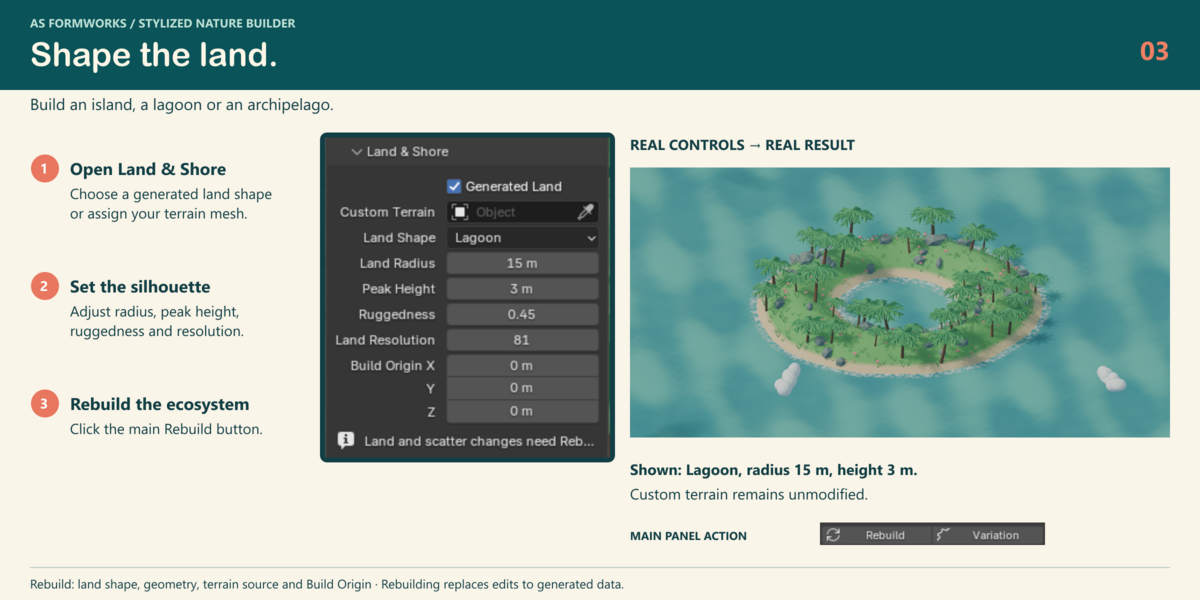
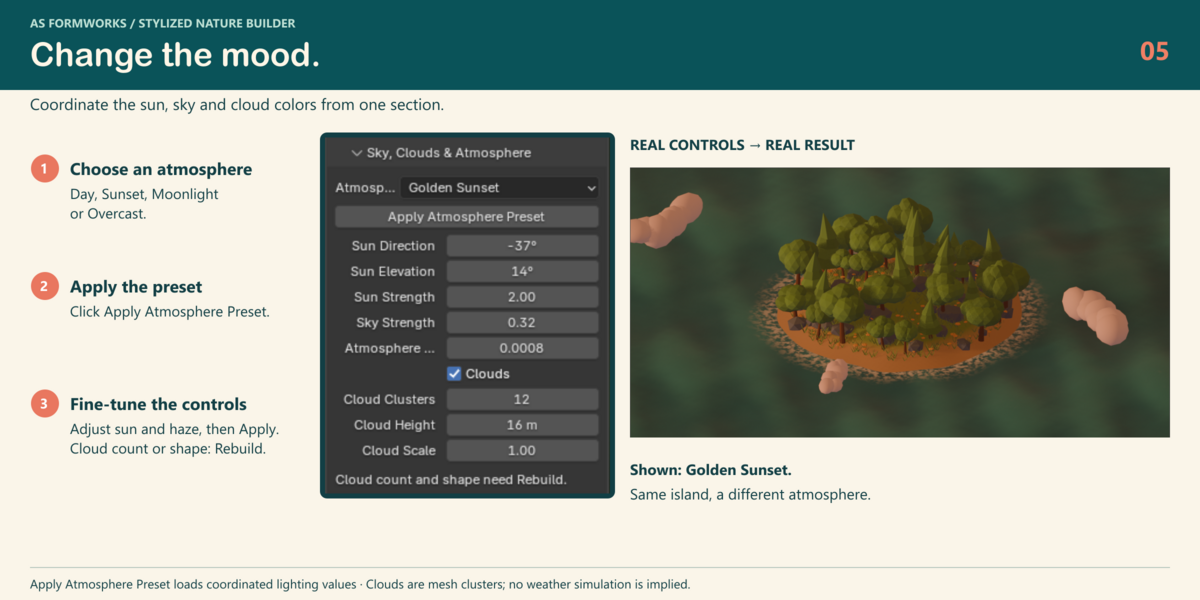
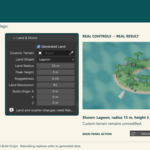
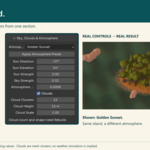
Apply Water, Sky & Wind updates water, lighting and animation while preserving land and scatter. Rebuild is needed for land geometry, counts, biome, enabled components, build origin and cloud structure. It replaces manual edits to generated data.
Can I use my own terrain and trees?
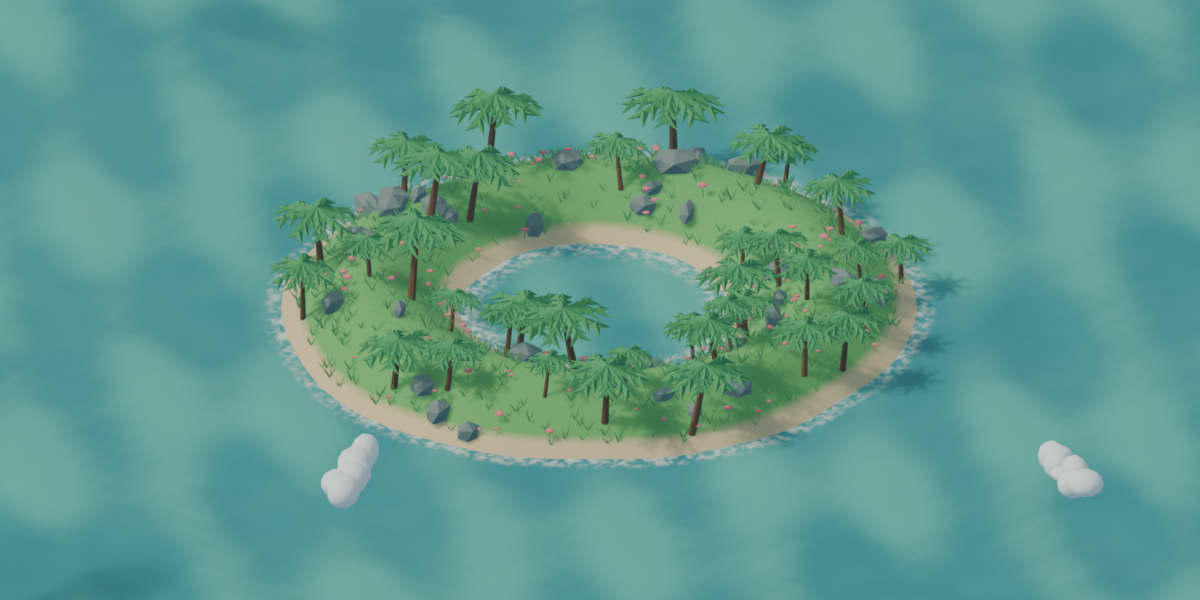
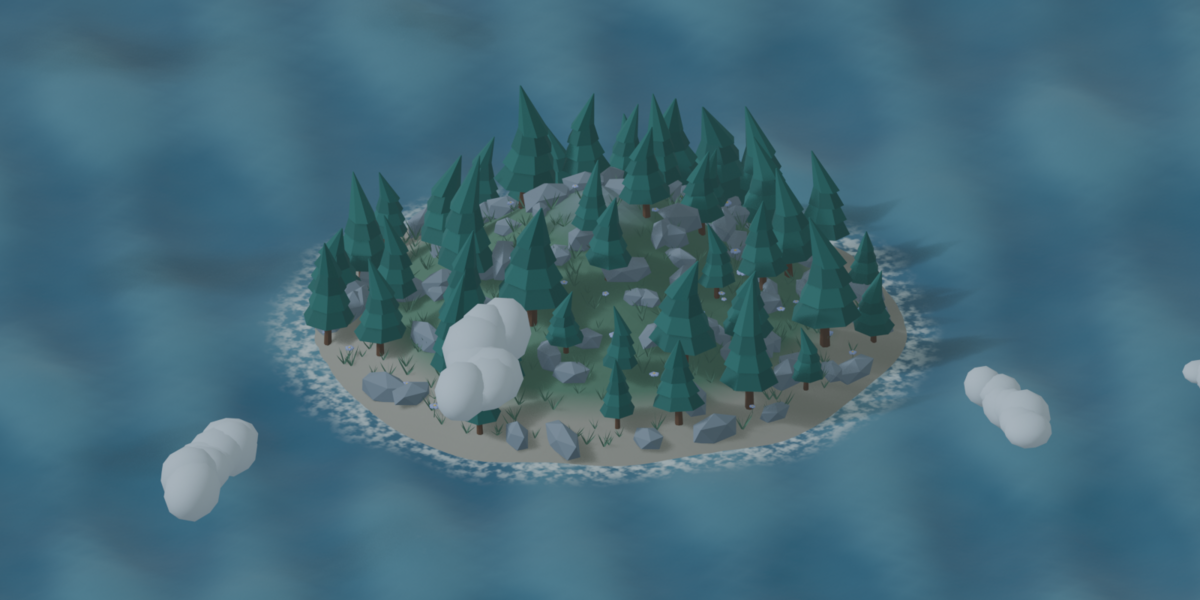
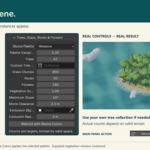
Yes. Assign a mostly horizontal Z-up mesh in Custom Terrain and a collection directly containing mesh objects in Custom Tree Collection, then Rebuild. Source assets remain unmodified. Custom trees retain their own animation and texture paths.
How do I customize the waves?
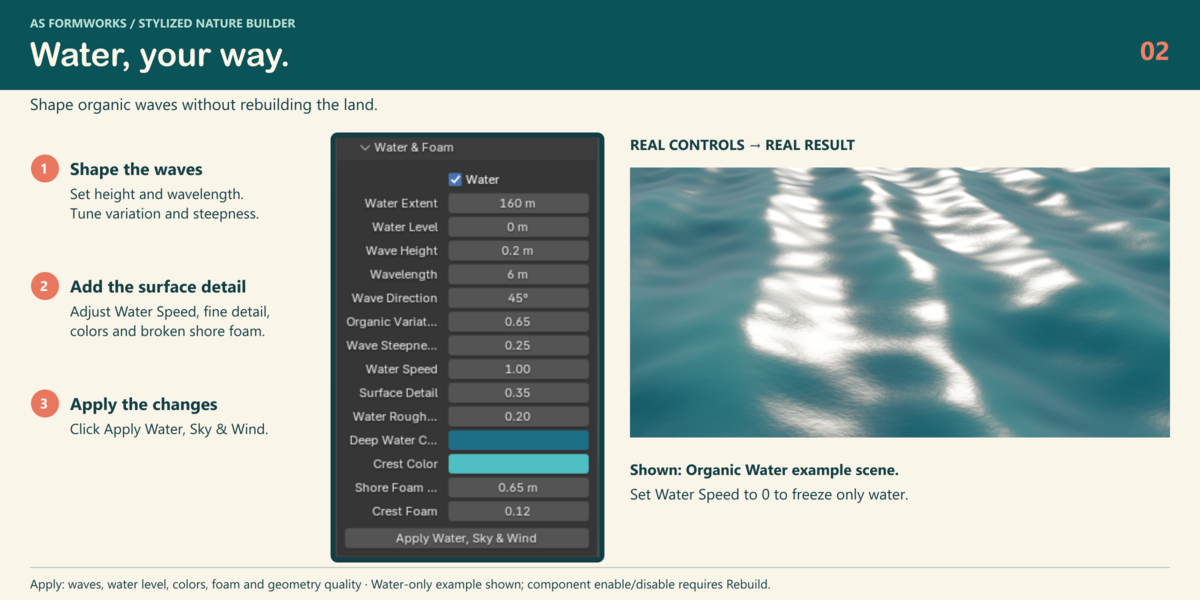
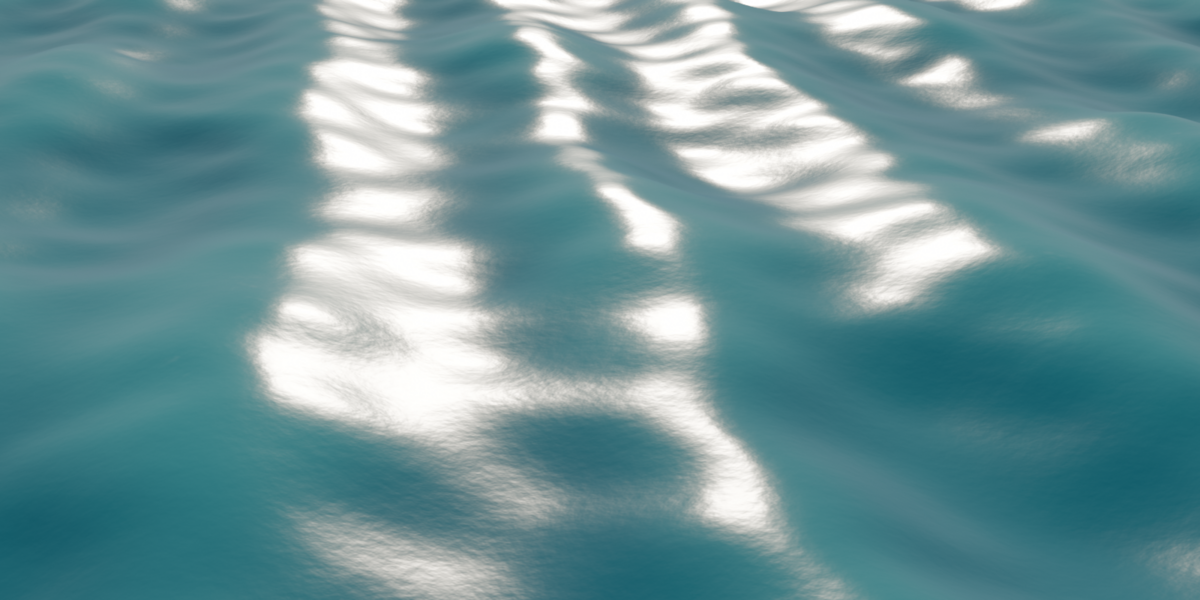
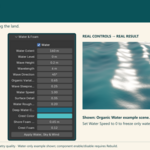
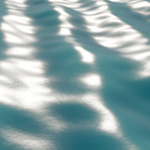
Set height, wavelength and direction. Organic Variation breaks up regular patterns; Wave Steepness adds rounded crest movement; Surface Detail controls fine animated normals. Water Speed multiplies common animation speed. Set it to 0 to freeze only water, then Apply.
What is included?
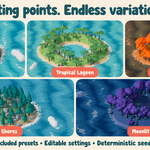
The installer with full Python source and procedural water library; five JSON presets; seven native example scenes; English offline User Guide and FAQ; illustrated quick start; changelog and GPL license. Original boat meshes and textures are excluded.
Are external textures or online services required?
No for the supplied assets. Materials and meshes are procedural and work locally. No account, API key or paid generation service is needed. Imported custom assets may have their own external files.
Is this a fluid simulator or automatic game export tool?
No. Water is finite, opaque and stylized; foam is proximity-based, clouds are mesh clusters, and wind is procedural animation. There is no fluid or weather simulation or seamless-loop generator. Game export, material baking, collision and LOD preparation are separate tasks.
What is the license, and can I use my renders commercially?
Addon source and the supplied procedural library use GPL-3.0-or-later; full source and license are included. Your renders do not acquire the addon code license merely by being rendered with it. Separately imported assets retain their own licenses.
How do I install the addon?
Extract the Customer Bundle. In Blender open Edit > Preferences > Add-ons > menu > Install from Disk and choose stylized_nature_builder-1.0.0.zip without extracting that installer. Enable the addon, then open the 3D View sidebar (N) > Nature Builder.
Which Blender versions are supported?
Tested on Blender 5.2.1 LTS for Windows, with EEVEE and Cycles CPU renders. Other Blender versions and operating systems have not been validated.
Have questions about this product?
Login to message
| Published | about 5 hours ago |
| Blender Version | 5.2 |
| Extension Type | Add-on |
| Render Engine Used | Cycles, Eevee |
| License | GPL |
Discover more products like this
Water terrain procedural clouds waves ecosystem island stylized vegetation sky geometry nodes #nature