 NicoHartl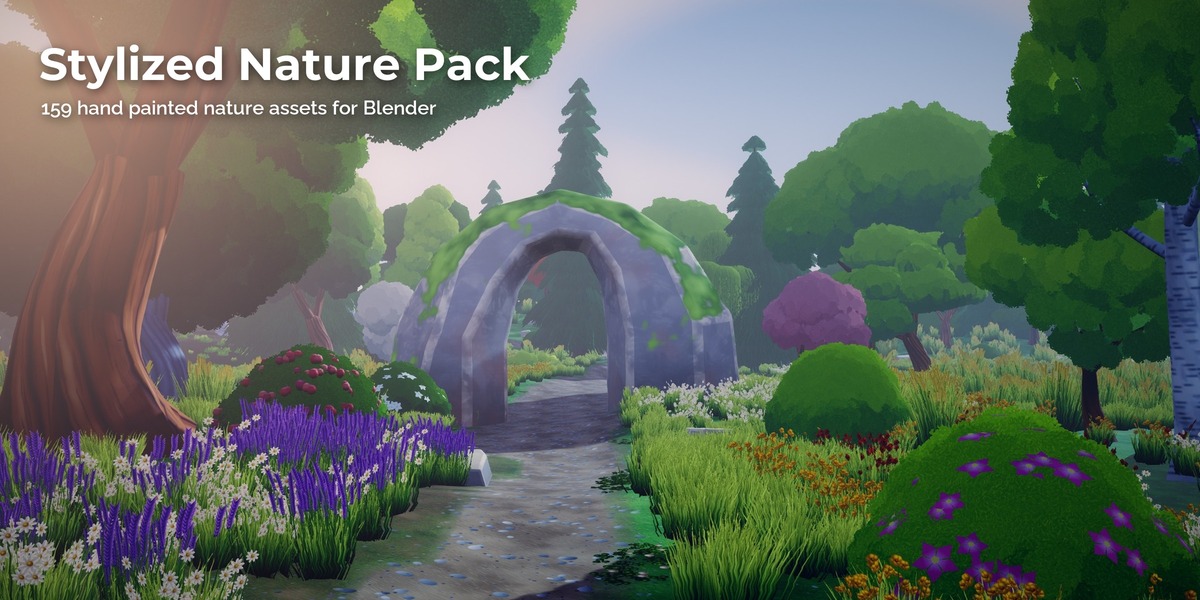
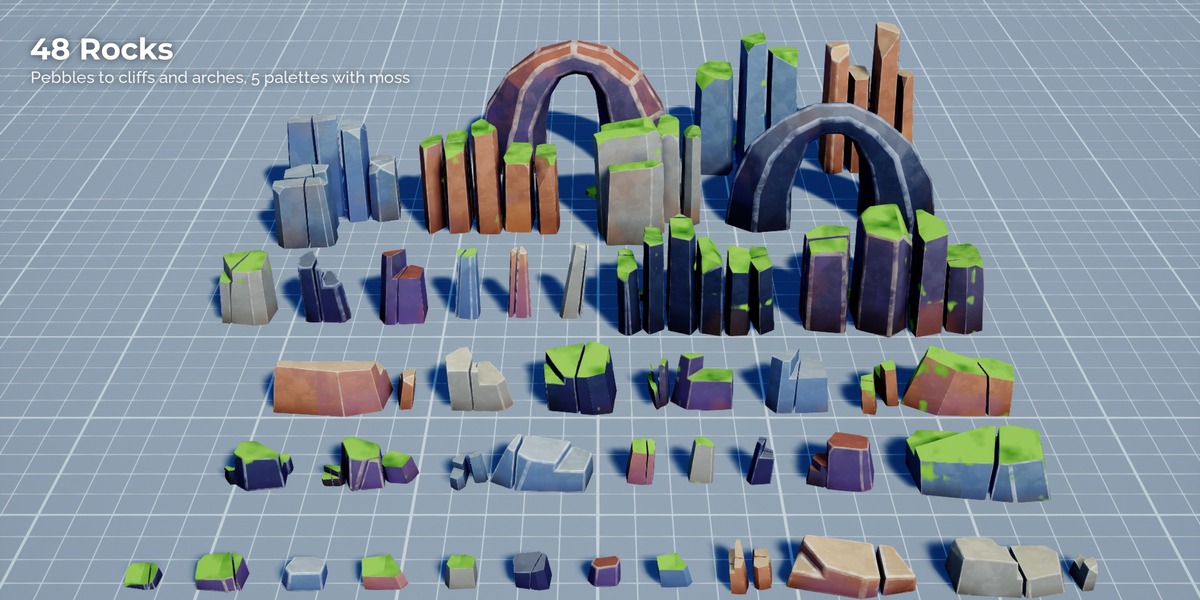
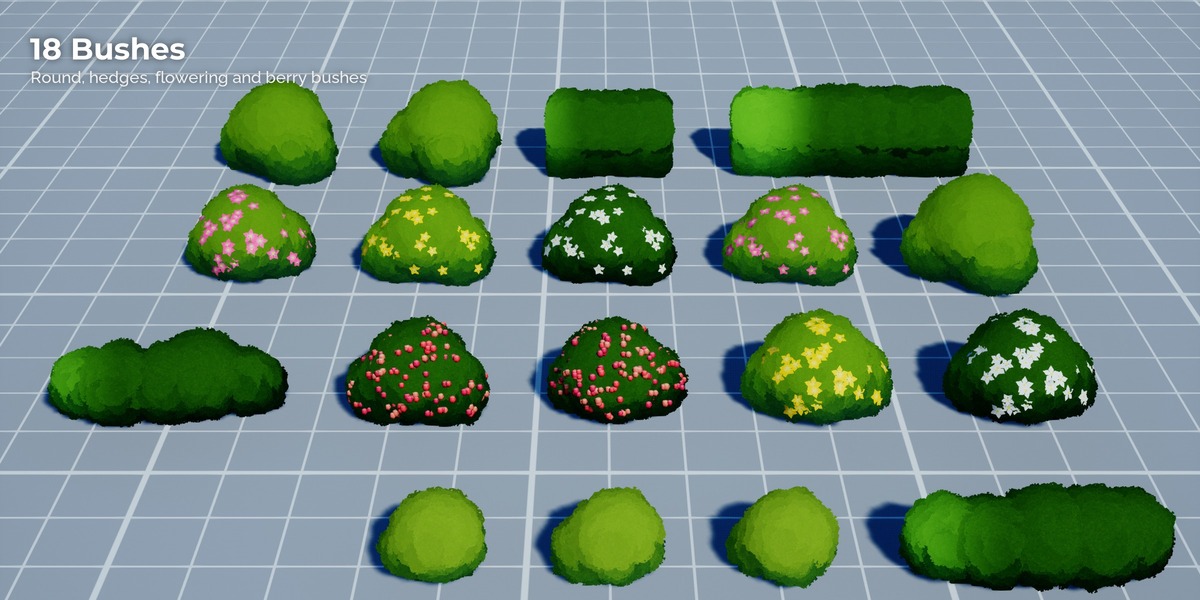
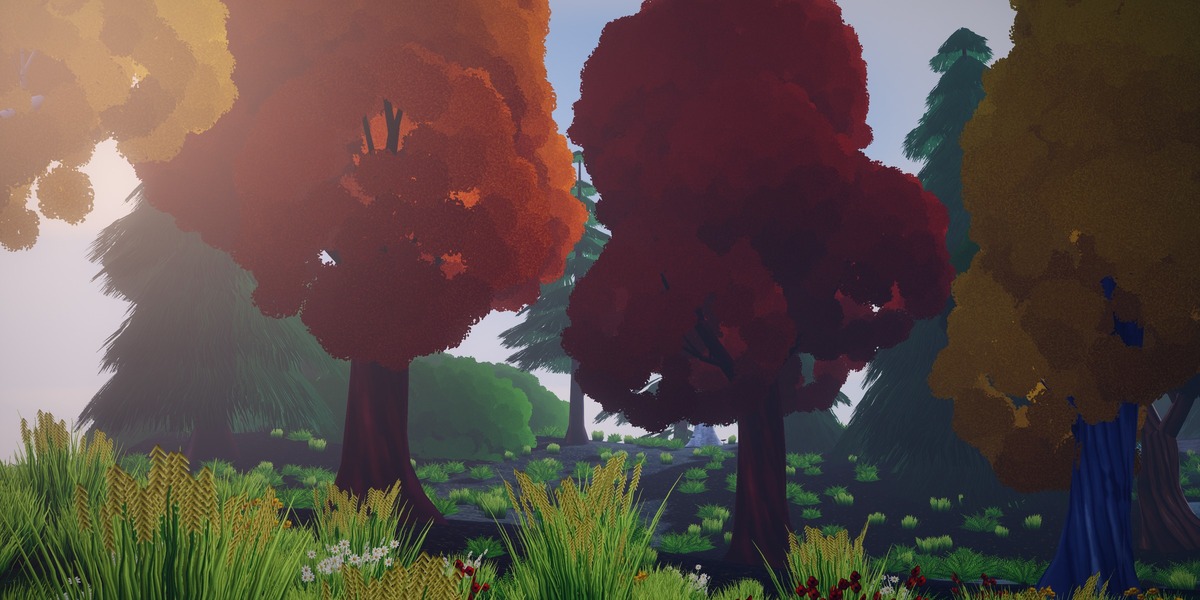
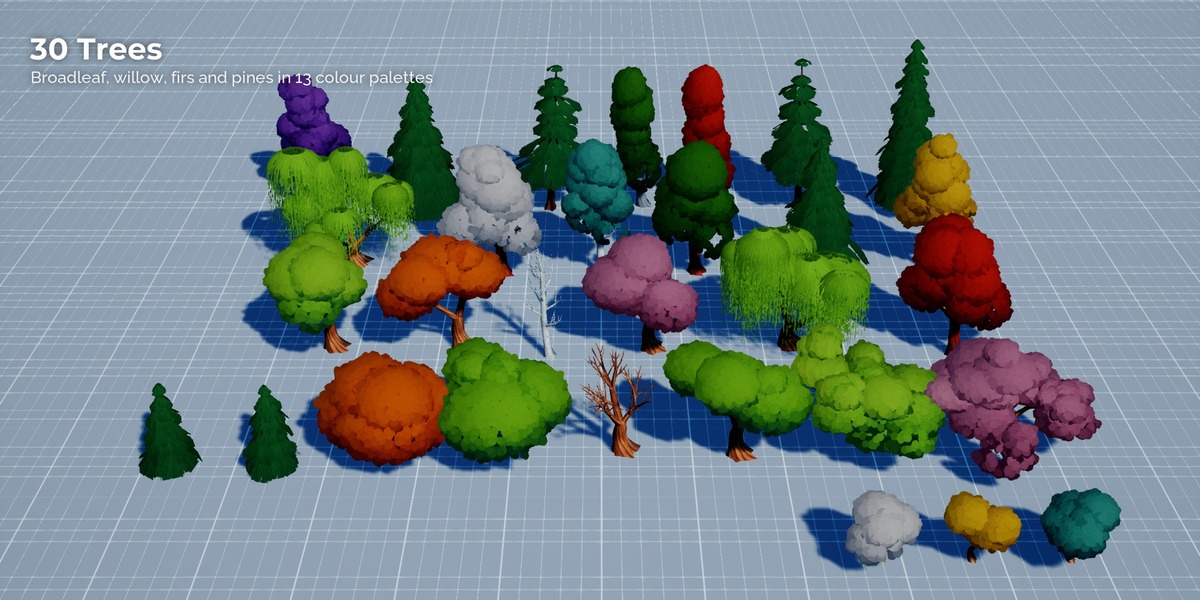
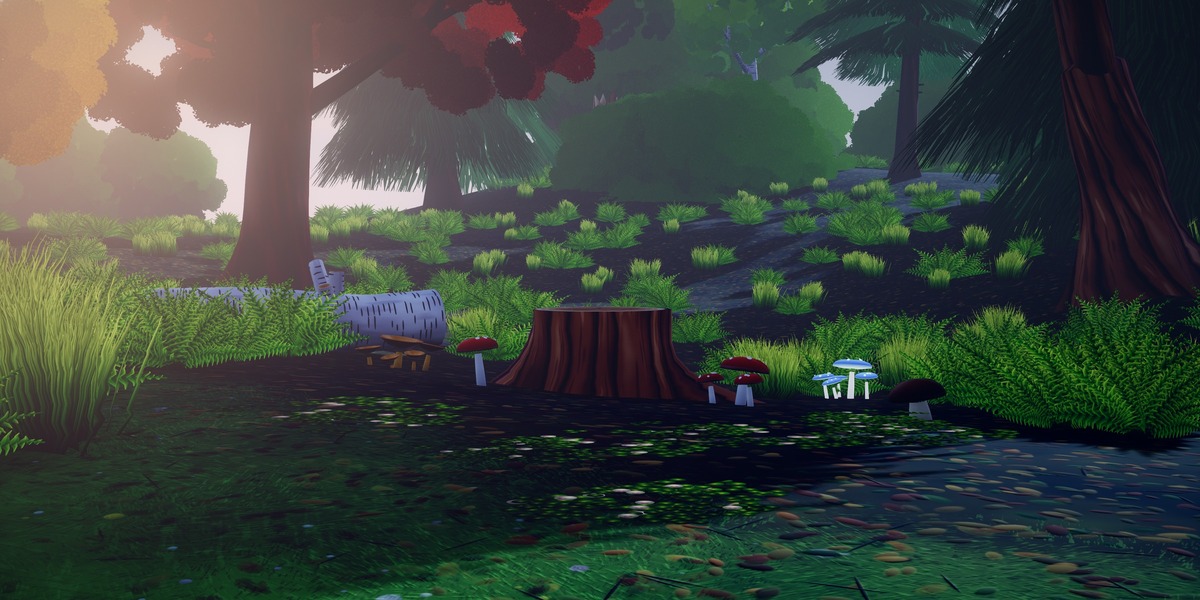
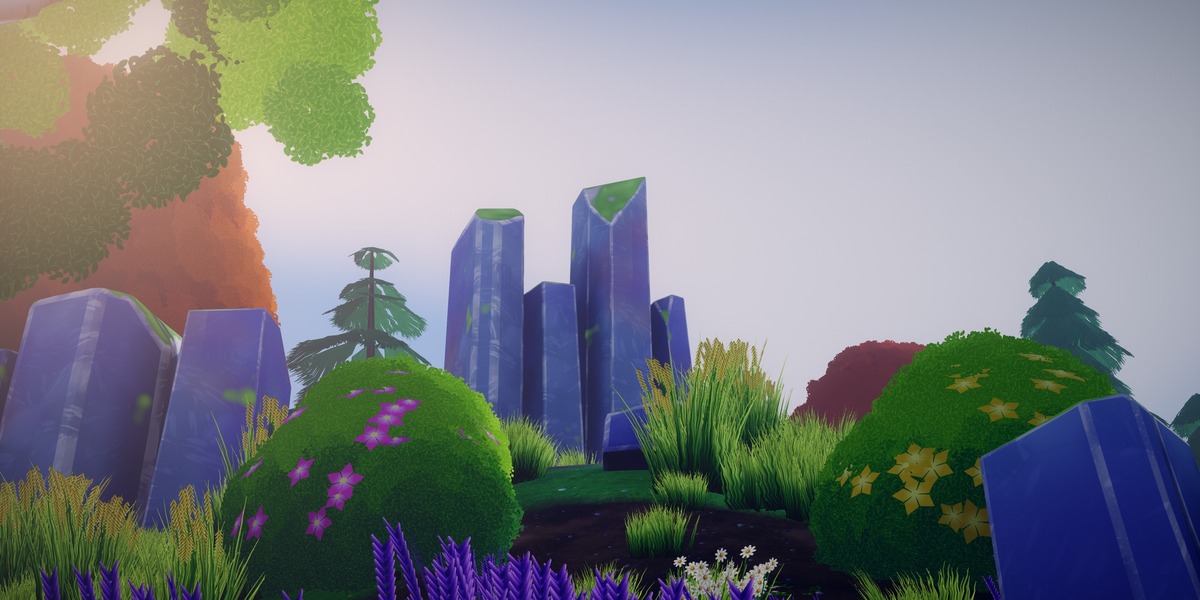
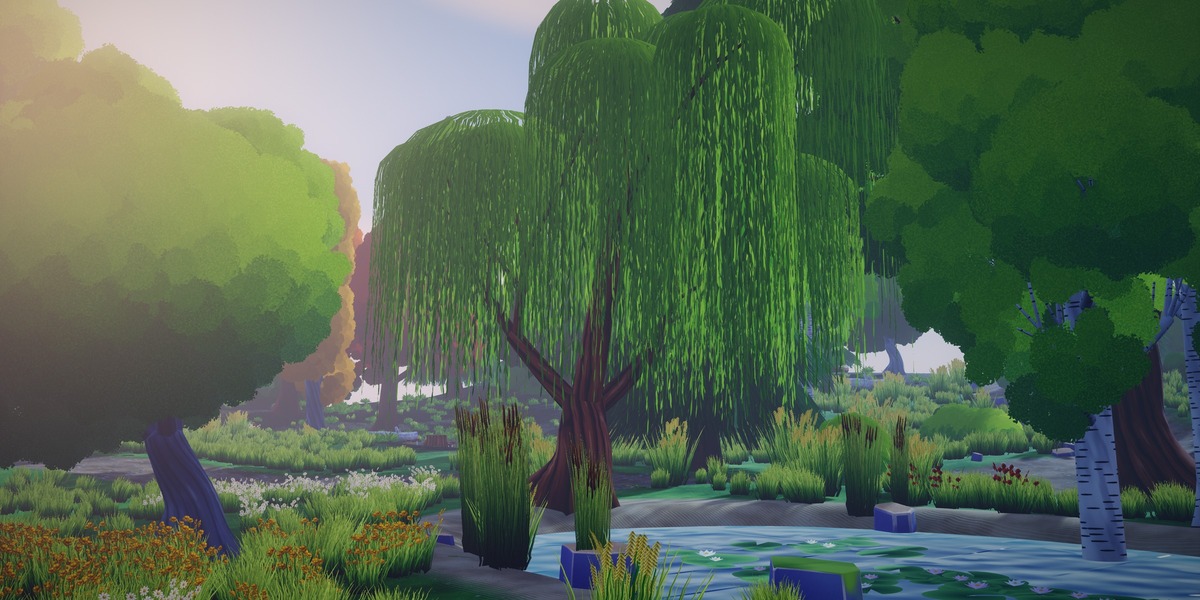
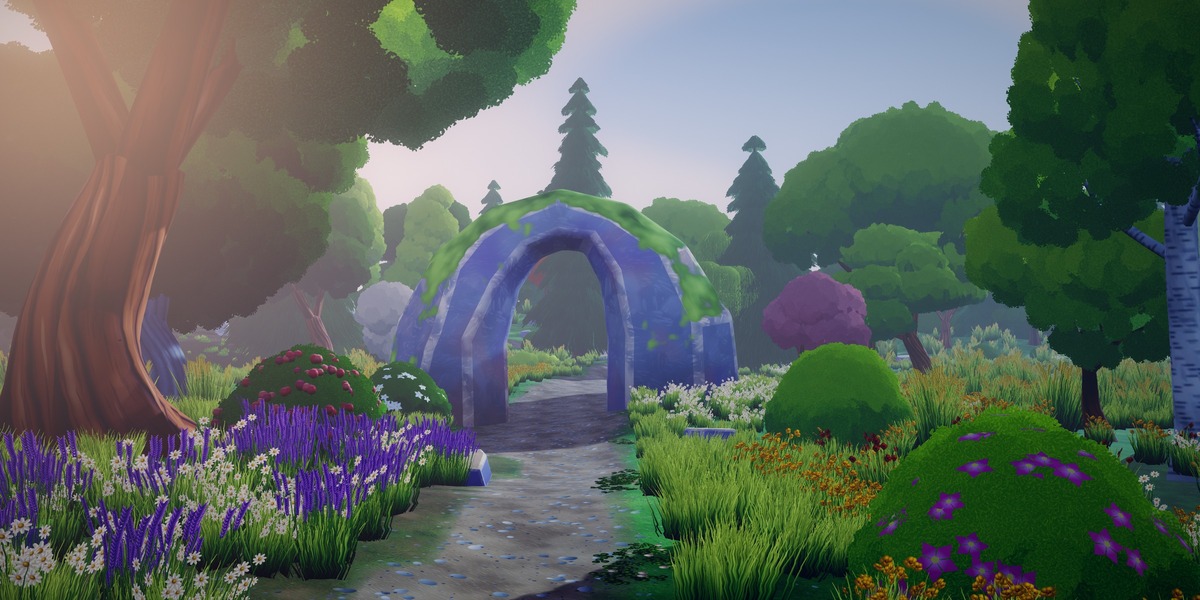
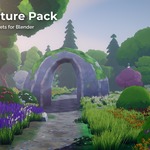
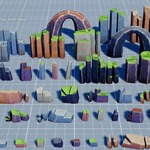
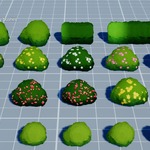
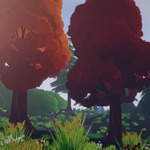
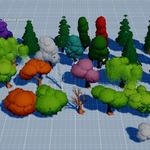
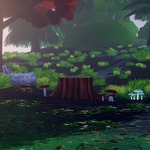
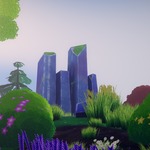
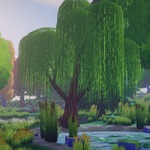
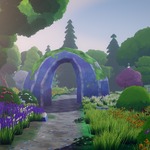
Stylized Nature Pack for Blender
Made with Blender 5.x. Eevee and Cycles.
Setup
- Unzip the folder anywhere and keep
StylizedNaturePack.blend,blender_assets.cats.txtandtexturestogether. - Add the folder as an asset library: Edit > Preferences > File Paths > Asset Libraries > +.
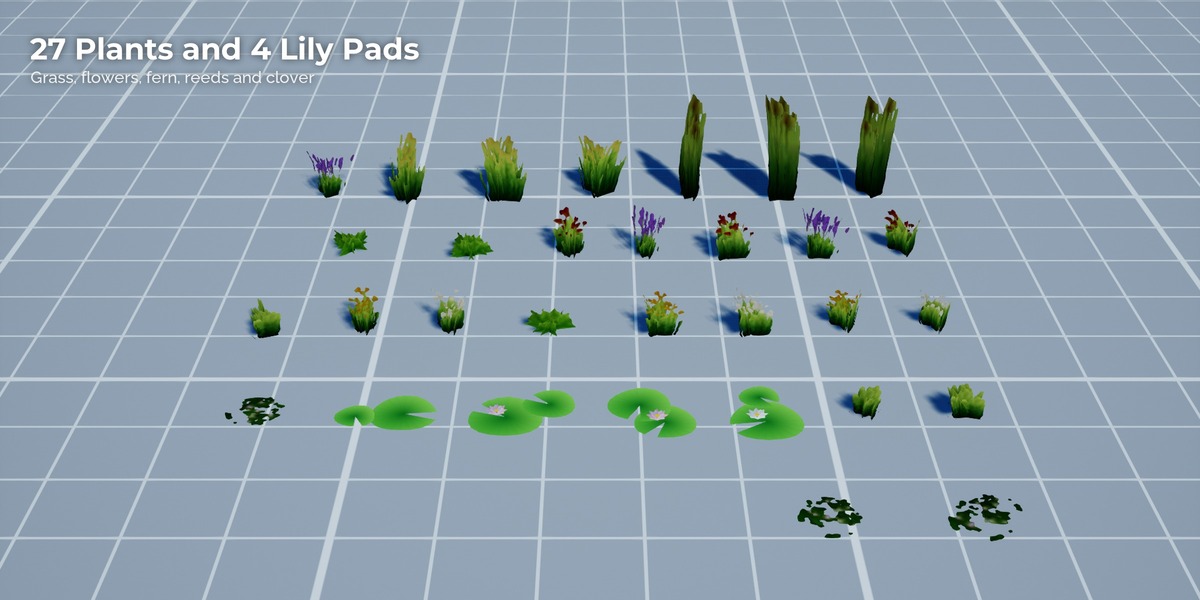
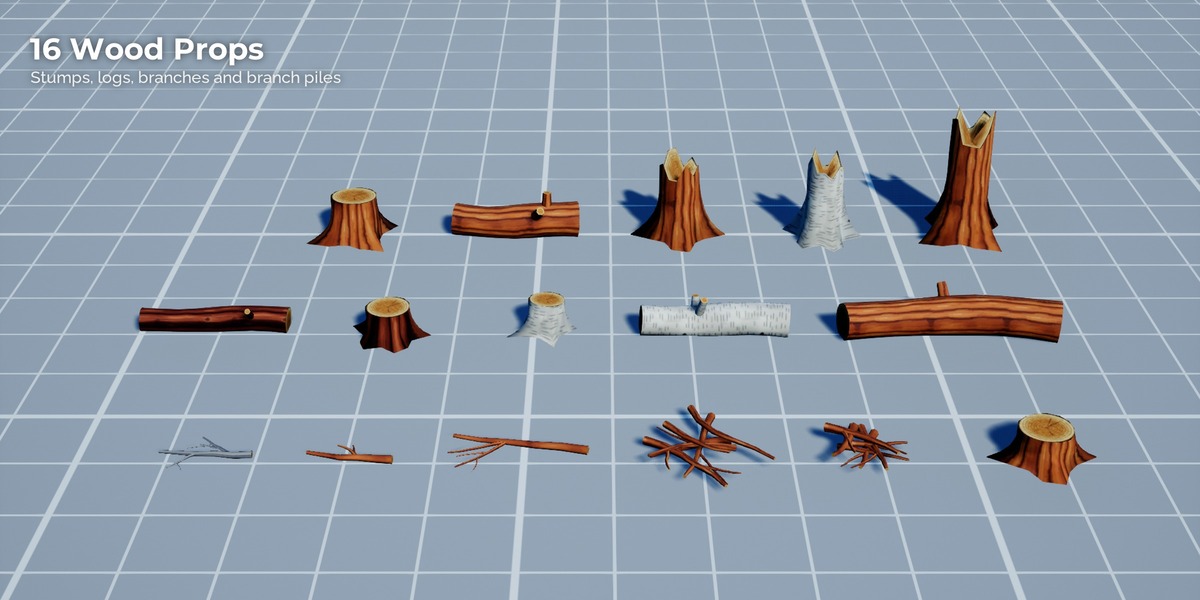
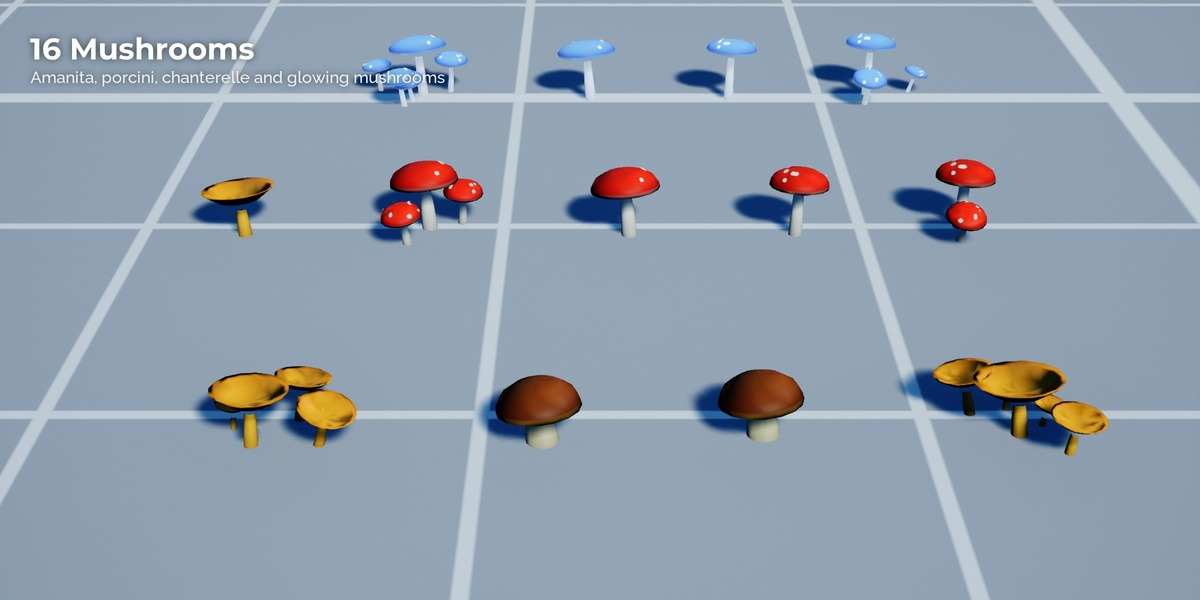
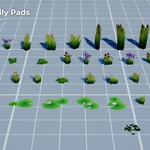
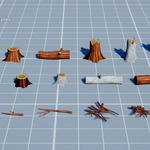
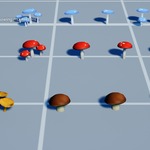
- Open the Asset Browser and pick the library. Assets are sorted into the catalogs Trees, Bushes, Rocks, Plants, Wood, Mushrooms and Water. Drag them into your scene (each asset is a collection).
You can also open StylizedNaturePack.blend directly: all assets are laid out on a grid per group.
Materials
The Blender materials are the original painterly shaders (leaf atlas with palette ramp, painterly rock with moss and wear, bark, plants, mushrooms). Rock moss and wear come from the object properties moss and wear (Object Properties > Custom Properties), so every rock instance can look different with the same material.
Notes
- Units are metres, Z up, pivot at the base centre.
- Tree and bush leaf cards turn towards the active scene camera (Geometry Nodes modifier "Billboard"), in Eevee and Cycles renders. In the viewport they face the scene camera, not the viewport view.
Have questions about this product?
Login to message
| Published | 4 days ago |
| Blender Version | 5.0 - 5.2 |
| Render Engine Used | Cycles, Eevee |
| Misc Data | Uvs-Unwrapped, Textured |
| License | Royalty Free |
Discover more products like this
#nature plants stylized asset library forest hand painted game assets rocks fantasy environment Trees foliage