 Fondant



Easy Custom Normals for Clean Toon/Anime Shading
Supported Blender Versions: 4.3, 4.4
NOTE: See documentation for potential stability issues with Blender 4.4
A new toolset for Custom Vertex Normals authoring. Get clean and smooth Normals for your toon shading using our custom Geometry Nodes modifiers loaded with options. Keep the setup live and adjustable within Blender, or apply and export Custom Normals for game engines as usual.
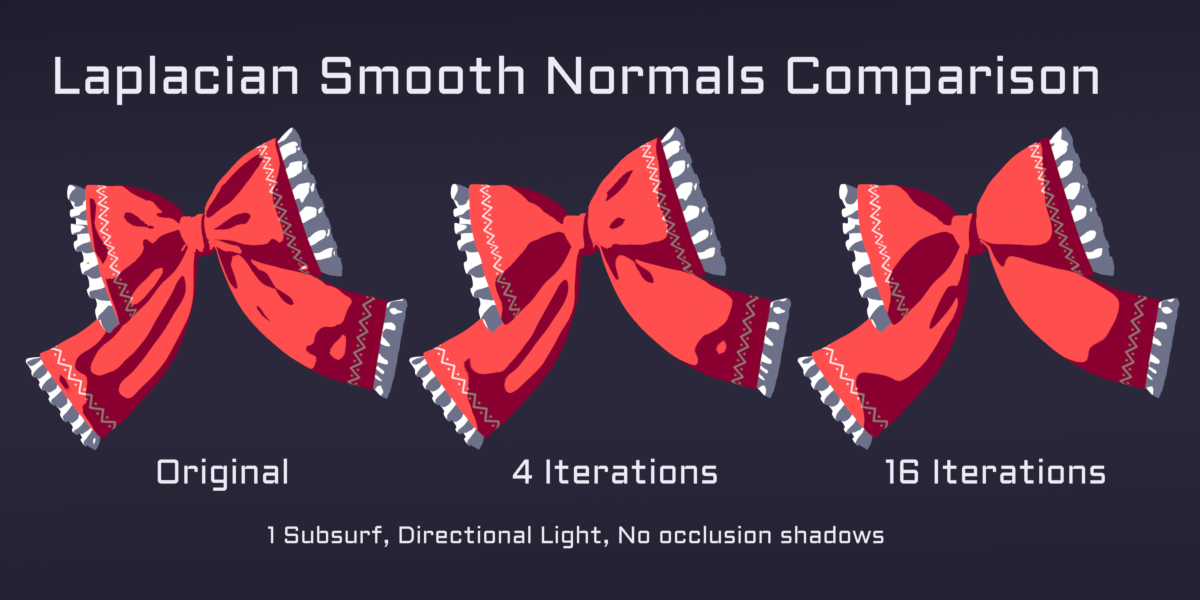
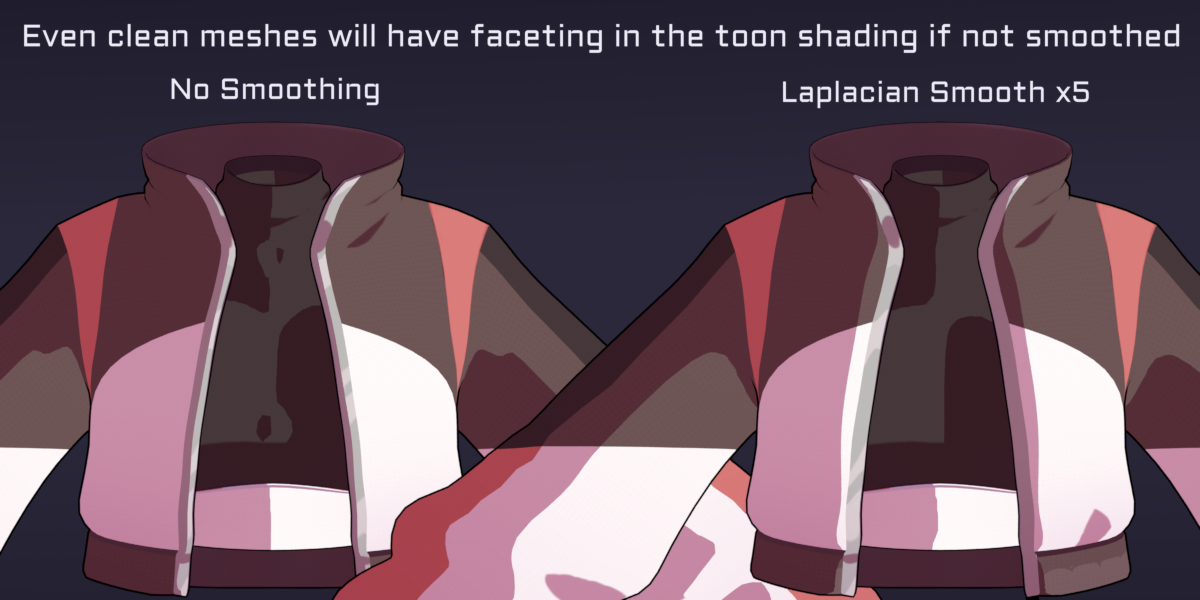
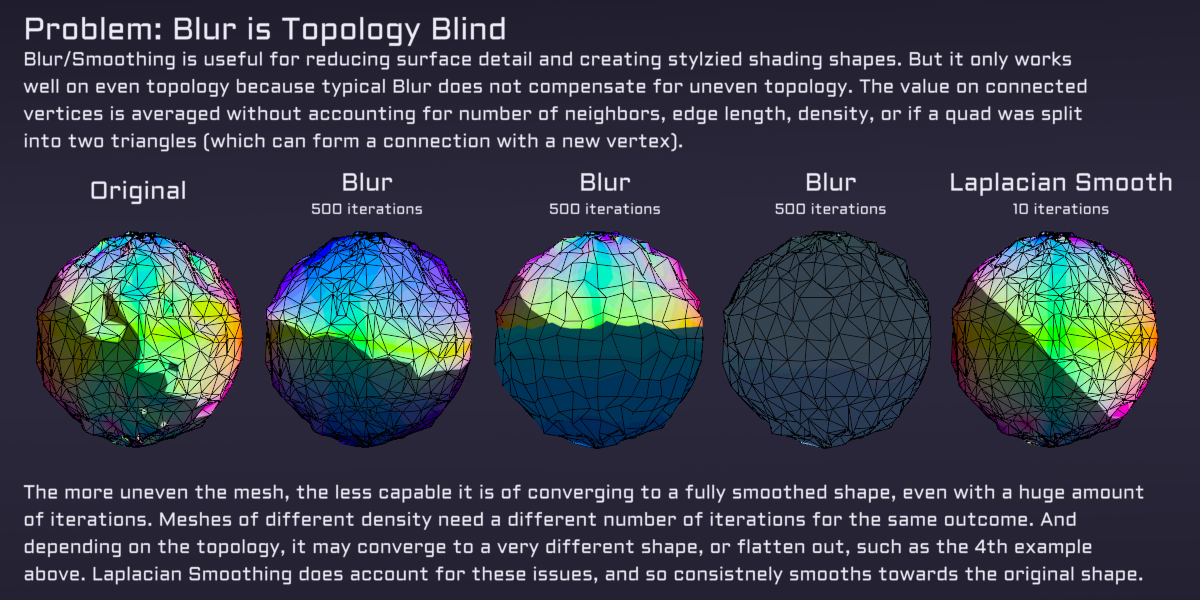
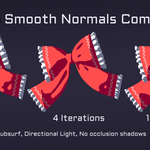
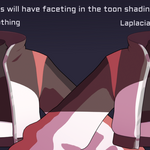
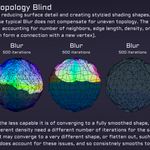
We launched with the Laplacian Smooth + Weighted Normals modifier that instantly improves Toon Shading in most circumstances.
The pro tier gives you access to Anime Face Proxy System.
Stop fighting with unreliable proxy meshes and data transfer interpolation problems. Just align our proxy to match your character's face and use the provided rig to control the Normals and shading shape. Make poses or even shapekeys for different shots or expressions. And it feeds into the Laplacian Smooth modifier!
Key Features
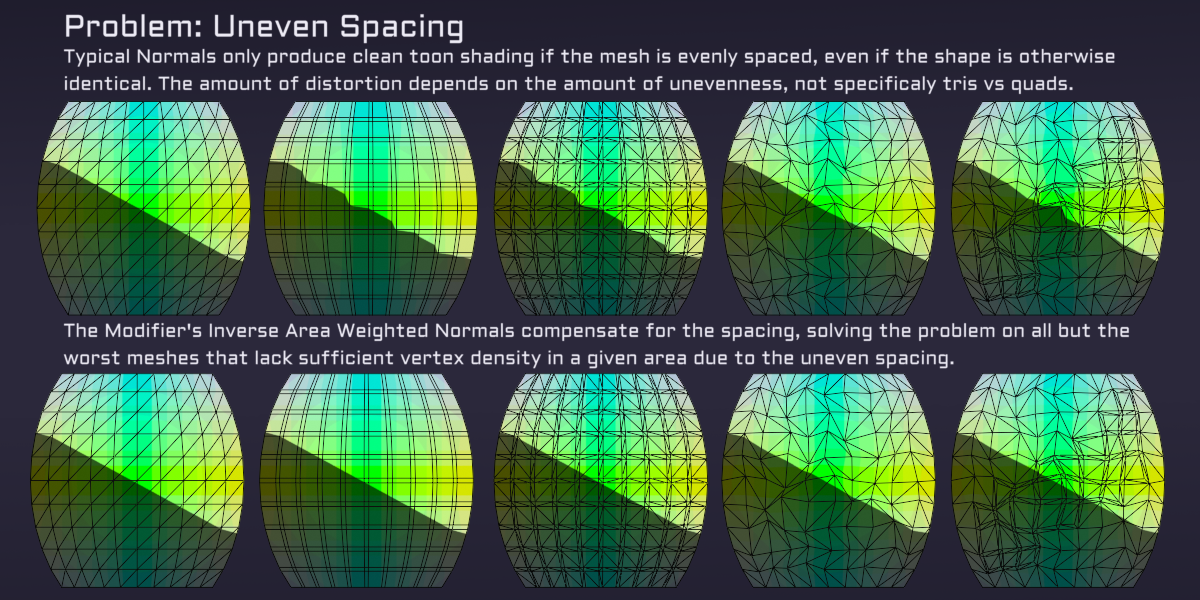
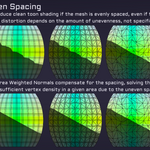
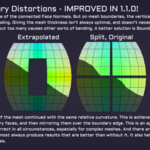
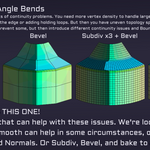
• Laplacian Smooth Normals Modifier (All Versions): Get clean Normals even with imperfect topology. No more fighting with retopology, or needing proxy meshes just to avoid problems from a few triangles. With Weighted Normals and Laplacian Normal Smoothing, you can get the same results on uneven triangulated meshes as on clean quad topology. Often this let's you author directly on game production meshes!
• Anime Face Proxy Mesh (Pro Tier): A convenient solution for clean anime face shading. The Face Proxy is a set of rigged Curves that feed into Geometry Nodes to calculate smooth Normals. Align the rig to your face and then set the Normals using the Bones themselves. Preview, adjust and mask with variety of handy settings in the Geometry Nodes modifier. Attach the whole setup to your character's rig and you can adjust the shading shapes per pose, and even save poses as shapekeys.
• Live Preview & Non-Destructive Workflow: Built with Geometry Nodes, see results live without manually wiring up materials or baking.
These tools speed up your anime and stylized character art workflows. Whether you’re prepping a model for real-time or want simpler shading control within Blender, this makes your life much easier!