Stylized Pine Forest Nature Kit
 Cratial 3D
in Nature
Cratial 3D
in Nature
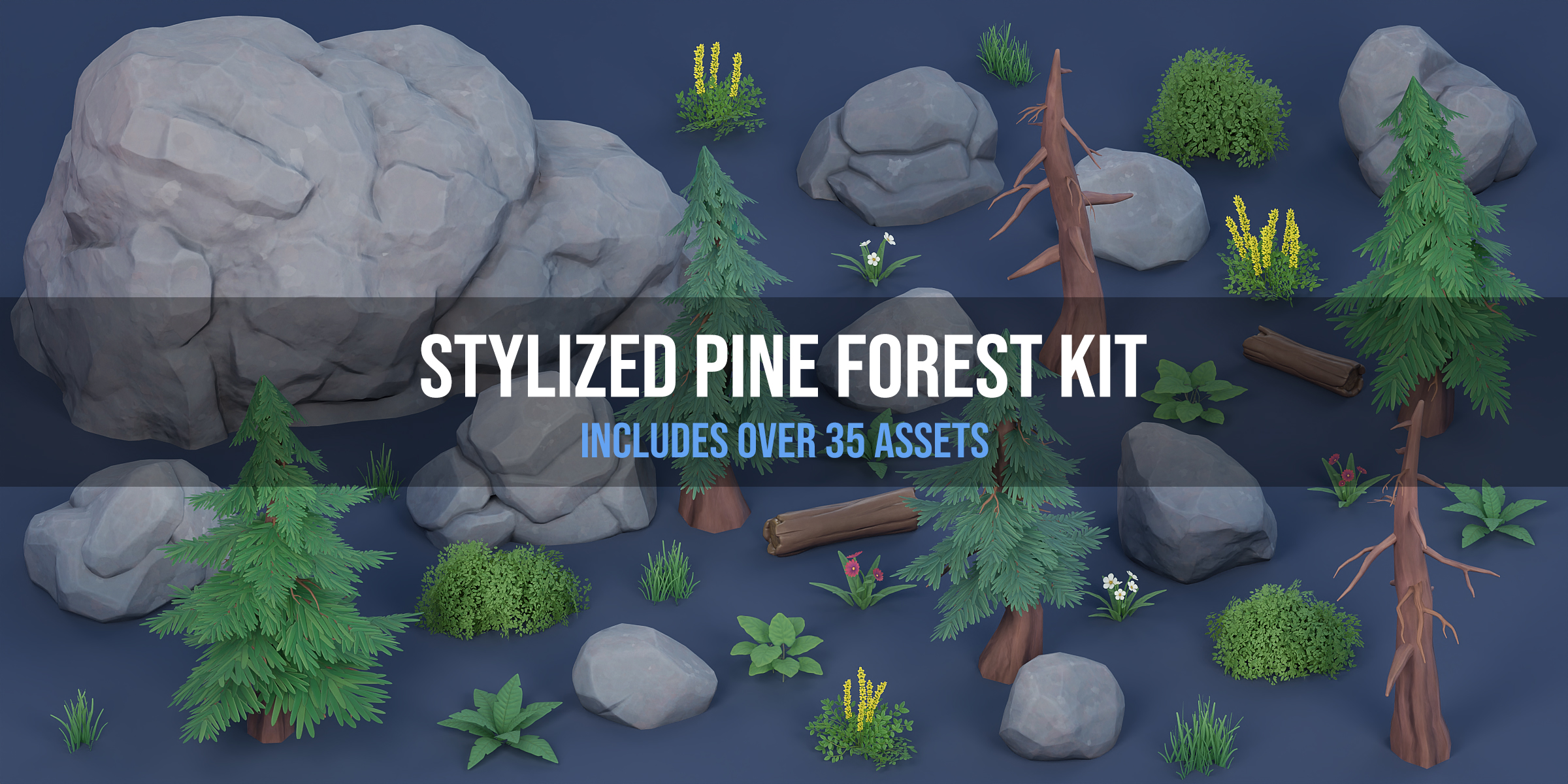

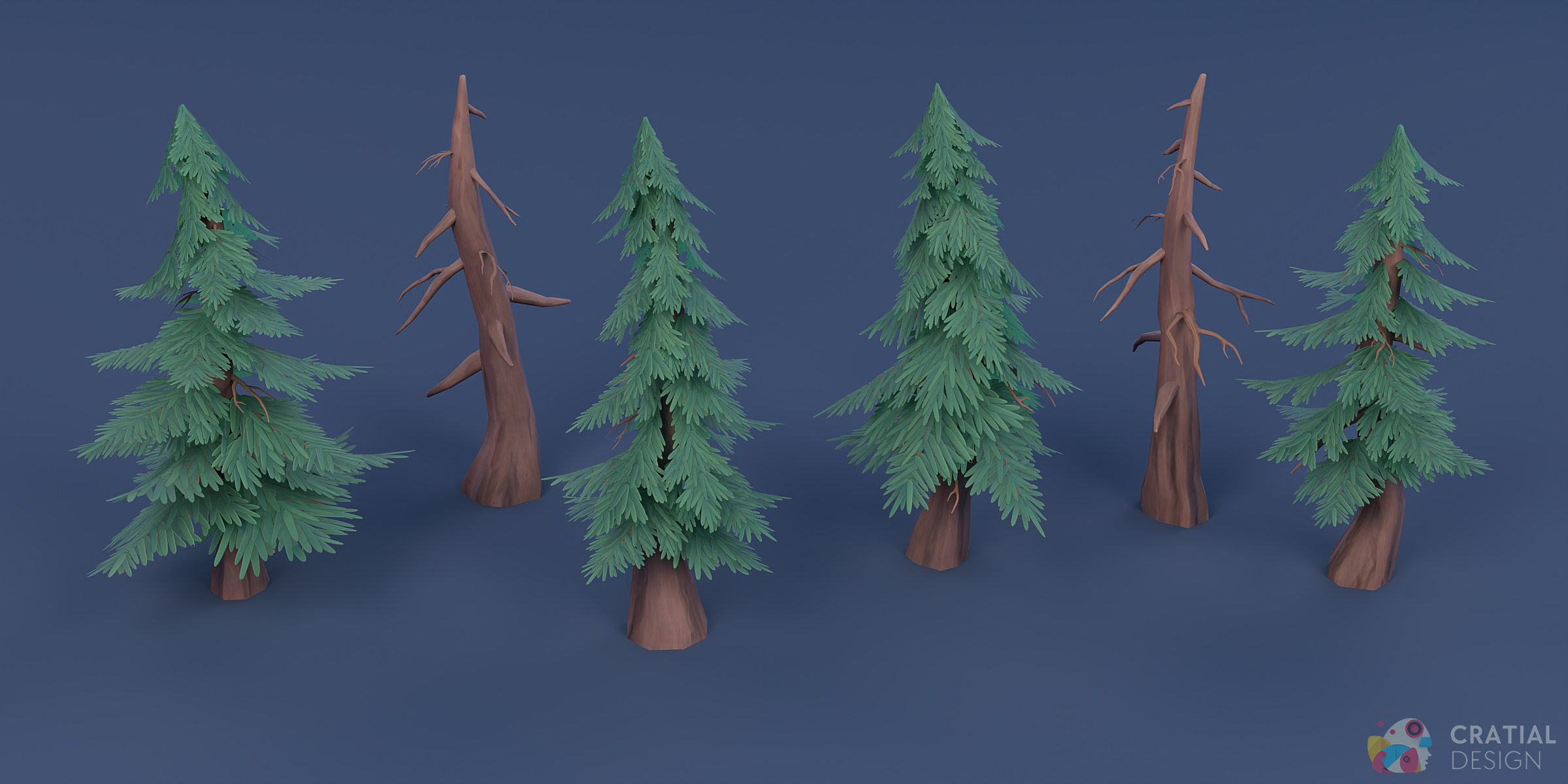
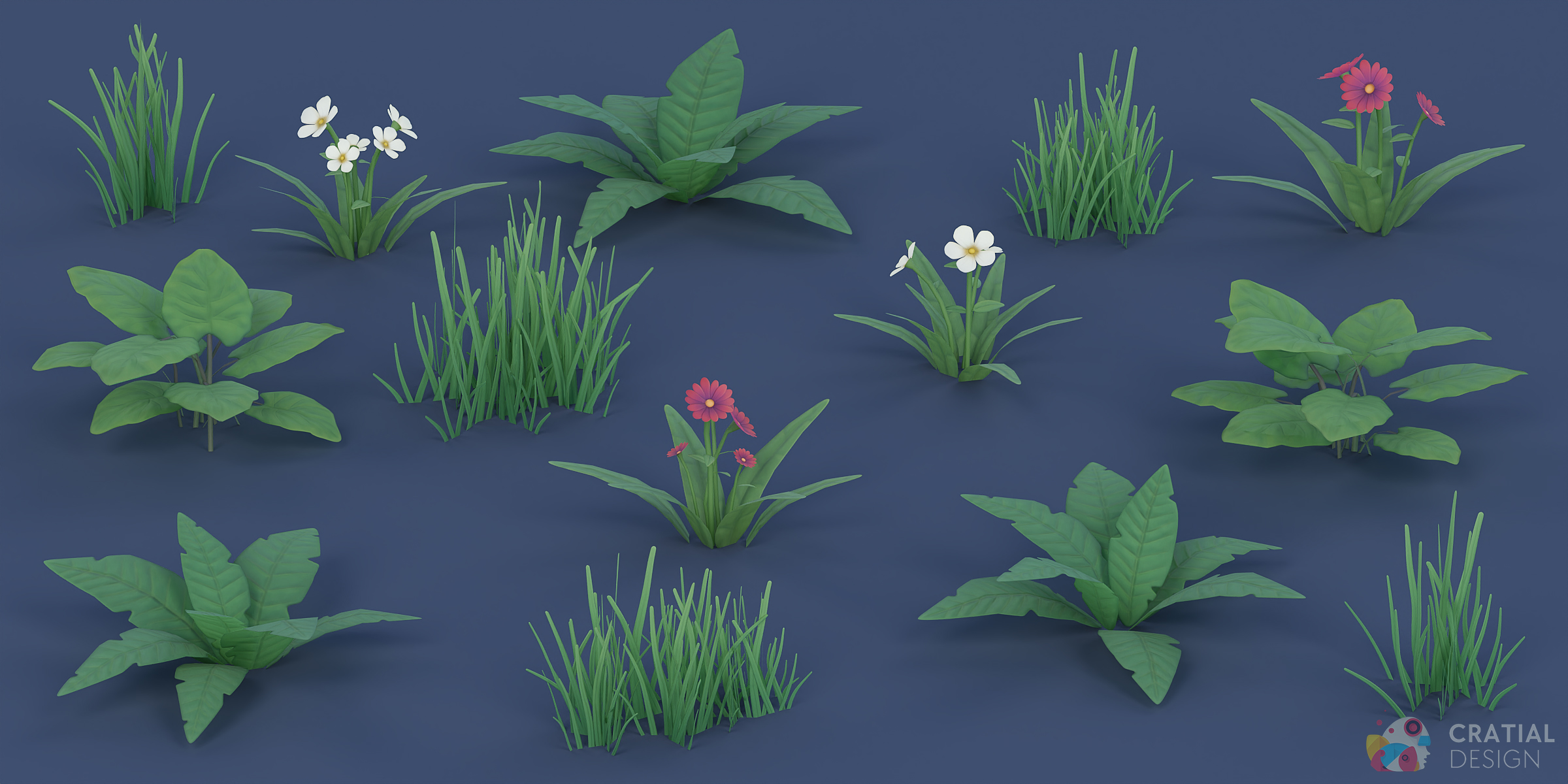
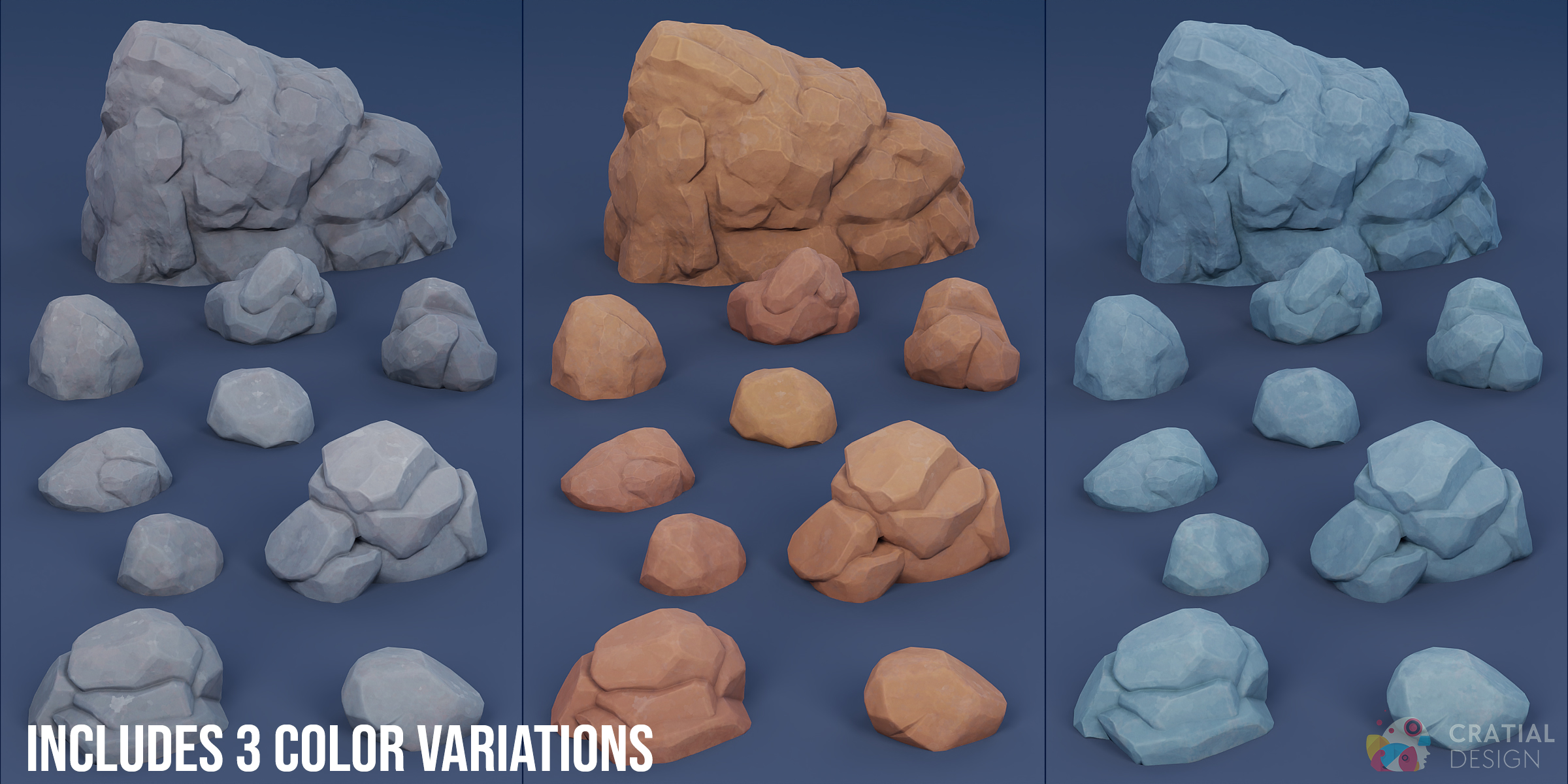
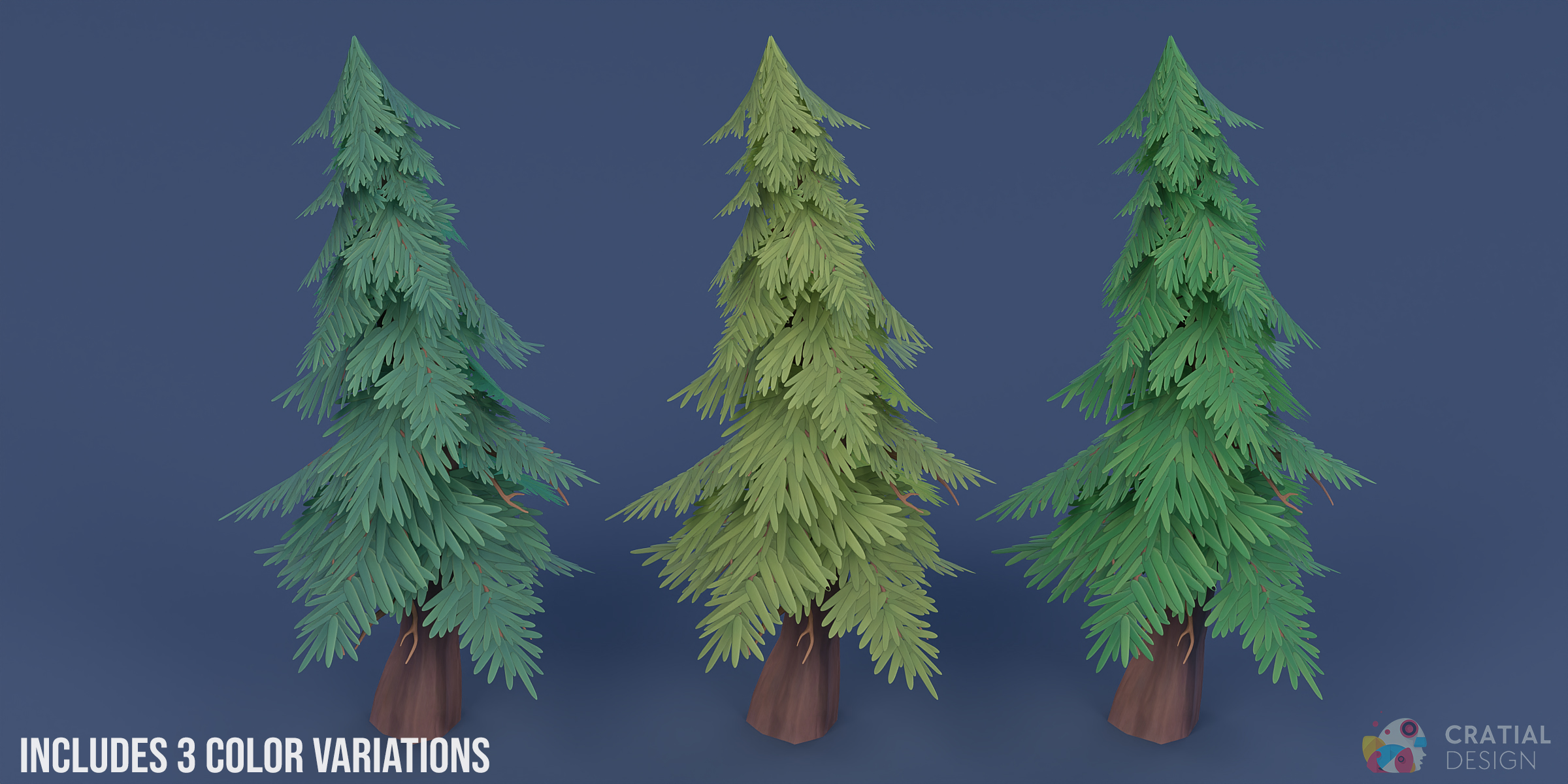
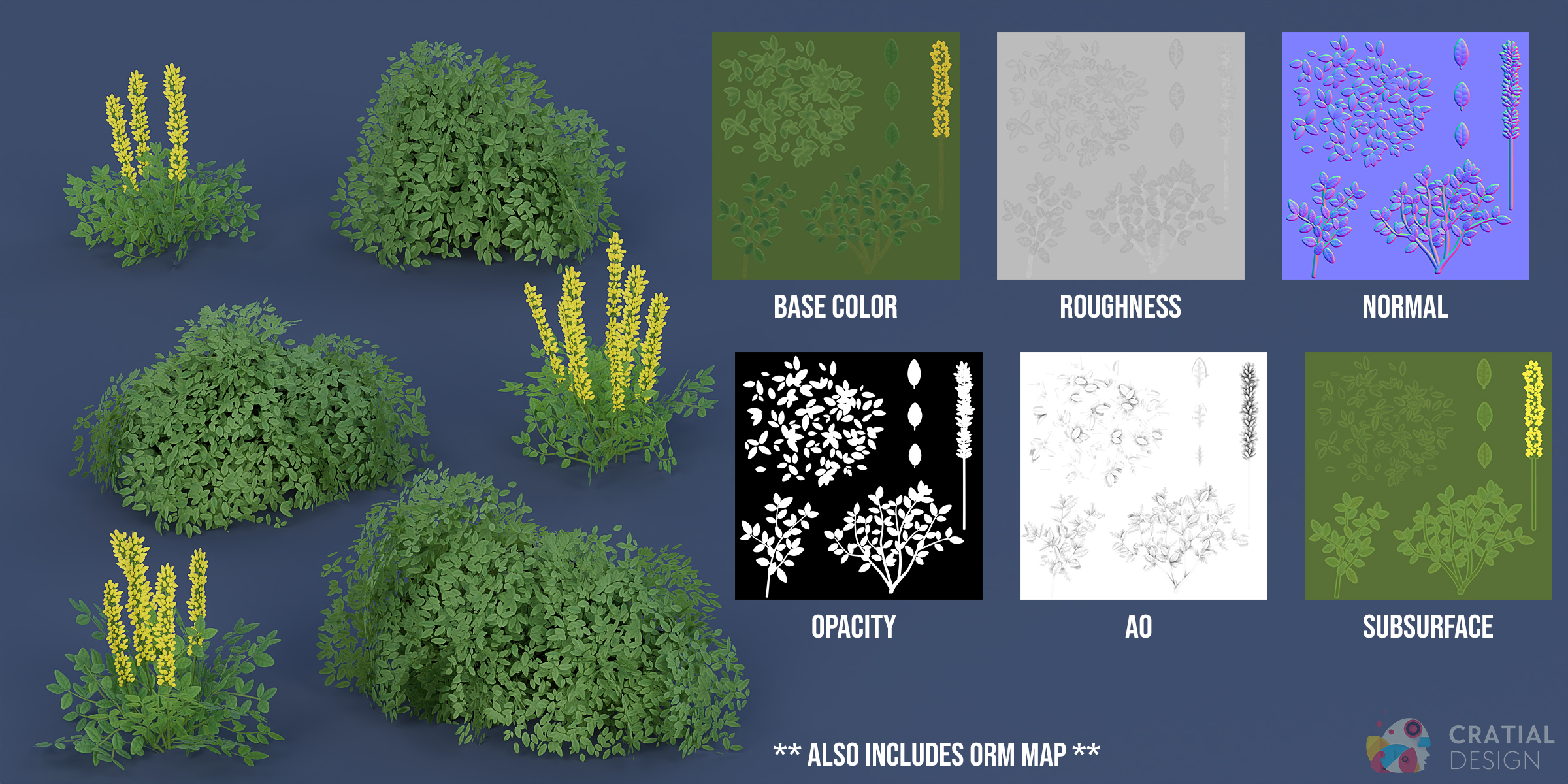
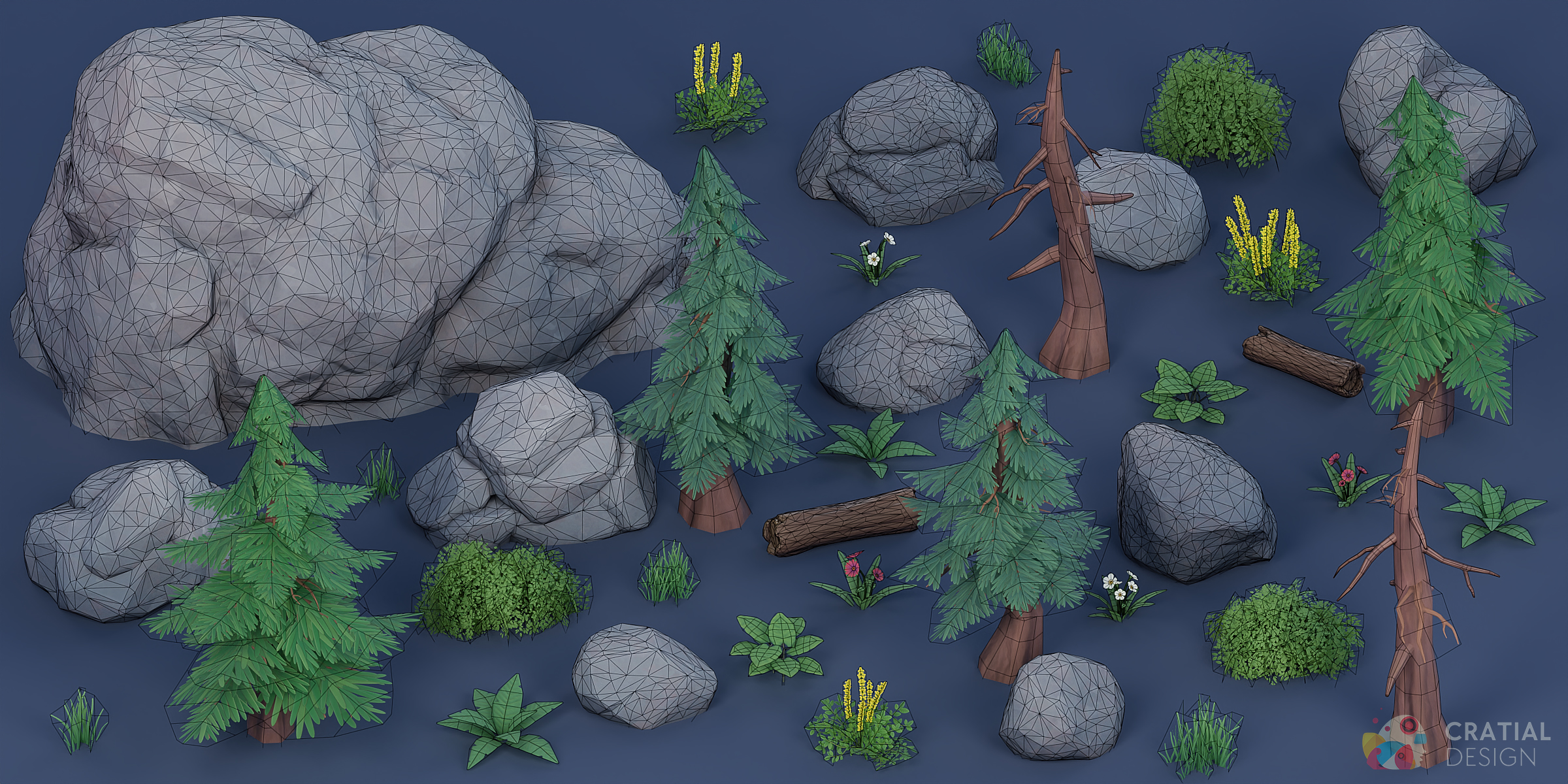
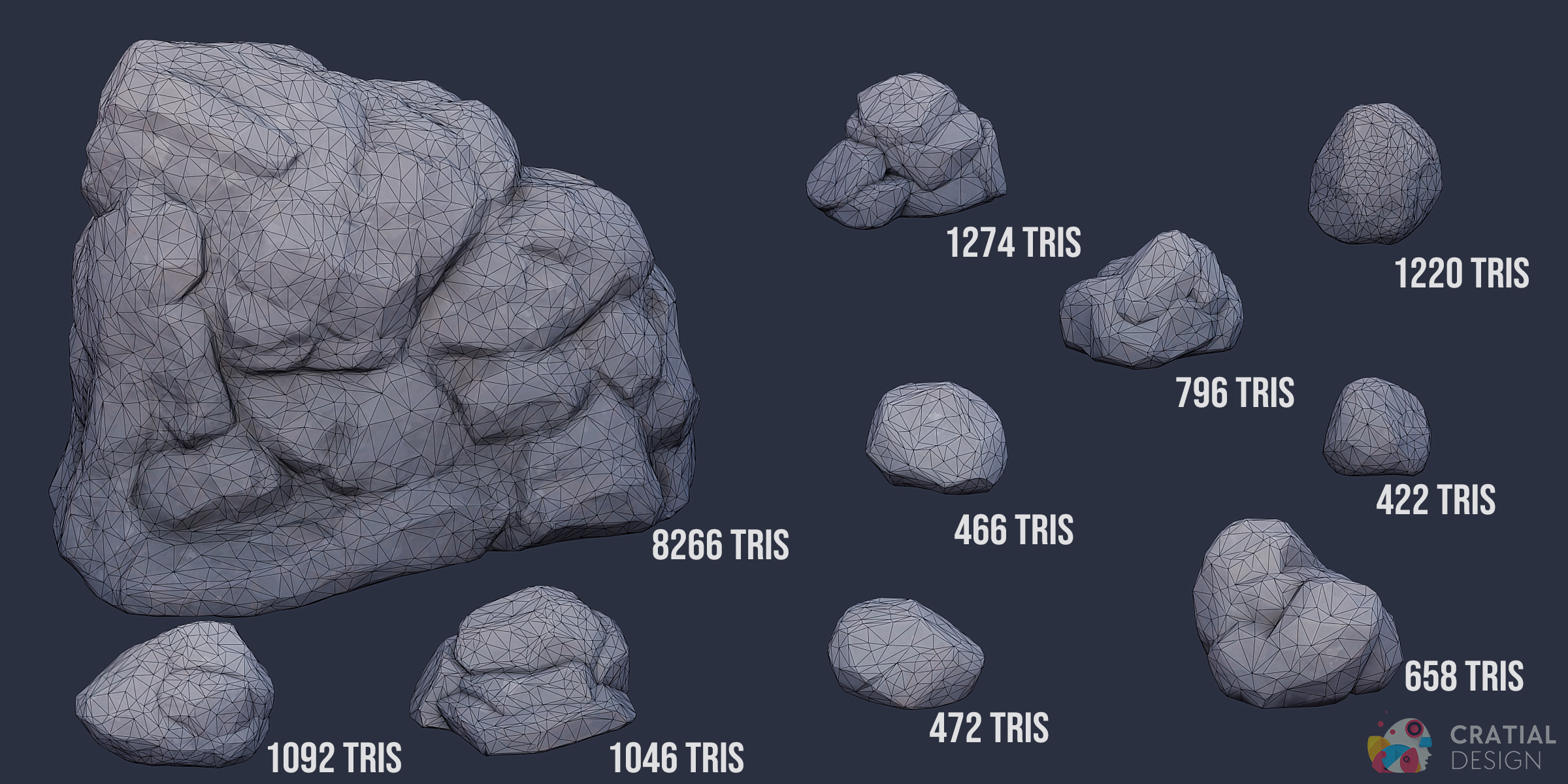
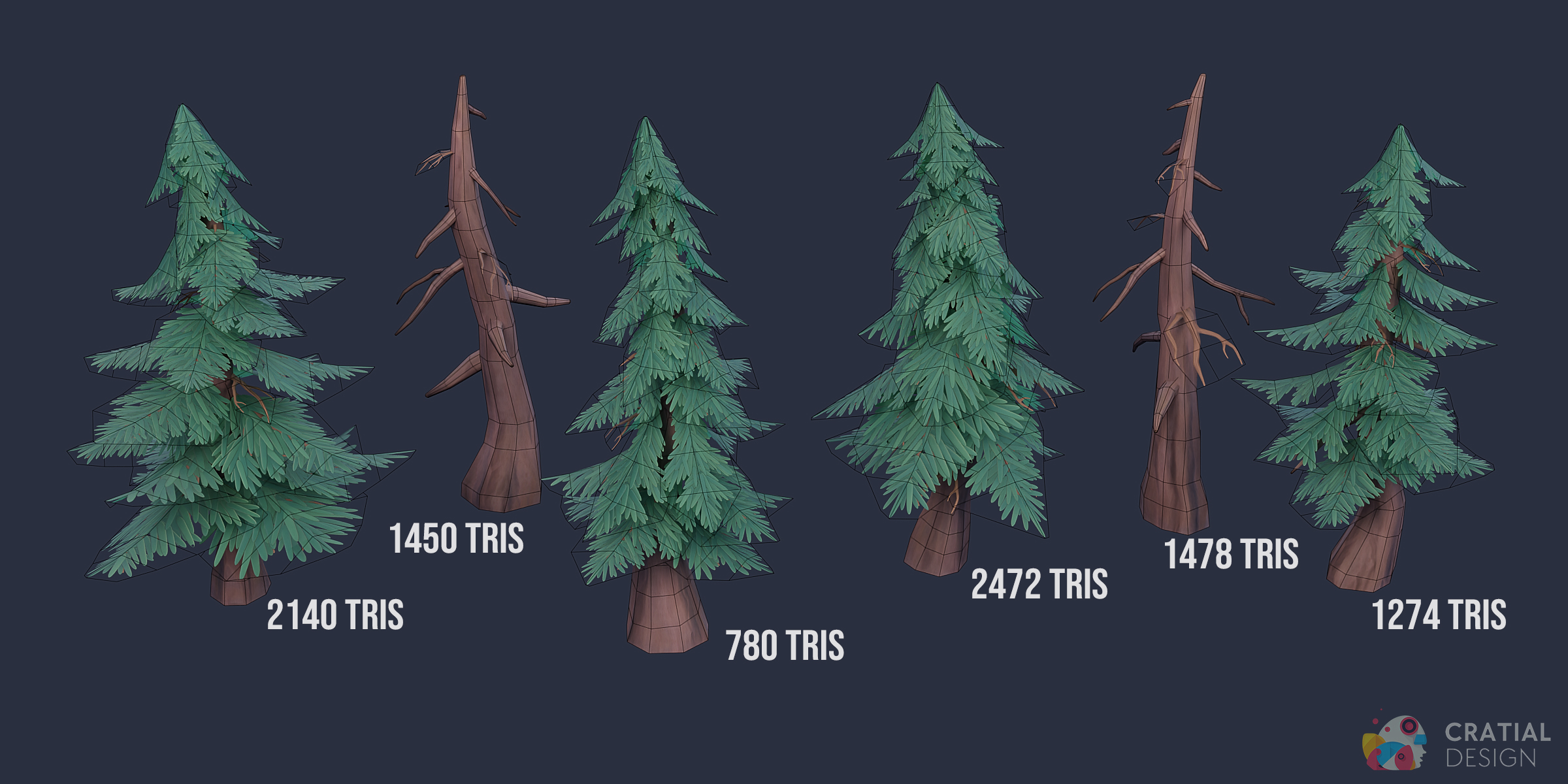
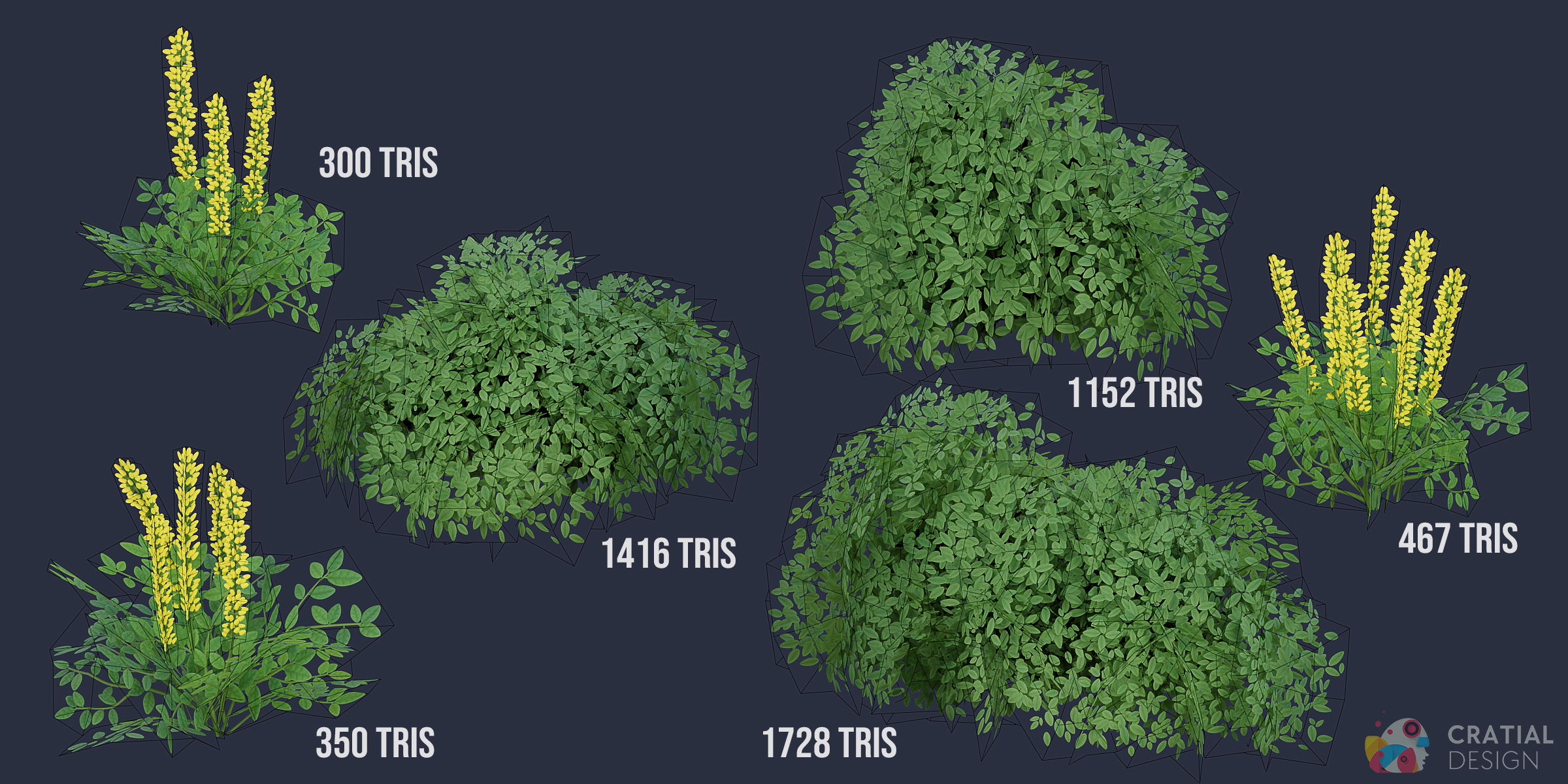
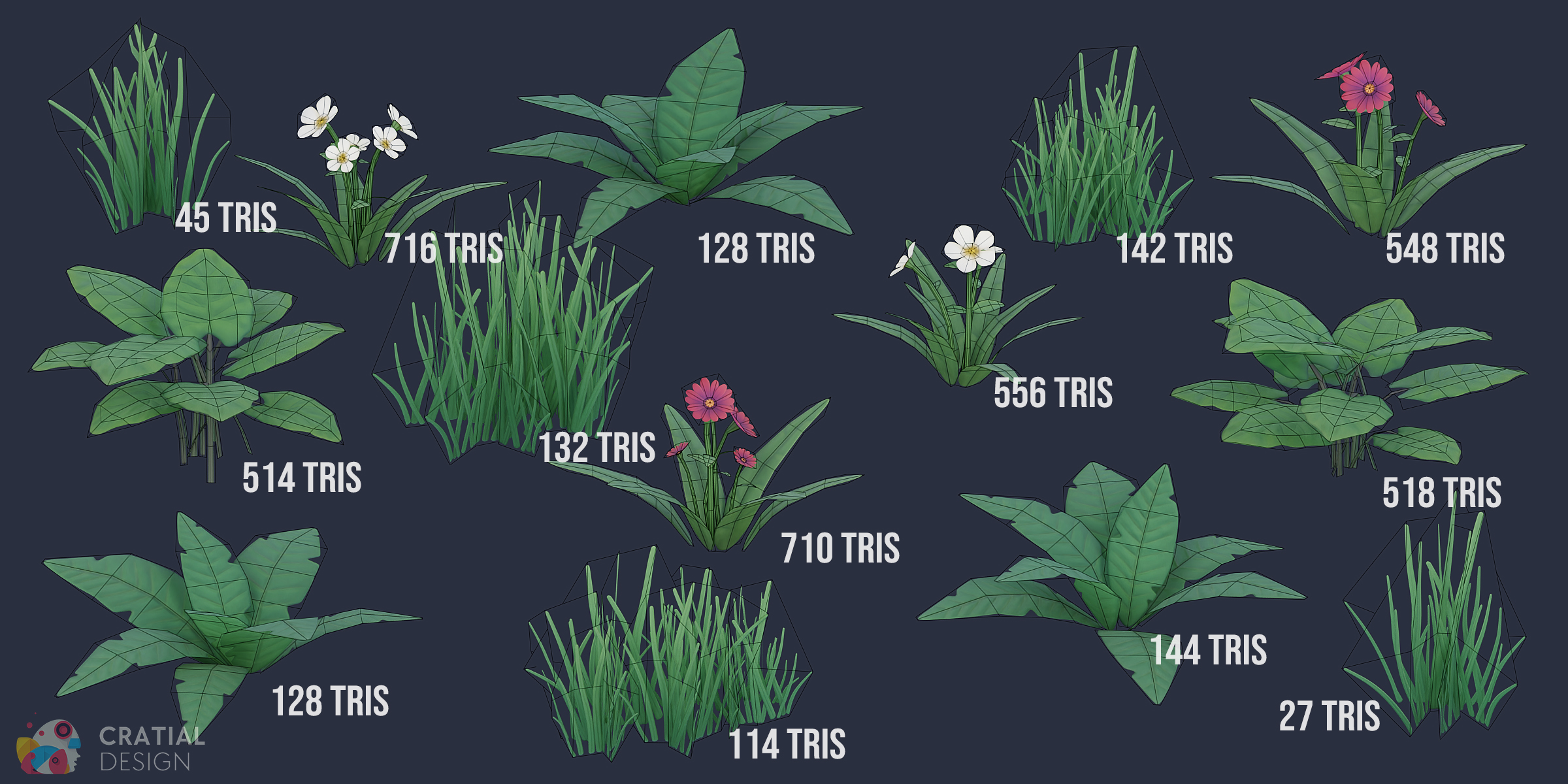
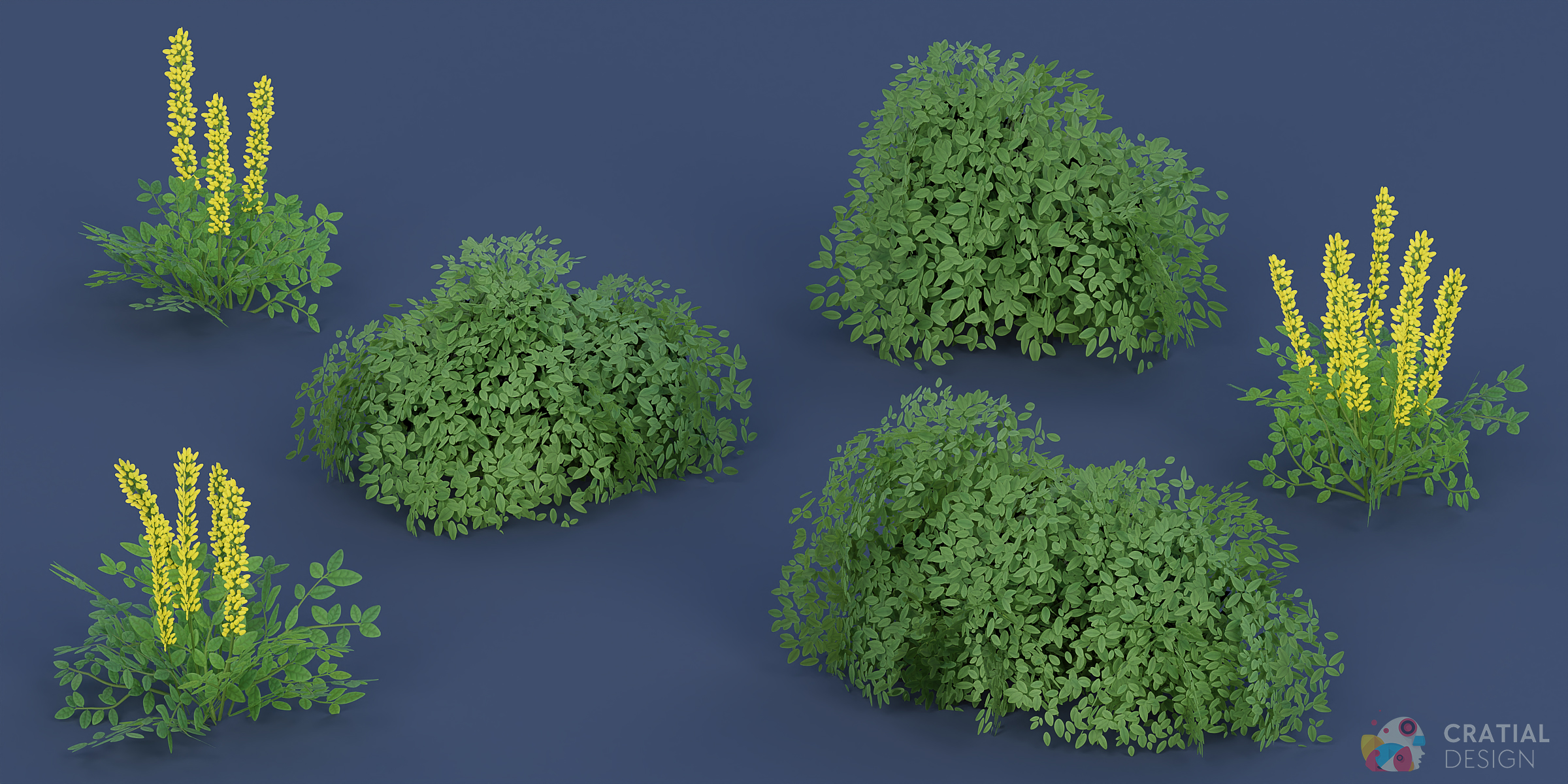

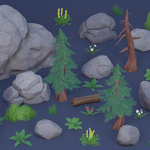
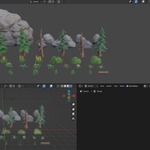
The Asset Browser includes the 10 rock and cliff models with all three color options, creating 30 rock and cliff entries. It also includes the 4 pine tree models with all three color options, creating 12 pine tree assets. The Asset Browser also includes one optional Wind Control utility. Altogether, this produces 67 assets based on 38 unique models
Each of the four living pine trees is supplied as a complete Collection asset containing separate trunk and canopy objects. This allows you to place the full tree as one asset while keeping its components and materials editable.
The two bare pine trees are supplied as individual Object assets.
Yes. The pack includes FBX models and TGA textures for use in other compatible 3D applications and game engines.
The Blender Asset Browser organization and Simple Grass Wind Geometry Nodes setup are Blender-specific. The wind animation will not transfer automatically through FBX, so it must be recreated in the target application if animated foliage is required.
No Geometry Nodes experience is required. Wind is disabled by default, so the foliage will remain still until you enable it.
- Select the foliage and open Blender’s Modifier Properties.
- Find the Geometry Nodes modifier containing Simple Grass Wind.
- Enable the modifier for the viewport and renders.
- Increase Wind Power above 0 to control the strength of the movement.
- Adjust Wind Speed to control how quickly the foliage moves.
- Play or scrub the timeline to preview the animation.
The Wind Control is an optional Blender Empty that helps multiple foliage assets share the same procedural wind pattern.
Add one Wind Control to the scene from the Asset Browser, then assign that same object to the Wind Controller field on each plant you want connected. This keeps their movement consistent across the scene instead of making each plant appear to react to unrelated wind.
You only need one Wind Control for an entire scene, not one per plant. A single foliage asset can animate without it. Moving the Wind Control shifts the shared procedural pattern, while wind strength and speed remain controlled through the foliage modifier.
Have questions about this product?
Login to message
Includes an Asset Library
67 drag-and-drop assets for Blender’s Asset Browser.
Browse included assets| Sales | 100+ |
| Dev Fund Contributor | |
| Published | almost 3 years ago |
| Blender Version | 3.0 - 5.2 |
| Render Engine Used | Cycles, Eevee |
| Misc Data | Uvs-Unwrapped, Normal-Mapped, Textured |
| License | Royalty Free |