Stylized Sky
 GPolygon Design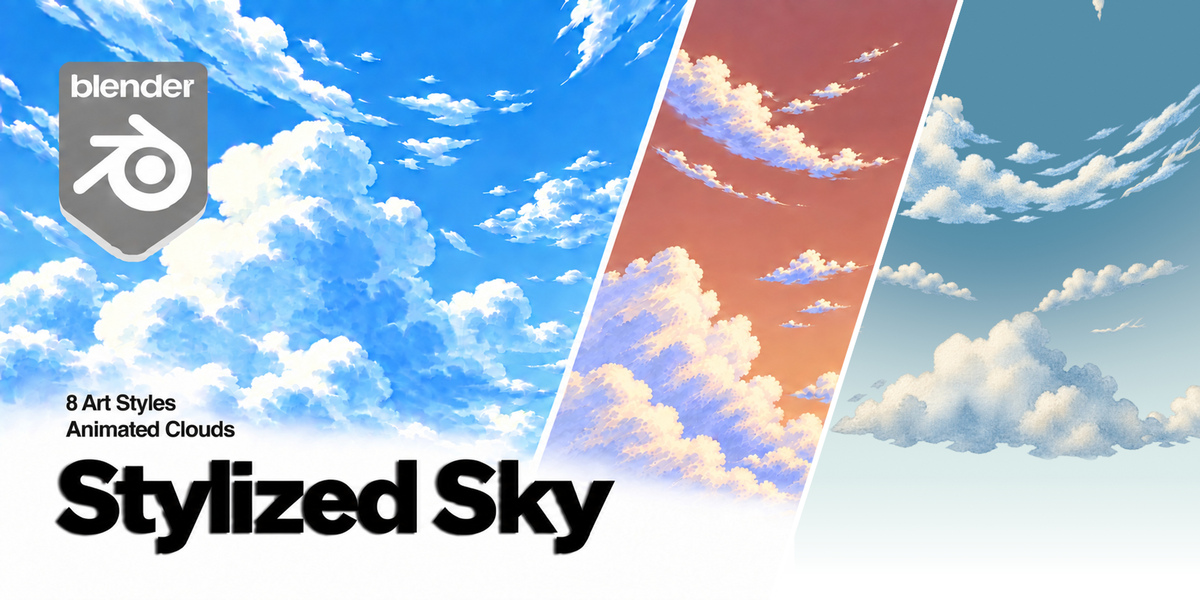

Which Blender version do I need?
Blender 4.2 or later is required. Tested on Windows with Blender 4.2.22 LTS, 4.5.2 LTS, 5.1.2 and 5.2.1 LTS. Other operating systems have not been verified for this release.
How many styles are included?
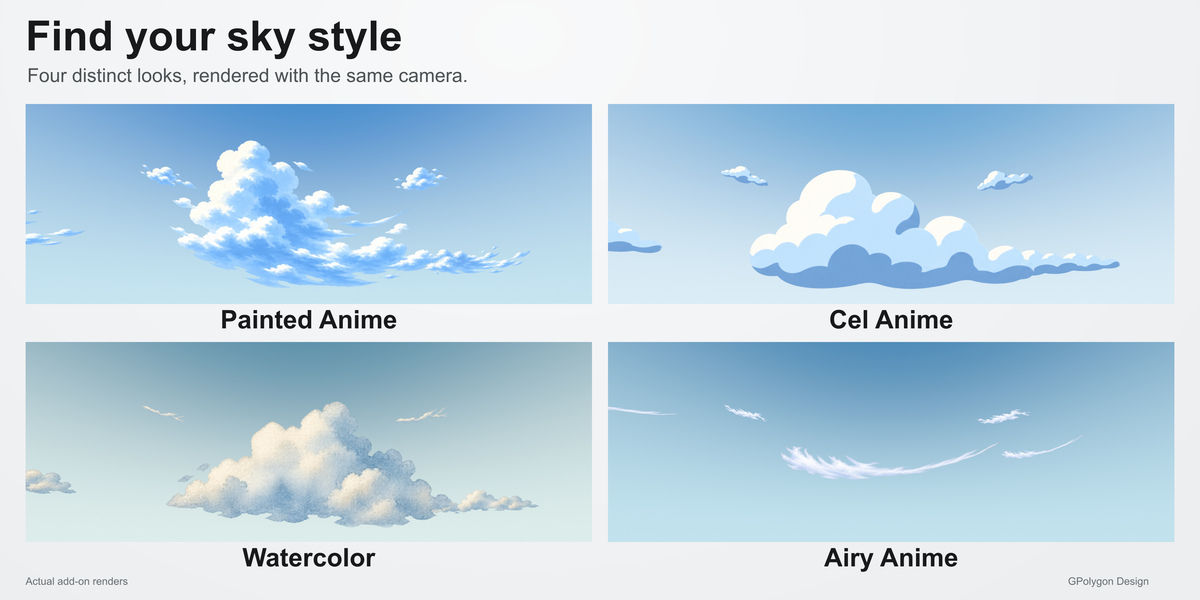
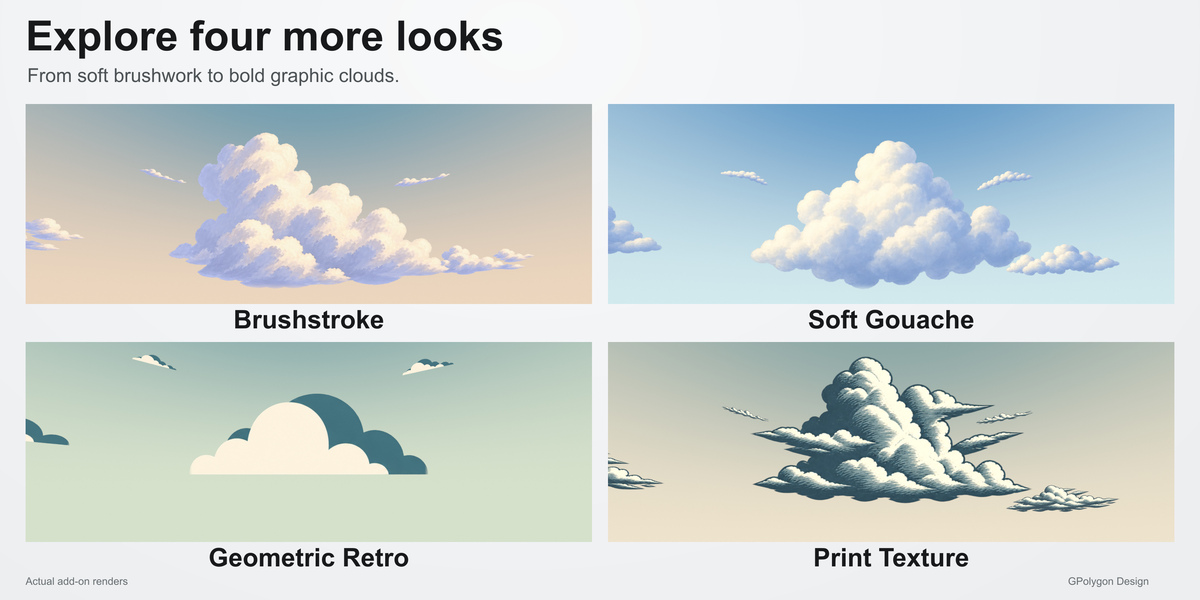
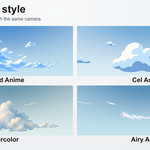
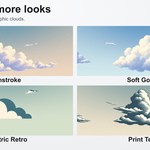
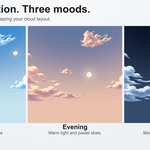
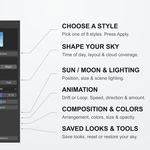
Eight artwork styles: Painted Anime, Cel Anime, Watercolor, Airy Anime, Brushstroke, Soft Gouache, Geometric Retro and Print Texture. Day, Evening and Night are separate mood controls available for these styles.
Are these volumetric clouds?
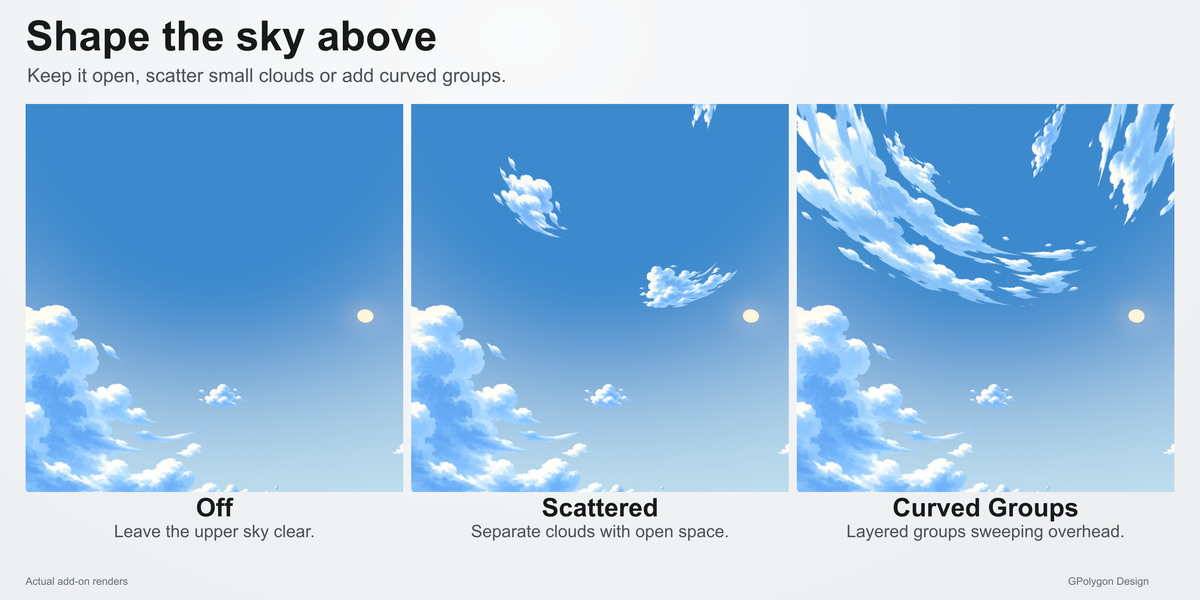
No. Stylized Sky uses illustrated cloud artwork projected into the World. You can look around and animate the sky, but it does not provide positional parallax, volumetric fly-throughs, moving ground cloud shadows or physical relighting of the painted highlights.
What is the difference between Open, Balanced and Full?
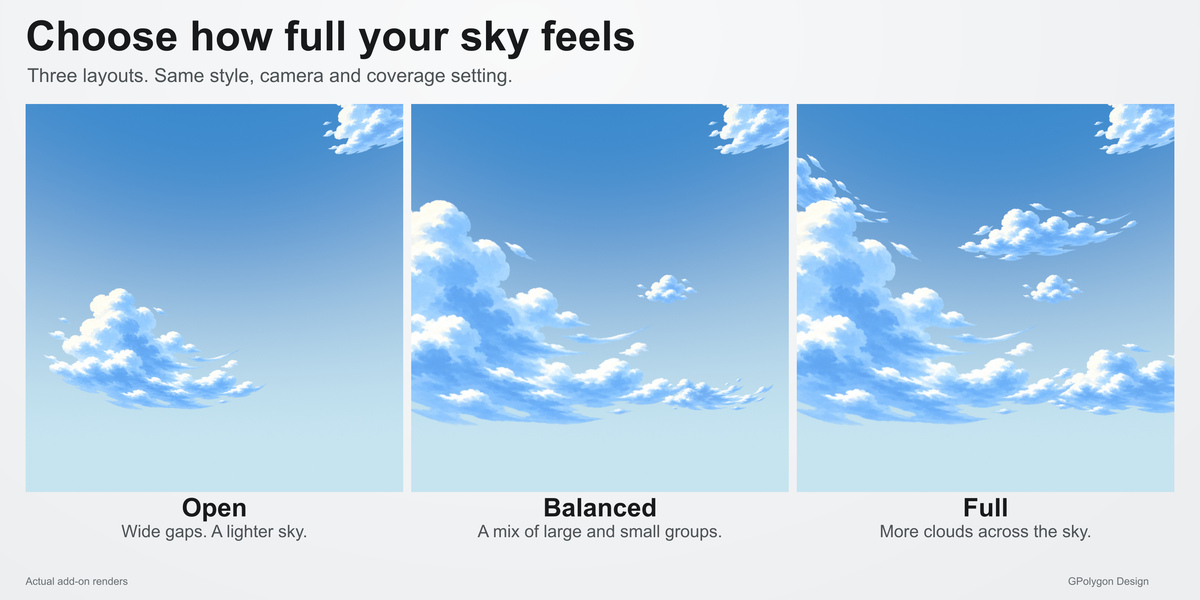
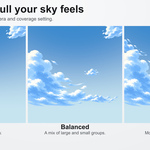
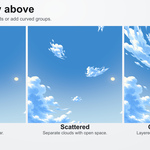
Open has fewer, smaller clouds and more open space. Balanced provides a composed mix of cloud groups. Full adds more groups while keeping gaps. At maximum coverage, the upper-cloud modes contain 3, 6 and 9 groups respectively. Lower-cloud group counts are independent.
What does Cloud Coverage change?
It adds or removes complete cloud groups in steps. Zero clears the clouds; maximum coverage shows all groups in the selected layout. It is not a percentage of visible screen area, and it does not simply fade or enlarge the existing clouds.
Does changing the time of day move my clouds?
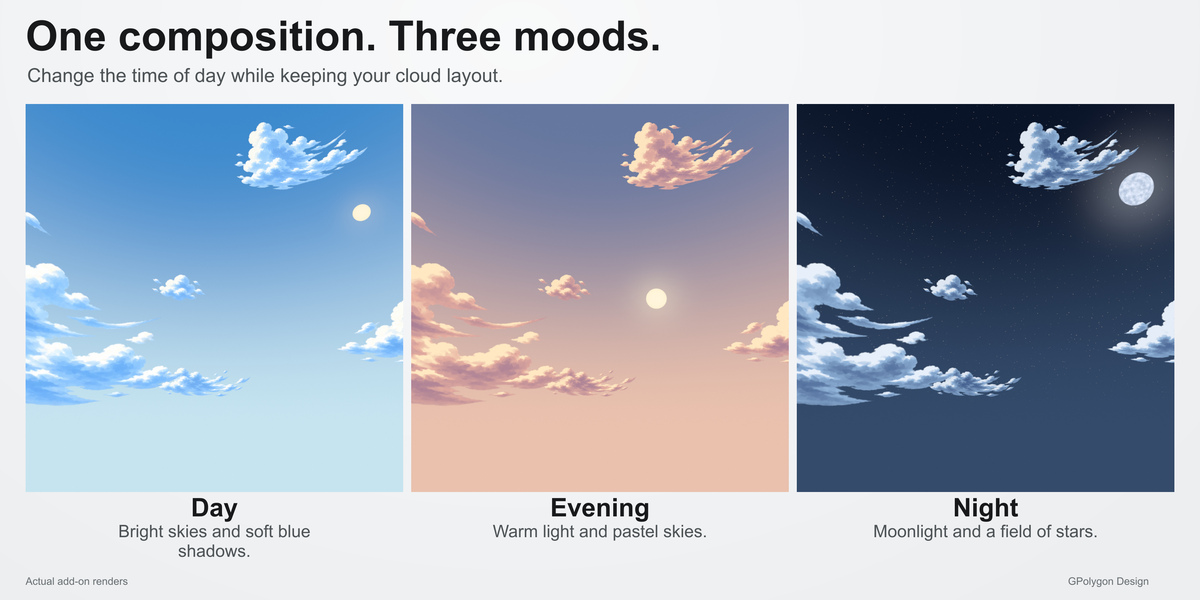
No. Day, Evening and Night preserve the cloud arrangement, layout, rotation, upper-cloud mode and animation. They update the palette, celestial body, stars and default lighting. Custom sky and light colors are replaced; Cloud Tint is retained. There is no automatic day/night cycle.
Can I animate the clouds or make a loop?
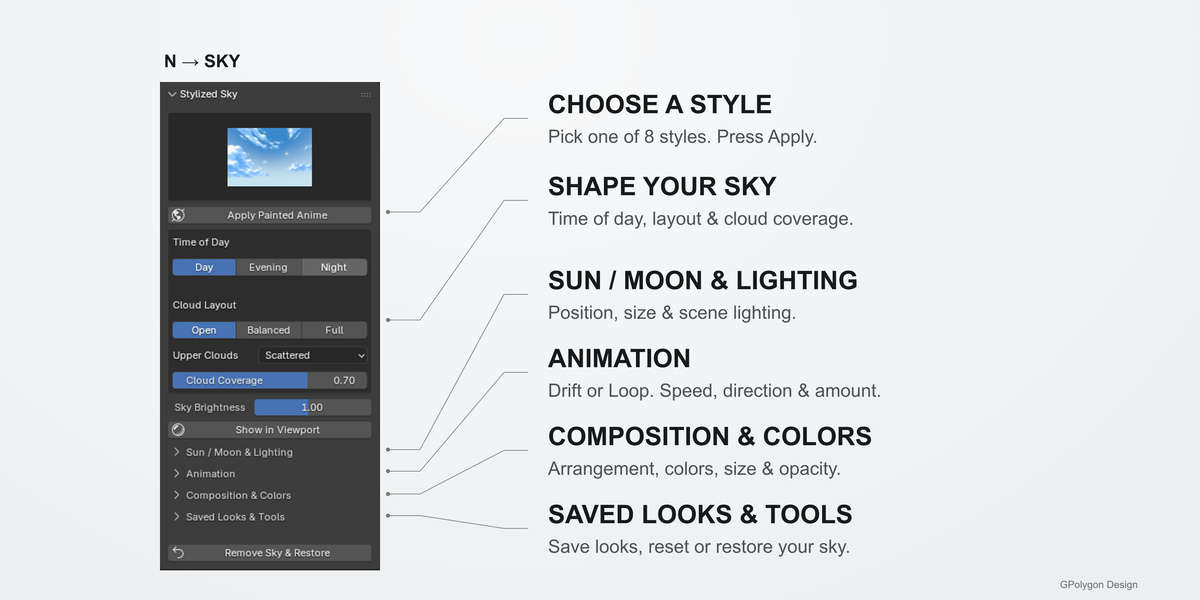

Yes. Choose Drift or Gentle Loop in Animation and adjust Speed, direction and Amount. Gentle Loop repeats after 20 seconds at speed 1. Speed 0 freezes clouds; star twinkle is independent. Preview the entire range and exclude the duplicate ending frame when exporting a repeating clip.
Can I save a look and restore my previous World?
Yes. Saved Looks & Tools stores looks in the current blend file. Remove Sky & Restore restores the previous World and preserves user-added objects. Keep the add-on enabled when working with its controls.
Why can I not see the sky?
Apply a style in Object Mode, then click Show in Viewport. In Material Preview, enable Scene World. Disable Film > Transparent to show the background in a final render. Also check Cloud Coverage, Cloud Opacity and camera direction. A perspective camera is recommended.
Will it slow down my scene?
Changing a style or layout rebuilds the sky, and fuller arrangements take longer. Some Full layouts took around 15 seconds to build in local testing. Actual speed and viewport playback depend on your hardware, Blender settings and scene; no fixed FPS is guaranteed.
$10
Have questions about this product?
Login to message
| Blender Extension Compatible | Yes |
| Dev Fund Contributor | |
| Published | 1 day ago |
| Blender Version | 4.2 - 5.2 |
| Extension Type | Add-on |
| Render Engine Used | Cycles, Eevee |
| License | GPL |
Discover more products like this
clouds anime animation stylized night Lighting watercolor sky environment