 3D Tudor



At a glance
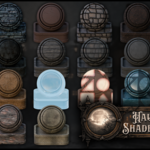
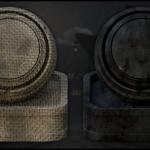
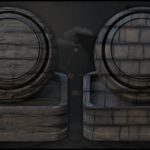
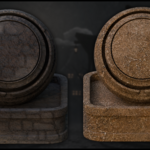
This pack contains one downloadable Blender 5 file with 18 stylized spooky materials and shaders set up and ready to use in Blender Cycles.
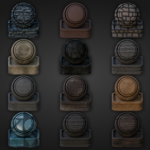
All materials are named properly, organised in a clean collection, and shown on preview bases for fast browsing, testing, and reuse inside Blender.
Cleanly organised for quick browsing, testing, and scene use.
Built to work together across one spooky environment scene.
Cycles-first setup with clear compatibility notes.
Use directly, append, or add to the Asset Browser.
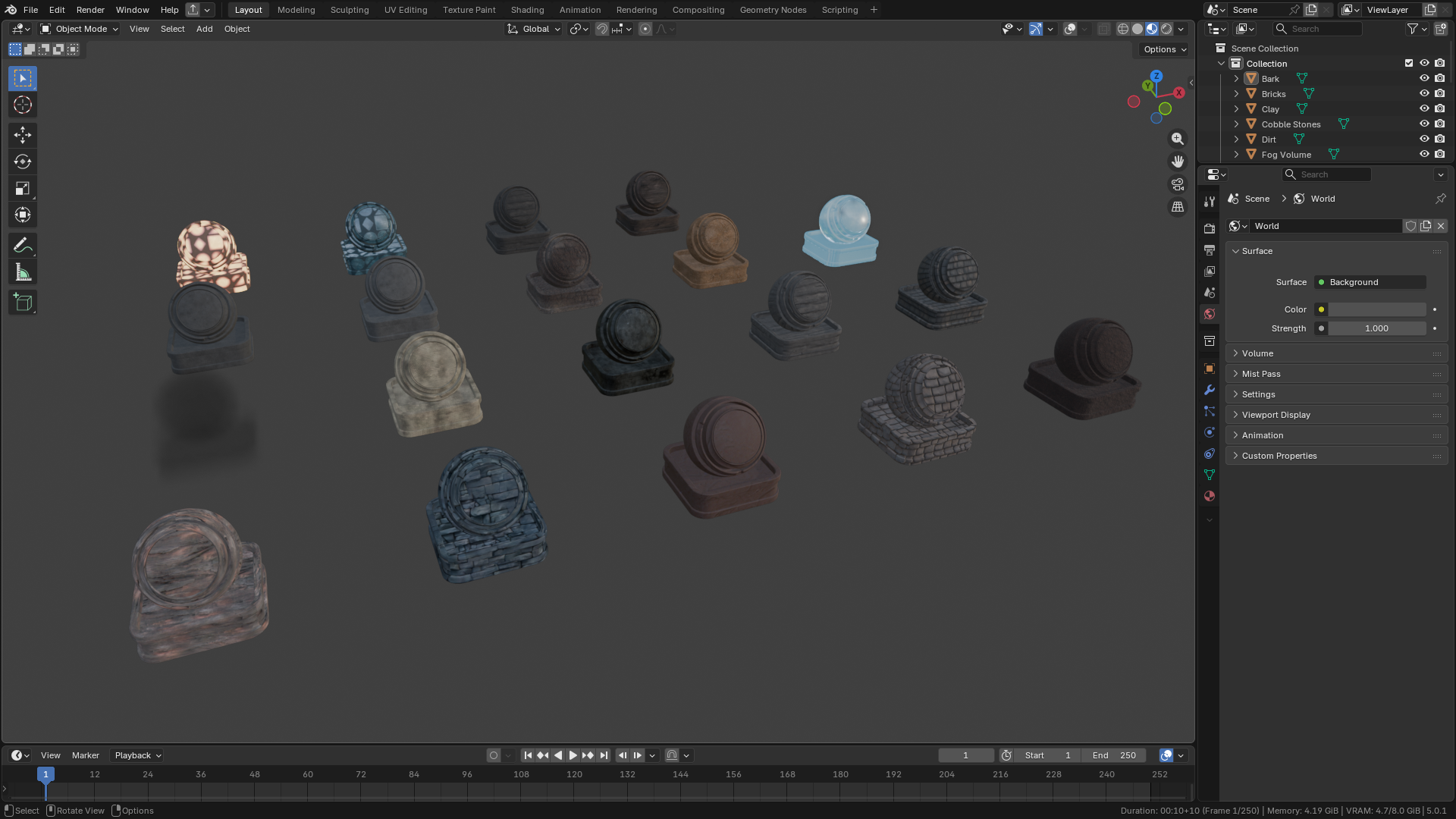
Blender 5 viewport overview of the 3D Tudor stylized spooky material pack, showing the full shader collection inside Blender for fast scene building, material checking, and pack-wide workflow proof.
What is included
This pack is split between core surface materials and supporting scene shaders.
Surface materials
- Bark
- Bricks
- Clay
- Cobblestones
- Dirt
- Linen Fabric
- Metal
- Old Wood Dark
- Wood Light
- Roof Tiles
- Stone Dark
- Stone Light
- Walls
- Wood Red
Scene shaders
- Fog Volume
- Window Lights (lit and unlit)
- Terrain Material
- Water
Built for connected scene work
The materials are designed to work together across timber, plaster, stone, roofing, ground, atmosphere, glowing windows, and simple water so the full scene holds together visually.
How it is used
- Work directly in the included Blender file.
- Copy a preview asset with its material into your own scene.
- Add materials to the Asset Browser for quicker reuse.
- Append the materials you need into another Blender project.
The terrain shader is the more advanced setup in the pack and works best on meshes with enough subdivisions for vertex-painted blending. The fog volume shader provides local atmospheric control inside the scene. The lit and unlit window lights give quick mood changes without repainting every window from scratch.
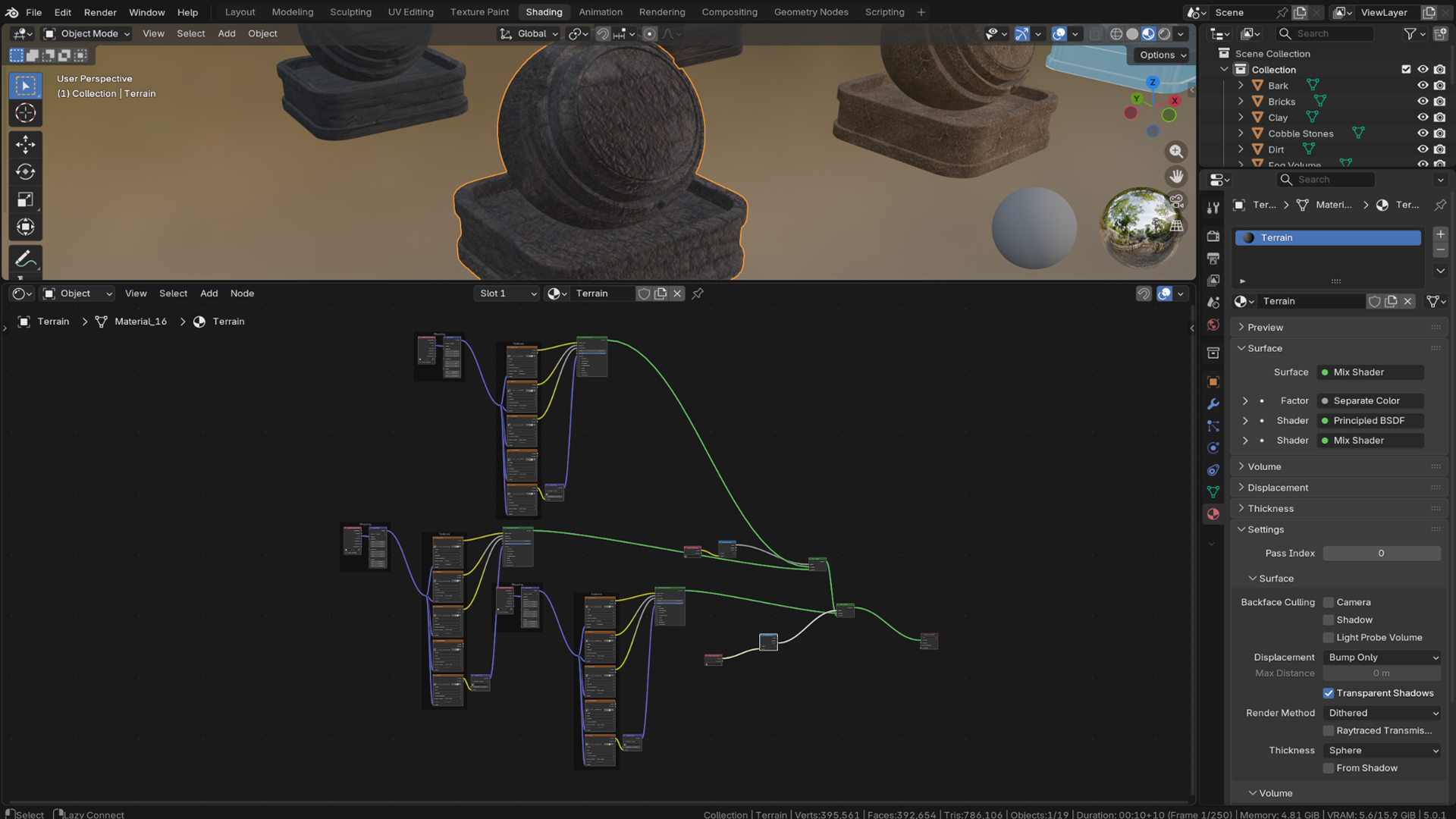
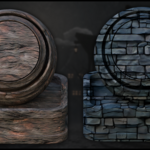
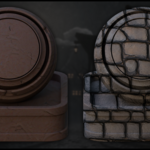
Blender 5 screenshot of the 3D Tudor terrain shader from the 3DT stylized spooky material pack, using vertex-painted material blending to mix dirt, wet ground, and stone for non-repeating spooky terrain.
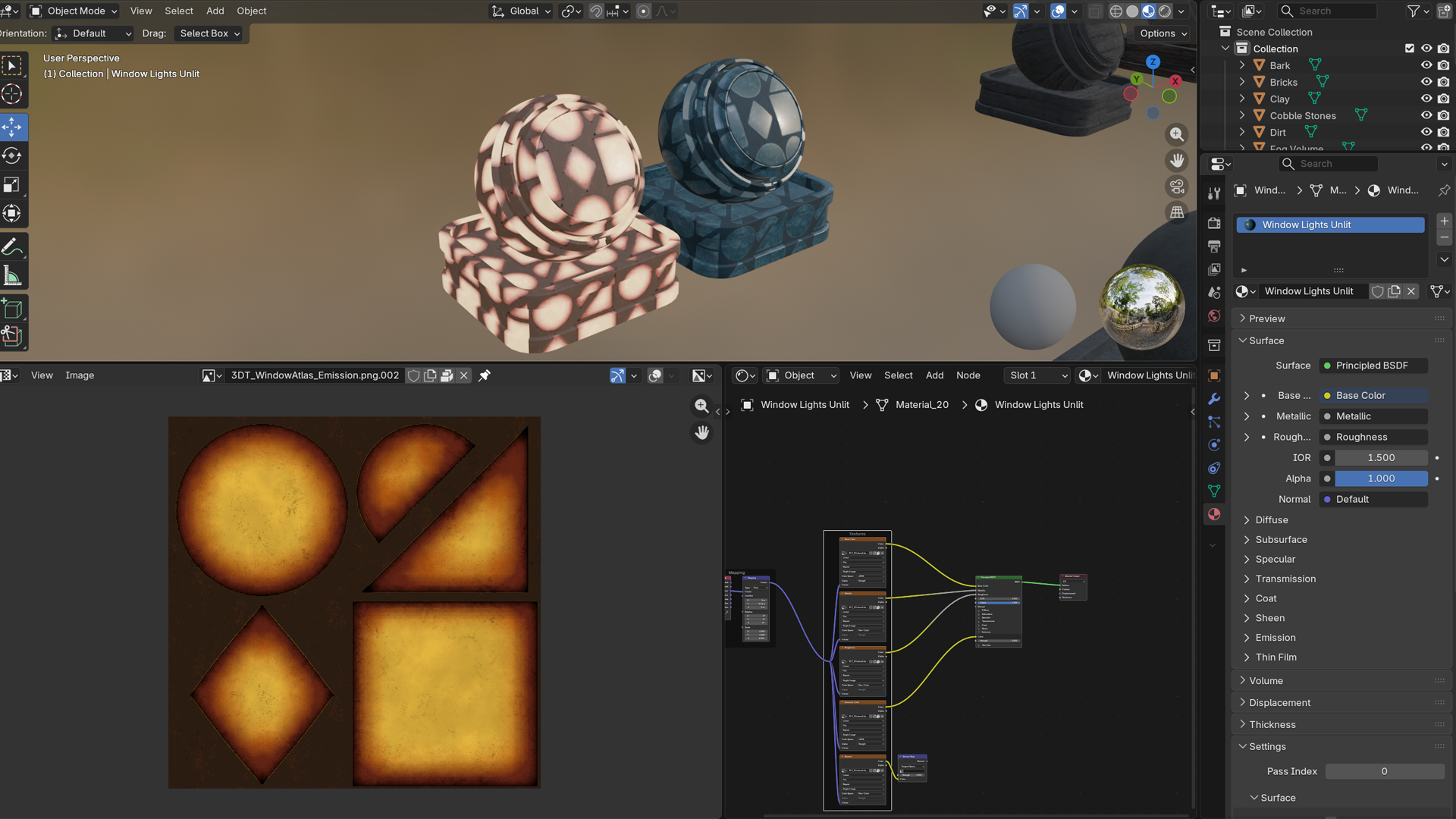
Blender 5 screenshot of the 3D Tudor window lights shaders from the 3DT stylized spooky material pack, using a flexible UV atlas and emission map to create lit and unlit stained window shapes with built-in grime and controlled glow.
Compatibility and render notes
- Built for: Blender 5 and Blender Cycles
- Eevee: Some parts may work in Eevee, but this pack is not sold as Eevee-ready
- Organisation: Clean naming, organised collection, and preview bases for quicker inspection and reuse
The proof shown on this page includes both the organised Blender file and the rendered result, because a shader pack should be judged in real scene lighting as well as on preview geometry.
These materials have already been used in 3D Tudor scene work and teaching files, so the pack is grounded in practical use rather than isolated swatch presentation.
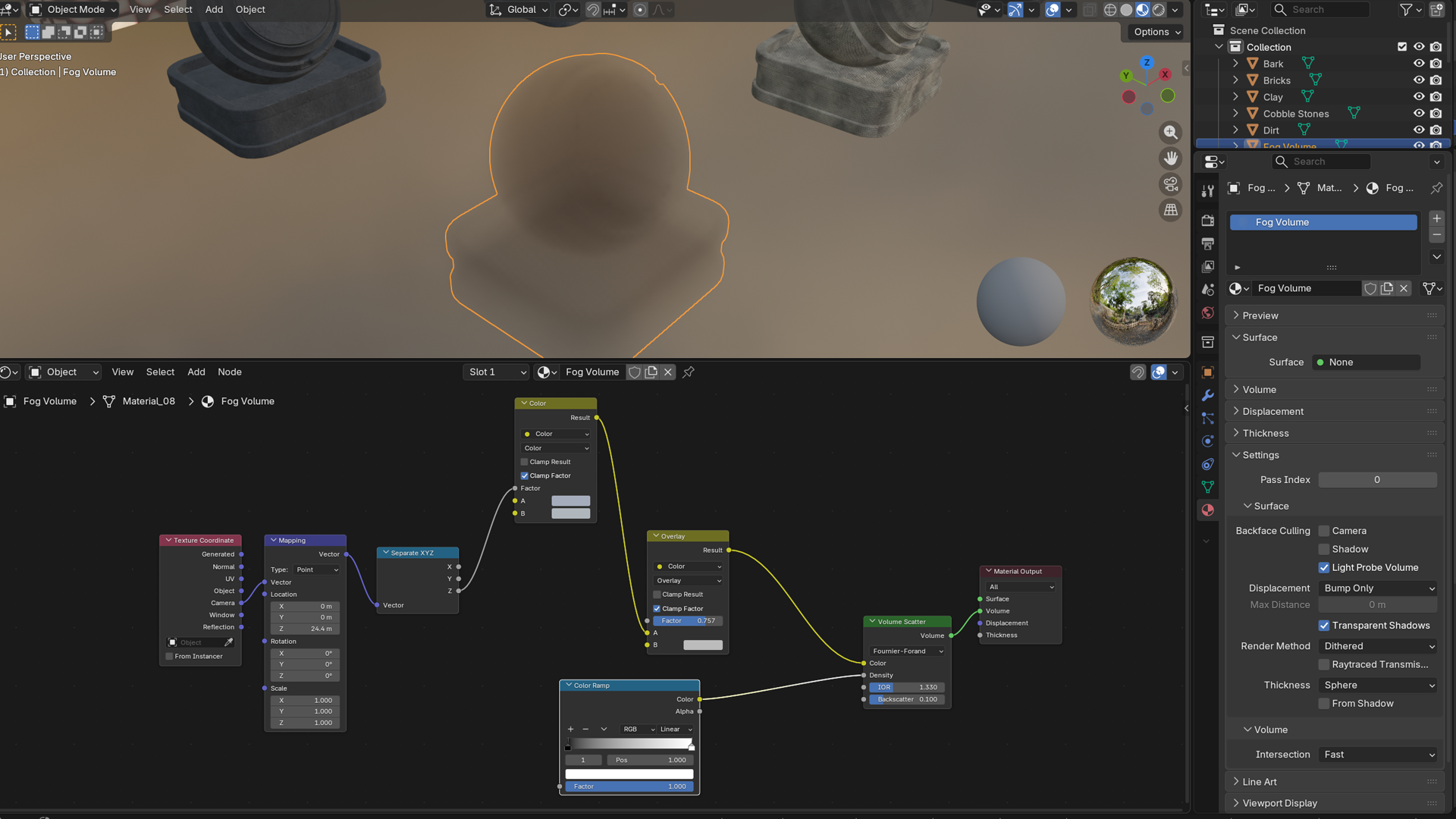
Blender 5 screenshot of the 3D Tudor fog volume shader from the 3DT stylized spooky material pack, built as a drag-and-drop volumetric fog setup with controllable depth and scene-friendly refinement.
FAQ
Does this pack work in Eevee?
Some elements may work in Eevee, but the pack is built and presented for Blender Cycles.
How do I bring the materials into another scene?
You can append them, copy the preview asset with its material, or add them to the Asset Browser for quicker reuse.
Does the terrain shader need anything specific?
Yes. It works best on terrain meshes with enough subdivisions for vertex-painted blending.
What do I actually receive?
One downloadable Blender 5 file containing the full material and shader pack, organised for browsing, testing, and reuse.
Support and community
For support, updates, and community feedback:
- Discord: Join the 3D Tudor Discord
- Facebook: Join the 3D Tudor Facebook community
- Email: [email protected]
More from 3D Tudor
If this pack fits your workflow, you may also want to look through some of our other Blender products below.
Happy modelling everyone!
Neil – 3D Tudor