Stylized Fluffy Tree Kit
 Cratial 3D
in Nature
Cratial 3D
in Nature
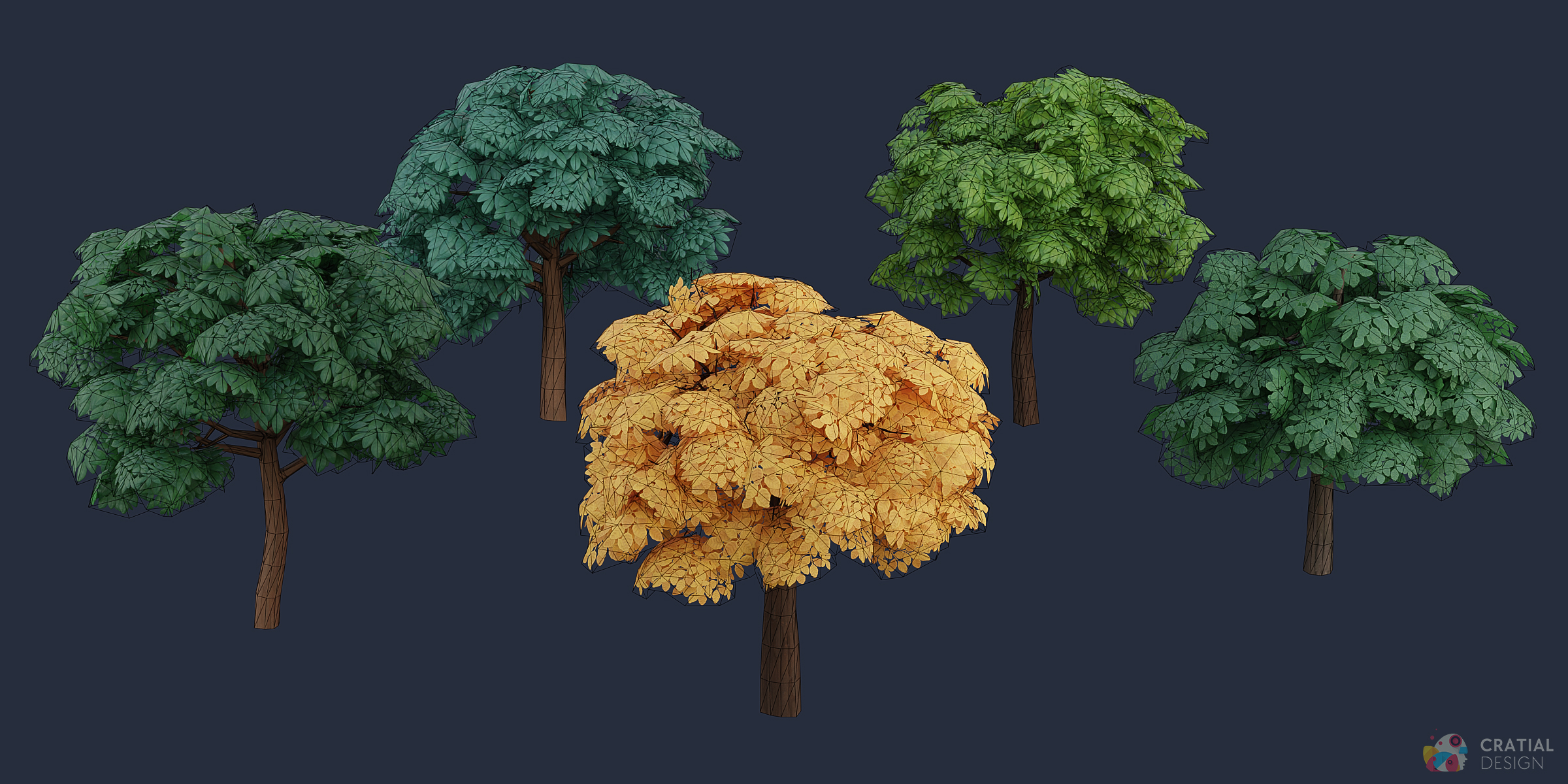
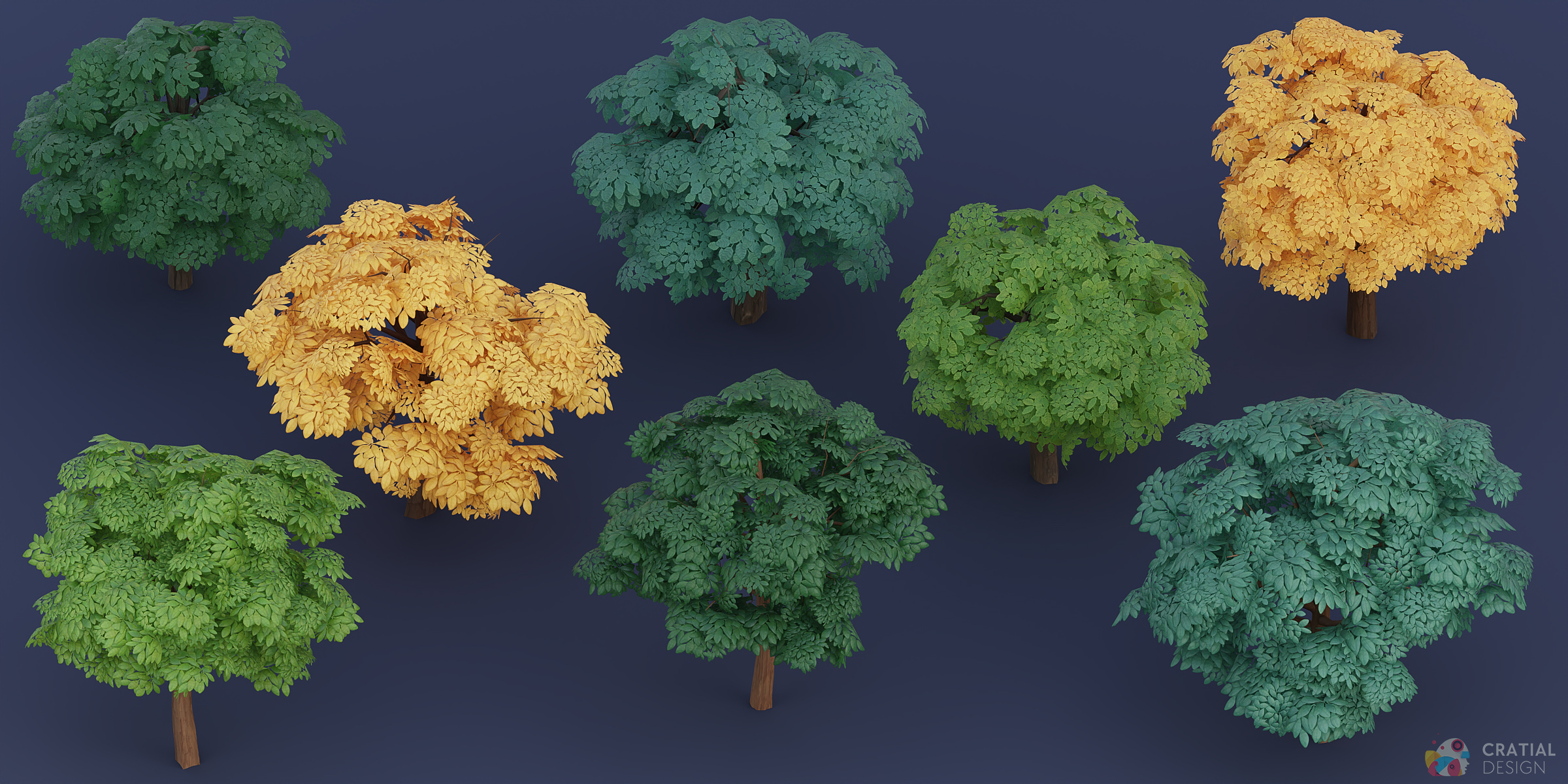
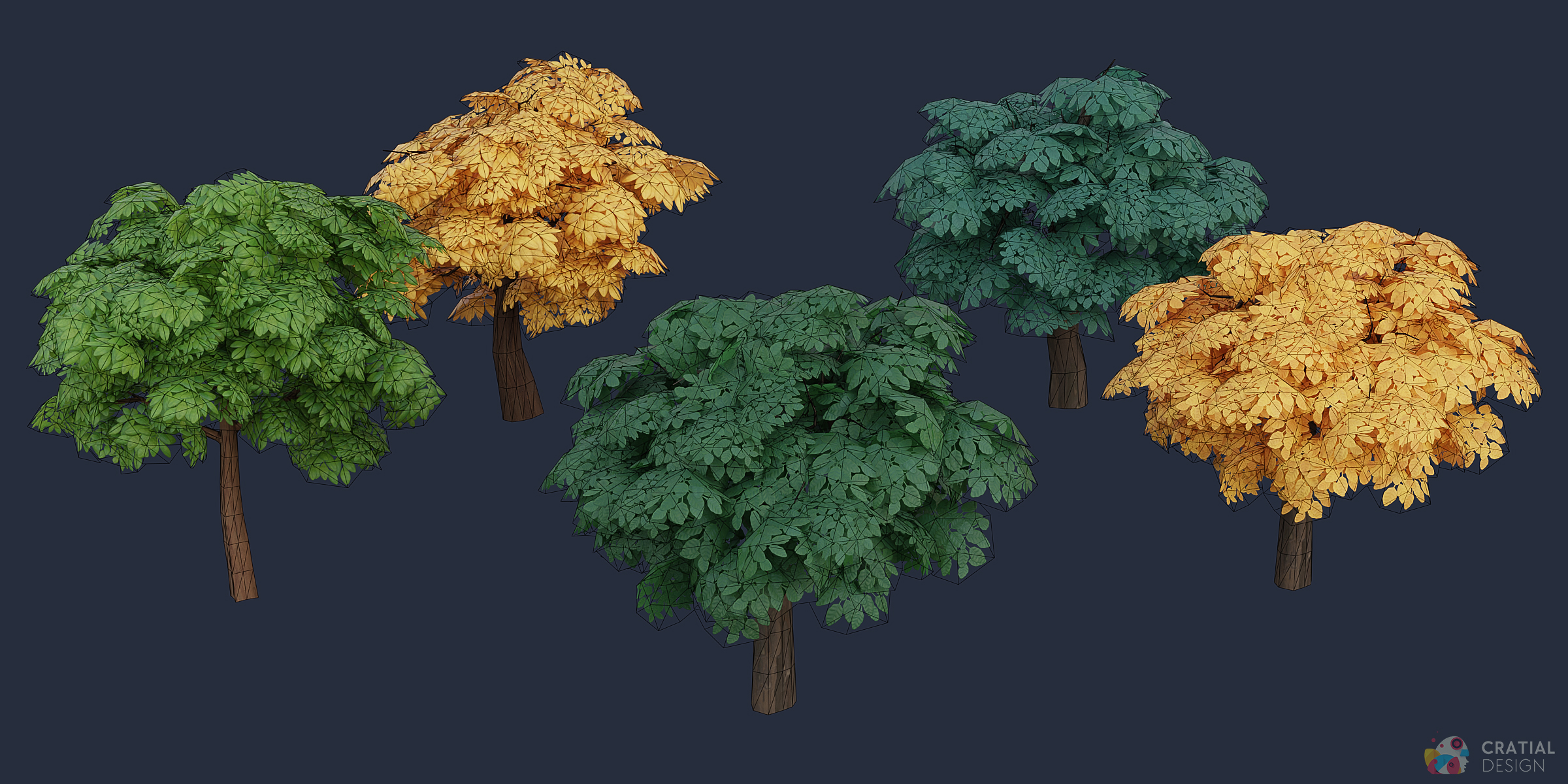
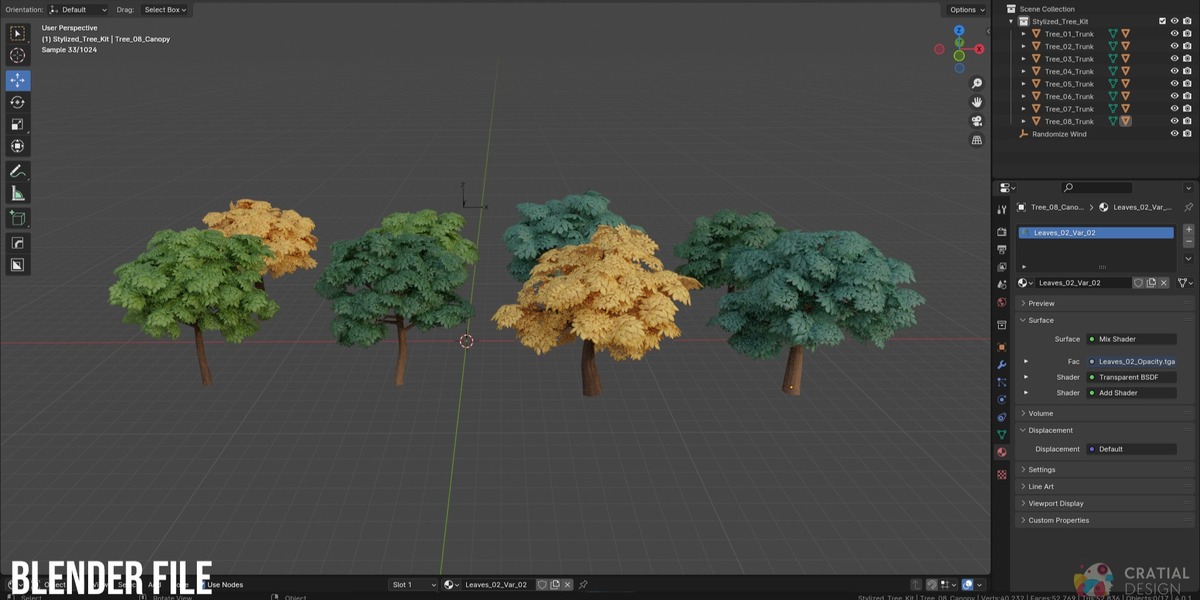
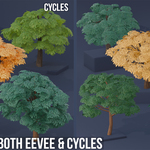
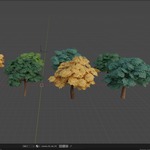
Wind is included as an optional Blender Geometry Nodes setup and is disabled by default. Add the supplied Wind Control object to your scene, assign it to the Wind Controller input on a canopy's Grass Wind modifier, then enable the modifier for the trees that should move. The setup includes options for wind speed and strength. Adjusting the speed will change how frequently the tree leaves move, and changing the strength will alter how much the leaves move. This workflow applies to the supplied Blender setup.
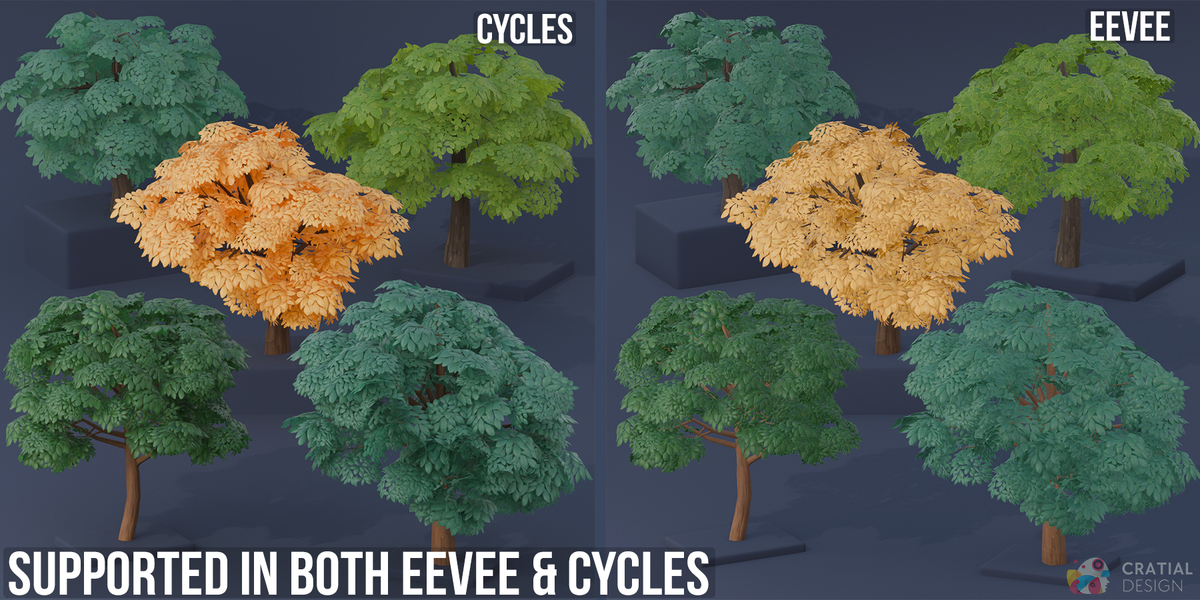
If the leaves look patchy, overly transparent, or incorrectly layered in EEVEE, select each leaf material and change Material Properties > Settings > Surface > Render Method from Blended to Dithered.

Blended can cause overlapping transparent foliage to display incorrectly, while Dithered produces the intended fuller and more consistent canopy appearance.
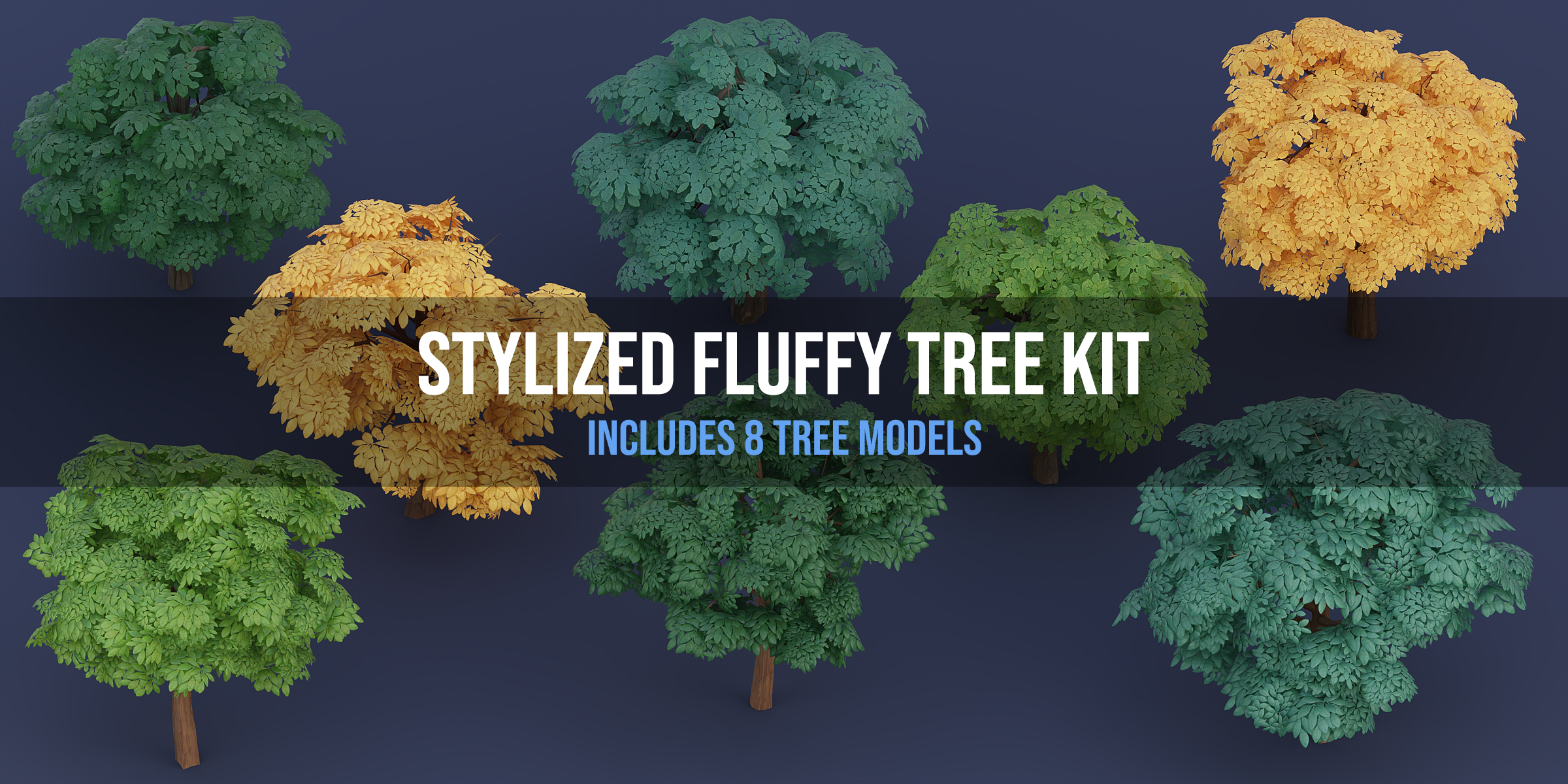
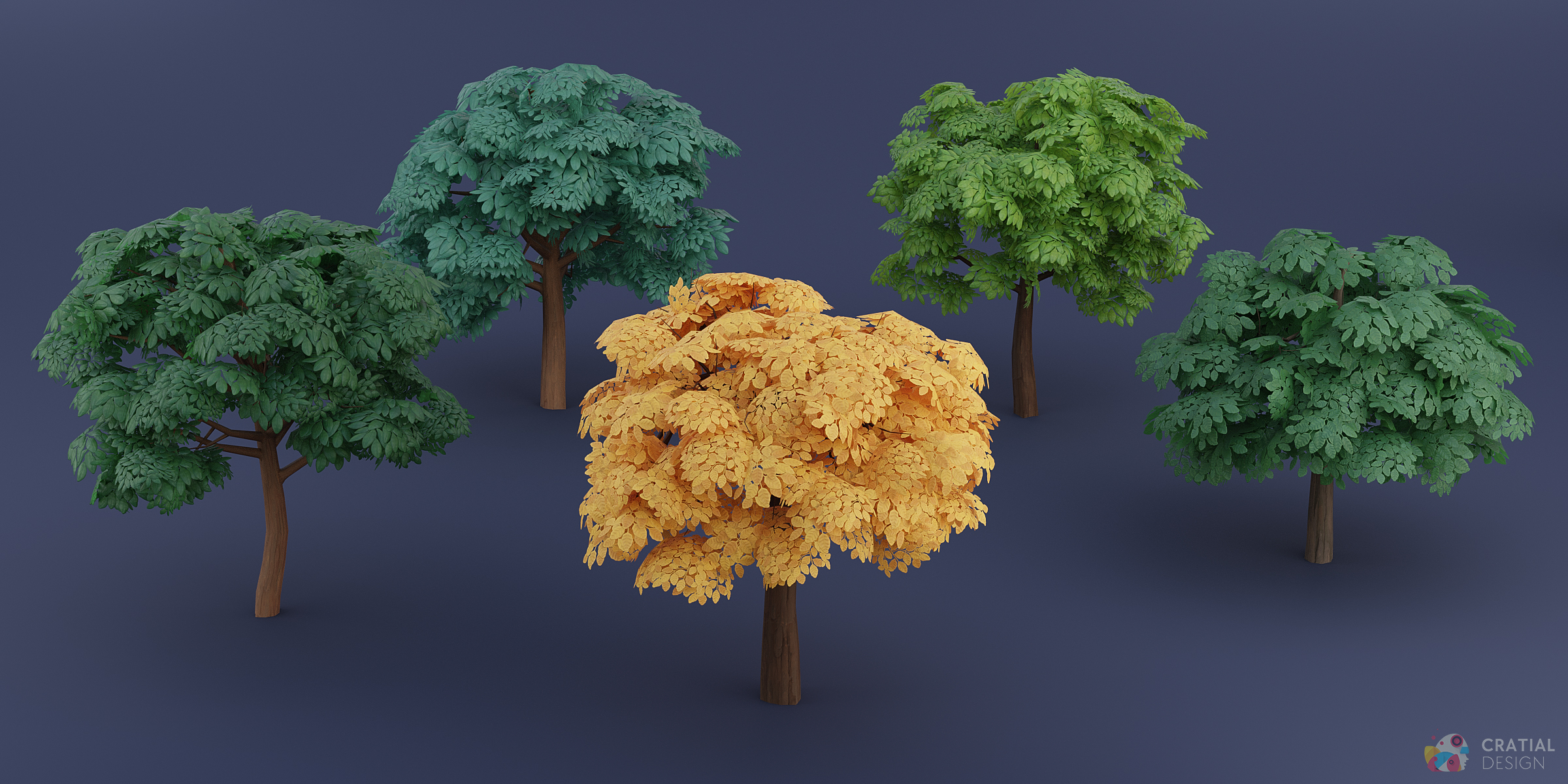
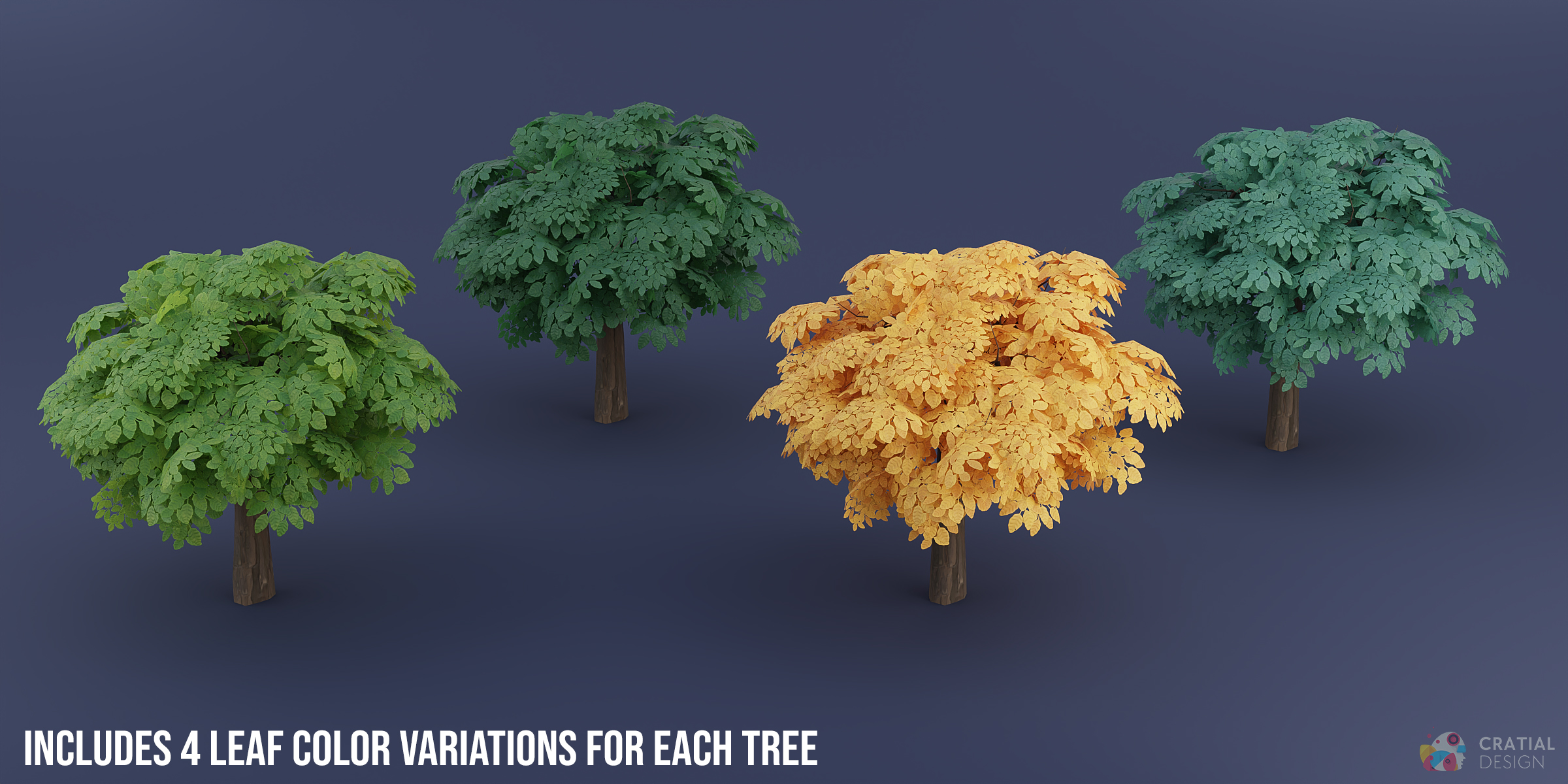
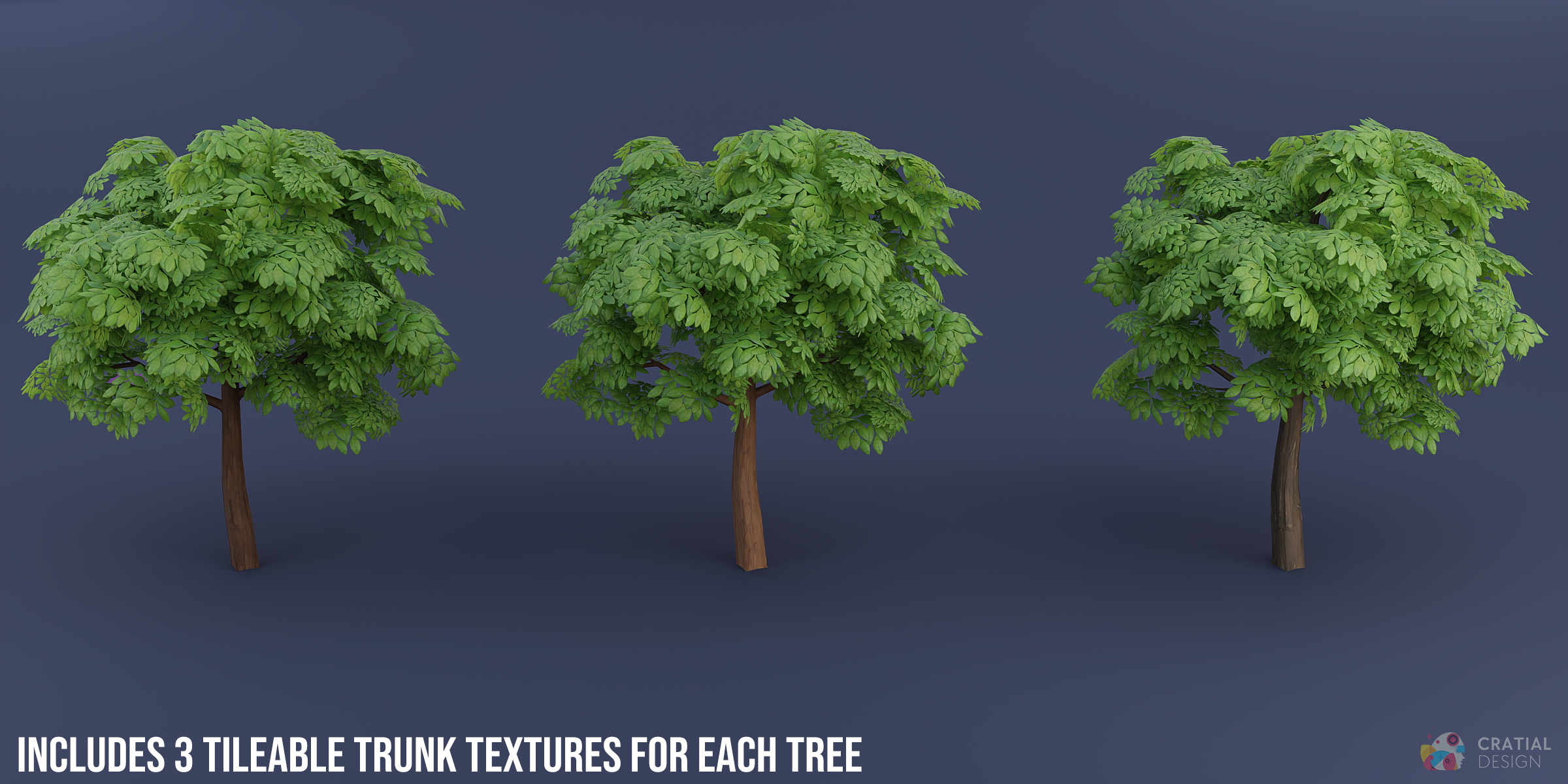
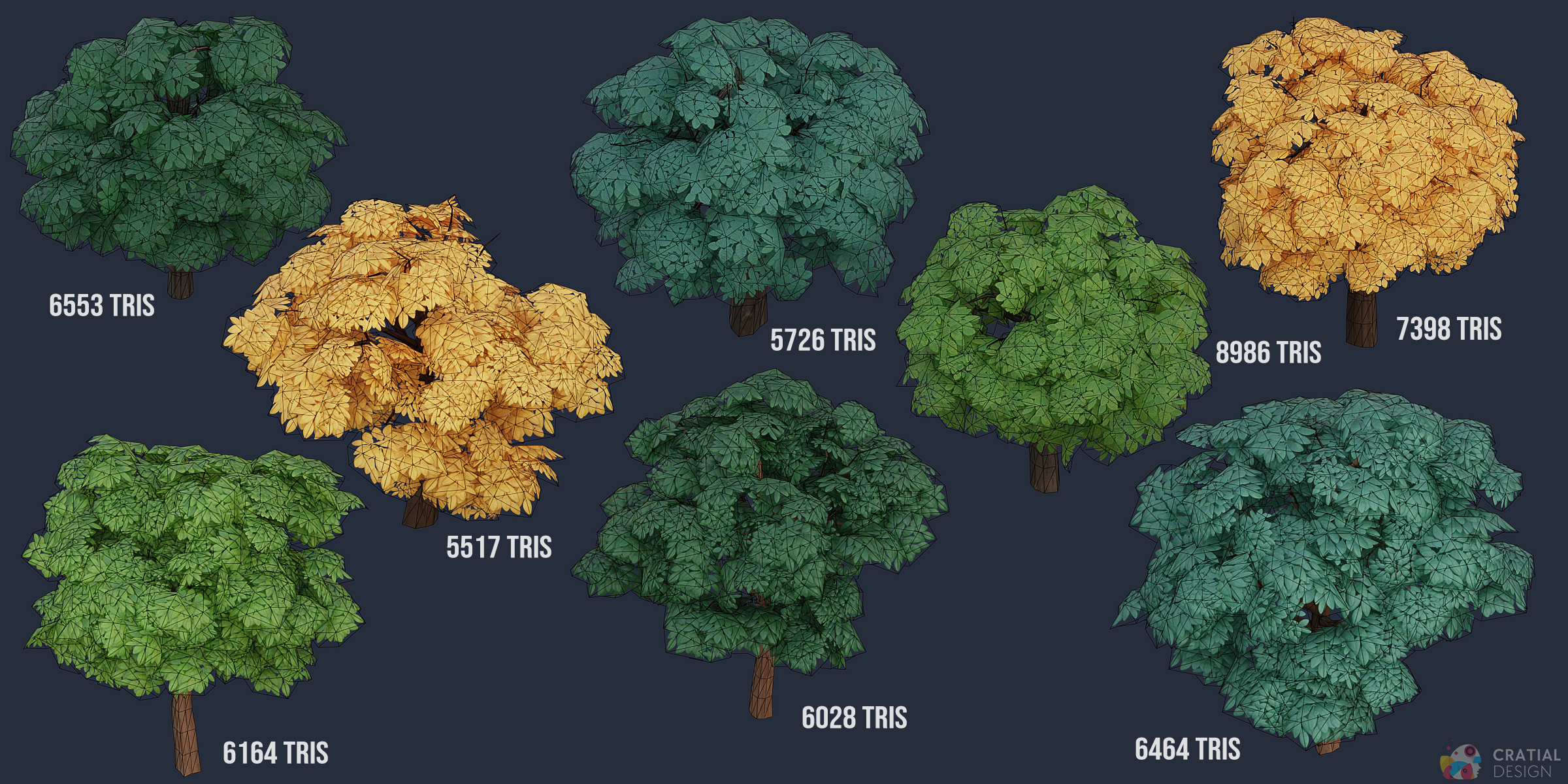
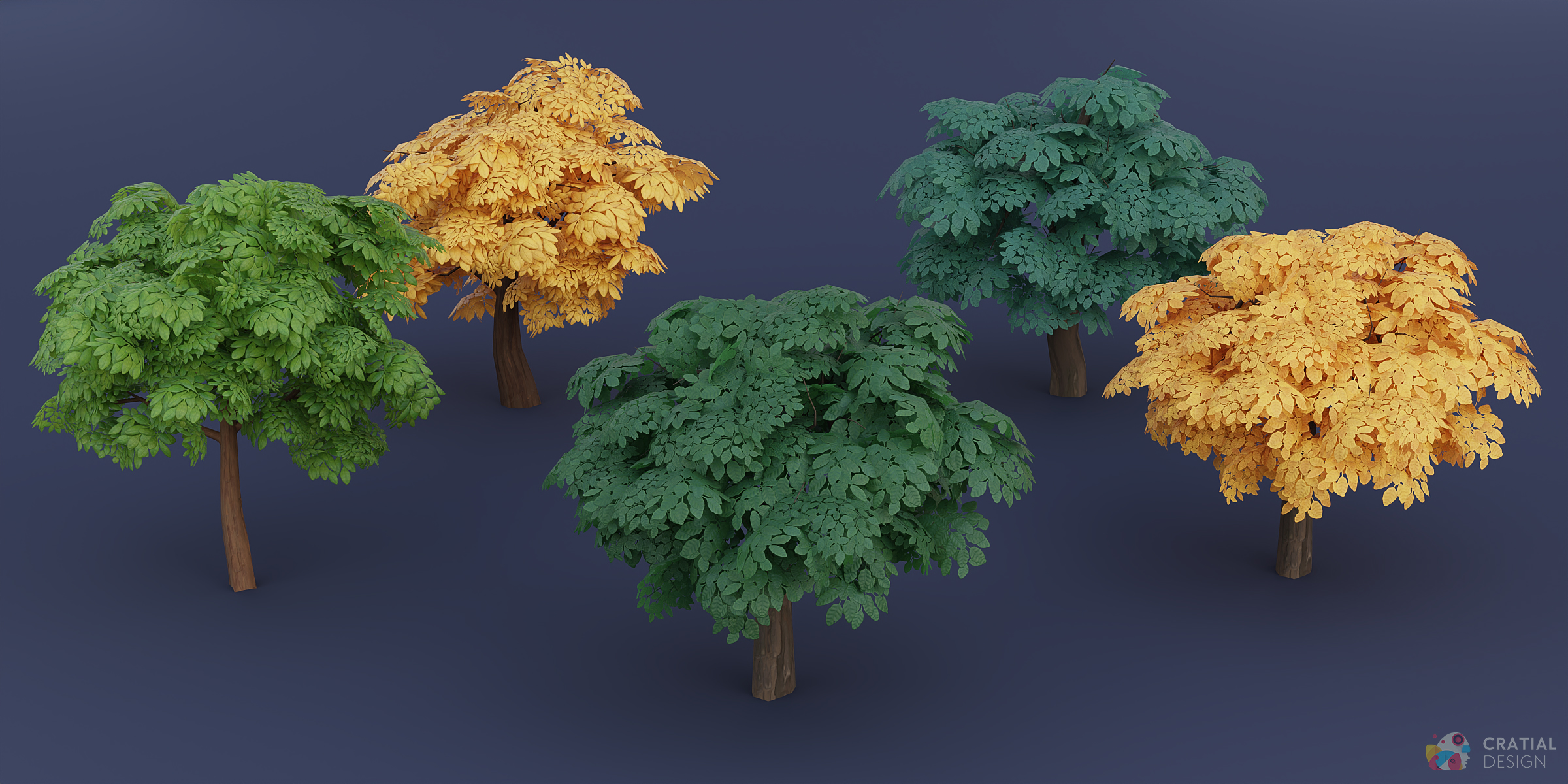
The kit contains 8 unique tree models. Each tree can use 4 leaf colors and 3 bark textures, producing 96 possible model-and-material combinations. The 96 figure does not mean 96 separate mesh designs.
Have questions about this product?
Login to message
Includes an Asset Library
20 drag-and-drop assets for Blender’s Asset Browser.
Browse included assets| Sales | 30+ |
| Dev Fund Contributor | |
| Published | about 3 years ago |
| Blender Version | 3.3 - 5.2 |
| Render Engine Used | Cycles, Eevee |
| Misc Data | Uvs-Unwrapped, Animated, Normal-Mapped, Textured |
| License | Royalty Free |
Discover more products like this
stylized-forest stylized-trees cartoon-tree animated-trees stylized tree pack stylized-foliage tree pack stylized-nature 3D Trees PBR trees tree-kit fluffy-tree