Stylized VFX Pack
 blueish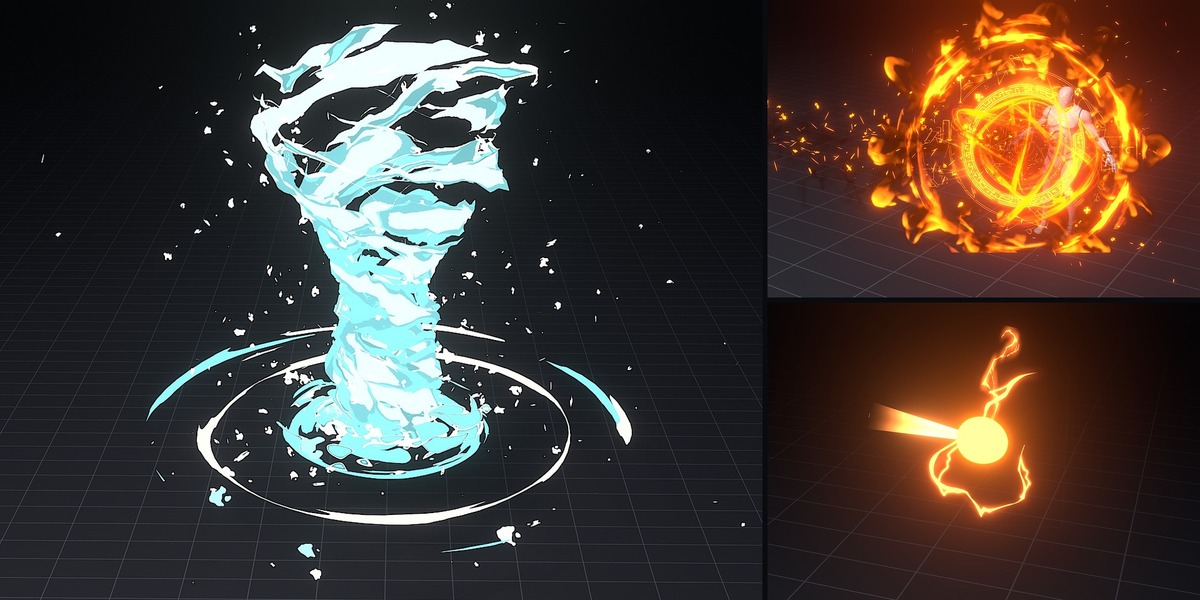
How to use
- Open the .blend for the effect you want.
- Bake the simulations before rendering: Physics properties > Simulation Nodes > Bake All (or Bake in the Geometry Nodes modifier's Bake panel). For a quick viewport preview, just play the timeline from frame 1.
- Change colours, counts and timing in the modifier and material panels.
- Use File > Append to bring the effect's collection into your own scene.
Retiming
Each effect is driven by Time Trigger / Time Switch frames in its node groups. Move those frames to shift or stretch the effect, then bake again.
Requirements
- Blender 5.2 or newer
- Eevee render engine
Files
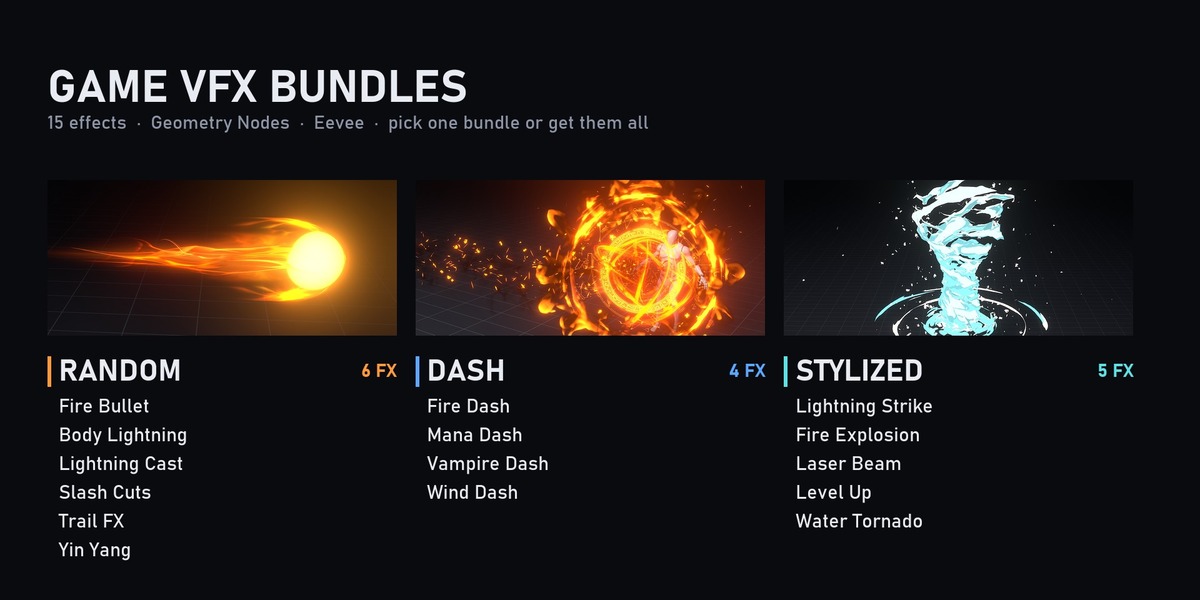
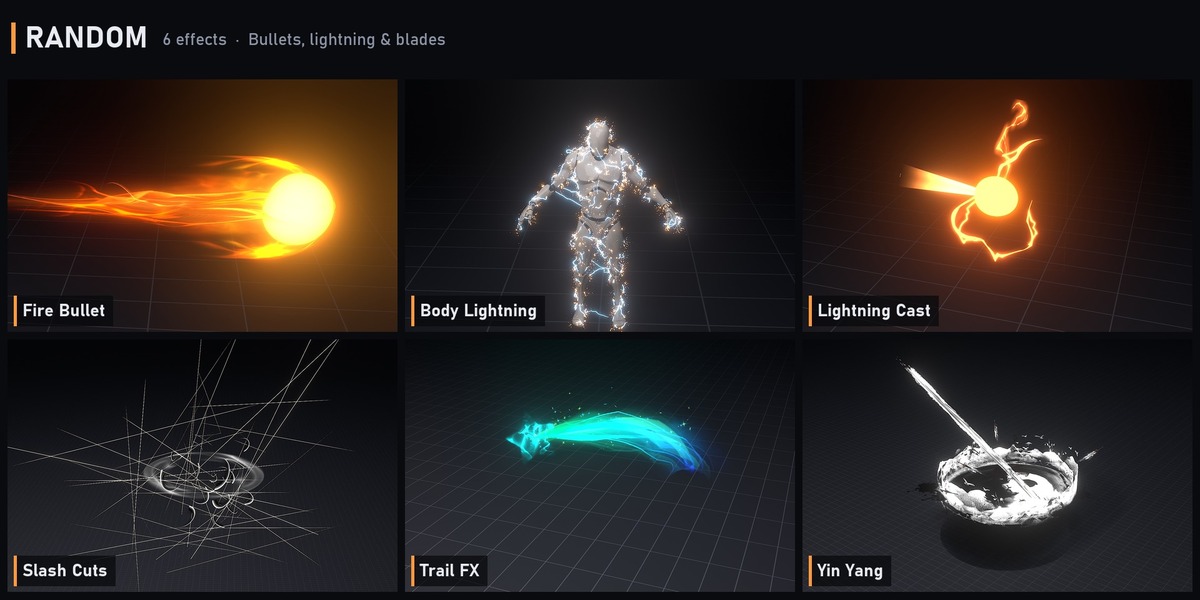
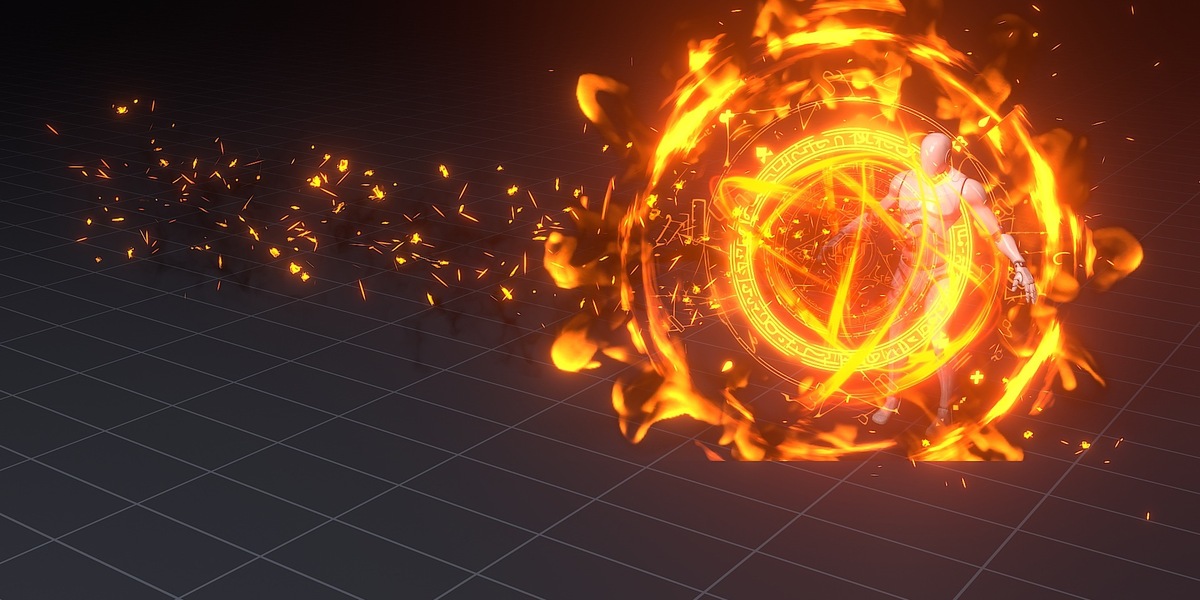
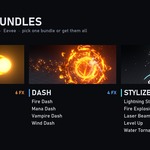
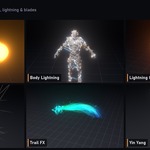
- Random: Fire_Bullet, Lightning (Body Lightning), Lightning_Cast, Slash_Cuts, Trail_FX, YinYang
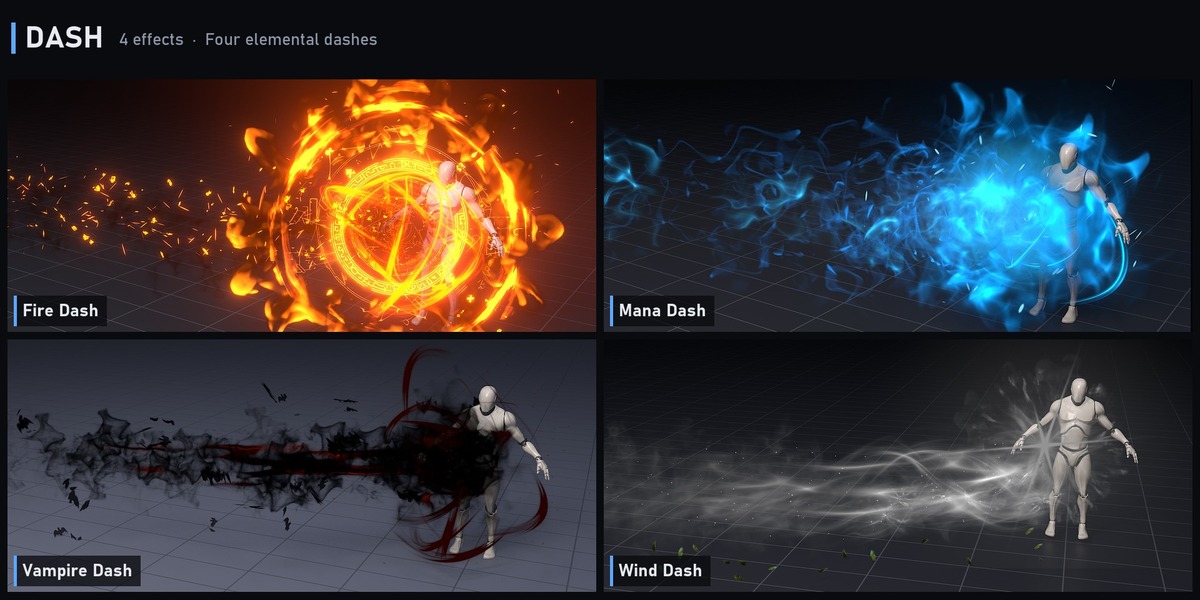
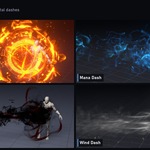
- Dash: Dash_Fire, Dash_Mana, Dash_Vampire, Dash_Wind
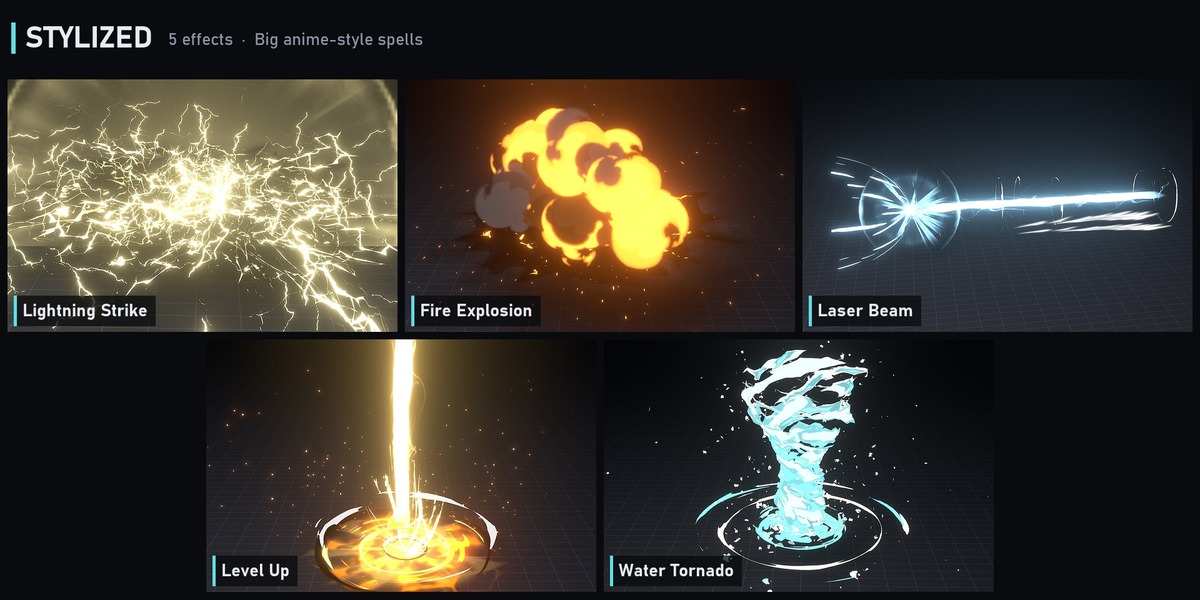
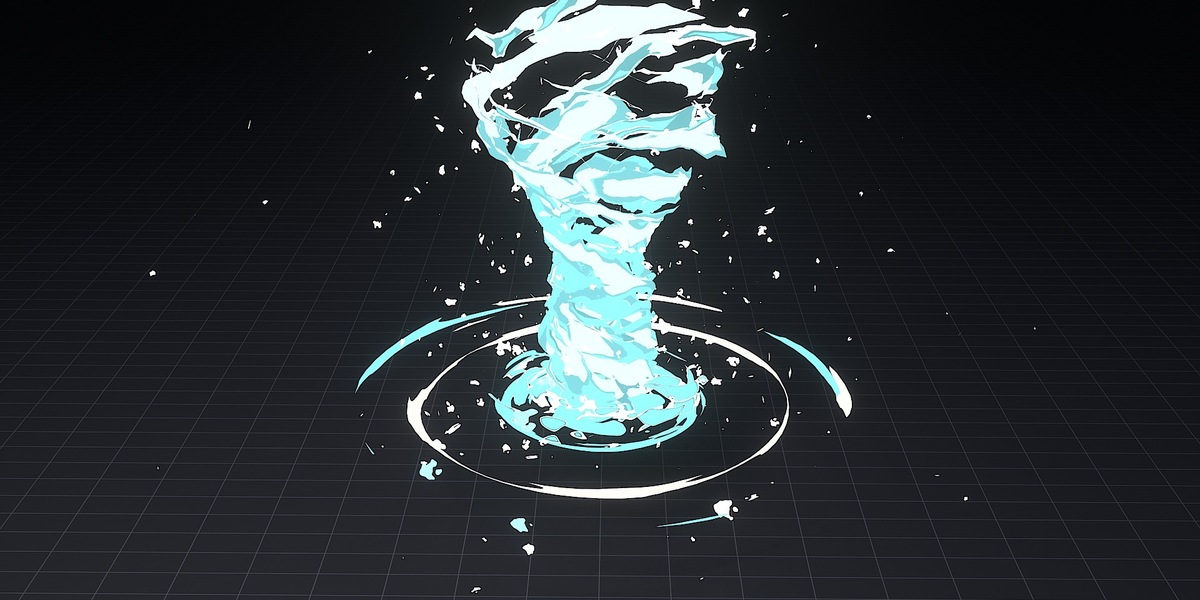
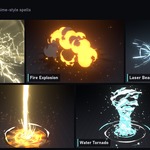
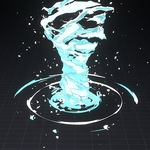
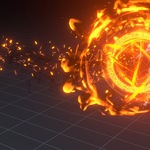
- Stylized: 1 (Lightning Strike), 2 (Fire Explosion), 3 (Laser Beam), 4 (Level Up), 5 (Water Tornado)
All textures are packed into the .blend files.
Have questions about this product?
Login to message
| Sales | 10+ |
| Published | 5 months ago |
| Blender Version | 5.2 |
| Render Engine Used | Eevee |
| License | Royalty Free |
Discover more products like this
spell-effects VFX Lightning eevee game vfx dash geometry nodes stylized fire explosion simulation magic