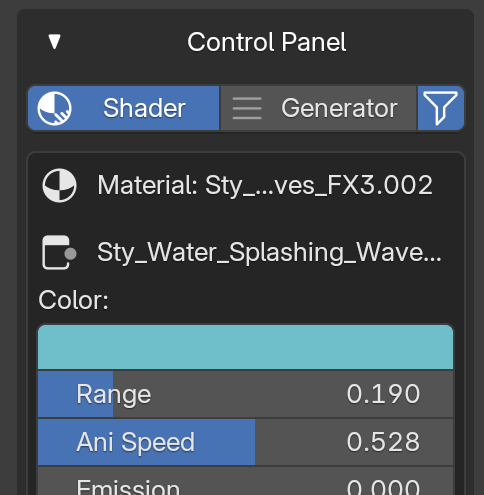
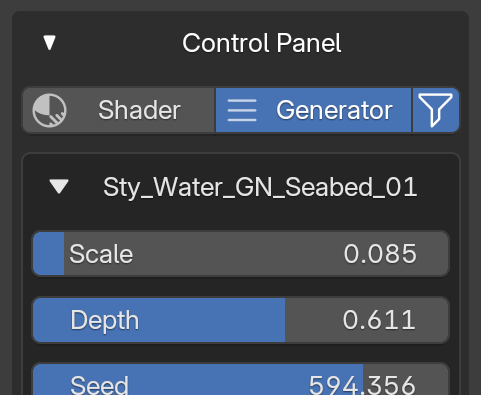
Installation & Activation
1
In Blender, open Edit > Preferences > Add-ons
2
Click Install... and select the add-on .zip file
3
Enable the checkbox for Stylized Water
Open the panel via 3D Viewport → press N → Stylized Water tab.
Main Feature Panels
1) Assets Library
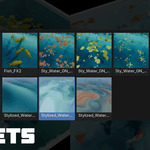
Browse and import Stylized Water assets from the built-in library.
-
Library Type: Filter assets by category (or show All).
-
Thumbnail Grid: Click a thumbnail to select an asset.
-
Import at 3D Cursor: Place the imported asset at the 3D Cursor (otherwise at world origin).
-
Import Asset: Appends the selected asset into the current collection.
-
Reload (↻): Refreshes the library thumbnails (panel header button).
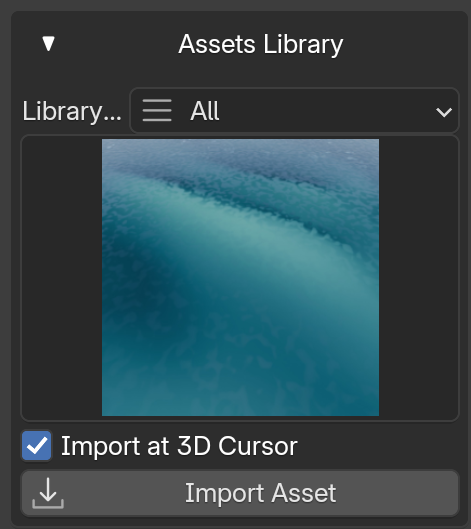
How to Import an Asset
- Open Stylized Water panel in the Sidebar.
- Choose a Library Type (or All).
- Select an asset thumbnail.
- (Optional) Enable Import at 3D Cursor.
- Click
Import Asset.
2) Eevee Quick Fix (If Prompted)
If you are rendering in Eevee and the add-on shows a warning button, click
Click to Enable Raytracing to enable ray tracing for correct results.
3) Weight Paint
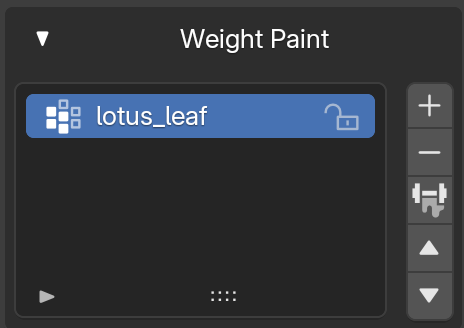
Convenient vertex group and weight paint tools for the active mesh object.
-
Vertex Group List: View, add, remove, and reorder groups.
-
One-click Weight Paint: Toggle Weight Paint mode from the panel.
-
Common Tools: Normalize, Mirror, Invert, Smooth, etc. (availability depends on Blender version).
-
Back to Object Mode: Quickly return from Weight Paint mode.
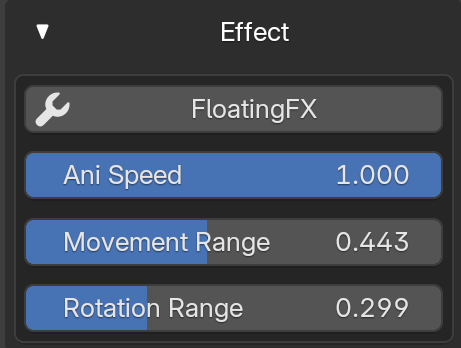
4) Effect — FloatingFX
Add a floating animation effect to selected objects (toggle on/off).
-
FloatingFX Button: Adds the effect to selected objects. If already applied, clicking removes it.
-
Ani Speed: Controls animation speed.
-
Movement Range: Controls translation amount.
-
Rotation Range: Controls rotation amount.
Tip: Select multiple objects to apply FloatingFX to all of them at once.
5) Control Panel
 Casey_Sheep