Stylizer VFX
 Egret Studios LLC
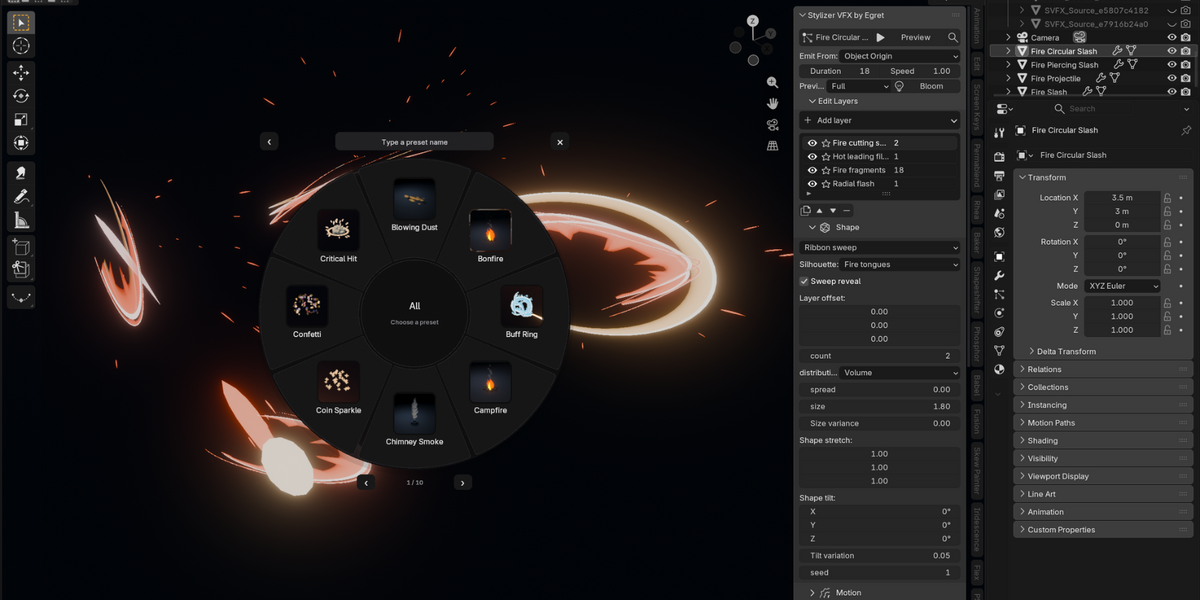
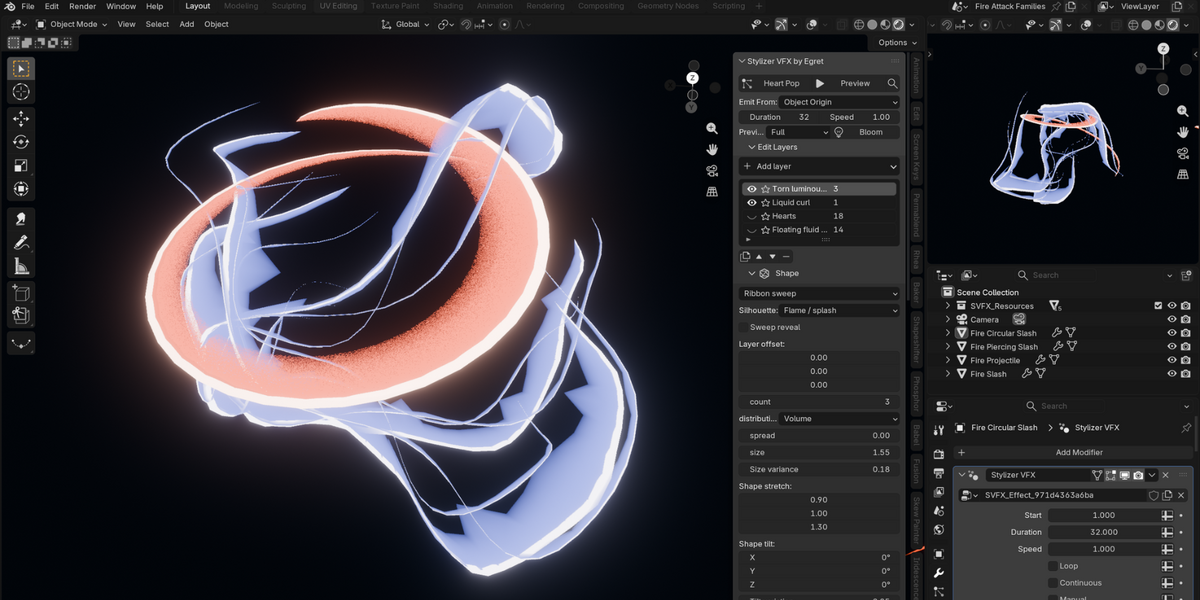
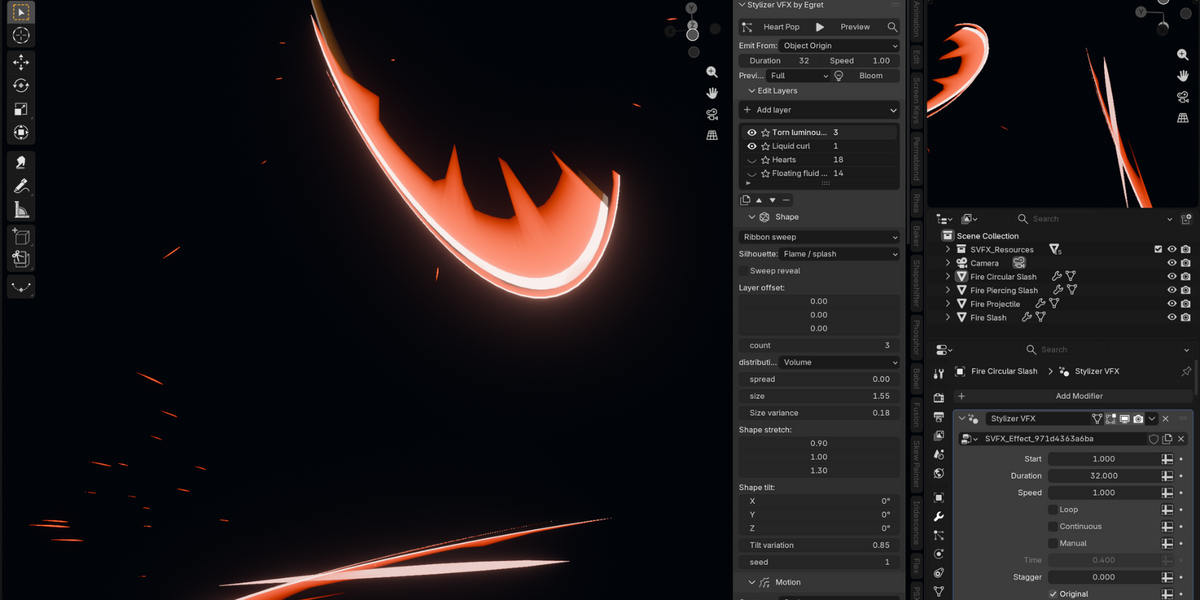
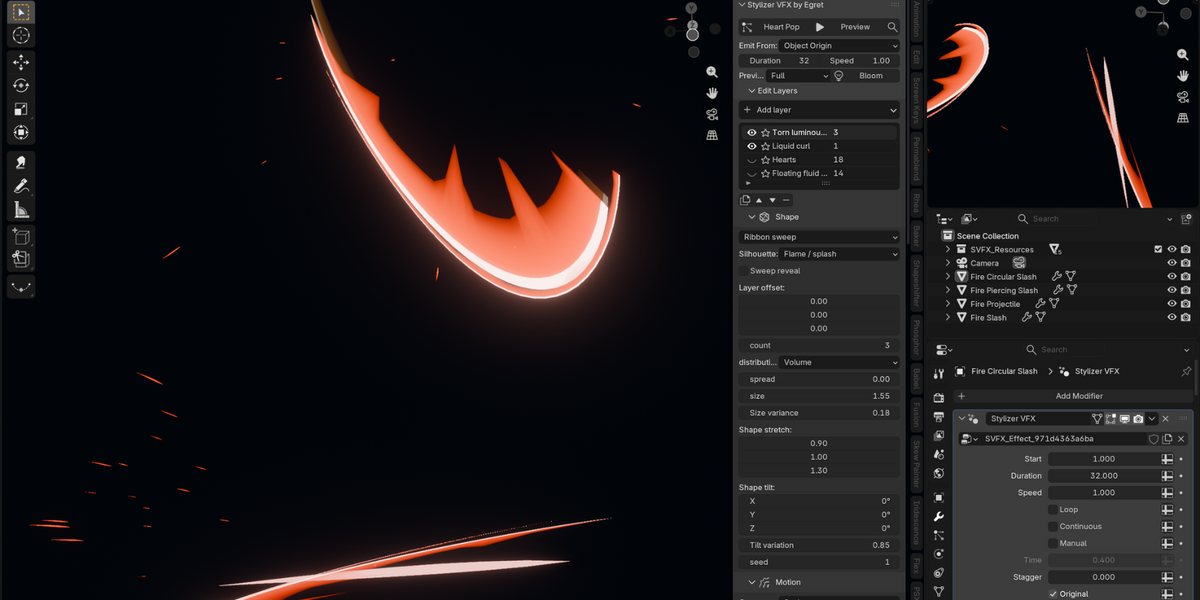
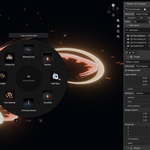
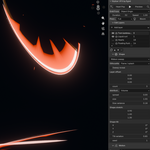
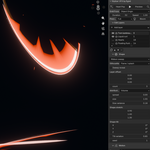
Select a model or deselect everything, open N > VFX, click Choose Effect, pick a category and preset, then click Preview.
Yes. Stylizer VFX uses a normalized lifetime, so effects can be retimed with Duration and Speed. Looping is available under More Controls and restarts the effect lifetime automatically.
Use Flipbook for the full animated look, VAT for constant-topology mesh animation, Alembic for geometry caches, and glTF for supported simple morph-loop effects.
No. Stylizer VFX uses procedural Geometry Nodes effects driven by lifetime and seed, so no simulation cache is required.
Yes. Use Save User Preset under More Controls. Stylizer VFX saves your customized effect as a JSON preset and attempts to capture a thumbnail. Your saved effects then appear in the User category and preset search.
 Included
Includes 12 months of
- Support from Egret Studios LLC
- Product updates
Extend this product’s Support Period +12 months: 50% of product price
Have questions before purchasing?
Login to message
| Blender Extension Compatible | Yes |
| Published | 6 days ago |
| Blender Version | 4.2 - 5.2 |
| Extension Type | Add-on |
| Render Engine Used | Cycles, Eevee |
| License | GPL |
