Stylizer VFX
 Egret Studios LLC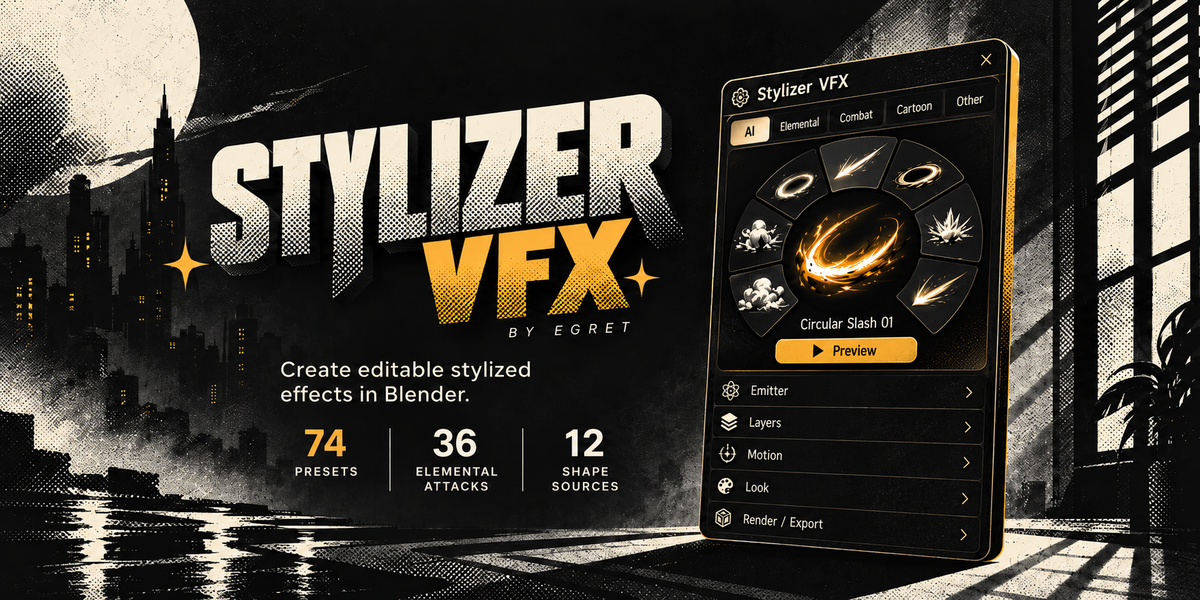
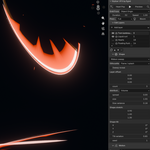
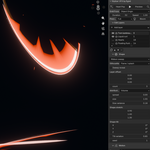
Stylizer VFX
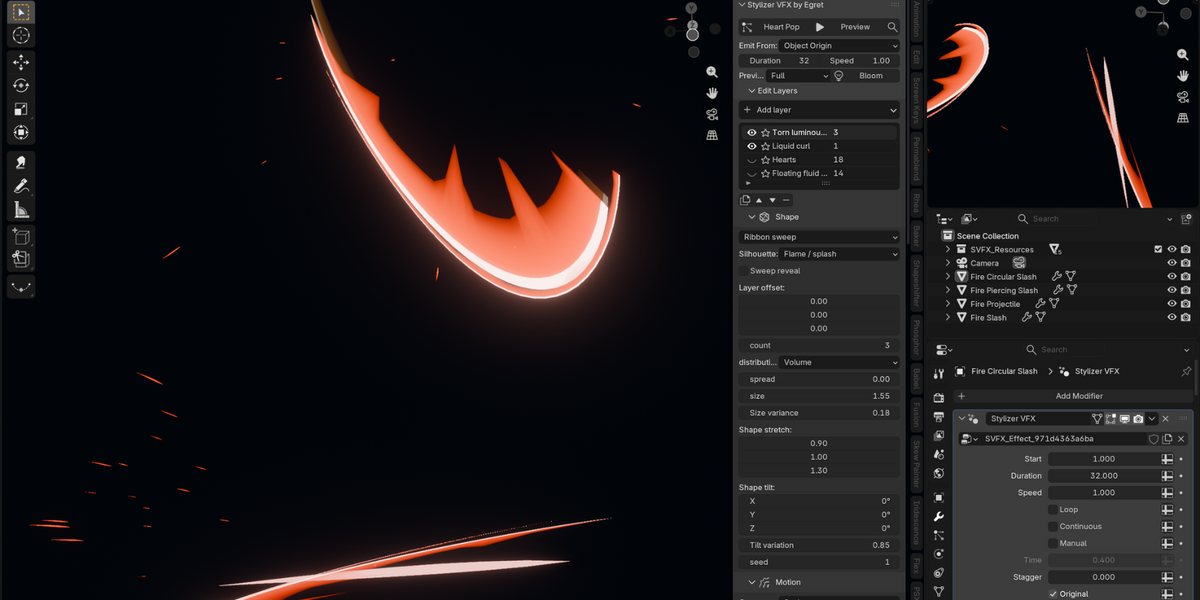
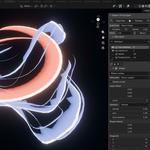
Editable stylized mesh effects built in Blender with Geometry Nodes.
Choose a preset, preview it, then open the layer controls only when you need to change the design.
↓ Installation
- Open Blender Preferences and choose Get Extensions.
- Choose Install from Disk.
- Select
stylizer_vfx-1.1.0.zipand enable Stylizer VFX. - In the 3D View, press N and open VFX.
⚡ Start in a Few Clicks
- Select a mesh, or deselect everything to create an independent effect.
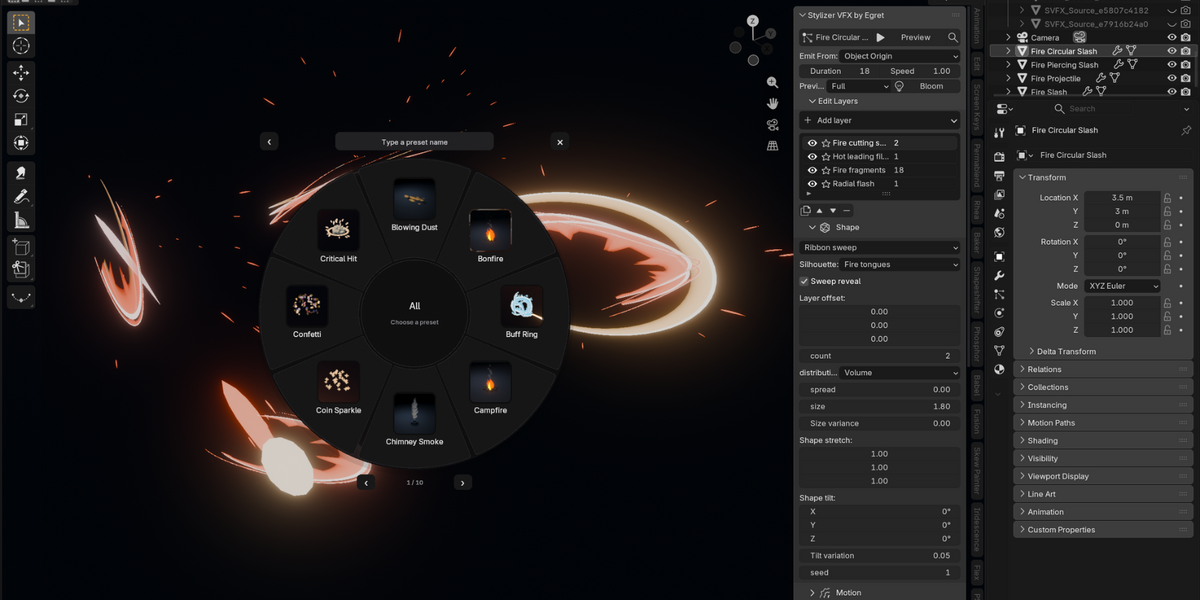
- Click Choose Effect.
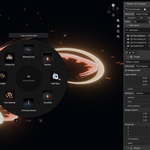
- Pick a category from Blender's native pie menu, then choose a preset.
- Click Preview. The button becomes Stop while the timeline plays.
- Adjust Duration or Speed.
Preview temporarily uses Rendered EEVEE with four viewport samples and ray tracing off, then restores your previous viewport settings when stopped.
Preview plays Blender's timeline, including other animation in the same range.
◇ Use Your Own Models
Select your model before choosing the preset. On first application to a mesh with vertices, Stylizer VFX uses Model Surface emission and keeps Show Model enabled.
| Emit From | Use |
|---|---|
| ◎ Object Origin | One effect centered on the object; useful for slashes, projectiles and impacts. |
| ▦ Model Surface | Emit points across the selected mesh surface. |
| ••• Model Vertices | Use existing vertices, capped by the particle budget. |
| ▣ Model Collection | Choose a collection of meshes as the emitter. |
☷ The Compact Panel
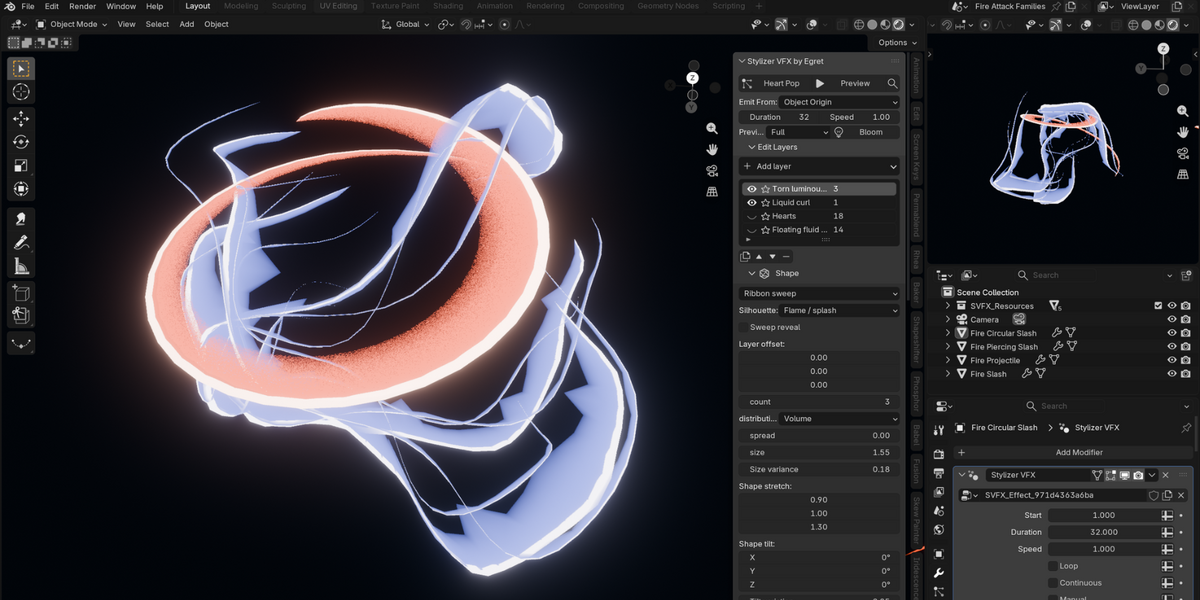
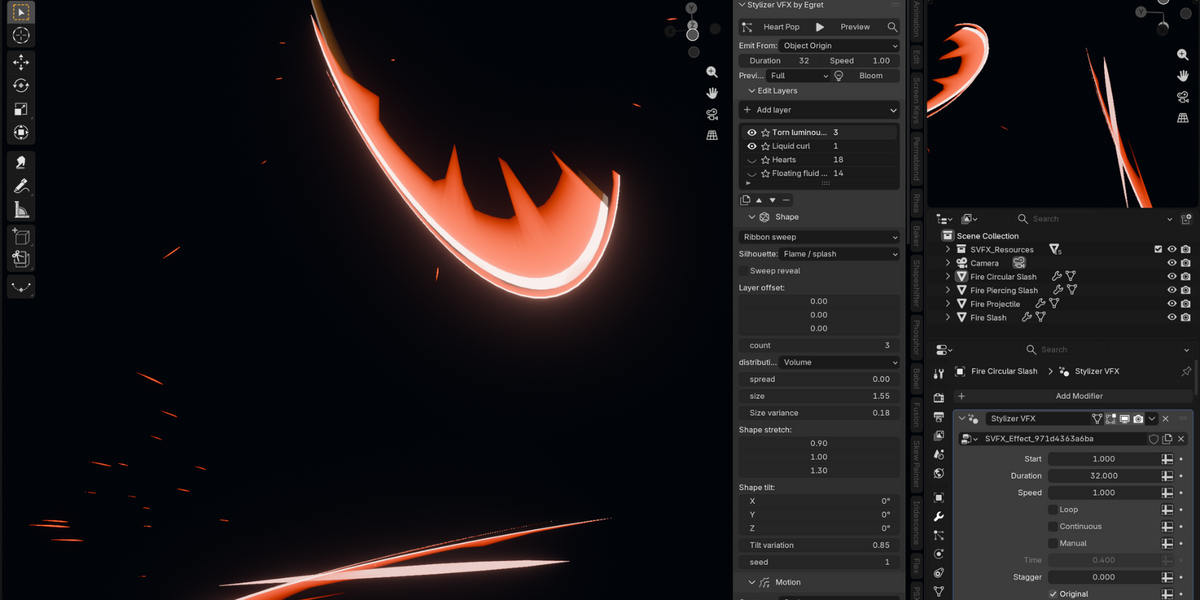
The default panel keeps the everyday controls visible: Choose Effect, Preview, Search, Emit From, Duration, Speed, Preview quality and Bloom.
◷ Timing & Motion
All layers evaluate a normalized lifetime from 0 at birth to 1 at the end. The same frame and seed produce the same geometry when scrubbing forward or backward. No simulation cache is required.
| Attack | Frames | Length at 30 fps |
|---|---|---|
| Slash | 14 | 0.47 sec |
| Circular slash | 18 | 0.60 sec |
| Piercing slash | 12 | 0.40 sec |
| Projectile | 22 | 0.73 sec |
- Speed changes overall timing.
- Drag reduces travel.
- Gravity bends paths.
- Turbulence adds seeded variation.
- Direction modes include radial, directional, cone, vortex and surface normal.
✦ Shape & Look Controls
Twelve built-in sources cover puffs, ribbons, shards, rings, sparks, debris, runes, lightning, scatter, sparkles, beams and crowns.
☼ Bloom
Click Bloom to add a Bloom node before the active compositor output and enable supported viewport compositing in Rendered mode.
Existing upstream compositor nodes remain connected. Repeating the action does not stack duplicate Stylizer Bloom nodes.
▦ Preset Library
Elements include Dark, Earth, Electric, Fire, Ice, Nature, Sound, Void and Water, each with a projectile, slash, circular slash and piercing slash.
↗ Export
Open Export, choose a method, directory and name, then click Bake and export.
| Method | Output & Limits |
|---|---|
| ▤ Flipbook | PNG or half-float EXR atlas, JSON metadata and engine setup notes. |
| ▦ VAT | Position EXR, optional normal EXR, reference OBJ and metadata. |
| ◇ Alembic | Animated geometry cache. |
| glTF | Simple ring, ribbon, beam and rune morph loops. |
! Known Boundaries
- No bundled sound effects.
- Custom asset emission is supported; arbitrary custom particle meshes are not.
- Lightning is a procedural static source transformed over life, not a branching simulation.
- Billboard sparkles face the chosen camera.
- Intersection fade uses geometry proximity rather than a screen-depth pass.
- Hardware-specific viewport FPS and destination-engine behavior should be checked in your own production scene.
 Included
Includes 12 months of
- Support from Egret Studios LLC
- Product updates
Extend this product’s Support Period +12 months: 50% of product price
Have questions before purchasing?
Login to message
| Blender Extension Compatible | Yes |
| Published | 7 days ago |
| Blender Version | 4.2 - 5.2 |
| Extension Type | Add-on |
| Render Engine Used | Cycles, Eevee |
| License | GPL |
