 Styriam sp. z o.o.



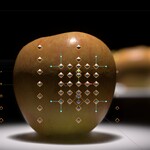
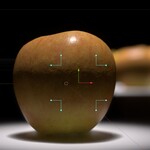
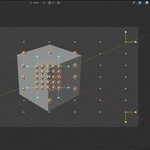
Styriam Autofocus
Styriam Autofocus is a geometry node group that easily adds highly adjustable autofocus ability to Blender's cameras.
This autofocus solution introduces:
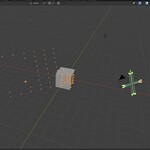
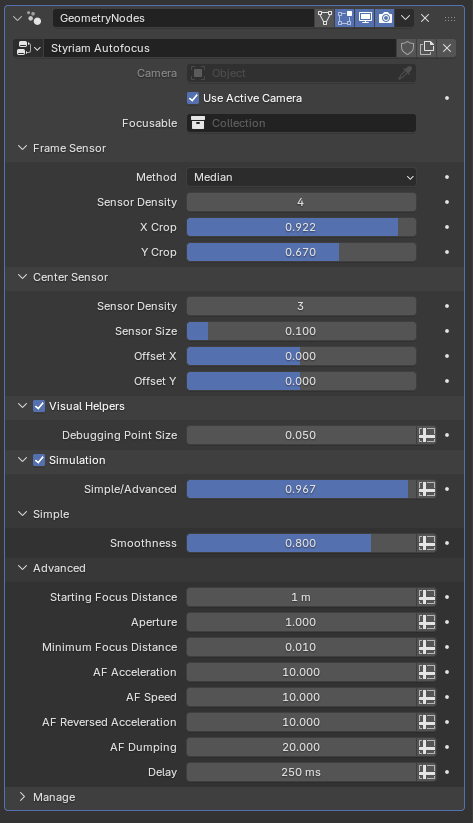
- frame sized sensor (adjustable width, height, density)
- central sensor (adjustable width, height, density, position)
- no-baking simple mode
- simulation modes (required baking).
Simulation mode features simple easing and advanced AF engine simulation with overshooting (adjustable speed, delay, acceleration and breaking).
How to use it
- Append Styriam Autofocus collection to your scene or drag and drop it from Asset Browser if the blend file is already in your asset directory.
- Assign camera or use active camera
- Create collection of focusable objects and assign it
- Enable depth of field in your camera, then assign "Focus Point" object to "Focus on Object" field.
- If Simulation is enabled, run animation from frame 1 to bake.
Tips
- Sensors (frame or central) can be disabled by setting Density to 0
- The weight of central sensor can be adjusted by changing the ratio of points (density) of both sensors