Styriam Autofocus
 Styriam sp. z o.o.



Installation
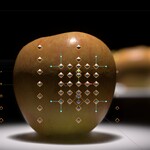
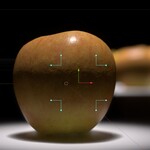
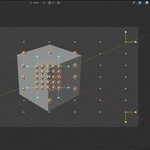
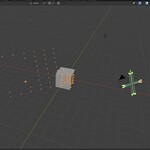
Append Styriam Autofocus collection to your scene. You can also put the blend file in your assets directory to drag and drop from Asset Browser.
Usage
- Assign camera or use active camera
- Create collection of focusable objects and assign it
- Enable depth of field in your camera, then assign "Focus Point" object to "Focus on Object" field.
- If Simulation is enabled, run animation from frame 1 to bake.
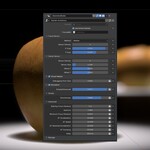
Advanced Simulation Controls
Aperture - not required but helps making autofocus motion smoother by adjusting hyperfocal distance.
Minimum Focus Distance - limit of autofocus point motion range
AF Acceleration - how quickly AF accelerates
AF Speed - base maximum speed of focusing. Maximum allowed speed is increasing with distance.
AF Reversed Acceleration - breaking force after overshooting target point
AF Dumping - breaking force in vicinity of target point
Delay - delay before next action after full stop
$10
Have questions about this product?
Login to message
| Published | 10 months ago |
| Blender Version | 4.5 - 5.0 |
| Render Engine Used | Cycles, Eevee |
| License | Royalty Free |