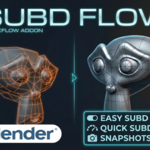
SubD Flow Blender Addon
 TB Elements


Key Features
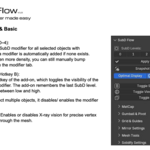
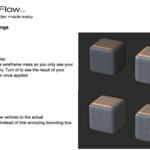
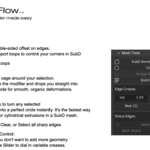
Centralized SubD Control: Select subdivision levels (0–4) directly from the menu; the modifier is added and adjusted automatically.
Use the B key to toggle the SubD modifier for one / all selected objects simultaneously.
Shift + B toggles wireframe visibility for quick topology checks.
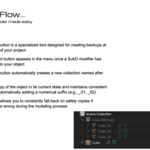
Snapshot System: Create instant backups of your objects in a dedicated collection.
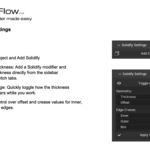
This allows for non-destructive versioning and quick reverts to previous modeling stages.Integrated Mesh Tools: quick selection of tools including Quick Lattice for organic deformations, SubD Bevel for support loops and more.
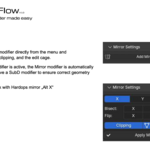
Smart Mirror Integration: When adding a Mirror modifier through the add-on, it is automatically placed above the SubD modifier in the stack to ensure correct geometry calculation. This also works with Hardops mirror.
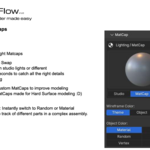
Quick Matcaps: Quickly toggle between various Matcaps and Flat Shading to identify surface defects or "pinching" .
Have questions about this product?
Login to message
| Dev Fund Contributor | |
| Published | 7 months ago |
| Blender Version | 4.2 - 5.0 |
| Extension Type | N/A |
| License | Mit |