 nice mesh
🐚 Sunken
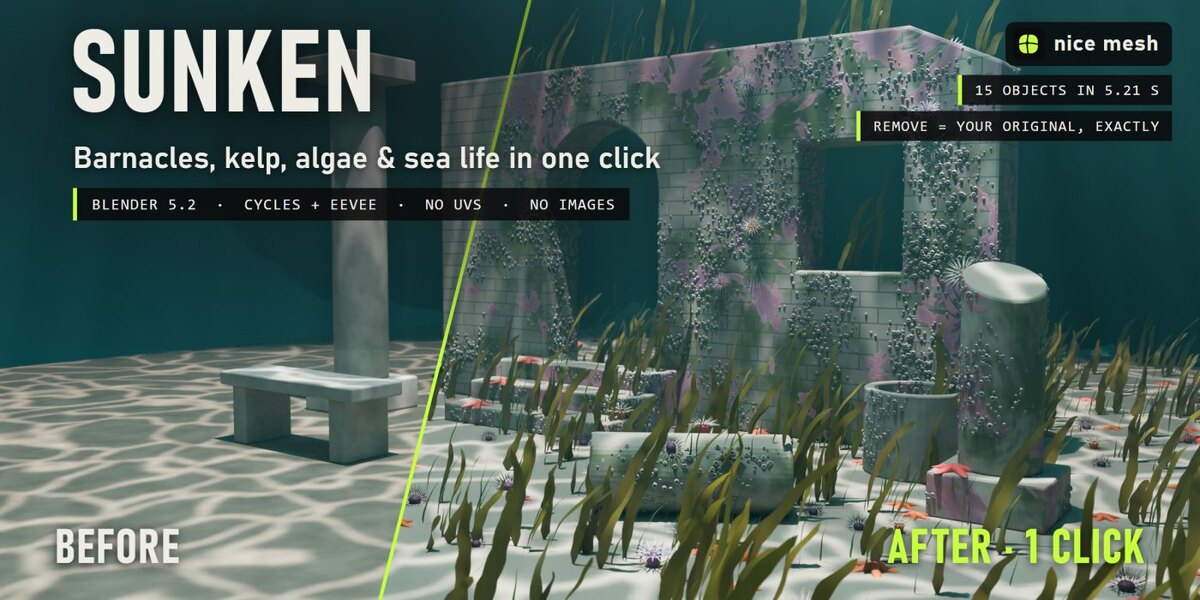
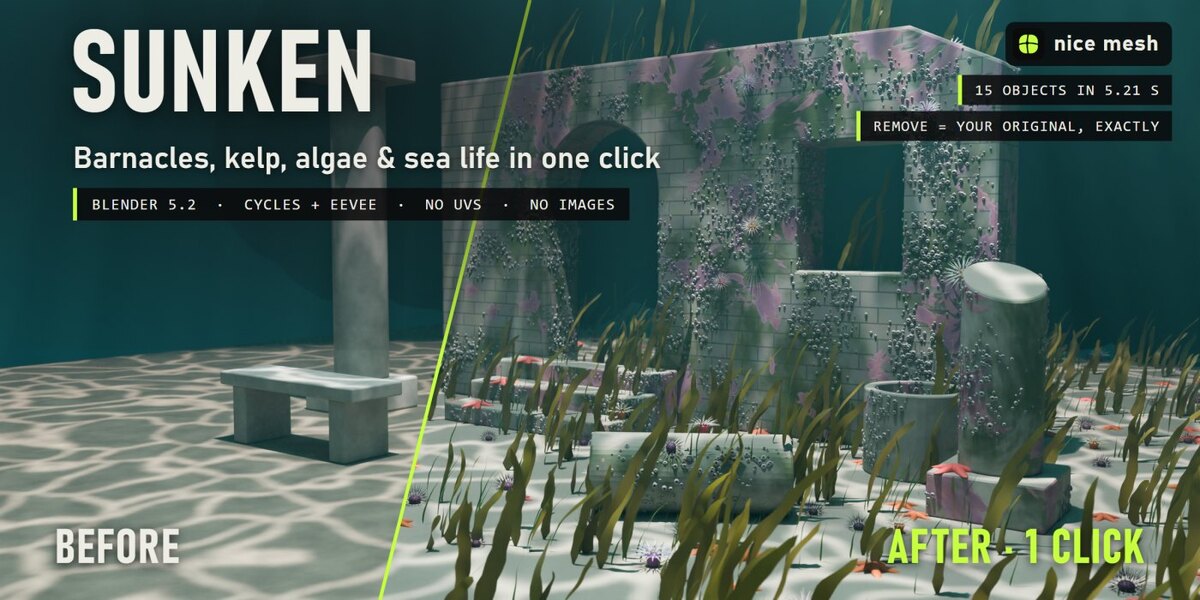
Years under water in one click: algae, silt, crusts, barnacles, kelp, anemones and starfish. Real geometry, no UVs, fully removable.
Select your objects, pick how long they have been under water, and Sunken grows the sea on them: a slimy algae film, silt settled on everything facing up, pink coralline crust and chalky worm tubes, colonies of real barnacles on the sides and edges, kelp and sea grass bent by the current, anemones, starfish and urchins. Your materials stay as they are, and one click brings everything back up.
The problem
Underwater scenes, shipwrecks and sunken ruins need life growing on everything, and that is a lot of work: scattering barnacles by hand, modelling kelp, painting algae and silt on every object. A green tint just looks like a dirty filter.
How it works
- Select your objects. Wrecks, ruins, statues, anchors, cars: any mesh, any material. No UVs.
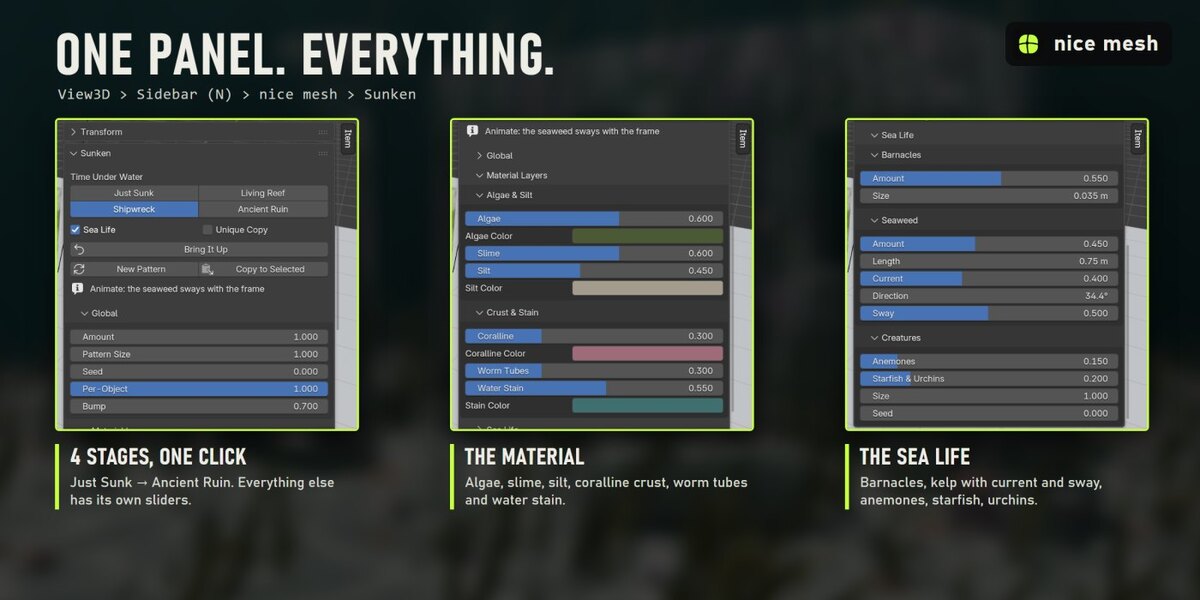
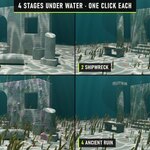
- Click a time under water: Just Sunk, Shipwreck, Living Reef or Ancient Ruin.
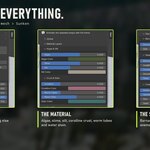
- Tweak if you want. Every layer and every creature has its own sliders and its own node group.
What you get
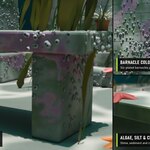
- Algae & slime: A patchy green-brown film over everything, thicker on top, glossy and slimy.
- Silt: Fine sediment settled on every surface facing up, thicker in the hollows, with grain.
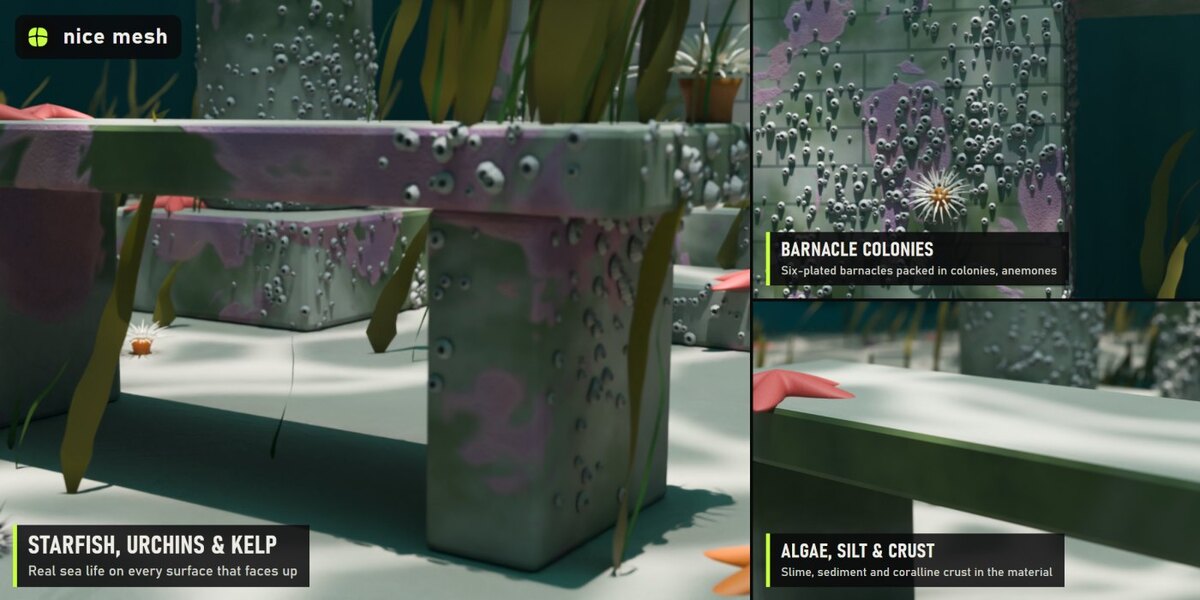
- Coralline crust & worm tubes: Dusty pink crusts with pale growing rims, and chalky white tube-worm squiggles in some areas.
- Real barnacles: Colonies of six-plated barnacles with a dark crater and closed beak plates, packed tight, big ones in the middle of a colony. They grow on sides, edges and undersides, so a sand floor stays sand.
- Kelp & sea grass: Ribbons with ruffled edges and thin blades rising from the surfaces, bent by the current (direction and strength), swaying with the frame number when you animate.
- Anemones: Soft columns with three rings of curling tentacles, five colour palettes, pale tips.
- Starfish & urchins: Five-armed starfish with bumpy skin, purple urchins with spines, on the surfaces facing up.
- Water stain: Your material goes darker and blue-green, as if it had been down there for years.
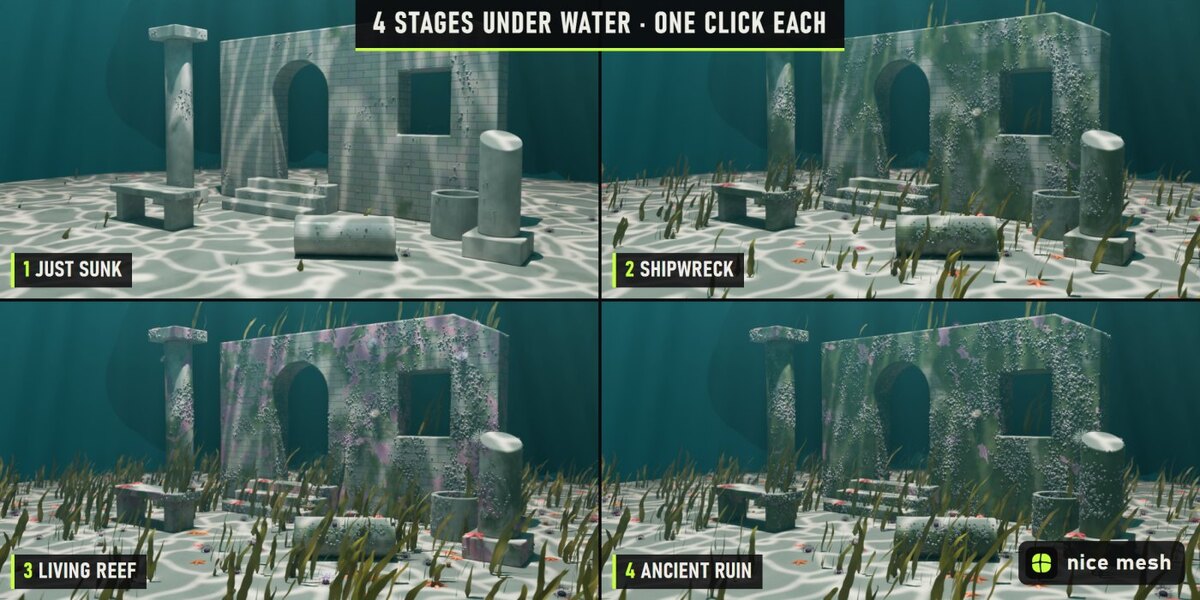
4 presets
- Just Sunk: A few months down: slime, silt, the first barnacles
- Shipwreck: Years under water: algae, crusts, barnacle colonies, kelp
- Living Reef: Taken over by sea life: anemones, starfish, coralline, lots of kelp
- Ancient Ruin: Centuries on the sea floor: buried in silt and growth
Measured, not promised
- Ruined courtyard of 15 objects, lit as an underwater scene: all done in 5.21 s on a laptop RTX 3060 (first click, which also builds the node groups).
- Render 2400 × 1200, Cycles, 64 samples: 35.8 s before, 49.9 s after.
- 12,194 light instances in that scene (drops, creatures or crystals), not real copies.
- Remove: every material link, node, slot and modifier comes back exactly as it was (checked by automatic tests).
Safe with your scenes
- Your material stays: the effect is mixed on top of your shader, nothing is replaced.
- Shared materials, empty or multiple slots, linked duplicates and materials from other files are handled. Unique Copy changes only the selected objects even when a material is shared.
- Plays nicely with the other surface add-ons (Timeworn, Overgrowth, Frostbite, Scorched...): removing one keeps anything stacked after it connected.
- Full undo, and the result is saved in your .blend. Remove puts every link, node, slot and modifier back exactly as it was (checked by automatic tests).
Where to find it
3D View > Sidebar (N) > nice mesh tab > Sunken, and in the Object menu.
Good to know
- Seaweed sway follows the scene time, so the modifier updates on every frame during playback.
- Barnacles avoid surfaces facing straight up (the silt covers them); use the sides for colonies.
- Creatures are light instances; the seaweed is real geometry (lower Amount on huge areas).
- Curves and text get the material layers only; the sea life needs a mesh.
Install
Edit > Preferences > Add-ons > drop-down arrow > Install from Disk, pick sunken_v1.0.0.zip (don't unzip it) and tick Sunken. Requires Blender 5.2 or newer.
Made by nice mesh.