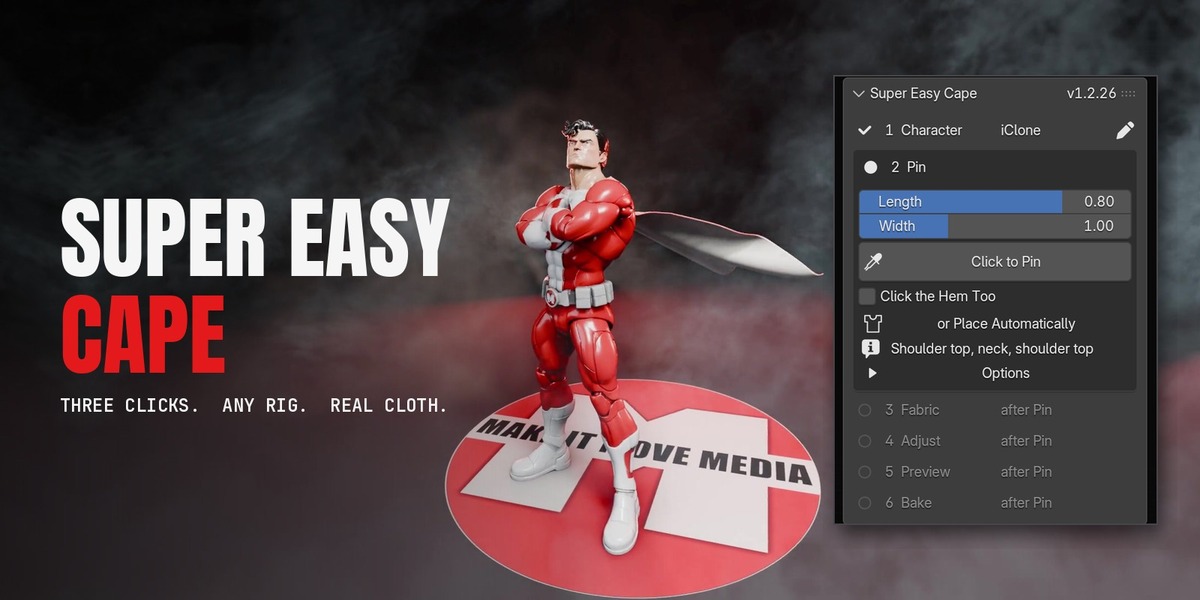
Super Easy Cape
 Make It Move Media
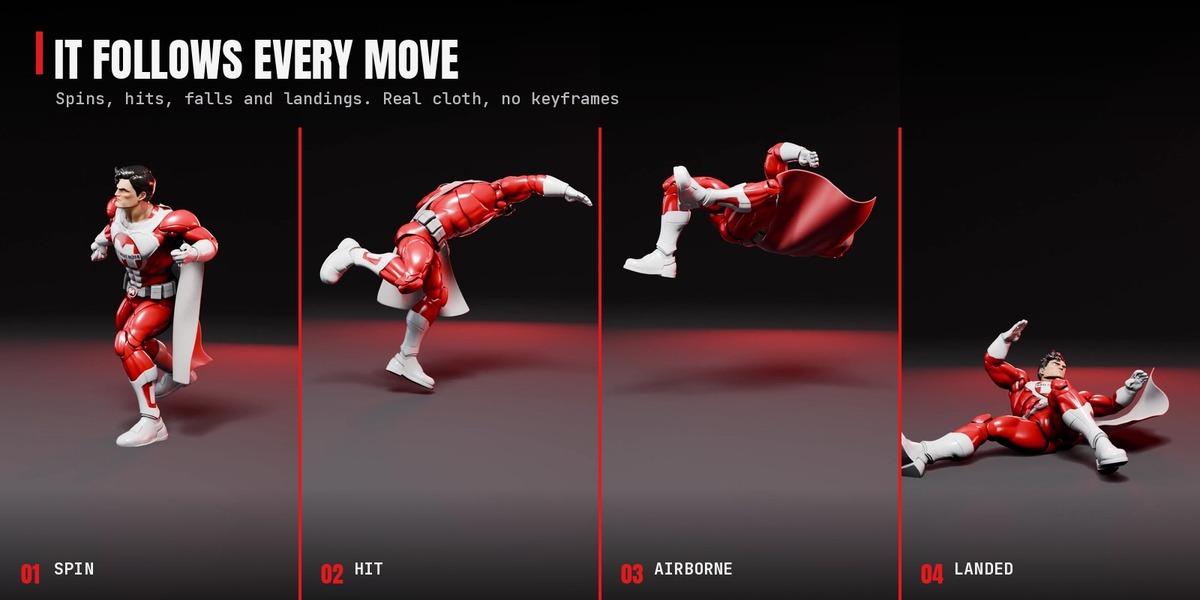
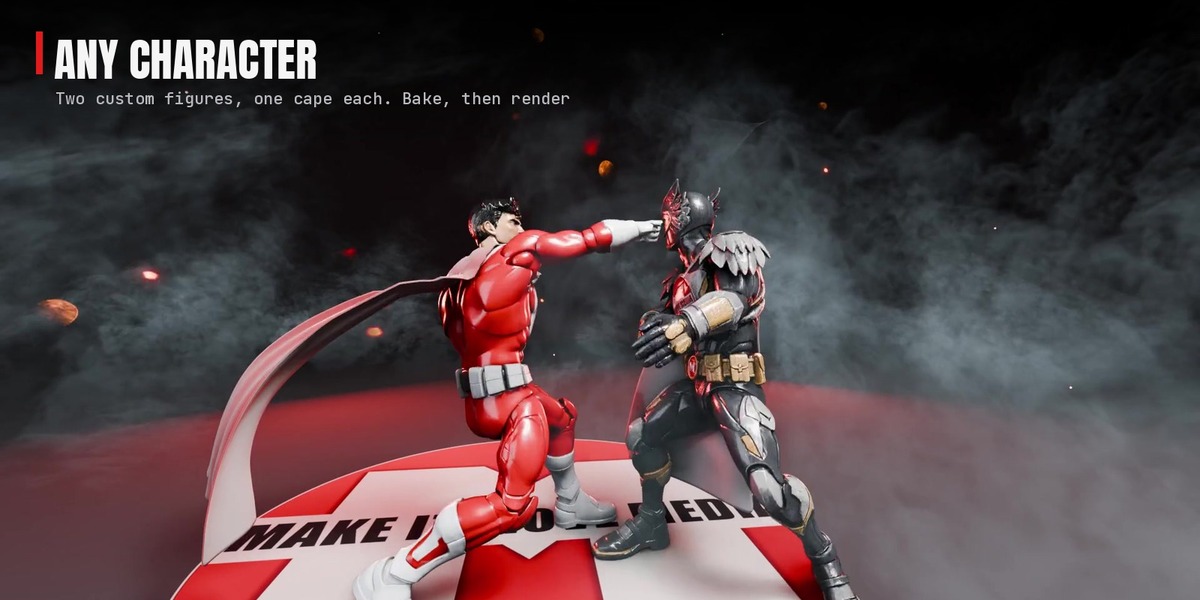
Installation
- Download
super_easy_cape-1.2.26.zip. Don't unzip it. - Drag the zip into Blender, or Edit > Preferences > Get Extensions > the arrow menu > Install from Disk.
- Open the 3D Viewport sidebar (N) and click the Super Easy Cape tab.
- When Blender offers to add Superhive as a repository, accept it to get updates inside Blender.
Needs Blender 5.2 or newer. Updating: install the new zip over the old one; capes in saved files pick up the new version when the file opens.
Quick start
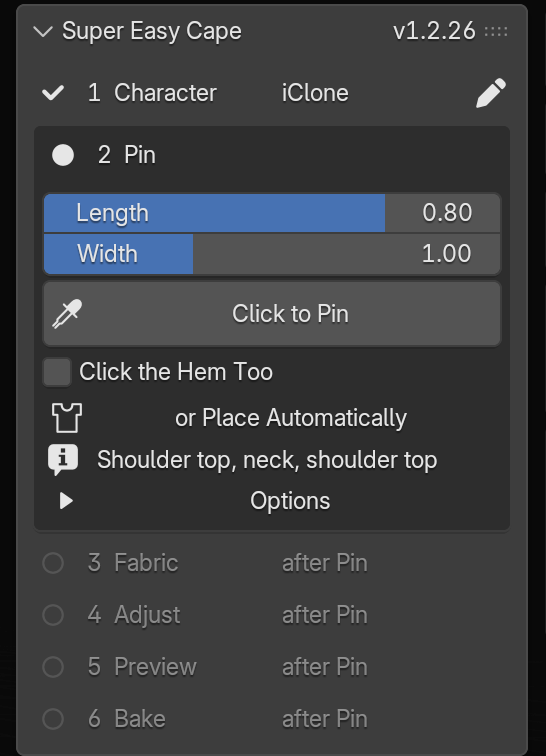
- Select your character (its rig or its mesh) and open the Super Easy Cape tab.
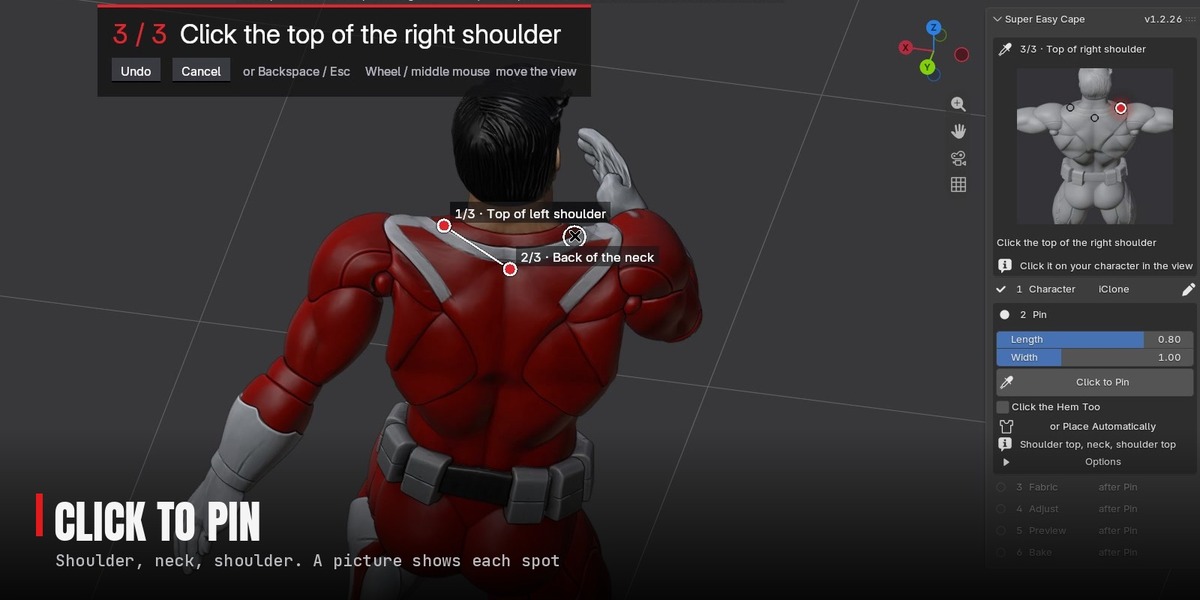
- In 2 Pin, press Click to Pin. Click the top of one shoulder, the back of the neck and the top of the other shoulder. The third click makes the cape.
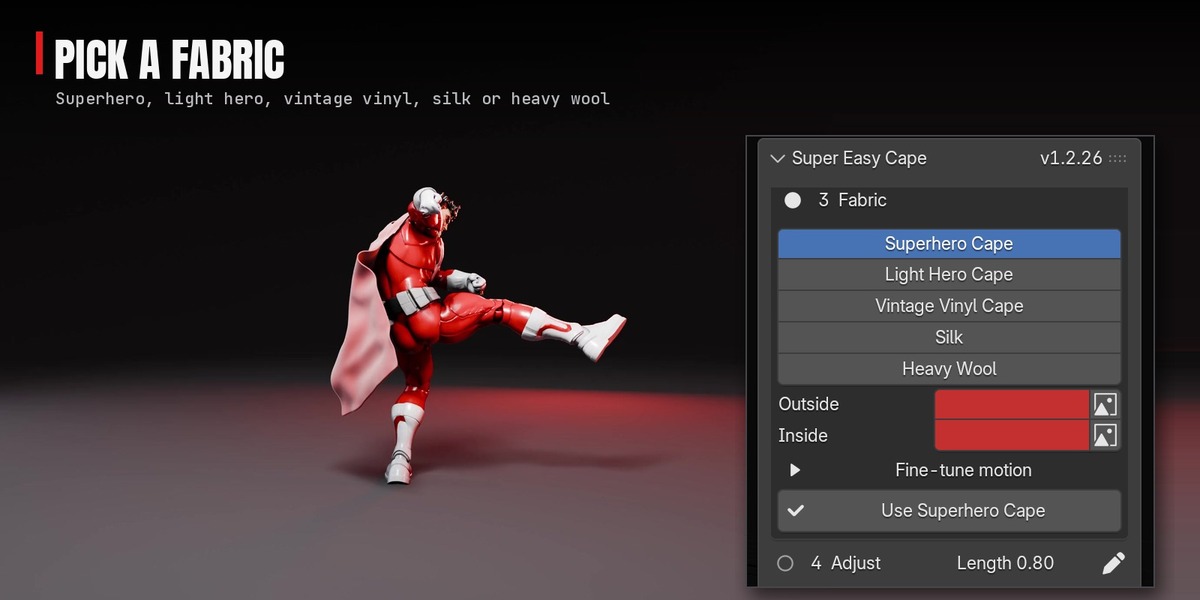
- In 3 Fabric, press Use Superhero Cape (or pick another fabric first).
- In 5 Preview, press Play Preview. Press again to stop.
- In 6 Bake, press Bake. Scrub and render.
The six steps open one after another; done steps fold to one line with a pencil to edit them. You can bake any time after Pin. The first cape on a character takes about 9 seconds on a 205,000-vertex scan; later ones reuse its collision body.
Click to Pin
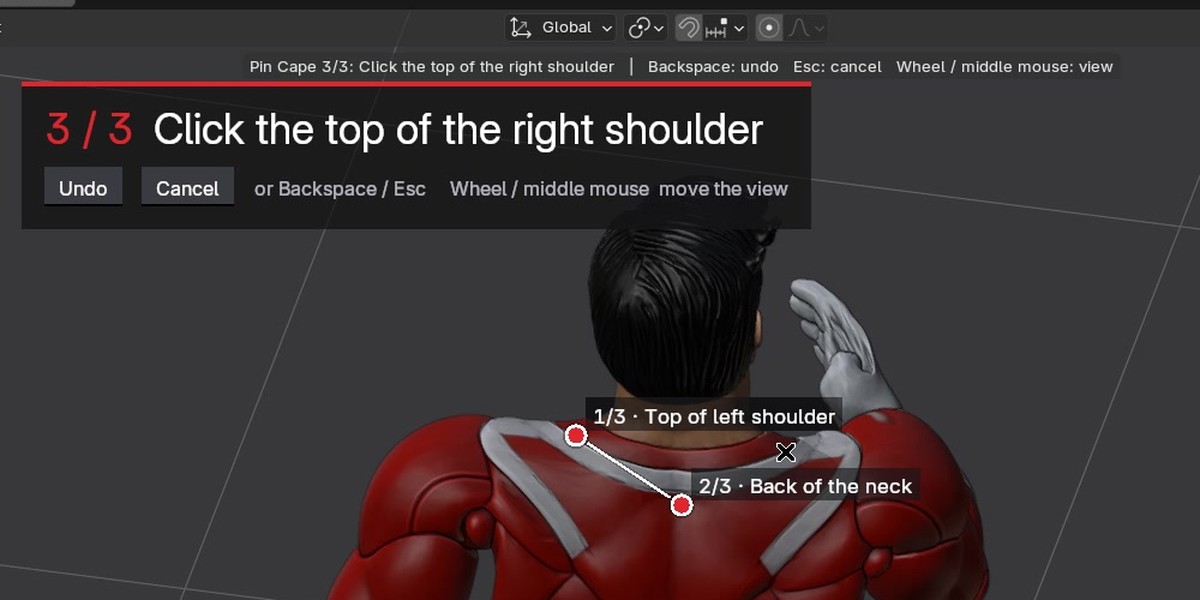
| On screen | What it means |
|---|---|
| Banner "1 / 3 Click the top of one shoulder" | The step and where to click. The panel shows a picture of the spot. |
| Ring under the cursor | Exactly where the pin will land. |
| Red dot "1/3 · Top of left shoulder" | A placed pin, named with the character's own left and right. |
| Line between the dots | The cape's top edge. |
| Undo / Cancel on the banner | Remove the last pin / stop pinning (Backspace and Esc work too). |
| Click the Hem Too | Adds a fourth click for where the hem ends; otherwise Length sets it. |
The mouse wheel and middle mouse still move the view while you pin, so you can turn the view to reach the exact spot. A shoulder pin that lands a few pixels below the top moves up onto it.
Handles: the pins become three handles on the cape's top edge (left, neck, right). They ride the shoulders. Grab one (G) and move it and the cape refits around it. Adjust > Hide Handles hides them; Reset puts them back.
Fabrics
| Fabric | How it moves |
|---|---|
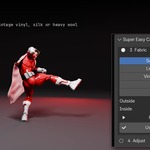
| Superhero Cape | Heavy and calm: swings with weight and settles quickly (default). |
| Light Hero Cape | Lighter and livelier. |
| Vintage Vinyl Cape | Stiff and chunky, like a carded 1970s figure's cape. |
| Silk | Light; catches every bit of wind. |
| Heavy Wool | Swings slowly, settles fast. |
Outside and Inside take a colour or an image each. Fine-tune motion: Stretch, Bend (low = stiff), Weight, Damping, Air Drag, Follow, Pin Strength. Paint Pins: red is held to the character, blue is free. Every setting can be keyframed.
Adjust
| Setting | What it does |
|---|---|
| Gap | Distance from the body. Raise it if the cloth catches. |
| Snug | Hugs the pinned top onto the shoulders so the cape looks attached (1 = on, 0 = off). Never the head, helmet or jaw. |
| Length | How far down it reaches. |
| Width | Moves the corner handles apart or together and widens the hem. |
| Detail | Low / Medium / High. |
The cape refits a moment after you let go of a slider, keeping its fabric, colours and wind keys.
Wind
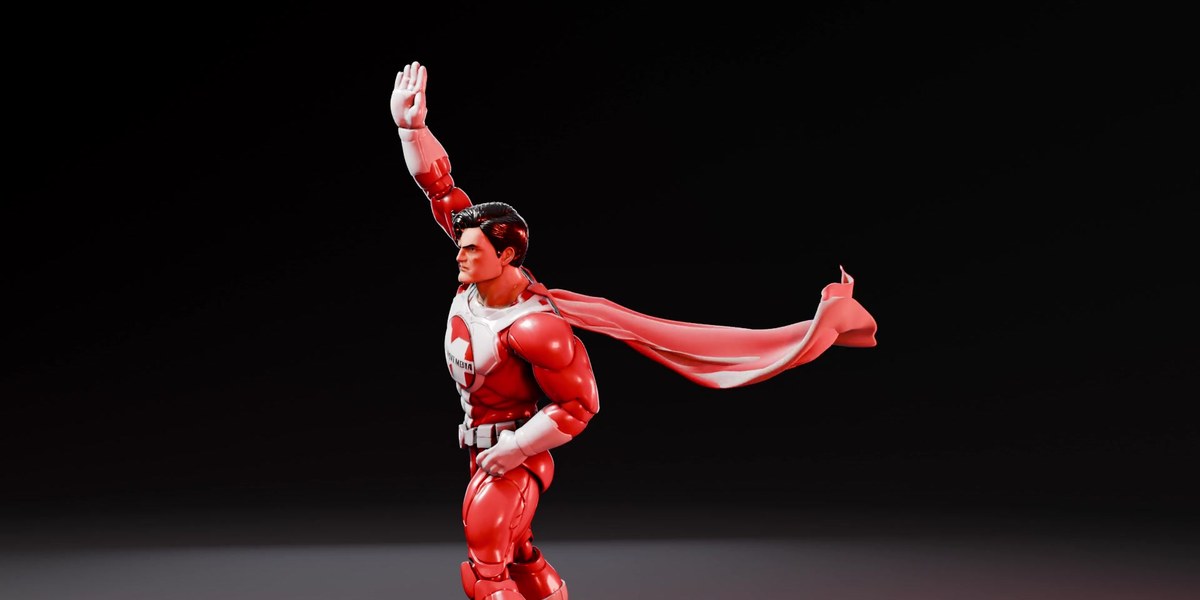
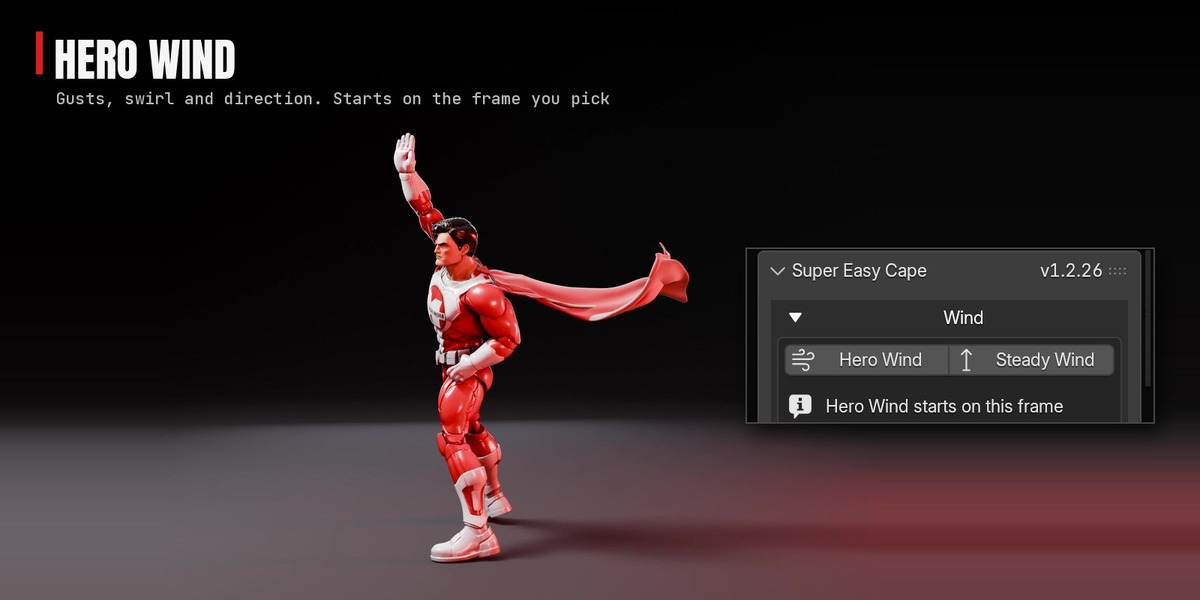
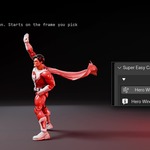
Hero Wind keys the classic billowing-cape gust from the current frame: the wind rises, holds so the cape streams out and up, then settles. Peak, Rise, Hold and Settle are in the Adjust Last Operation panel. A Wind Arrow is added; turn it to steer. Steady Wind adds a constant breeze. Strength is in metres per second and scales with the character's size.
Use a cape you already have
Select the cape mesh: the Pin step shows Use as the Cape. It pins the cape's top edge (or the vertices you selected in Edit Mode) and the cape bumps into the character it's rigged or parented to. Old Cloth physics on the mesh is switched off. Follow the Shoulders (on by default) keeps the pinned top riding the shoulders even if the mesh was rigged to a single bone; untick it to put the mesh's own rigging back.
Below the steps
| Panel | What's in it |
|---|---|
| Garments | Switch between garments. The arrow menu has Re-pin, Add Another Garment, Remove Garment and Remove All. |
| Look | Stop-Motion Step, Fabric Thickness, Smooth. |
| Collisions | Add Selected as Colliders, Add Collection, Rebuild Collision Body, Floor, Show Collision Body. |
| Simulation | Fast Preview, Re-Settle, Quality, Stiffness Steps, Gravity, Time Scale. |
Fast Preview hides the heavy scan in the viewport and shows the light collision body (323 ms a frame down to 52 ms on a 205,000-vertex scan). Renders aren't affected. Remove Garment on the character's last garment leaves the character exactly as it was.
Works with
- Super Easy Ragdoll: the cape stays on through the fall and flips with the figure.
- Super Easy Slow Motion 1.8.12 and newer: ramp the shot and the cape slows with your character; Restore puts it back. With other tools, key Simulation > Time Scale.
- Super Easy Scene Streamliner: the heavy mesh it hides is still what the cape fits and collides with.
Good to know
- No self-collision: a cape can pass through itself if it wraps all the way round.
- Very fast moves (spins, flying kicks) can push a leg or arm through for a frame or two. Raise Simulation > Quality to 14 for those shots.
- Render from a bake: an unbaked simulation can render stale frames.
- Node cloth is marked experimental by Blender and may change; Super Easy Cape is tested on every release.
- On a blocky character, Snug can pull the top edge out of shape: lower Snug or set it to 0.
- Capes only for now. More is on the way as free updates.
Update log
| Version | Notes |
|---|---|
| 1.2.26 | First release on Superhive. Guided Click to Pin (three clicks, guide picture, cursor ring), five fabrics, two-tone fabric, Hero Wind, drag handles, Snug, use your own cape mesh, Fast Preview, background Bake. Any rig, any scale. |
Have questions about this product?
Login to message
| Blender Extension Compatible | Yes |
| Published | about 2 hours ago |
| Blender Version | 5.2 - 5.3 |
| Extension Type | Add-on |
| Render Engine Used | Cycles, Eevee |
| License | GPL |
Discover more products like this
superhero physics cloth simulation cloth geometry nodes character animation cape action figure mixamo Character Creator