Super Easy Cape
 Make It Move Media
Which Blender versions does it work with?
Blender 5.2 and newer. It runs on Blender's built-in node cloth, which arrived in 5.2. Tested on 5.2.4 and 5.3.0.
Does it work with my rig?
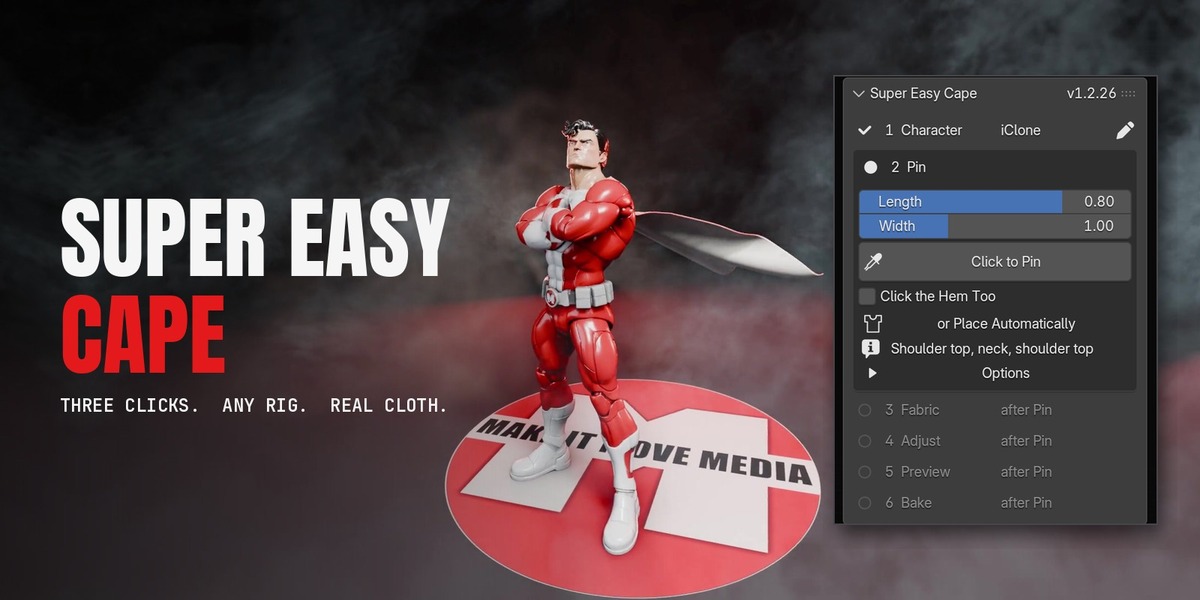
It reads iClone / CC4 / AccuRIG, Mixamo, Rigify, Auto-Rig Pro, Daz Genesis, the Unreal mannequin, VRoid / VRM, Meshy and Tripo rigs, and plain bone names. If it doesn't know yours, pick the Neck, Spine and Hips bones once and it's saved with the rig.
My character is a 6-inch scan. Will the cape look right?
Yes. Every distance scales with the character's height, so a 6-inch scan and a life-size character get the same look with no tuning.
Where exactly do I click when pinning?
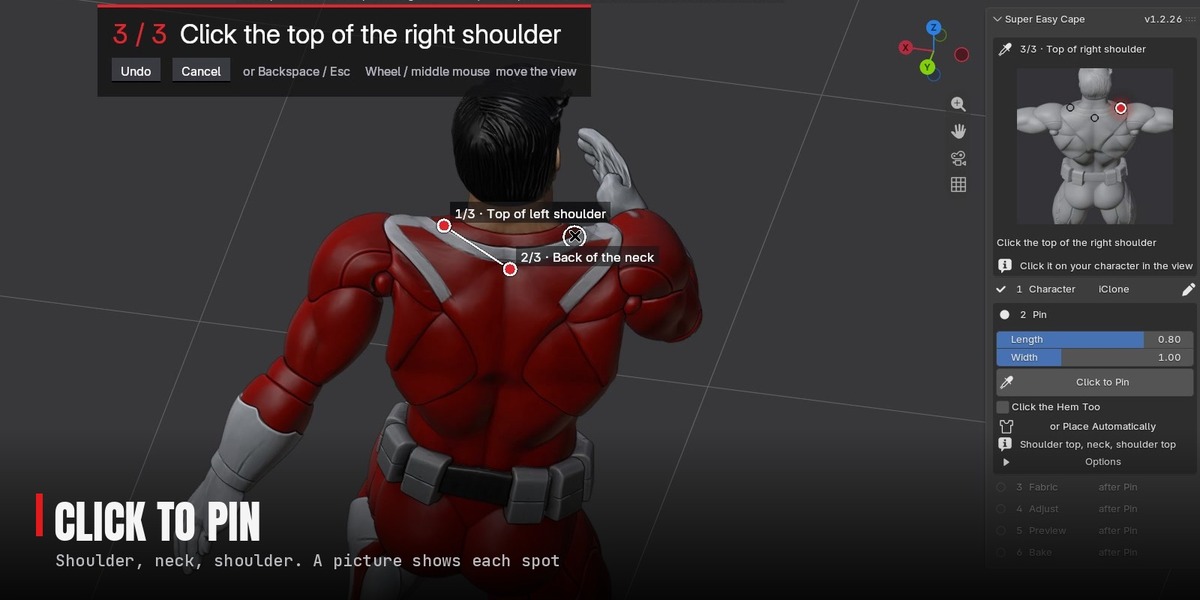
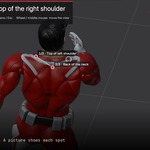
The top of one shoulder, the back of the neck, then the top of the other shoulder. The banner and a picture in the panel show each spot, and a ring under the cursor shows where the pin will land.
Can I turn the view while pinning?
Yes. The mouse wheel and middle mouse move the view, so you can get right onto the shoulder. The pin lands where you click.
Can I use a cape I already modelled?
Yes. Select it and press Use as the Cape in the Pin step (the button shows your mesh's name). It keeps its own shape; Follow the Shoulders keeps its top on the body.
The cape goes through a leg on a fast spin or kick. What can I do?
Raise Simulation > Quality to 14 for that shot. Very fast moves can still push through for a frame or two; that's a limit of Blender's cloth solver.
Why does the cape pass through itself?
Blender's node cloth has no self-collision yet. It shows only when a cape wraps all the way round.
Playback is slow on my dense scan.
Turn on Simulation > Fast Preview. It shows the light collision body instead of the scan (323 ms a frame down to 52 ms on a 205,000-vertex scan). Renders aren't affected.
Do I have to bake before rendering?
Yes. Bake simulates the frame range in the background; an unbaked simulation can render stale frames.
Can I change the animation after making the cape?
Yes. Free Bake if it's baked, press Simulation > Re-Settle, then bake again.
Does it work with Super Easy Ragdoll?
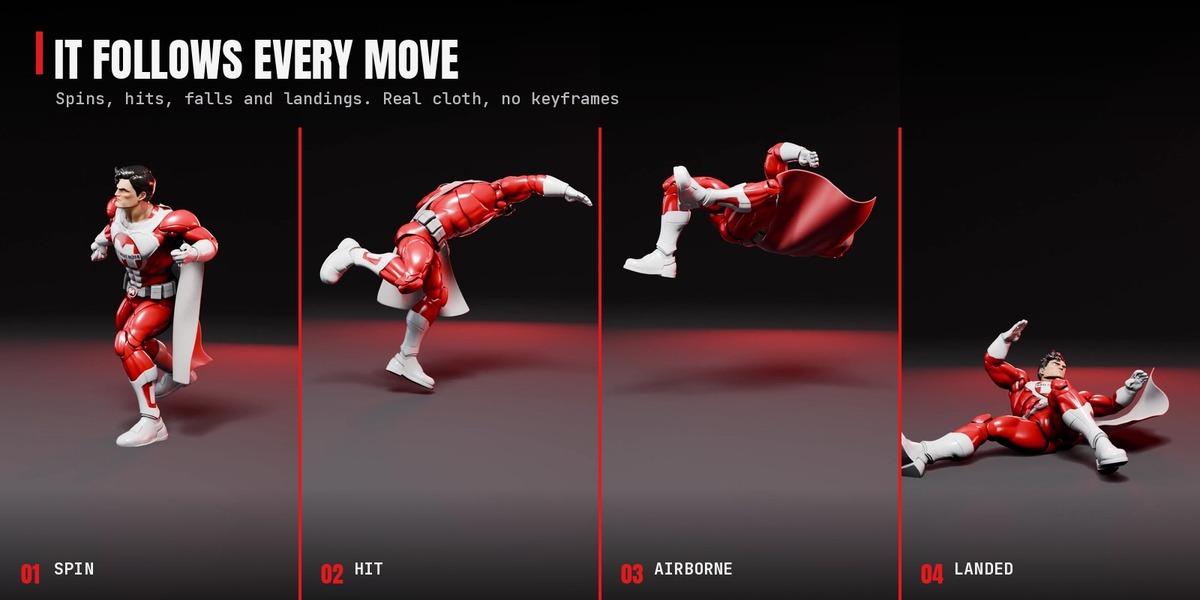
Yes. The cape stays on through the fall and flips with the figure. In a tumbling fall the hugged shoulder rows can squeeze where the figure crumples.
Can I have more than one cape, or capes on several characters?
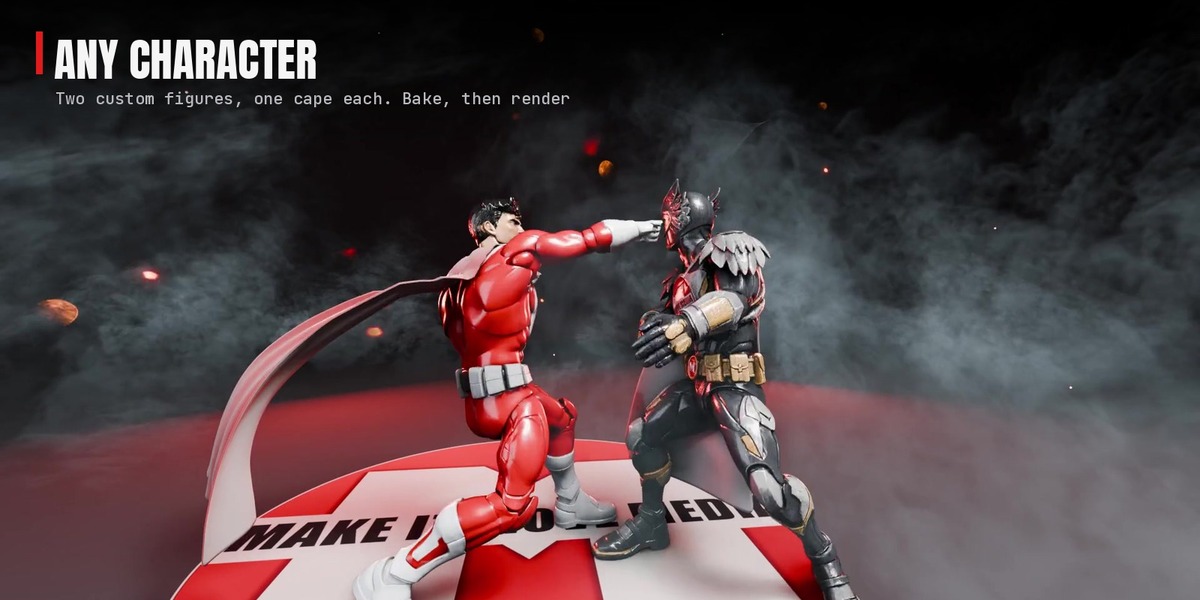
Yes. To dress another character, select it and the steps start again for it. Add Another Garment puts a second cape on the same character. Each character gets its own collision body, shared by its garments.
What's coming next?
More is on the workbench. Updates are free and show up in Blender's Get Extensions when they're out.
How do I remove everything?
The arrow menu next to Garments has Remove Garment and Remove All. Your character is left exactly as it was.
Does it work with slow motion?
Yes, with Super Easy Slow Motion 1.8.12 or newer: ramp the shot and the cape slows with your character, and Restore puts it back. With other tools, key the cape's Simulation > Time Scale.
Have questions about this product?
Login to message
| Blender Extension Compatible | Yes |
| Published | about 2 hours ago |
| Blender Version | 5.2 - 5.3 |
| Extension Type | Add-on |
| Render Engine Used | Cycles, Eevee |
| License | GPL |
Discover more products like this
cape physics Character Creator mixamo cloth simulation cloth superhero character animation geometry nodes action figure