Super Easy Face Animation
 Make It Move Media
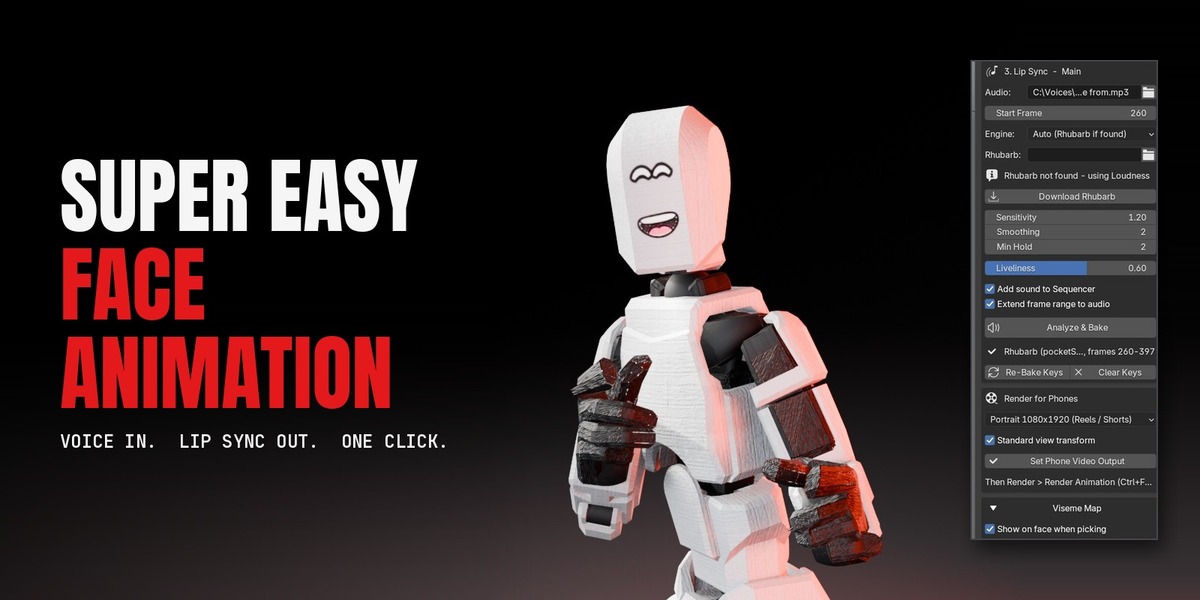

No. Without it the add-on animates the mouth from the voice's loudness. Rhubarb gives more accurate mouth shapes, and the Download Rhubarb button installs it in one click.
Yes. Rhubarb Lip Sync is free, open-source software (MIT license) by Daniel S. Wolf. The add-on only downloads it when you press Download Rhubarb.
Any armature with a head bone. Character Creator / iClone and Mixamo heads are detected automatically; for Rigify or custom rigs pick the head bone from the list.
Yes. The drawn mouth and eyes are cards on the face, so the character needs no facial bones or shape keys.
Set Mouth to Mask (deform mesh). The face mesh itself opens, widens and puckers with the voice. Use the automatic region or paint a vertex group.
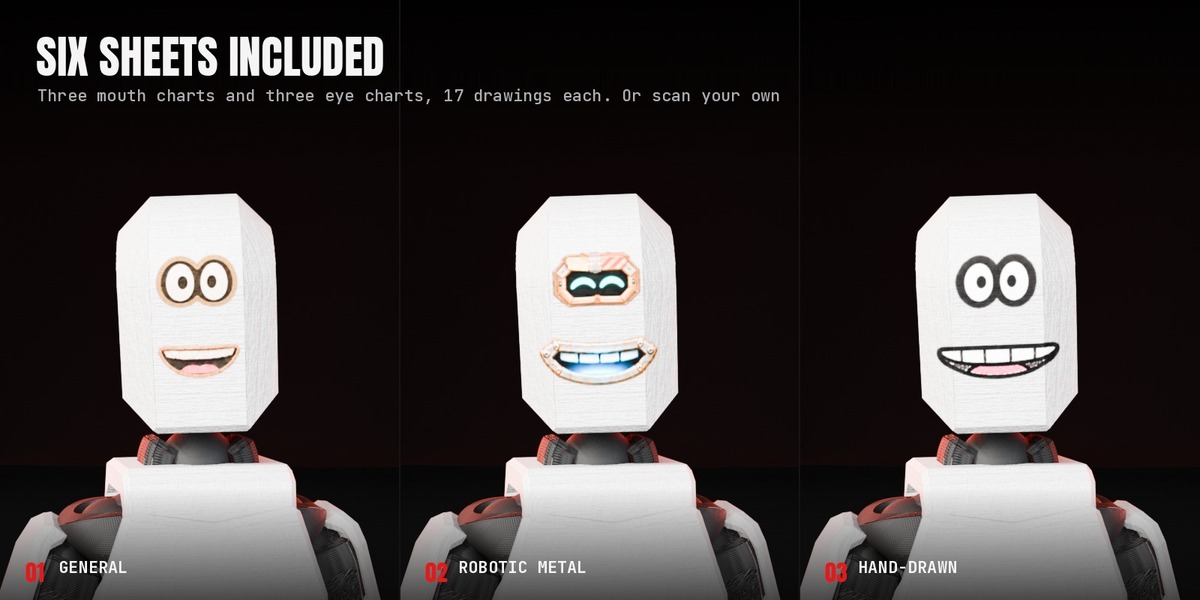
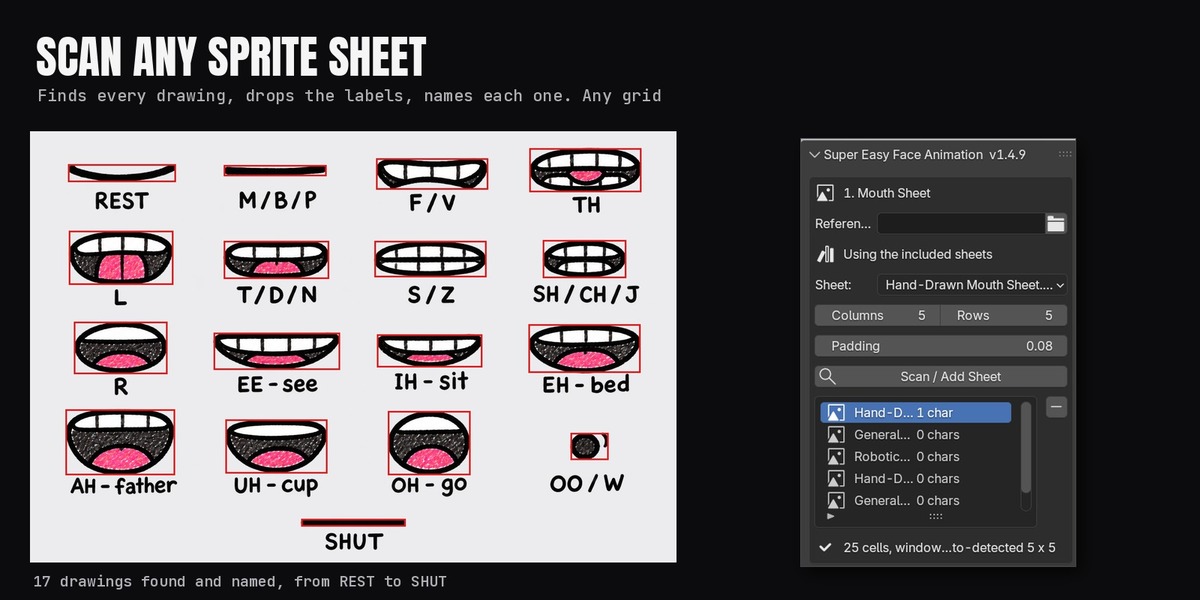
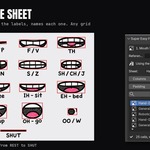
Yes. Set Reference Folder to a folder of PNG sprite sheets with transparent backgrounds and press Scan Sheet. The scanner finds the grid and leaves the labels out of the drawings.
Yes. You may use the included sheets in any renders, videos and games you make, including commercial ones. Please don't resell or redistribute the sheets themselves.
Yes. Set Recognizer to Phonetic (any language). PocketSphinx is tuned for English. Loudness mode works with any language.
Yes. Pick the .mov or .mp4 in Audio; the voice is extracted to a WAV beside the clip and used for analysis and the Sequencer.
Yes. Add each character with +; each has its own sheet, voice, start frame and keys. Analyze & Bake All does them all.
Raise Liveliness (0.8 to 1.0) and Analyze & Bake again. Adding a Dialog Text file with the spoken words also helps Rhubarb a lot.
Switch the viewport to Material Preview or Rendered. Solid view does not show textures.
Yes, both. Unlit (emission) keeps the drawing at full brightness in either engine.
No. The result is ordinary keyframes, objects and materials. Render farms and other computers don't need it.
The mouth is a texture swap on a card, keyed in Blender, so it doesn't export as a game-ready facial rig. Mask mode shape keys export with FBX like any shape keys.
Install from your Superhive library and accept Superhive as a remote repository. New versions then appear in Blender's Get Extensions.
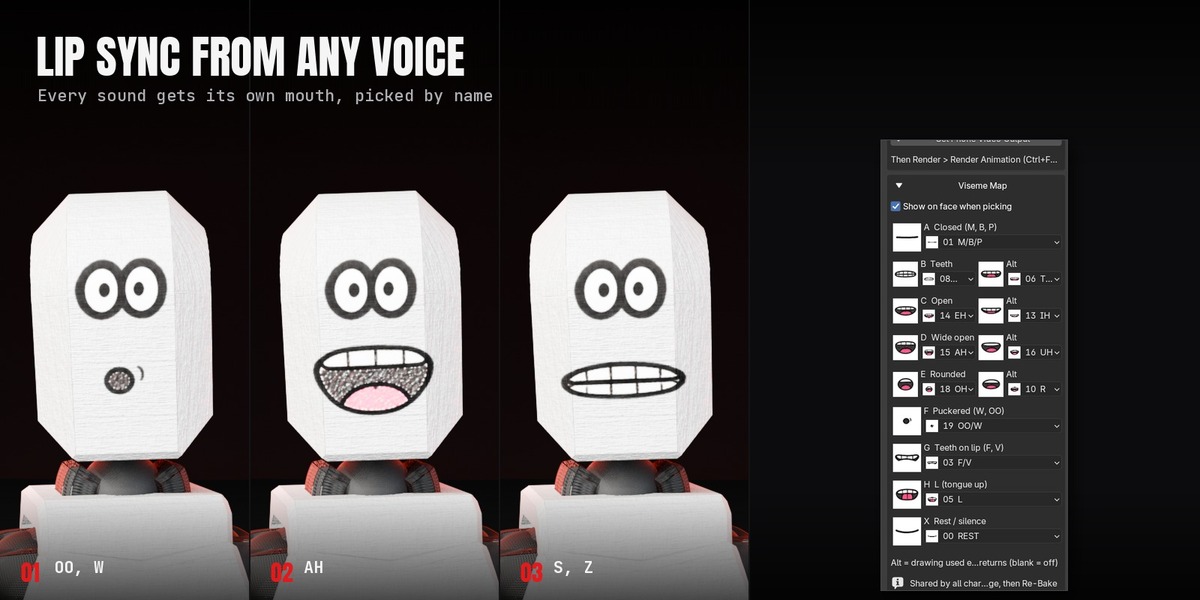
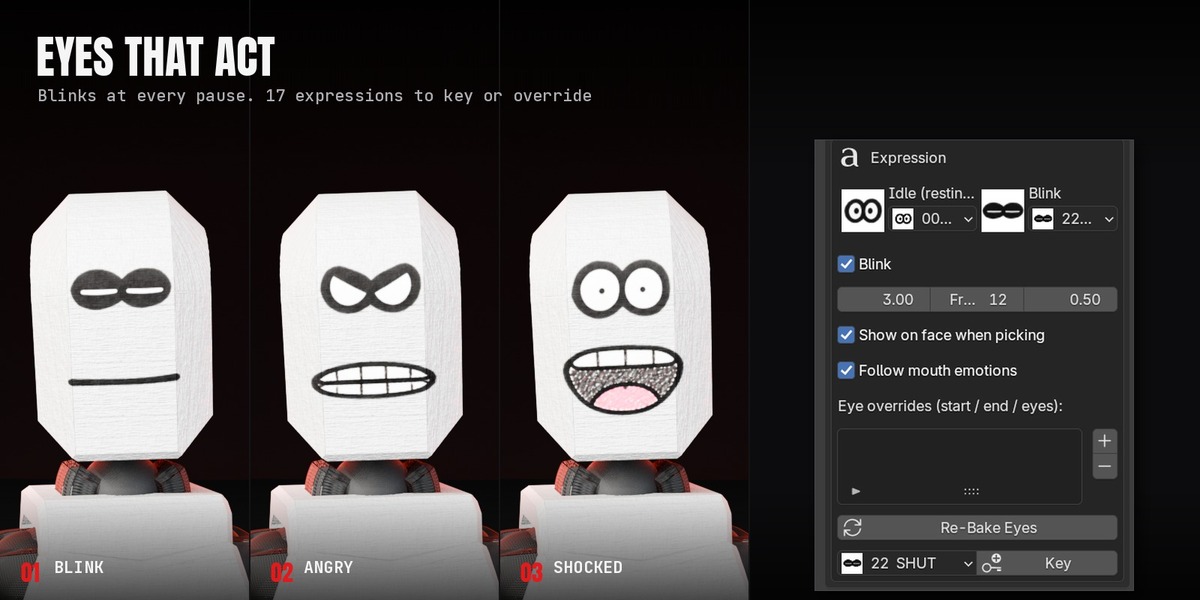
Yes. Every drawing drop-down shows a thumbnail of each drawing, the Viseme Map and eye pickers show the chosen drawing beside the menu, and with Show on face when picking on, your pick appears on the character straight away.
Have questions about this product?
Login to message
| Blender Extension Compatible | Yes |
| Published | about 2 hours ago |
| Blender Version | 5.0 - 5.3 |
| Extension Type | Add-on |
| Render Engine Used | Cycles, Eevee |
| License | GPL |
Discover more products like this
face animation lipsync sprite sheet rhubarb character animation eyes 2d face lip sync blink mouth