 Voyde Procedural


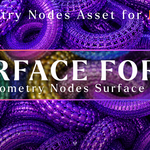
Surface Forge – 40+ Geometry Nodes Surface Presets
Surface Forge is a procedural Geometry Nodes asset library designed to help you instantly add detailed surface designs to your Blender objects.
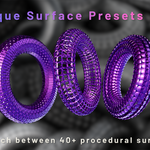
Featuring 40+ customizable surface presets, Surface Forge allows you to transform simple meshes into complex procedural structures without manual modeling.
What’s Included?
- 40+ unique Geometry Nodes surface presets
- Procedural surface detailing workflow
- Asset Browser ready setup
- Custom preview thumbnails
- Fully editable Geometry Nodes modifiers
- Organized preset library
- Ready-to-use Blender file
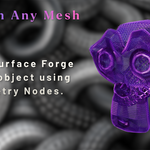
Works On Any Mesh
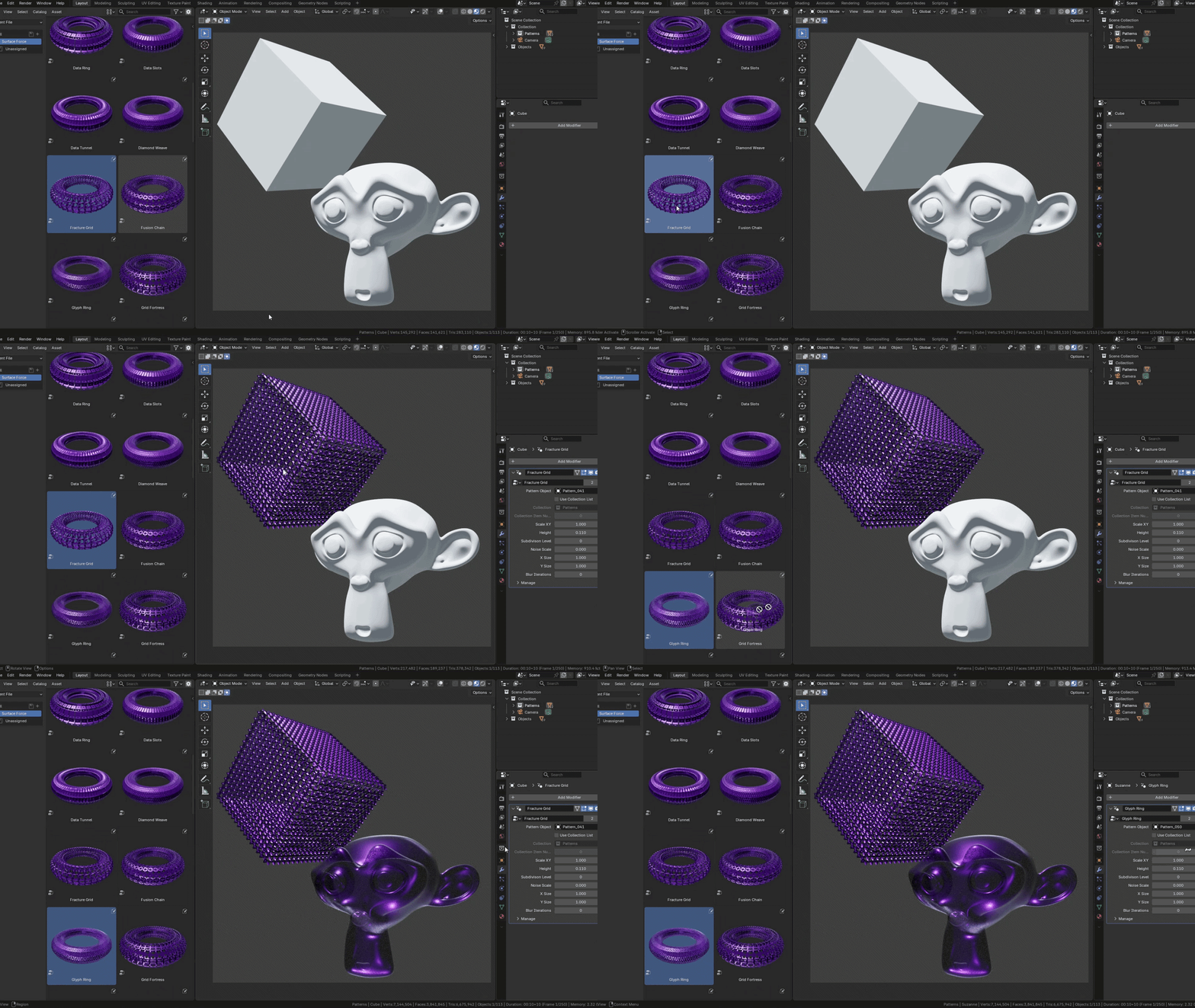
Surface Forge is designed to work on virtually any mesh or object inside Blender. Apply the presets to hard-surface models, props, abstract objects, sci-fi assets, product renders, motion graphics elements, characters, primitives, and custom geometry.
The same preset can create completely different results depending on the shape of the mesh, giving you a flexible procedural workflow for many different projects.
Customizable Controls
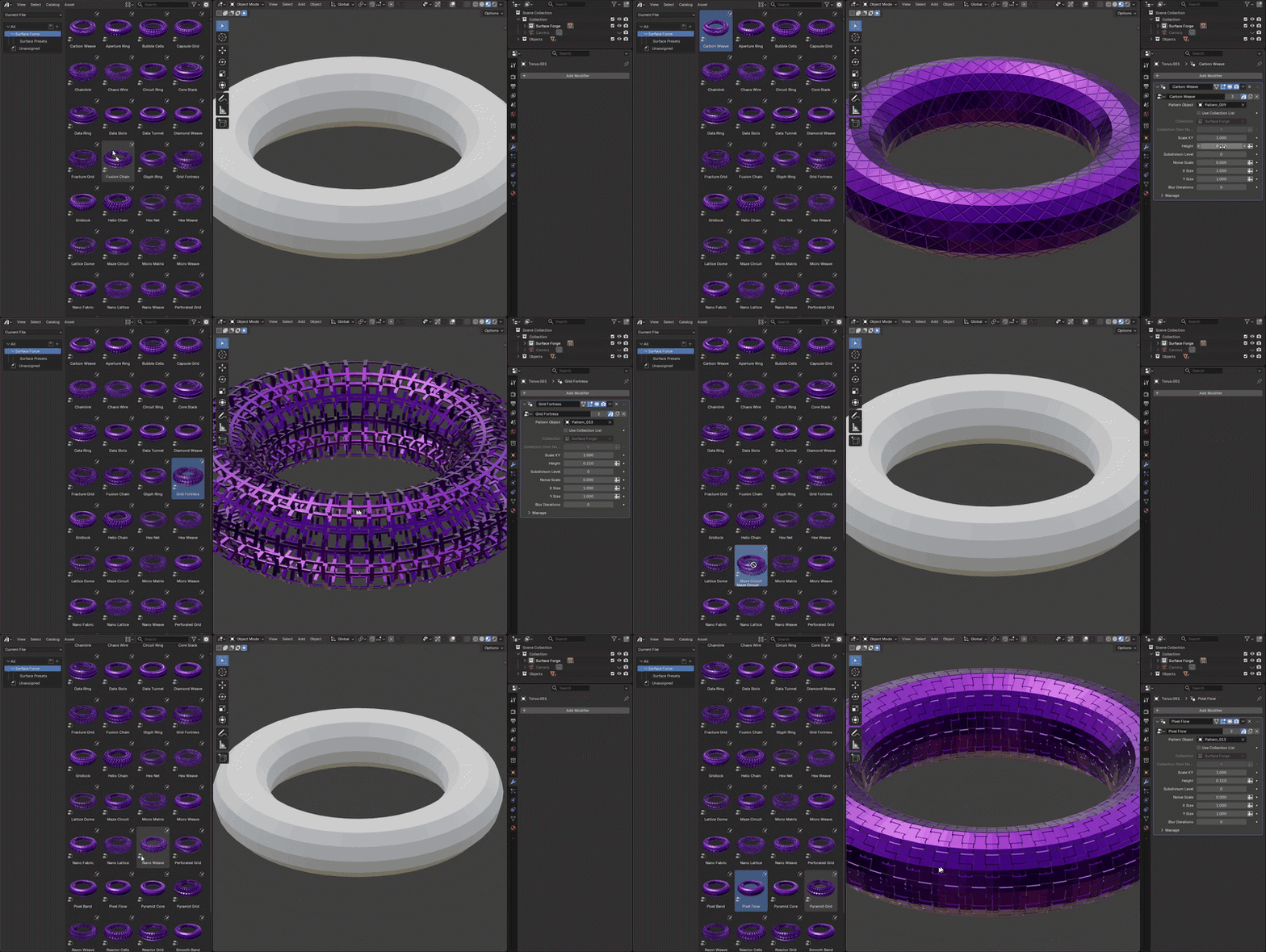
Each preset includes easy-to-use parameters directly inside the modifier panel, so you can quickly adjust the look without manually editing the node tree.
Material Friendly
Surface Forge works with Blender’s material system. You can apply your own materials directly to the object and create completely different looks using metal, ceramic, glass, plastic, emissive, procedural, or custom PBR materials.
Best For
- Hard-surface modeling
- Sci-fi assets
- Motion graphics
- Abstract 3D art
- Product visualization
- Procedural design exploration
- Surface detailing
- Experimental geometry workflows
Asset Browser Ready
All presets are prepared for Blender’s Asset Browser with custom thumbnails. Browse the library, select a preset, and apply it to your objects quickly inside Blender.
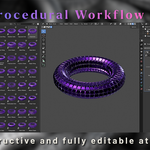
Non-Destructive Workflow
Surface Forge keeps your workflow procedural and editable. You can change presets, adjust parameters, modify materials, and continue refining the result at any time.