 JB FX
JB FX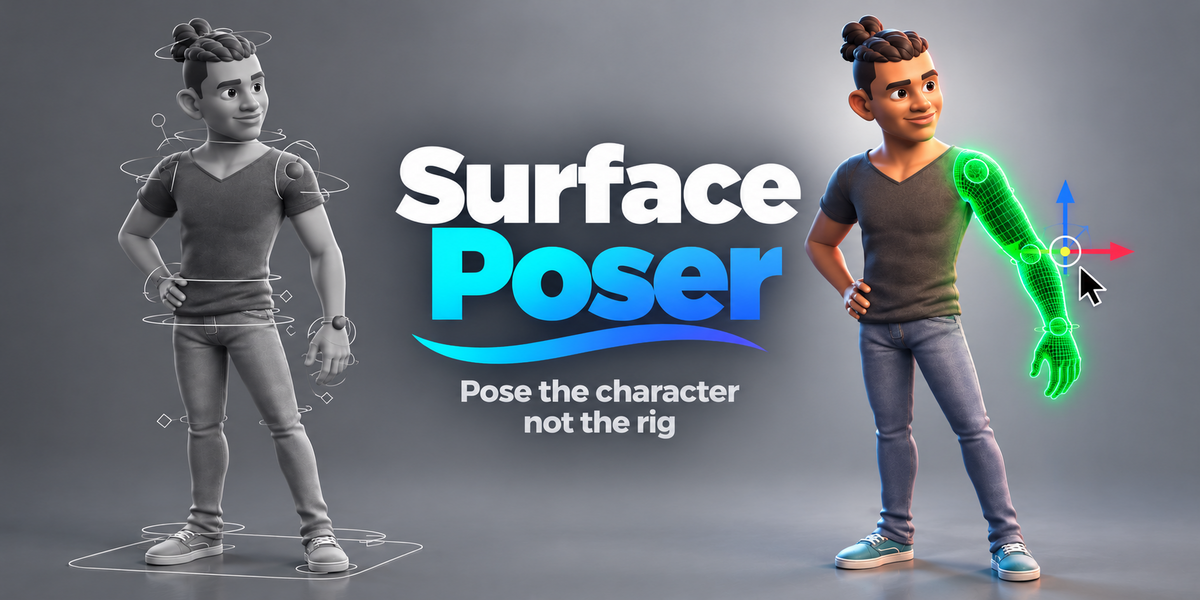




Character-first animation / Surface Poser 1.0.2
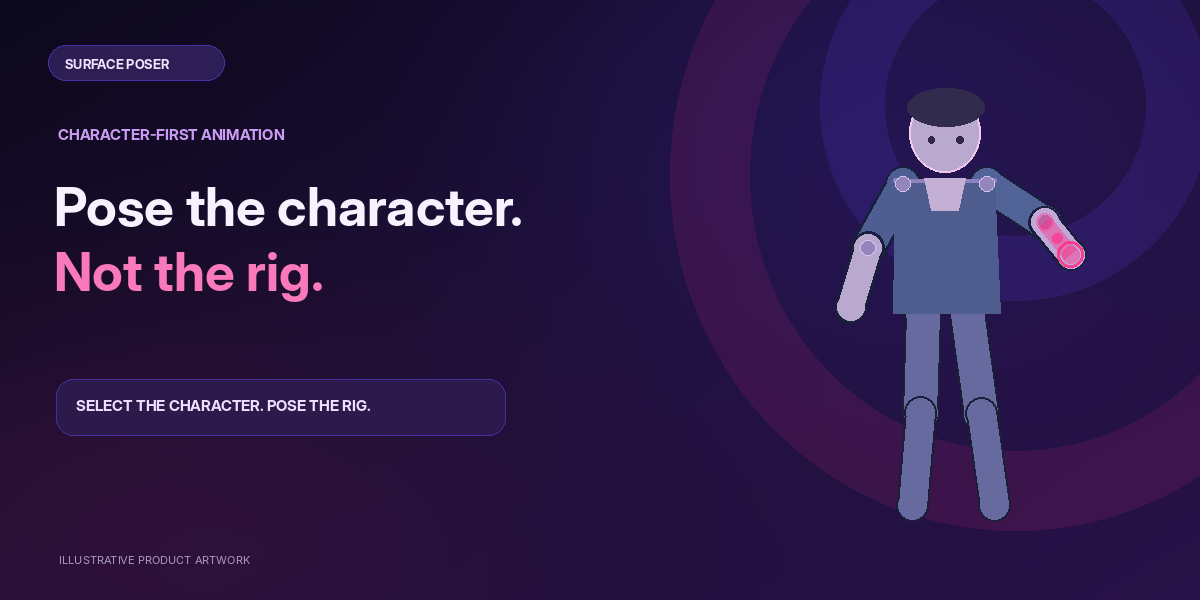
Pose the character.
Not the rig.
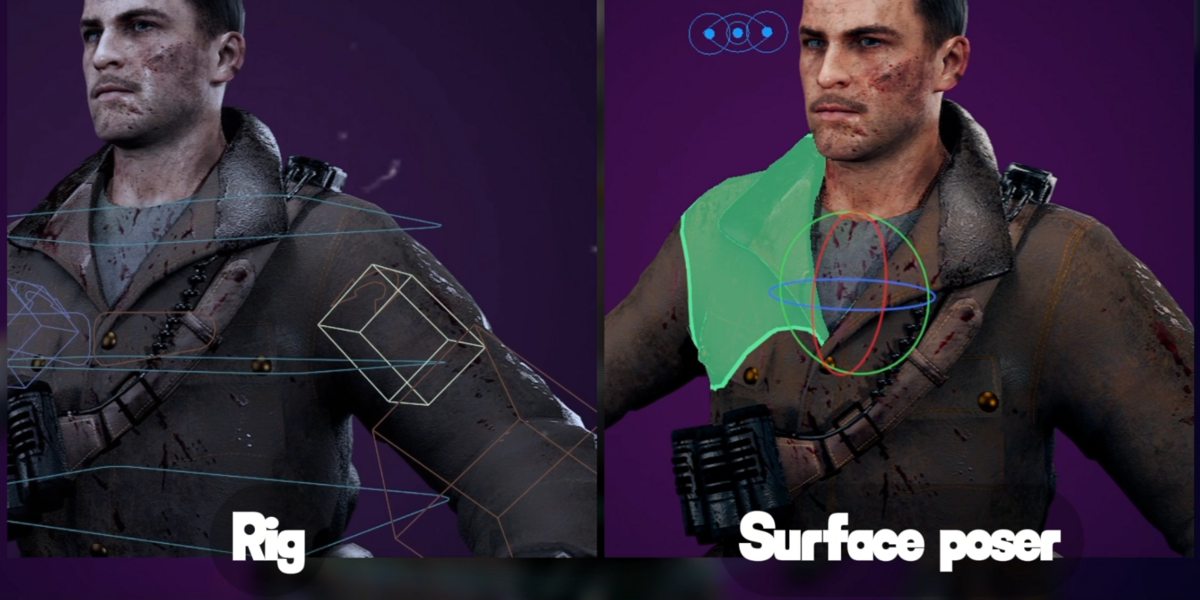
A cleaner way to animate existing armature rigs. Click highlighted mesh regions, move the original controls, and keep all the animation power you already have—without the clutter.
The difference is in the workflow
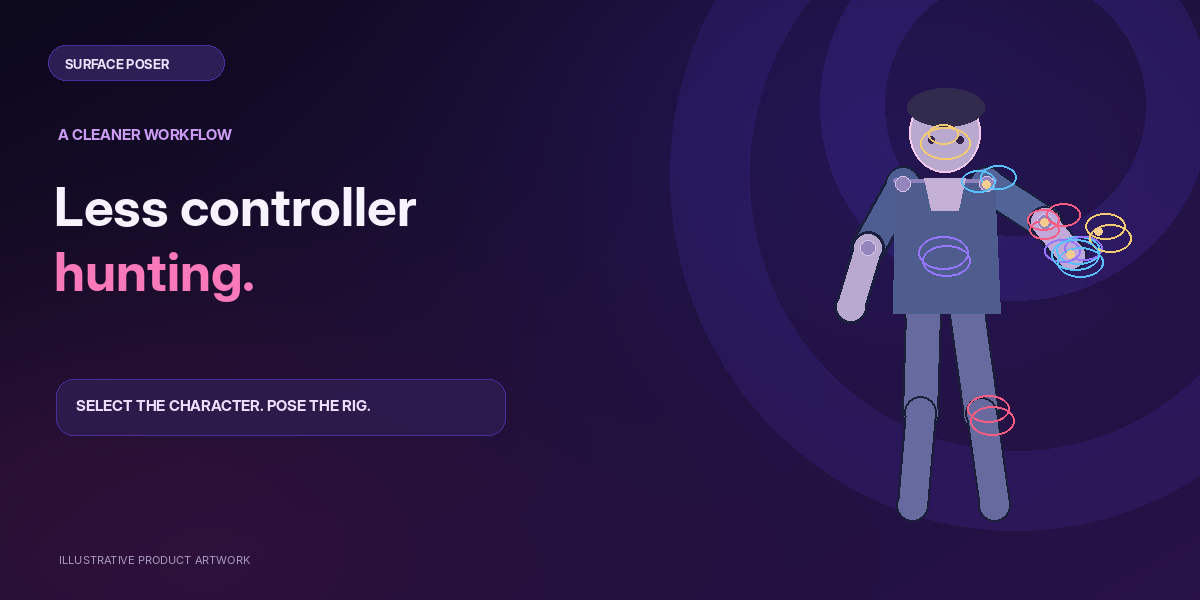
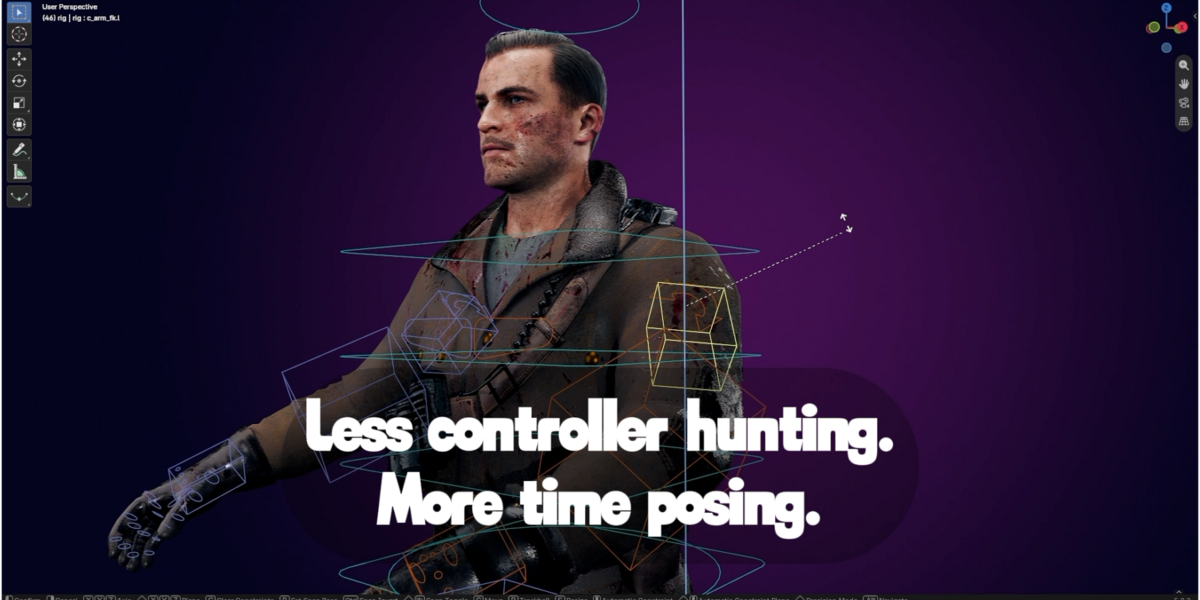
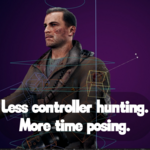
Less controller hunting.
More time posing.
Traditional animation often means navigating crowded controllers and searching for the right handle. Surface Poser lets the character itself become the selection interface.
BEFORE / TRADITIONAL CONTROLS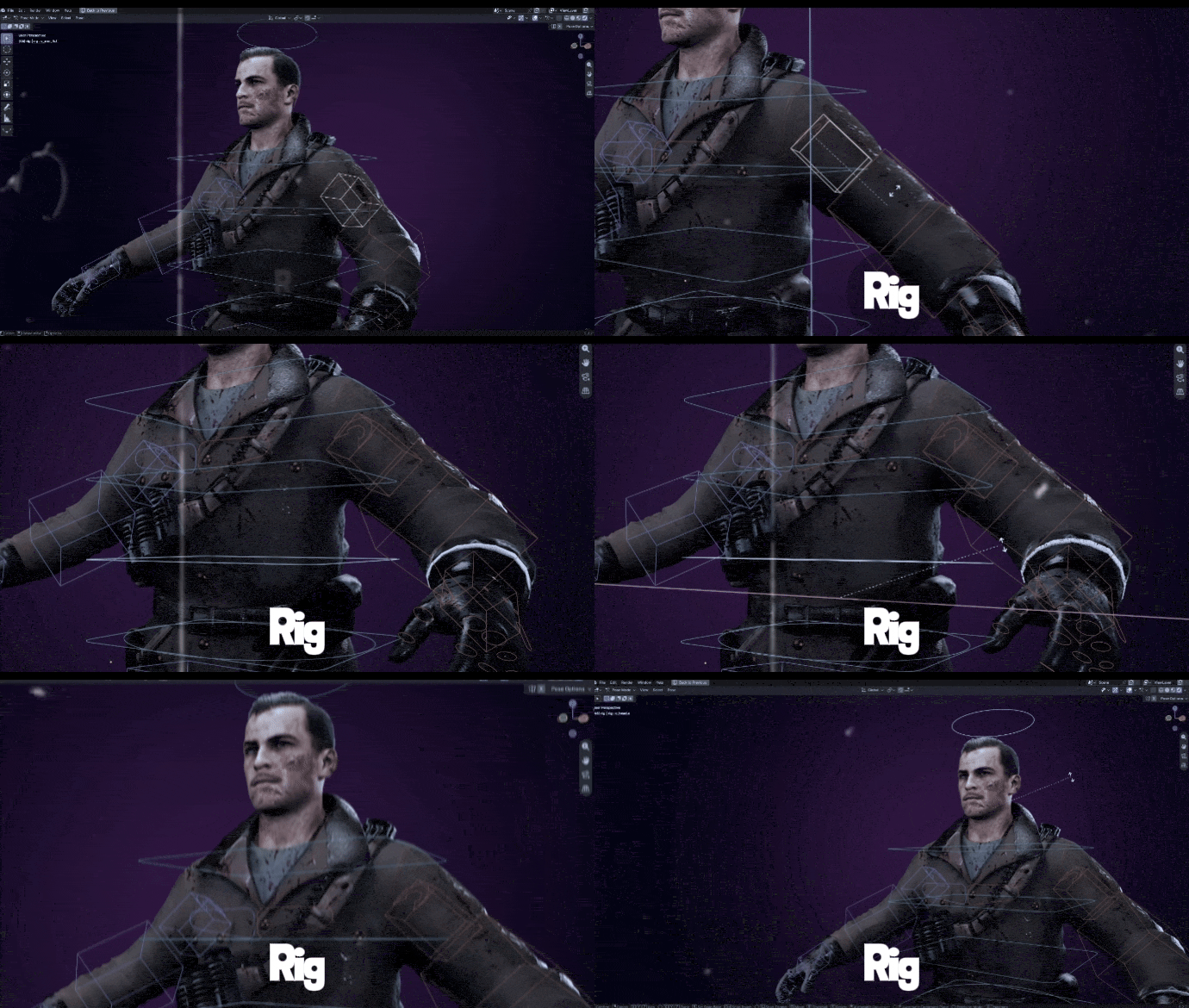
AFTER / SURFACE POSER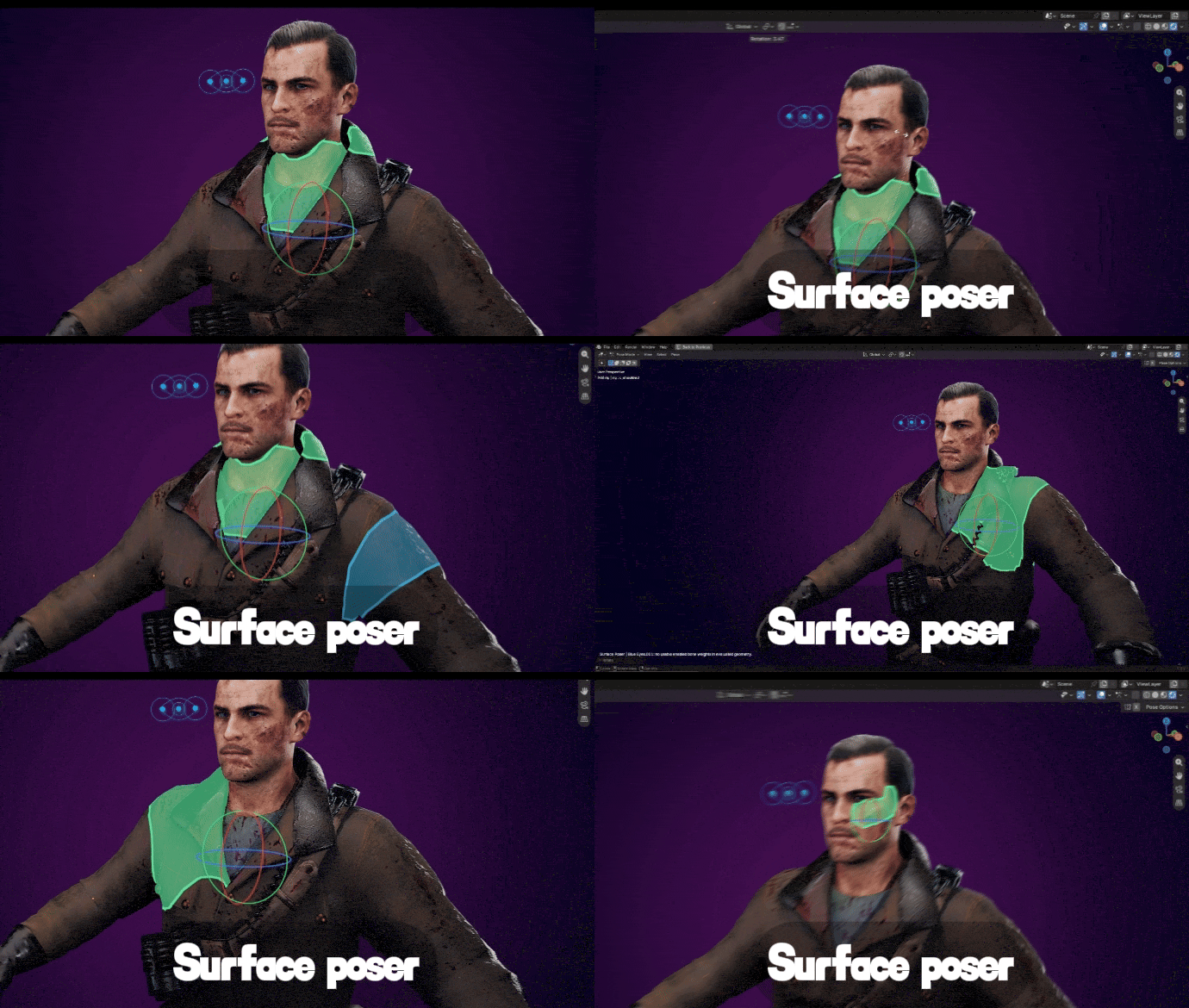
Workflow illustrations, not timed performance benchmarks. Replace with real side-by-side Blender screen recordings for the published product page.
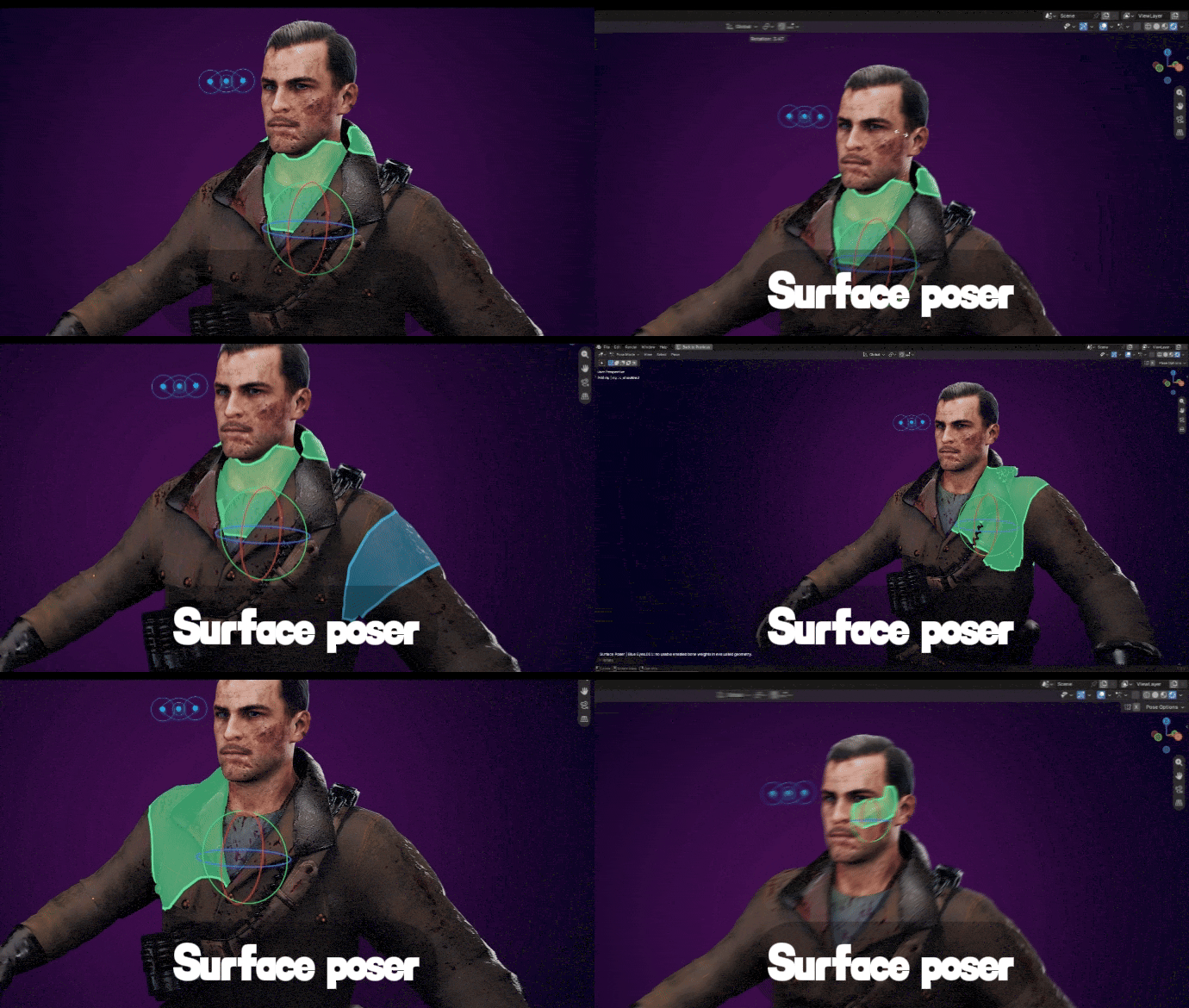
| 01 |
Direct region selection Your mesh is the interface.Hover over a body region, click to select, and transform the original rig control. The visible surface replaces the sea of selection shapes—not the skeleton underneath. |
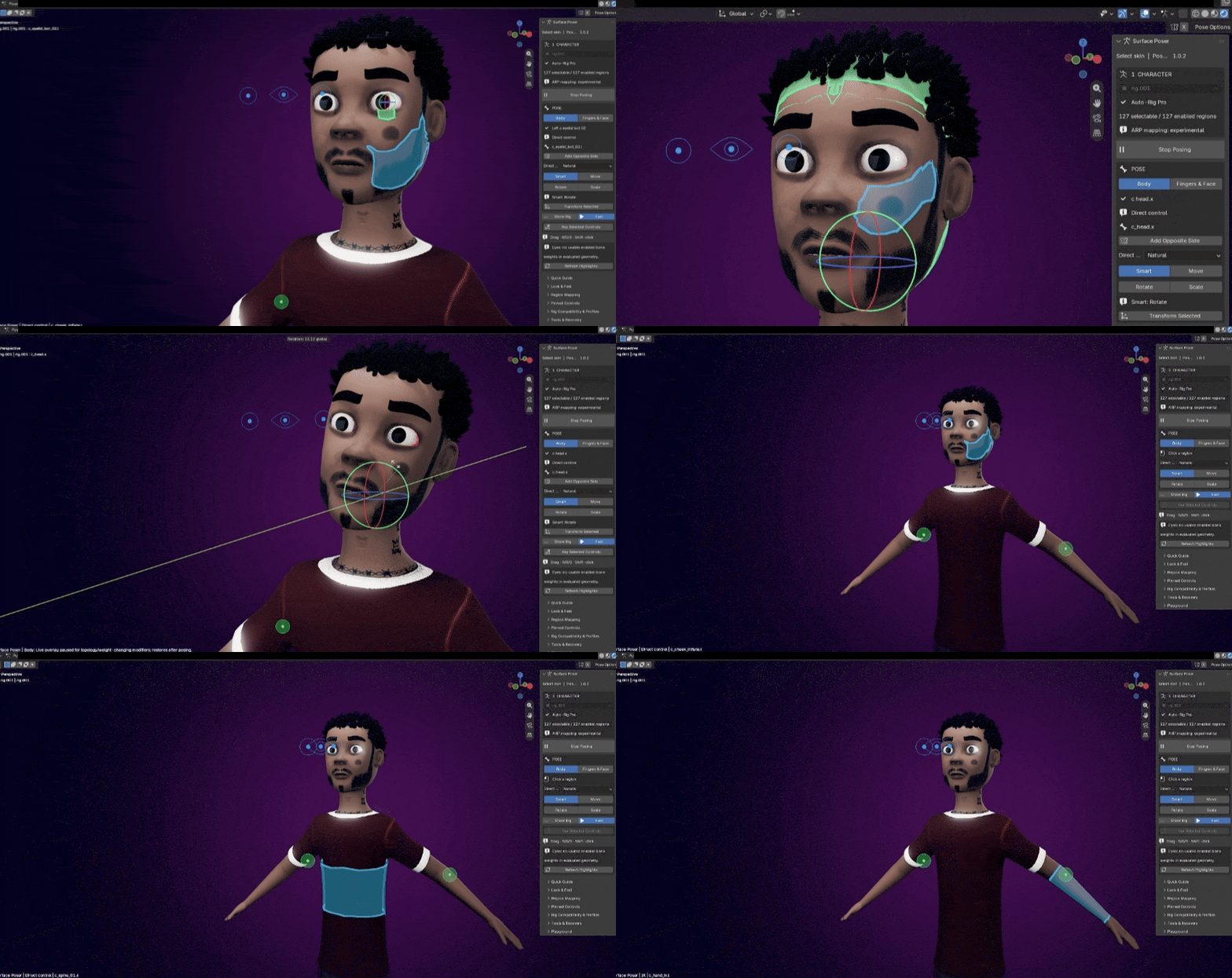
| 02 |
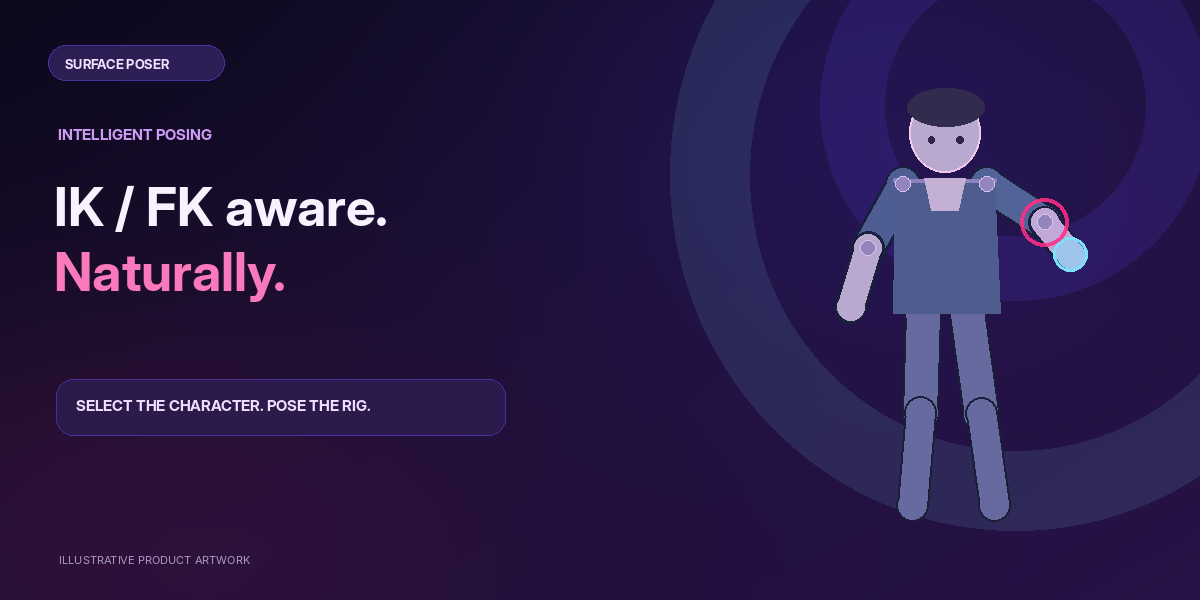
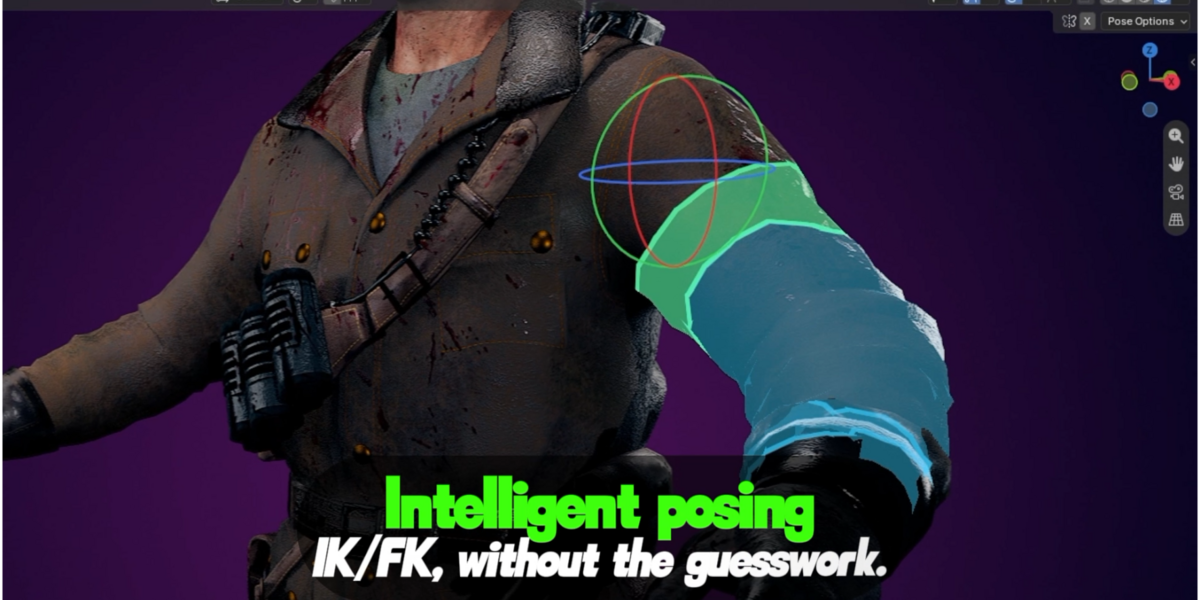
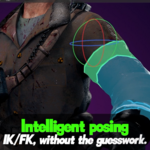
Intelligent posing IK/FK, without the guesswork.Hands and feet use recognized IK targets when the rig is in IK mode. FK regions rotate through the existing joint controls. Surface Poser follows the rig’s state without changing its IK/FK switch. |
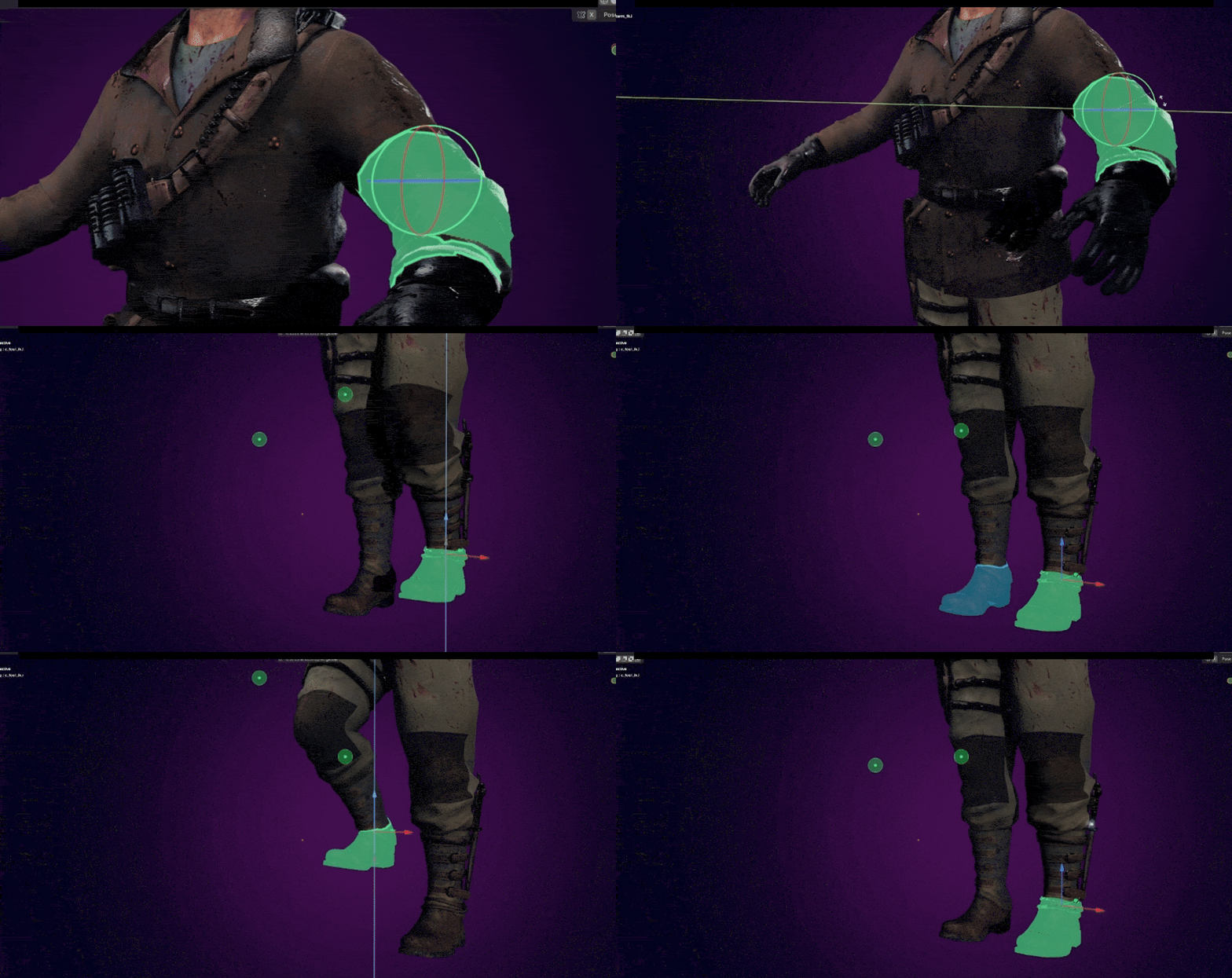
| 03 |
A viewport that breathes Hide the rig. Keep the power.Remove visual controller clutter while keeping constraints, weights, keyframes and rig behavior intact. Show Rig restores the original control display when you need it. |
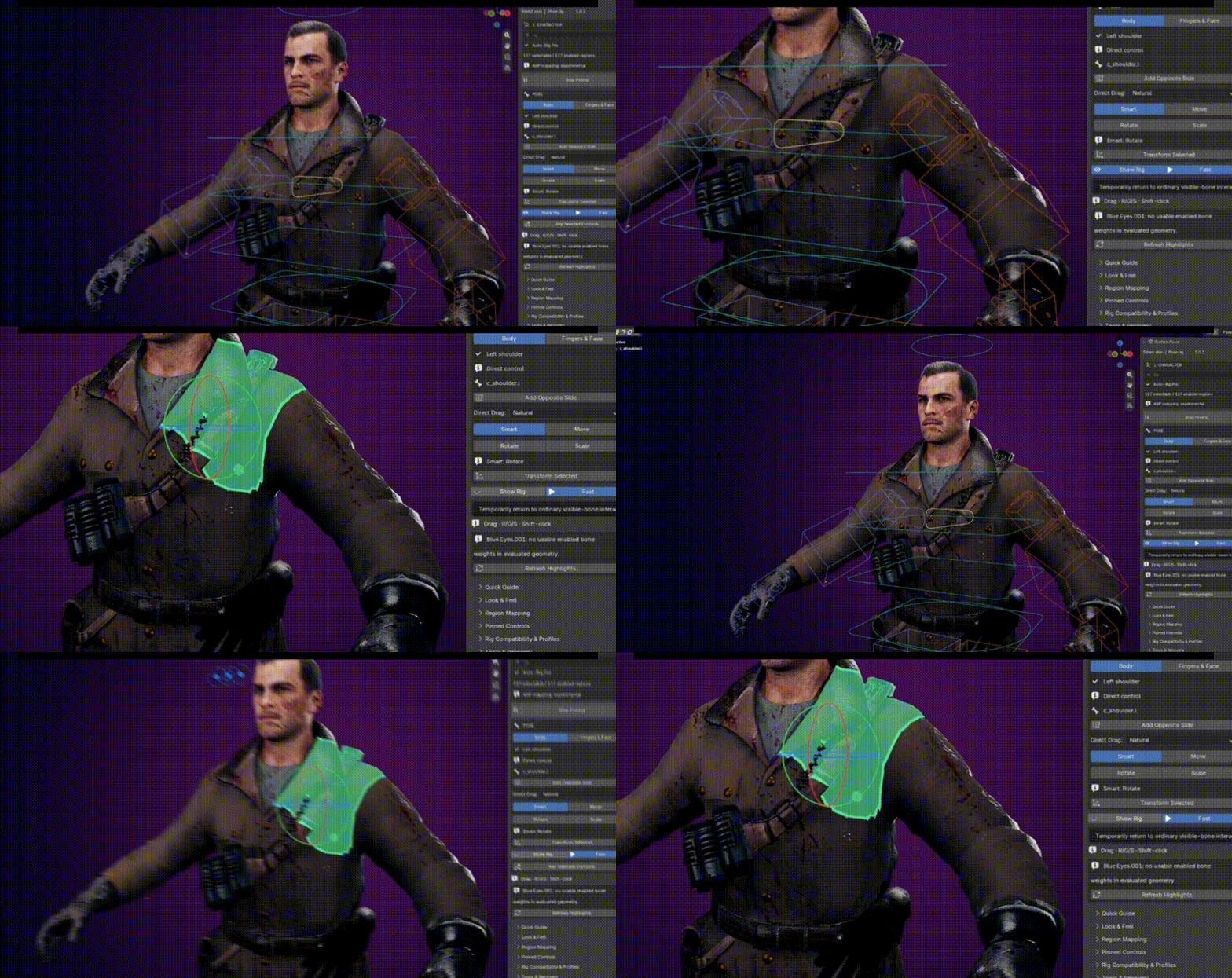
| 04 |
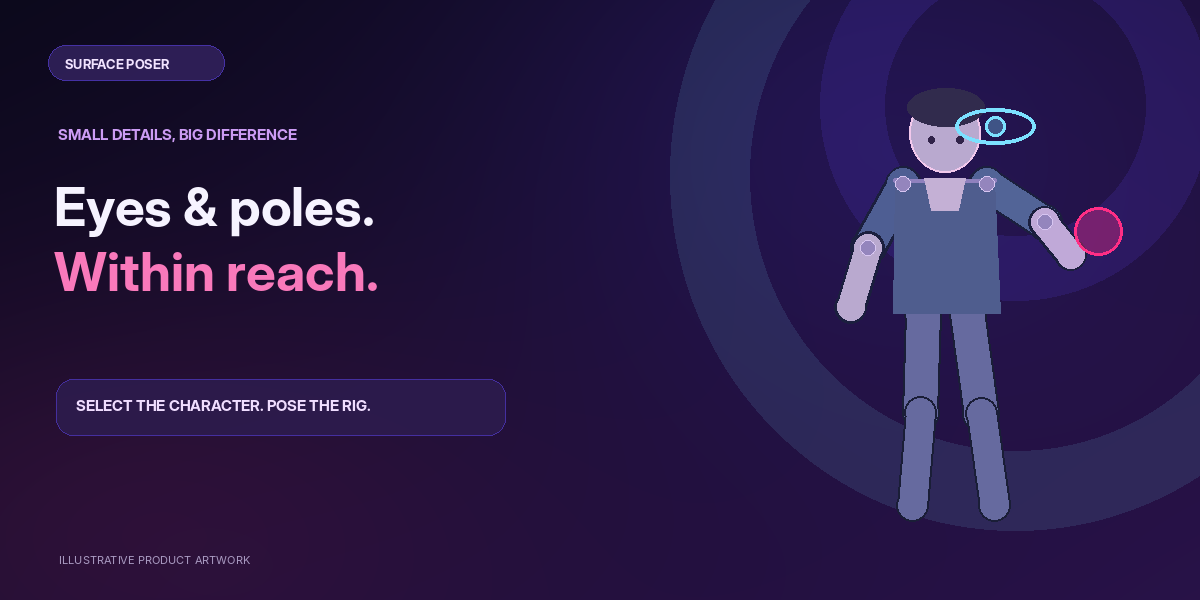
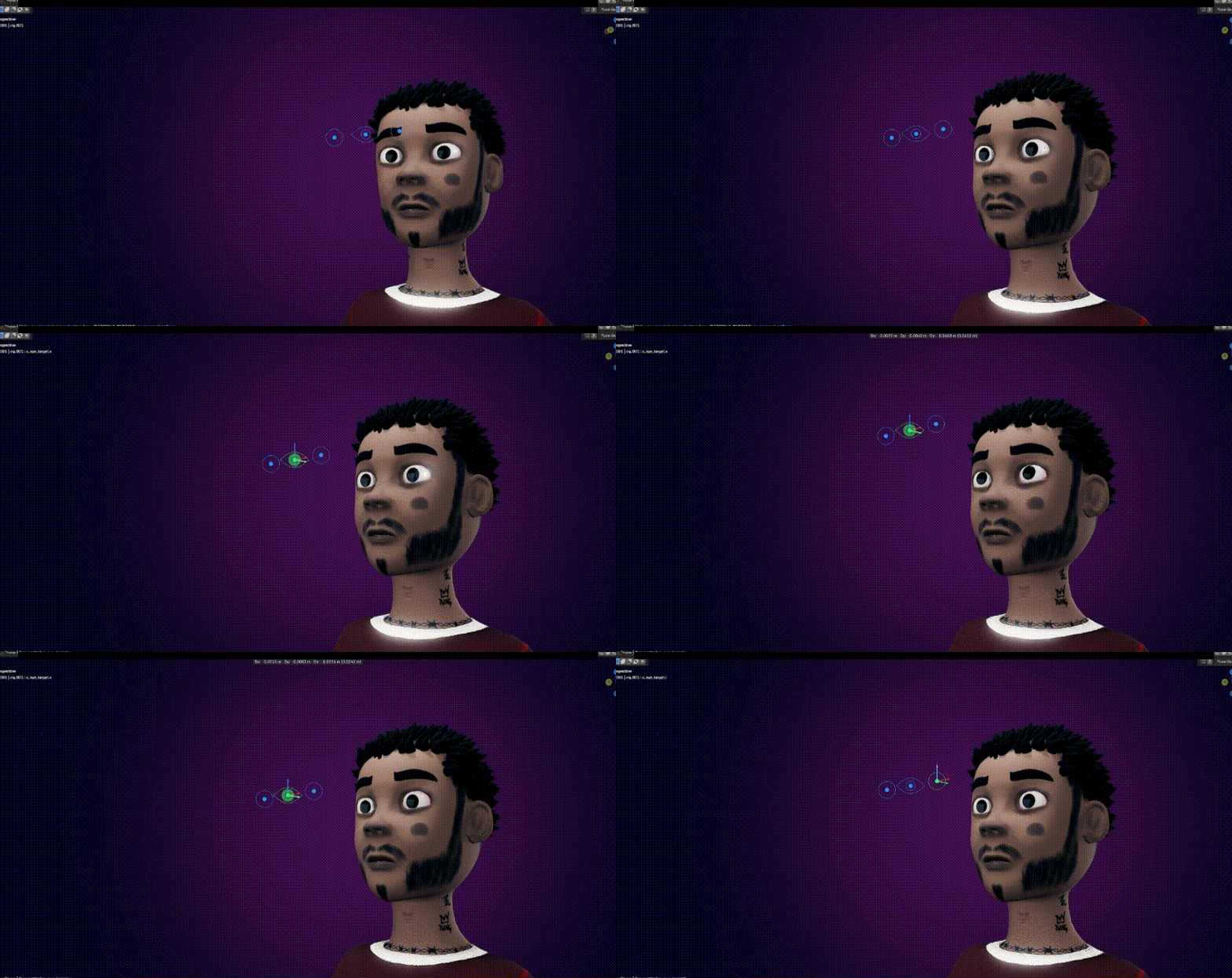
Viewport access Eyes and pole controls, right there.Click compact eye-target widgets and IK pole balls directly in the viewport. No searching through long lists to reach the controls you use constantly. |
| 05 |
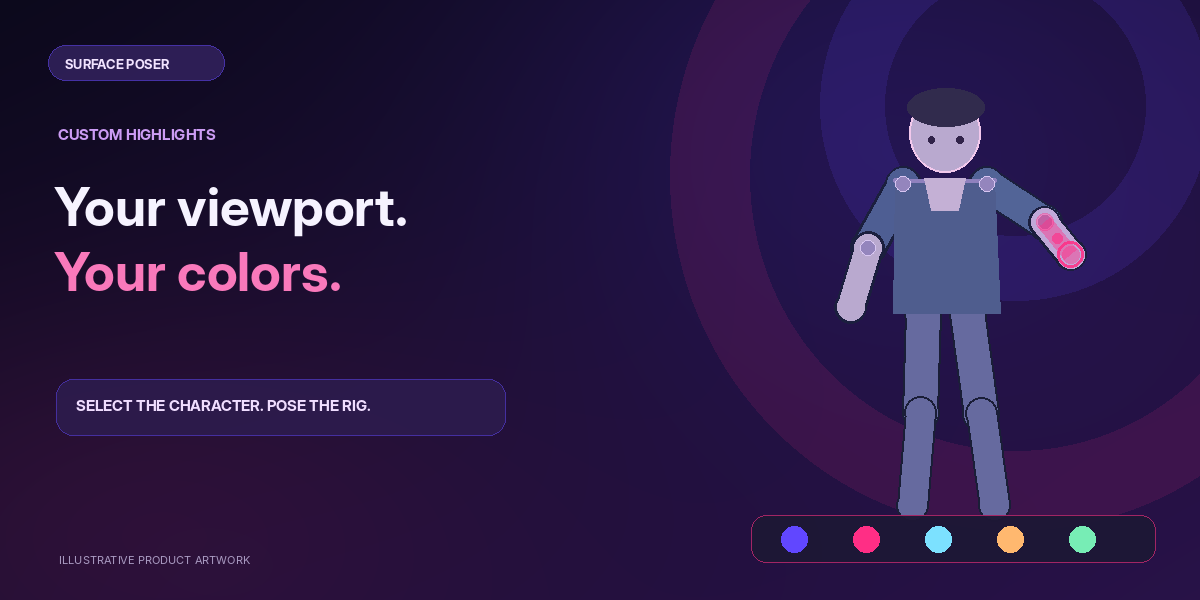
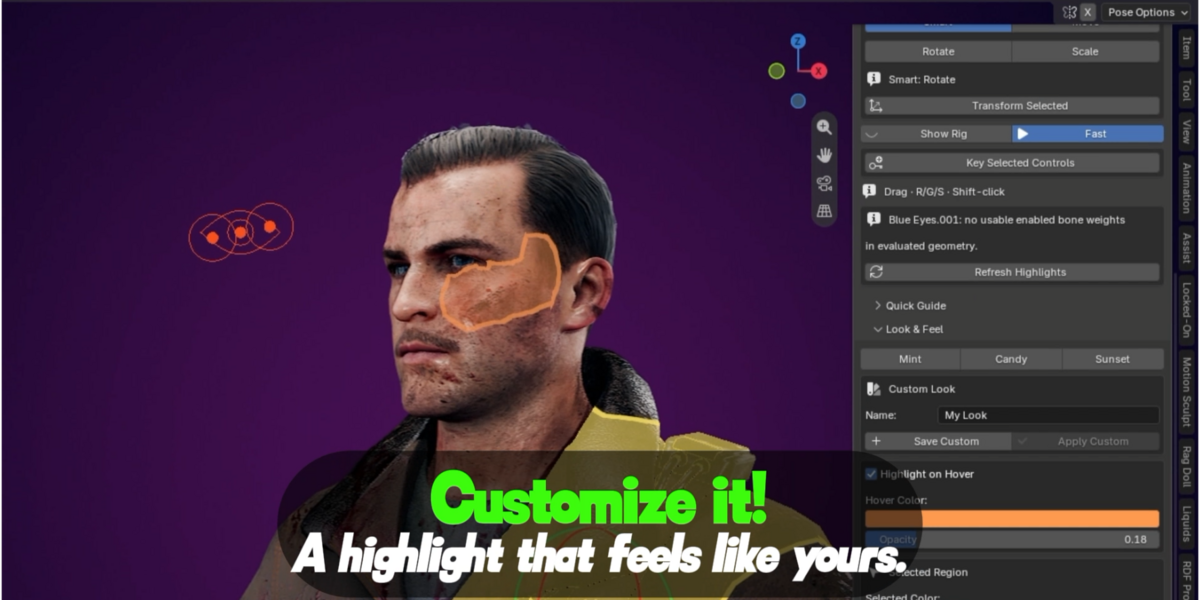
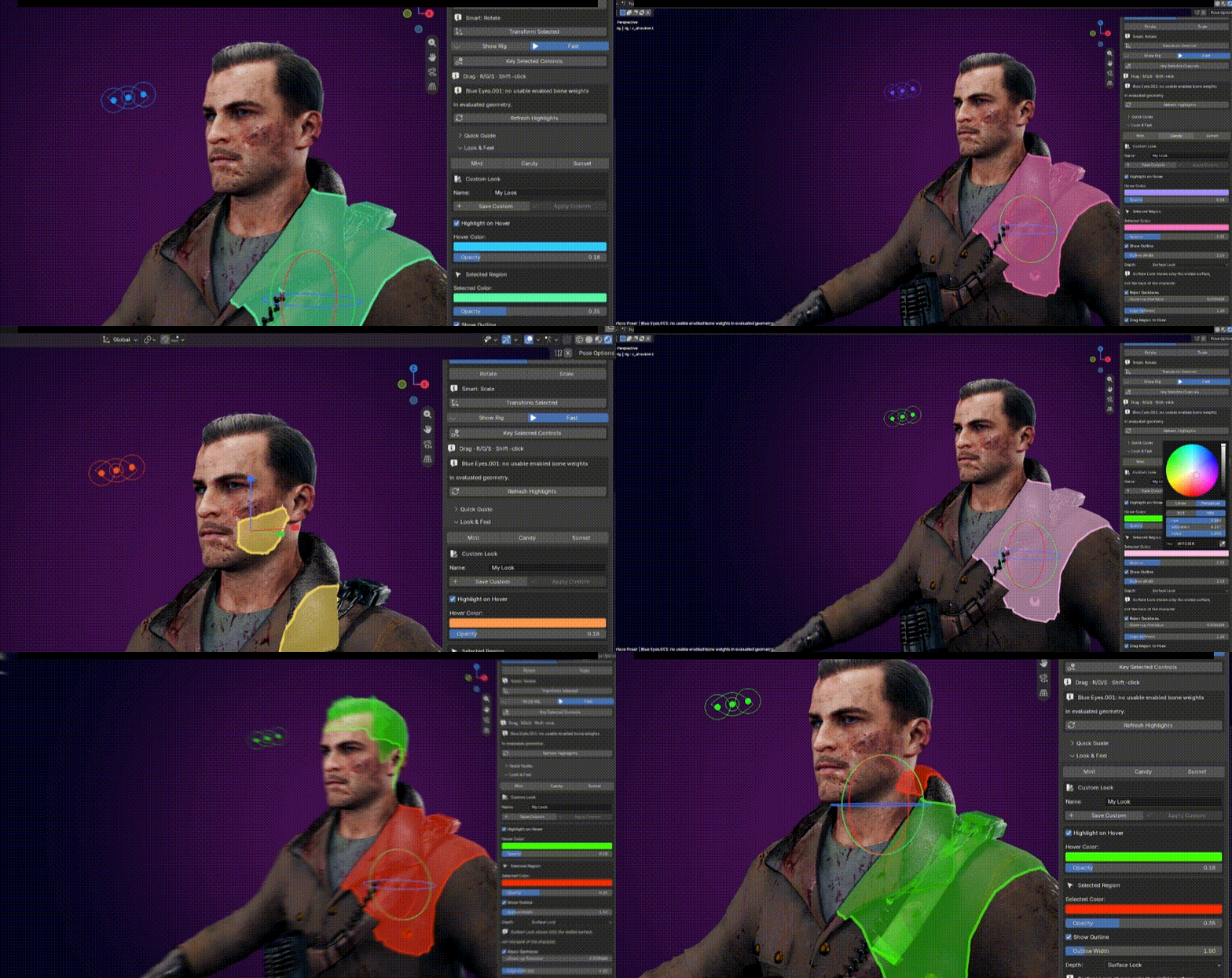
Candy, Mint, Sunset + Custom A highlight that feels like yours.Separate hover and selected colors, customizable opacity, gentle outlines, and saved appearance settings. The Candy look pairs electric violet with vibrant pink. |
| 06 |
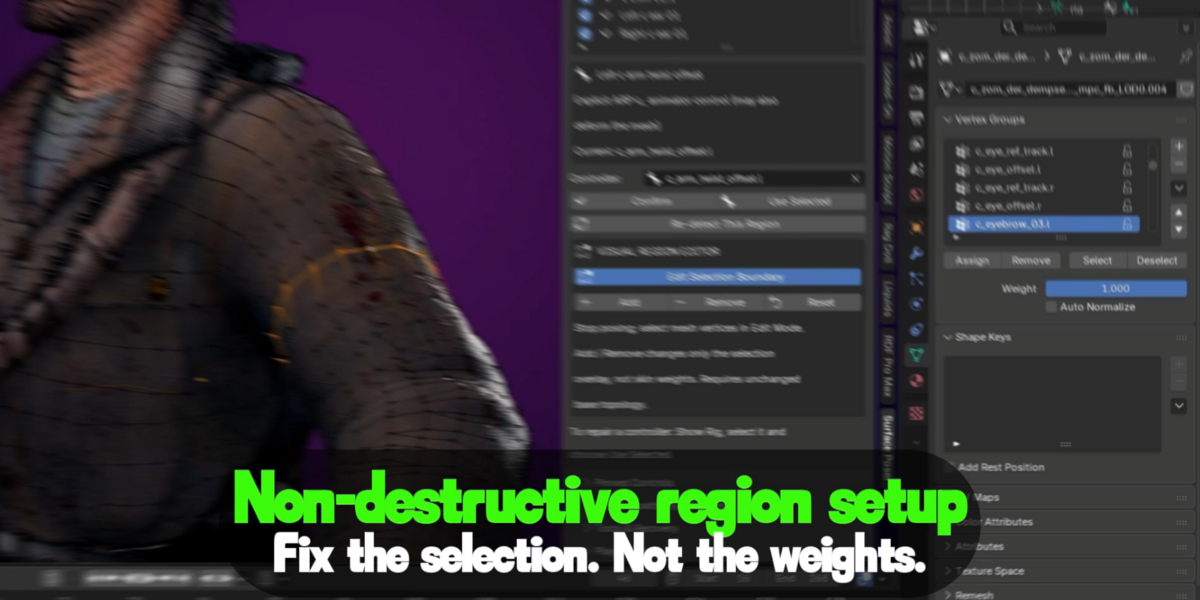
Non-destructive region setup Fix the selection. Not the weights.Refine a region with Add, Remove and Reset while keeping deformation weights untouched. Save reusable mapping profiles for compatible rigs. |
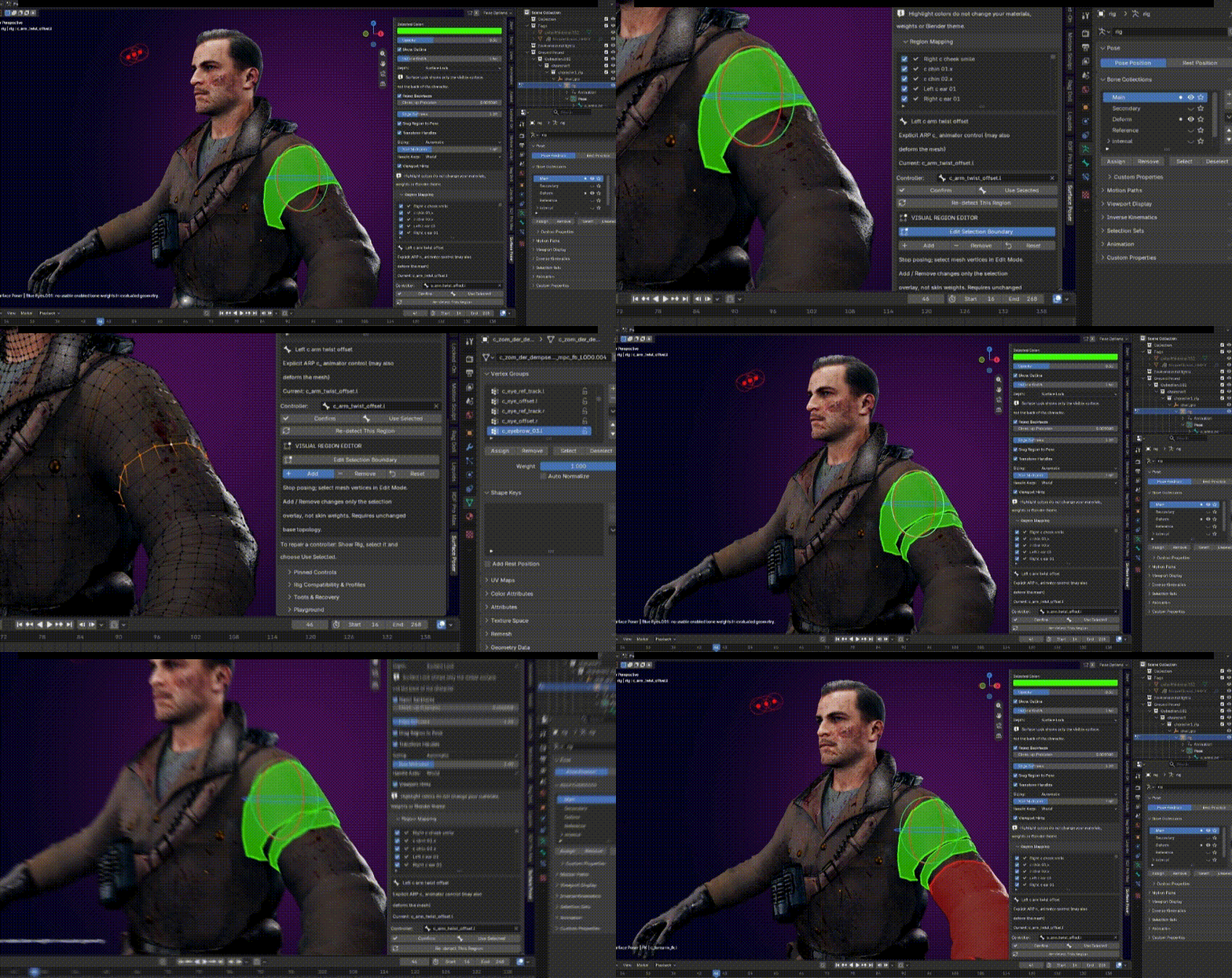
The region editor works through Blender’s Mesh Edit Mode; it is not a separate paint brush.
Small details. Smoother animation.
Built around the animator.
Native shortcutsUse G / R / S, ordinary keyframes, undo, and viewport navigation. |
Fast selectionCached region geometry helps keep surface interaction responsive. |
Multi-selectSelect multiple controls and add the opposite side when needed. |
Rig detectionAuto-setup for common rigs, with mapping review for uncertain regions. |
Surface LockDepth-aware highlighting favors the visible surface, not X-ray clutter. |
Mode recoveryTemporarily visit Edit Mode and return to surface posing. |
Three steps to a cleaner viewport
From rig to region in moments.
Choose an armature or a mesh attached to that armature.
Generate initial mesh regions and controller links, then review any uncertain mappings.
Click the highlighted surface and drag or use Blender’s normal transform tools.
Compatibility + honest expectations
Works with the rig you already have.
Surface Poser is designed for existing Blender armatures. Standard weighted characters and bone-parented pieces provide the most direct path to surface selection. Rigify, Auto-Rig Pro and Mixamo-style setups have mapping support, but nonstandard controllers may require a quick manual adjustment.
Mechanical / vehicle note: Full support for cars, hard-surface rigs, and topology-generating modifiers (including Edge Split) is not part of the current guaranteed feature set. These require compatibility testing or future updates.
Quick-start documentation
Install. Select. Pose.
- In Blender, open Edit → Preferences → Add-ons.
- Choose Install from Disk, select the Surface Poser ZIP, and enable the addon.
- In the 3D Viewport, press N and open the Surface Poser tab.
- Select your rig or its skinned mesh, then use Auto Setup.
- Click Start Posing. Pick a region, then drag, press G/R/S, or keyframe as usual.
Frequently asked questions
Does it replace my rig?
No. Surface Poser is a rig interaction tool. Your existing armature, deformation, IK/FK constraints and animation remain in charge.
Does it change skin weights?
No. Region boundary edits are stored separately from the original deformation weights.
Can I use custom rigs?
Often, with suitable armature and mesh relationships. Mapping is conservative: ambiguous controls can be assigned manually and saved as profiles.
Does it add an IK solver?
No. It moves and rotates existing rig controls. IK and FK behavior depends on how your character is rigged.
What versions are required?
The extension manifest targets Blender 4.5 or later. Actual operation depends on the Blender build, graphics backend and your rig.
What if I need my usual rig controls?
Choose Show Rig to temporarily restore the original controller visibility. Edit Mode and viewport navigation remain part of the workflow.
Surface Poser 1.0.2
Spend less time finding controls.
More time finding the pose.
Existing rigs. Cleaner viewport. Your animation workflow, made more direct.
BLENDER EXTENSION • GPL-3.0-OR-LATER • VERSION 1.0.2
