 3D Tudor


WoodDetail Decal Pack Vol.1
A Blender-led wood surface detail library for artists who need believable wood-grain runs, knots, fibre patches, log ends, and worn timber surfaces without hand-painting every detail from scratch — designed to add an organic touch to dungeon environments, hero props, and landscape work.
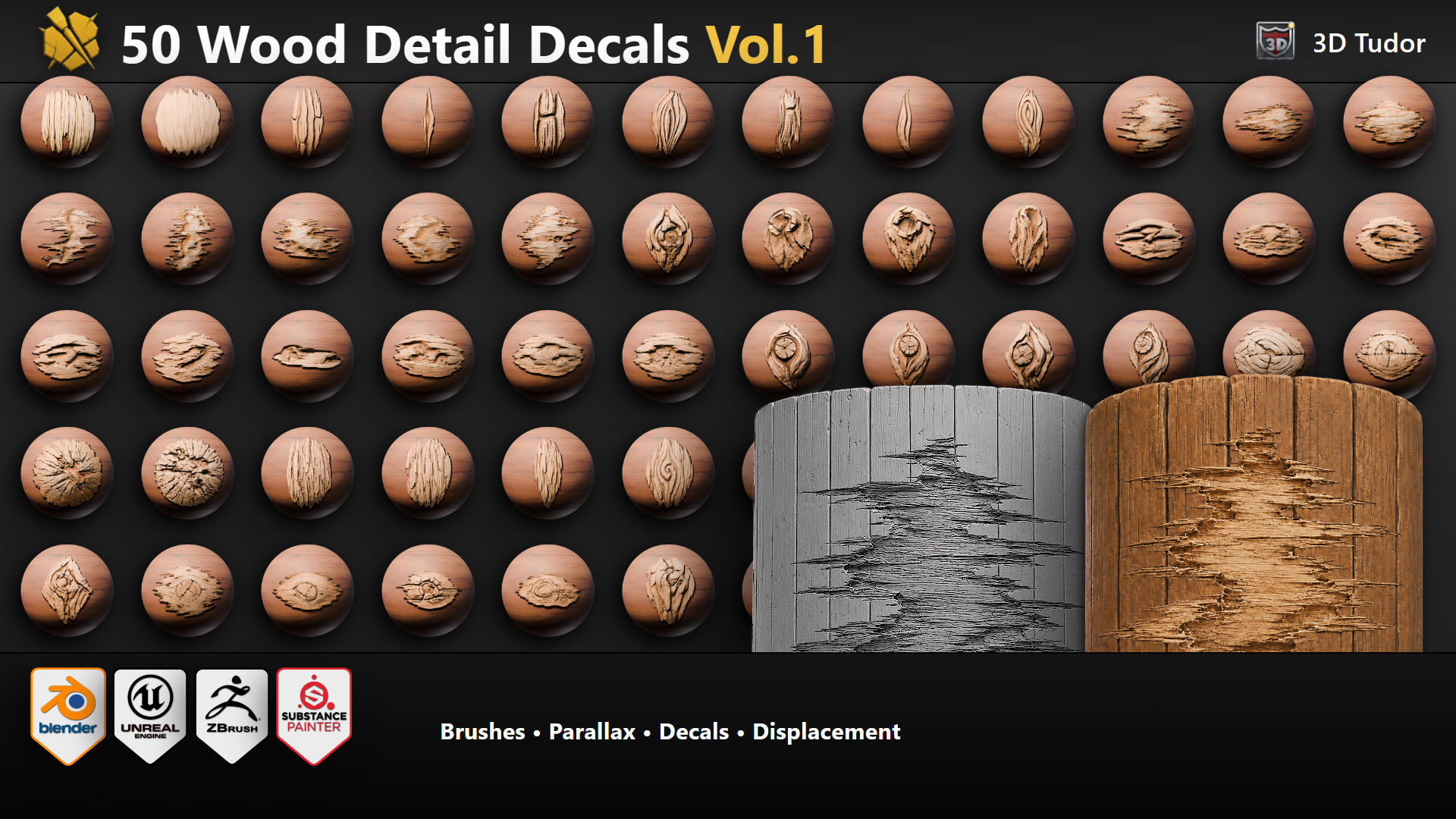 Overview: 50 wood detail designs prepared for brush, decal, parallax-style, and displacement-style workflows, supported by 2K PBR maps.
Blender-first wood detail with room to grow
WoodDetail Decal Pack Vol.1 is built around 50 unique wood designs. We covered the variety artists actually reach for — fibre patches for broken and worn timber, knots for branches and seamless texture breakup, log-end pieces for big timber sections, deformities where wood sticks out, and smaller pieces for corner-breakup detail when sculpting. Those designs are prepared as practical production assets across four use modes: brush, flat decal or stencil, parallax-style depth mark, and displacement-style detail source.
Count clarity: 200 included assets means those same 50 designs prepared across four use modes. It does not mean 200 separate unique brush designs.
What you get
- 50 unique wood detail designs.
- Brush, decal/stencil, parallax-style, and displacement-style use routes.
- 2K PNG maps: BaseColor, Opacity, Height, Normal OpenGL, Roughness, and Ambient Occlusion.
- Blender-led version choices with wider software bundles where needed.
- Unreal Engine 5 colour-curve setup pre-wired — match one decal to your wood tone, copy parameters across the rest.
Why it exists
A lot of wood texture libraries are either too generic, too flat, or too hard to move between workflows. This pack is built for the moment where you know your wood surface needs more of an organic touch — a knot here, a fibre patch there, a chipped log end on the corner — but you do not want the detail to look like a random stamp pasted over the top.
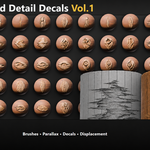
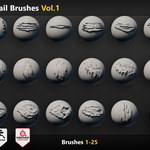
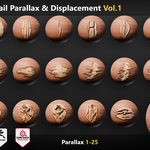
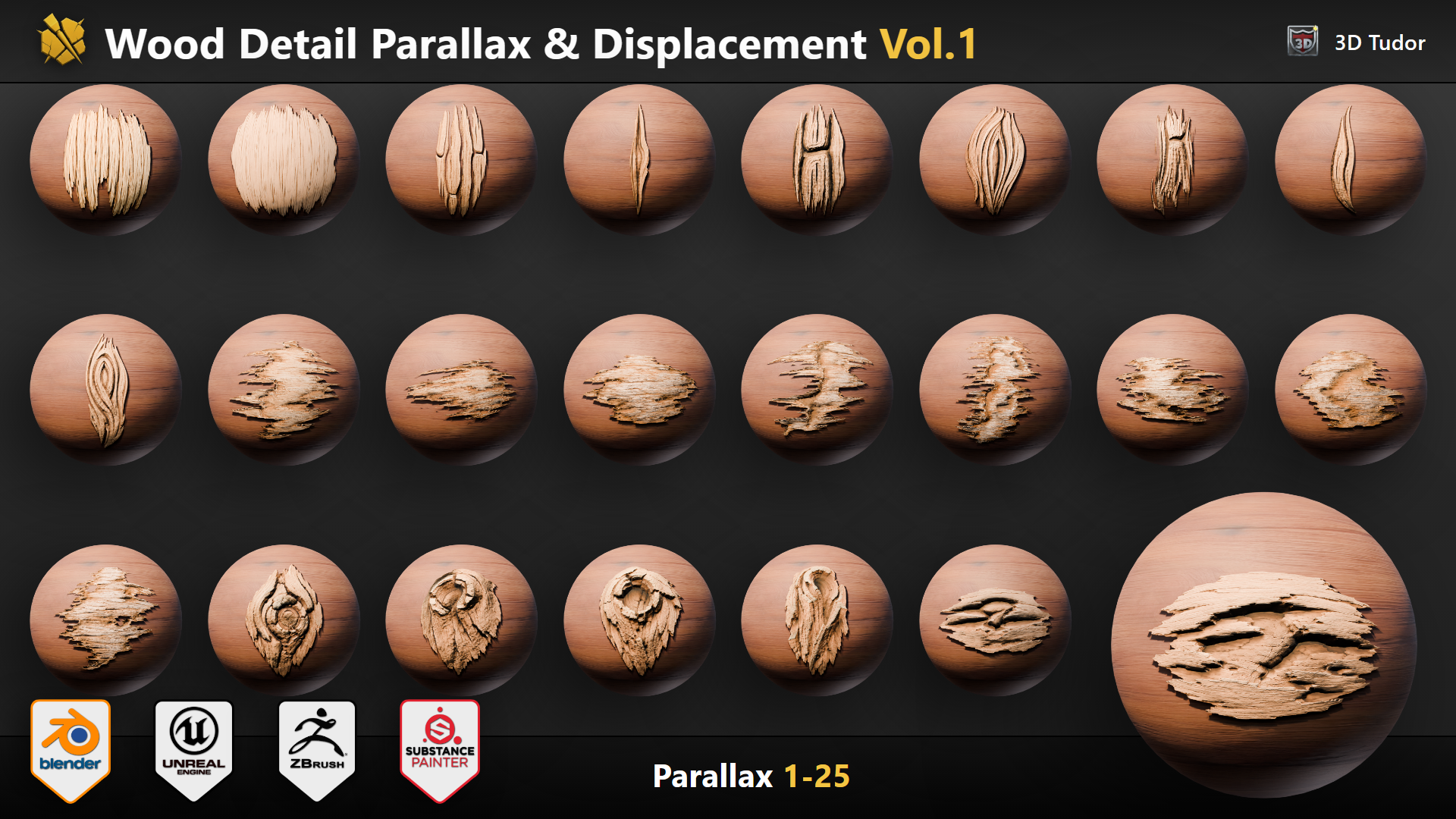 Design comparison: Designs 1 to 25 for comparing wood-grain, knots, and fibre patterns before choosing a workflow file.
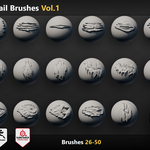
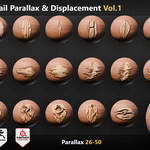
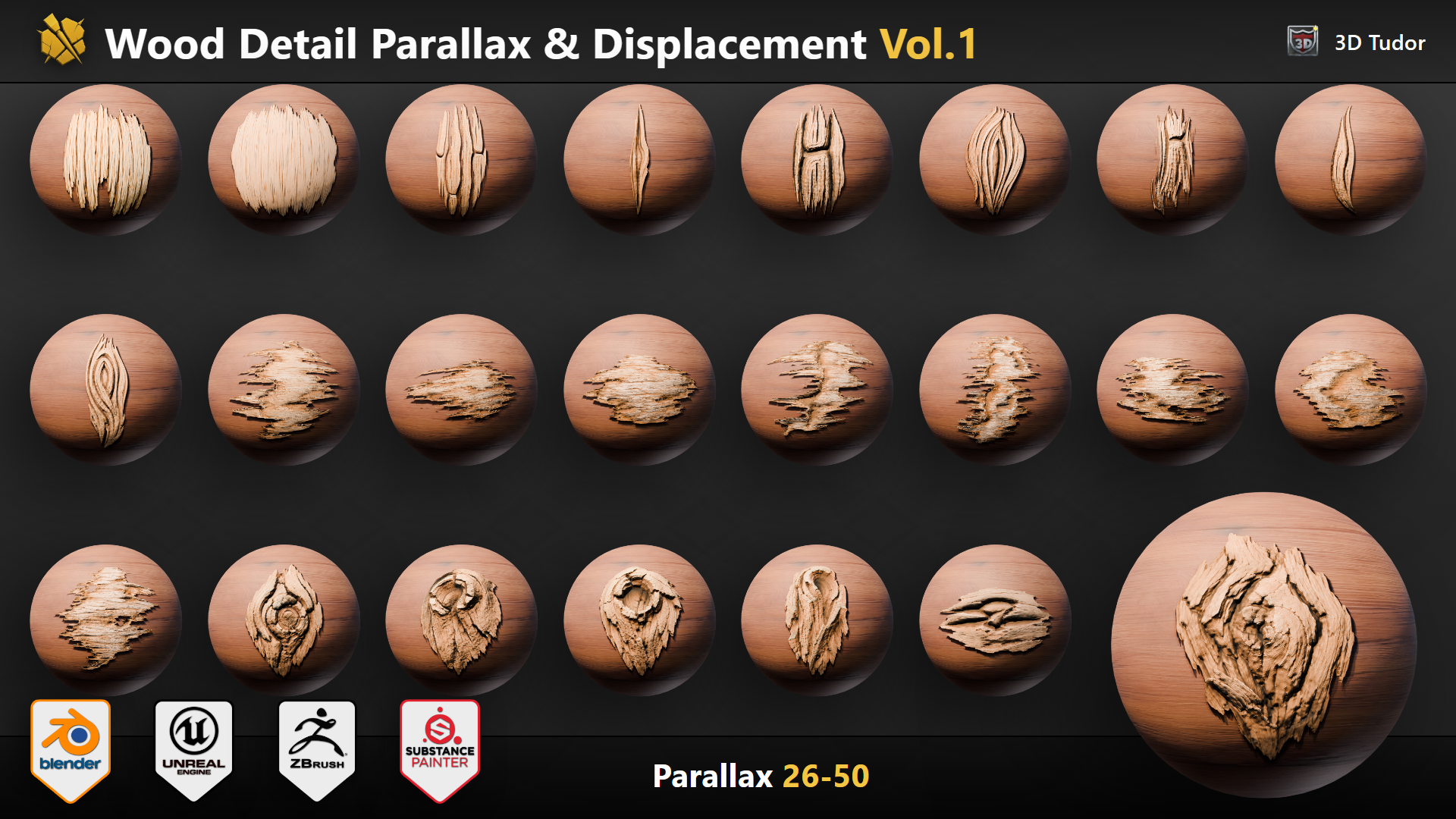 Design comparison: Designs 26 to 50 add broader log ends, longer grain runs, and corner-breakup wood detail pieces.
Same wood detail, different job
The useful decision is not only which wood detail looks cool. It is what job the wood detail needs to do. A long grain run can sell the length of a plank. A knot can break up a seamless wood texture in a heartbeat. A log-end piece can finish a stacked-timber pile. A small fibre patch can sit on a corner where the wood would naturally chip.
The pack keeps the shape language consistent so you can pick the wood design first, then choose the practical route: brush, decal or stencil, parallax-style detail, displacement-style detail, or custom map work. All 50 are set up at the same colour, so once you tune your wood tone, you can copy the same parameters across every decal and they will all sit in the scene together.
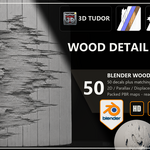
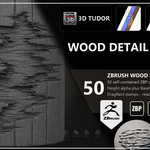
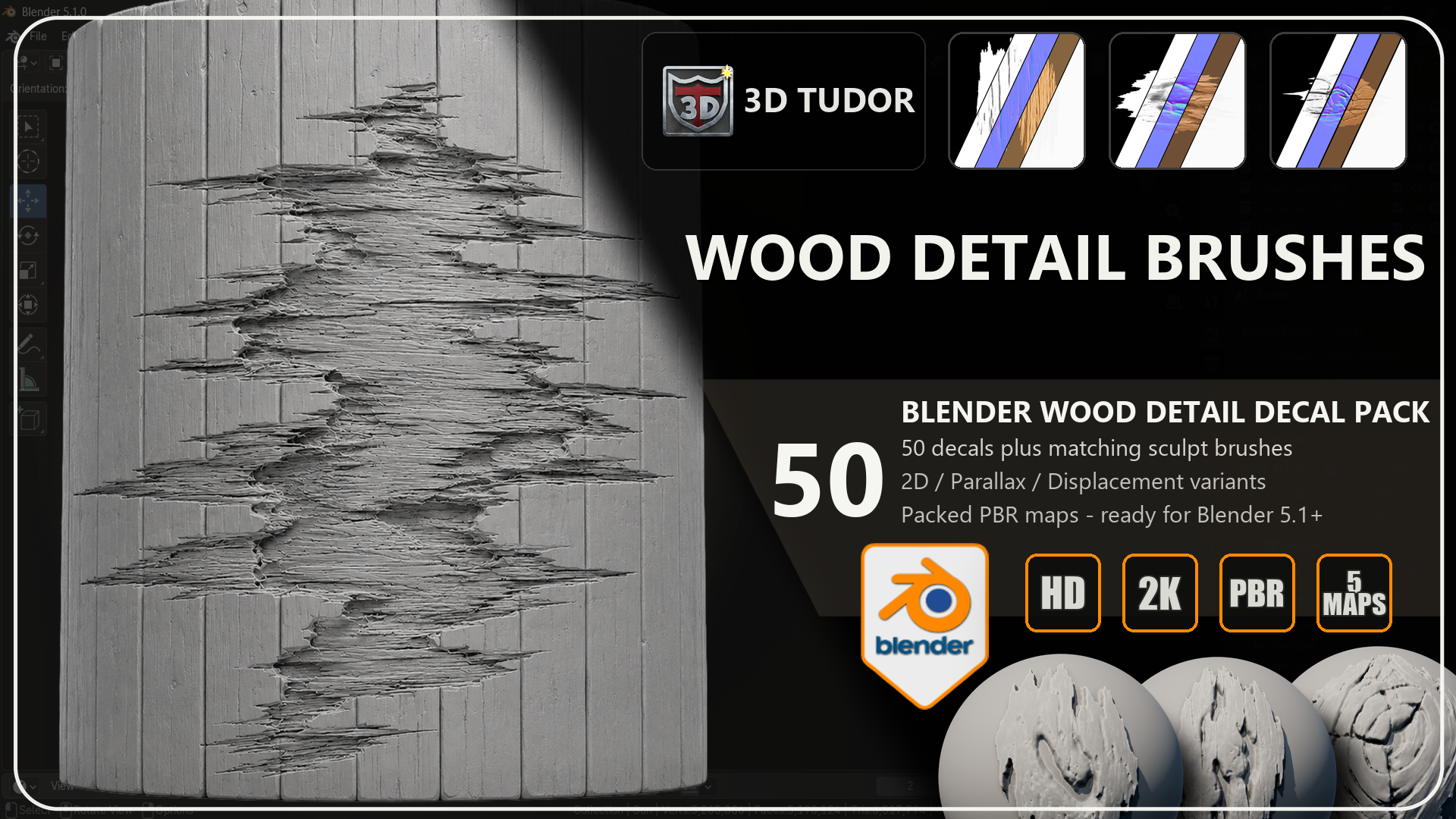 Blender workflow: Blender-focused artwork showing the wood designs as surface-detail assets for decals, sculpt brushes, parallax-style use, and displacement-style hero shots.
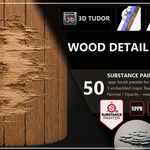
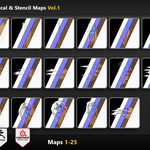
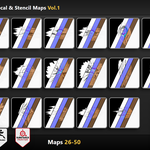
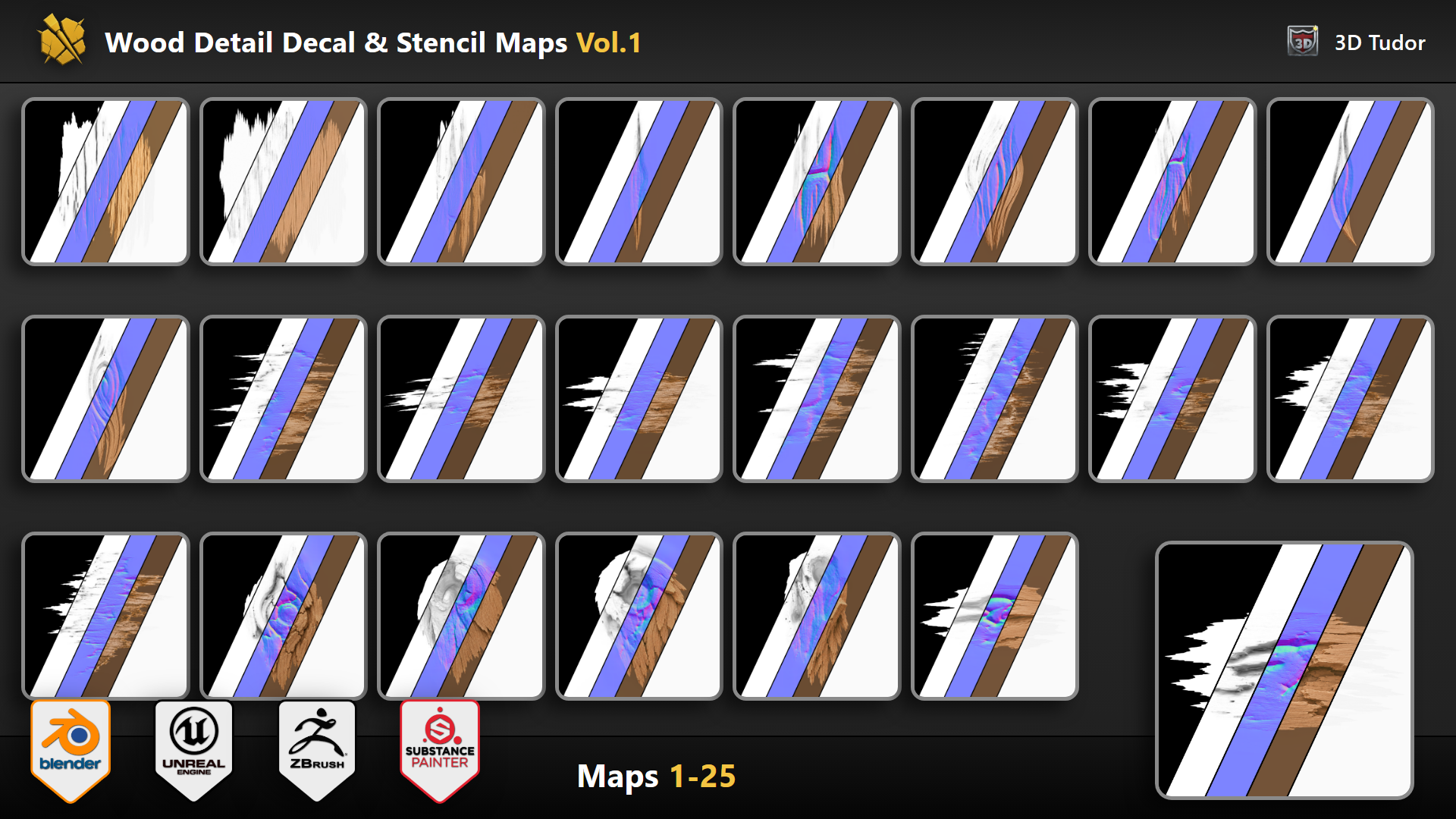 Map workflow: PBR map previews showing how the wood shapes can support texture and decal workflows across any DCC.
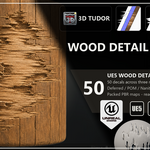
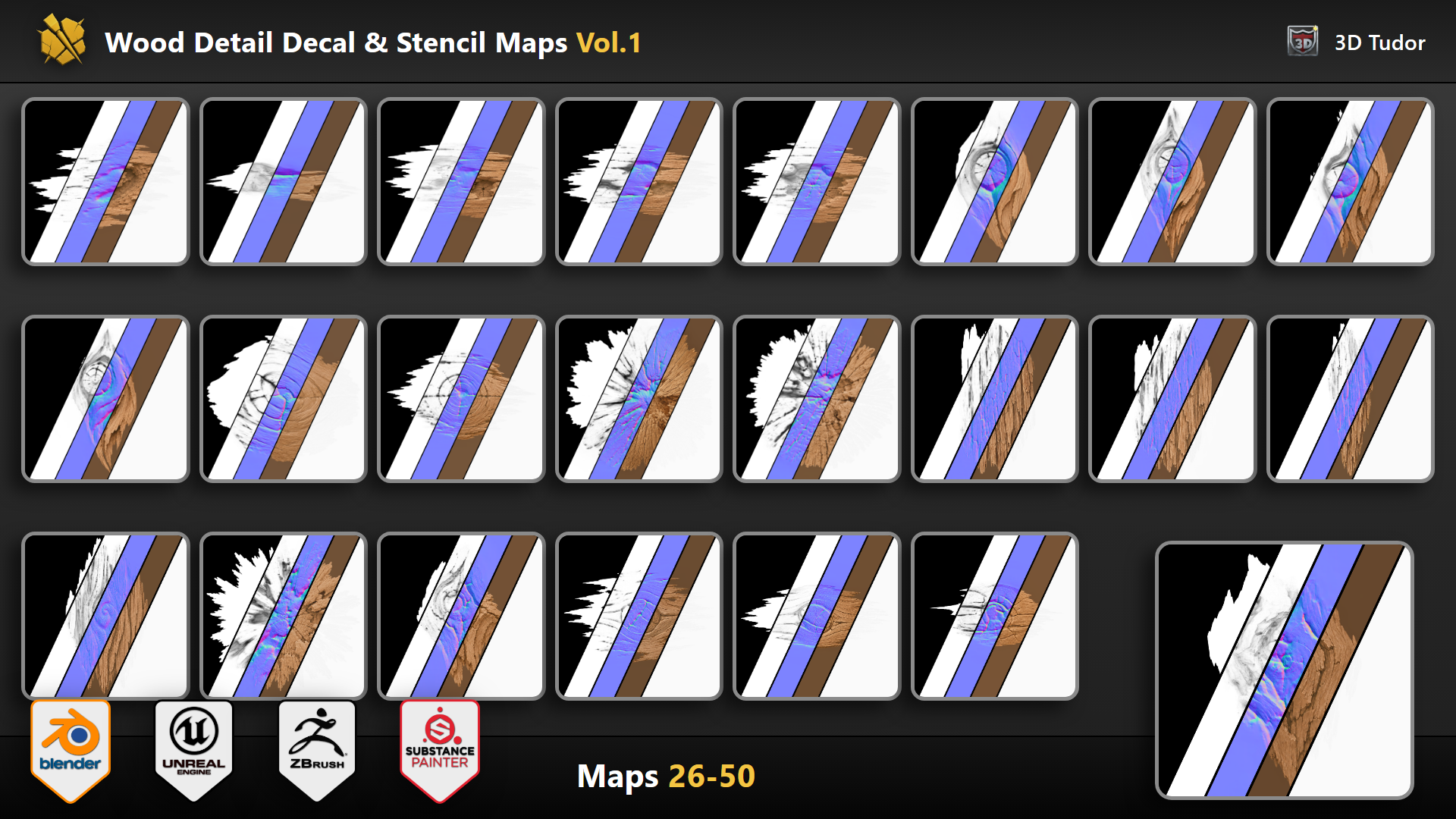 Depth workflow: Depth-focused wood designs for parallax-style presentation and displacement-style surface detail close-ups.
Which version should you choose?
20 Brushes - Blender
A focused Blender starter route with 20 wood designs, Blender files, matching texture maps, and the Superhive customer free gift.
50 Brushes - Blender
The complete Blender-led version with all 50 wood designs, the full Blender file set, matching 2K texture maps, and the free gift.
50 Brushes - All-Software Creator Bundle
Best value for artists who want the full 50-design wood set across Blender, Substance 3D Painter, Unreal Engine 5, ZBrush, and texture-map workflows.
Studio / Team License - All Software
For teams that need internal multi-user access to the all-software wood pack. Choose this when multiple people inside one company or team need the files.
Before you buy
- The headline count is 50 unique wood detail designs.
- The 200 deliverables figure means 50 designs prepared across four use modes.
- Universal maps are shared support files, not a separate fifth counted use mode.
- Normal maps are OpenGL. For DirectX workflows, flip the green channel where your tool requires it.
- All 50 wood decals are set up at the same colour so you can adjust tone once and copy parameters across the set.
- Use the Documentation and FAQ tabs for setup, license, and support details.
Common questions
Is this only for Blender?
The listing is Blender-led, with Blender versions as the simplest route. The all-software bundle and Studio / Team License add the wider software file set for artists who need it across Substance Painter, Unreal Engine 5, and ZBrush as well.
Are the universal PBR maps included?
Yes. The texture-map support uses 2K PNG maps for BaseColor, Opacity, Height, Normal OpenGL, Roughness, and Ambient Occlusion.
Does the Unreal Engine package have the colour setup wired?
Yes. The UE5 Environment Preset project ships with the colour-curve setup already wired on the material instances. Tune one decal to your wood tone, then copy the parameters across the other 49 and they all sit in your scene together.
Can I use it commercially?
Commercial use is included in paid tiers for one creator. Choose the Studio / Team License only if multiple people inside a company or team need internal access to the files.
License and roadmap note
Commercial use is included in every paid tier for one creator. The source files may not be resold, redistributed, repackaged, uploaded publicly, or included as raw downloadable resources inside another brush pack, decal pack, texture pack, tool, template, or marketplace product.
Vol.2 is planned as a follow-up surface detail pack. Vol.1 buyers will receive an exclusive launch discount when Vol.2 releases.
Add an organic touch to your wood surfaces
Grab the Superhive version that fits your Blender or wider software workflow, pick the wood designs by shape and surface job, and keep your timber details controlled instead of random.
Happy modelling everyone!
Neil - 3D Tudor