 z01ks000



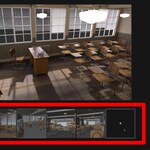
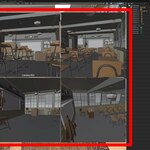
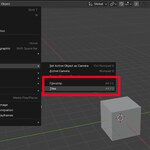
The surveillance add-on for blender gives you a quick way to switch between the cameras in your scene by displaying camera preview thumbnails in the 3D viewport, in either Filmstrip or Tiled mode.
Have you ever been confused looking at the list of Cameras in your Outliner, trying to figure out which is which?
The Surveillance add-on aims to eliminate that confusion by providing clickable thumbnails for every camera in your scene.
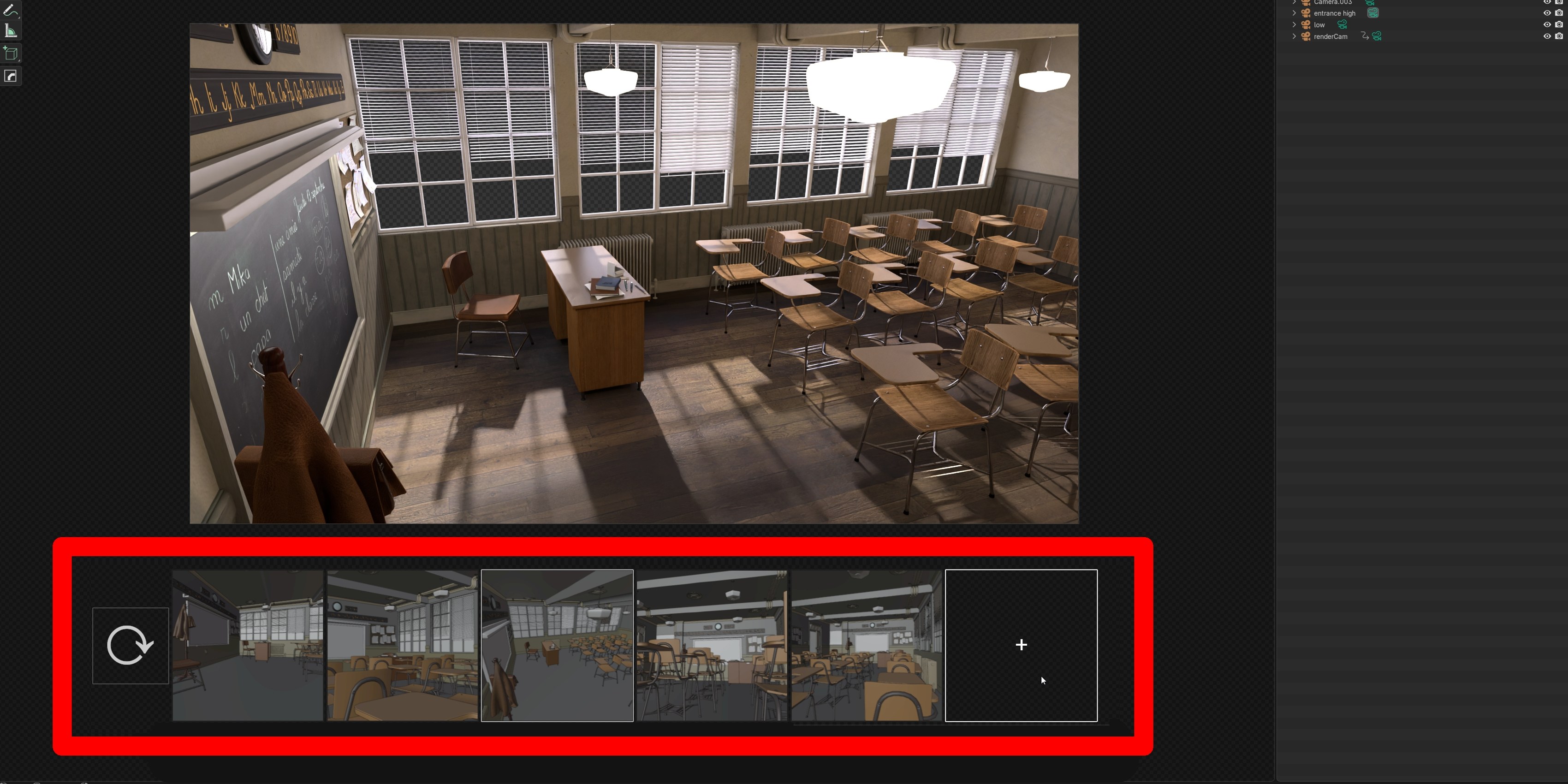
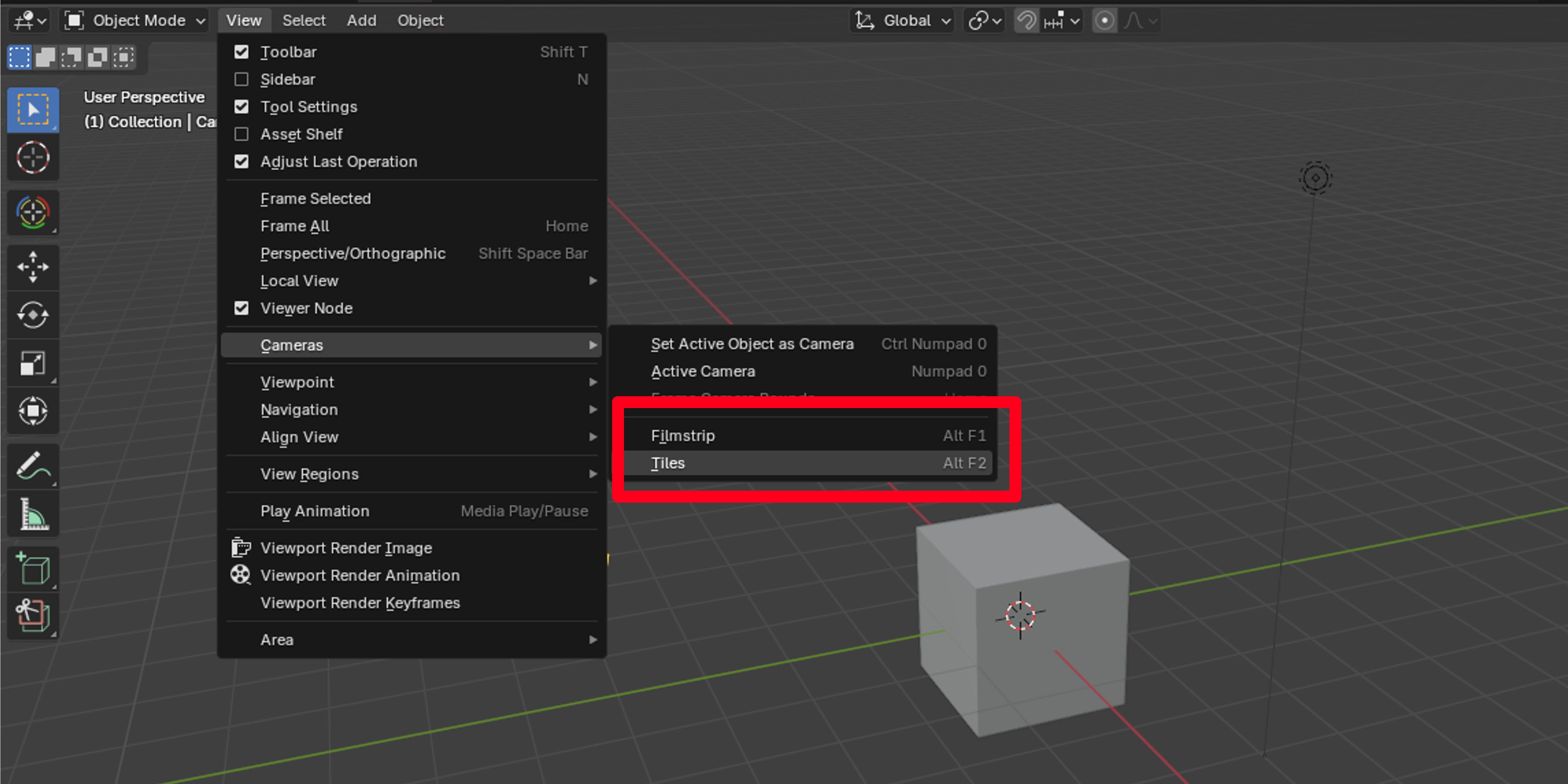
The add-on has two main modes: Filmstrip and Tiles. Both are accessible through the 3D Viewport View > Cameras menu.
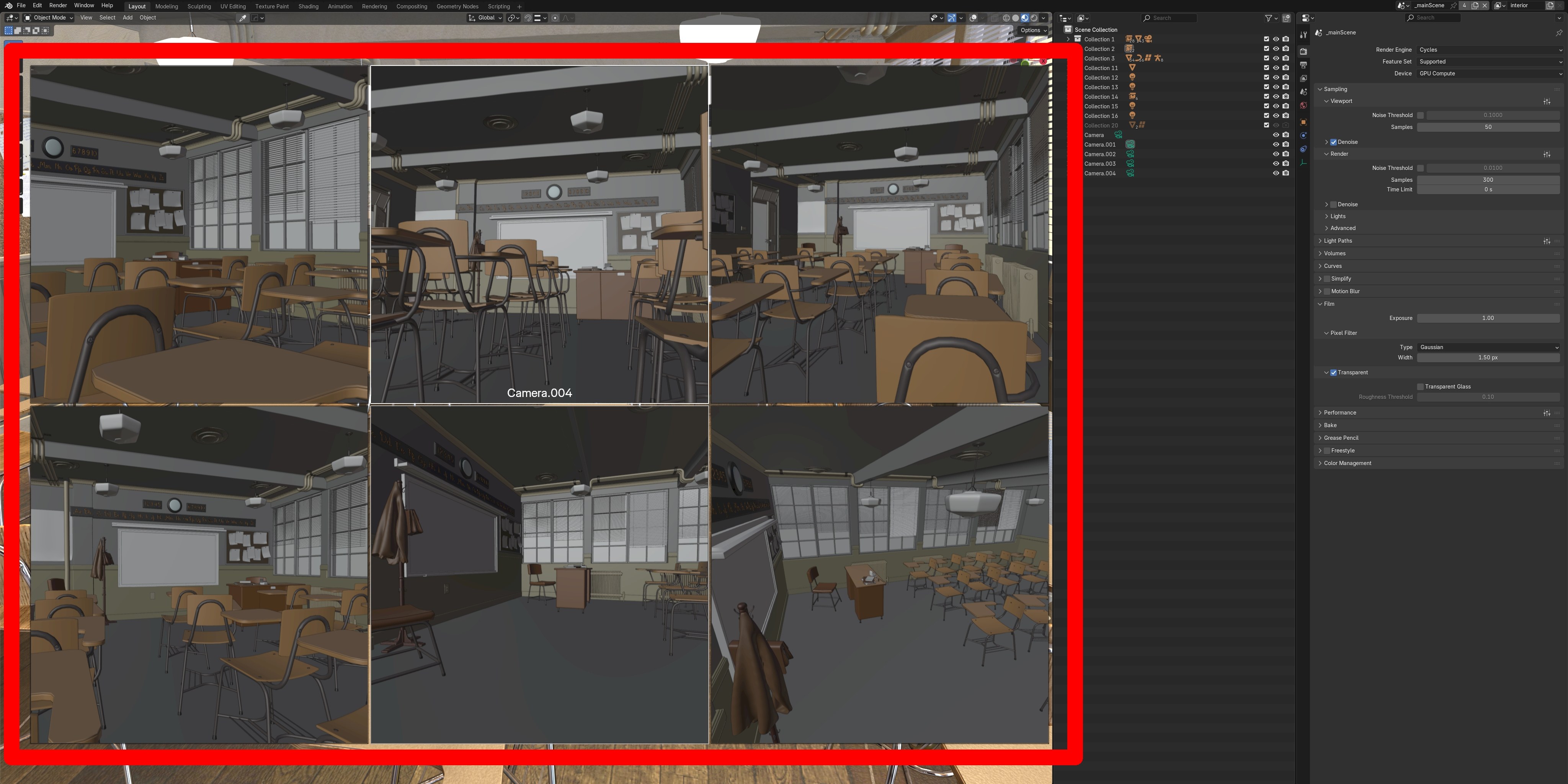
Two powerful operators to cut down on time spent and eliminate the stress of confusion.
Demonstration Video
Scene by Christope Seux