SV Textures - PBR Creation and Editing for Blender
 Tomas Krajcovic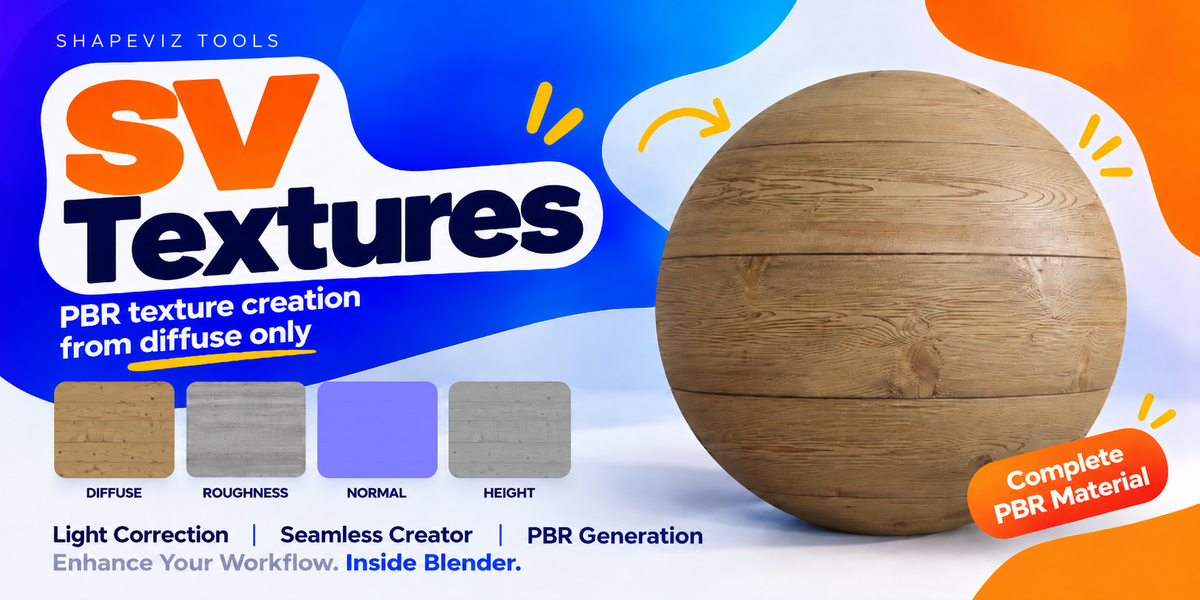

Requirements
- Windows x64. This package is not a macOS, Linux or Windows ARM build.
- Blender 5.0.0 or newer; tested with Blender 5.0.0 and 5.2.2 LTS. Blender 4.x is not supported.
- SV Basic uses a hardware GPU compatible with DirectML and a working graphics driver. Memory requirements vary with texture dimensions and the selected maps.
- Up to 4K working textures are supported. Up to 8K is experimental: performance and memory use are not guaranteed.
Install one ZIP
1. Keep `SV_Textures-v1.00-Windows-x64.zip` compressed. Do not unpack it manually.
2. In Blender, open **Edit > Preferences > Add-ons**.
3. Open the menu at the top right and choose **Install from Disk**.
4. Select the ZIP and confirm installation. Enable **SV_Textures** if it is not enabled automatically.
5. Open the sidebar with **N** and select the **SV_Textures** tab.
The ZIP includes the SV Basic models and its private Python/GPU runtime. No separate Python, pip, environment variables, downloads, account or cloud service is required. Processing stays on the computer. Blender displays the internal version as **1.0.0**, corresponding to **v1.00**.
The worker automatically uses libraries supplied with Blender and the bundled NumPy dependency. No separate Visual C++ installer is required. On older supported Blender versions, a small local runtime cache is created automatically. Keep the Blender installation intact, including its `blender.crt` folder.
Workflow
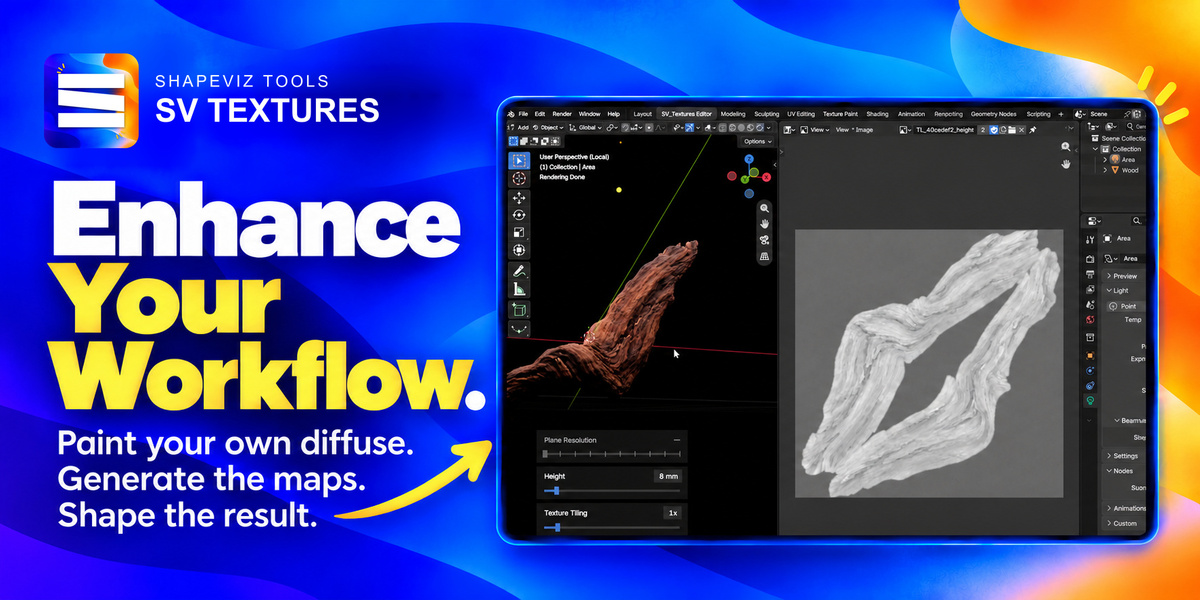
1. Start: open a Diffuse image and open the SV_Textures workspace. Tile Preview is off by default; enable it manually to inspect repeated tiles. A selected model can supply its Diffuse through Use Model Diffuse.
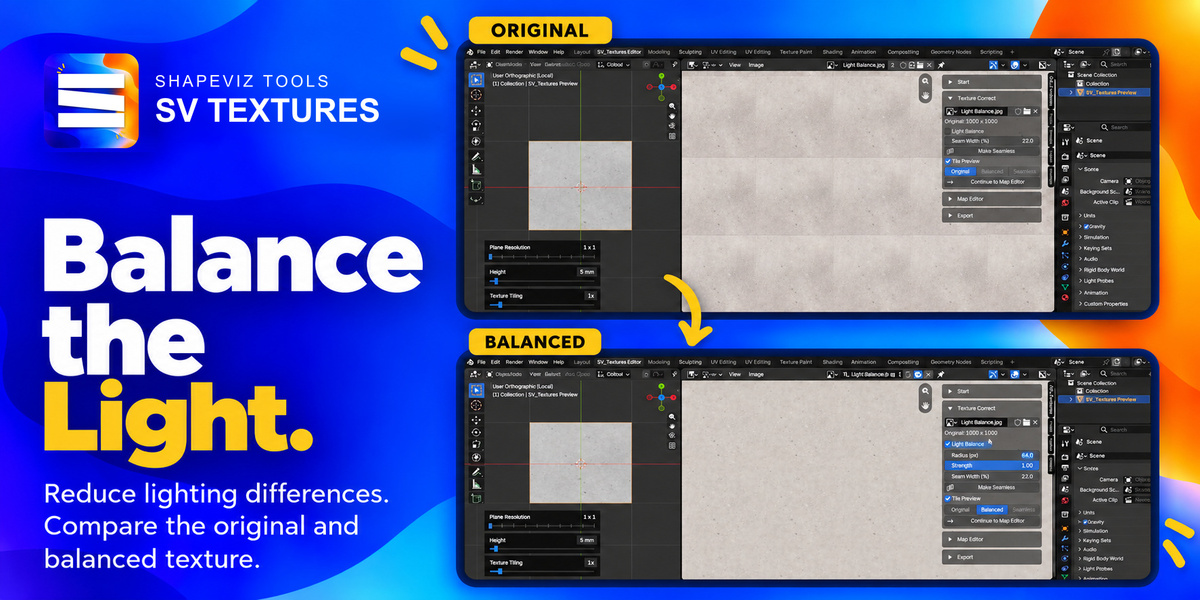
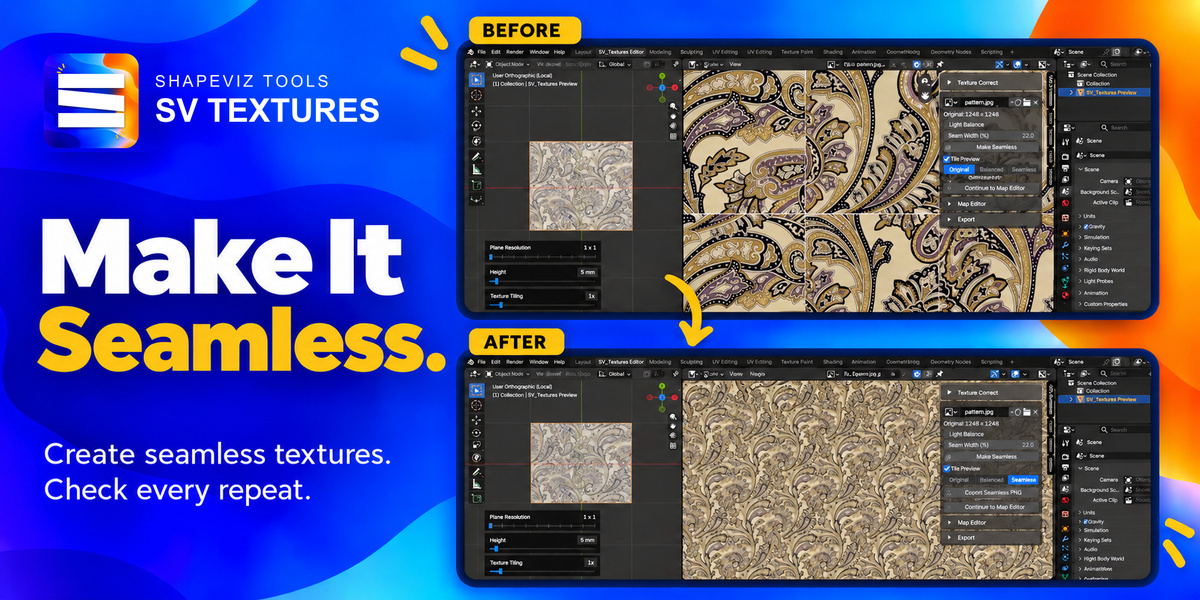
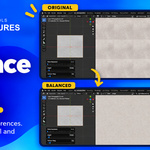
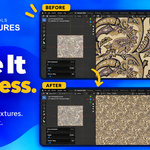
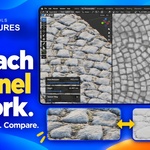
2. Texture Correct (optional): balance broad lighting with Light Balance and optionally create a repeating texture. Select Original, Balanced or Seamless, then Continue to Map Editor. Balanced transfers the full-resolution lighting correction without requiring Make Seamless.
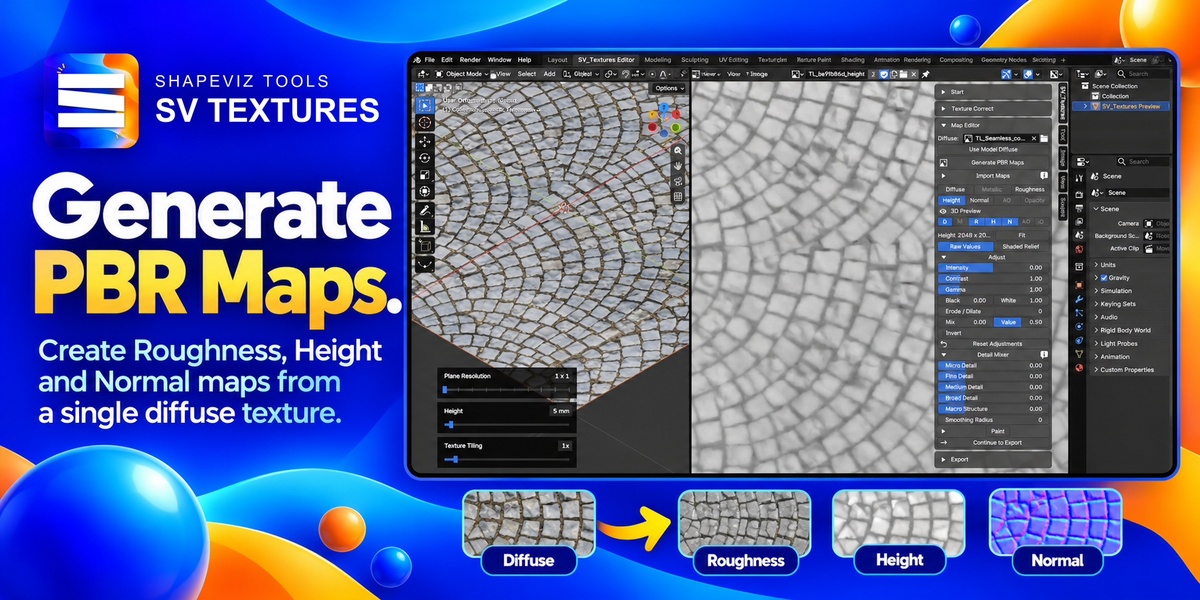
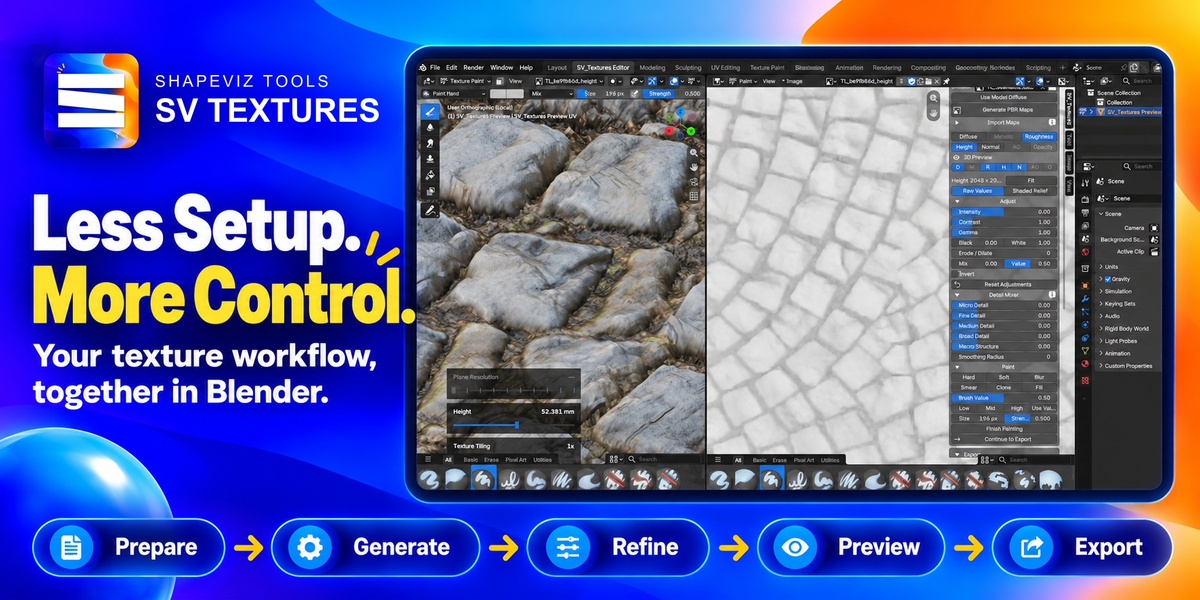
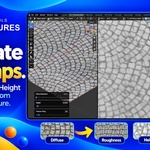
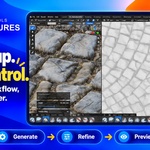
3. Map Editor: choose Generate PBR Maps, select SV Basic or SV Legacy, select channels and generate. SV Basic predicts Roughness, Height and Normal from opaque Diffuse images; AO is an optional Height-derived estimate. SV Legacy also supports transparent atlases.
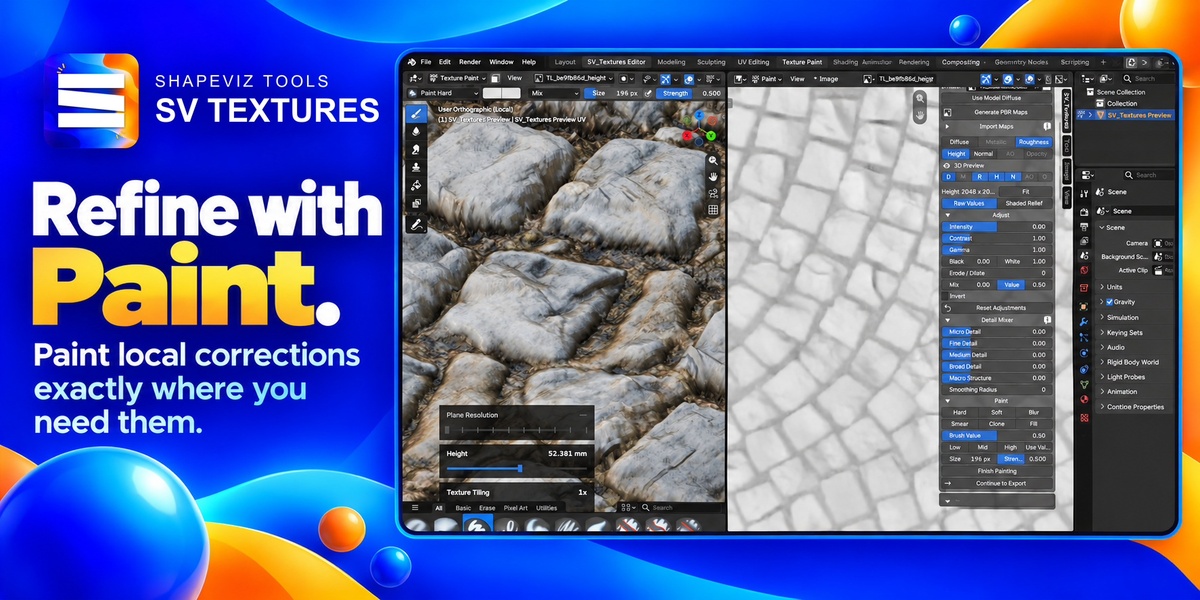
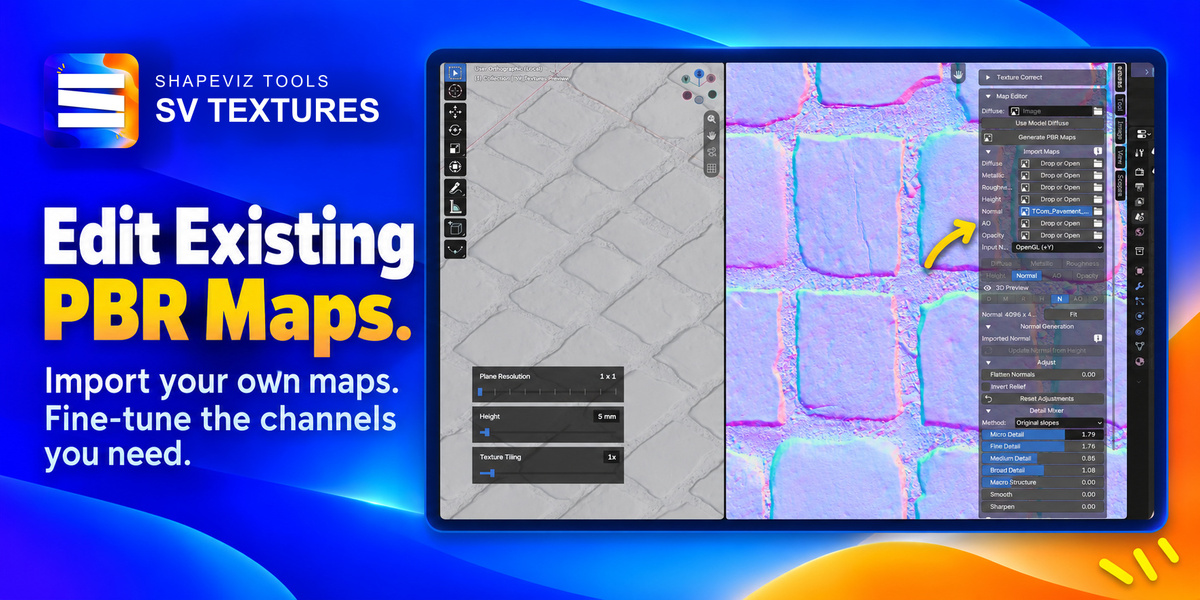
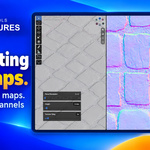
4. Select a map and use Adjust, Detail Mixer or Paint. Import existing maps through their slots instead of generating if preferred. Normal input can use OpenGL or DirectX; the working preview uses OpenGL.
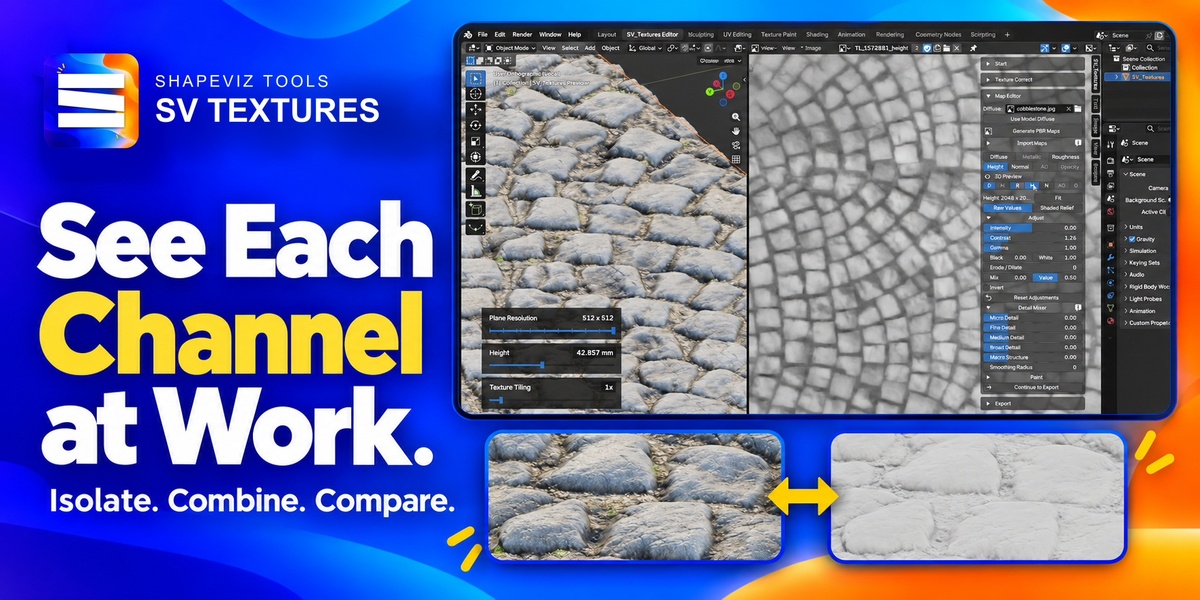
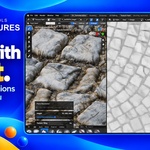
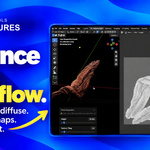
5. Toggle D, M, R, H, N, AO and O to choose maps used in 3D preview. Plane Resolution controls preview mesh density up to 512 × 512; Height controls displacement in millimetres. Click its number for exact entry. The initial depth is 5 mm. Texture Tiling repeats all material maps together, including Height, and starts at 1x. Drag its slider or click the number to enter an exact value (0.1–100x). Both values can be set before generation and carry over from the input preview; displacement becomes visible once a Height map exists. These controls change the material preview, not exported image pixels. They stack in narrow viewports.
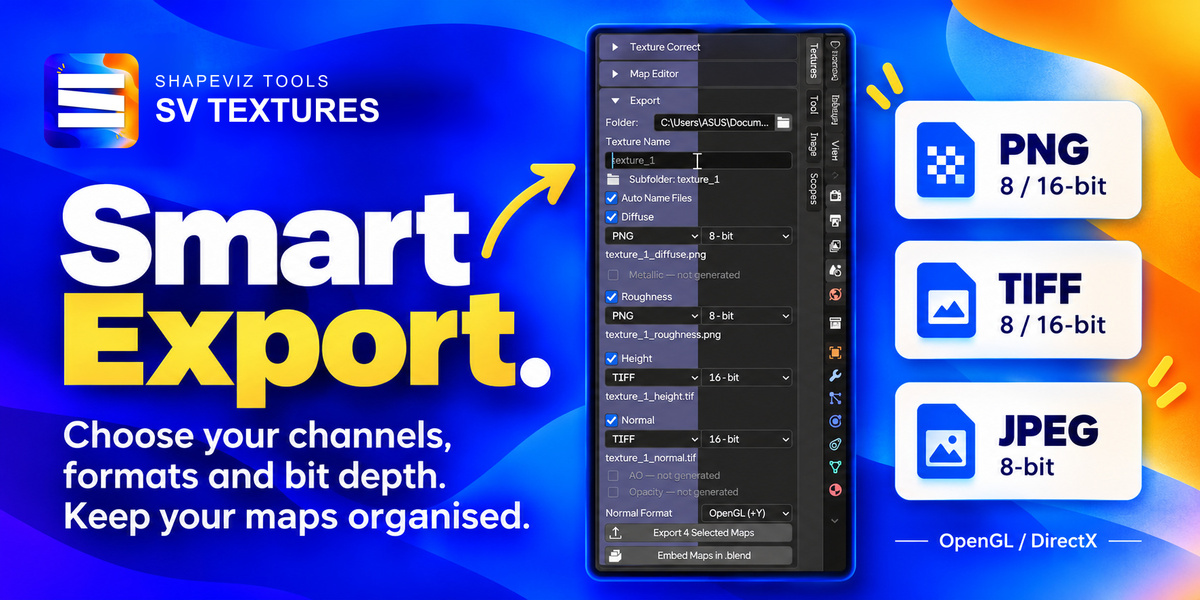
6. Export: choose a destination and texture name, select channels and formats, and export. Maps are placed in a texture-named subfolder. Normal and Height default to 16-bit TIFF; Diffuse and Roughness default to 8-bit PNG. JPEG supports 8-bit only.
Paint starts collapsed and closes after successful generation or import. Import Maps also closes after successful generation. Texture Correct retains the selected Original, Balanced or Seamless view when reopening the workspace. Corrected textures retain the original source name for automatic export naming, and known source files are protected from export overwrite.
Max Resolution is a ceiling for new generated sets, with 2K selected initially. Choose 4K before generation to retain a 4K input. Smaller or rectangular images keep their size/aspect ratio without automatic upscaling. Imported channels keep their own dimensions. Existing generated sets retain their resolution during regeneration.
Update Normal from Height explicitly rebuilds Normal using your edited Height. Independent SV Basic Normal does not automatically change when you edit Height.
Troubleshooting
- Blender version unsupported: use Blender 5.0.0 or newer. Blender 4.x cannot enable this addon.
- Incomplete runtime: reinstall the full ZIP. Do not select or install one of the files inside it. No manual Python path should be needed in this release.
- GPU unavailable / insufficient GPU memory: check your graphics driver, close other GPU-heavy tasks, reduce the working resolution, or use SV Legacy. A driver or hardware issue cannot be fixed by installing Python.
- Old interface after update: save your work and restart Blender.
- No visible displacement: ensure Height is enabled for preview and the model has sufficient geometry. Plane Resolution applies to the addon preview plane; displacement visibility also depends on the rendering mode.
The output is an estimate from an image, not a measured material scan. Features absent from Diffuse may not be recoverable. Adjust maps for the intended material and physical scale.
 Included
Includes 12 months of
- Support from Tomas Krajcovic
- Product updates
Extend this product’s Support Period +12 months: 25% of product price
Have questions before purchasing?
Login to message
| Published | about 4 hours ago |
| Blender Version | 5.0 - 5.2 |
| Extension Type | N/A |
| Render Engine Used | Arnold, Blender-Internal, Blender-Game-Engine, Cycles, Eevee, Freestyle, Luxrender, Mental-Ray, Octane, Vray, Yafaray |
| License | GPL |
Discover more products like this
blender addon Material seamless textures Texture Painting texture game development height map 3d PBR Texture Generator normal map roughness-map