SV Textures - PBR Creation and Editing for Blender
 Tomas Krajcovic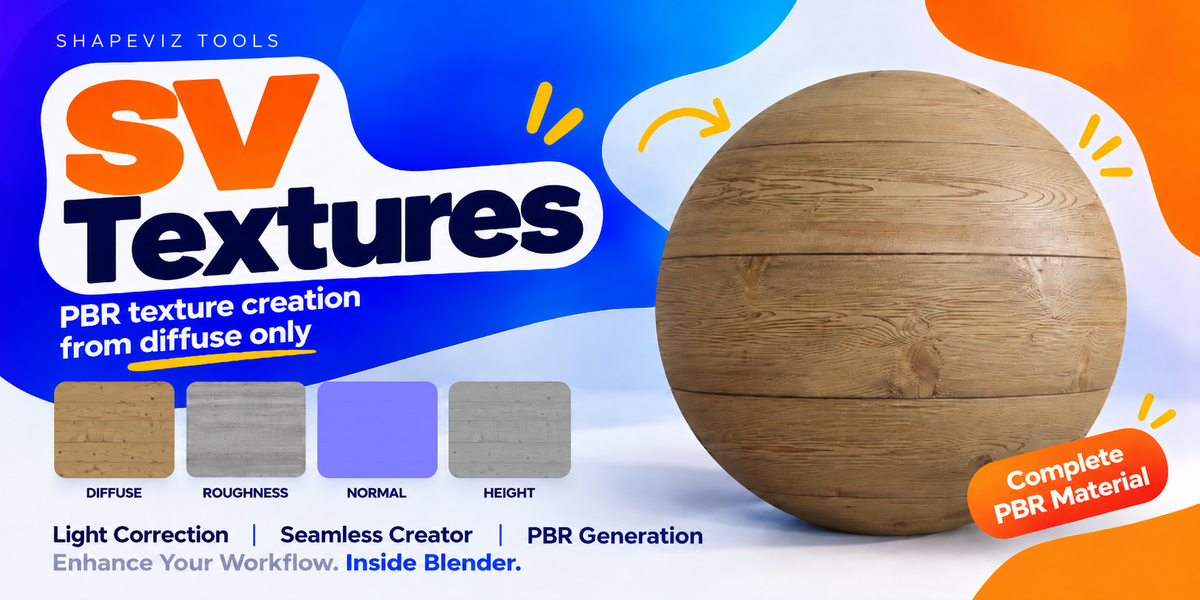
Which systems are supported?
This release is for Windows x64 and Blender 5.2, tested in Blender 5.2.2 LTS. It is not a macOS, Linux or Windows ARM package. SV Basic needs a compatible DirectML hardware GPU and working graphics drivers. RAM and VRAM requirements vary with your workload.
Can I work at 4K?
Yes. SV Basic and SV Legacy support working textures up to 4K. Set Max Resolution before creating the set; the default is 2K. 8K inputs and maps are experimental, with no guaranteed performance or memory use.
Do I need a model or a complete PBR set?
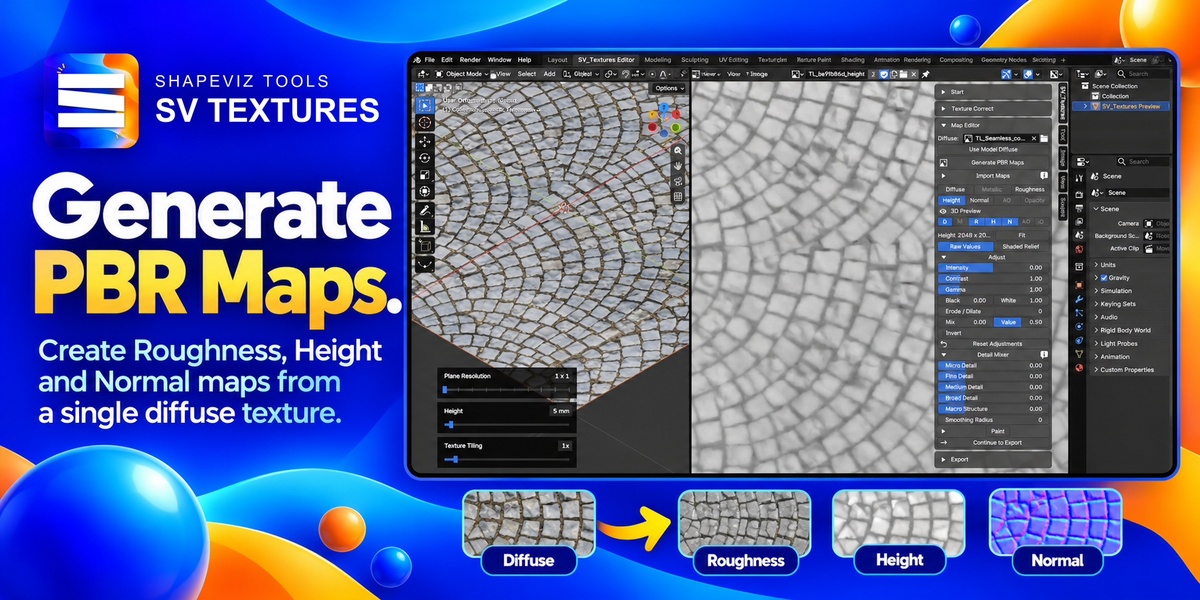
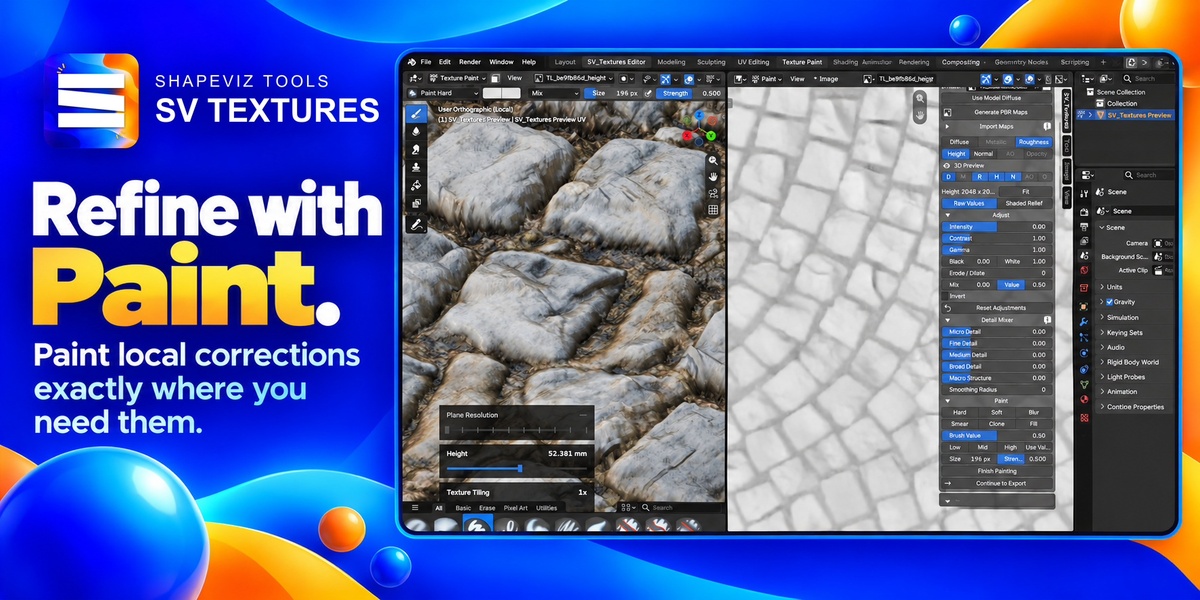
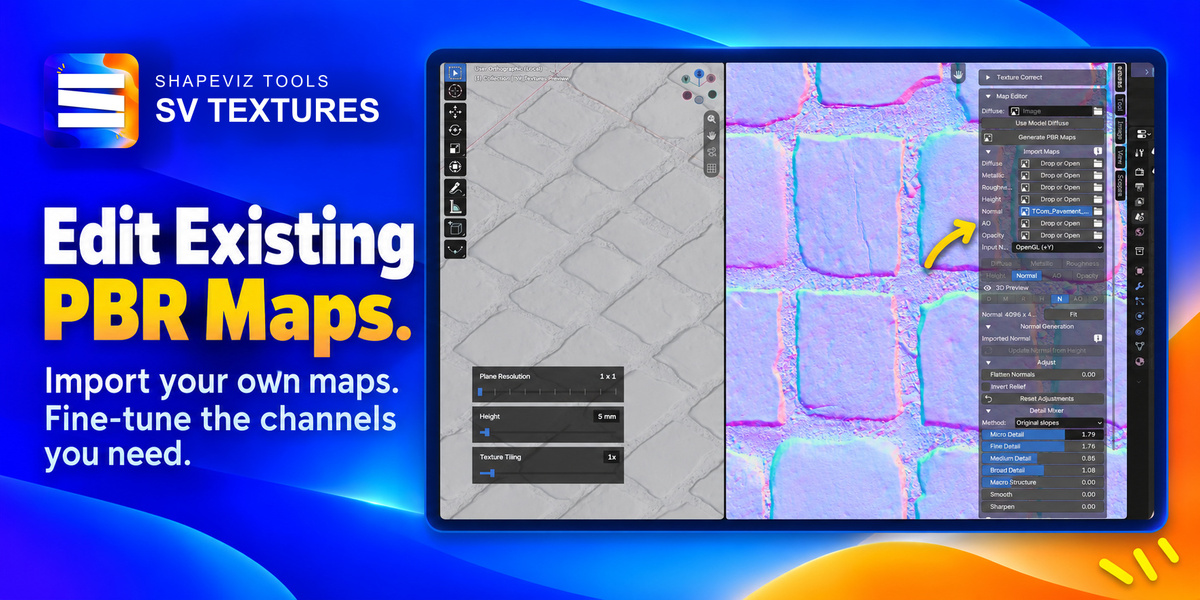
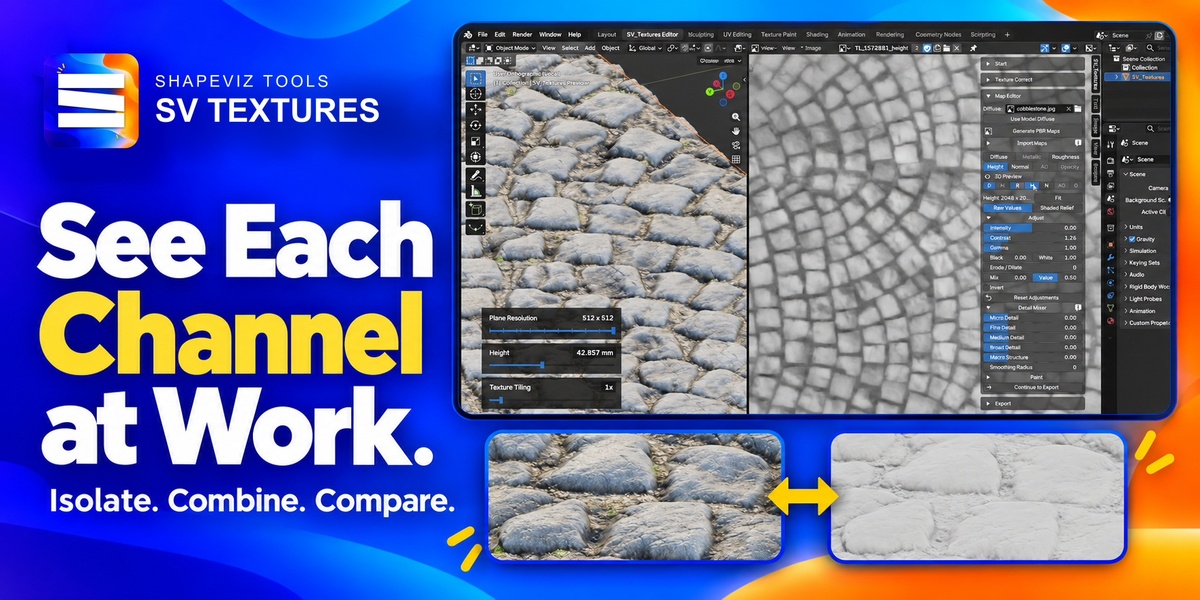
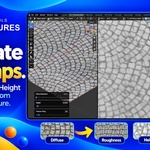
No. Generate, adjust and export using the supplied preview plane. You can also import just one map. Painting requires a mesh with UVs; the preview plane is already prepared.
What can I expect from a single image?
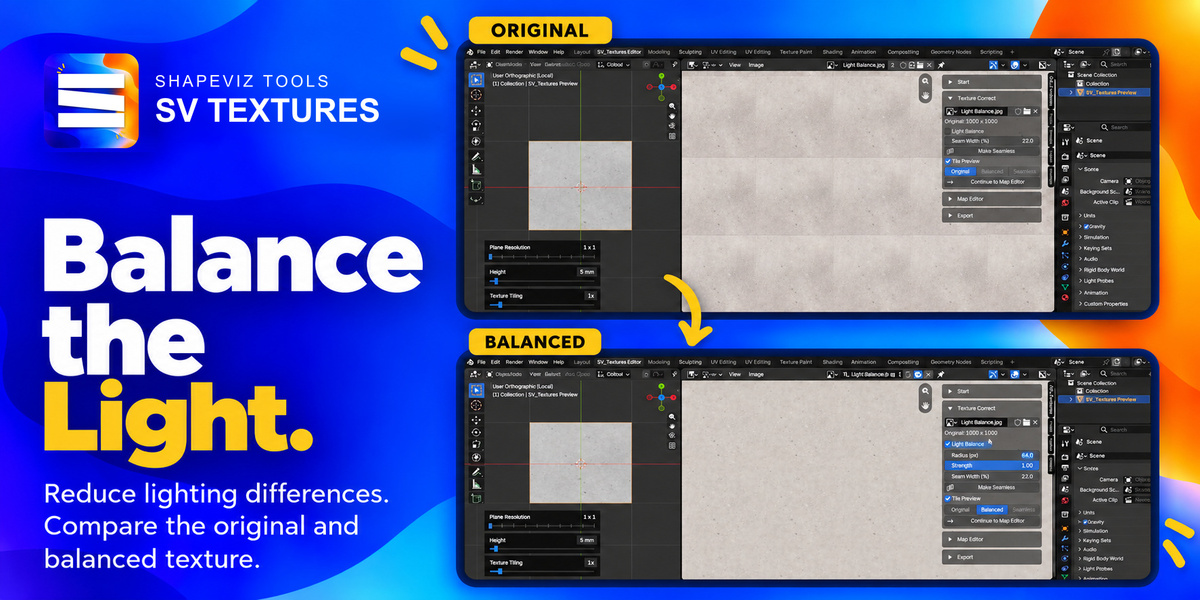
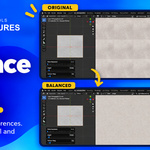
PBR generation estimates surface properties; it does not measure physical depth or recover missing detail. Light Balance reduces broad lighting differences but cannot reliably remove harsh shadows or clipped highlights. Review the result for your intended material.
What about transparency and other inputs?
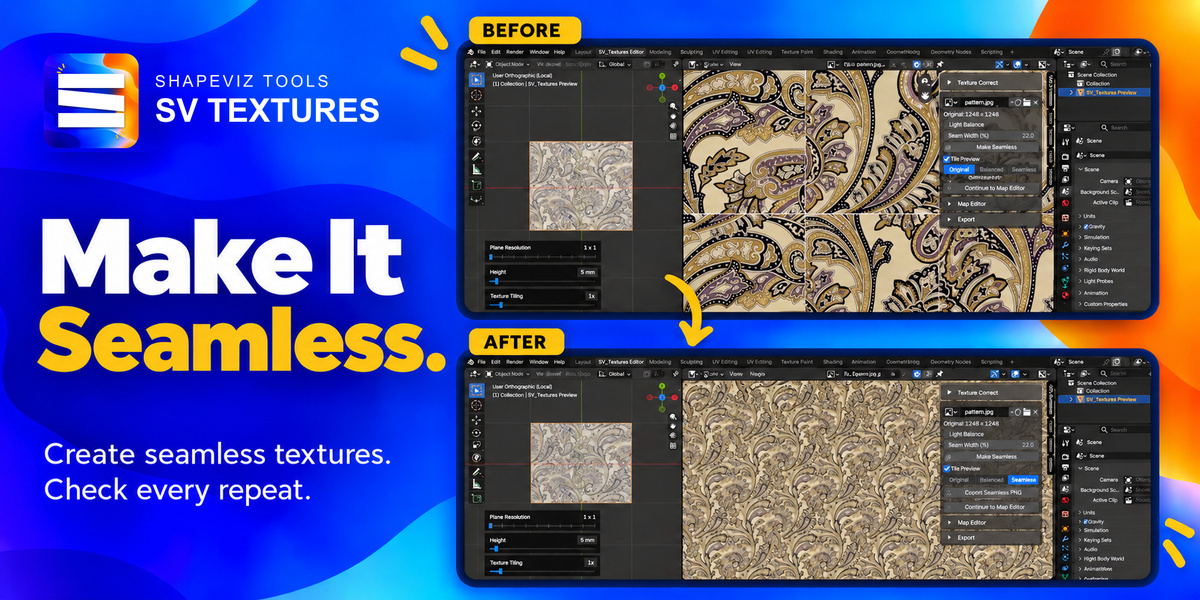
SV Basic and Make Seamless are intended for opaque surface textures. Use SV Legacy or imported maps for transparent textures and atlases. v1.00 works with individual static images; UDIM, video textures and automatic baking of procedural materials are not supported.
How do I install it?
Keep the download zipped. In Blender, choose Edit → Preferences → Add-ons → Install from Disk, select the ZIP and enable SV_Textures. In the 3D Viewport, press N, open the SV_Textures tab and choose Open SV_Textures Workspace.
 Included
Includes 12 months of
- Support from Tomas Krajcovic
- Product updates
Extend this product’s Support Period +12 months: 25% of product price
Have questions before purchasing?
Login to message
| Published | about 5 hours ago |
| Blender Version | 5.0 - 5.2 |
| Extension Type | N/A |
| Render Engine Used | Arnold, Blender-Internal, Blender-Game-Engine, Cycles, Eevee, Freestyle, Luxrender, Mental-Ray, Octane, Vray, Yafaray |
| License | GPL |
Discover more products like this
normal map blender addon game development Texture Generator height map roughness-map seamless textures PBR Material texture Texture Painting 3d