Estimate Transform & Oriented Bounding Box Node Groups
 MysteryPancake


Oriented Bounding Box
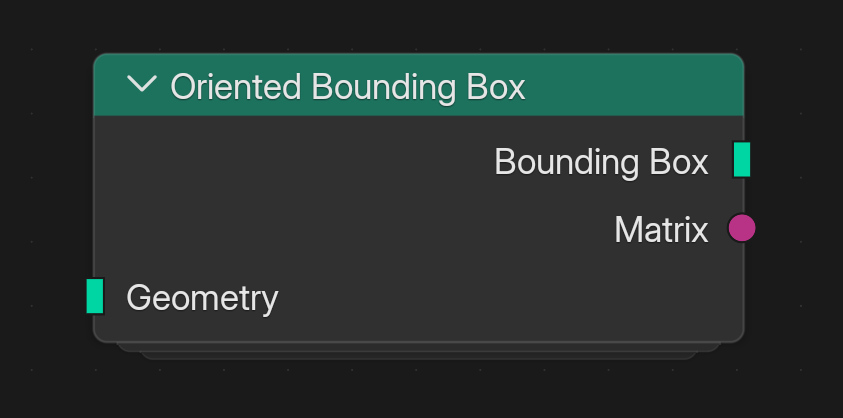
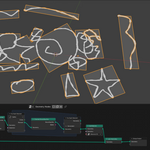
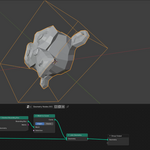
This node computes a bounding box rotated to fit the geometry better. The method is also known as Principal Component Analysis (PCA).
It takes an input geometry and outputs the rotated bounding box, along with the 4x4 transformation matrix.
Remember to use "Realize Instances" before using it on instanced geometry!
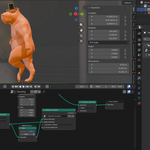
The matrix can be used to invert the transform to move the geometry back to world origin, as seen in the demo video.
It doesn't always produce correct results for flat planar surfaces. In this case it helps to add noise or subdivisions to the geometry.
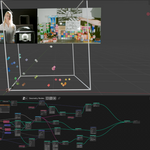
For more information, see the included demo files, the demo video, this video by CGMatter and this article by Andy Nicholas.
Estimate Transform
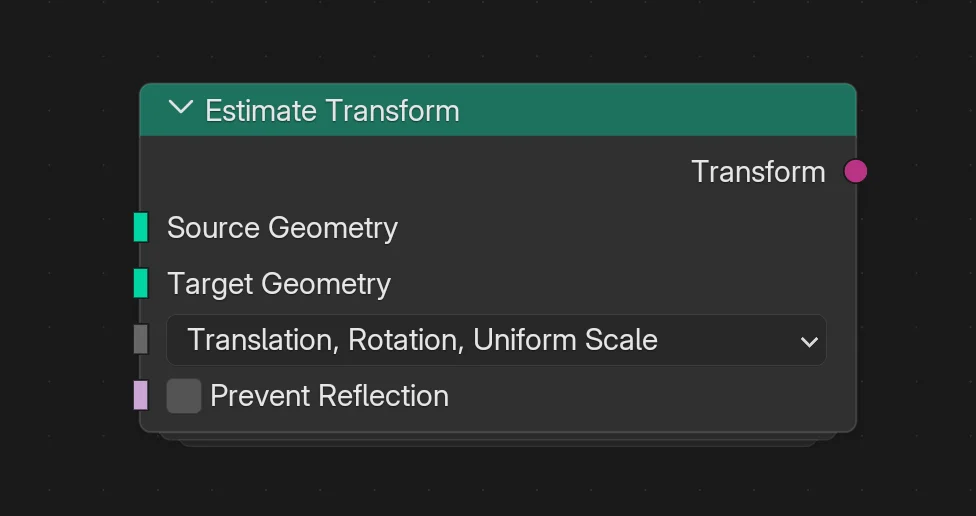
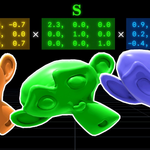
This node takes two sets of geometry, the Source Geometry and Target Geometry, then computes the best possible transform to move one to the other.
Remember to use "Realize Instances" before using it on instanced geometry!
It assumes both set of points have the same count and are in the same order. If this is not the case, you should look into Iterative Closest Point (ICP).
It's useful for parenting geometry to Alembic caches, where you don't have a skeleton or any way to derive the transform. It also helps stabilize moving geometry, to simulate in local space then transform back into world space.
It's equivalent to the "Extract Transform" node in Houdini. The Kabsch-Umeyama algorithm is used for translation, rotation and uniform scale.
For more information, see the included demo files, the demo video, this article by Nghia Ho and my article about Extract Transform.
Have questions about this product?
Login to message
| Published | 6 months ago |
| Blender Version | 5.1 |
| Render Engine Used | Arnold, Blender-Internal, Blender-Game-Engine, Cycles, Eevee, Freestyle, Luxrender, Mental-Ray, Octane, Vray, Yafaray |
| License | Creative Commons |
Discover more products like this
svd Apply Transform bounding box alignment geometry nodes node group Blender geometry nodes transform bounding box geometrynodes Geonodes VFX