Swatch Kit: Palette Texturing With Colour Themes
 NicoHartl
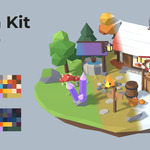
What it does
Building the palette in Blender
Add flat or gradient swatches and pick their colours in the sidebar. The atlas image is built for you and updates while you drag the colour picker.
Assigning colours
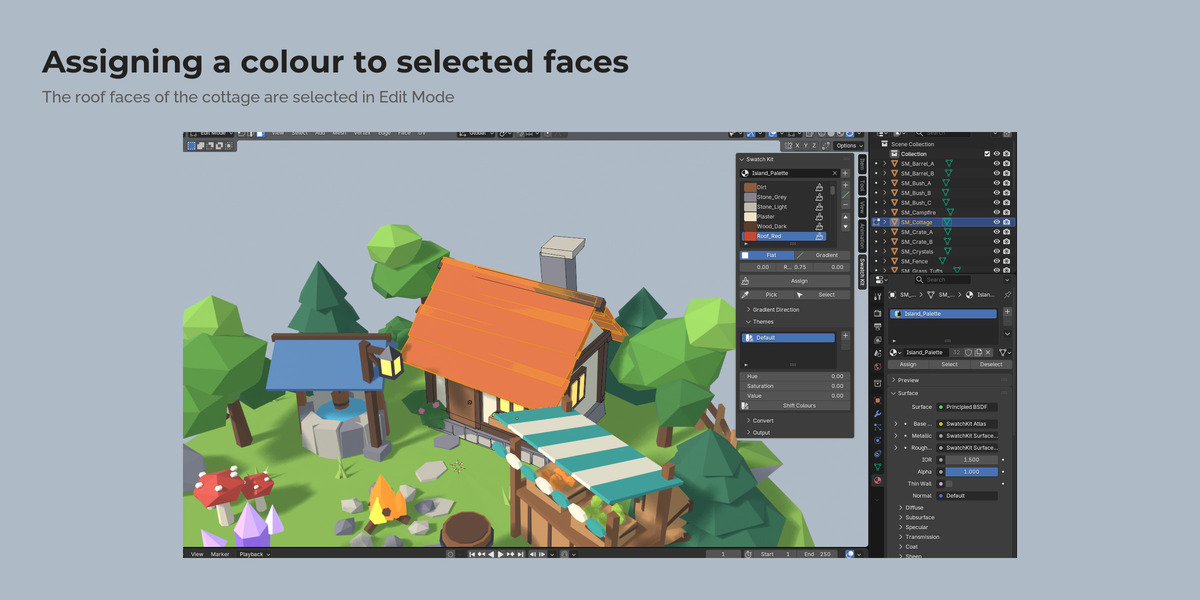
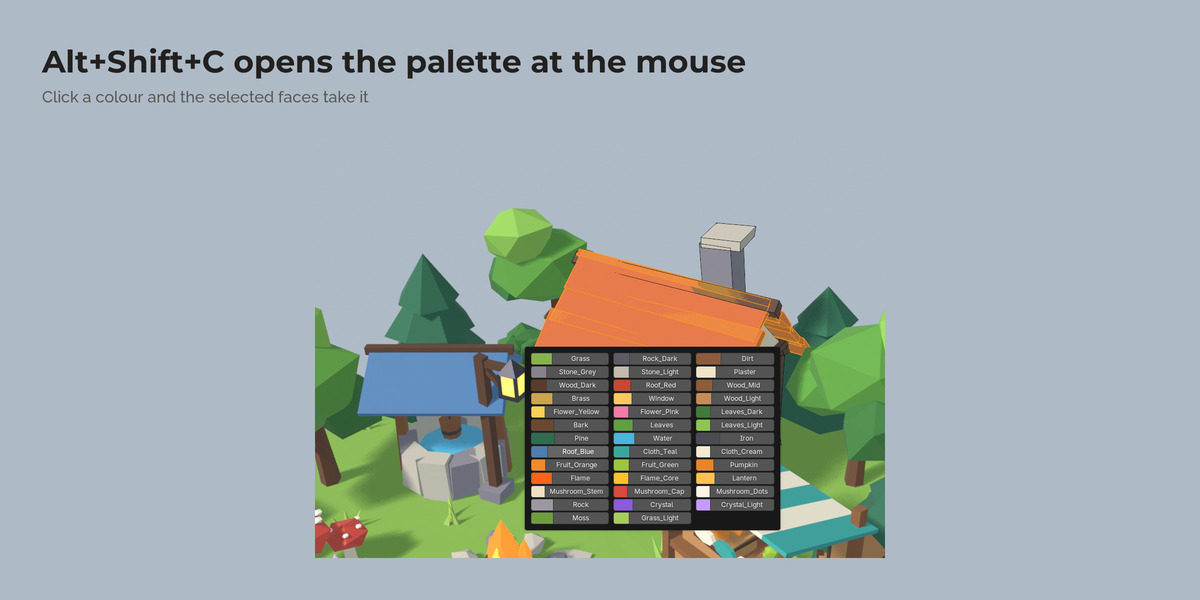
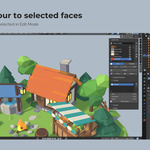
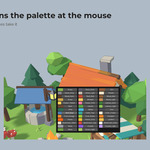
Select faces in Edit Mode, or whole objects in Object Mode, and click a swatch. Swatch Kit writes the UVs. Gradients run along an axis, the view, or out from the 3D cursor. Alt+Shift+C opens all swatches under the mouse.
Colour themes
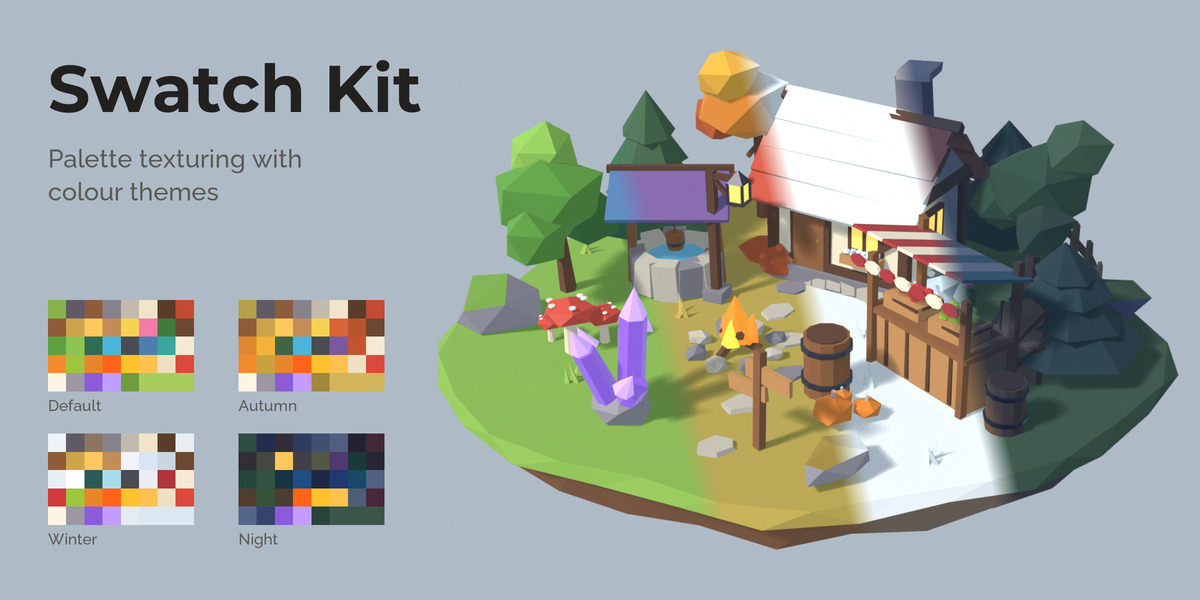
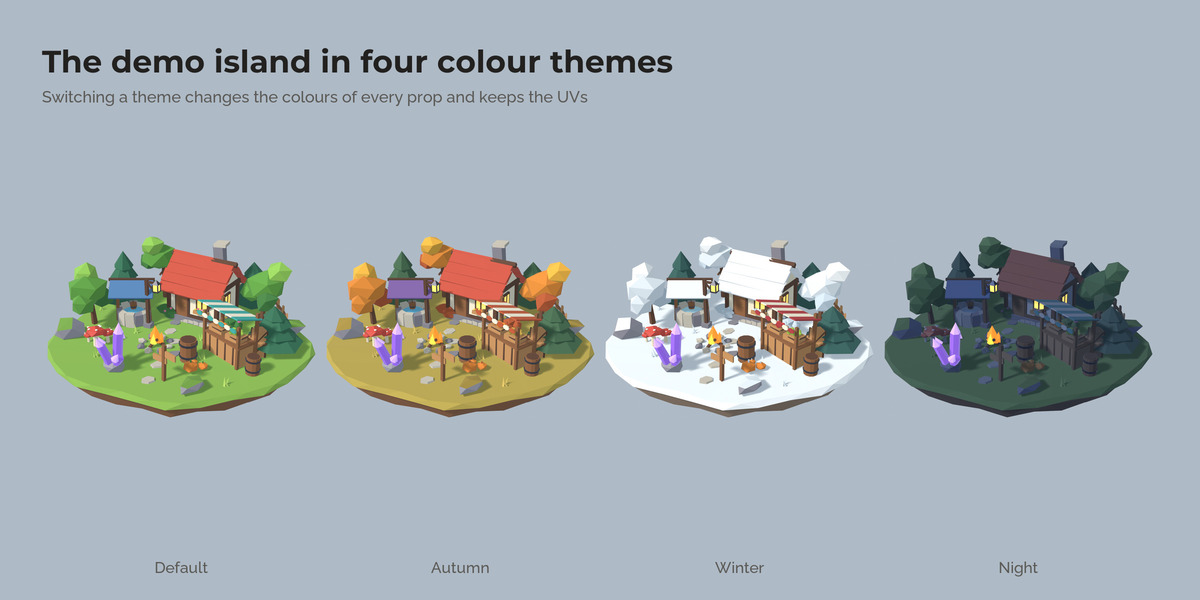
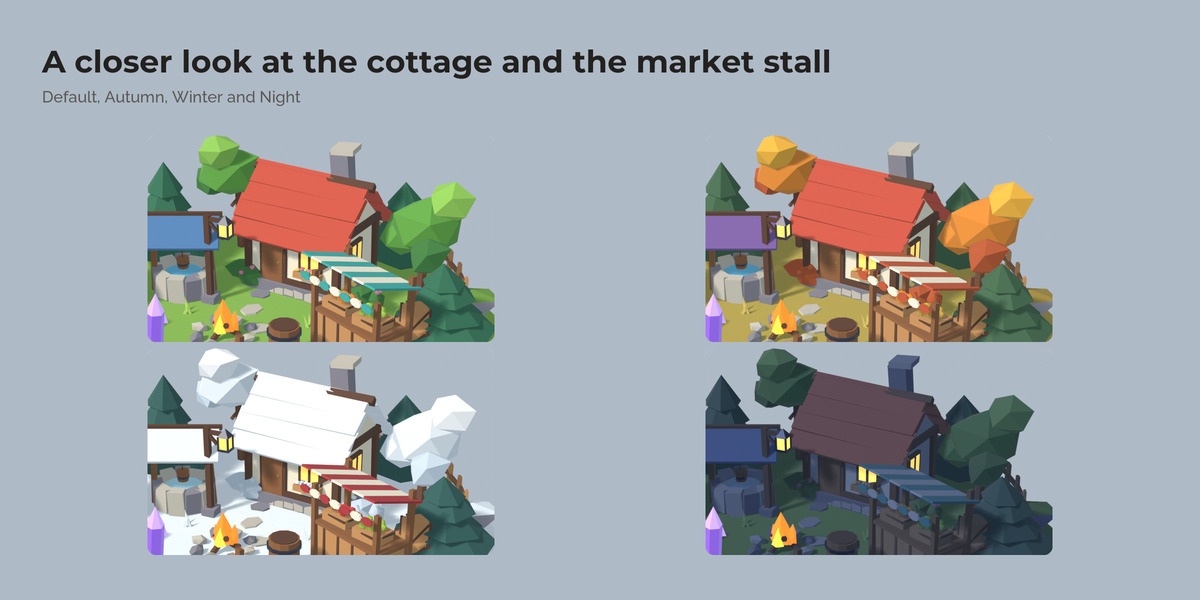
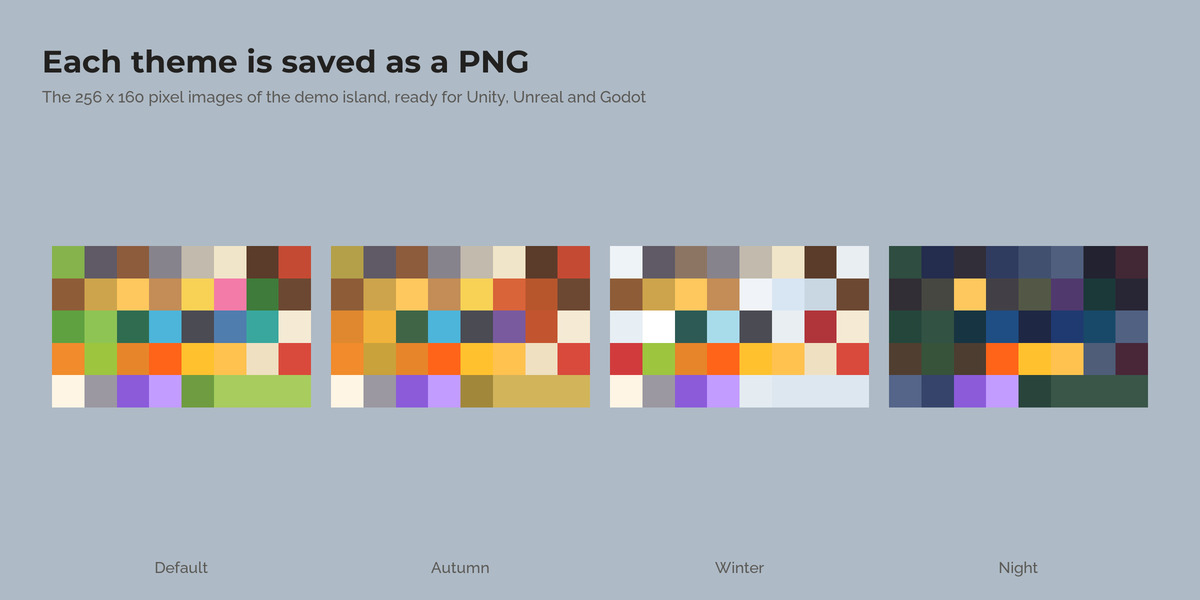
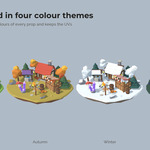
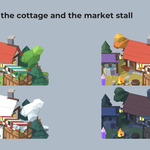
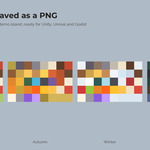
Keep summer, autumn, winter or night versions of the same kit. All themes share the UVs, so a theme switch only swaps the image. Save every theme as a PNG, or create one material per theme for engines and asset packs.
Converting existing materials
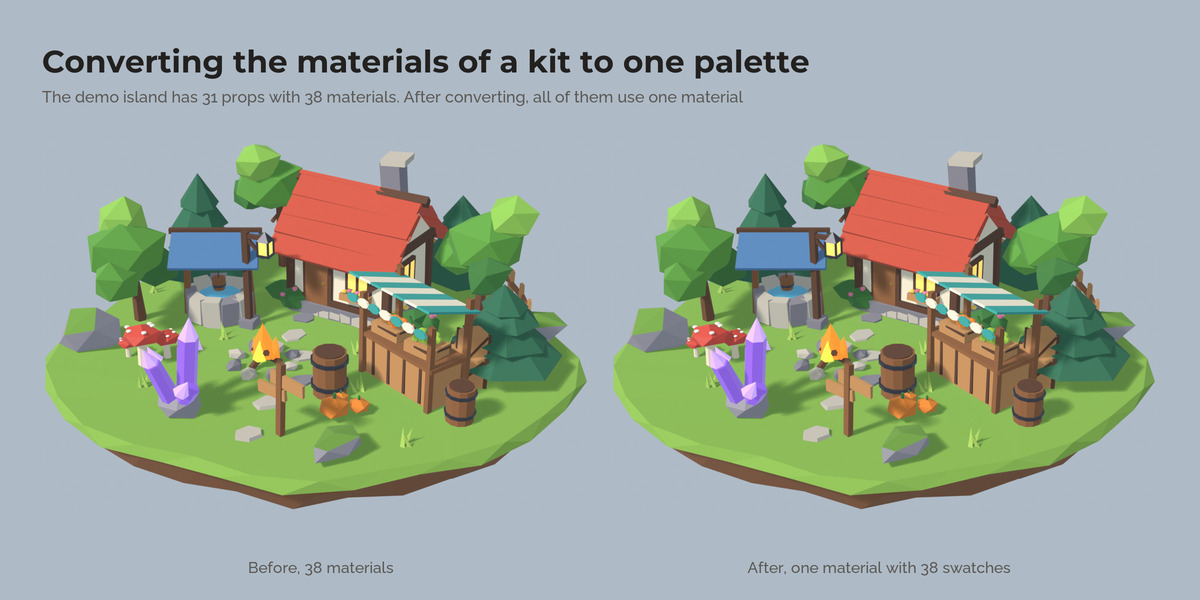
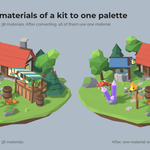
Select models that use one material per colour and press one button. Every face lands on a matching swatch and each object ends up with the palette material, looking the same as before. Colour times vertex colour setups are read correctly, including simple math on the vertex colour, so baked shading stays. Textured materials such as wood grain stay as their own material.
Metal, roughness and glow
Every swatch has its own metallic, roughness and glow, stored in a second small map with the same layout. Converted brass stays metal and lanterns keep their glow.
Vertex colours
Turn vertex colour models into a palette, or write the palette colours into a colour attribute for shaders that read vertex colours.
Changing the layout
Add, remove or reorder swatches, or change the number of columns: the UVs of every model that uses the palette move with it, so no face changes colour.
Importing palettes
GIMP .gpl files (for example from Lospec), hex lists and palette images.
How it works
- Select your models and press the plus button next to the palette field.
- In Edit Mode select faces, click a swatch, press Assign.
- Change colours in the list, add a theme, recolour it.
- Export the theme images and use them in Blender, Unity, Unreal or Godot.
FAQ
Does it work with my existing UVs?
Turn on Own UV Map and the palette UVs go into a separate UV map; your original UVs stay.
Can I use the atlas in Unity, Unreal or Godot?
Yes. Export the meshes with the palette material and import the theme PNG with Point or Nearest filtering.
Do I need the add-on to open files made with it?
No. The palette is a normal material with a packed image.
What happens to faces when I delete a swatch?
They move to the first swatch, and a message tells you.
Does it send data anywhere?
No. No network access, no licence check.
Have questions about this product?
Login to message
| Published | 2 days ago |
| Blender Version | 4.5 - 5.2 |
| Extension Type | N/A |
| Render Engine Used | Cycles, Eevee |
| License | GPL |
Discover more products like this
materials vertex color godot Texturing stylized unity low poly uv unreal Palette game assets color-atlas