Sxinthue - Theme Lab
 saintricchi store
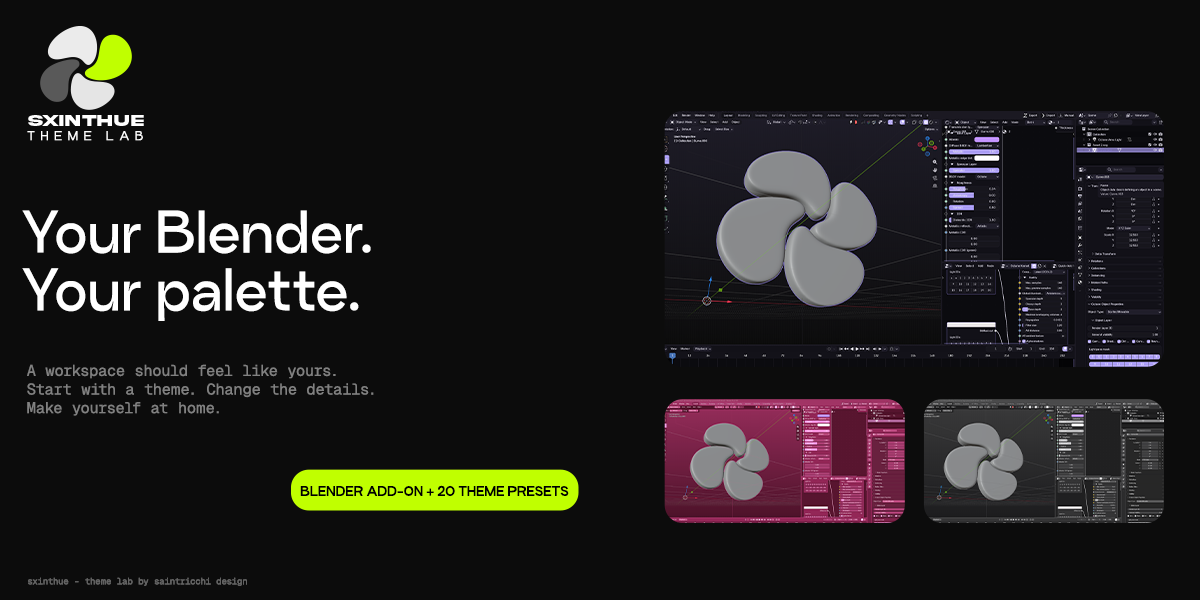
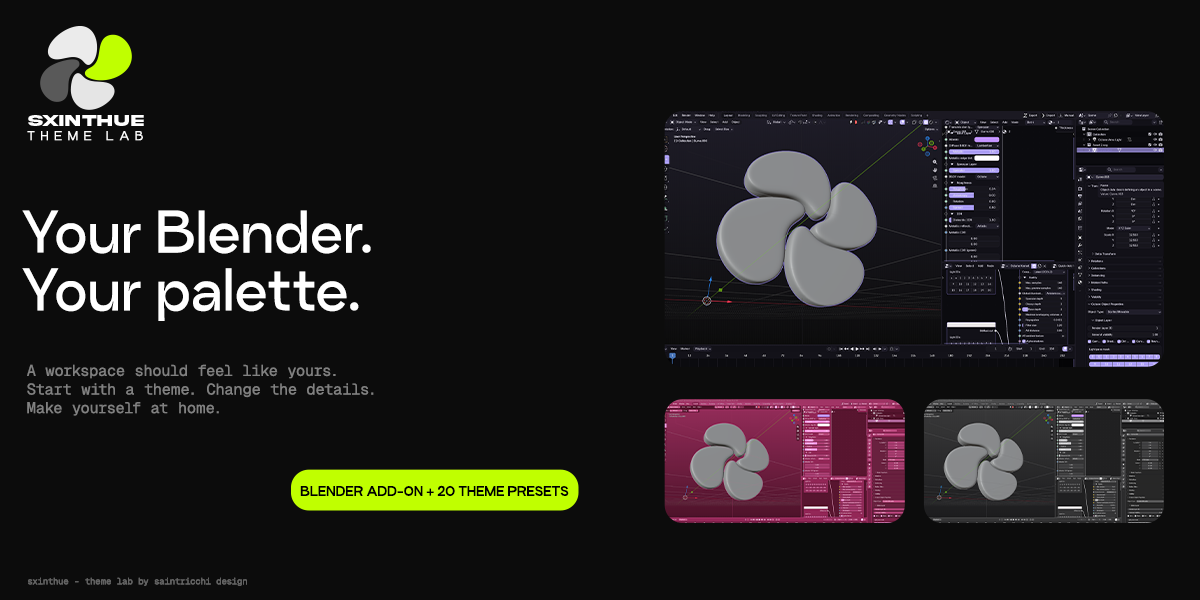
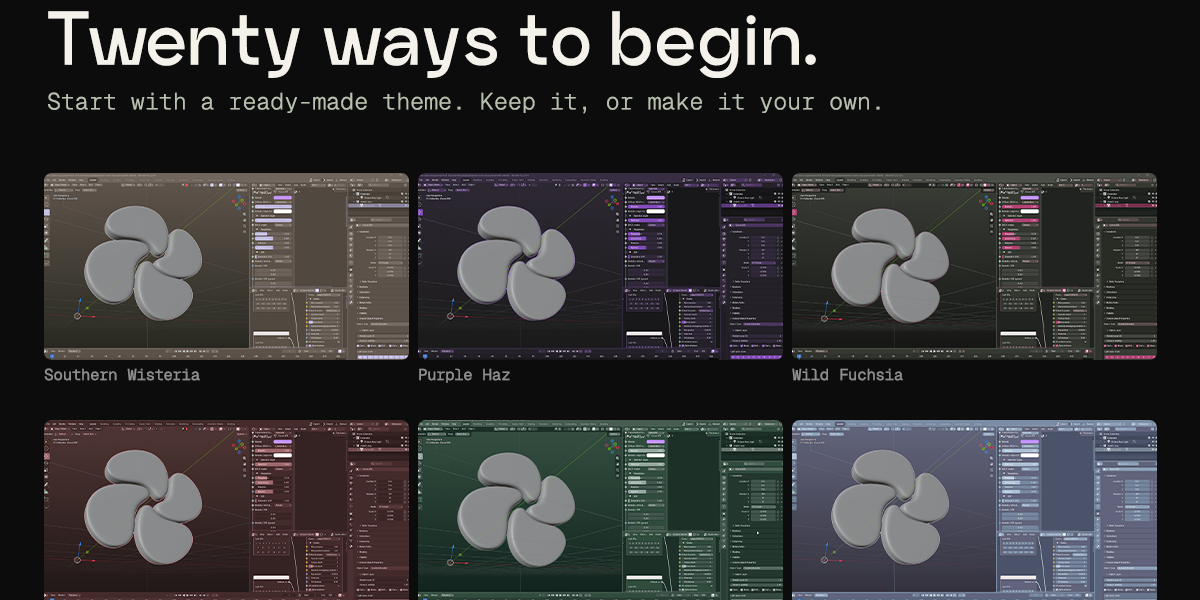
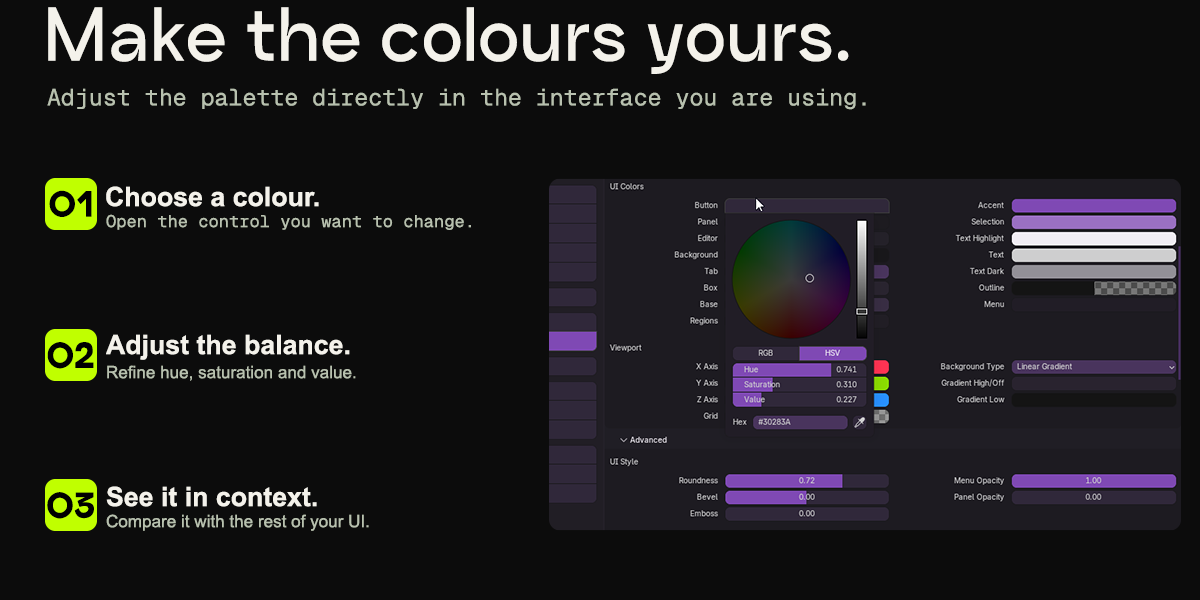
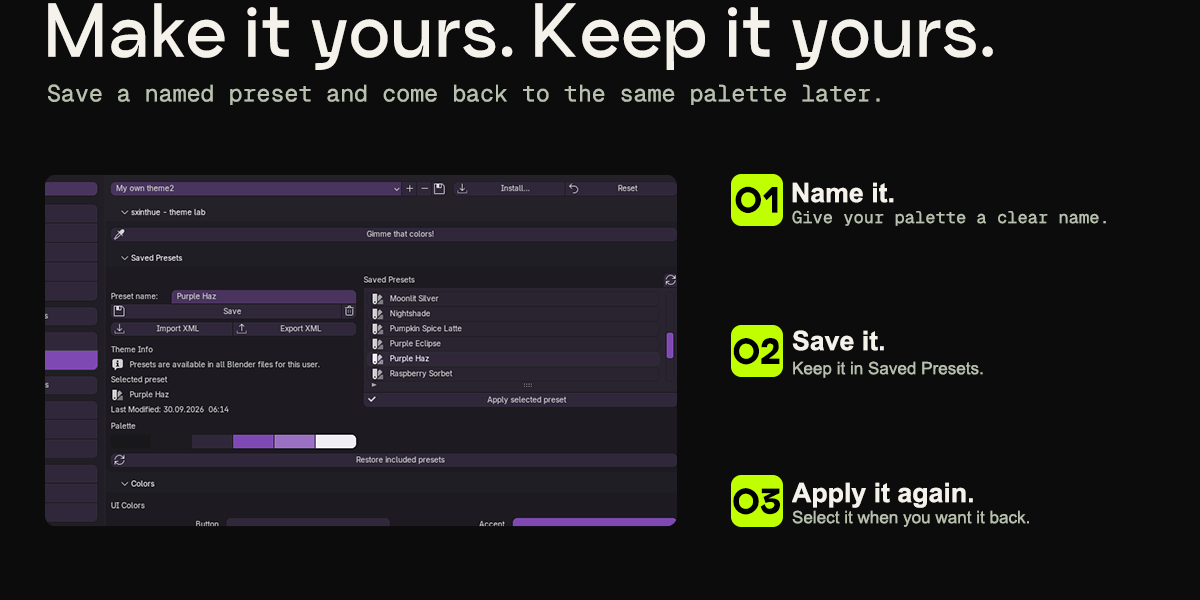
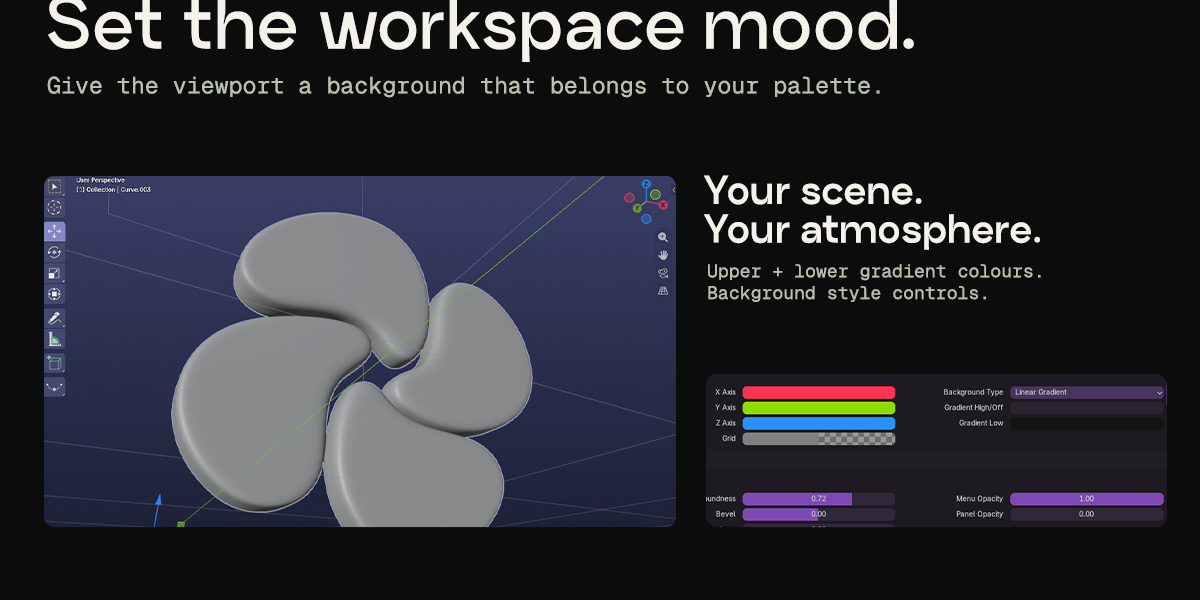
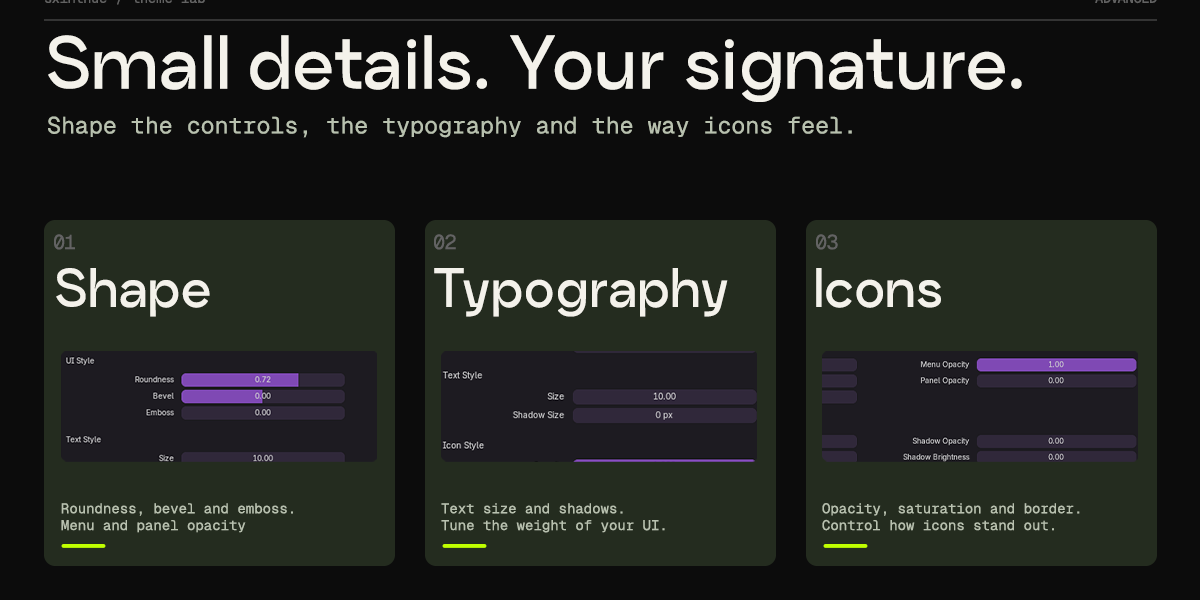
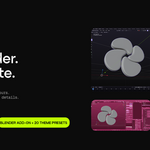

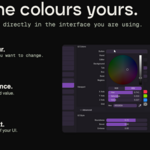
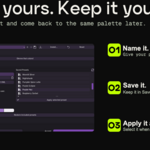
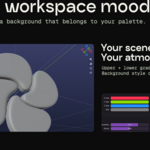
SXINTHUE - THEME LAB
By saintricchi design
1. Extract this Complete Package ZIP to a folder on your computer.
2. Open Blender > Edit > Preferences > Add-ons.
3. Open the top-right menu > Install from Disk.
4. Select the included sxinthue - theme lab.zip (keep this installer zipped).
5. Enable sxinthue - theme lab, then open Preferences > Themes.
README.md: installation, usage and XML-theme FAQ.
TROUBLESHOOTING.txt: questions and troubleshooting guidance.
Website and FAQ: https://saintricchi.com/sxinthue
Have questions about this product?
Login to message
| Published | 40 minutes ago |
| Blender Version | 5.0 - 5.3 |
| Extension Type | N/A |
| License | GPL |
Discover more products like this
dark themes theme manager Interface-colors XML themes lender themes theme-presets blender addon Color Palettes light themes viewport customization theme editor ui customization