Sxinthue - Theme Lab
 saintricchi store
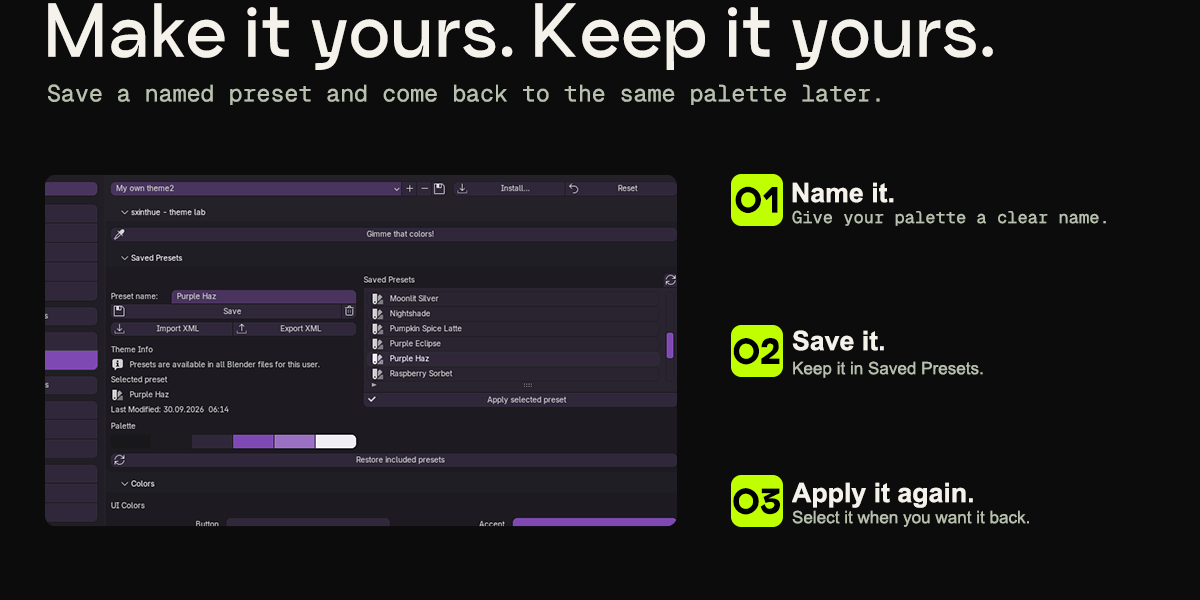
Use Import XML for a Blender theme XML file, and Export XML to export the current
Blender theme. These actions do not import/export a ZIP installer or a sxinthue
JSON preset. Renaming a JSON file to .xml does not convert it.
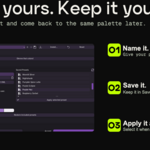
After importing an XML theme, click Save if you want to add the captured palette
to sxinthue's Saved Presets. Importing XML alone does not create that JSON preset.
If export fails, choose a writable destination and a valid filename, then retry.
For "This Blender build does not provide XML theme export", try one of the
tested Blender versions listed at the start of this guide.
If an XML file imports differently in another Blender version, some theme
settings may have changed between versions. Check the result in the target
version before replacing your original theme. Keep the original XML as a backup.
Have questions about this product?
Login to message
| Published | 40 minutes ago |
| Blender Version | 5.0 - 5.3 |
| Extension Type | N/A |
| License | GPL |
Discover more products like this
theme manager Interface-colors ui customization XML themes viewport customization dark themes theme-presets light themes lender themes blender addon theme editor Color Palettes