 Azerilo


Accessing the Tool
-
In the 3D Viewport, press
Nto open the Sidebar. -
Navigate to the “Symmetry Checker” tab.
Checking for Symmetry
-
Select the Mesh Object you want to analyze.
-
In the Sidebar, under Check Symmetry:
-
Axis: Choose the axis to check (
X,Y, orZ). -
Threshold: Set the maximum distance allowed between mirrored vertex pairs. (Default:
0.01)
-
-
Click “Check Symmetry”.
Results:
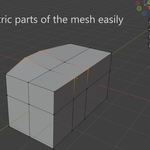
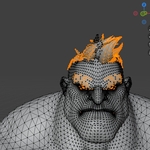
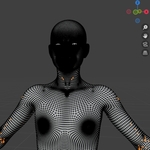
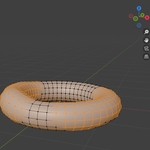
It will highlight the asymmetrical vertices
🔁 Symmetrizing the Mesh
To fix detected asymmetry:
-
In the Symmetrize Mesh section:
-
Direction: Choose the direction you want to mirror.
-
Example:
-X to +Xmirrors the -X side onto +X.
-
-
-
Click “Symmetrize Mesh”.
-
Have questions about this product?
Login to message
| Sales | 20+ |
| Published | over 1 year ago |
| Blender Version | 3.6 - 5.0 |
| Extension Type | N/A |
| License | GPL |