SymSolv — Symmetry Restoration for Blender
 Captain Pixel
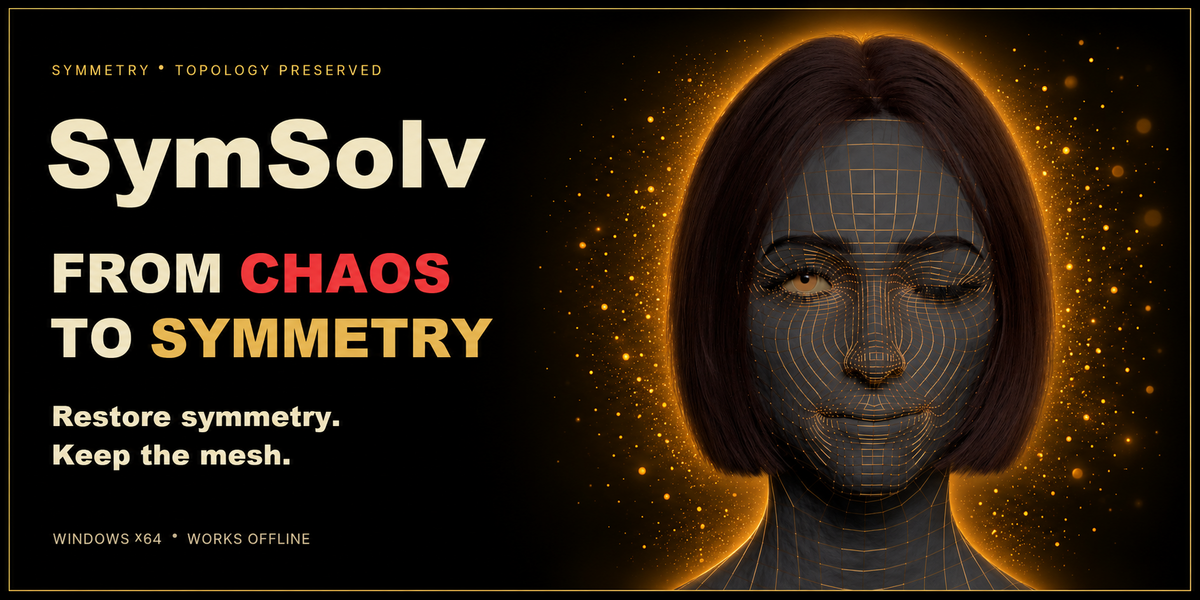
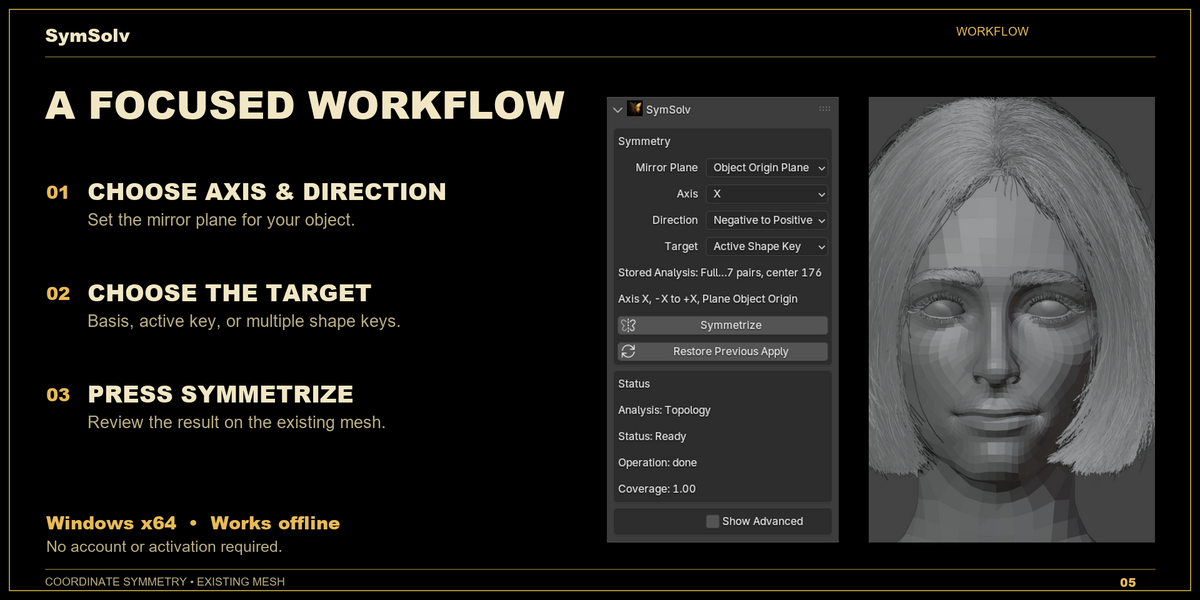
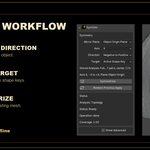
Extract the outer SymSolv-Blender-1.0.0-windows-x64.zip. Run the Engine installer, then install the inner SymSolv-Blender-Addon-1.0.0-windows-x64.zip through Blender Preferences. Do not install the outer bundle as an add-on.
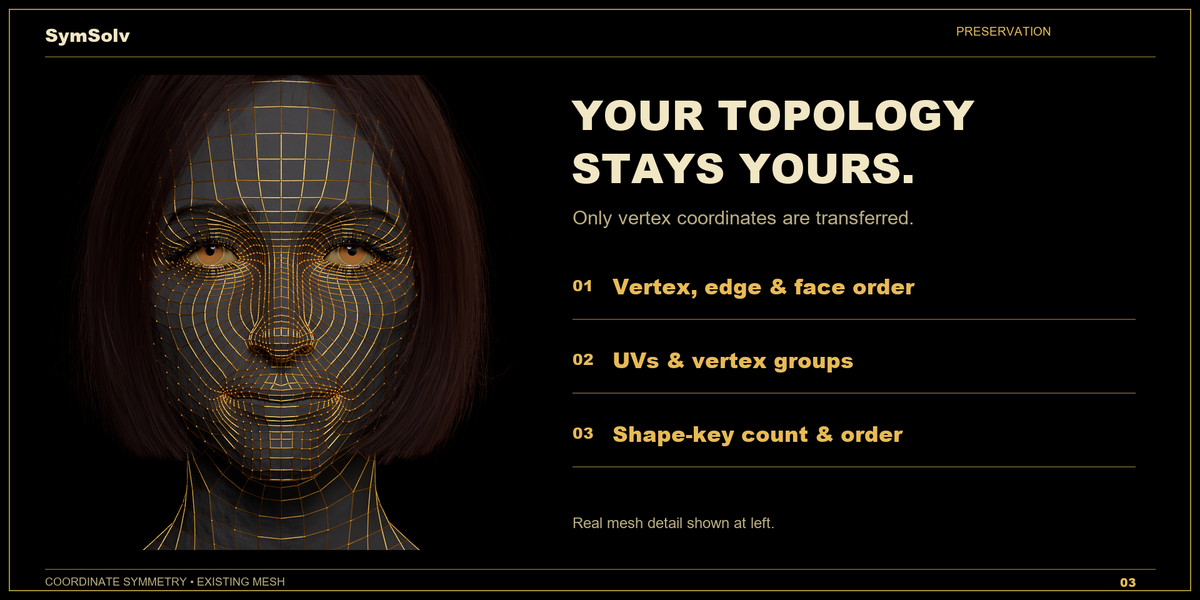
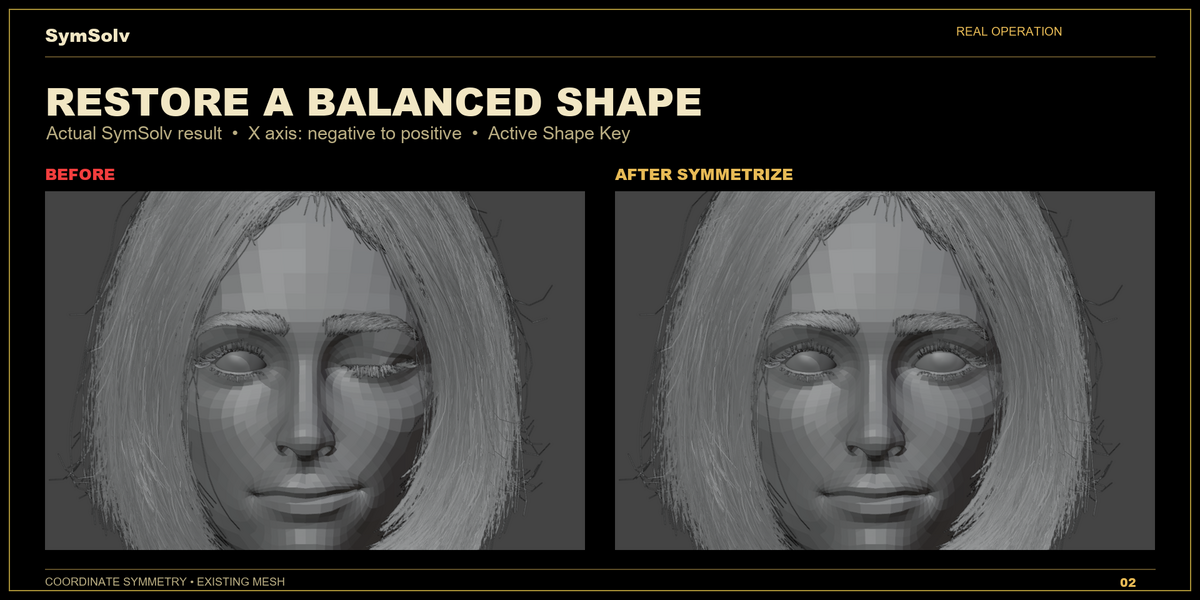
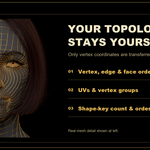
Topology and index order remain unchanged, along with UVs, material assignments, vertex-group data, and shape-key structure. Selected coordinate targets change according to the chosen operation.
Solo permits one end user and one active installation at a time. Studio permits the active installation and end-user counts stated by the selected variant and order. Each active installation uses a seat; employees, contractors, and freelancers each count as end users. See the included Engine EULA for transfers and the full terms.
Maintenance updates, if supplied, are distributed through Superhive. Free future major upgrades and a fixed update schedule are not promised.
Use the Superhive Creator Inbox, or email [email protected] for technical help. Include the order ID, SymSolv version, Blender version, Windows version, reproduction steps, and exact error message. Documentation is available at SymSolv documentation.
Yes. Download and install both components, then use SymSolv locally. Mesh processing takes place on your computer. The purchased variant's installation and end-user limits still apply.
SymSolv for Blender 1.0.0 supports Blender 2.80–5.2 on Windows x64. This listing does not include other host applications, macOS, or Linux.
No. It targets topology-compatible, predominantly quad meshes. It cannot rebuild missing or independently rewired topology, and triangle-dominant meshes are outside this release's advertised automatic workflow. Unproven correspondences are not guessed.
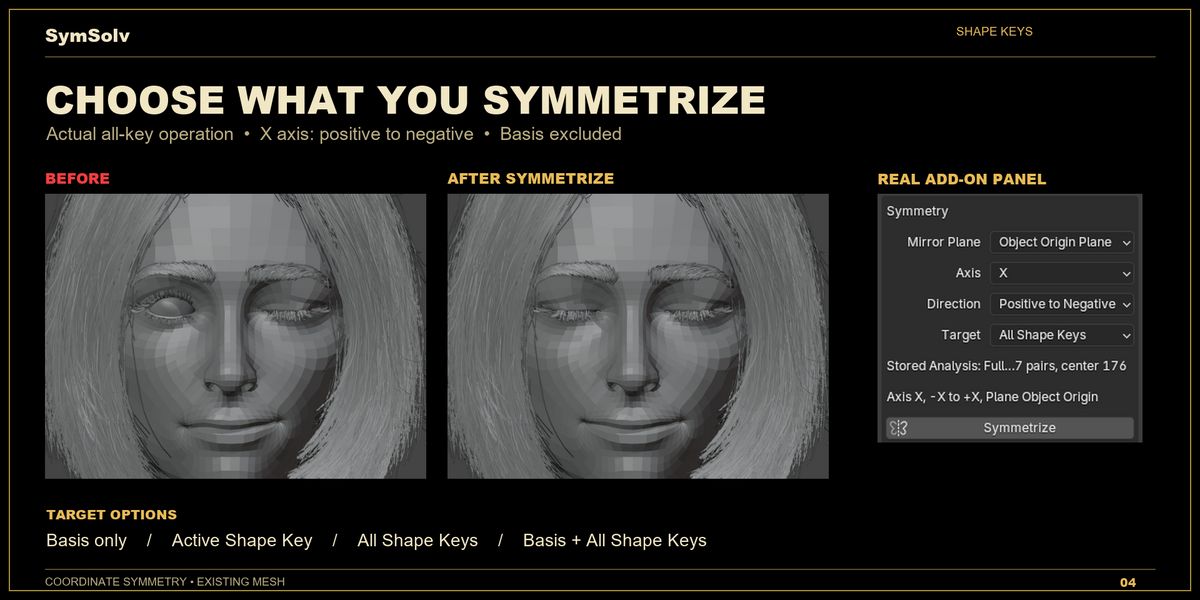
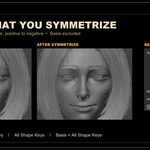
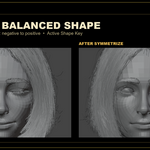
Yes. Choose Basis only, Active Shape Key, All Shape Keys, or Basis + All Shape Keys. All Shape Keys means non-Basis keys; use Basis + All Shape Keys when Basis must change too. The operation does not add, delete, or reorder key blocks.
No. Mirror Modifier generates mirrored geometry. SymSolv repairs coordinates on an existing mesh whose structure and index relationships must remain intact.
No. It changes coordinates on existing indices. It does not create, delete, or reorder vertices, edges, faces, or loops.
Have questions about this product?
Login to message
| Published | 26 minutes ago |
| Blender Version | 2.8 - 5.2 |
| Extension Type | N/A |
| License | GPL |
Discover more products like this
modeling symmetry #Character Modeling symmetry restoration vertex order topology preservation shape keys uv-preservation mesh symmetry