Synctools Pro For Sketchup
 blenderVfxMaster


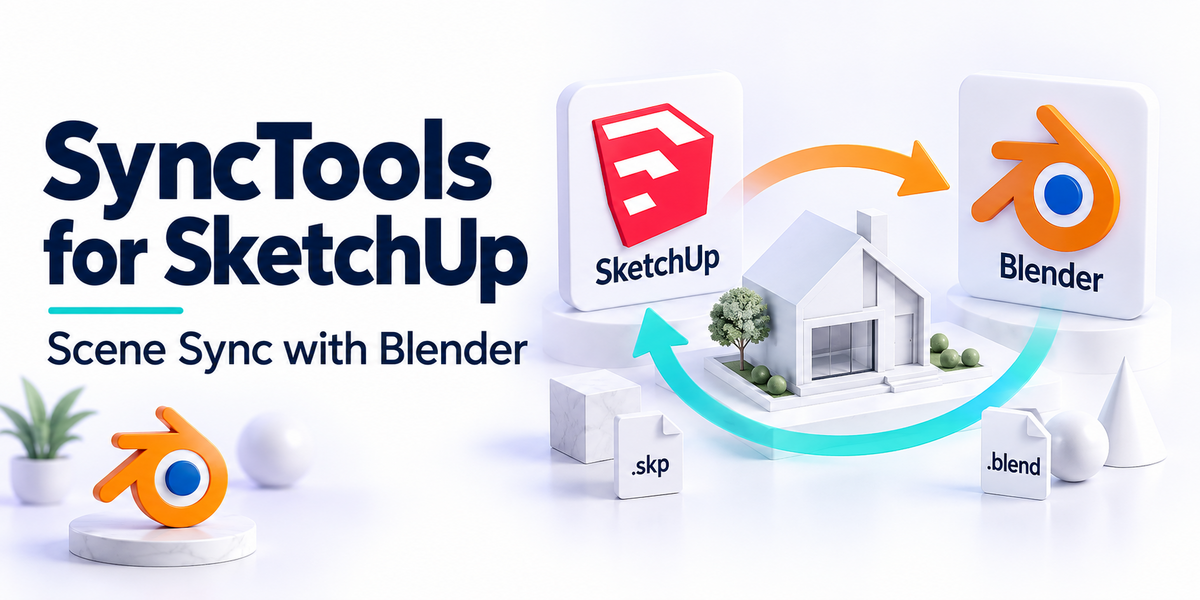
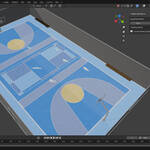
SyncTools for SketchUp
🌍 Multi-DCC Platform Support
The SyncTools series extends support to major digital content creation software, including:
✅ SyncTools for Maya (Released)
✅ SyncTools for 3ds Max (Released)
✅ SyncTools for Houdini (Released)
✅ SyncTools for Cinema 4D (Released)
✅ SyncTools for Rhino (Released)
✅ SyncTools for Marvelous Designer (Released)
✅SyncTools for Unreal Engine (Released)
✅ SyncTools for Substance Painter (Released)
🛠 SyncTools for Unity (In Development)
✅ SyncTools for Zbrush (Released)
✅ SyncTools for SketchUp (Released)
All plugins utilize a unified data exchange protocol, enabling lossless asset conversion across platforms and true multi-software collaborative workflows.
Compatibility
-
Recommended Version: SketchUp 2022 or newer
-
Supported Versions: SketchUp 2014–2021
-
Operating Systems: Windows, macOS
Feature Overview
SyncTools supports bidirectional import and export of the following 3D assets:
-
Components
-
Groups
-
Faces
-
Materials
-
Geometry
-
Hierarchy
Plugin Installation
Locate the SketchUp Plugin Directory
Depending on your operating system, the plugin path is:
-
Windows:
C:\Users\[Username]\AppData\Roaming\SketchUp\SketchUp 2022\SketchUp\Plugins -
macOS:
~/Library/Application Support/SketchUp 2022/SketchUp/Plugins
Troubleshooting Plugin Loading Issues
-
Check that the plugin’s folder structure is correct
-
Ensure the plugin files and directory have appropriate permissions
-
Verify that your SketchUp version is compatible with the plugin
How to Use
-
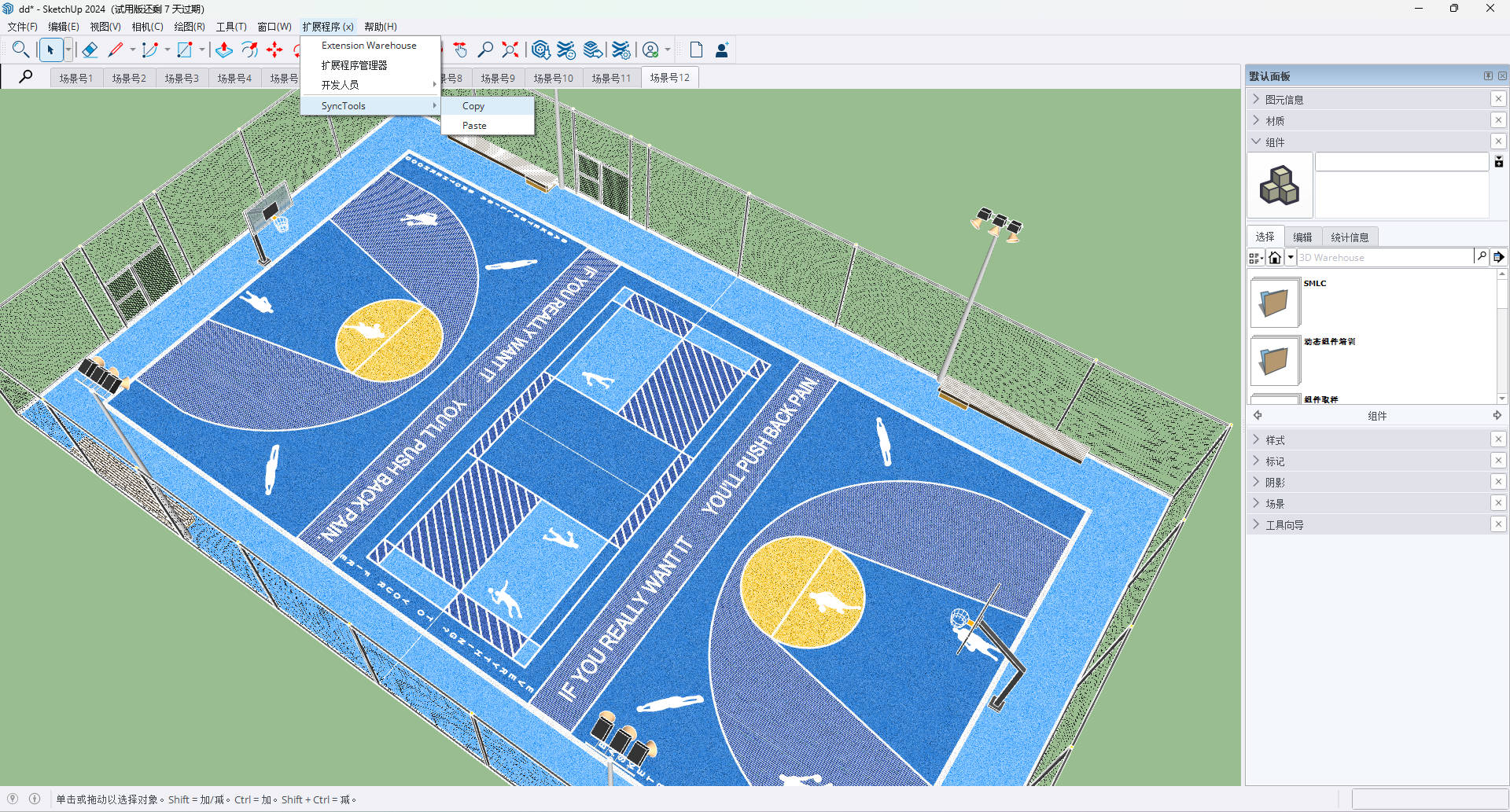
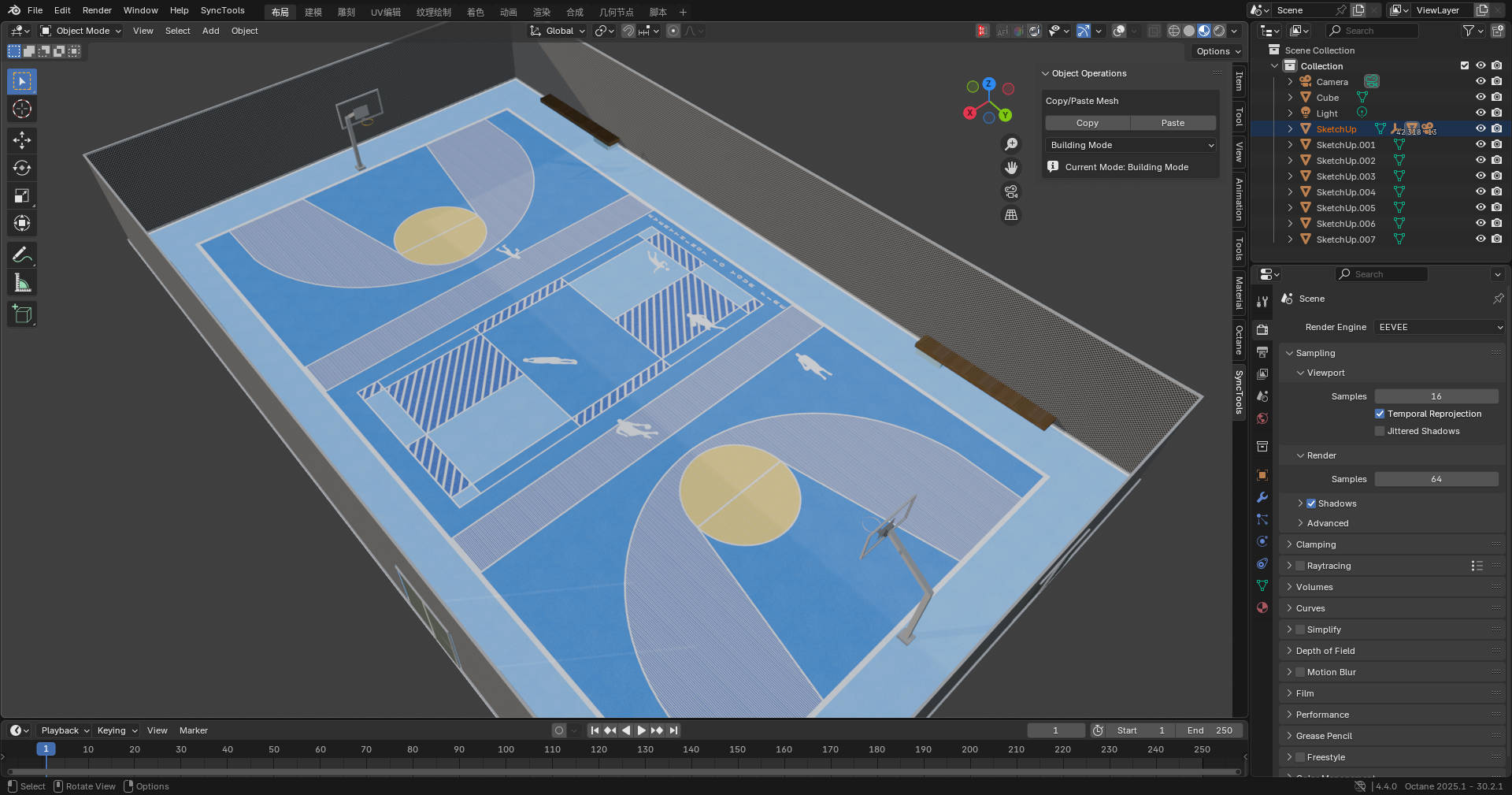
Copy: Export selected objects to the cache
-
Paste: Import the most recently exported objects into the current scene
Notes
-
A
cachefolder will be created in your user documents directory to store temporary data -
Ensure sufficient disk space is available for cache files
-
Cache files are automatically cleaned after each paste operation
Common Issues & Solutions
1. Toolbar Not Showing
-
Check if the plugin is correctly installed
-
Restart SketchUp
-
Ensure the plugin is enabled in the Extension Manager
2. Copy Operation Failed
-
Make sure objects are selected
-
Check for available disk space
-
Review any error messages shown
3. Paste Operation Failed
-
Ensure a copy operation was previously executed
-
Check if cache files exist in the temp folder
-
View the Ruby Console for detailed error logs
Data Compatibility
| Data Type | Support | Notes |
|---|---|---|
| Basic Geometry | ✔️ | Faces and edges are fully preserved |
| Component Instances | ✔️ | — |
| Group Structures | ✔️ | — |
| Hierarchy | ✔️ | — |
| Basic Material Props | ✔️ | Includes color, transparency, etc. |
| Transform Info | ✔️ | Position, rotation, and scale retained |
| Material Textures | ⚠️ | Check texture path validity |
| UV Coordinates | ⚠️ | May require adjustment in some cases |
| Custom Attributes | ⚠️ | Manual migration may be needed |
| Layer Info | ⚠️ | Partial support |
| Animation Data | ❌ | Not supported |
| Plugin-Specific Features | ❌ | Not supported |
| Dynamic Components | ❌ | Not supported |
| Scene Settings | ❌ | Not supported |
| Render Settings | ❌ | Not supported |
Important Notes
-
Units: Retains original project units, no automatic conversion
-
Face Orientation: Preserves face direction to avoid rendering errors
-
Materials: Retains material names and basic properties
-
Naming: Unicode characters supported (e.g., Chinese or special symbols)
-
File Format: Internally uses FBX for data exchange to ensure compatibility
Summary
SyncTools for SketchUp offers a simple yet powerful solution for cross-platform data transfer. With intuitive Copy & Paste functionality, it allows you to sync models across different 3D applications effortlessly, significantly enhancing production efficiency.
If you encounter any issues during use, feel free to contact us at any time.
-
$15
1 seat. For individual creators or small commercial projects.
-
$18
Up to 3 seats / single studio team. Use across all internal projects within one company.
-
$72
15+ seats / company-wide / unlimited internal use across subsidiaries.
Have questions about this product?
Login to message
| Sales | 50+ |
| Rating | 3 ratings |
| Published | over 1 year ago |
| Blender Version | 3.6 - 5.2 |
| Extension Type | N/A |
| License |