 blenderVfxMaster


|
Multi-DCC Platform Support
The SyncTools SeriesAll SyncTools plugins share a unified data exchange protocol, enabling lossless asset conversion across platforms and true multi-software collaborative workflows.
Get all ten released SyncTools products in the DCC Integration Suite — save over 25% compared with buying them individually.
|
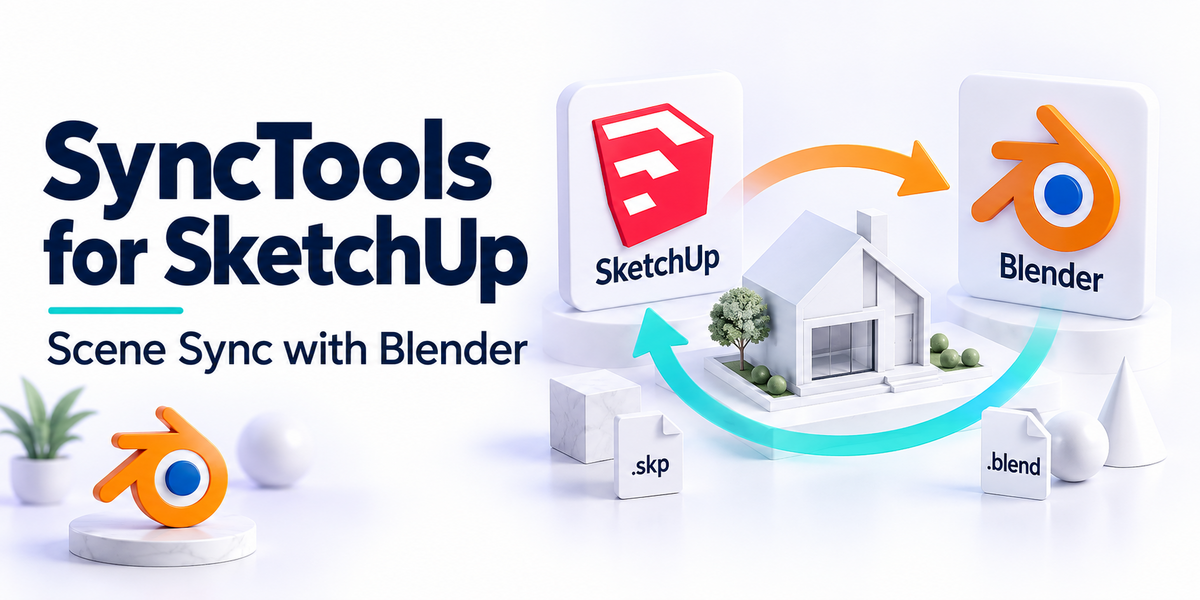
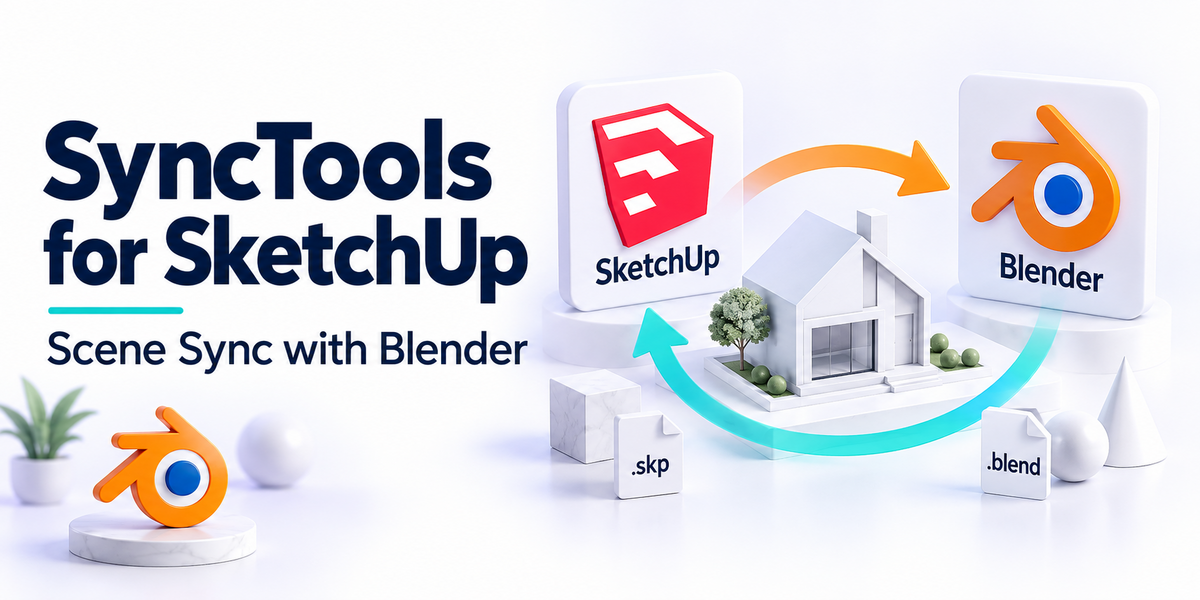
SyncTools for SketchUpBidirectional copy and paste of 3D assets between SketchUp and other DCCs.
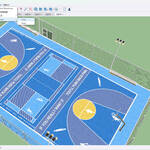
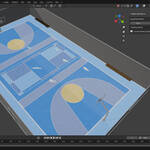
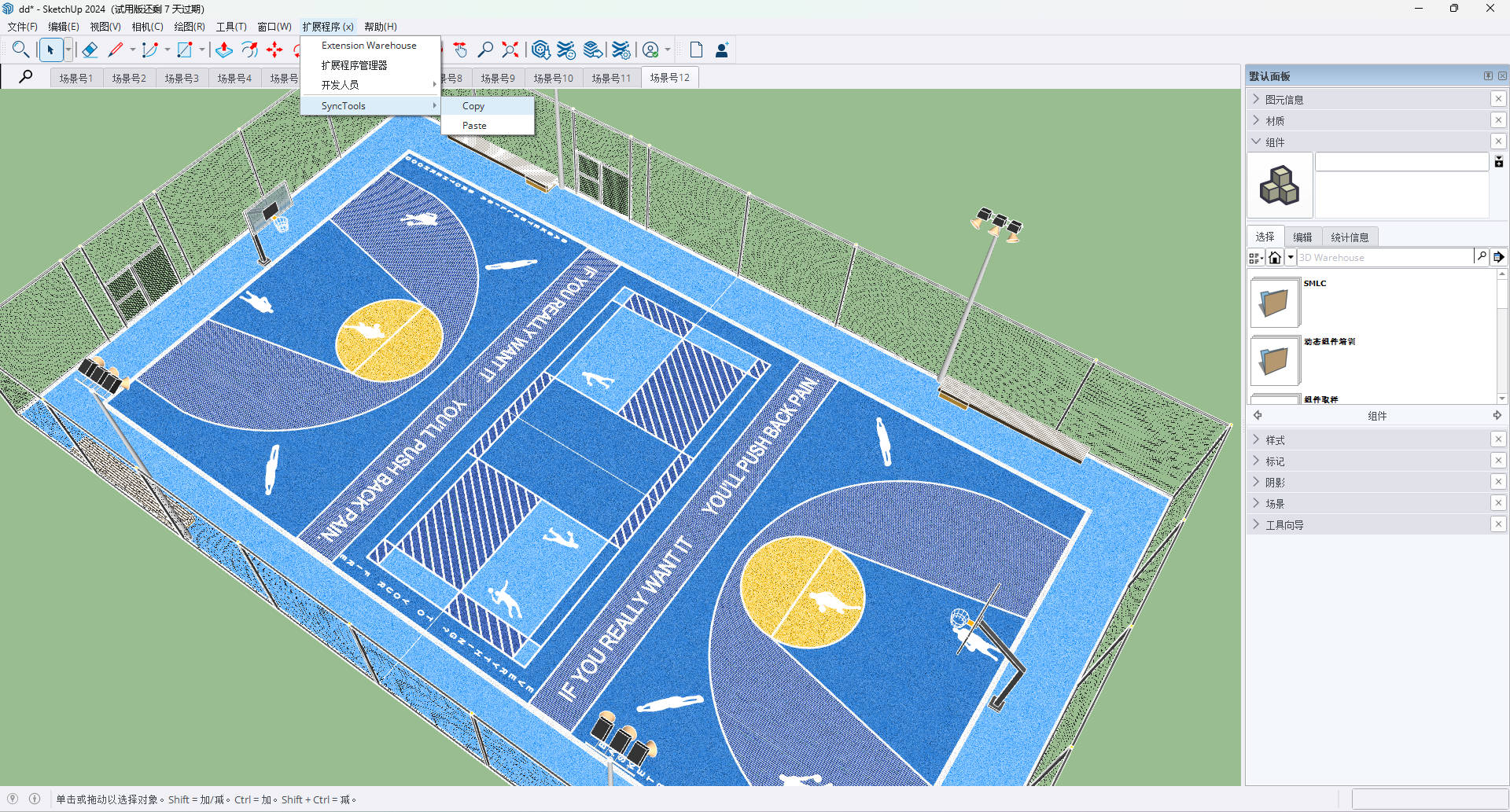
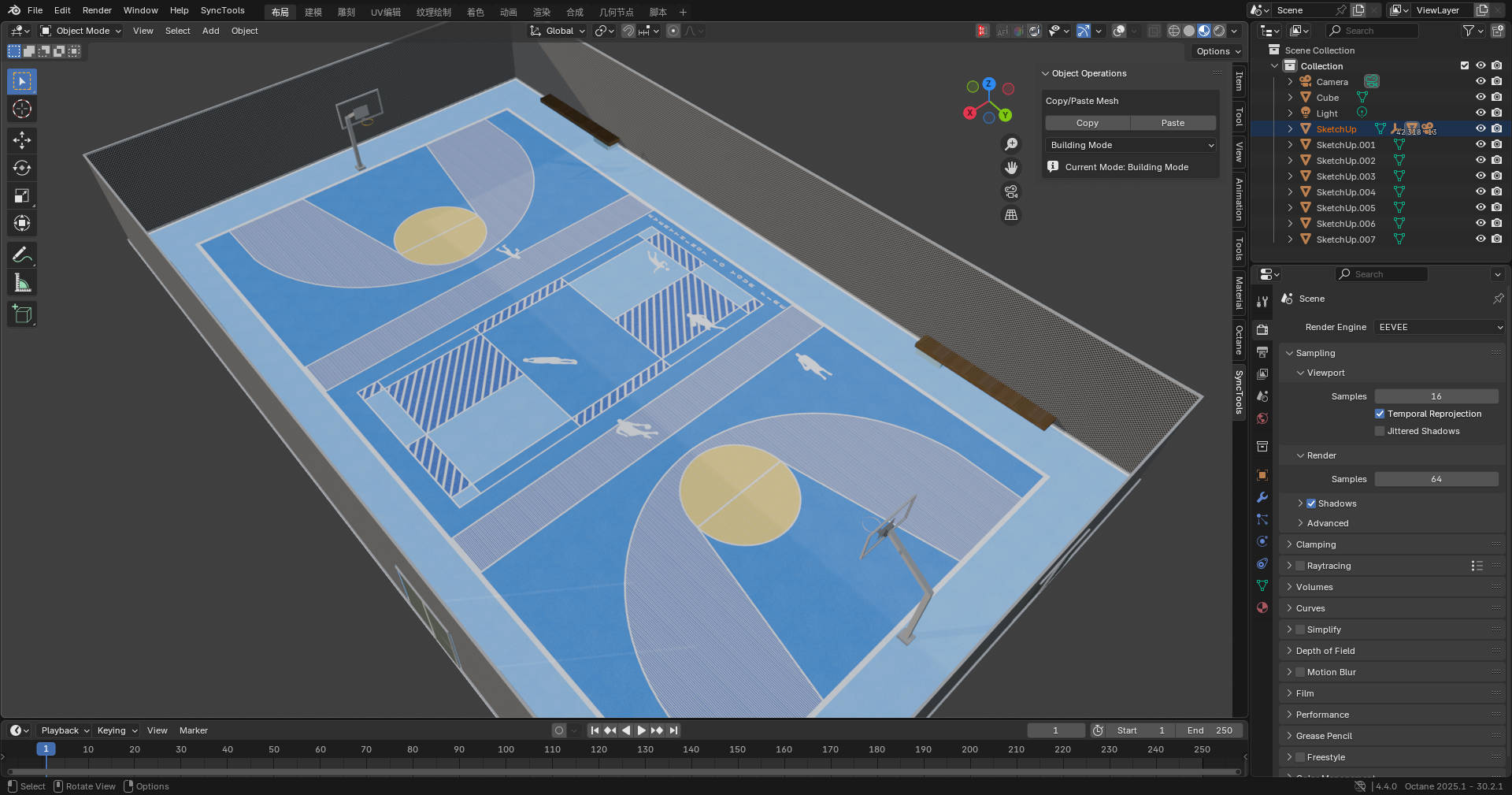
SketchUp joins the SyncTools ecosystem. Move components, groups, faces, and materials between SketchUp models - or out to Blender/Maya/3ds Max - through one Copy/Paste protocol.
What gets transferred
|
||||||||||||||||
|
Overview
Bring SketchUp into your DCC pipelineSyncTools for SketchUp transfers assets between SketchUp models or out to other DCCs through a unified FBX-based exchange protocol. Useful for architects who model in SketchUp and render in Blender, or visualizers shuttling assets between programs.
Designed for architects, interior designers, and visualization artists.
 |
||||||||||||||||
|
Features
What you get
|
||||||||||||||||
|
Benefits
Why this addon?- Stop Re-Modeling - Reuse SketchUp components in any DCC without rebuild.
- Lossless Across DCCs - Component hierarchies and materials preserved.
- Studio-Ready - Shared cache directory works for teams.
- Part of an Ecosystem - Same protocol works with Maya, 3ds Max, Houdini, Cinema 4D, Rhino, Marvelous Designer plugins. Buy the DCC Integration Suite to get all of them.
|
||||||||||||||||
|
Compatibility
Compatibility- SketchUp: 2022+ recommended (2014-2021 supported)
- OS: Windows 10/11, macOS 13+
|
||||||||||||||||
|
Installation
Quick Start1. Locate the SketchUp Plugins directory - Windows: %APPDATA%\SketchUp\SketchUp \SketchUp\Plugins; macOS: ~/Library/Application Support/SketchUp /SketchUp/Plugins.
2. Copy the SyncTools plugin folder - Drop the included SyncTools folder into Plugins.
3. Restart SketchUp - SyncTools menu appears.
4. Verify install - If the menu doesn't appear, check folder permissions and SketchUp version.
|
||||||||||||||||
|
Support
Support & Updates- Email and ticket support via Superhive inbox (typically 48 h response)
- Community chat for real-time help
- Free lifetime updates within the current major version
|
||||||||||||||||
|
Tags
sketchup, blender, maya, pipeline, dcc, sync, architecture, components
|
||||||||||||||||
|
2026 SyncTools for SketchUp - part of the SyncTools DCC family
|
|
Community
Support Blender FoundationWe believe in giving back to the community that makes our work possible. Every month, we dedicate a portion of our plugin's revenue to support the Blender Foundation. Thank you for helping us contribute to the future of open-source creativity.
|