 Artemis3D


Synthra | Documentation
Full documentation: luxa3d.com/docs/synthra
──────────────────────────
WORKFLOW
01 | Camera Setup
Choose Object mode to orbit a single mesh, or Scene mode
to capture an entire room.
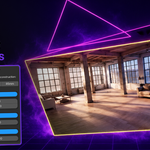
02 | Camera Placement
7 placement modes: Object, Room/Interior, Walkthrough path,
Hybrid, Custom clusters. Live preview in viewport.
03 | Render Quality
Set resolution, format, denoising and samples.
All settings restored automatically after batch.
04 | Output
Exports images/, transforms.json and points3d.ply
for Postshot, Nerfstudio, RealityCapture, Instant-NGP.
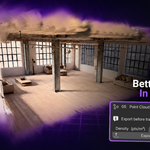
05 | Point Cloud (3DGS Init)
Export points3d.ply for better training initialization.
Adjust density before exporting.
──────────────────────────
COMPATIBILITY
Blender 4.2+ · Postshot · Nerfstudio · RealityCapture · Instant-NGP
 Included
Includes 12 months of
- Support from Artemis3D
- Product updates
Extend this product’s Support Period +12 months: 50% of product price
Have questions before purchasing?
Login to message
| Blender Extension Compatible | Yes |
| Sales | 20+ |
| Dev Fund Contributor | |
| Published | 6 months ago |
| Blender Version | 4.2 - 5.1 |
| Extension Type | Add-on |
| Render Engine Used | Cycles, Eevee |
| License | GPL |
Discover more products like this
gaussian splatting realitycapture animation Interaction rendering camera rig gaussian nerf batch render photogrammetry multi-view games 3d-scanning Synthra ai