 Lilia Ellis
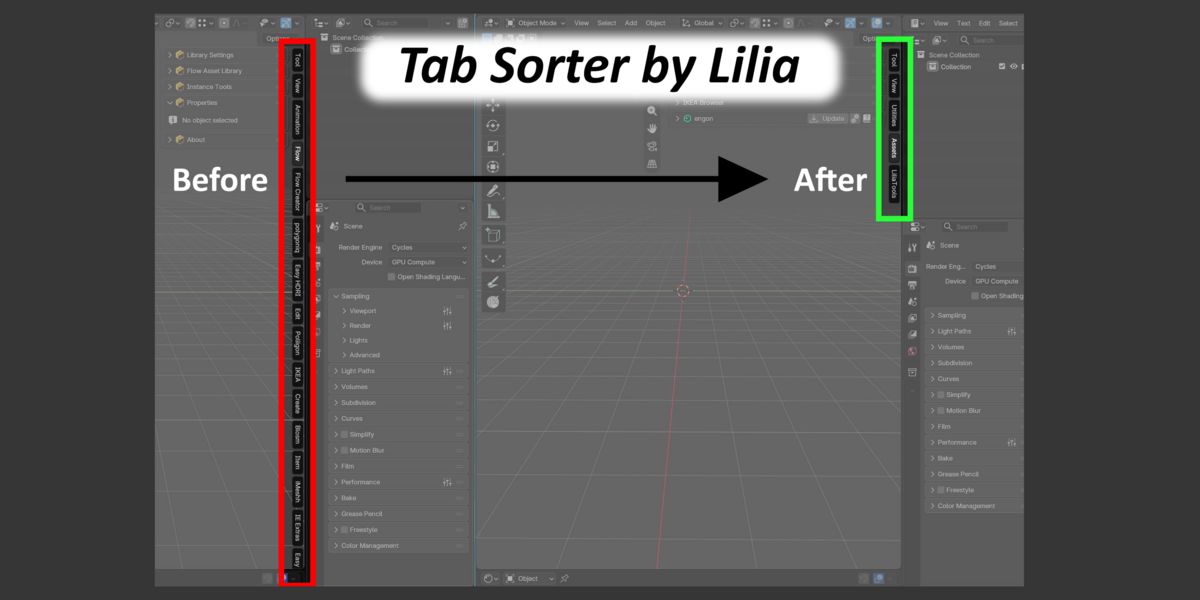
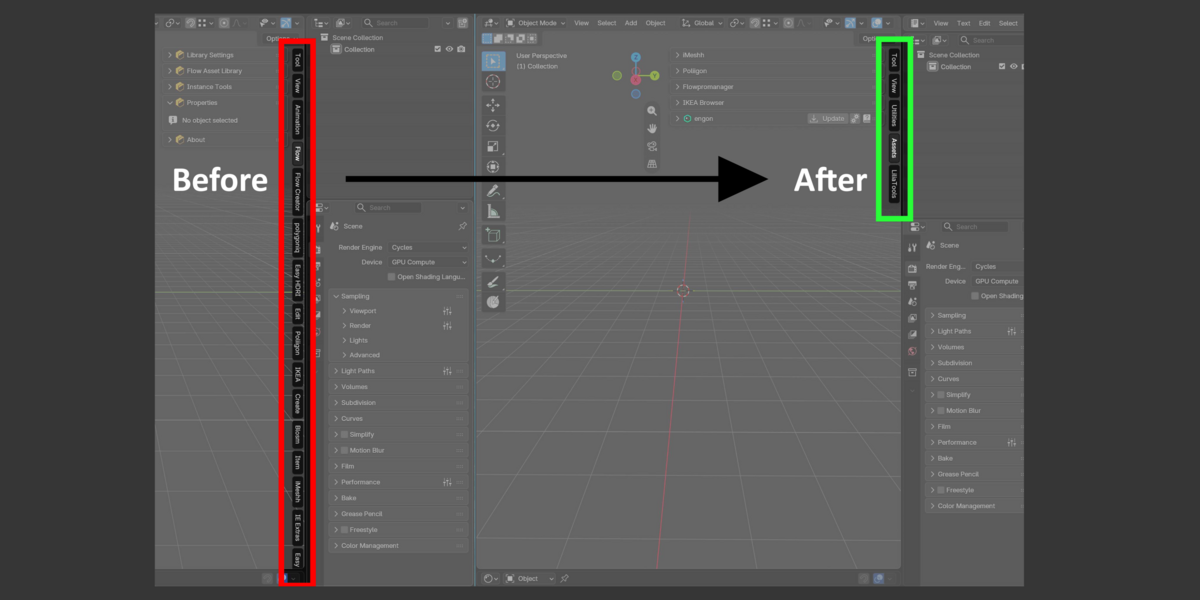
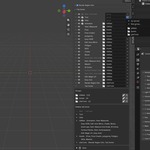
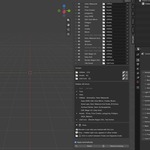
One clean sidebar instead of dozens of tabs
Every add-on you install puts another tab into the 3D Viewport sidebar (N-panel). After a while the tab column runs off the screen, and finding the tool you need takes longer than using it.
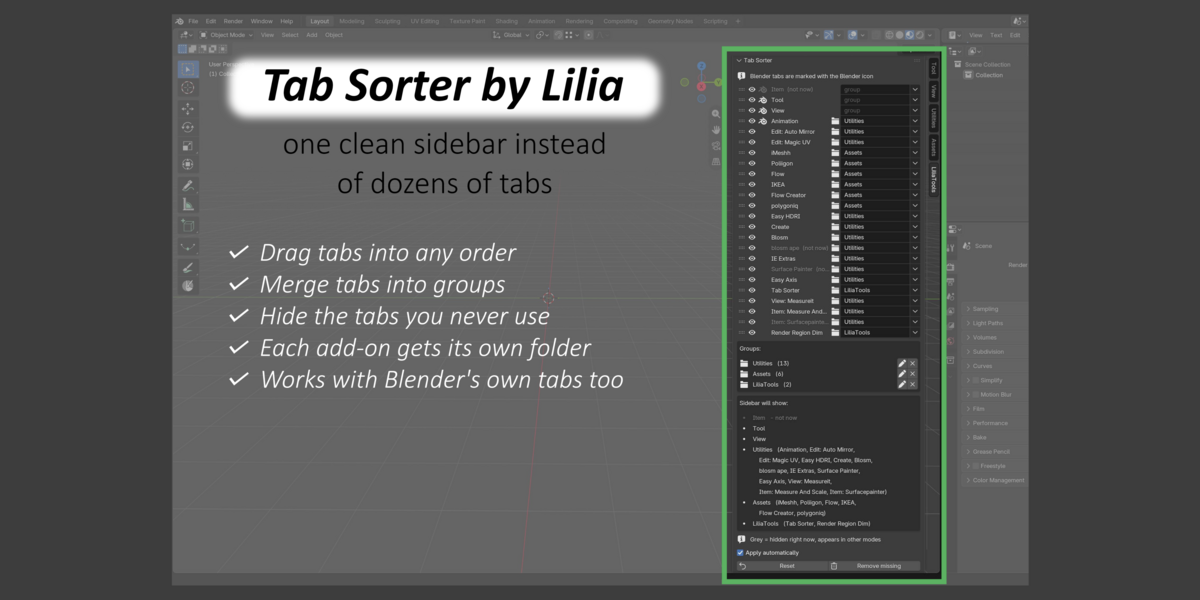
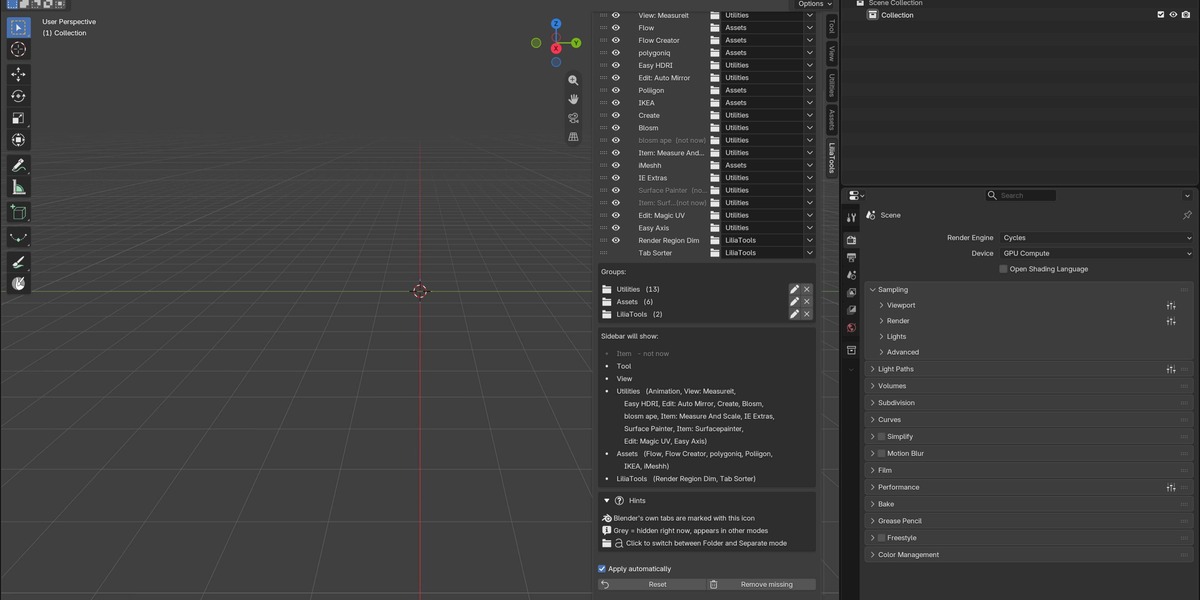
Tab Sorter puts you back in control. Reorder tabs, merge them into your own groups and hide the ones you never use, all from one simple list.
Features
- Drag to reorder: press and hold a row, move it, let go.
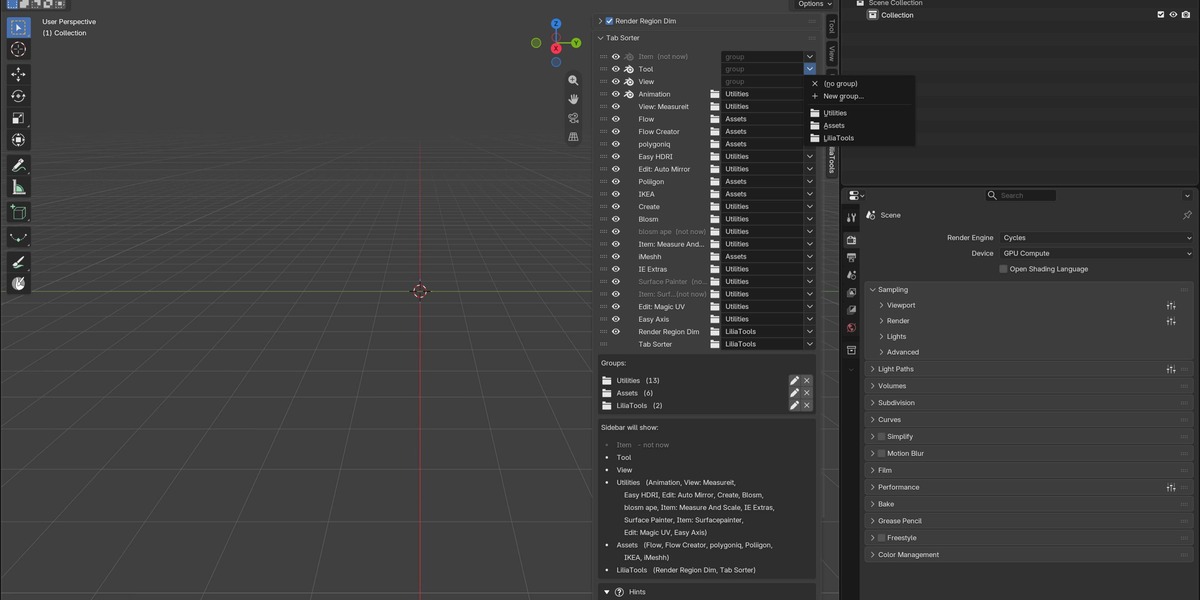
- Groups: merge several tabs into one, for example "Assets" or "Utilities". Pick a group from a drop-down menu, no typing needed.
- Folders: inside a group, each add-on gets its own collapsible folder, so you always know which panel belongs to which add-on.
- Separate mode: prefer no folders? Switch any add-on to Separate mode and its name is added to each panel title instead.
- Hide tabs you never use with one click.
- Blender's own tabs too: Tool, View, Animation and others can be grouped and reordered like any add-on.
- Live preview shows exactly how your sidebar will look.
- Rename or delete groups at any time. A deleted group simply turns back into separate tabs.
- Automatic: add-ons you enable later are picked up and sorted right away.
Safe to use
Tab Sorter does not change any files of other add-ons. Press Reset or disable Tab Sorter, and every tab goes back to where it was. Your setup is saved in the add-on preferences and stays the same in every .blend file.
Installation
- In Blender, go to Edit > Preferences > Get Extensions.
- Open the drop-down menu in the top right corner and choose Install from Disk.
- Select the downloaded zip file.
- Open the sidebar (N) in the 3D Viewport and find the LiliaTools tab.
Updating
To update, install the new zip over the old version. Do not uninstall first: uninstalling removes your tab order and groups.
Compatibility
- Blender 4.2 and newer (tested in Blender 5.3)
- Works with most add-ons that add tabs to the 3D Viewport sidebar
- The Item tab always stays first: its Transform panel is built into Blender and cannot be moved
- Use one sidebar tab manager at a time: running two of them together may cause conflicts
