 Tachyon Studio





Texture Tools



Pack AO, Roughness and Metallic into one ORM texture, unpack it again, and rename, resize and convert whole folders of textures — in a Texture Tools tab of its own, right inside Blender. Drop a whole folder: maps are grouped by material, colour and normal maps are skipped, and every set is packed in one click. Free, and nothing you load ever leaves your computer.
THE TACHYON STUDIO COLLECTION
Go beyond
Texture Tools.
The maps are packed. Make the masks and the maps themselves, right from Blender.
MAKE THE MASKS

RGB Mask Master
Bake AO and curvature from the low poly; a red, green and blue layer stack drives your own materials.
PAINT THE MAPS
Substance Painter Bridge
Send the mesh to Substance Painter, paint, and get the maps back as ready-wired materials.
Build out your workflow.
A few more tools, chosen for the work you do here.
BAKE IN TOOLBAG
Marmoset Toolbag Bridge
Bake in Toolbag and bring the finished maps into Blender.
TOUCH UP IN PHOTOSHOP
Photoshop Bridge
Edit textures and renders in Photoshop; Blender reloads what you save.
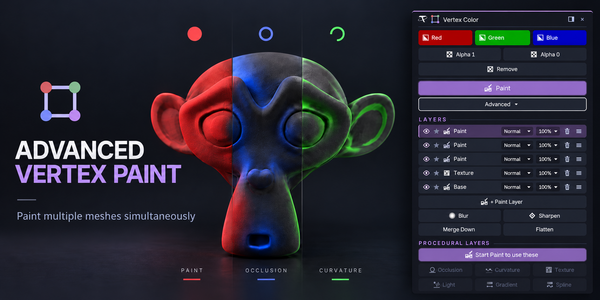
PAINT VERTEX COLOR
Advanced Vertex Paint
Fill, set alpha and paint vertex color on many meshes at once, with layers in Pro.
There is more in the studio.
See the full collection ↗Optional products, sold separately. Check requirements; external applications are not included.