 DreamSfx
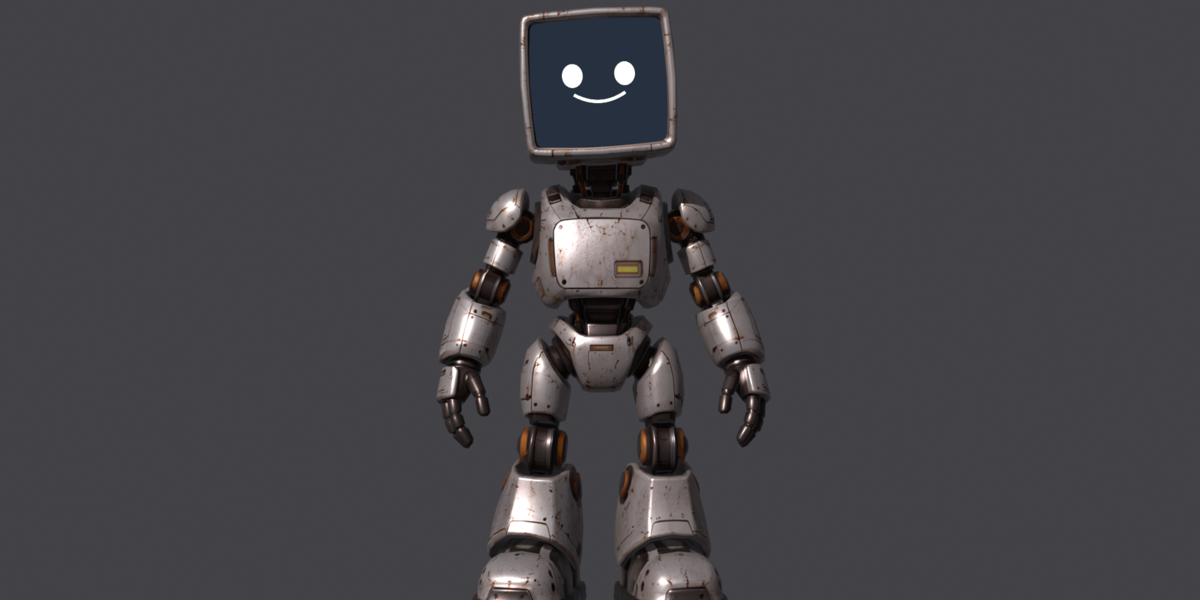

Quick start
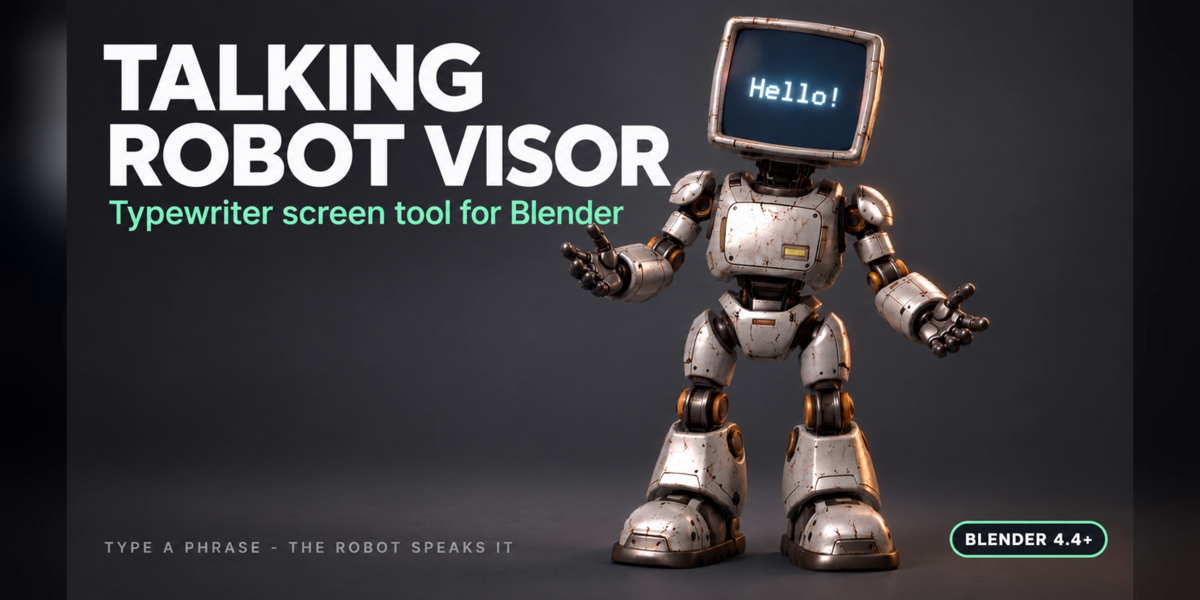
- Open Talking Robot Visor.blend in Blender 4.4 or newer.
- If a banner appears at the top right of the viewport, click Allow Execution (Blender blocks Python inside downloaded files by default).
- The Talking Robot panel opens by itself. If not: Properties > Scene > Talking Robot, or Shift+Alt+R.
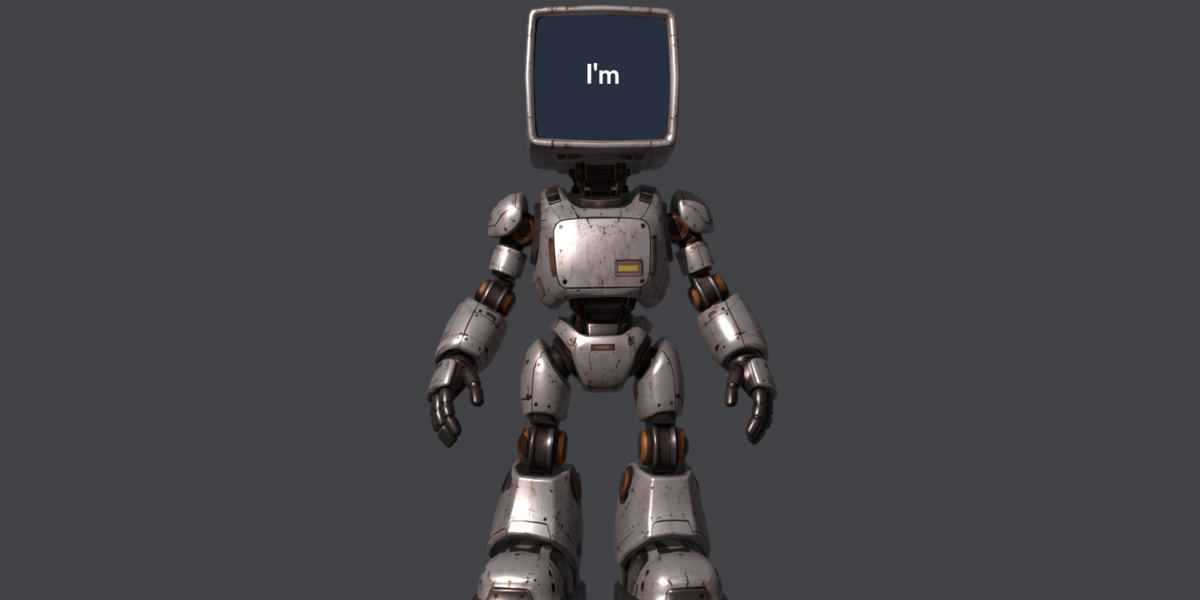
- Type your phrase in the Phrase field and press Play.
- Press Render video (MP4) to export a 1920x1080 clip.
Manual start (if scripts are blocked)
Shift+F11 opens the Text Editor. Choose typewriter_screen.py and press Run Script (Alt+P).
Settings
- Seconds per word: talking speed.
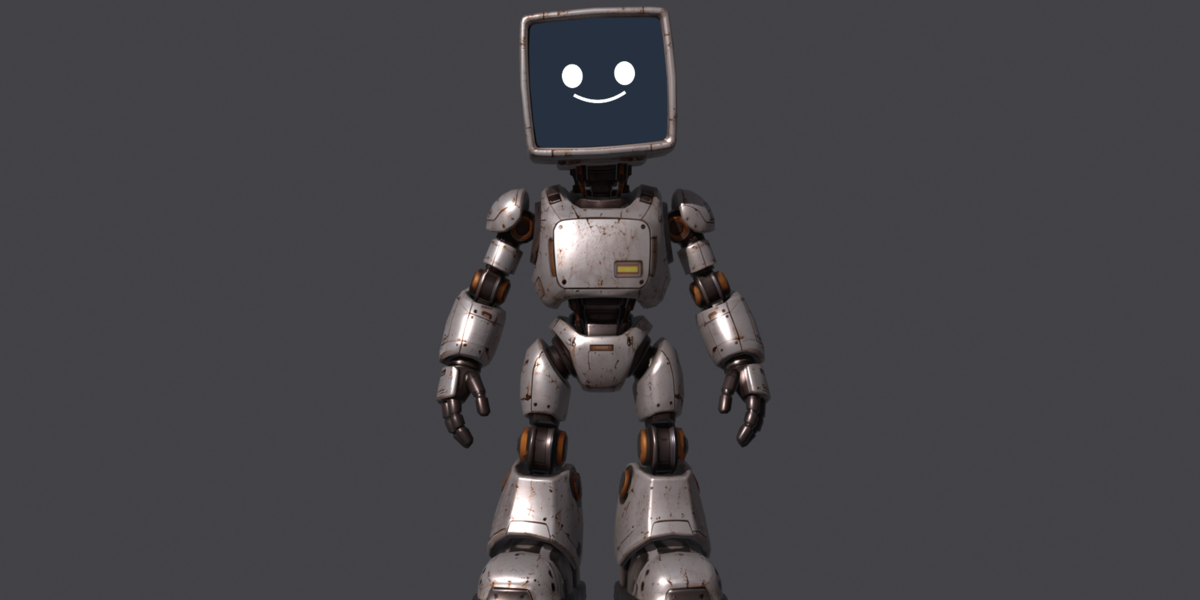
- Lead-in / Tail: how long the face is shown before and after talking.
- Seed: seed of the random motion, same seed = same animation.
- Text size, Color, Intensity: look of the visor text.
Reuse on your own robot
Select your mesh, set it in the Robot field, then Screen from texture (UV based) or Screen from selection (Edit Mode). For irregular visors use Prepare brush and paint with Weight Paint, then Apply.
Have questions about this product?
Login to message
| Published | about 5 hours ago |
| Blender Version | 4.4 - 5.2 |
| Render Engine Used | Cycles |
| Misc Data | Uvs-Unwrapped, Rigged, Animated, Normal-Mapped, Textured |
| License | Royalty Free |