 DreamSfx
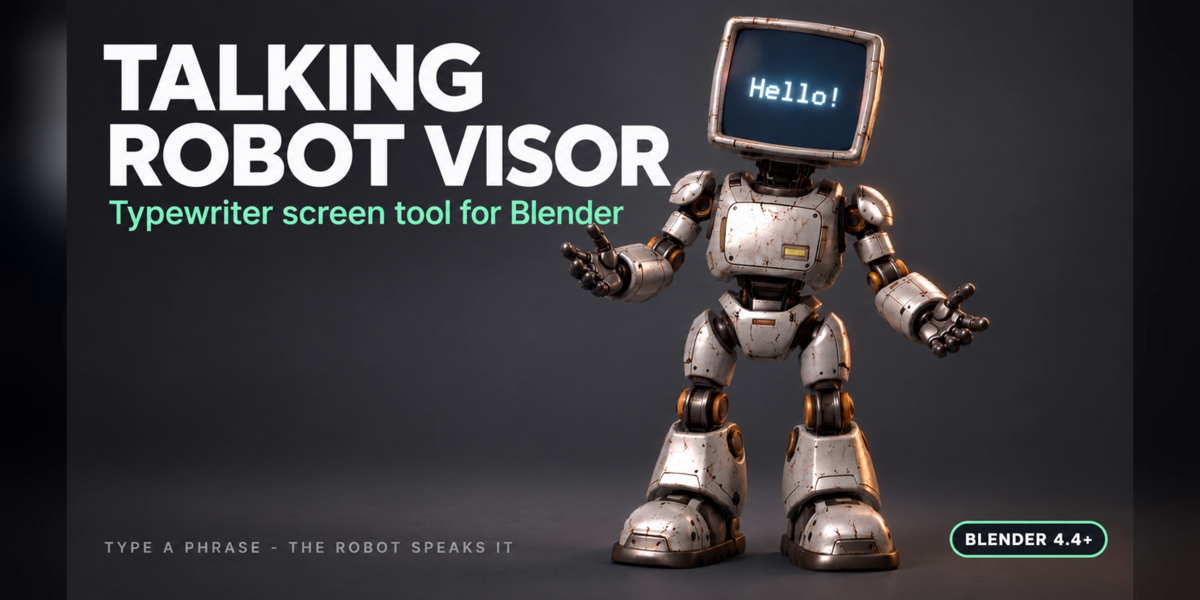
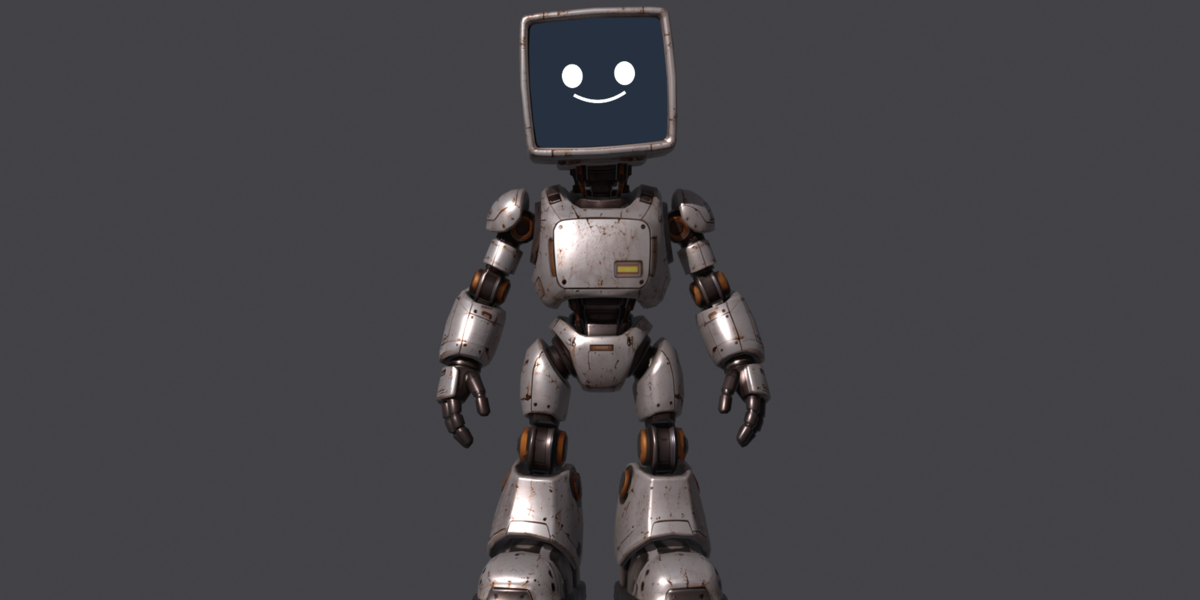
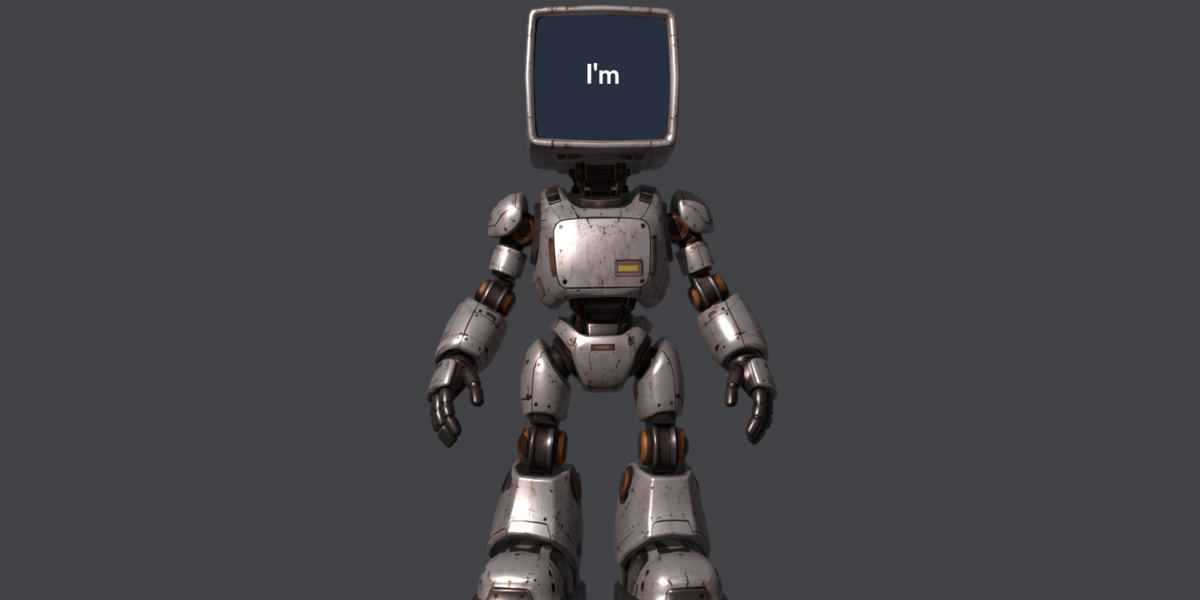
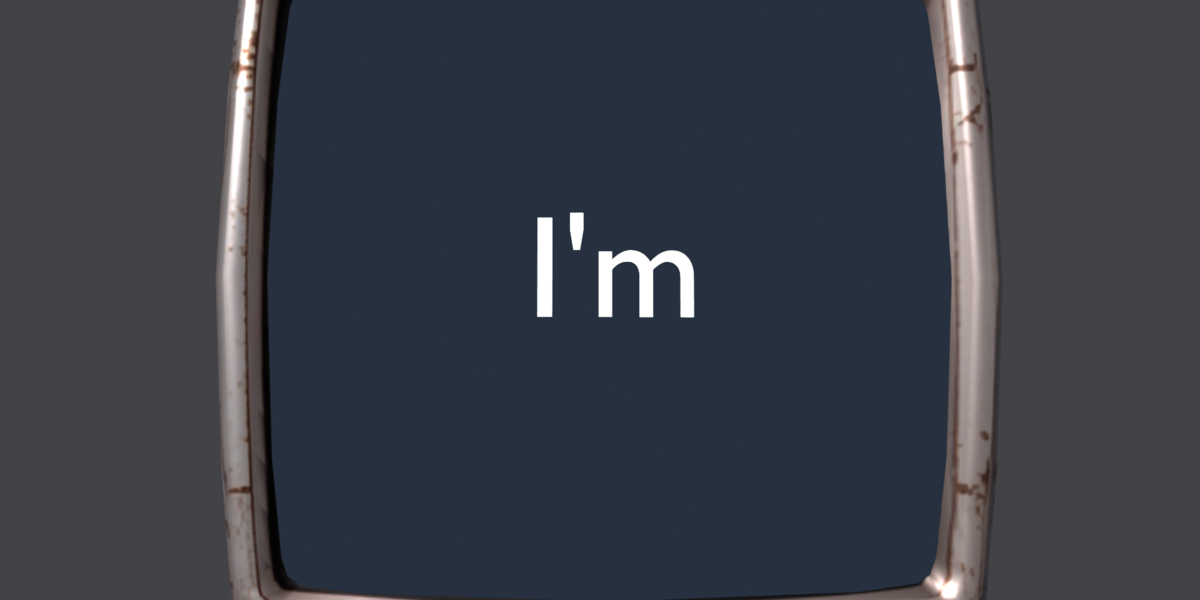
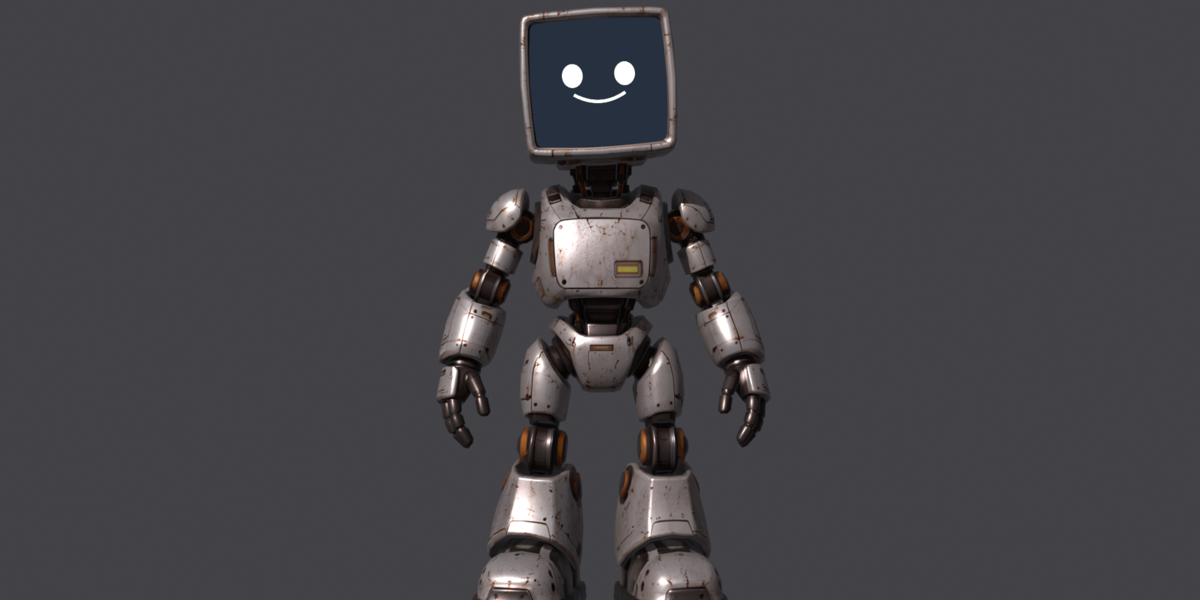

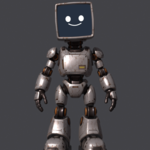
A retro robot with a CRT monitor as a head, rigged and ready, plus a tool that turns its screen into a talking display.
Write any phrase, press Play, and the robot shows it one word at a time. A smile and two eyes wait for you before it starts, then it talks and moves head, arms and waist, and when it is done the face comes back. Everything is procedural: no video files, no baked text.
What you get
- Talking Robot Visor.blend - full scene, tool embedded, no add-on to install
- typewriter_screen.py - the same tool as a standalone script, reusable on your own robots
- README.txt - quick start
Features
- Any phrase, any language, auto-fitted to the visor
- Timing control: seconds per word, lead-in, tail, motion seed
- Idle cycle plus seeded random accents on head, arms and waist while talking
- Feet pinned with IK: they stay still while the body moves
- Emissive visor material, no textures to replace
- One-click MP4 export, 1920x1080, H.264
- Rig: 20 bones, rigid weights per part
- Text and face bone-parented to the head
How to use
- Open the .blend and click "Allow Execution" if Blender asks (one click, required for scripts inside downloaded files)
- The Talking Robot panel opens by itself (also in Properties > Scene, viewport header, or Shift+Alt+R)
- Type your phrase, press Play
- Press Render video (MP4) to export
Technical details
- Blender 4.4 or newer, tested on Blender 5.2
- No external dependencies, no add-ons required, no internet
- Render engine: EEVEE
- Robot mesh: 5369 vertices, 6045 faces, 36 rigid parts, 1 packed 4096 texture
- Armature: 20 bones, IK feet targets
- Metric units, robot about 1 m tall