 Salman Animator
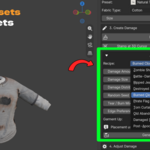
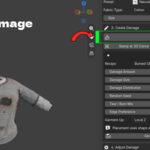
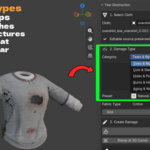
The problem: damaged clothing is slow and permanent
Torn or burnt clothing makes a character look lived in, but making it in Blender is painful. Knife cuts and manual edge loops destroy the mesh and cannot be moved later. Alpha textures look flat and have no frayed threads. Cloth simulations with tearing are slow and hard to control.
The solution: draw damage, then keep editing it
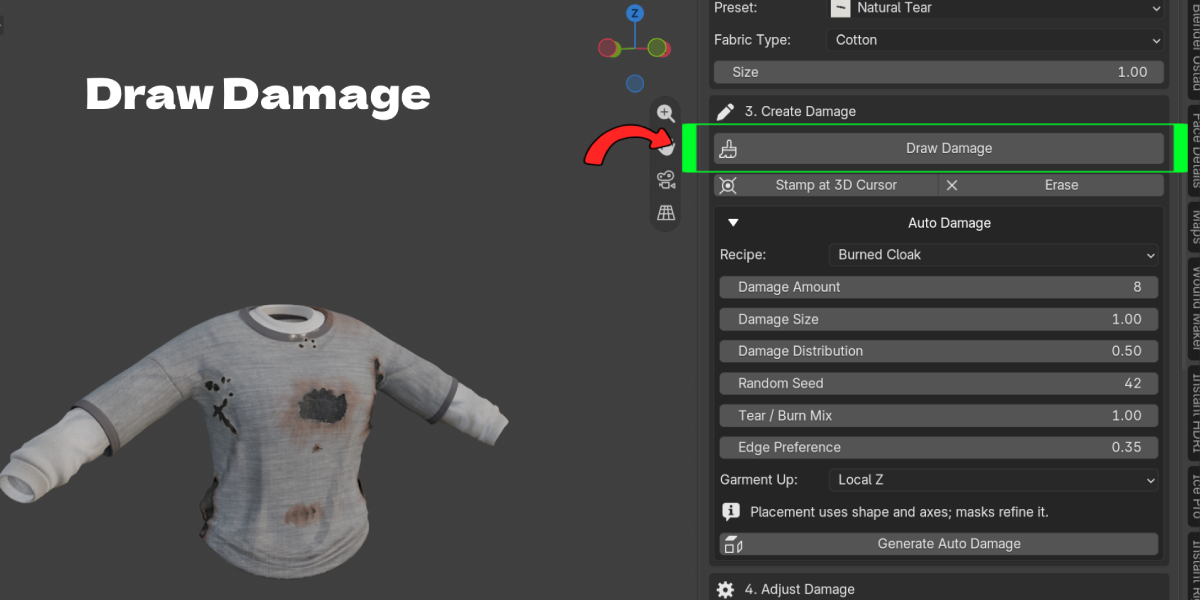
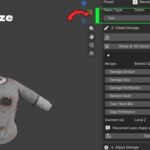
Tear Destruction lets you draw damage straight onto a cloth mesh. Each stroke becomes a real opening in the geometry with curled edges and fibers, and it stays editable. Select it, move it with G, rotate with R, scale with S, change its type, duplicate it or delete it. Your original mesh is backed up and Clear All restores it.
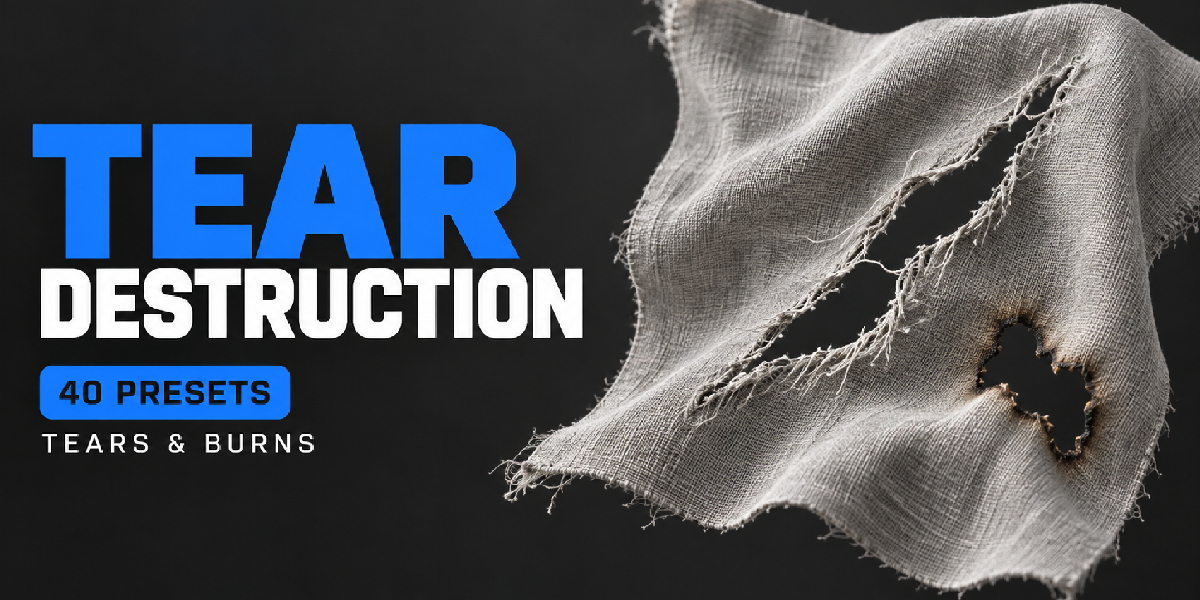
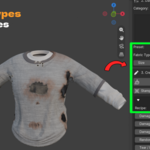
Real cloth tears, cuts, holes and burns
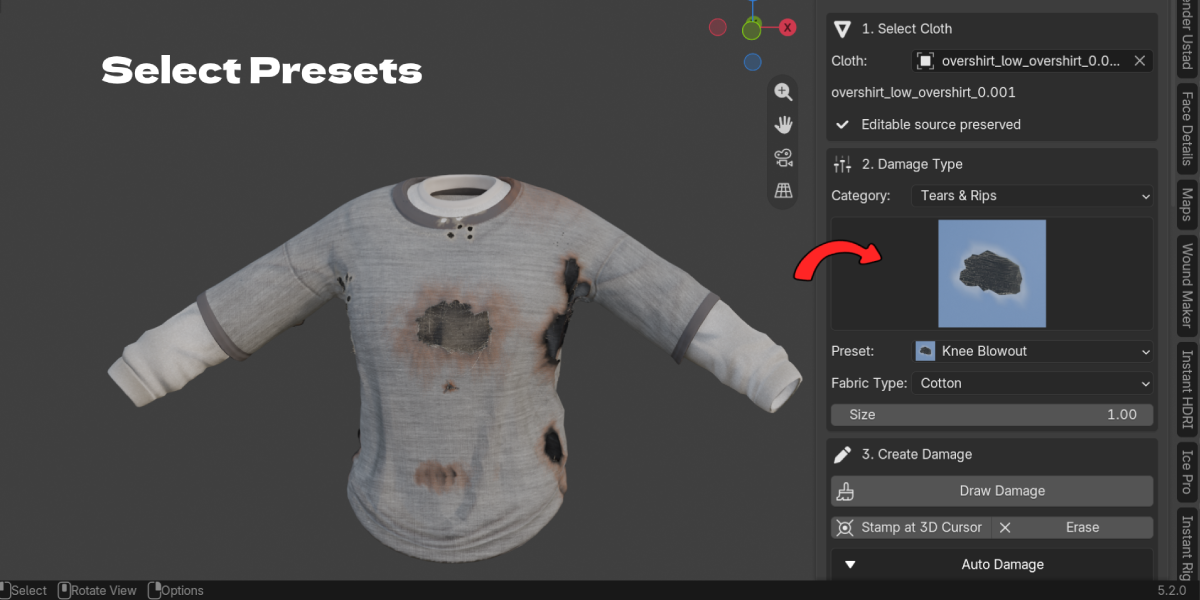
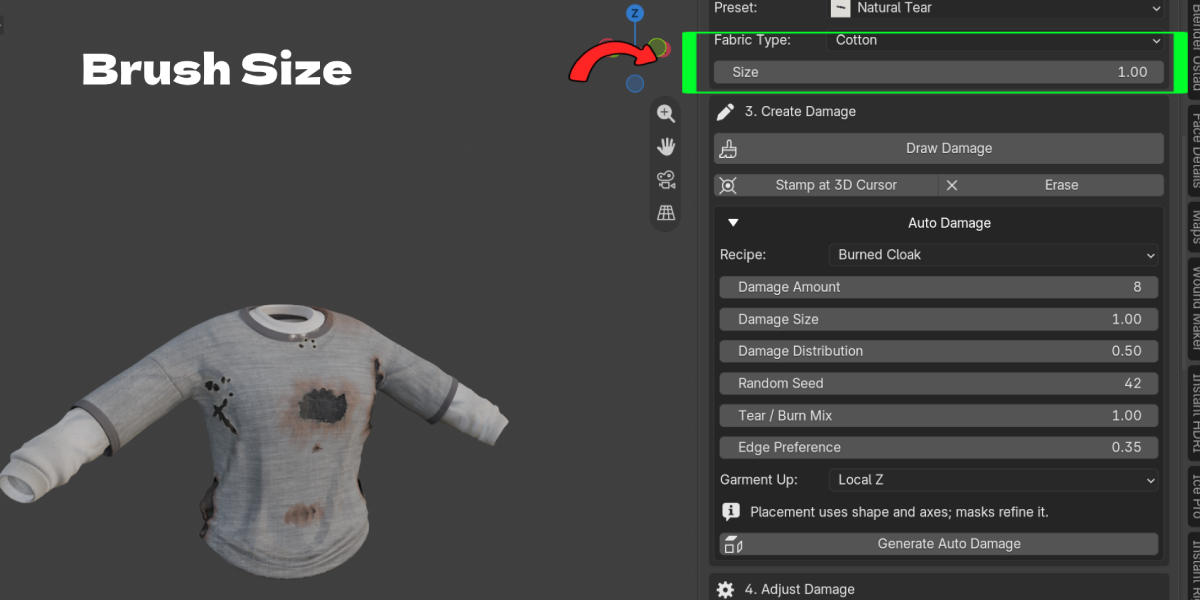
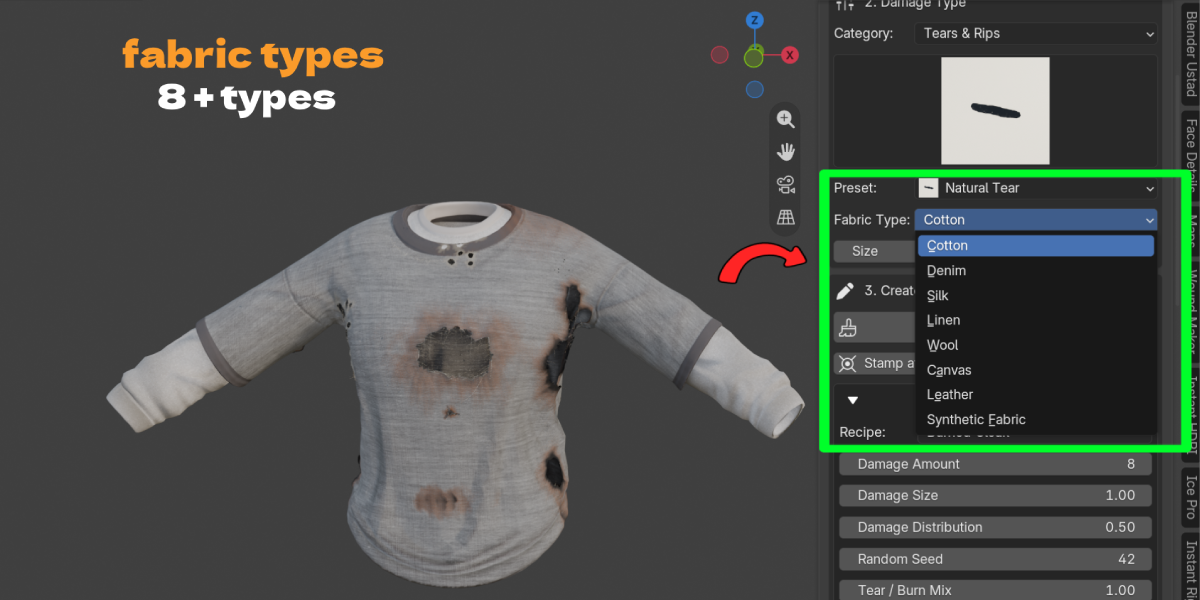
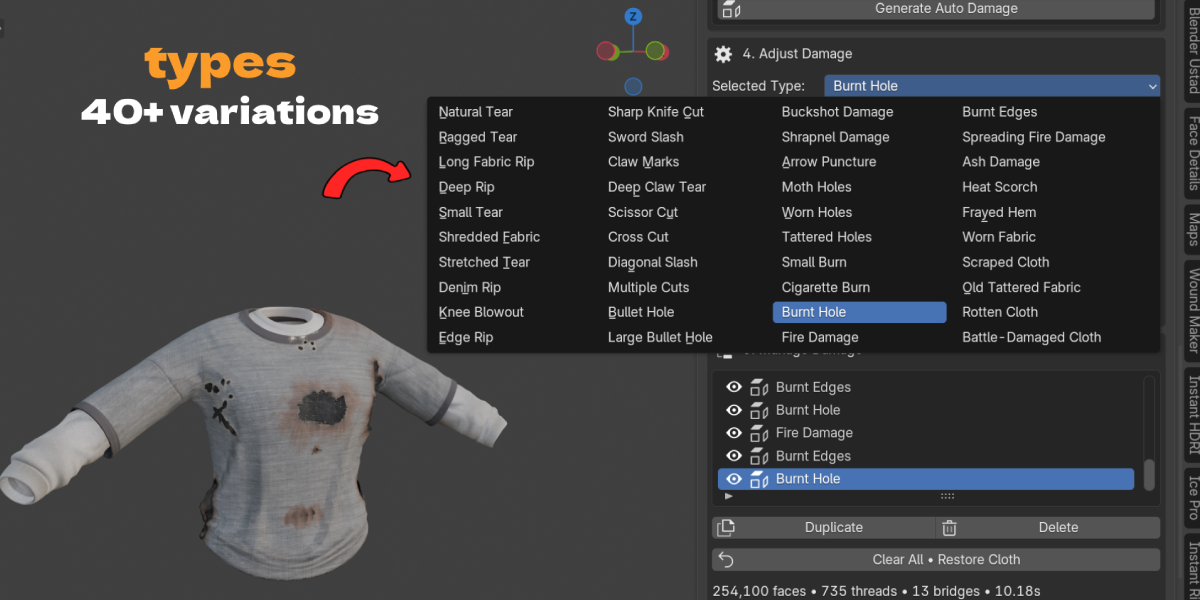
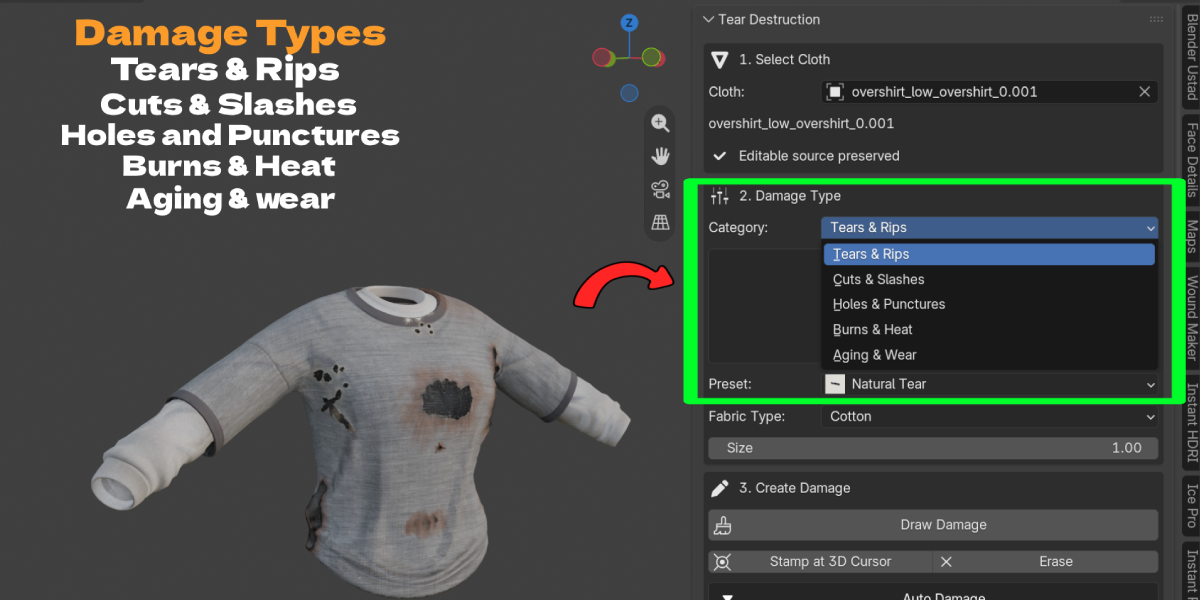
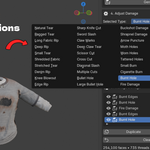
Pick a category (Tears and Rips, Cuts and Slashes, Holes and Punctures, Burns and Heat, Aging and Wear), choose from 40 damage presets and a fabric type such as Cotton, Denim, Silk, Linen, Wool, Canvas, Leather or Synthetic. Burn Amount moves from color change to scorch, char and finally a burnt hole.
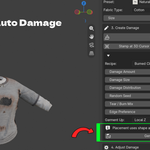
Auto damage for whole garments
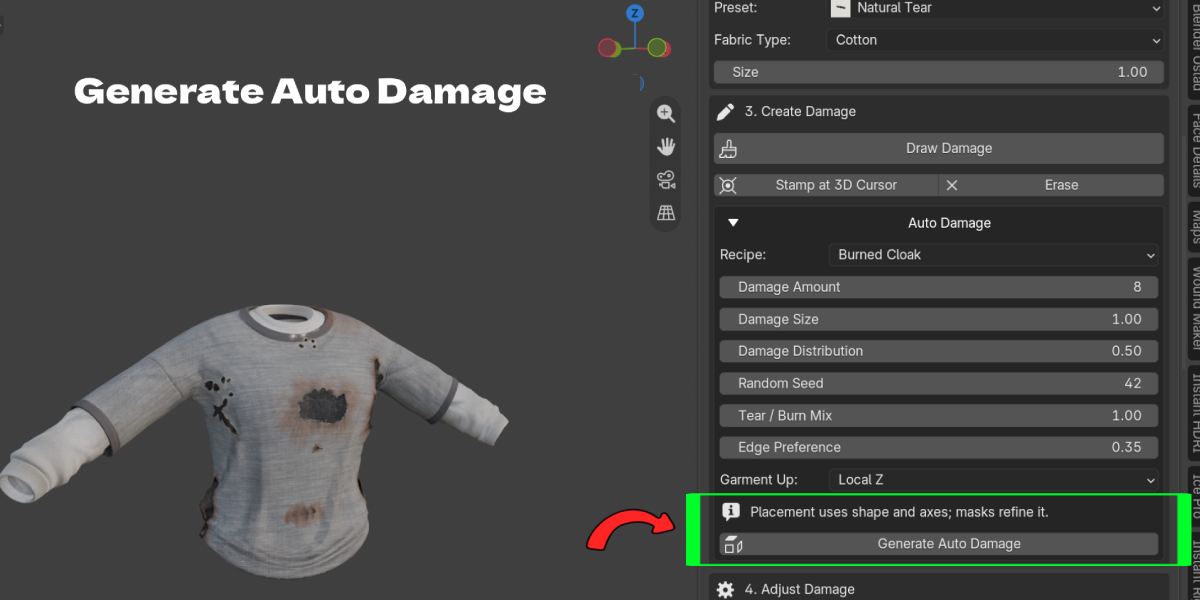
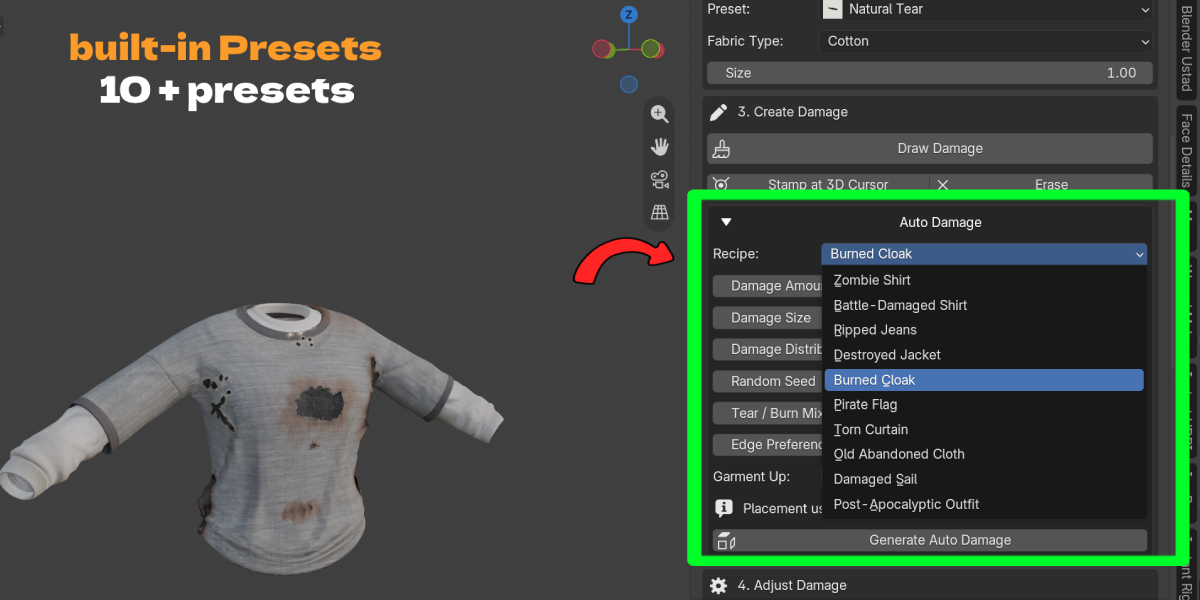
Ten Auto Damage recipes, including Zombie Shirt, Battle Damaged Shirt, Ripped Jeans, Destroyed Jacket, Burned Cloak, Pirate Flag, Torn Curtain and Post Apocalyptic Outfit, place many editable damages at once. Masks let you protect areas or limit damage to where you paint.
Animate tears and burns
Turn on Animate Growth, set a start and end frame, and the cloth starts intact and tears or burns open over time. It is authored geometry growth, not a physics solver, so the result is predictable.
Works with rigs and export
Cuts happen on the rest mesh before your modifiers, so armature weights and UVs follow the damage. Bake texture maps or export the damaged garment to FBX or GLB for games and other software.
Key Features
- Draw Damage and Stamp at 3D Cursor: drag on the cloth to draw a tear, or stamp a preset. Benefit: damage goes exactly where you want it.
- Fully editable strokes: every damage has its own controller you can move, rotate, scale, retype, hide, duplicate or delete. Benefit: no starting over when the art director changes their mind.
- 40 damage presets in 5 categories: tears, cuts, holes, burns and wear. Benefit: a fast start for almost any kind of damage.
- 8 fabric types: Cotton, Denim, Silk, Linen, Wool, Canvas, Leather and Synthetic. Benefit: damage that matches the material.
- Real geometry openings with fraying: curled lips, tapered fibers and thread bridges with length, thickness, droop and color controls. Benefit: damage that holds up in close ups.
- Burns from scorch to hole: Burn Amount, Burn Radius, Char Darkness, Ash Amount and Scorch Width. Benefit: believable fire damage, not a dark smudge.
- 10 Auto Damage recipes: generate a whole damaged outfit with amount, size, distribution and seed. Benefit: zombie, battle or post apocalyptic clothes in one click.
- Damage masks: paint, boundary, fold or image masks decide where damage may appear. Benefit: protect logos, faces of a garment or areas that must stay clean.
- Animate Growth: tears and burns grow between a start and end frame. Benefit: tearing and burning shots without a simulation.
- Quality modes: Full, Optimized and Texture. Benefit: hero detail for close ups, lighter results for background characters.
- Rig and shape key friendly: works before existing modifiers and keeps armature weights, UVs and relative shape keys. Benefit: damaged clothing that still animates.
- Baking and export: bake texture maps and export to FBX or GLB. Benefit: use the damaged garment in game engines and other tools.
Workflow Benefits
- Old way: knife cut holes in Edit Mode and lose the clean mesh. New way: Draw Damage and keep the original backed up.
- Old way: redo a hole to move it a few centimeters. New way: Select Controller and press G.
- Old way: paint scorch textures and model holes separately. New way: raise Burn Amount on any damage.
- Old way: place dozens of damages by hand for a zombie outfit. New way: pick a recipe and Generate Auto Damage, then edit individual pieces.
- Old way: run a cloth tearing simulation for a burn shot. New way: Animate Growth between two frames.
Who it is for
- Character artists: survivors, zombies, pirates, soldiers and fantasy wanderers
- Game artists: damaged outfit variants exported to FBX or GLB
- Animators and VFX artists: tearing and burning clothing shots
- Environment artists: torn flags, curtains, sails and tents
- Costume and fashion designers: distressed denim and worn fabric looks
What's included and requirements
- Tear Destruction addon ZIP, version 0.5.0, with built in preset previews
- Requires Blender 4.2.0 or newer
- Works with Cycles and Eevee
- License: GPL-3.0-or-later for the code
- Support: [email protected]
