Technogym Library Collection - Gym Asset Browser Ready - 3d Models
 Camaleon
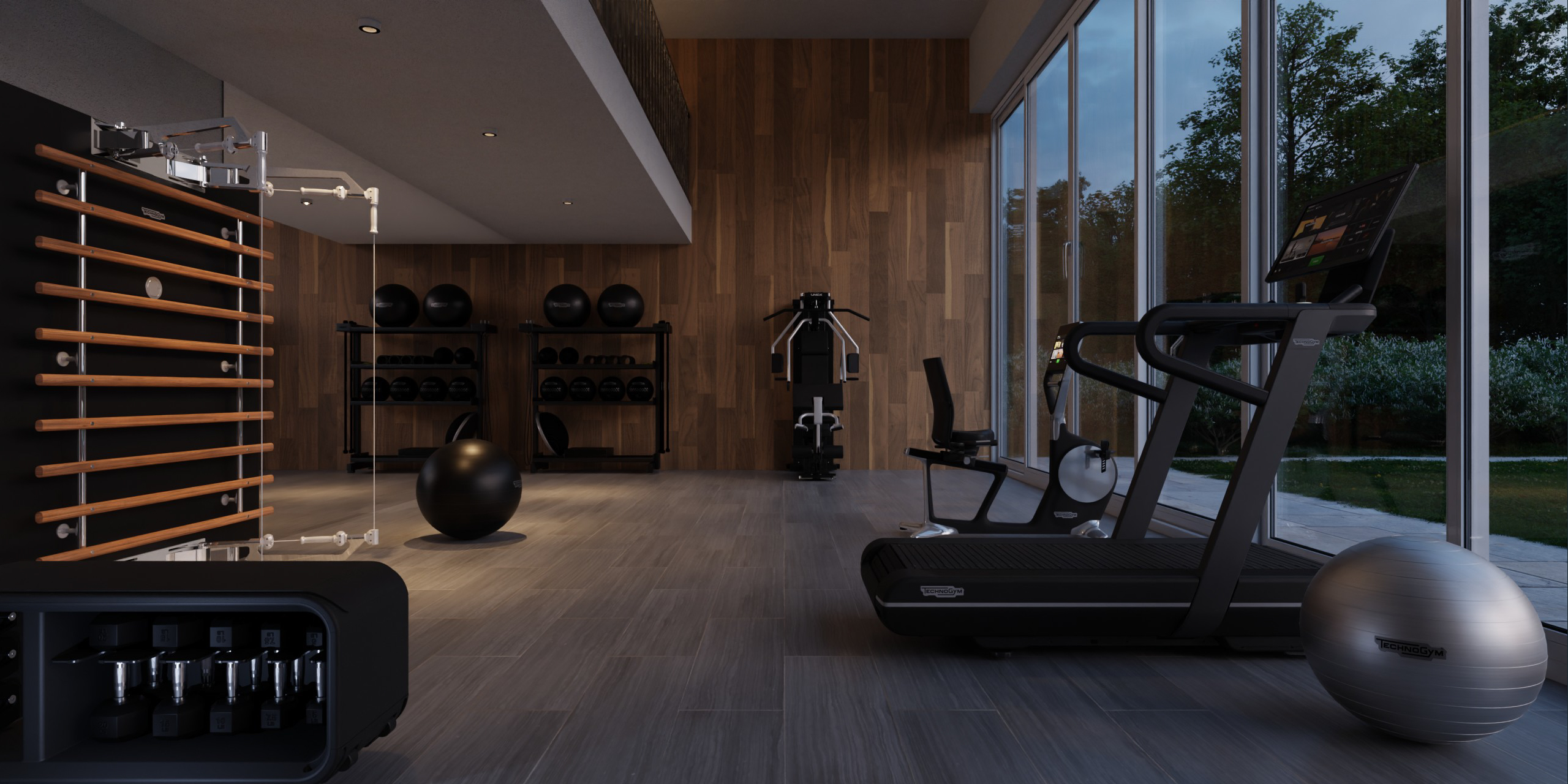
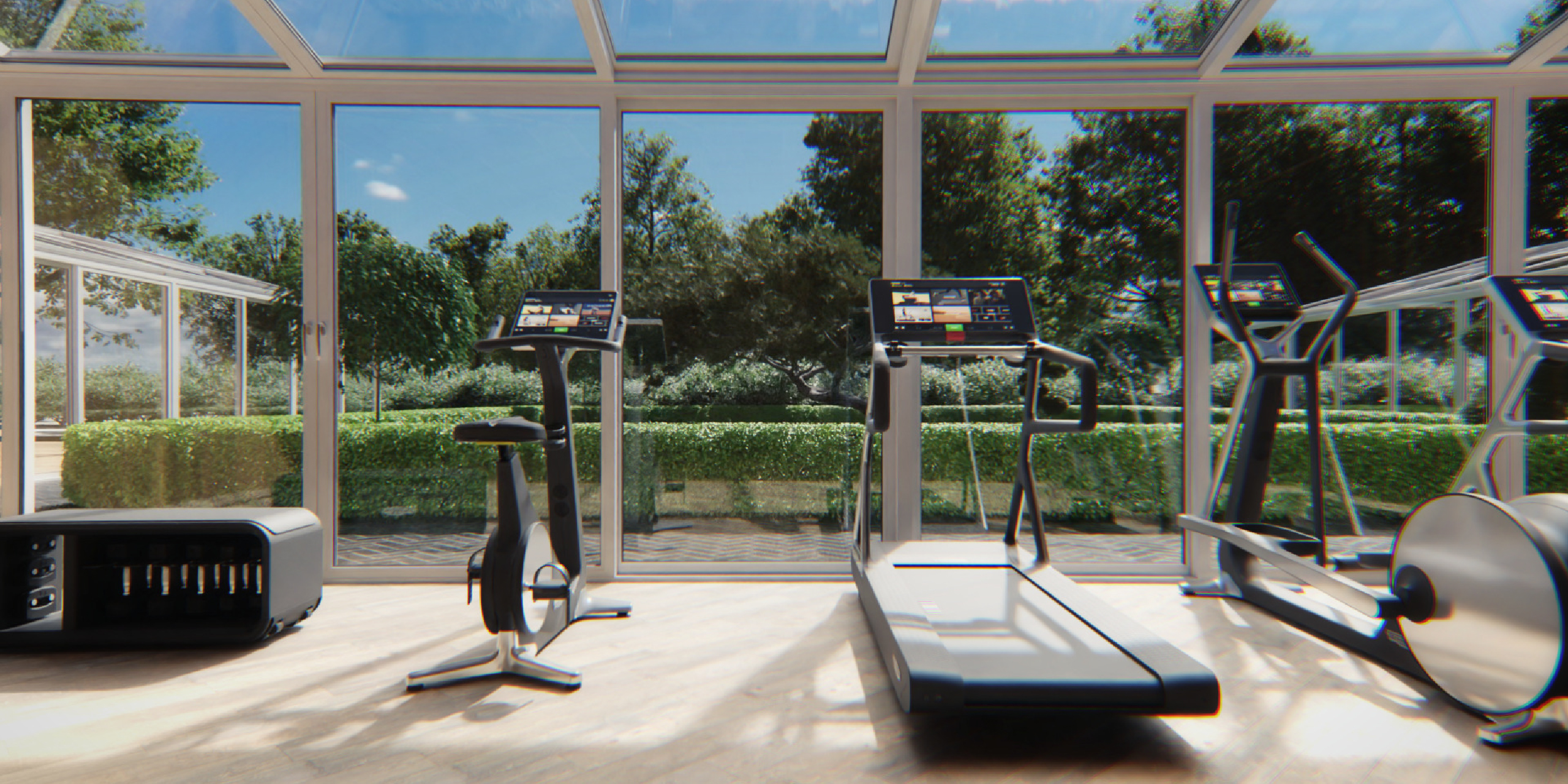


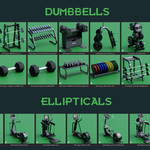
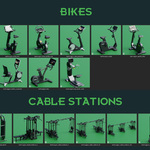
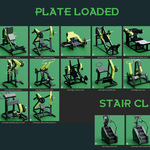
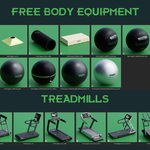
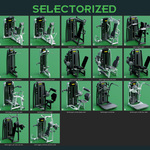
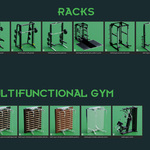
It's very simple, you don't need to install "Technogym library collection".
instruction:
1 - Unpack the zip file.
2 - In your library create a folder "TECHNOGYM_LIBRARY_COLLECTION" and copy the files inside.
3 - Open Blender: edit/preferences/file paths/add path to asset library, select the folder and you can find all assets in "asset browser panel".
4 - If you have downloaded a recent update, add new folder and replace the previuos .TXT files.
enjoy!
If you have any questions do not hesitate to write us!
Update - Realease log:
update 01 - july 2025
- bikes, treadmills, dumbbells, racks, bench, cable stations, ...
- release 138 new assets
- see the image gallery for updates details
- Now, with update, more than 170 models
Have questions about this product?
Login to message
Includes an Asset Library
170 drag-and-drop assets for Blender’s Asset Browser.
Browse included assets| Sales | 60+ |
| Published | over 2 years ago |
| Blender Version | 3.0 - 5.0 |
| Render Engine Used | Cycles |
| Misc Data | Uvs-Unwrapped |
| License | Editorial |
Discover more products like this
dumbbell Technogym weight rack treadmills machines bench Rowing machine pack plate loaded set gym weights spring24 tapis-roulant conveyor belt spa stair climber asset-browser exercise bike workout equipment bike cycle row rowing cable station fitness sport furniture gym wall bars treadmill gym cyclette asset library gym 3d model elliptical