◆ VOYDE PROCEDURAL / ADD-ON / BLENDER 5.0+
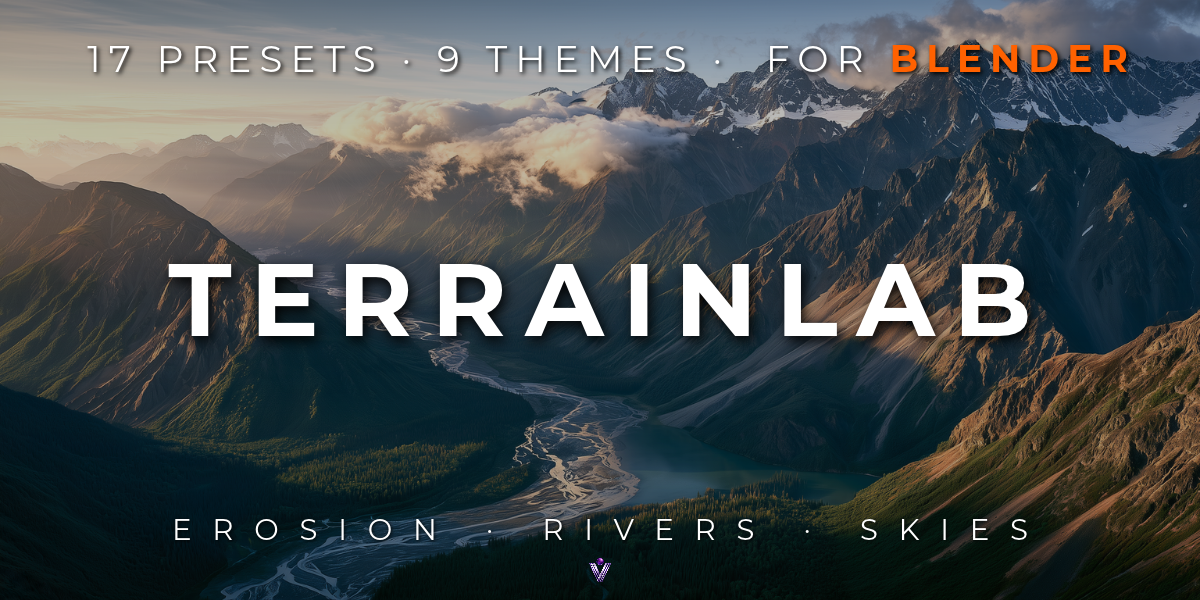
TerrainLab
Realistic Terrain Generator
Real terrains in seconds, with eroded mountains, rivers that find their valleys and real skies, inside Blender.
TerrainLab builds terrains from landform layers and erodes them with water and wind in seconds, with no timeline to play and no bake folders.
Add a sea, lakes that fill their basins and a whole river network that settles into the valleys the erosion carved, or let it rain and see where the water goes. The ground paints itself, from rock on the cliffs to snow on the peaks, and one click writes everything Unreal, Unity or Godot needs.
Every terrain stays a stack of Geometry Nodes modifiers, so it renders in Cycles and EEVEE, on render farms and on machines without the add-on.
BLENDER 5.0 TO 5.2CYCLES & EEVEEGEOMETRY NODESRENDERS WITHOUT THE ADD-ONGAME-ENGINE EXPORT
17
PRESETS WITH THUMBNAILS
6 s
EROSION ON A 512 GRID (RYZEN 7 3700X)
13 MB
WITH SKIES AND TEXTURES
01 — KEY FEATURES
A whole landscape from one panel
◆Landform layers
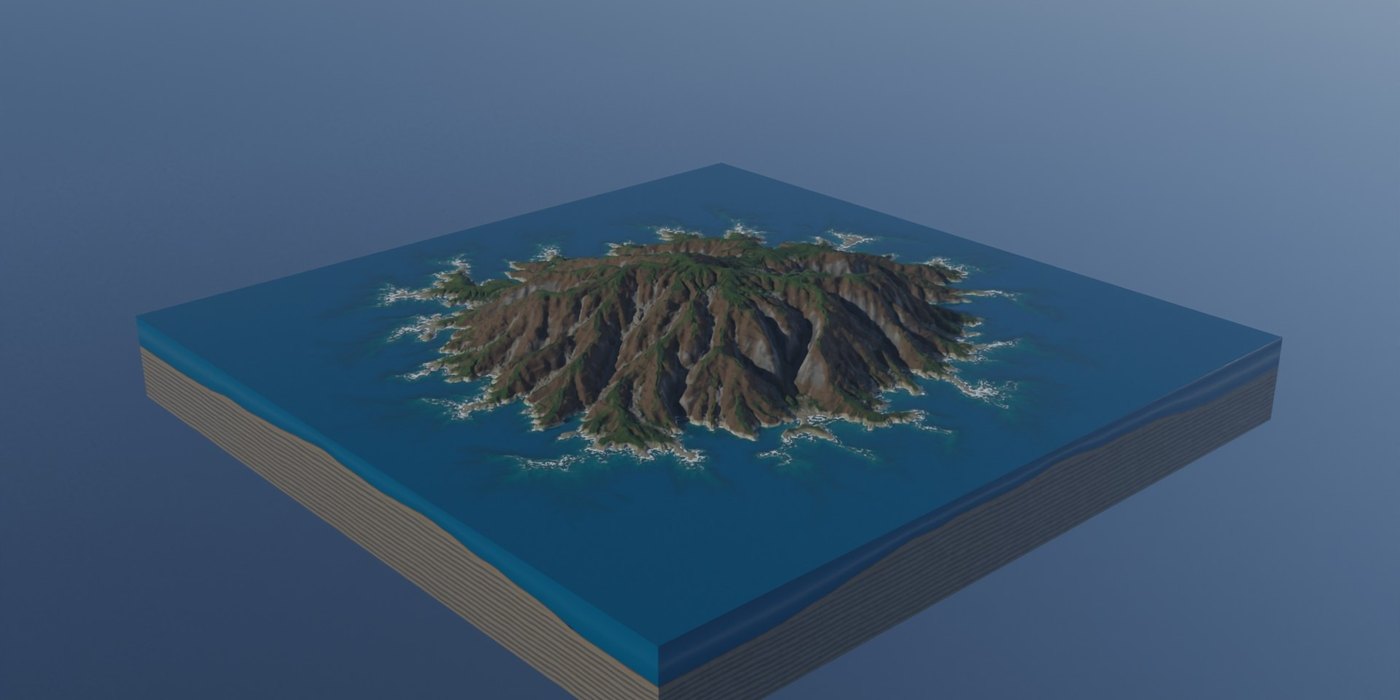
Mountains, Hills, Dunes, Canyon, Mesa, Island, Volcano, Craters, Noise and your own heightmaps, plus Terraces, Soften, Flatten, Height Curve and Path. Blend them with Add, Subtract, Max, Min or Replace.
◆Masks and a brush
Height, slope, facing, valley, ridge, noise, curve, radial, border and image masks, or paint directly on the terrain.
◆Erosion that carves valleys
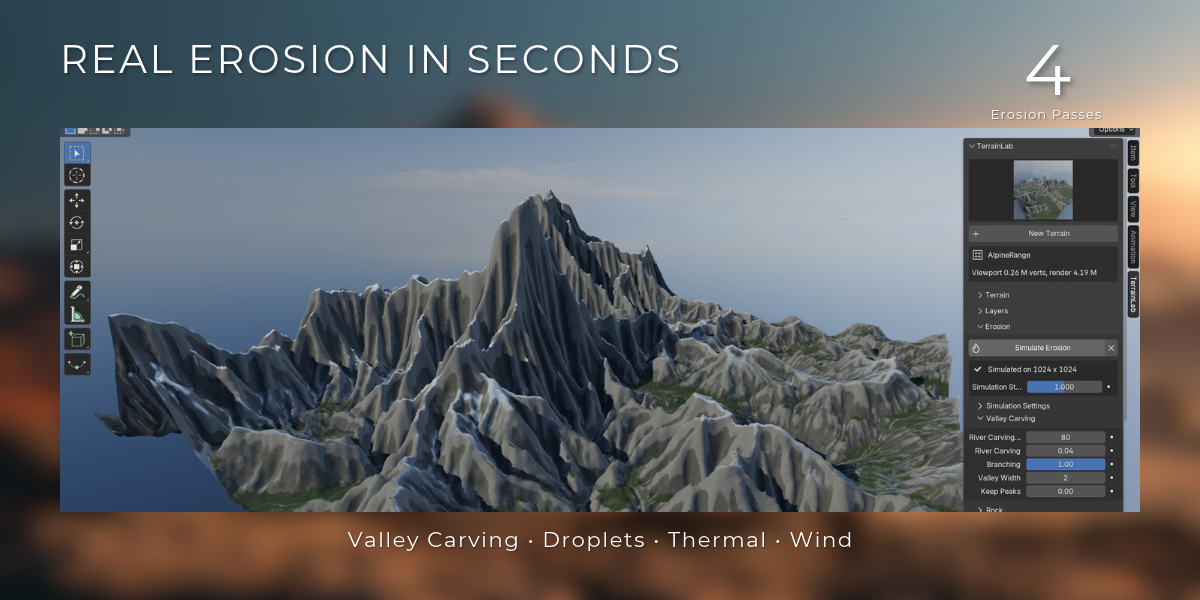
Drainage-network erosion runs from coarse to fine, so great valleys get side gullies. Droplets add sediment fans, thermal passes add scree, hard rock leaves ledges and benches.
◆Wind erosion
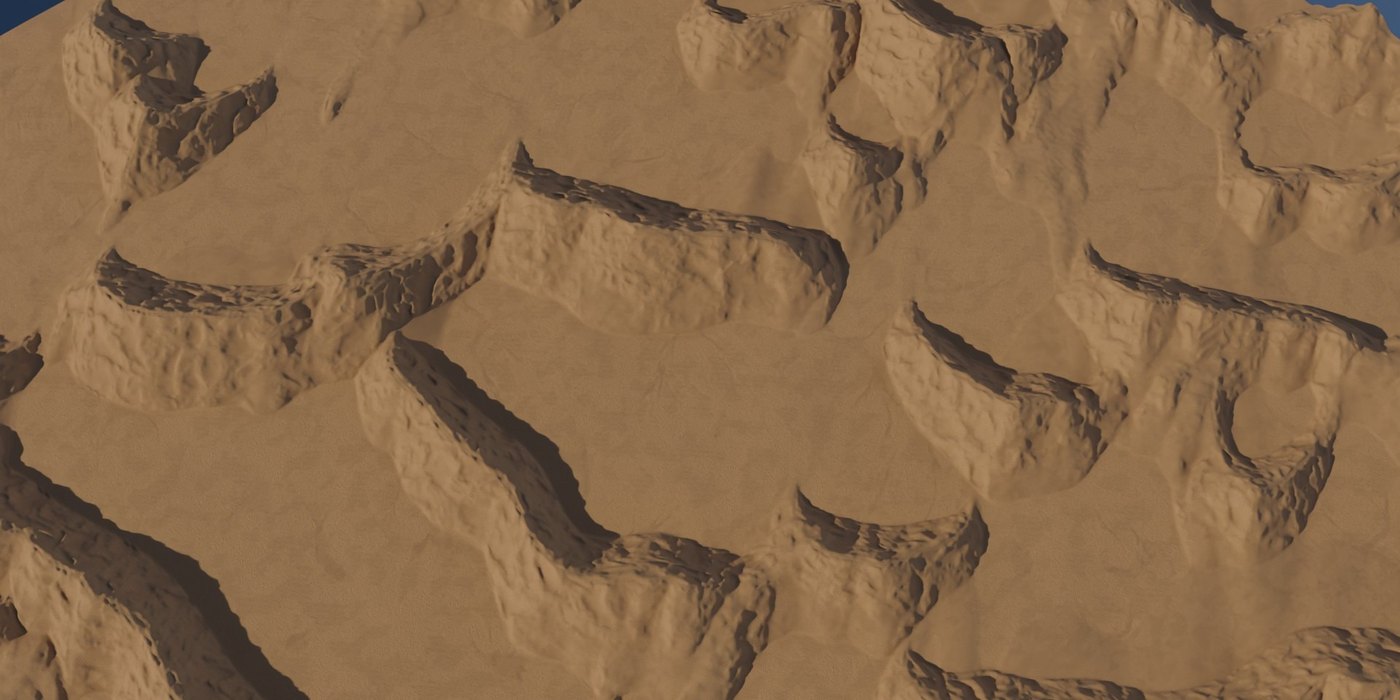
Dunes grow by themselves, with long backs and steep slip faces.
◆River networks
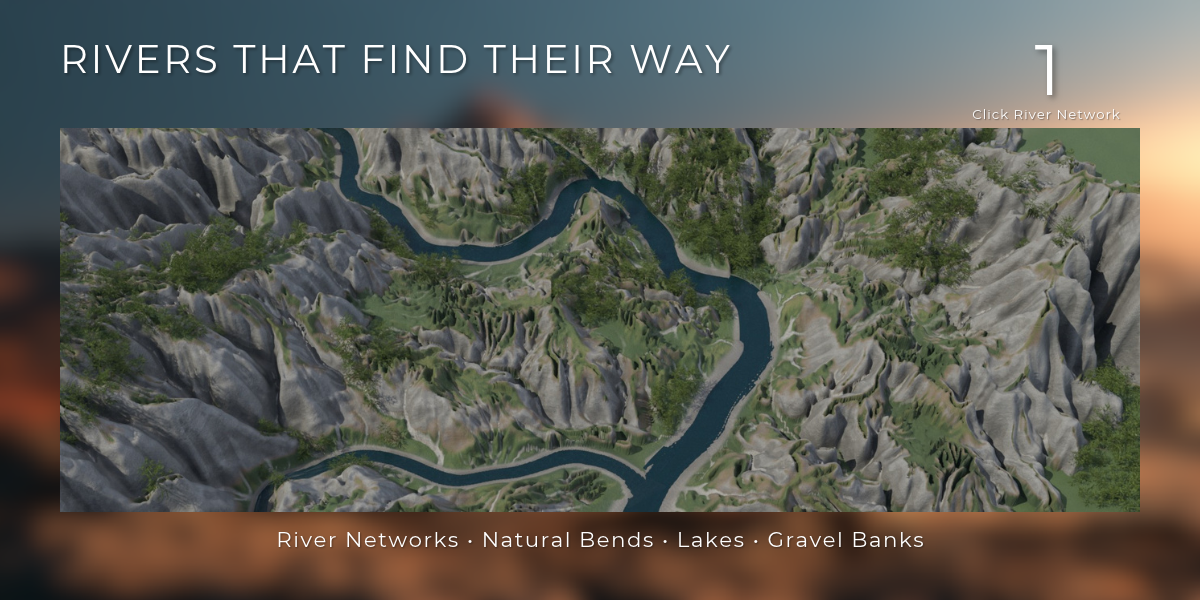
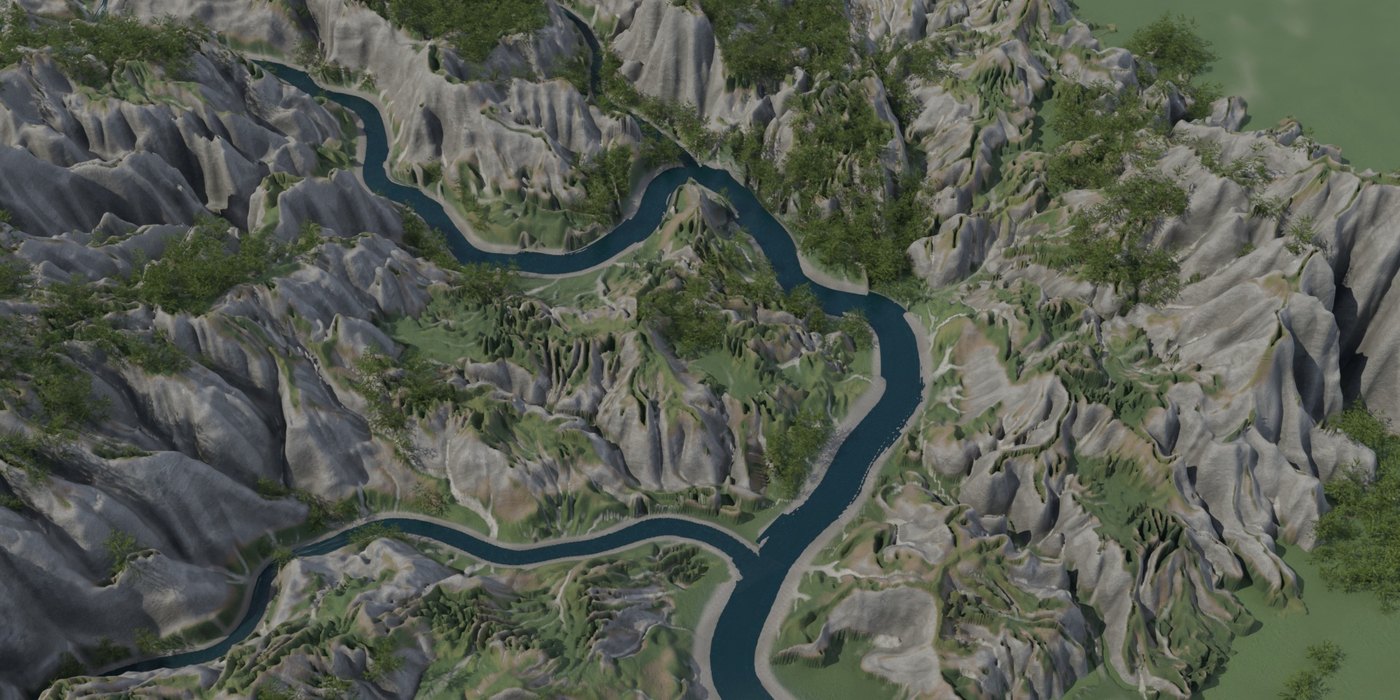
One click places main rivers and tributaries along the eroded valleys, in natural bends on the valley floor, wider downstream, with gravel shores and lakes in the basins they pass.
◆Let it rain
A water simulation finds the streams and lakes for you, in seconds.
◆Six water styles
From tropical lagoon to frozen lake, with foam over the shallows, caustics on the bed and a sea that deepens in colour.
◆Fluid simulation ready
One click sets up Blender's liquid simulation for any river stretch.
◆Real skies
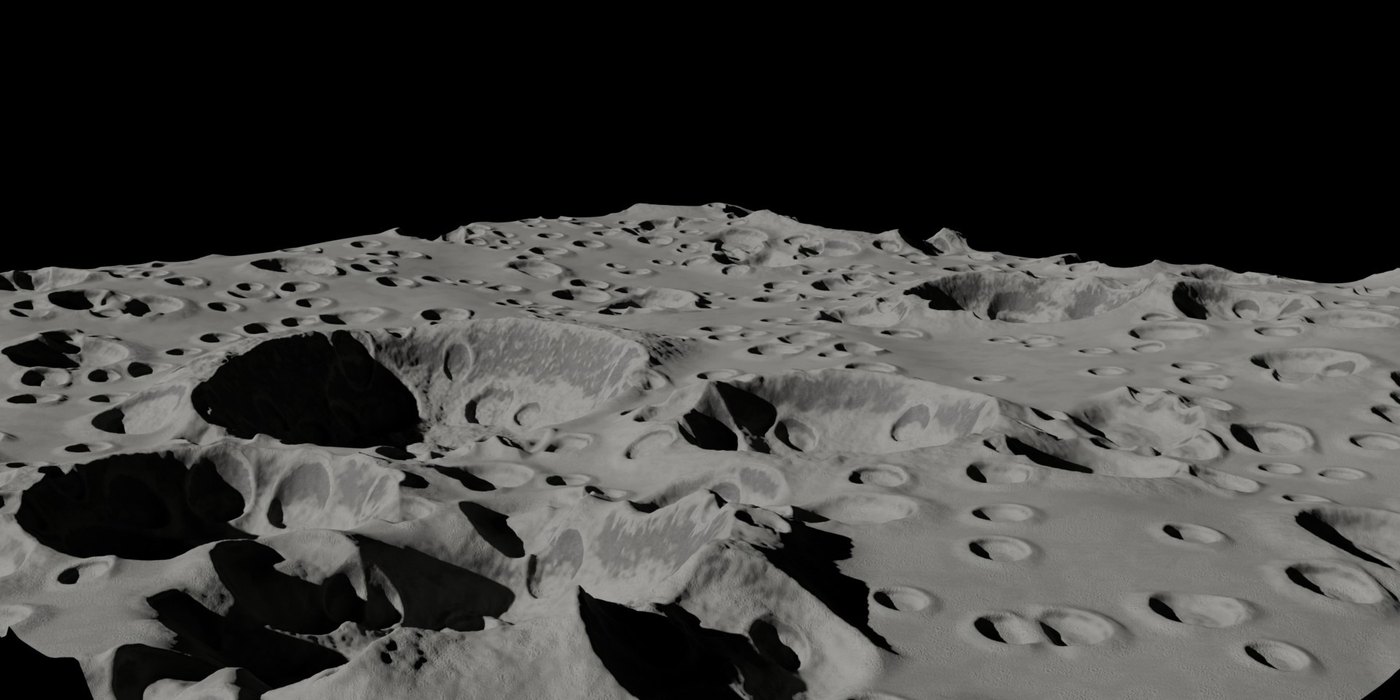
Four CC0 skies with a sharp sun that matches each sky, haze for aerial perspective, and a black sky for airless worlds.
◆Camera Detail
The render grid gathers around the camera, for several times the detail at the same vertex count.
◆Diorama blocks
Cut any terrain out as a model with rock walls and a block of water.
◆Stamp and freeze
Press a sculpted mesh into the terrain, or bake a long layer stack into one image and carry on.
◆Automatic material
Rock, scree, gravel, grass, snow and wet ground, all from slope, height and the simulated water flow, with grain from CC0 photo textures for close-ups.
◆Game-engine export
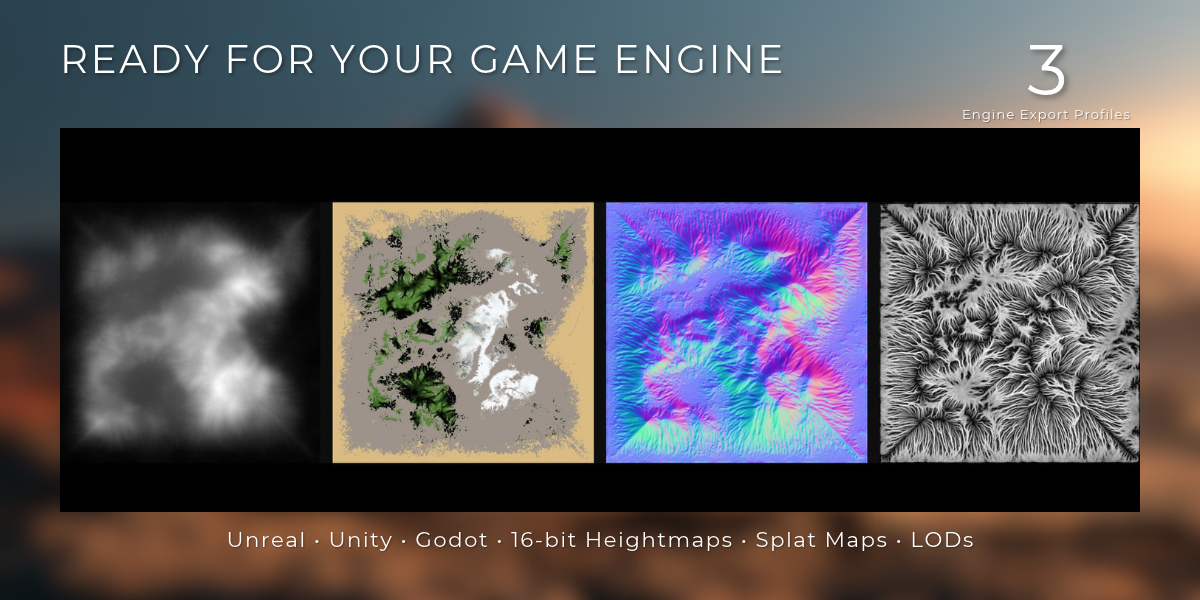
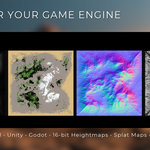
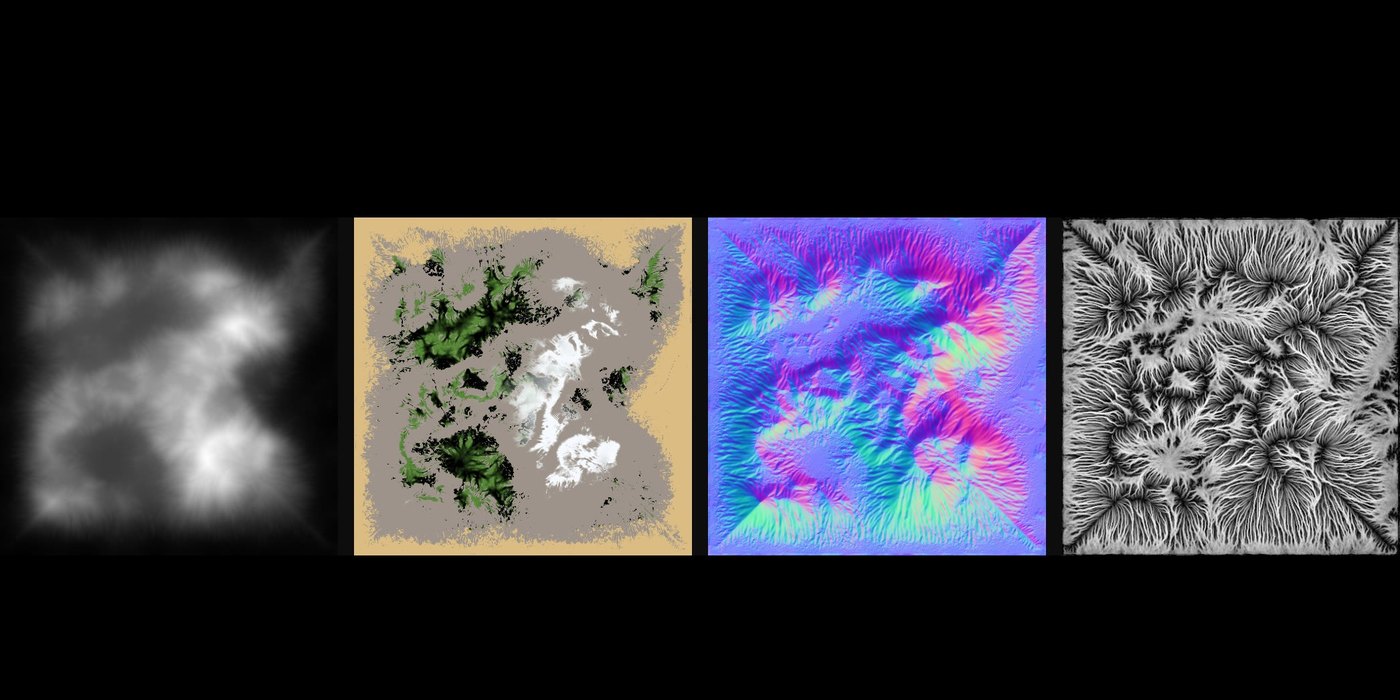
16-bit PNG and RAW and 32-bit EXR heightmaps, splat and weight maps, normal, flow and slope maps, FBX, glTF and OBJ with LODs, and a README with the import numbers for Unreal, Unity and Godot.
02 — PRESETS
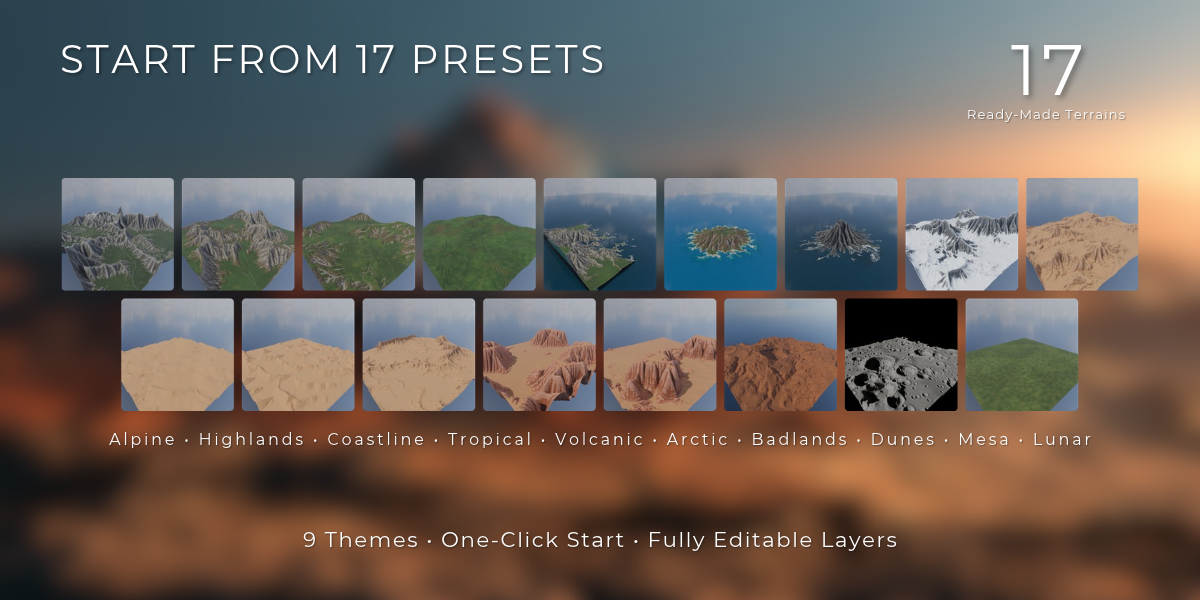
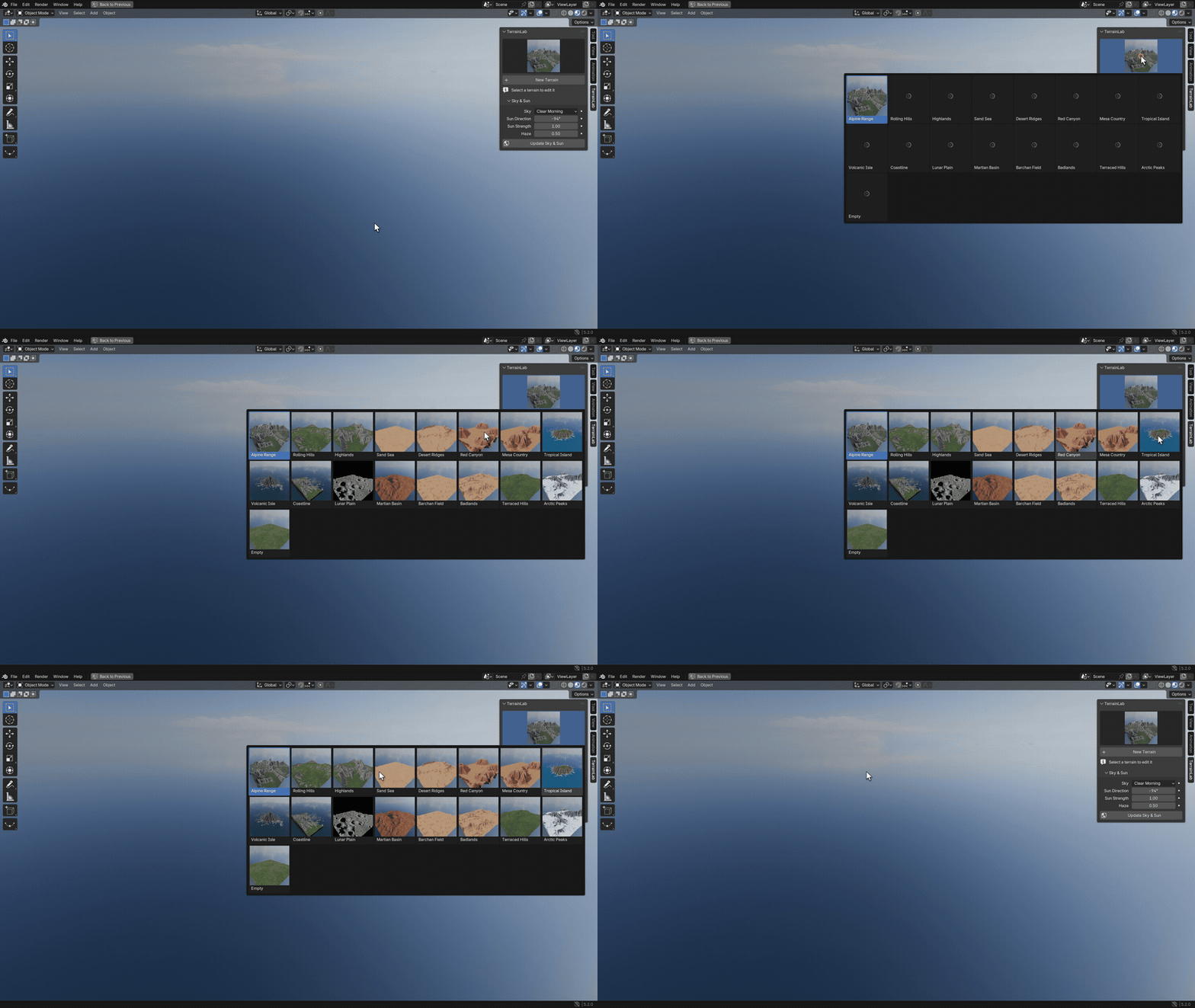
Seventeen places to start
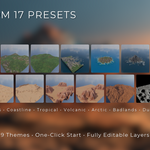
Open the preset browser and click a thumbnail. You get a finished terrain with its layers, erosion and material, and every part of it stays editable.
03 — EROSION
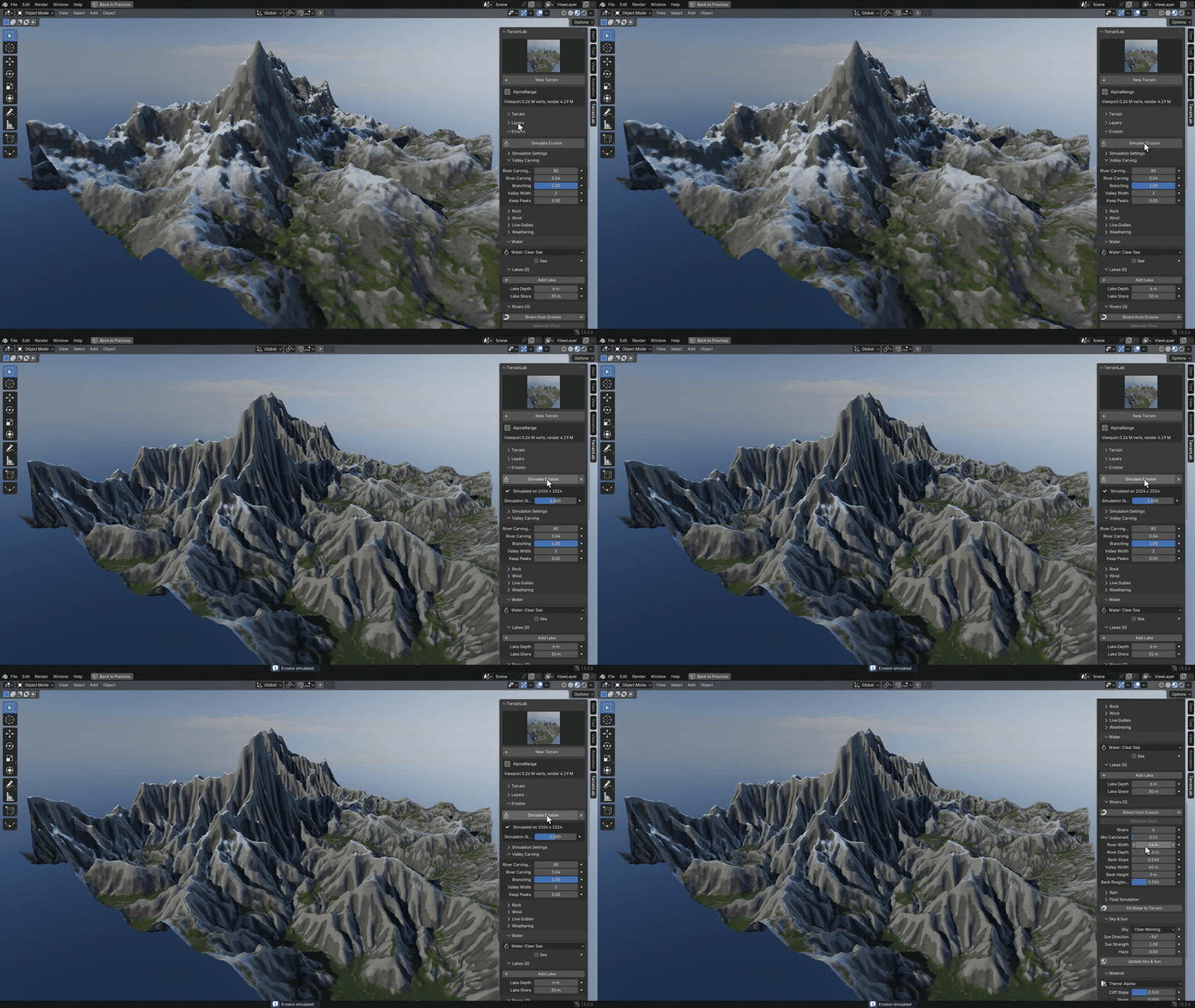
One click, and the mountains look worn
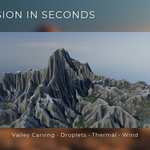
Press Simulate Erosion. Drainage carves the valleys from coarse to fine, droplets leave sediment fans and thermal passes add scree, with no timeline to play.
The result is stored in the .blend file, so it is still there when you reopen the scene.
04 — RIVERS
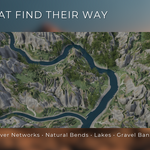
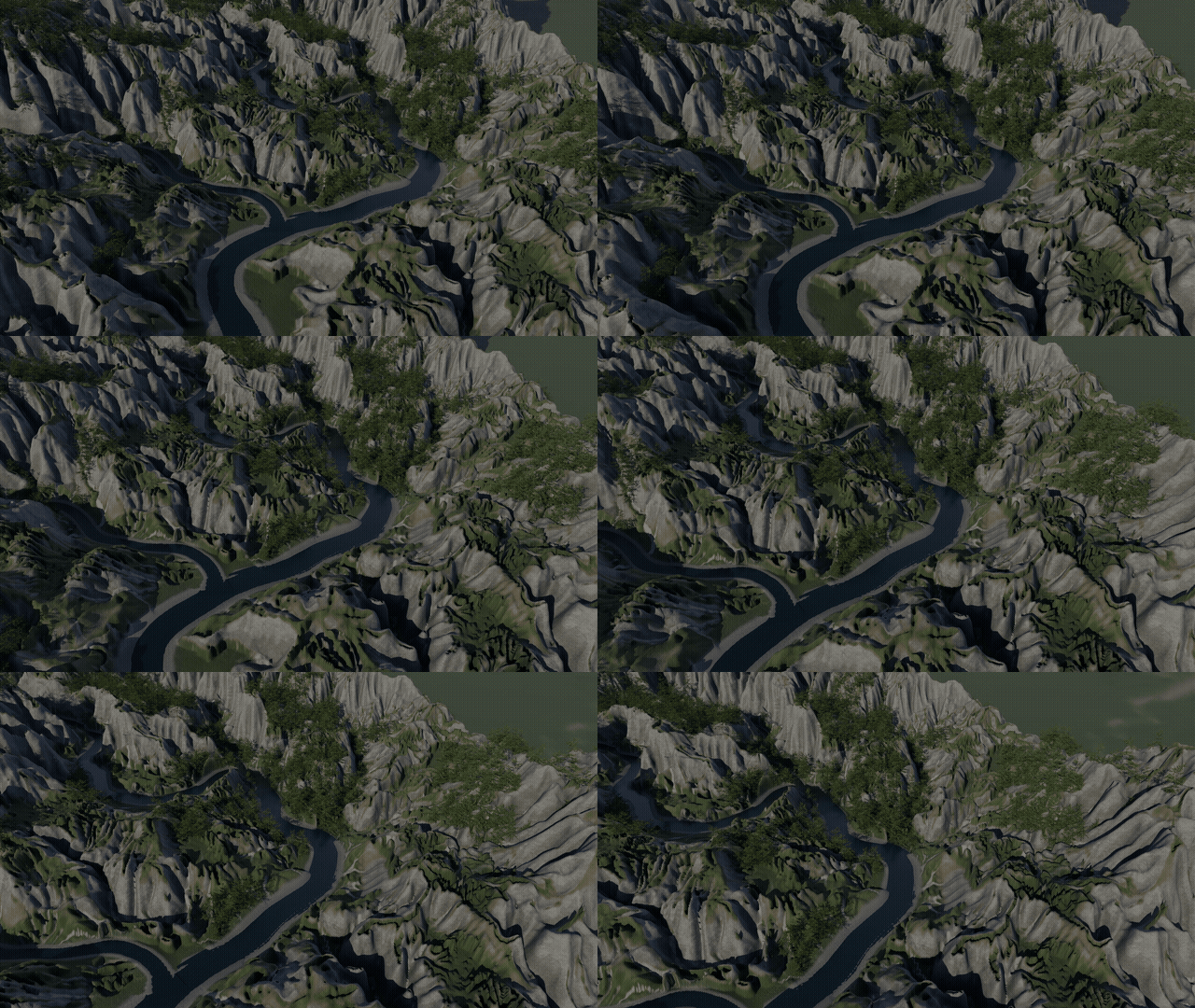
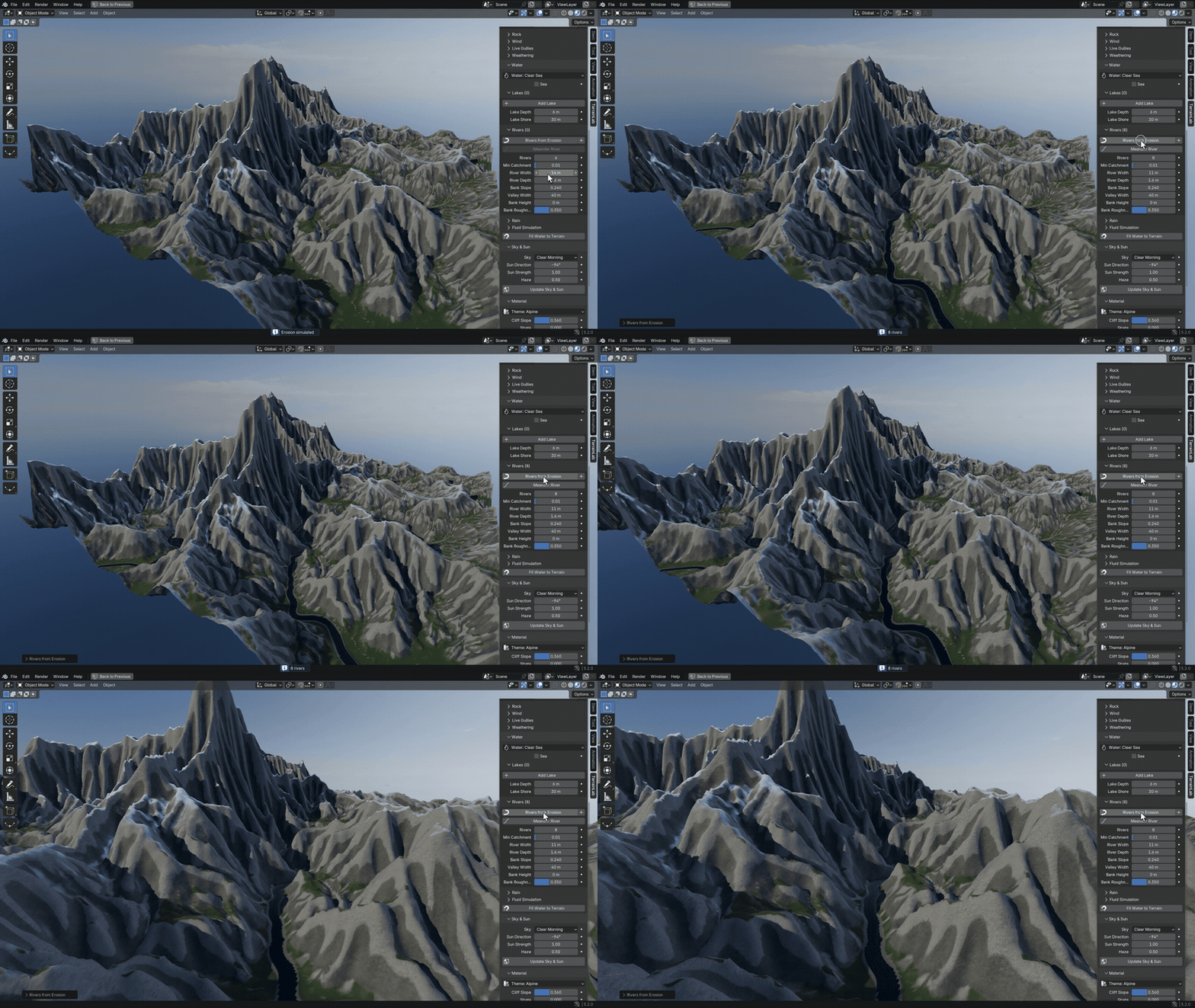
Rivers that find their way
Rivers from Erosion follows the drainage the erosion left behind. Main rivers and tributaries settle on the valley floors, bend around the terrain and grow wider downstream, with gravel shores and lakes in the basins they pass.
05 — SKY AND SUN
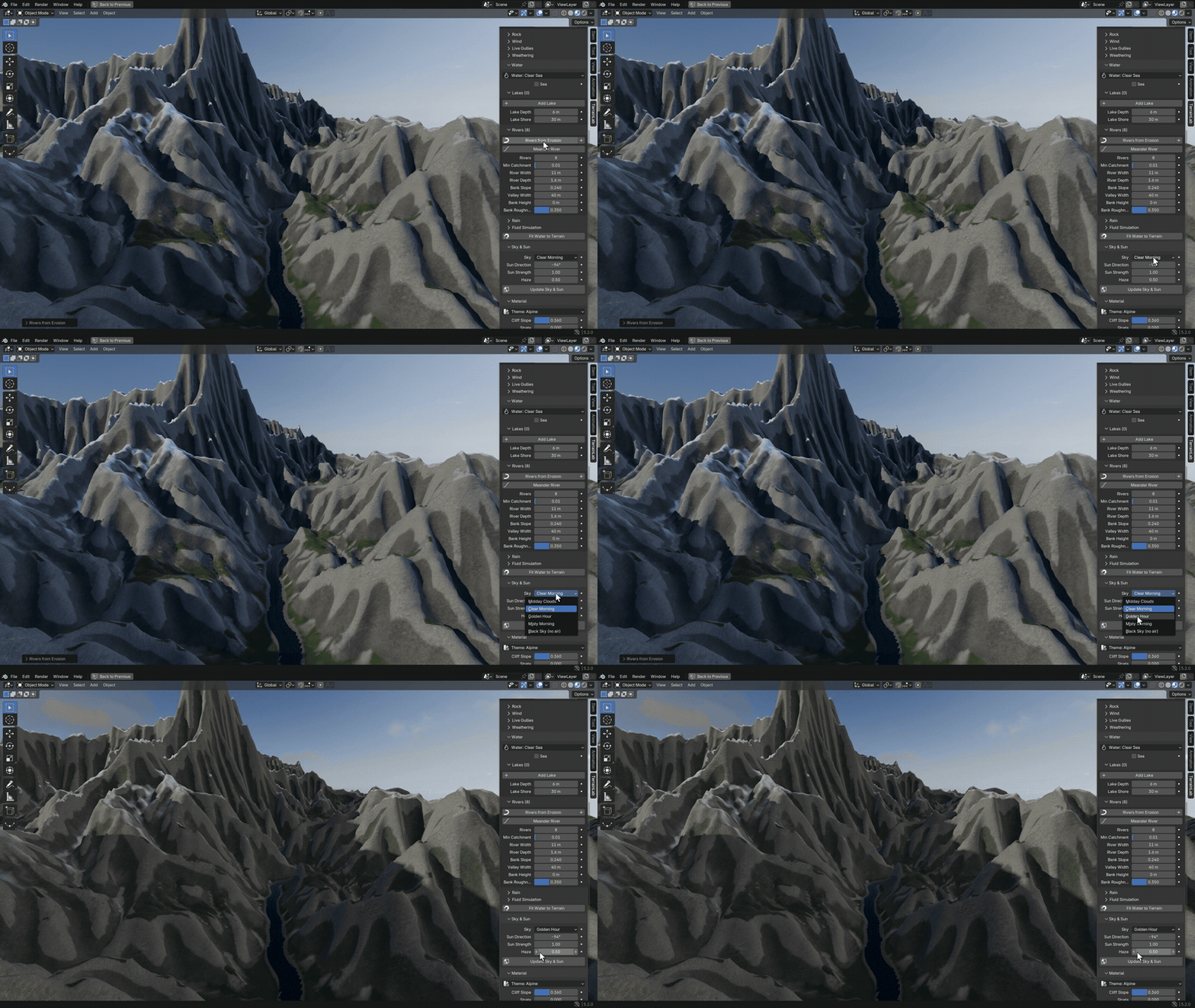
Light that matches the sky
Pick one of four CC0 skies and a sharp sun comes with it, matched to that sky. Turn the sky to place the sun and add haze for depth.
06 — THEMES
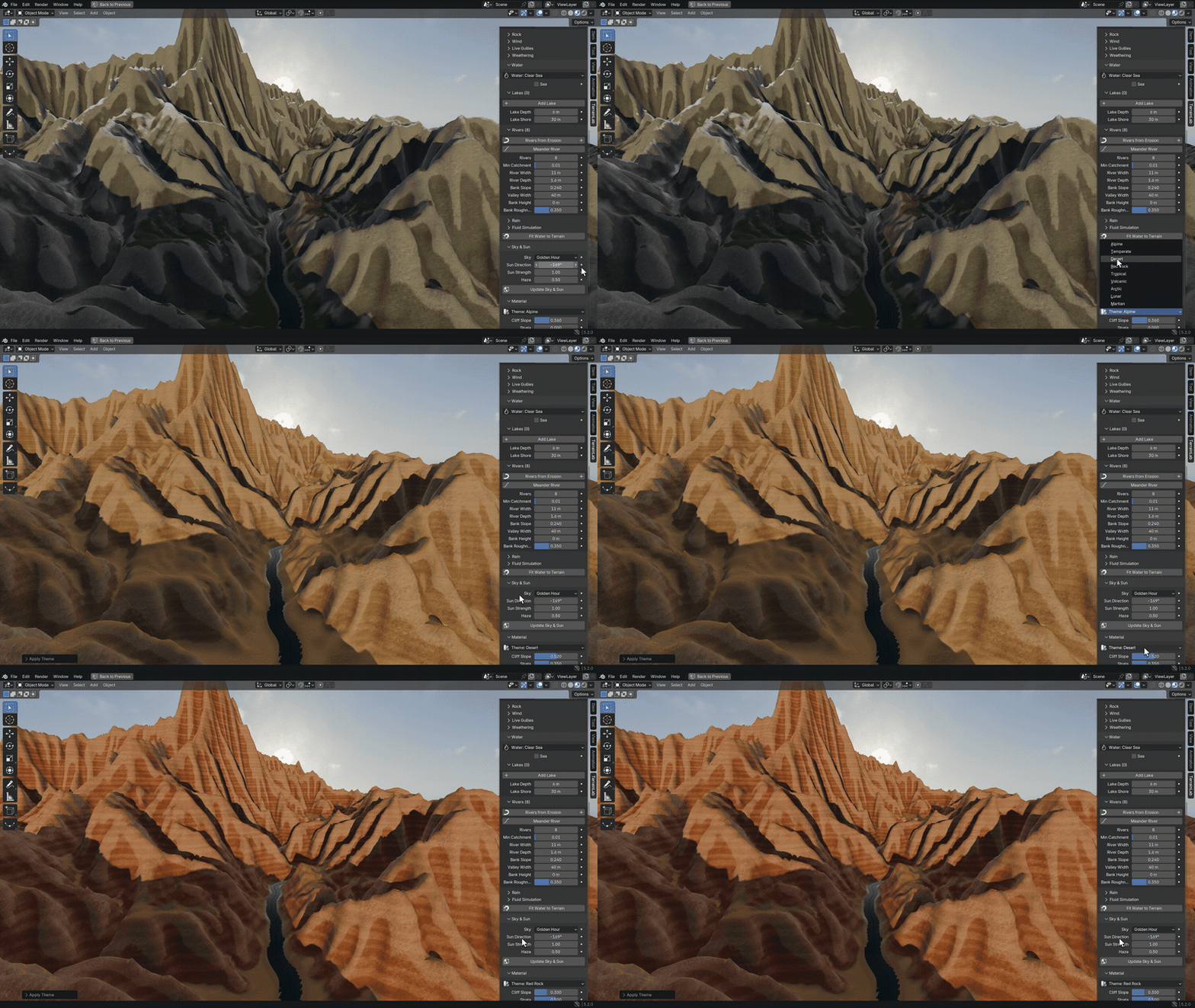
One click changes the whole look
Nine themes repaint the same terrain, from alpine rock to red desert. The material reads slope, height and the simulated water, so rock, scree, gravel, grass and snow land where they belong.
07 — WORLDS
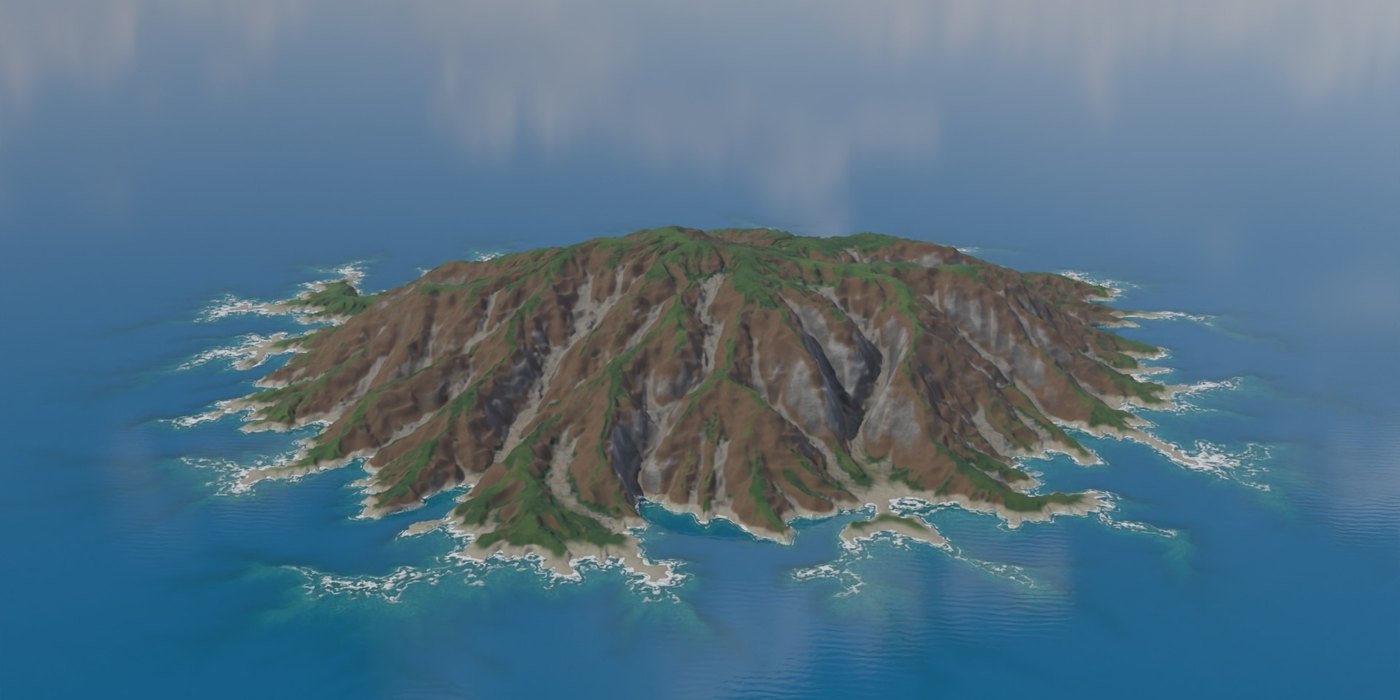
More than mountains
08 — PRESETS AND THEMES
Start from a preset, change the whole look at once
Presets
Alpine Range, Rolling Hills, Highlands, Sand Sea, Barchan Field, Desert Ridges, Badlands, Red Canyon, Mesa Country, Terraced Hills, Tropical Island, Volcanic Isle, Coastline, Arctic Peaks, Lunar Plain, Martian Basin and Empty.
Themes
Alpine, Temperate, Desert, Red Rock, Tropical, Volcanic, Arctic, Lunar and Martian.
Water styles
Six looks for the sea, lakes and rivers.
09 — PERFECT FOR
Made for
◆Environment art◆Game levels◆Film and animation backdrops◆Architectural settings◆Product scenes◆Maps and dioramas
10 — INSTALLATION
Up and running in a minute
1Download terrain_lab-0.4.0.zip. Do not unzip it.
2Drag it into Blender, or use Edit > Preferences > Get Extensions > Install from Disk.
3Open the 3D Viewport sidebar (N) and the TerrainLab tab, pick a preset and click New Terrain.
11 — FAQ
Good to know
Does it need World Creator, Gaea or another program?
No. Everything happens inside Blender.
Does erosion have to be baked again when I reopen the file?
No. The result is stored in the .blend file. Simulate again only after changing the shape.
Can I render on a farm or send the file to someone without the add-on?
Yes. It is plain Geometry Nodes and shader nodes.
Does it work in EEVEE?
Yes, in the viewport and in final renders.
Can I use my own heightmaps?
Yes, as a layer (16-bit PNG, EXR, TIFF). Erode, blend and texture them like any other layer.
Does it scatter trees and rocks?
No, TerrainLab leaves scattering to dedicated tools.
Can I use it commercially?
Yes. Terrains and exported files are yours for any project.
12 — DETAILS
What you get
Included
◆TerrainLab 0.4.0 Blender extension
◆17 presets with thumbnails, 9 themes, 4 skies
◆Demo scene
◆Documentation
Compatibility
◆Blender 5.0 or newer
◆Tested on Blender 5.0, 5.1 and 5.2
◆Cycles and EEVEE
◆Pure Python and nodes, no internet access, no extra packages
License
◆The add-on code is licensed under GPL-3.0-or-later.
◆Developed by Voyde Procedural, code written with AI assistance. The store cover is AI-generated art; the images in this description are real TerrainLab renders.
 Voyde Procedural
 VOYDE.PROCEDURAL
VOYDEPROCEDURAL.COM / ALL PRODUCTS / X / INSTAGRAM