TerrainLab - Realistic Terrain Generator With Erosion, Rivers and Skies
 Voyde Procedural
Installation
- Download terrain_lab-0.4.0.zip. Do not unzip it.
- Drag it into Blender, or use Edit > Preferences > Get Extensions > Install from Disk.
- Open the 3D Viewport sidebar (N) and the TerrainLab tab.
Quick start
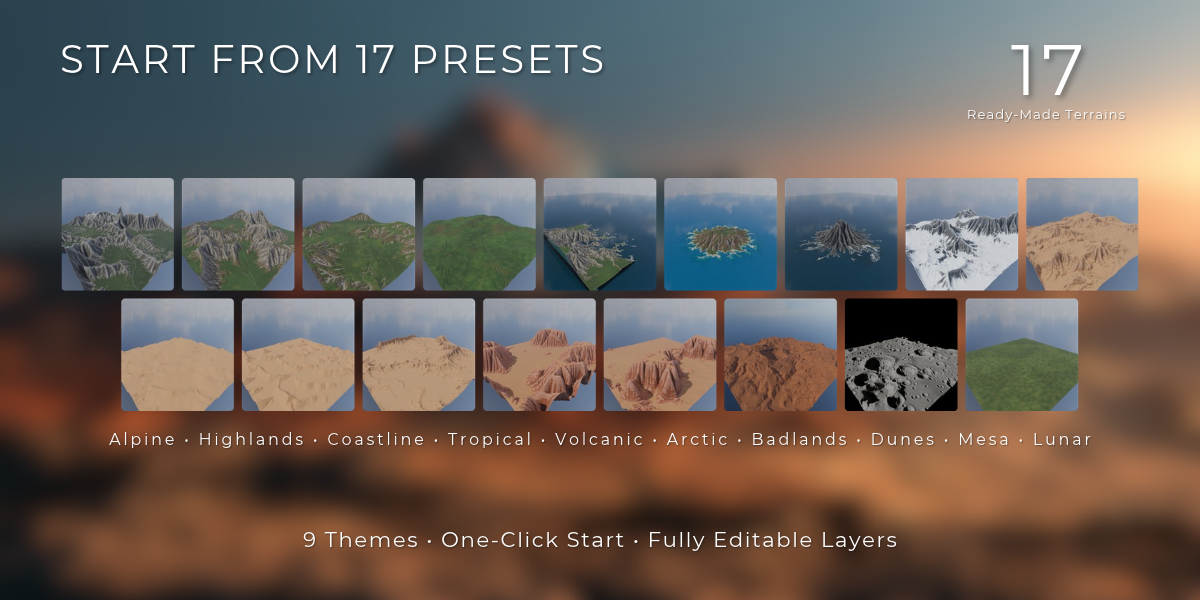
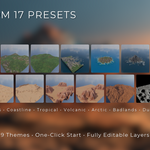
- Pick a preset from the picture list and click New Terrain.
- Change the layers under Layers; the terrain updates live.
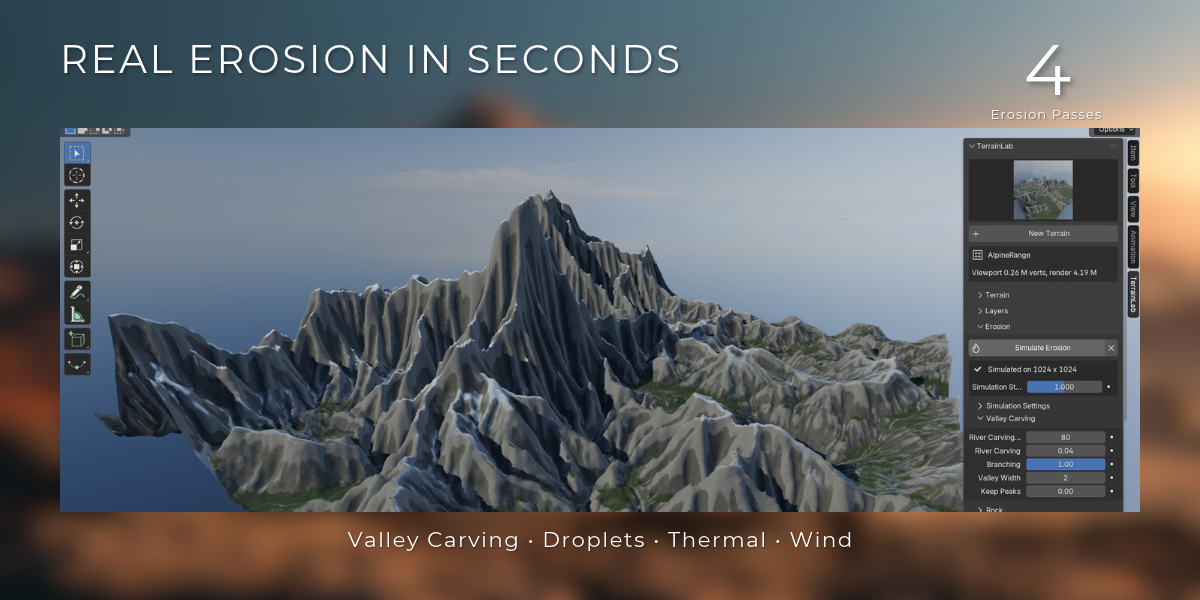
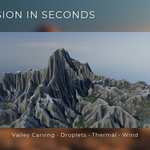
- Click Simulate Erosion. About half a minute on a 1024 grid, and the result is stored in the file.
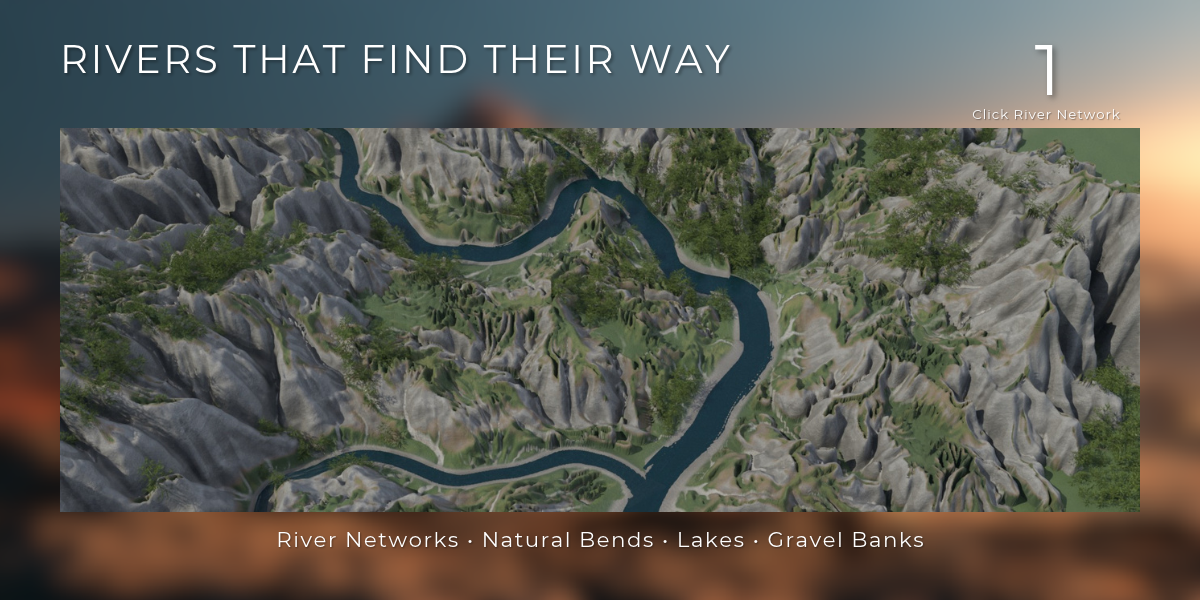
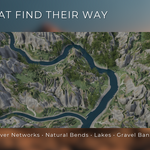
- Under Water, click Rivers from Erosion, or add a sea, lakes or rain.
- Open Sky & Sun, pick a sky and click Set Up Sky & Sun.
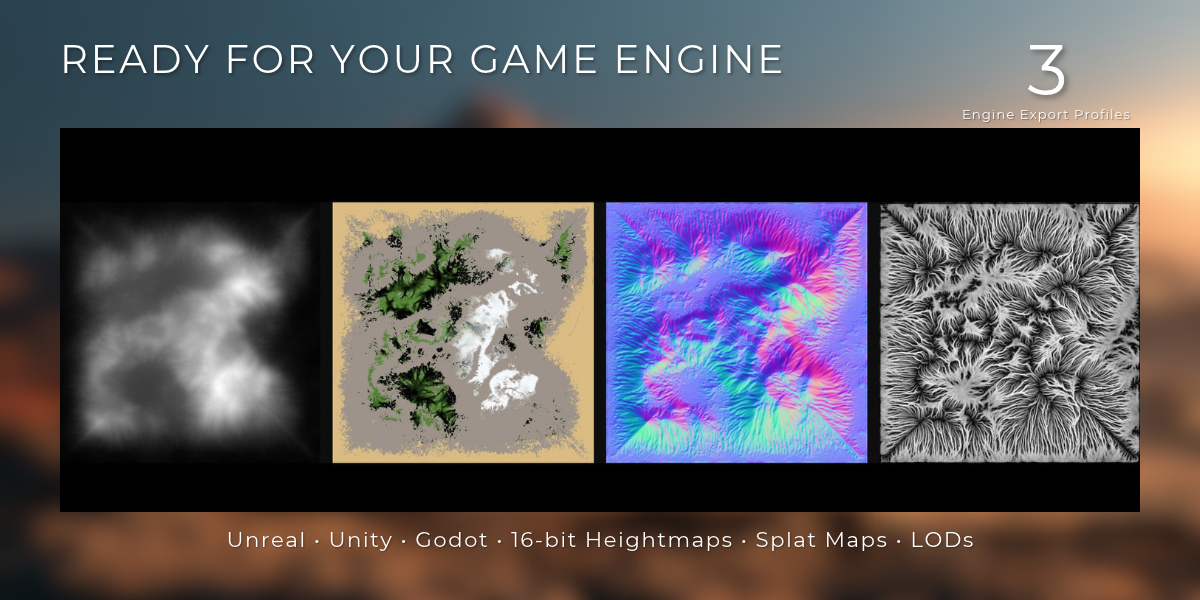
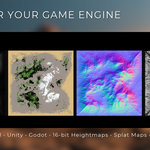
- Pick a theme under Material, then render, or use Export for Unreal, Unity or Godot.
Requirements
Blender 5.0, 5.1 or 5.2. No GPU needed for generation or erosion. Works in Cycles and EEVEE.
The full manual comes with the download (documentation.md).
Have questions about this product?
Login to message
| Blender Extension Compatible | Yes |
| Published | about 6 hours ago |
| Blender Version | 5.0 - 5.2 |
| Extension Type | Add-on |
| Render Engine Used | Cycles, Eevee |
| License | GPL |
Discover more products like this
Heightmap landscape game assets geometry nodes mountains environment Unreal Engine unity terrain generator rivers erosion procedural-terrain